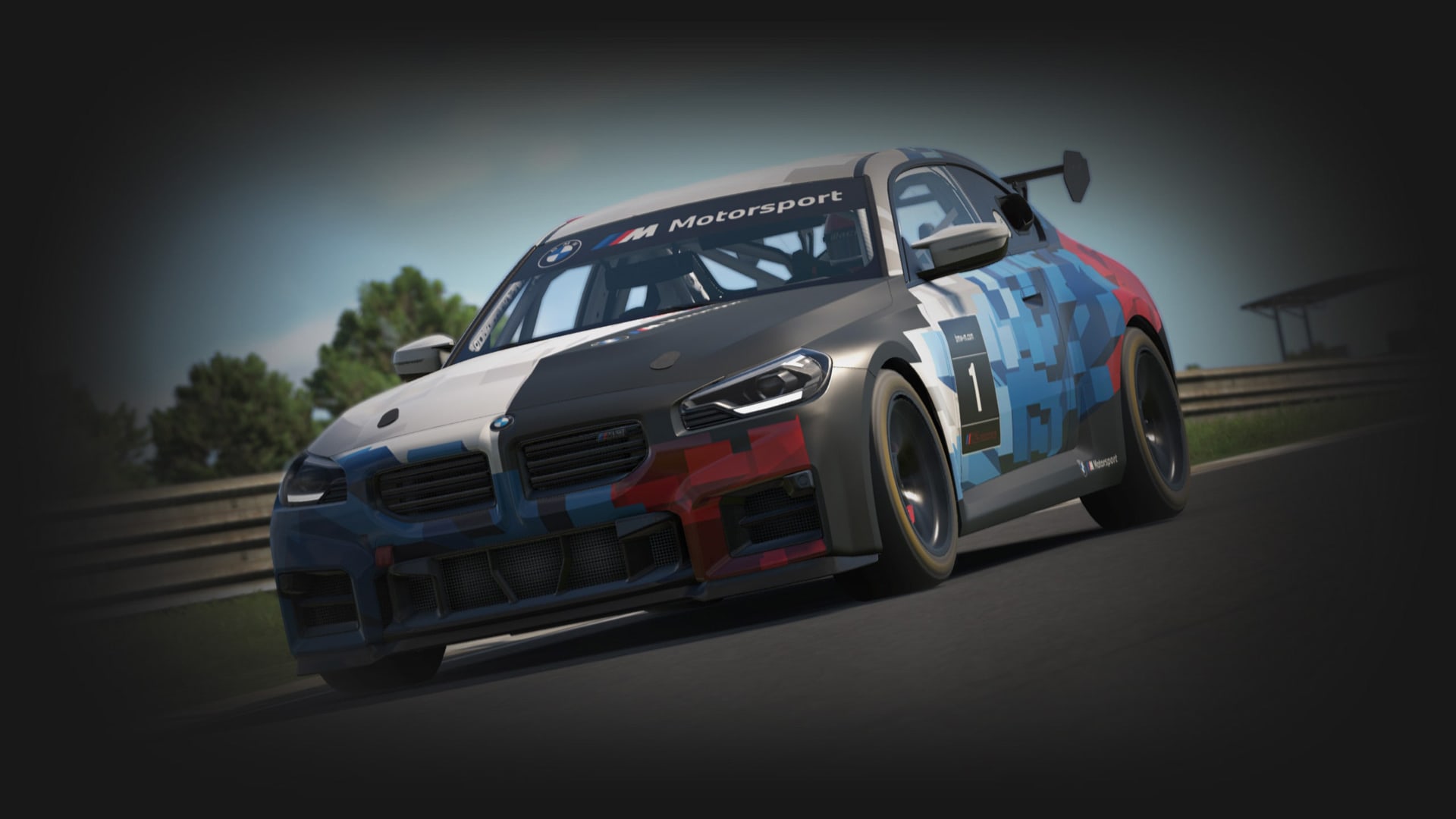
 Game proof
 Racing
Build around it iRacing
The serious online-racing benchmark.
iRacing, GSPro, MSFS, Star Citizen, Bridge Command, and the rest do not want the same hardware. Pick the world you actually play, then build the controls, screens, mounts, and room around that reality.
Game proof The serious online-racing benchmark.
 Rig proof
 The next big PC sim-racing watchlist title.
 Launch proof
 The home-golf software rabbit hole.
 Yoke proof
 The home-cockpit gravity well.
 HOSAS proof
 The HOSAS shopping vortex.
 DIY proof
 The DIY bridge-builder's reference point.
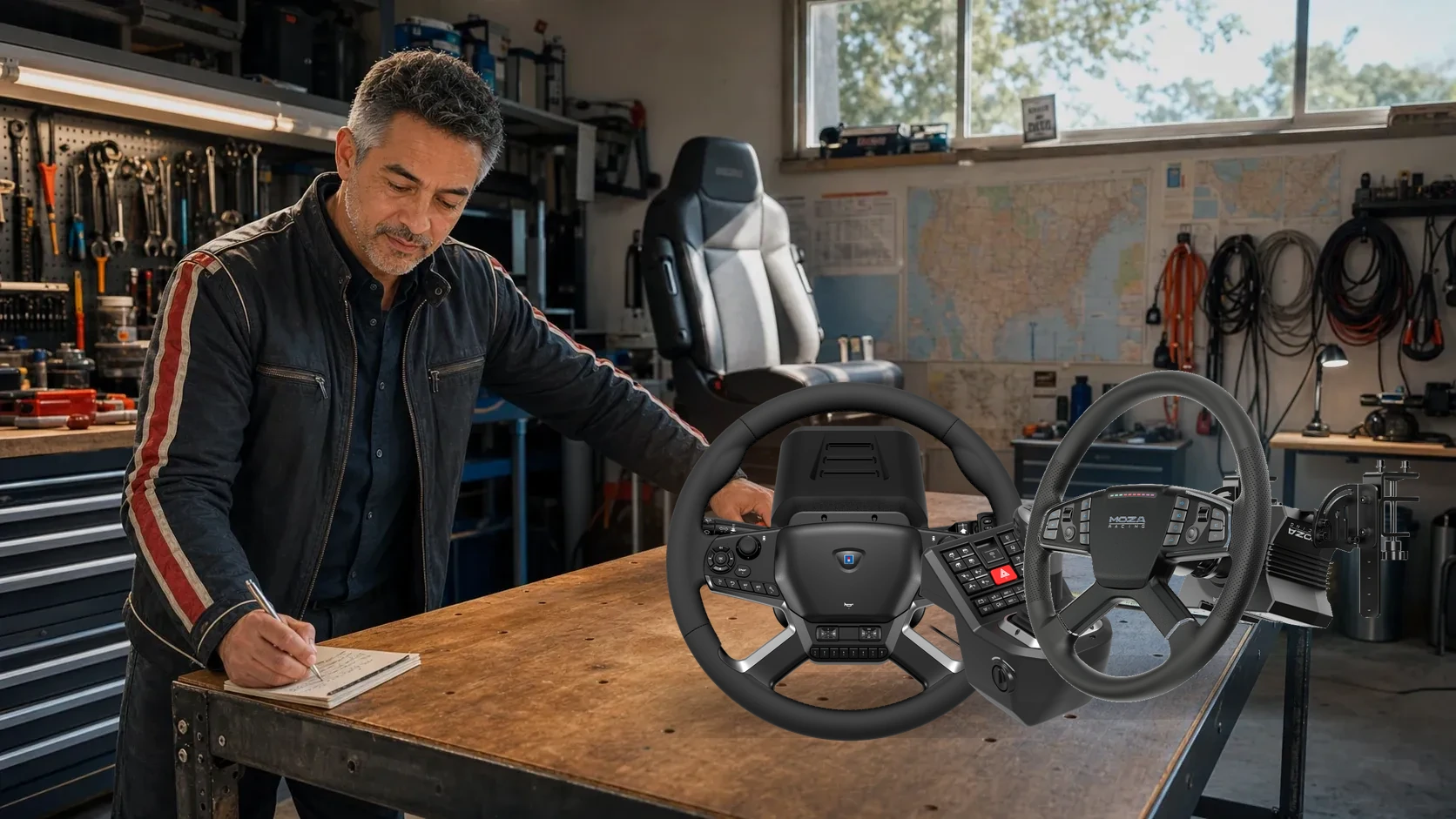 Truck control verdict
 The dedicated truck-control buying test.
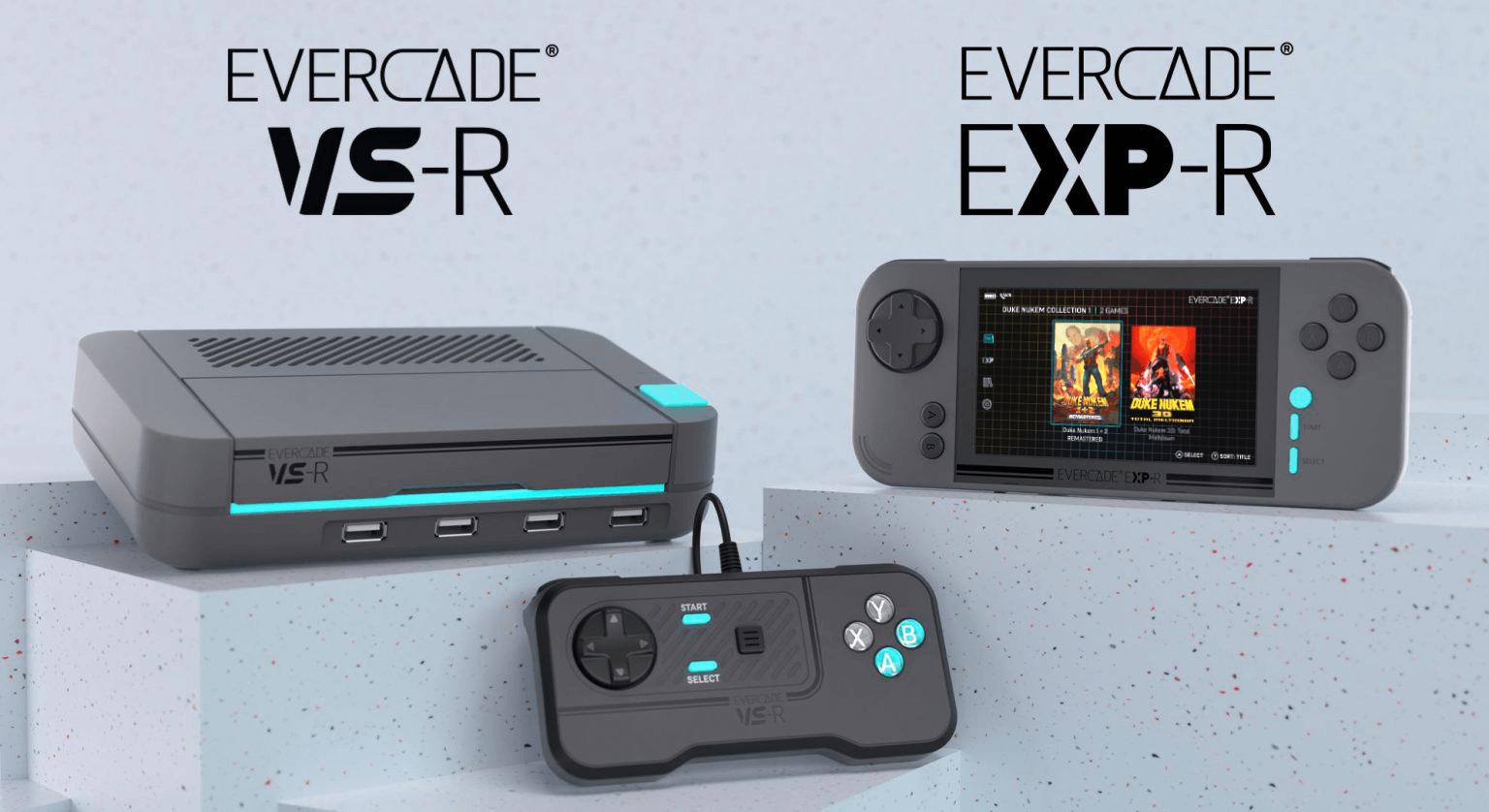 Physical shelf
 The sim-room side station for physical-media people.
Pit lights, wet asphalt, torque, and the garage you wish you had.
Game proof The serious online-racing benchmark.
League racing, oval/road discipline, endurance teams, and drivers who care about clean competition.
A stable cockpit, load-cell pedals, a 9-12 Nm direct-drive base, and triples or a serious ultrawide.
The subscription plus cars and tracks can outrun your hardware budget if you impulse-buy series.
Rig proof The next big PC sim-racing watchlist title.
Drivers who want modern physics, broad car culture, mod-adjacent energy, and a rig that can grow with the platform.
A direct-drive base with clean detail, load-cell pedals, and a display setup with enough FOV to read traffic.
Early-platform excitement can move faster than hardware support and settings wisdom. Buy a flexible ecosystem.
 Pedal proof
 Still a GT-rig torture test.
GT3/GT4 drivers who want tire feel, brake consistency, night racing, weather, and sweaty online sessions.
Load-cell or better pedals first, then a rigid seat position and a wheelbase that gives front-grip detail.
A powerful base on a flexy wheel stand makes ACC feel worse, not better. Fix the brake deck before chasing torque.
 Display proof
 The endurance-racing hardware filter.
Prototype and GT endurance fans who care about long-race comfort, brake repeatability, and display awareness.
Stable seating, pedals that do the same thing on lap 80, and a display setup that reduces fatigue.
Endurance exposes tiny ergonomic problems. If your neck, wrists, or brake leg complain after 30 minutes, the rig is not done.
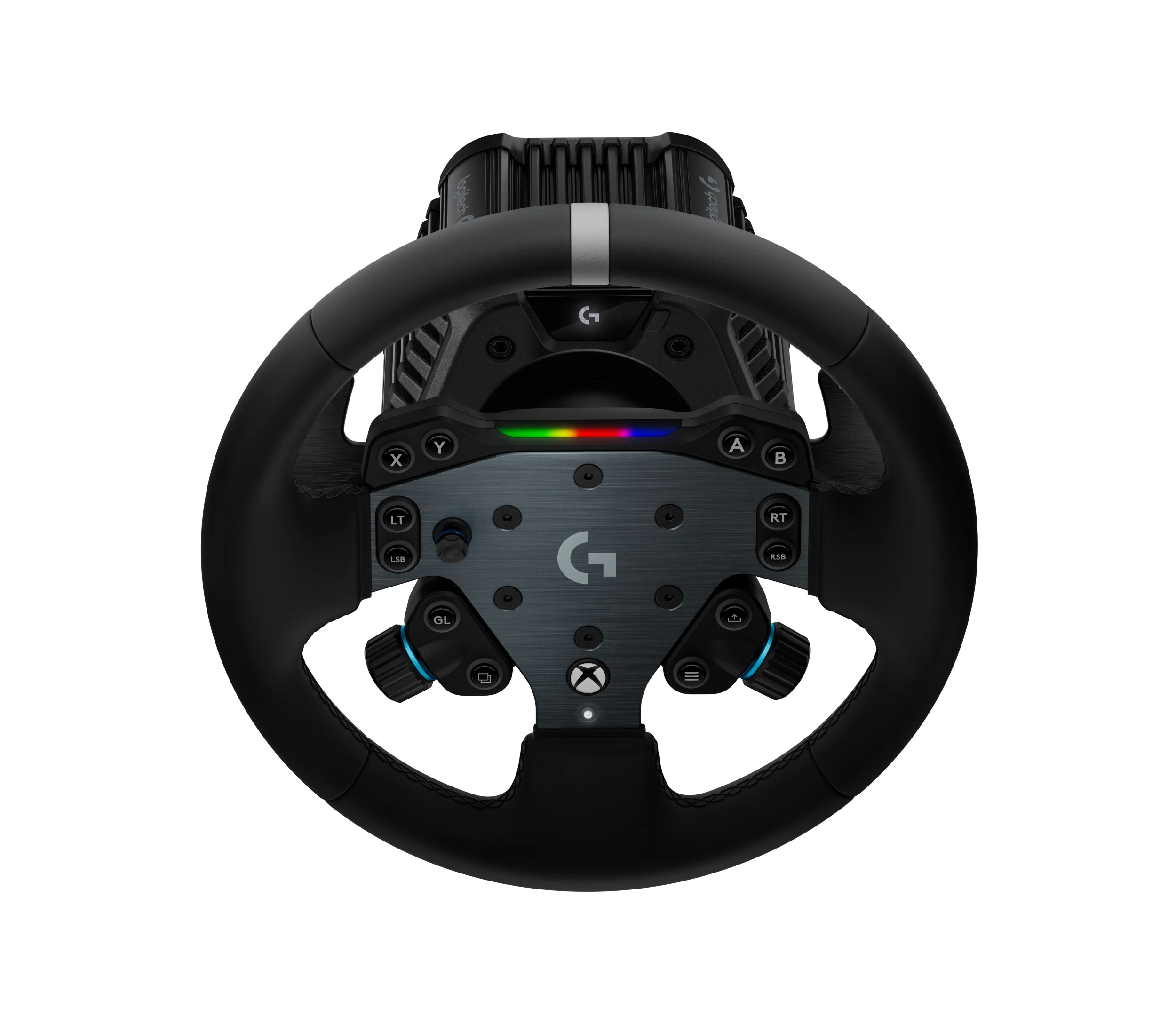 Console proof
 The console gateway drug with real hardware consequences.
PS5 players who want a beautiful first serious racing setup without building a PC.
Console-compatible direct drive, a sturdy wheel stand or cockpit, and pedals that will not slide across the room.
Console compatibility is exact-model specific. Do not buy a PC-only base because the brand name looked familiar.
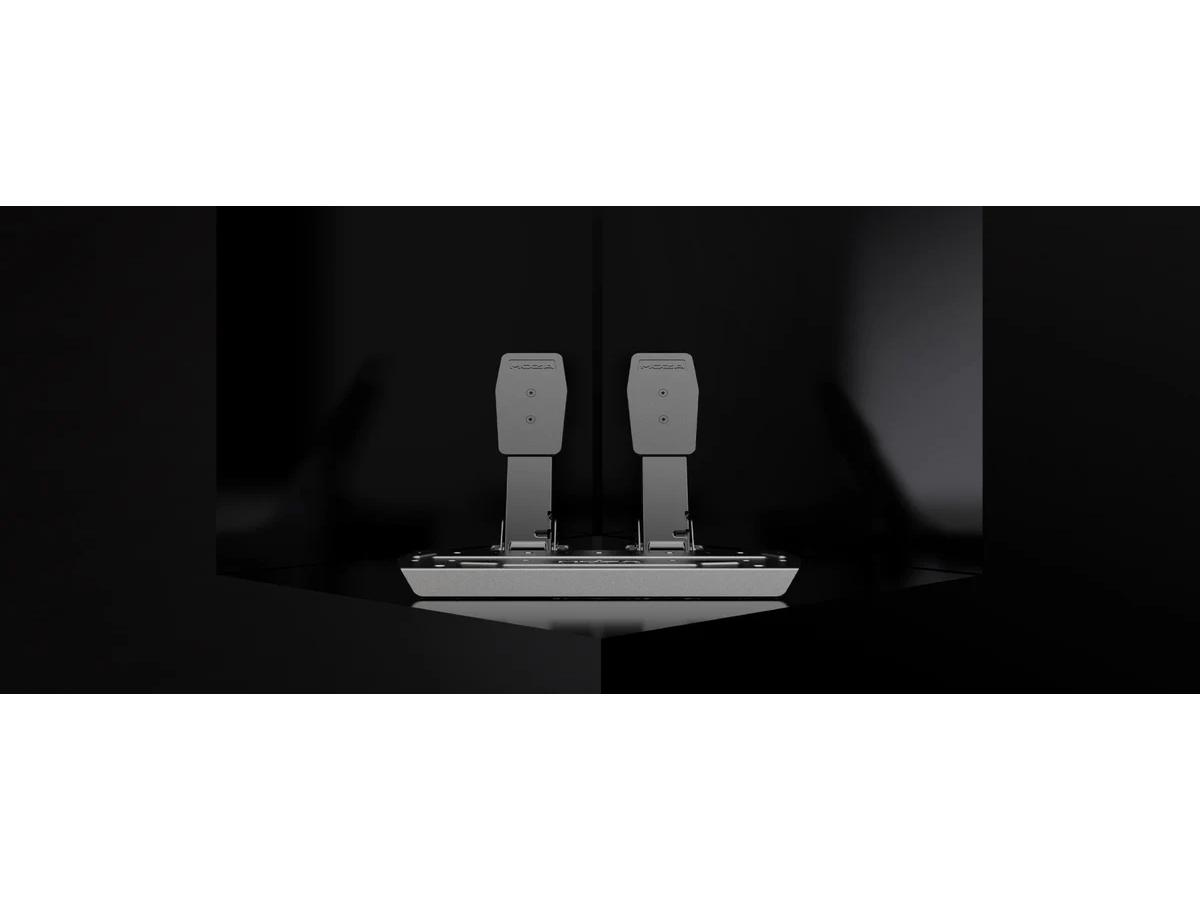 Xbox proof
 The Xbox buyer's compatibility checkpoint.
Players who want approachable racing with real wheel support and a cleaner console-first path.
Xbox-compatible wheelbases, a sane cockpit or stand, and pedals good enough to make braking learnable.
Xbox support often depends on the exact wheel rim or bundle, not just the base. Verify before checkout.
Truck control verdict The dedicated truck-control buying test.
Long-haul drivers, map explorers, fleet role-players, and builders who want a relaxed driving cockpit with serious control depth.
A 400 mm truck wheel, reachable shifter and range/splitter controls, stalks or labeled buttons, stable pedals, and a monitor close enough to survive the deeper seating position.
A premium wheel does not replace truck controls. Price the shifter, clutch, stalks, mounts, USB, and desk depth before comparing bundles.
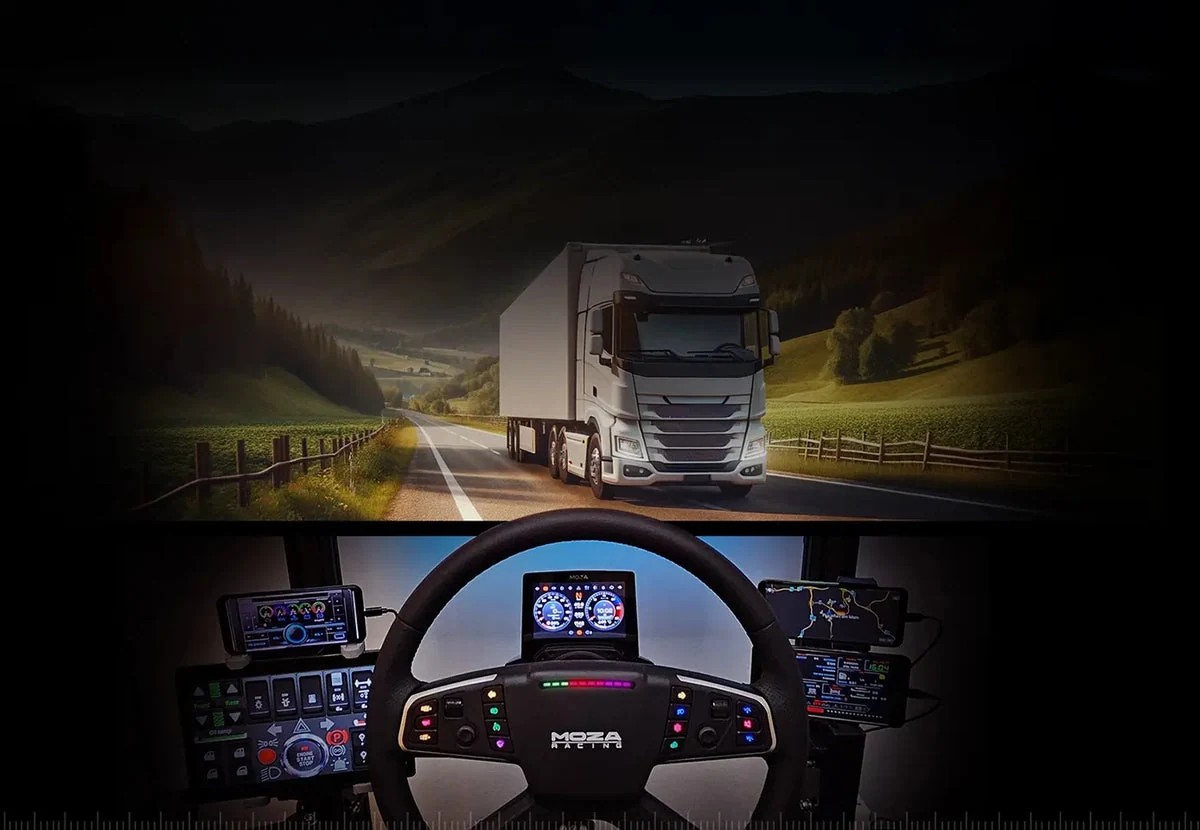 Installed cab proof
 The long-running truck-cockpit rabbit hole.
Drivers who want deep map coverage, long routes, manual control routines, and a simulator that turns a desk into a working cab.
Large wheel, range/splitter workflow, indicator and wiper controls, three pedals for manual play, and seating geometry that keeps the display close.
Do not buy 1800-degree steering before measuring the desk. A large wheel and angled base can move you far enough back to make the monitor feel smaller.
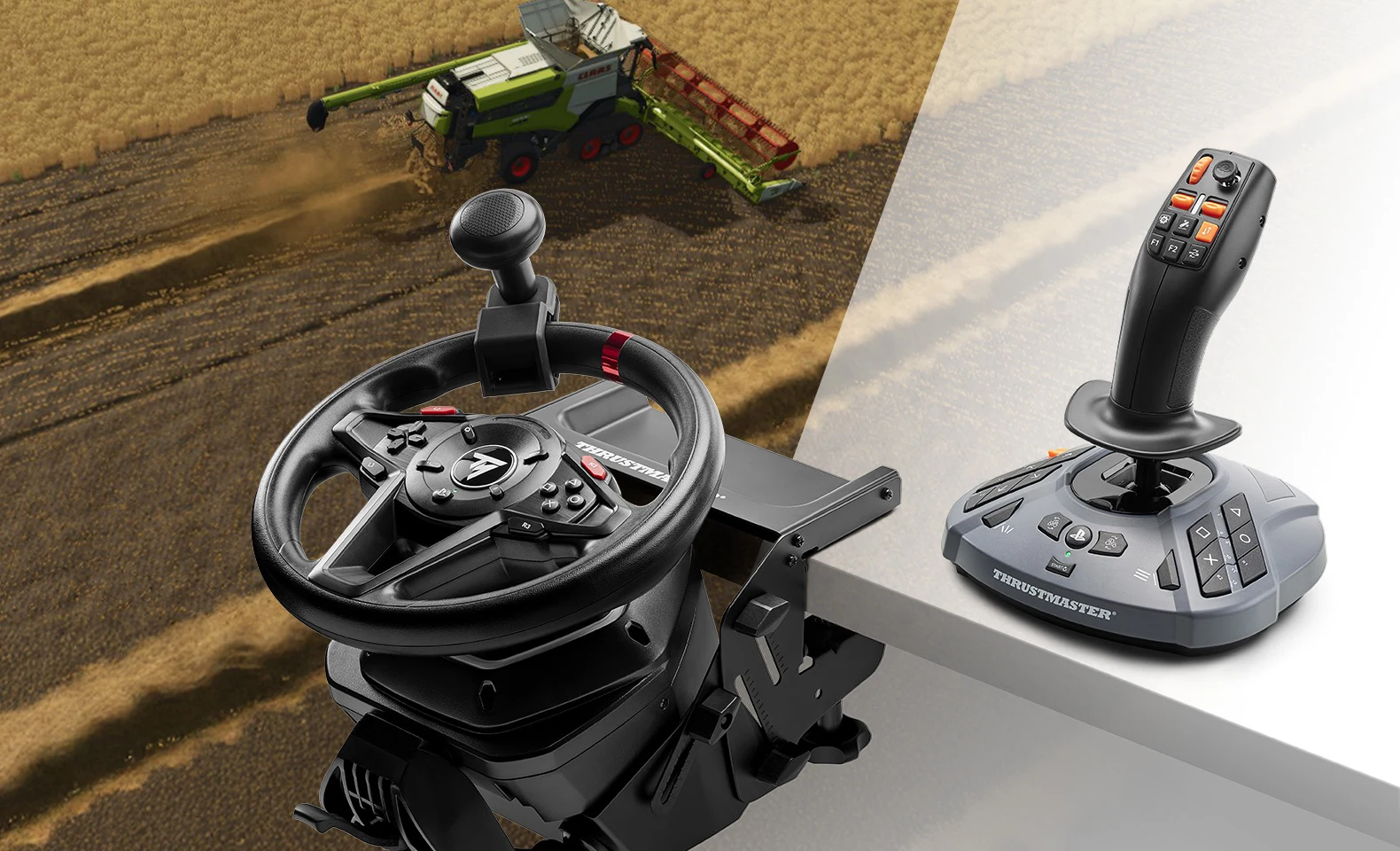 Farming control proof
 The work-control simulator hiding inside a driving game.
Players who enjoy field work, loaders, telehandlers, forestry, excavators, and building a calm working cab instead of another race cockpit.
A reliable 900-degree wheel, stable pedals, a proportional work stick for machinery, enough clamp clearance, and clean USB mapping.
Do not replace a good wheel to fix awkward loader controls. Add the missing work stick first, then upgrade steering only if steering is the actual problem.
Physical shelf The sim-room side station for physical-media people.
Builders who want a tidy retro cartridge shelf beside the cockpit, golf bay, or flight desk.
VS-R or EXP-R hardware, HDMI or handheld plan, cartridge storage, and a budget that does not raid the main rig.
It is a lifestyle add-on, not a simulator upgrade. Buy it after the rig works.
Dawn runway, clean controls, and an instrument panel that feels earned.
Yoke proof The home-cockpit gravity well.
GA pilots, airliner builders, bush flyers, sightseeing pilots, and anyone who wants the room to feel like a cockpit.
Yoke or stick, throttle quadrant, rudders, head tracking, and powered USB before panel sprawl.
Panels are fun but not first. A weak USB chain or missing rudders will annoy you more than a missing radio stack.
 Throttle proof
 The flight-model-first cockpit builder.
Pilots who care about flight feel, aircraft systems, procedure practice, and a serious controls workflow.
Accurate primary controls, rudder pedals, trim workflow, and head tracking for cockpit scanning.
Do not build a panel farm until the physical control loop feels natural.
 HOTAS proof
 The HOTAS and button-box final boss.
Combat aviation pilots who want deep aircraft modules, HOTAS muscle memory, and serious cockpit workflow.
Quality HOTAS, rudder pedals, mounts, head tracking or VR, and enough buttons to stop touching the keyboard.
DCS can make cheap controls feel cheap fast. Buy fewer pieces, but buy the ones your aircraft actually needs.
Dual sticks, starfield glow, and late-night six-axis control.
HOSAS proof The HOSAS shopping vortex.
Pilots who want six-axis flight, dogfighting, hauling, mining, and a desk that starts looking like a cockpit.
Dual sticks or HOSAS, mounts, head tracking, button layers, and a binding plan you can remember under pressure.
A gorgeous dual-stick setup without mounts and bindings becomes expensive desk clutter.
 Cruise proof
 The long-haul cockpit comfort test.
Explorers, traders, combat pilots, and people who want a cockpit that feels good for hours.
HOTAS or HOSAS, comfortable mounts, head tracking, and enough buttons for menus without keyboard fishing.
Comfort beats maximal controls. A painful mount position ruins deep-space sessions.
HOSAS proof The hybrid cockpit-and-command-desk test.
Pilots who want first-person flight, station building, trade, fleet command, and an empire map on the same desk.
A comfortable HOTAS or stick with the mouse and keyboard still easy to reach, plus a saved device-order profile.
Do not trap the mouse behind cockpit hardware. X4 spends enough time in maps and management that a sealed flight station can become less usable.
HOSAS proof The controller-versus-cockpit reality check.
Players who want fast third-person space combat, exploration, loot, and a polished action-game rhythm.
A good controller first; HOTAS or HOSAS only after the free demo proves the extra setup improves your play.
Official HOTAS support does not mean expensive flight controls are automatically the best input for this action-first game.
HOSAS proof The frontier that does not need a HOTAS tax.
Explorers who want planets, base building, discovery, a relaxed controller path, or a highly embodied VR world.
Xbox-style controller for monitor play or VR controllers and a capable PC for the headset path.
Community HOTAS workarounds are for reusing controls you own, not a clean reason to buy a new flight-control ecosystem.
Bridge glass, ocean weather, throttles, and niche-builder confidence.
 Control proof
 The quiet marine sim escape hatch.
Sailing fans who care about weather, route planning, and a calmer sim night than another ranked race.
A comfortable desk, optional wheel/helm mapping where supported, and controls that do not overcomplicate the sim.
Marine sims often have uneven hardware support. Verify analog input before buying dedicated controls.
DIY proof The DIY bridge-builder's reference point.
Builders who want a practical ship bridge training sim and are willing to DIY controls.
Repurposed throttles, button boxes, DIY USB boards, labels, and patience.
There is no mass-market consumer ship helm. Marine control builds are repurposing and DIY by default.
Golden hour, turf, launch data, and private-club practice energy.
Launch proof The home-golf software rabbit hole.
Garage and basement golfers who want community courses, PC graphics, and broad launch-monitor paths.
A compatible launch monitor, Windows gaming PC, impact screen, projector or display, and reliable networking.
Software compatibility can eliminate a launch monitor before you ever hit a ball. Pick the software path early.
 Software path
 The polished cross-device golf sim option.
Golfers who want a more appliance-like software experience, especially when iPad support matters.
The launch monitor/software compatibility pair, then room geometry, mat, screen, and projector.
The wrong software-monitor pair can create subscription costs or missing features you did not budget for.
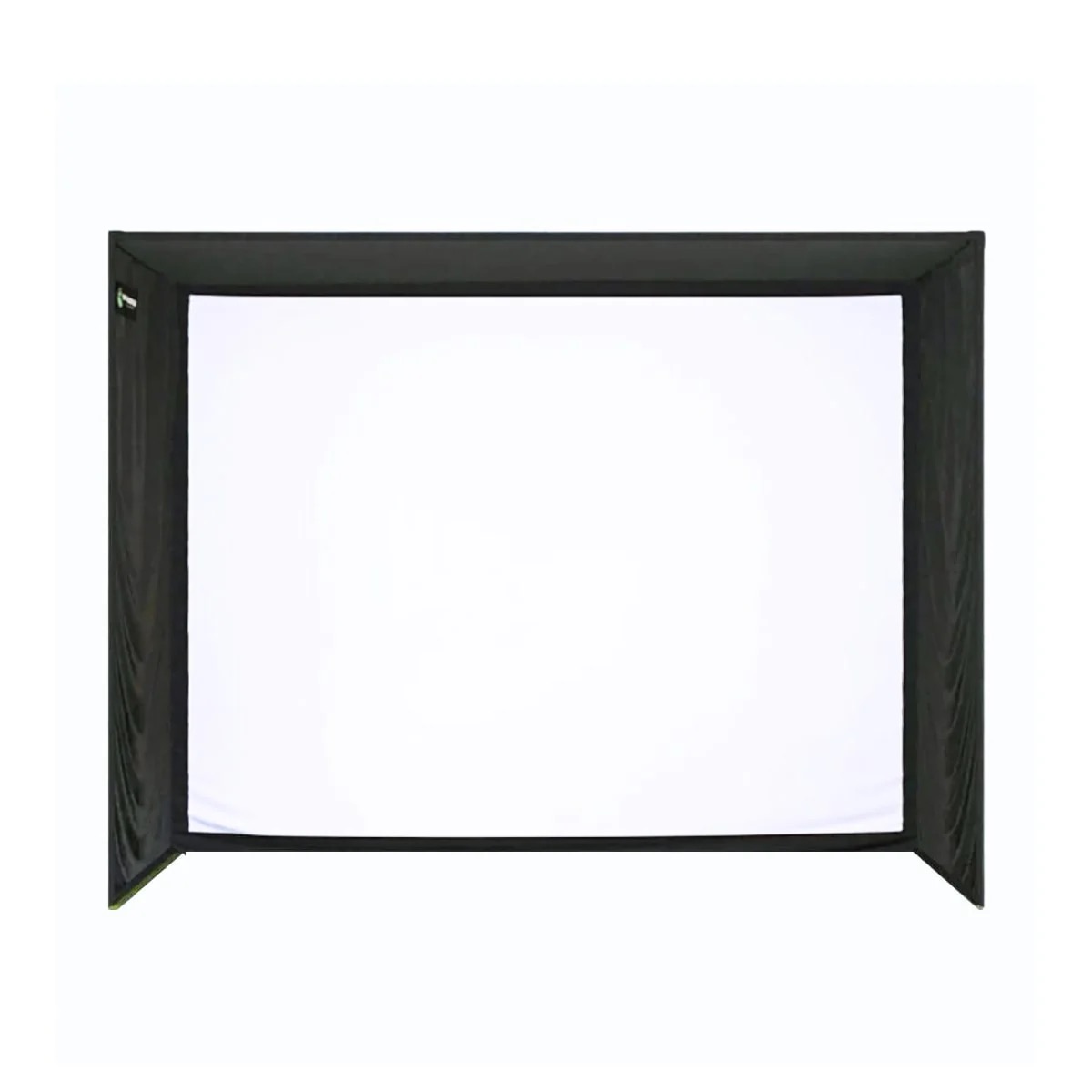 Room proof
 The fun-first golf sim pick.
Families, kids, practice games, and golfers who want the bay used by more than one obsessive adult.
A launch monitor it supports, safe side protection, a durable mat, and an enclosure that can survive weird shots.
Fun software does not make a cheap net safe. Protect walls, ceilings, and people first.