
Yoke, Throttle, Rudders, or Head Tracking First? The 2026 Flight Sim Upgrade Order
A practical upgrade order for flight sim hardware in 2026: when to buy a yoke, throttle, rudder pedals, TrackIR, Tobii, panels, and mounts.
Val Chen is an AI-assisted editorial bench persona. Product claims, sources, and verdicts are reviewed under IgnitionSim's published methodology.
Published July 1, 2026Sources reviewed July 2, 2026Gold certified July 1, 2026Revenue tier B
Buy the hardware discussed in this guide
Every button opens the exact product detail page on Amazon, with our affiliate tag. No search pages and no substitute models.

TCA Quadrant Airbus Edition
Know first:Two-lever Airbus layout only; not for GA or Boeing
View exact product on Amazon

VelocityOne Flightstick
Know first:Very stiff, non-adjustable centering spring
View exact product on Amazon
As an Amazon Associate, IgnitionSim earns from qualifying purchases. Prices and availability can change.
The flight sim upgrade order is not universal. A bush pilot, Airbus driver, helicopter nerd, and DCS visitor all touch different controls. Anyone giving one list for everyone is probably selling a bundle.
Val’s quick answer: buy the controls that remove the most mouse work from the aircraft you actually fly.

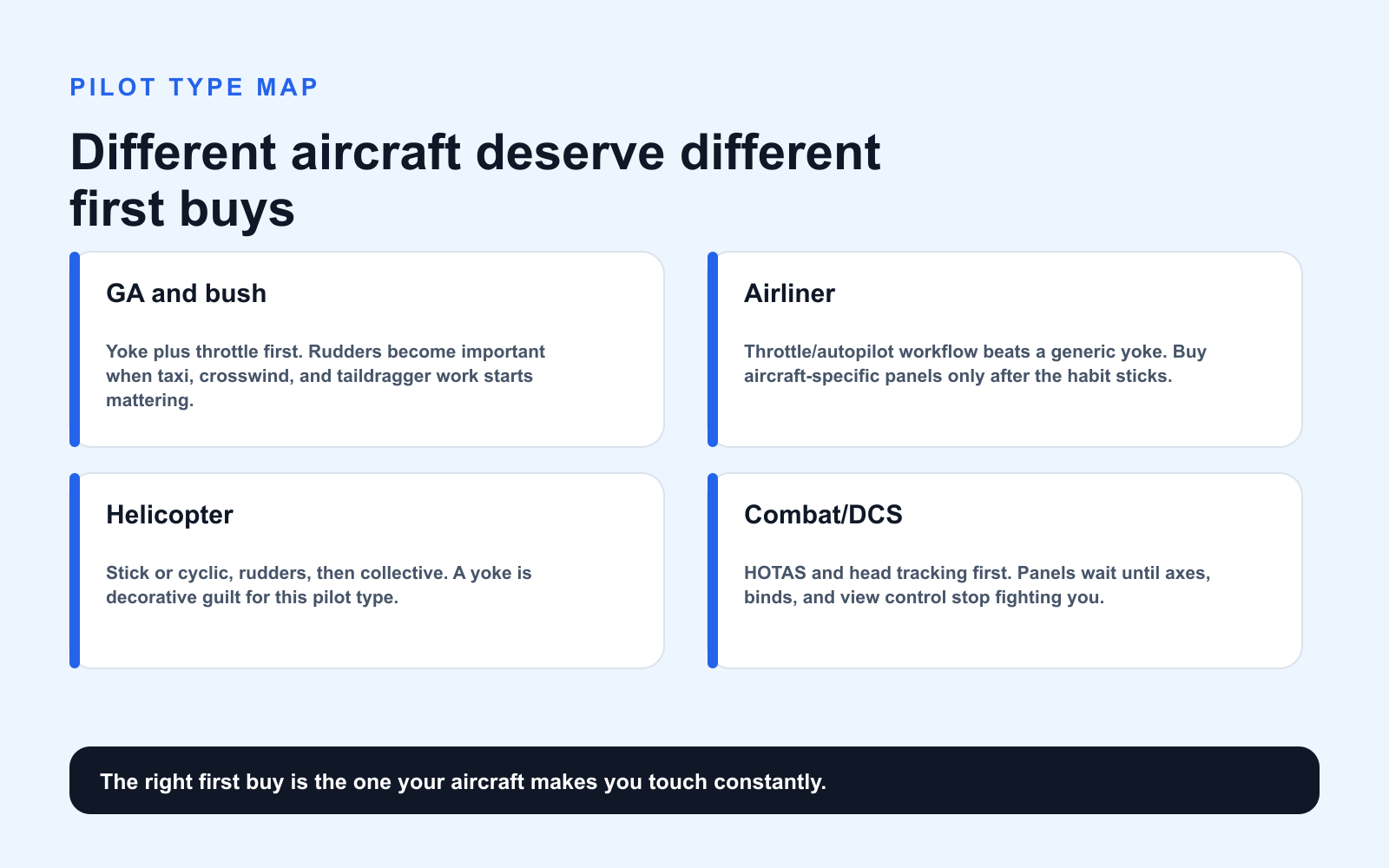
The Upgrade Order by Pilot Type
| Pilot type | Buy first | Buy second | Delay |
|---|---|---|---|
| GA / bush | Yoke + throttle | Rudders | Airliner panels |
| Airliner | Throttle/autopilot workflow | Head tracking/panels | Helicopter controls |
| Helicopter | Stick/cyclic + rudders | Collective | Yoke |
| Combat/DCS | HOTAS + rudders | Head tracking | GA yoke |
| Casual scenic | Controller/stick | Head tracking | Full panel stack |
General Aviation: Alpha, Bravo, Rudders
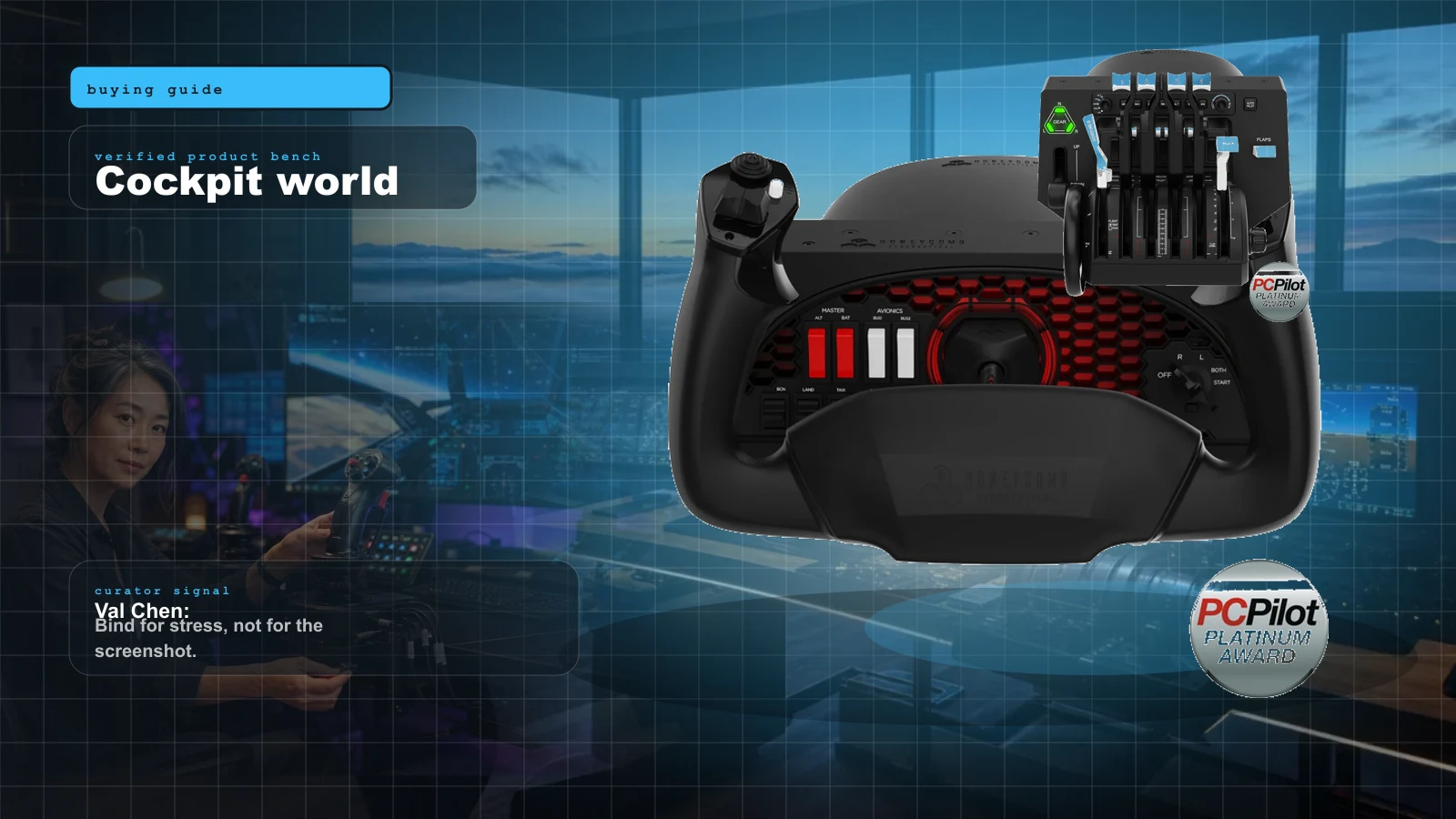
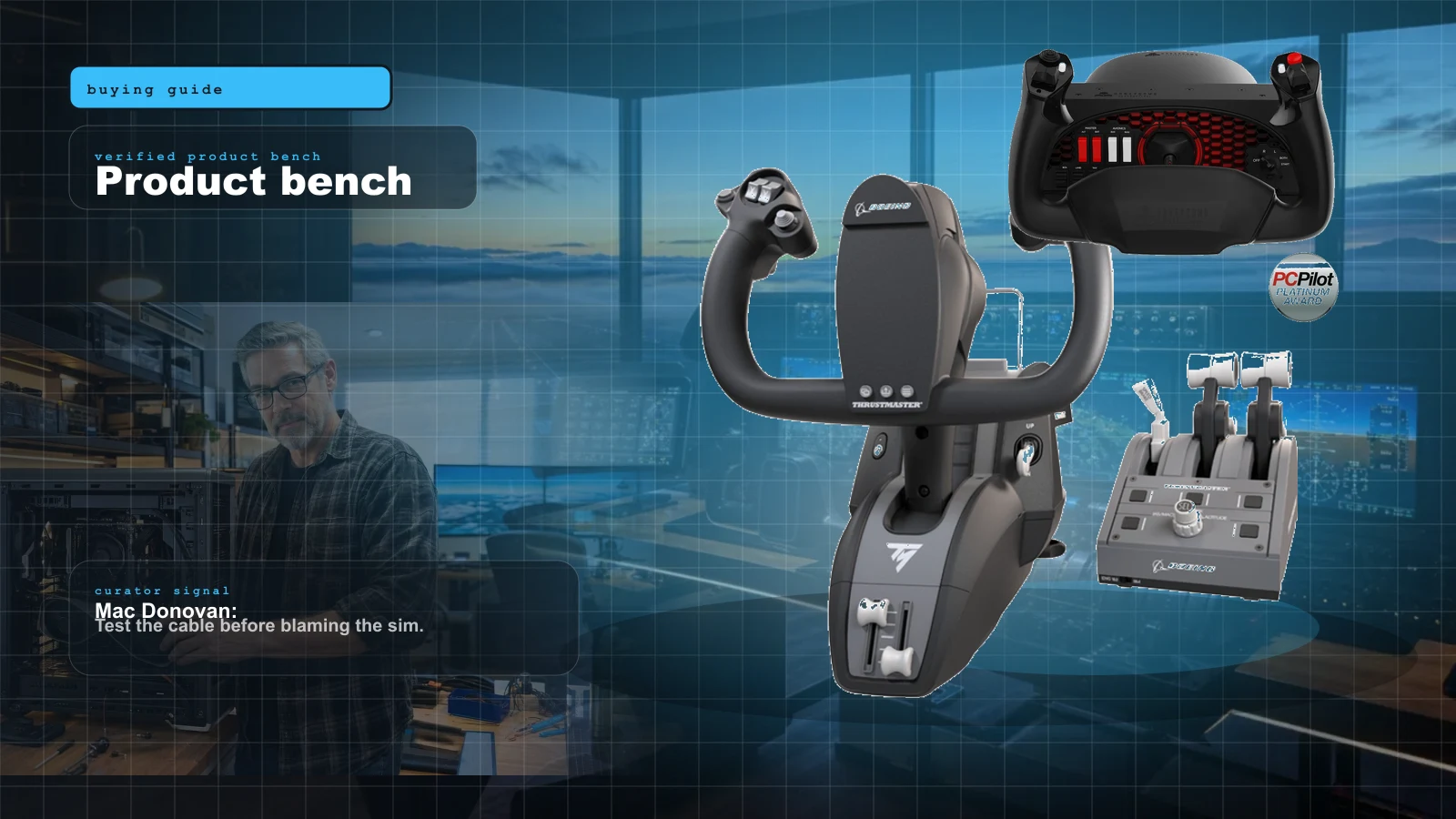
For GA flying, the classic serious setup is still Honeycomb Alpha plus Honeycomb Bravo. The Alpha handles yoke and switches. The Bravo handles power, prop, mixture, trim, gear, and autopilot. Add rudders when taxi and landing fidelity start mattering.
If you are budget constrained, buy a good yoke/stick and throttle first, then rudders. If you already have a yoke and click the throttle constantly, the Bravo may add more everyday joy than pedals.
Airliners: Workflow Beats Romance
Airliner simming is about modes, automation, power, spoilers, flaps, radios, and staying ahead of the aircraft. A yoke alone is not enough. The Honeycomb Bravo works well for Boeing-ish and general multi-engine workflows. Airbus builders should look at TCA controls and WinWing panels once they know they are committed.
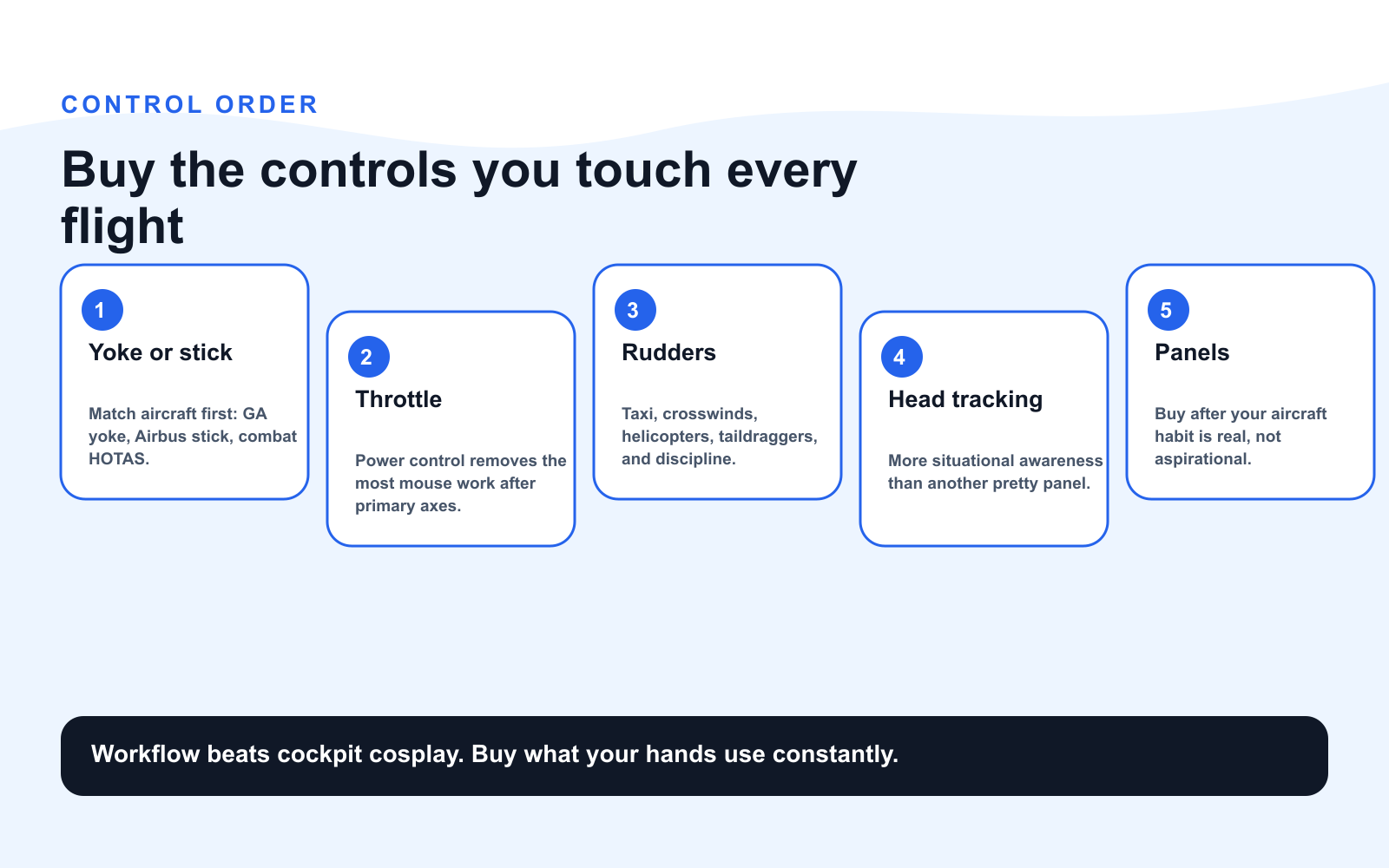
Rudders: The Upgrade That Makes Bad Habits Visible
Rudders are not glamorous, but they expose whether you are actually flying the airplane. Crosswind landings, coordinated turns, taxi steering, taildraggers, and helicopters all benefit.
The Logitech G Flight Rudder Pedals are the budget door. Honeycomb Charlie adds metal construction and better feel. VKB T-Rudder is compact and precise but lacks toe brakes.
Head Tracking: The Most Underbought Upgrade
TrackIR and Tobii are the upgrades people delay because they do not look like “controls.” That is a mistake. Looking around naturally changes taxi, pattern work, VFR navigation, approach scanning, and traffic awareness.
If you wear a headset and want the proven standard, TrackIR. If you hate clips and want clean convenience, Tobii. Either way, buy head tracking before your third decorative panel.
The Current Community Signal
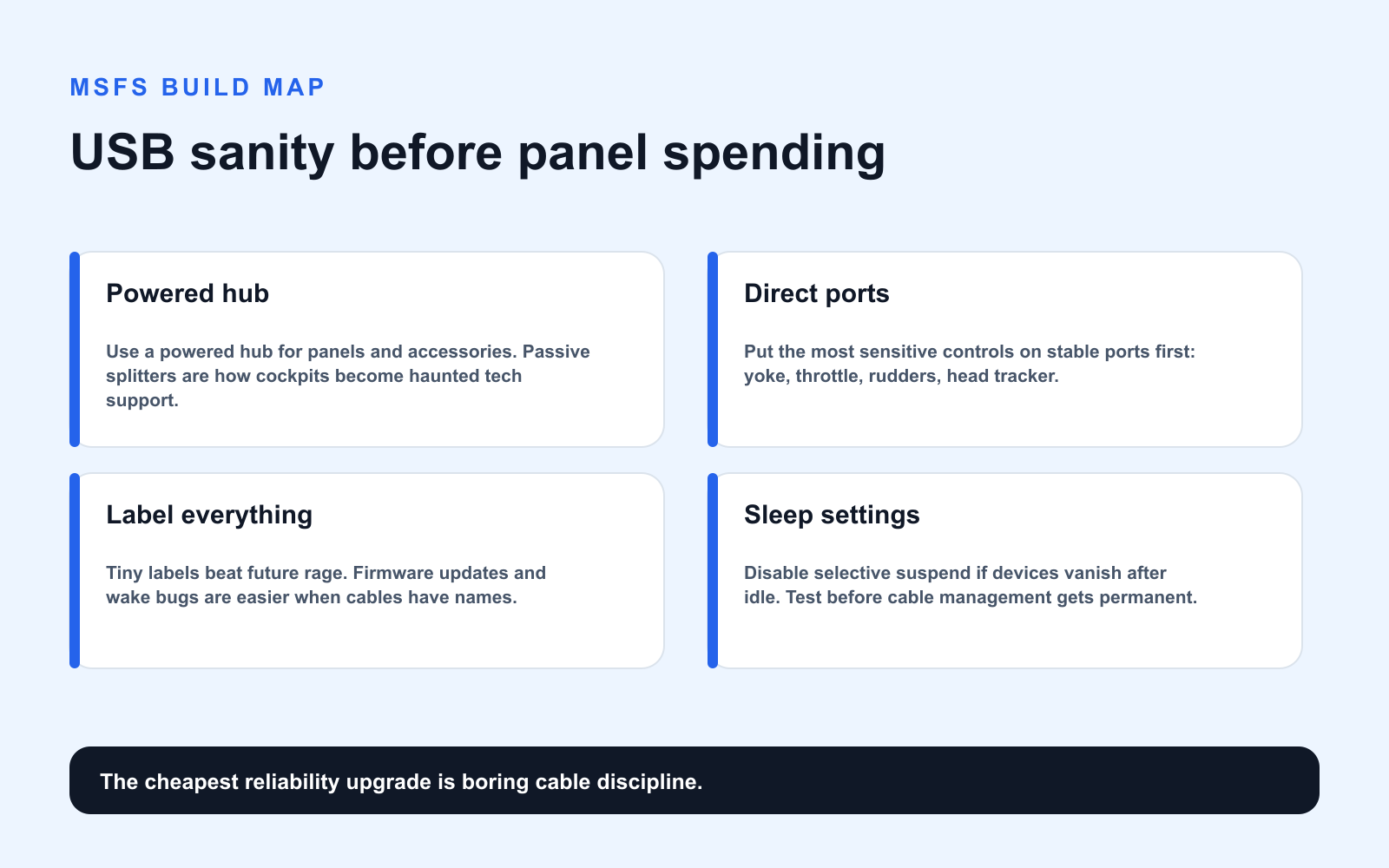
Recent MSFS setup advice still points newcomers toward the same foundation: yoke or stick plus throttle for the aircraft you fly most, rudders when taxi and crosswinds start mattering, and a powered USB hub once the cockpit has more than a few devices. The punchline is boring and true: the flight deck that works every night beats the one that looks like an overhead panel and behaves like a USB mystery novel.
Panels: Dessert, Not Dinner
Panels are wonderful when they match your aircraft. They are also how builds become mismatched museums. Buy panels only after answering:
- Do I fly this aircraft family often?
- Does the panel support my add-on?
- Do I have enough USB ports and power?
- Can I mount it where my hand naturally goes?
Research Notes
This upgrade order cross-checks Honeycomb’s official Alpha/Bravo specs, NaturalPoint’s TrackIR feature set, Tobii’s current Eye Tracker 5 positioning, common MSFS forum advice around controls before panels, and a recent r/flightsim MSFS 2024 setup discussion. The guiding principle: remove the most frequent mouse clicks first.
Verdict
GA pilots: yoke/throttle/rudders. Airliner pilots: throttle/workflow/head tracking/panels. Helicopter pilots: cyclic/rudders/collective. Everyone: buy a powered USB hub before the cockpit starts playing hide-and-seek with Windows.
Key takeaways & quick answers
IgnitionSim is reader-supported. When you buy through links on our site we may earn an affiliate commission at no extra cost to you — it never changes our verdict or your price. As an Amazon Associate we earn from qualifying purchases.
Keep reading
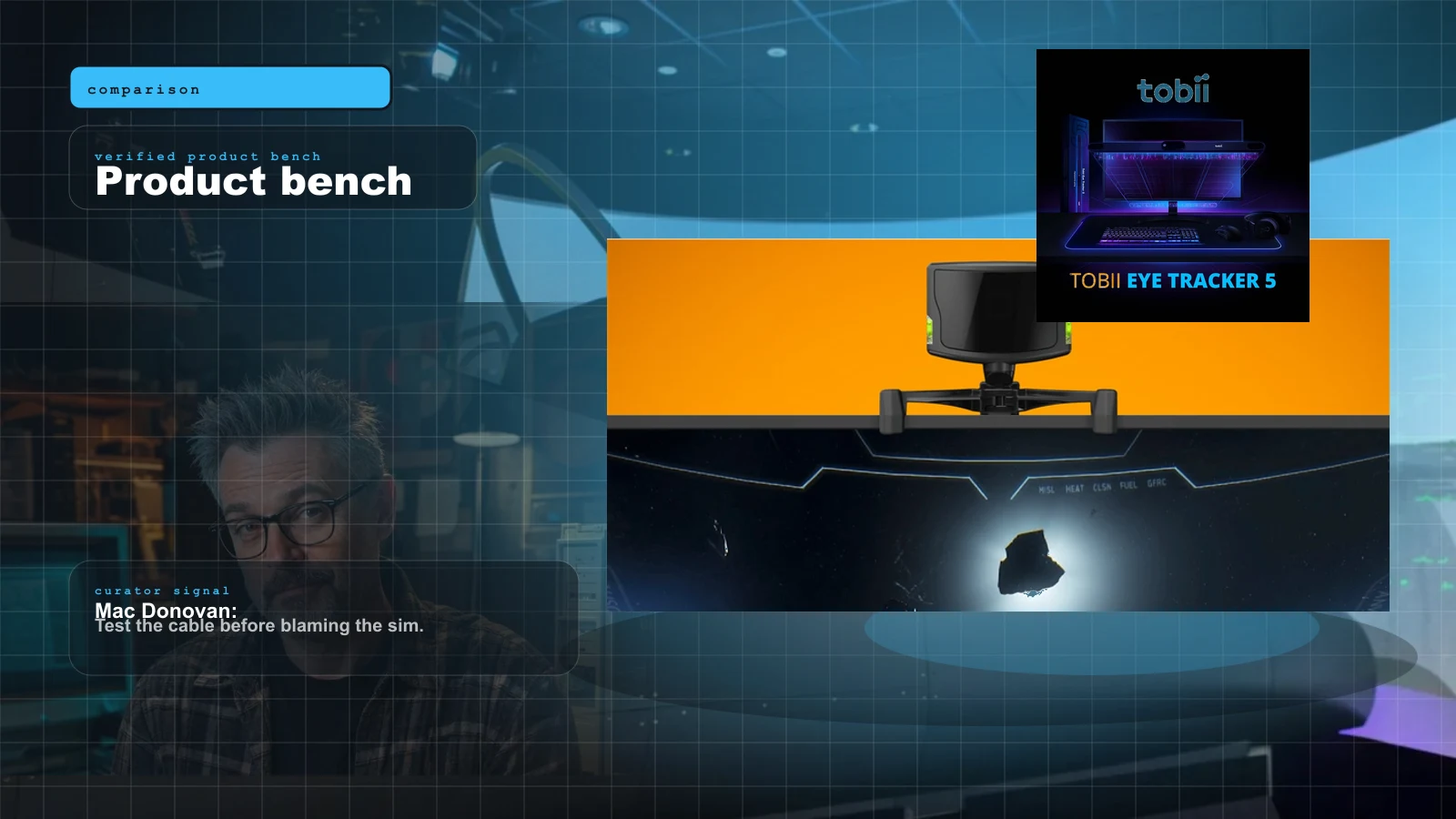
TrackIR 5 vs Tobii Eye Tracker 5 for MSFS in 2026: The Honest Head-Tracking Verdict
Head tracking is the cheapest upgrade that changes how you fly a flat monitor. Here is the honest TrackIR 5 vs Tobii Eye Tracker 5 breakdown for 2026 — clip vs clip-free, precision vs convenience, and the one to buy.
MSFS Home Cockpit Buyer Map 2026: Yoke, Throttle, Rudders, Panels, Head Tracking, and USB Sanity
Val's MSFS buy order: controls first, rudders when you care about takeoff and taxi, head tracking before panels, and a powered USB hub before the cockpit becomes haunted.
Best HOTAS for MSFS 2024 in 2026: Stick-and-Throttle Picks by Budget and Aircraft
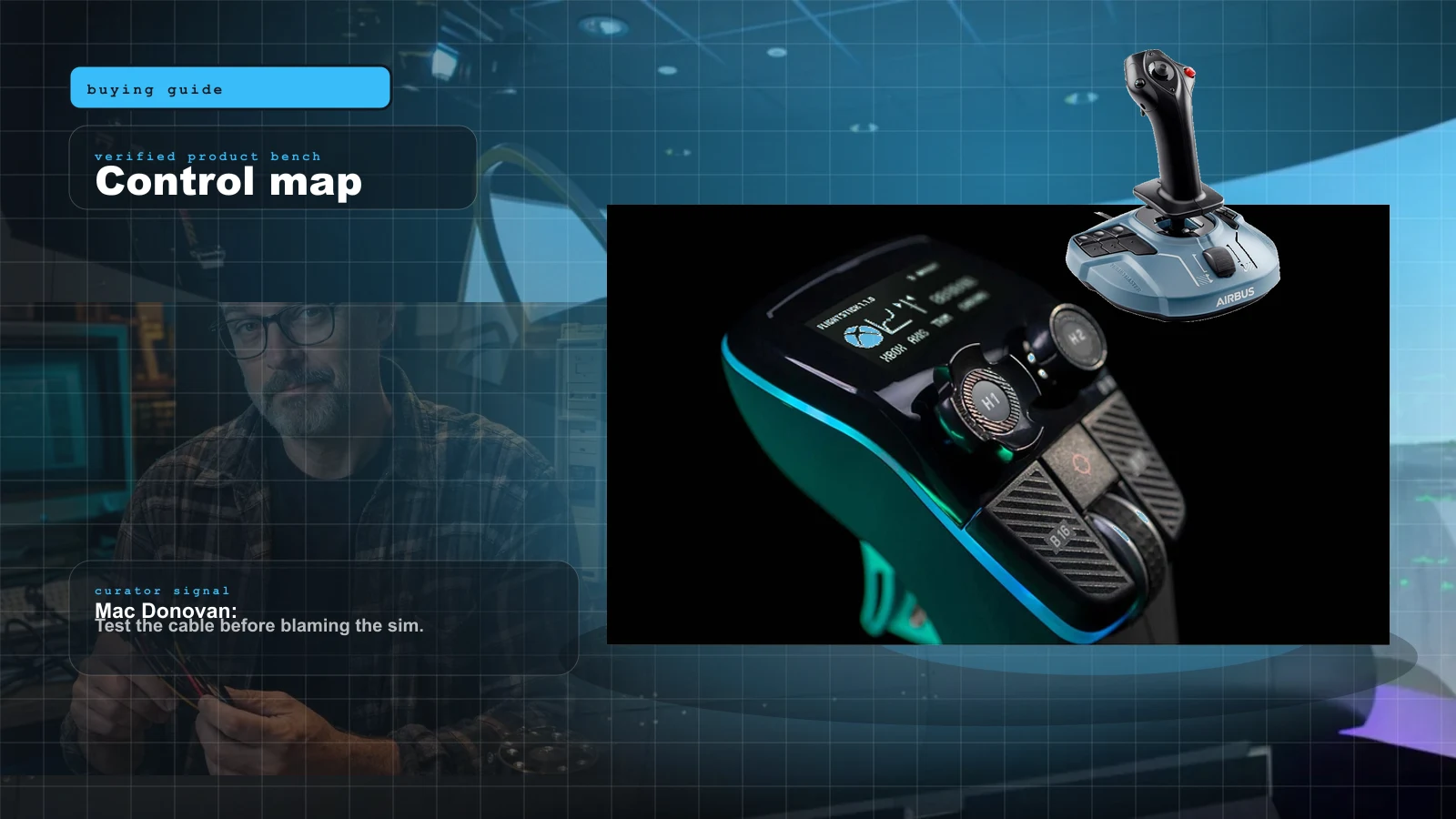
A yoke isn't the only way to fly MSFS 2024. Here's the honest 2026 HOTAS ladder — from a $100 plug-and-play stick to a $1,000-plus modular base — matched to what you actually fly, and which ones bind without a fight.
FlightSimExpo 2026 Hardware Buyer Map: What to Buy Now, What to Watch, What to Skip
FlightSimExpo 2026 was a hardware show, not a headline. The winning move isn't buying the flashiest new base — it's matching one new reveal to the airplane you actually fly, and knowing which announcements to let mature first.