Aircraft and controls
Yoke or stick, throttle, and rudder pedalsBuy for the aircraft you actually fly, not the cockpit photo you admire.
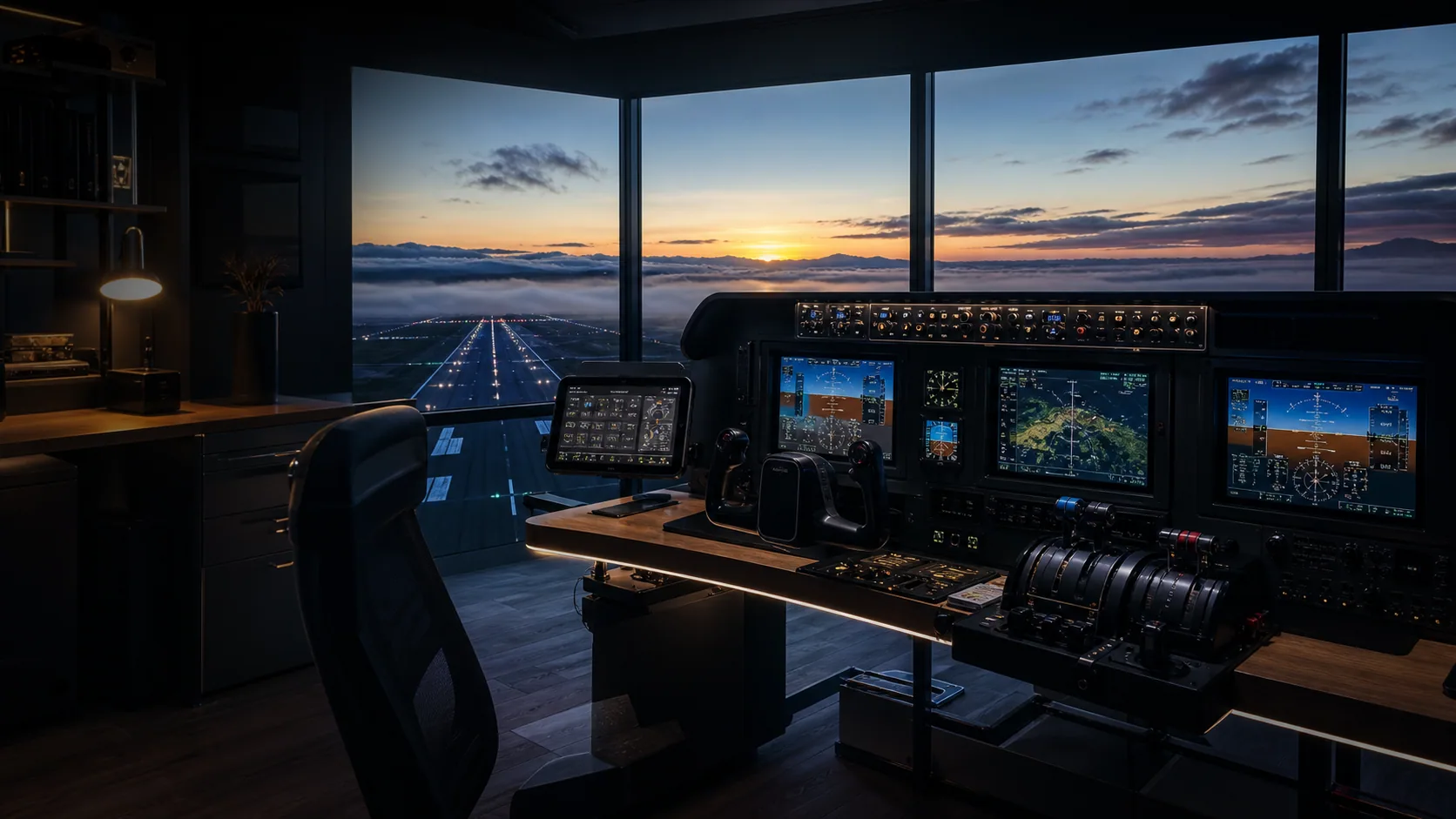
Primary controls, rudder authority, viewing position, USB power, and saved profiles matter before decorative panels.
 AI editorial scene
“Panels are dessert. Clean primary controls are dinner.”
Every stage is a dependency. Buying stage three before stage one is how boxes become expensive shelf decor.
Buy for the aircraft you actually fly, not the cockpit photo you admire.
A good sightline and head tracking often beat another panel for immersion.
A haunted cockpit is usually a topology problem before it is a dead peripheral.
Only add a panel after you know which keyboard reach keeps breaking the flight.
Val came in through the 'just fly the tutorial' door of Elite Dangerous with a bargain-bin Thrustmaster T16000M, then spent a rainy weekend discovering the stick was fine and her USB situation was the problem — three devices sharing one unpowered hub, dropping out mid-supercruise. She rebuilt the whole desk around power and mounting instead of buying a bigger stick, and never looked back. What started as a fix for one flaky port turned into a decade of treating the cockpit as a wiring diagram with a seat attached.
“A random stick disconnect is almost never the stick — it's an unpowered hub or a throttle base registering as four USB devices, and no amount of premium gimbal fixes a power budget you never planned.”Open Val Chen's current rig journal →
 AI editorial scene
Only guides clearing the stronger discovery gate appear here. The full archive remains available without hijacking this page.
Force feedback finally makes trim feel like trim, but the best yoke is not the one with the loudest force number. Val maps the mounting, software, aircraft support, and ownership tax.
The premium throttle fight is not about switch count. It is about wrist reach, detents, aircraft identity, software, support, and whether the thing fits your desk.
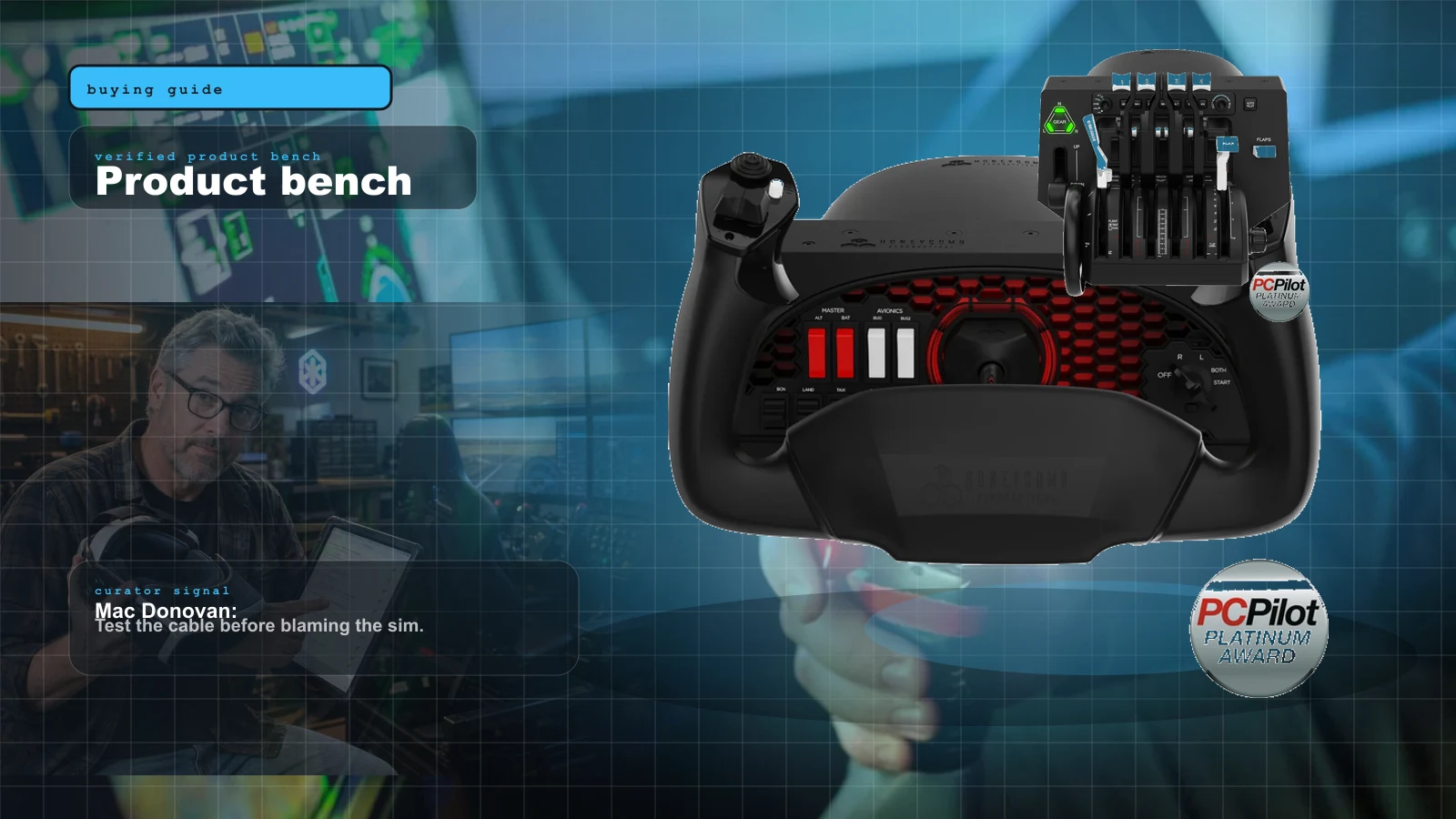
The right first purchase depends entirely on what you fly. Here's the honest 2026 buy order — the one thing to buy first, then the ladder from first stick to a full airliner cockpit, matched to GA, Airbus, Boeing and combat.
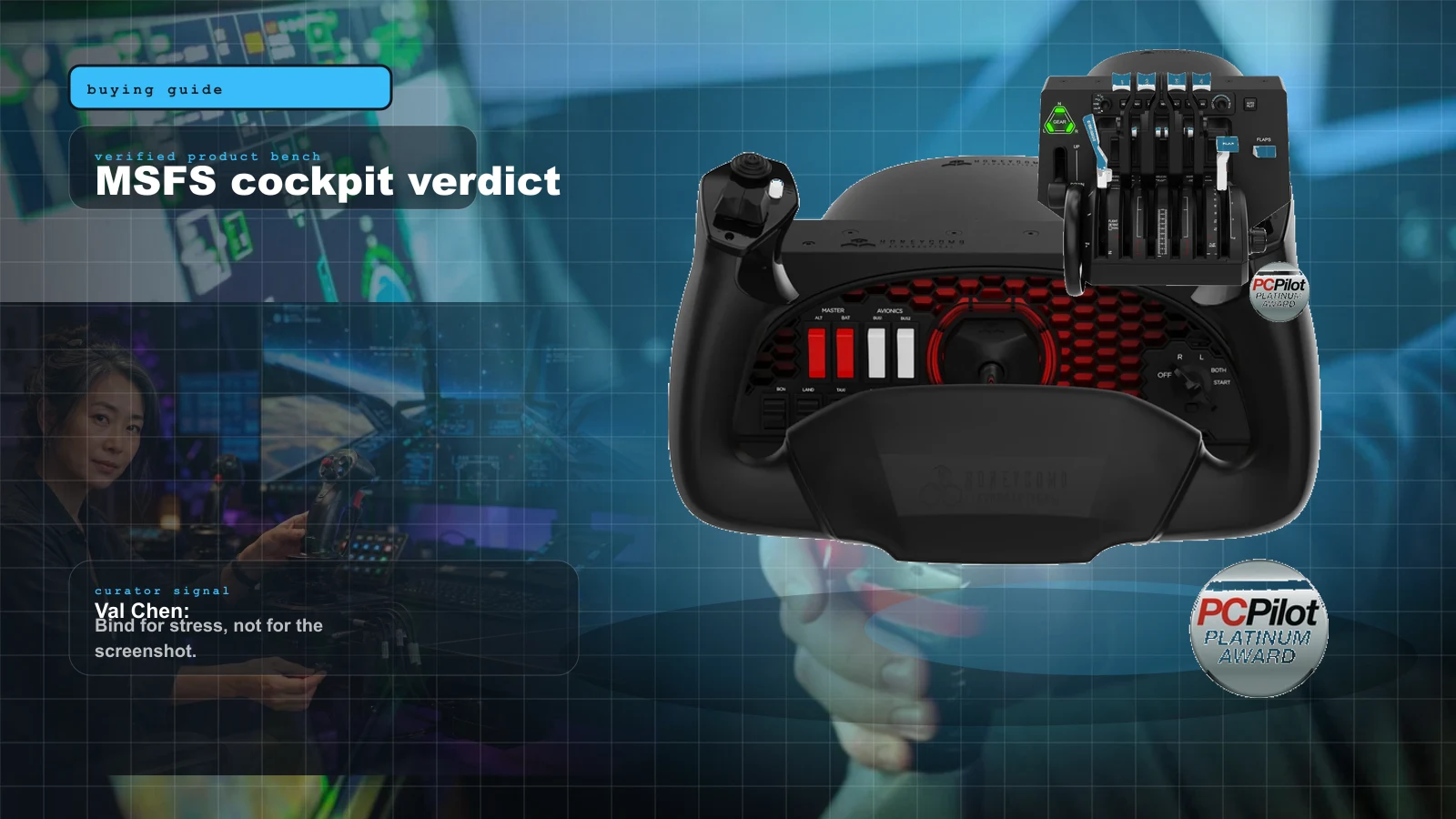
MSFS 2024 is still the gravity well for home cockpit builders, but the best first upgrade is not a wall of panels. It is the control loop.
Paraphrased patterns from builder conversations, never anonymous theater dressed up as a quote.
A dedicated throttle quadrant is the upgrade pilots say transforms immersion the most. Managing power on a physical lever feels worlds apart from a keyboard or a stick button, and combined throttle-plus-yoke setups are repeatedly called the best value in the hobby.
Comes up when GA and airliner flyers ask what single addition makes the biggest difference after a basic stick.Rudder pedals are treated as essential, not optional, once you fly crosswind landings, engine-out work, taxiing, or helicopters. Twisting the stick for yaw is a common starting point, but most people end up wishing they had bought pedals sooner.
Frequent in 'do I really need rudder pedals' threads; the answer trends toward yes for any serious flying.The twist-axis on budget sticks is a known weak point. Where the main axes use durable hall-effect sensors, the yaw twist often relies on a cheaper potentiometer that can drift over time, which is why buyers steer toward all-hall-effect designs or separate rudder pedals.
A recurring durability warning attached to the most-recommended entry-level sticks.Isolated product views belong here, where ports, prices, mounting, and direct purchase paths are the point.

Simmers who want cockpit head movement and situational awareness without committing to a VR headset.

GA simmers who want the most-recommended yoke-and-switch-panel combo without stepping up to force feedback.

Simmers who want one throttle quadrant that handles GA and airliners plus an autopilot panel in the same unit.

Airbus simmers who want a true-to-scale A320 side-stick on a budget.

Airbus pilots who want a detented throttle quadrant that pairs with the TCA Sidestick.

Combat and military-sim pilots who want a metal A-10C HOTAS that lasts.

Enthusiasts who want real control loading and trim forces and are willing to spend roughly $850 to get there.
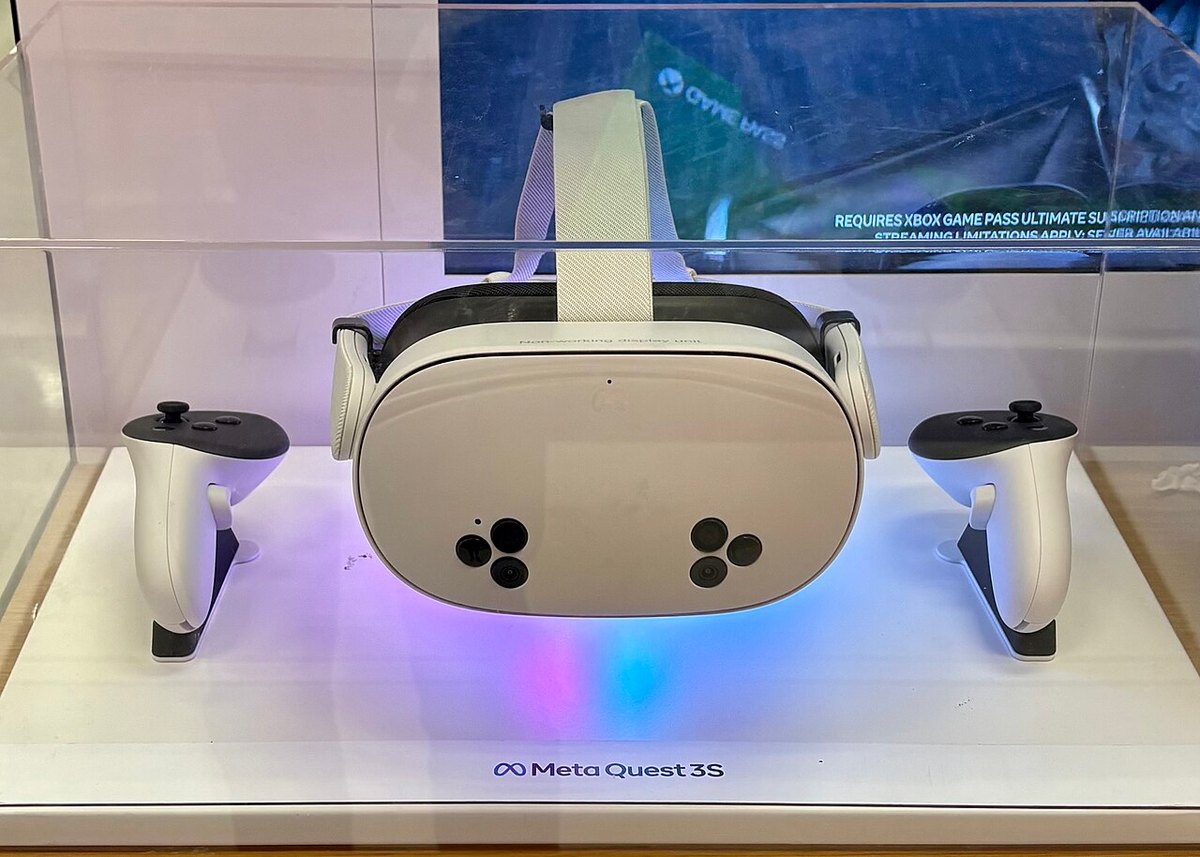
Budget-minded newcomers who want standalone mixed reality plus wireless PCVR flight sim on a wallet-friendly headset.