Software reality
Native axes, keyboard commands, telemetry, and VR supportDo not buy hardware until the simulator proves it can read the control you want.

Software support is thin, so controller translation, generic HID boards, labels, and repeatable profiles do the heavy lifting.
 AI editorial scene
“If the sim will not expose an axis, premium hardware cannot negotiate with it.”
Every stage is a dependency. Buying stage three before stage one is how boxes become expensive shelf decor.
Do not buy hardware until the simulator proves it can read the control you want.
Continuous rotation and clear detents matter more than marine branding.
The useful bridge is the one every guest can operate without asking what button 17 does.
Save a known-good profile before every update and test it away from the dock.
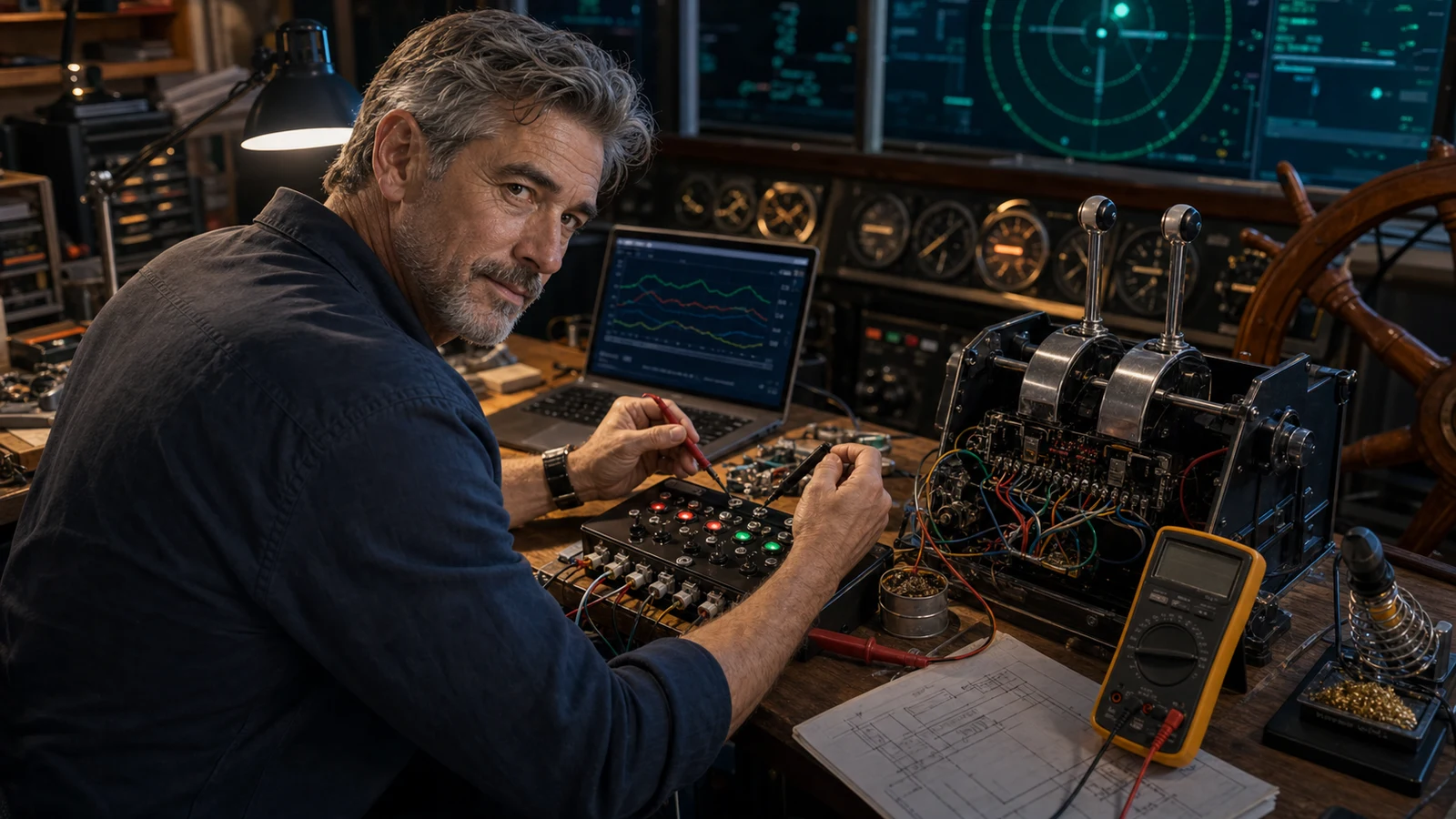
Gus grew up crewing on other people's sailboats on weekends — enough to learn that a real helm is slow, heavy, and nothing like a game pad. He fell into ship sims looking for that feel indoors, discovered the marine shelf is basically empty, and spent a rainy winter following the Bridge Command 'make your own throttles and wheel' guide with a Leo Bodnar board and three potentiometers. He never left the workbench; every rig since has been borrowed parts talked into behaving like a bridge.
“A racing wheel makes a worse helm than a slow potentiometer on a Bodnar board — 900 degrees of snappy self-centering is the opposite of how a real rudder behaves, and no amount of premium force feedback fixes wrong.”Open Gus Calder's current rig journal →
 AI editorial scene
Only guides clearing the stronger discovery gate appear here. The full archive remains available without hijacking this page.
There is no consumer boat-throttle aisle. Gus maps the three controls that actually work: cheap quadrant, flexible Bravo, or a real DIY lever built around the BU0836X.
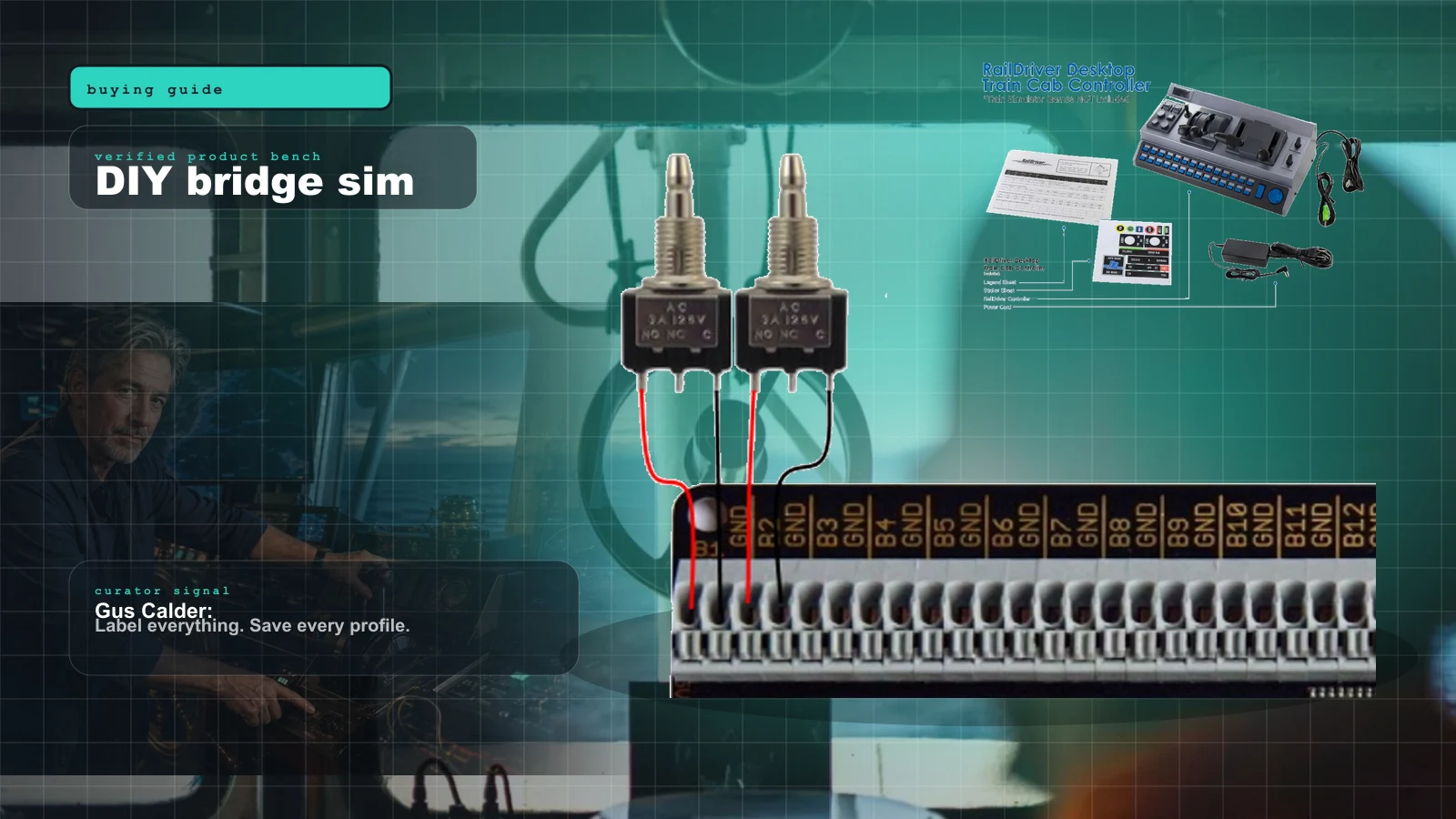
Bridge Command is not a shiny boxed cockpit. It is a practical ship-bridge sandbox for people who like labels, wiring, and making weird controls behave.
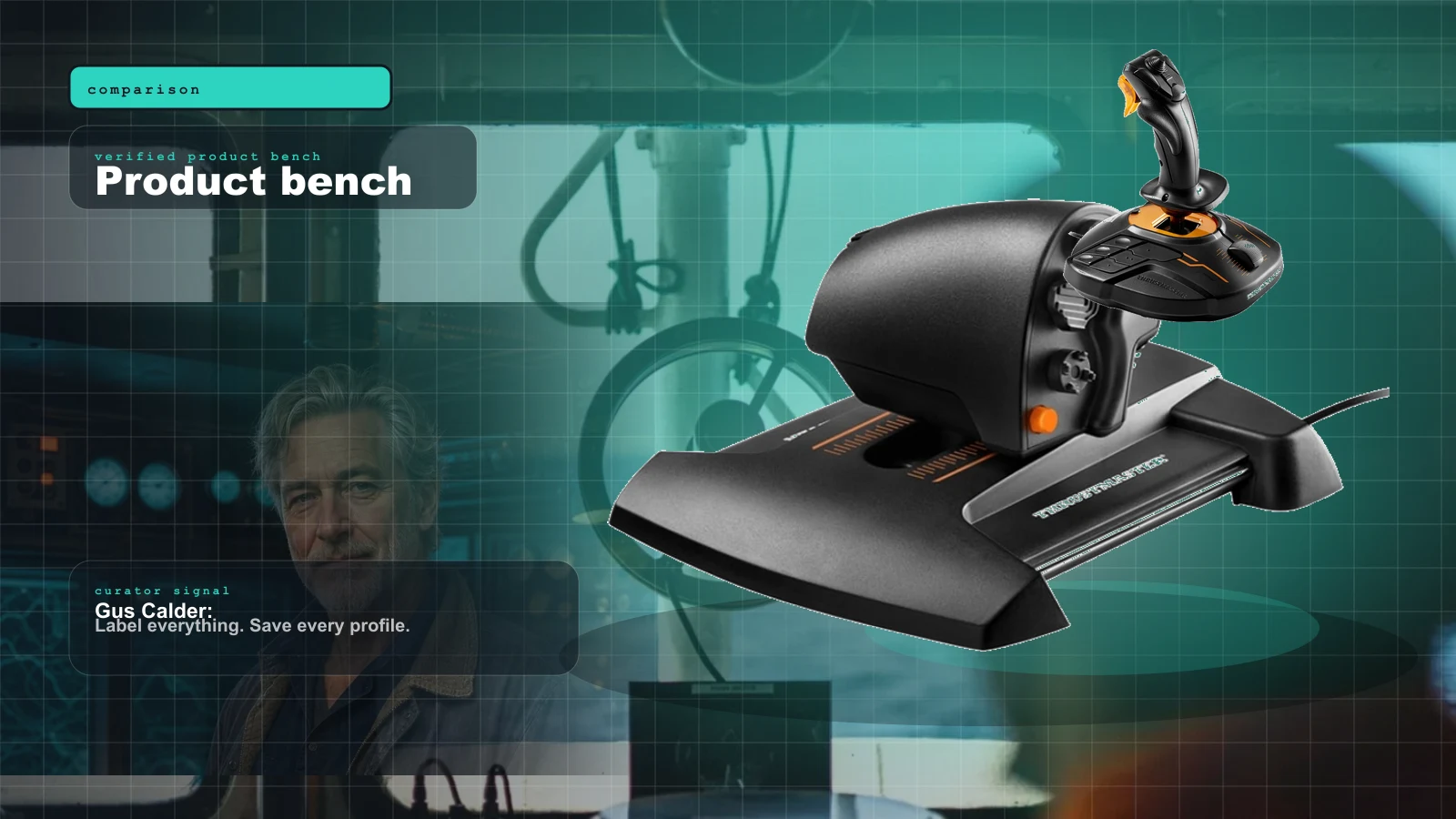
The hard gate in marine sim isn't the hardware — it's whether the title reads analog axes at all. This is the 2026 compatibility map: who reads your wheel and throttle, who only sees left/right, and what glue software fills the gap.
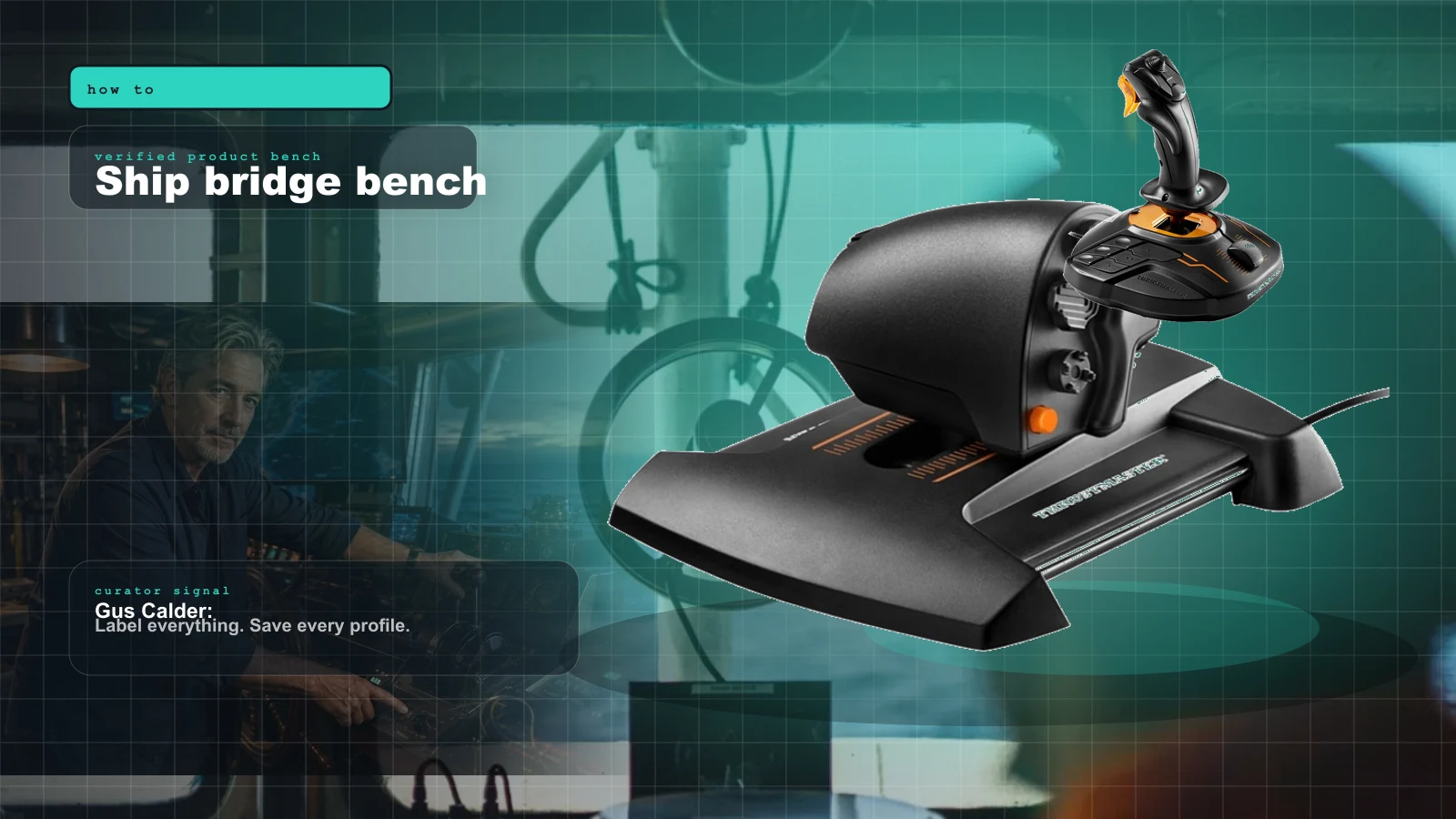
Professional Ship Simulator's fully clickable cockpit means a mouse runs every switch on day one. So the real question isn't 'will it read my gear' — it's what's actually worth bolting to your desk. Here's the buy-last plan, plus how NAUTIS Home differs.
Paraphrased patterns from builder conversations, never anonymous theater dressed up as a quote.
Most marine and sailing sims have little to no native support for dedicated helm, throttle, or joystick hardware, so the community's standard move is to bridge controllers to keyboard commands with free or cheap mapping software.
The first thing experienced players tell newcomers expecting plug-and-play boat controls; it sets realistic expectations up front.Repurposed gear is the norm rather than the exception. People successfully run boats with leftover racing wheels and pedals, flight sticks remapped to rudder, or programmable keypads with dials assigned to helm, throttle, and winch tension.
Comes up whenever someone asks what hardware to buy; the answer is usually 'adapt what you already have.'Programmable macro keypads and rotary-dial decks are the unsung hero of marine setups. With a dozen buttons and a few continuous dials mapped to vessel functions, players get tactile control without any purpose-built ship console.
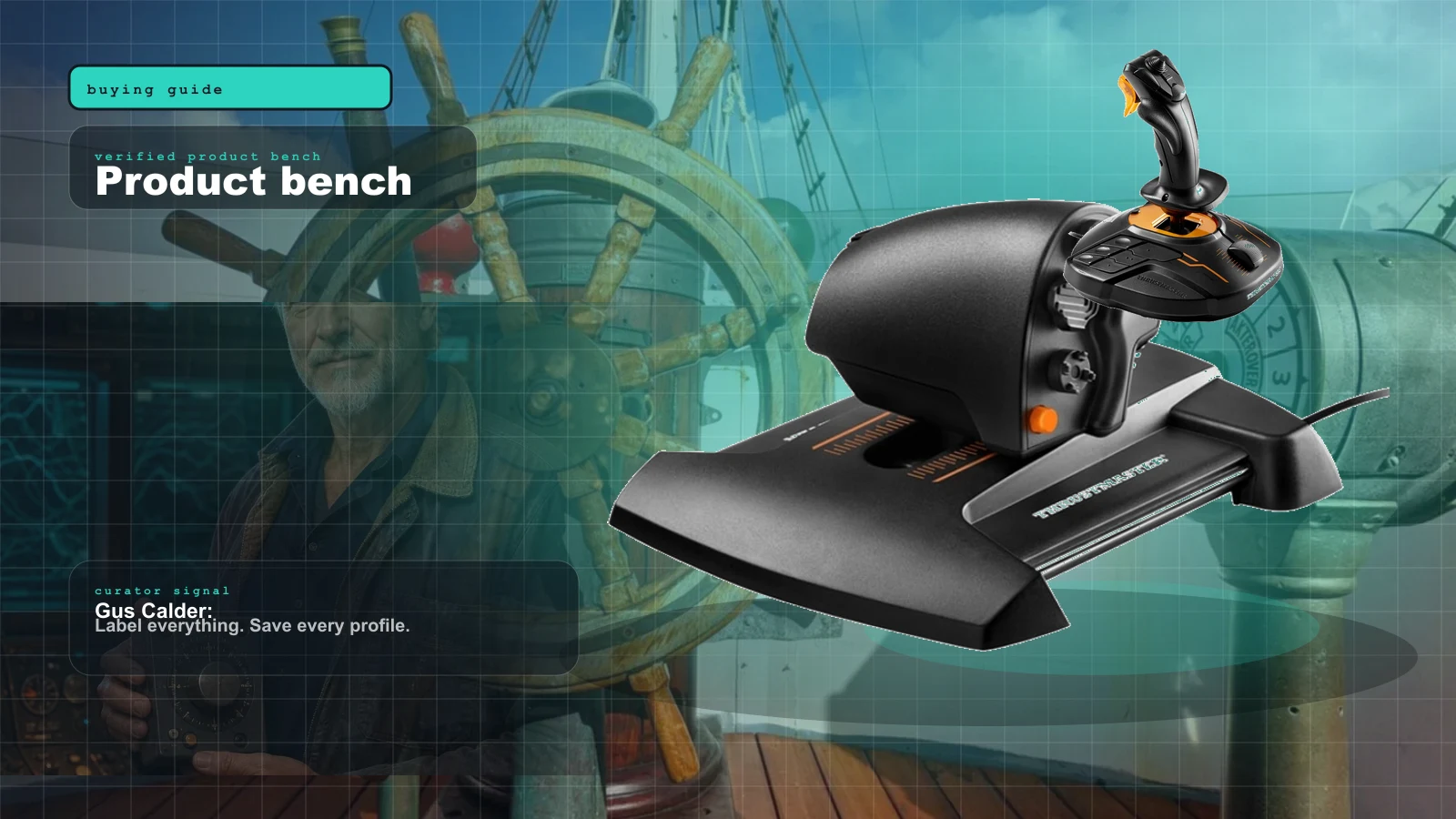
A practical recommendation that recurs in setup guides for sims lacking analog axis support.Isolated product views belong here, where ports, prices, mounting, and direct purchase paths are the point.
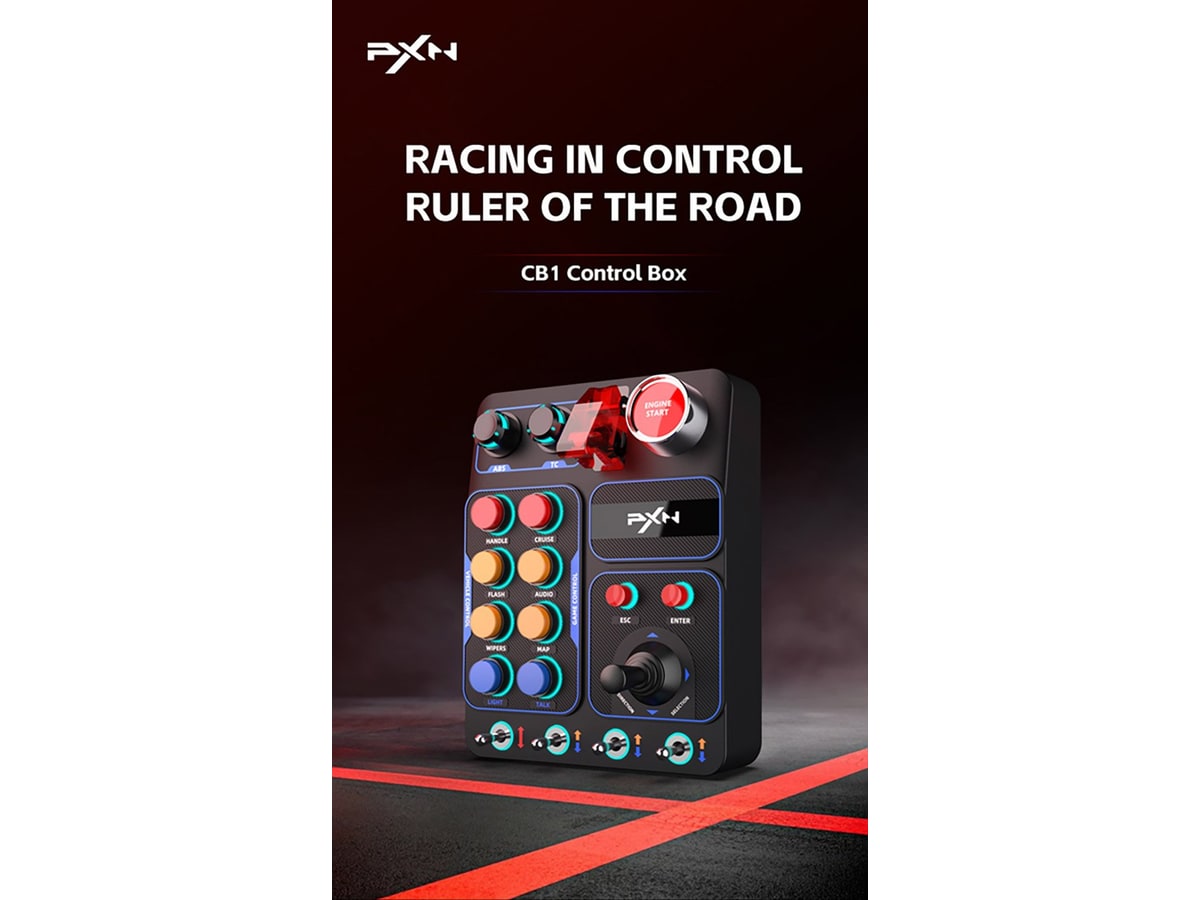
Builders who want a ready-made, no-DIY button box for bridge commands and don't mind mapping the buttons to their marine sim.

Ship-sim fans whose title uses a rudder axis (e.g. Professional Ship Simulator) and who want precise, durable Hall-effect input on a budget.

Makers comfortable with the Arduino IDE who want full control over a custom helm and button box on a sub-$30 board.

Sailors and would-be sailors who want hands-on dinghy/yacht practice and skill-building without buying or building any helm hardware.

Crossover hobbyists (often from train sims) who want premium lever feel and don't mind mapping software and the price.