
Start Here
Bridge oddities · bench crew

Gus Calder

The helm is whatever you can wire an axis to.

“Hear me out — that's a helm now.”

Gus is the niche-builder translator: bridge panels, repurposed wheels, throttles, DIY boards, and the patience required when the marine shelf is not as stocked as racing or flight.

In sim hardware since 2011, in marine sim since a bargain-bin copy of Ship Simulator Extremes in 2013.

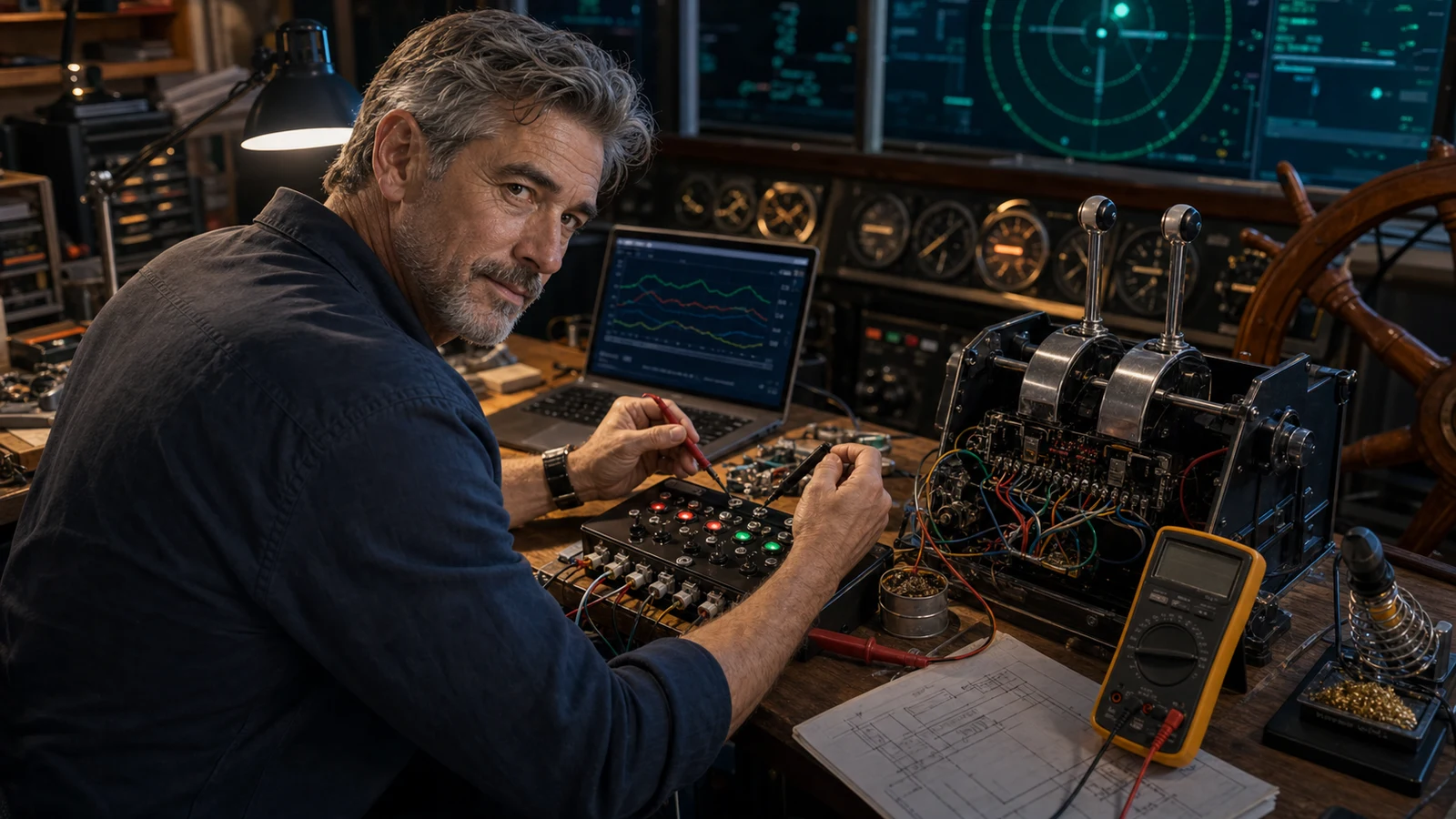
Gus Calder in a compact ship bridge simulator workspace
Current obsession Bridge Command controls, DIY axes, and making borrowed hardware feel intentional. If the sim will not expose an axis, premium hardware cannot negotiate with it.
Gus Calder signature bench card — The helm is whatever you can wire an axis to.
AI editorial scene of Gus Calder at a marine sim throttle and helm bench AI editorial scene
How Gus got here

Gus grew up crewing on other people's sailboats on weekends — enough to learn that a real helm is slow, heavy, and nothing like a game pad. He fell into ship sims looking for that feel indoors, discovered the marine shelf is basically empty, and spent a rainy winter following the Bridge Command 'make your own throttles and wheel' guide with a Leo Bodnar board and three potentiometers. He never left the workbench; every rig since has been borrowed parts talked into behaving like a bridge.

Why trust Gus: Gus has actually built the marine helms he recommends out of racing and flight parts, and he'll tell you when the honest answer is a $20 board and a soldering iron instead of a purchase.

// What Gus actually knows

Gus has personally wired helms out of a Logitech G27, a Saitek yoke-and-quadrant, and a Honeycomb Bravo, and can tell you which sims will actually bind each axis and which will silently ignore it. He reads the sim's config files before he buys anything, because in marine sim the software refusing an axis is the failure mode nobody warns you about.

  • Repurposing racing wheels & flight quadrants as helm/throttle axes
  • Bridge Command joystick config (rudder channel, throttle mapping, .ini)
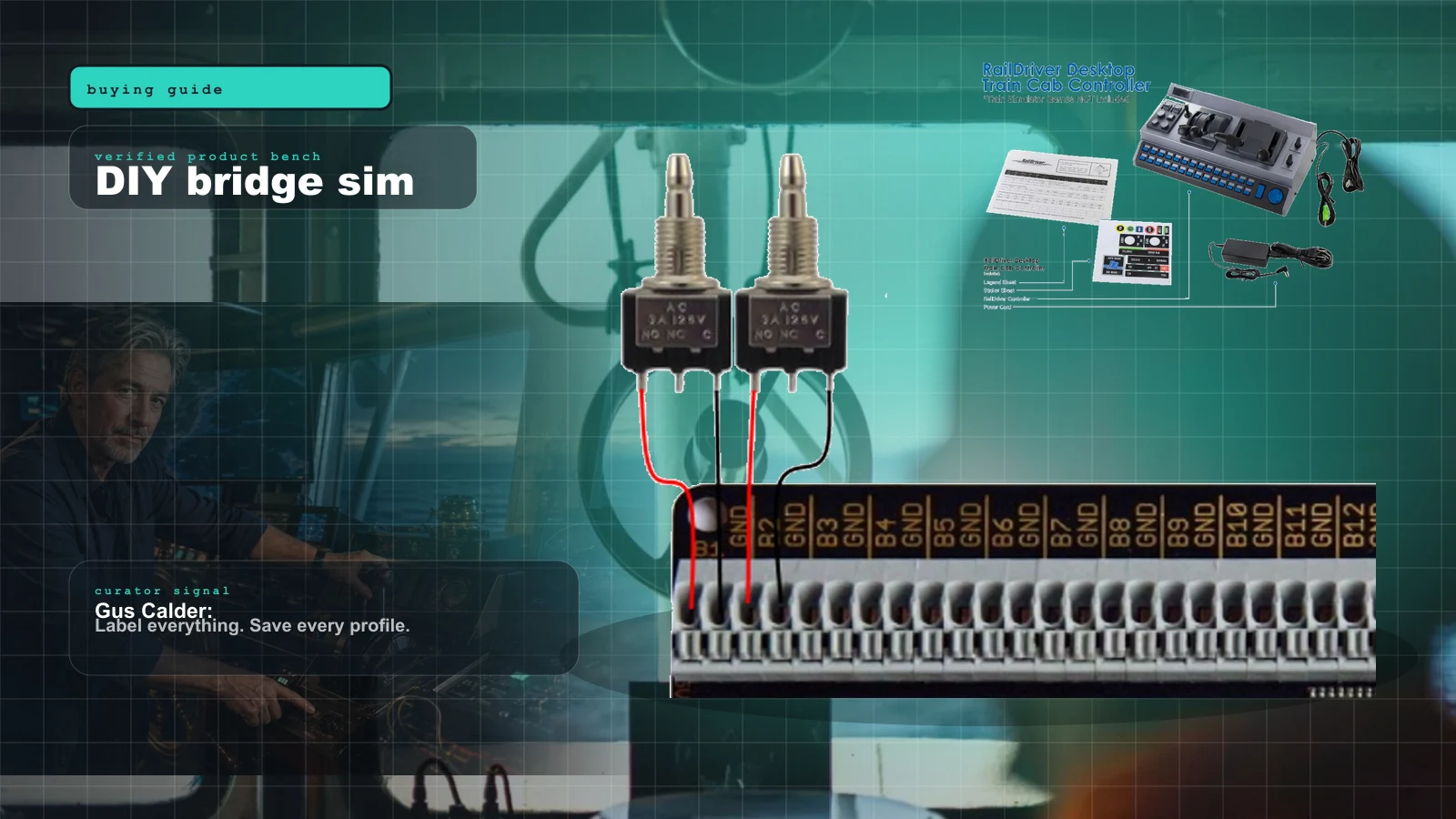
  • Leo Bodnar BU0836A / potentiometer helm builds
  • Arduino Joystick-library DIY axes and button boxes
  • Throttle-quadrant detent vs continuous-axis mapping for ahead/astern
  • Sailaway, NAUTIS Home & Ship Simulator controller support
  • Azimuth / azipod and bow-thruster control on non-marine hardware
  • Autopilot & chart-plotter immersion without dedicated panels
  • Deadzone, axis inversion & non-linear curves for slow-vessel feel
Signature gear · never travels without

Leo Bodnar BU0836A 12-bit joystick controller board

It turns three cheap potentiometers into a helm, a throttle, and a rudder that Windows sees as a plain USB joystick — no drivers, no drama, the exact board the Bridge Command DIY guide is built around. When the marine shelf has nothing for you, this board is what lets you build the thing that should exist.

Hills Gus will die on

The opinions that survive the launch hype.

01

A racing wheel makes a worse helm than a slow potentiometer on a Bodnar board — 900 degrees of snappy self-centering is the opposite of how a real rudder behaves, and no amount of premium force feedback fixes wrong.

02

Before you spend a cent, open the sim's config file: if it won't expose the axis, the fanciest quadrant on Earth is just a paperweight with levers.

03

A flight-sim throttle quadrant with real detents beats a smooth analog lever for ship engine orders, because a bridge runs on telegraph steps — slow ahead, half, full — not a continuous slider you can never park on the same spot twice.

// Ask Gus

Real questions, straight answers.

Dry, patient, deeply amused by repurposed racing wheels.

Can I just use my old Logitech G27 as a ship's helm?

Yes, and plenty of people do — map the wheel to rudder, the pedals or the shifter to ahead/astern, and the buttons to thruster and telegraph. The catch is the wheel wants to self-center hard and spin fast, which is nothing like a real helm, so turn the force feedback down or off and stretch the response curve out. It works; it just won't feel like tonnage until you slow it down in software.

What's the cheapest way to get a real throttle for engine orders?

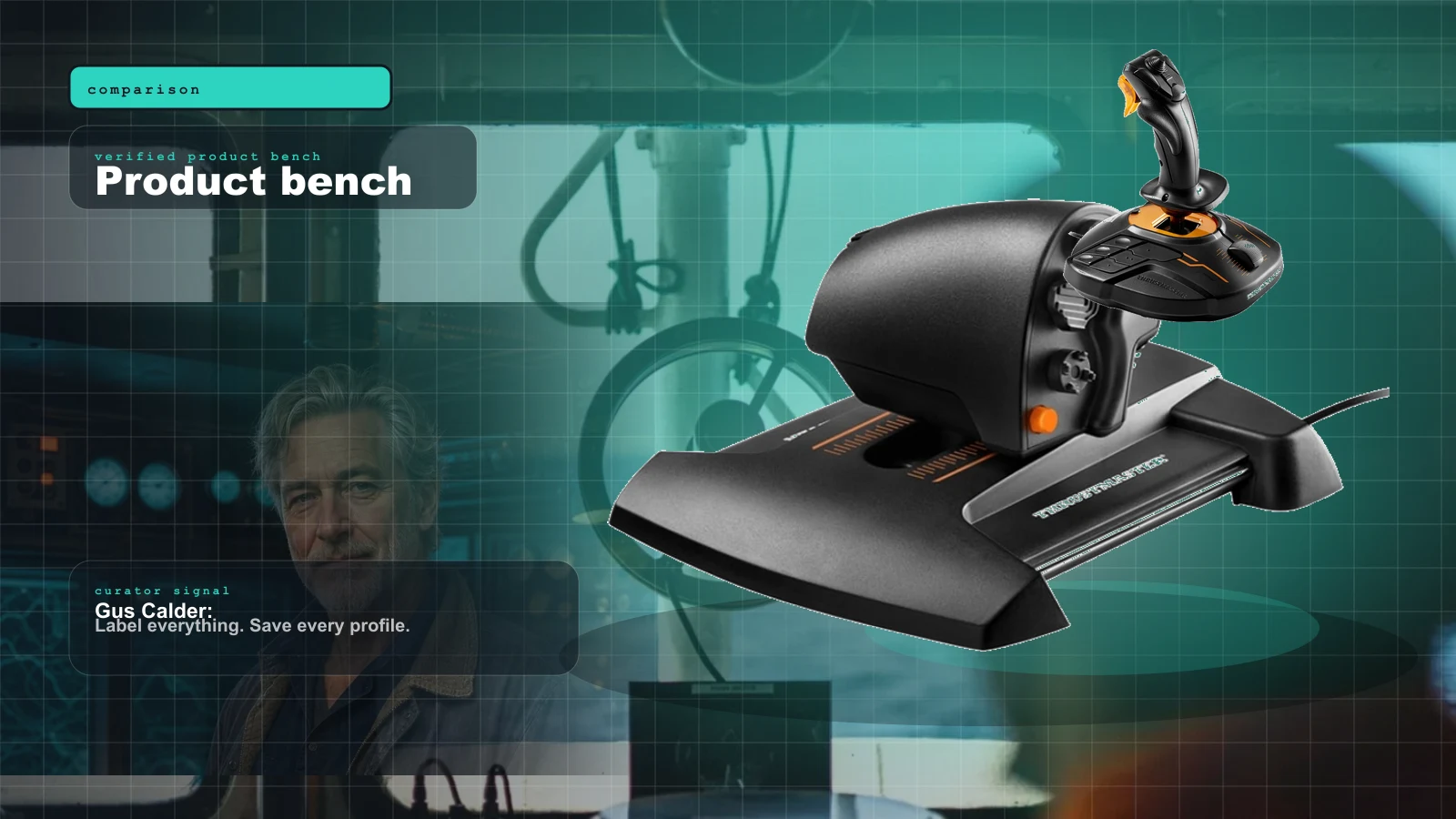
A used flight-sim quadrant — a Saitek or Thrustmaster TCA — is the sweet spot, because the physical detents line up beautifully with telegraph steps like slow, half, and full ahead. If you want it truly bespoke, a Leo Bodnar BU0836A and a couple of quality potentiometers gets you a twin-lever helm for the price of a pizza and an afternoon of soldering. Skip the smooth analog sliders; you can never park them on the same order twice.

Why won't my sim recognize the axis I just wired up?

Because in marine sim that's the number-one gotcha, not a rare one. Open the config — in Bridge Command it's the joystick .ini and the rudder-channel and throttle-mapping lines — and confirm the sim actually reads that channel before you blame the hardware. Nine times out of ten the potentiometer is fine and the software simply isn't listening to the axis you assigned; if the sim won't expose it, no premium controller can negotiate with it.

Guide shelf

Gus Calder's certified routes.

open Sim Stream
DIY bridge sim Bridge Command Review 2026: The DIY Ship Bridge Simulator for Builders cover with Bridge Command tug simulator screenshot and Gus Calder
buying guide

Bridge Command Review 2026: The DIY Ship Bridge Simulator for Builders

Bridge Command is not a shiny boxed cockpit. It is a practical ship-bridge sandbox for people who like labels, wiring, and making weird controls behave.

MARINE · Updated Jul 8, 2026 · 16 min read
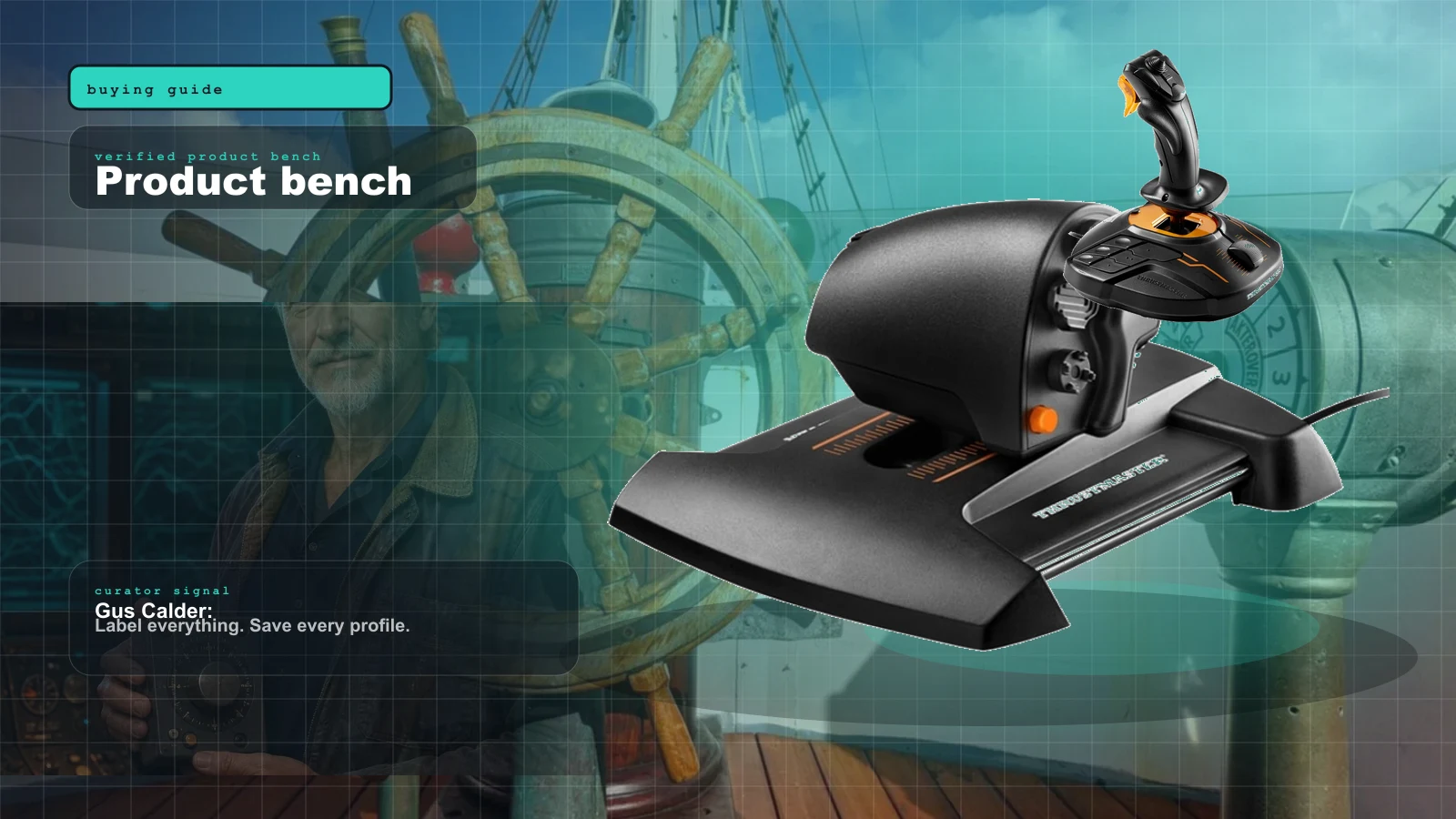
Product proof Best Marine Sim Gear of 2026: The Honest, Practical Control Stack cover with Thrustmaster TWCS throttle repurposed as a ship's engine lever — the practical heart of a marine sim control stack and Gus Calder
buying guide

Best Marine Sim Gear of 2026: The Honest, Practical Control Stack

There is no consumer 'boat controller.' Here's the honest 2026 stack of marine sim gear — the cheapest throttle, the smoothest single lever, the DIY board the pros build around, the ready-made button box, and the VR shortcut that sidesteps it all — with the one caveat that governs every purchase.

MARINE · Updated Jul 2, 2026 · 11 min read
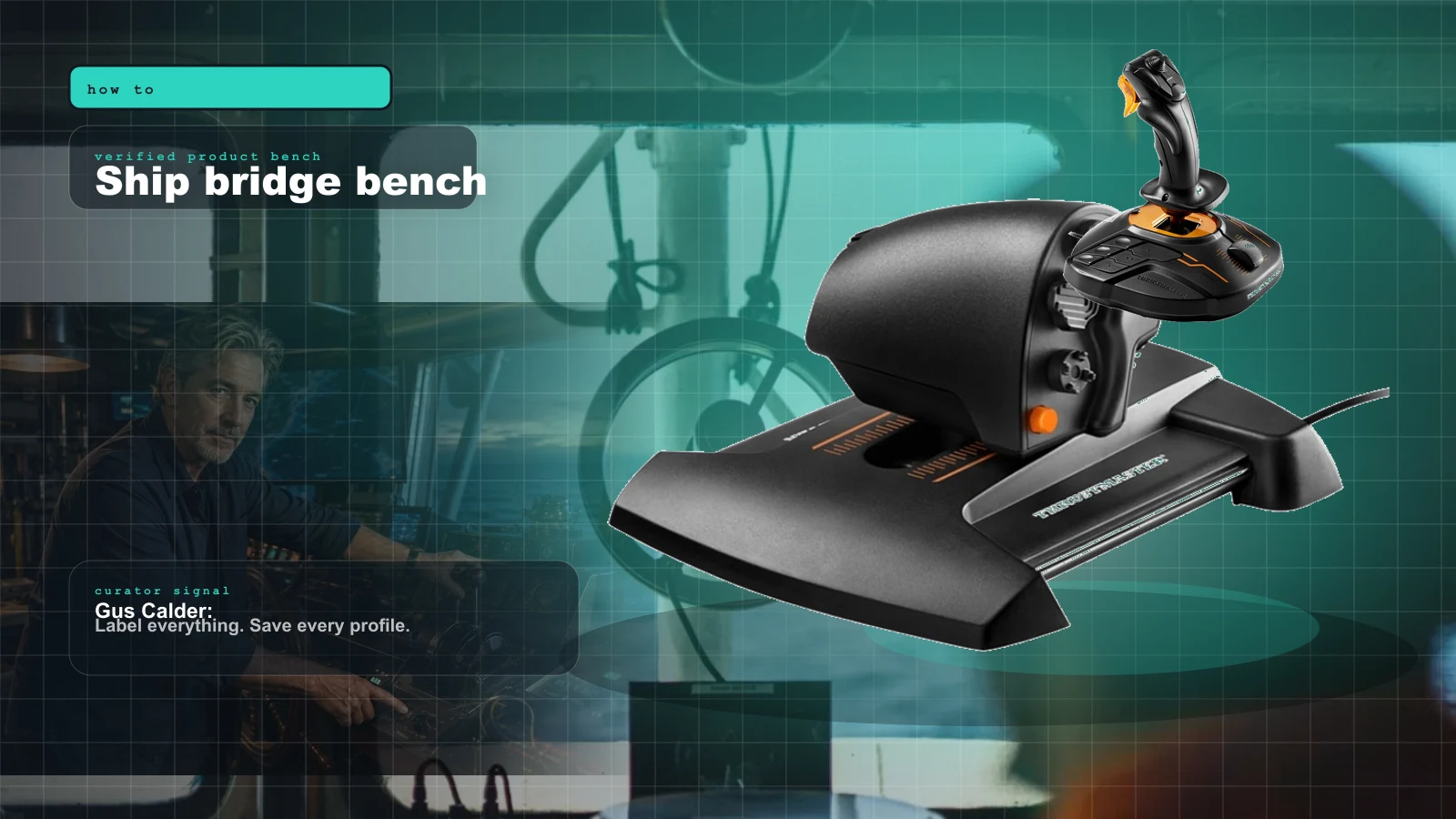
Ship bridge bench Professional Ship Simulator 2026 Hardware Setup: Dual Throttles, Conning Stick & Generic Boards cover with Professional Ship Simulator (formerly Nautic XP) key art — the upcoming hardware-friendly PC ship simulator and Gus Calder
how to

Professional Ship Simulator 2026 Hardware Setup: Dual Throttles, Conning Stick & Generic Boards

Professional Ship Simulator's fully clickable cockpit means a mouse runs every switch on day one. So the real question isn't 'will it read my gear' — it's what's actually worth bolting to your desk. Here's the buy-last plan, plus how NAUTIS Home differs.

MARINE · Updated Jul 2, 2026 · 9 min read
Product proof Marine Sim Controller Support: Which Sims Actually Read Your Wheel and Throttle (2026) cover with Professional Ship Simulator (ex-Nautic XP) — the upcoming ship sim built around deep controller mapping and Gus Calder
comparison

Marine Sim Controller Support: Which Sims Actually Read Your Wheel and Throttle (2026)

The hard gate in marine sim isn't the hardware — it's whether the title reads analog axes at all. This is the 2026 compatibility map: who reads your wheel and throttle, who only sees left/right, and what glue software fills the gap.

MARINE · Updated Jul 2, 2026 · 9 min read
Product proof The Marine Sim Hardware Reality Check: Why There's No 'Boat Wheel' (And What You Actually Buy) cover with Repurposed sim gear arranged as a marine console — racing wheel, throttle quadrant, button box — on dark slate with teal rim light and Gus Calder
gear explainer

The Marine Sim Hardware Reality Check: Why There's No 'Boat Wheel' (And What You Actually Buy)

Marine sim is the niche-of-niches. There is no boat wheel on a shelf anywhere. The honest story is repurposing, DIY, and a software gate that decides whether your gear works at all.

MARINE · Updated Jul 2, 2026 · 9 min read