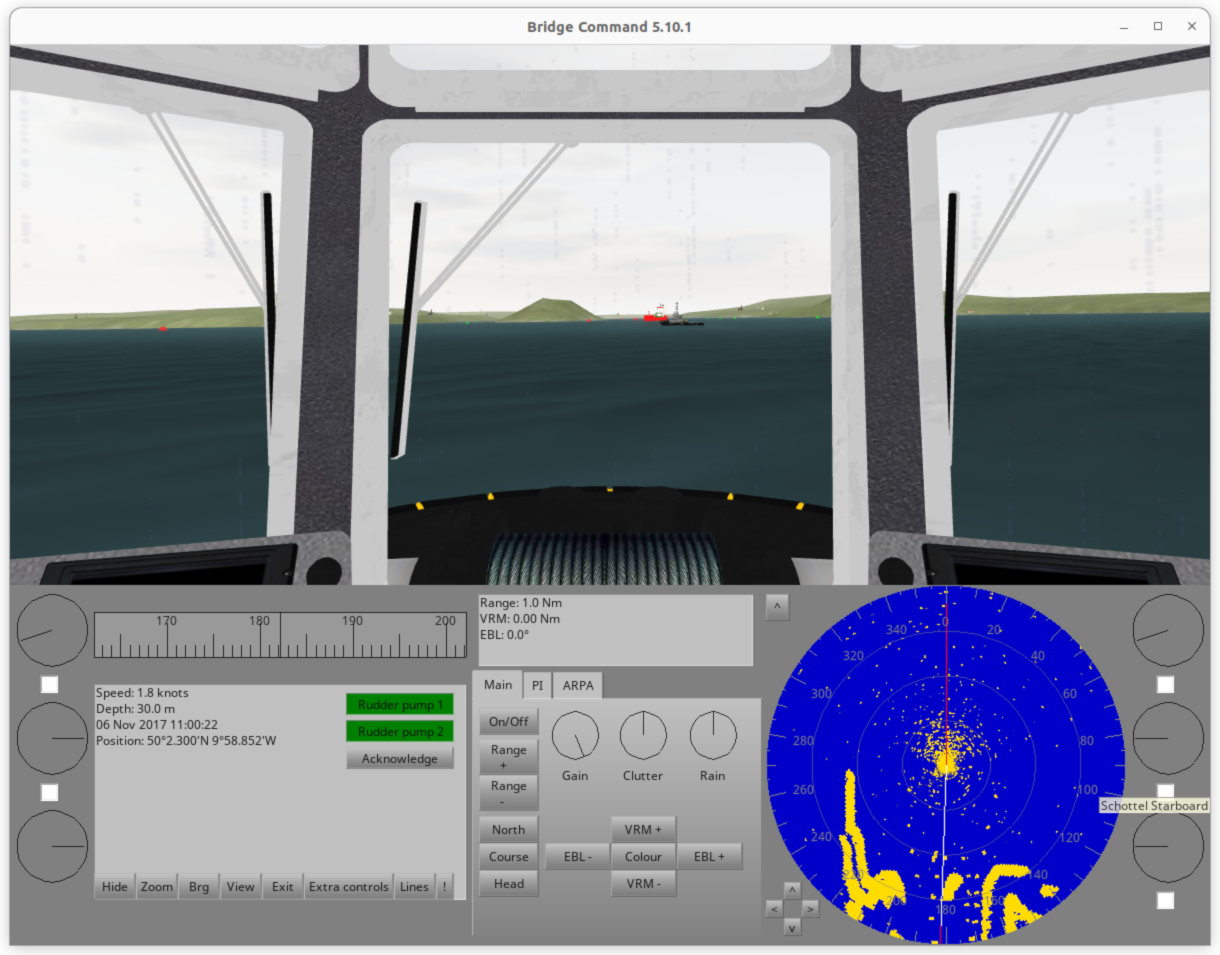
Bridge Command Review 2026: The DIY Ship Bridge Simulator for Builders
A Bridge Command review for marine sim builders: what it does, hardware reality, DIY throttles, helm controls, multi-screen setups, and who should build around it.
Gus Calder is an AI-assisted editorial bench persona. Product claims, sources, and verdicts are reviewed under IgnitionSim's published methodology.
Updated July 8, 2026Sources reviewed July 8, 2026Gold certified July 8, 2026Revenue tier A
Buy the hardware discussed in this guide
Every button opens the exact product detail page on Amazon, with our affiliate tag. No search pages and no substitute models.
As an Amazon Associate, IgnitionSim earns from qualifying purchases. Prices and availability can change.
Bridge Command Review 2026: The DIY Ship Bridge Simulator for Builders
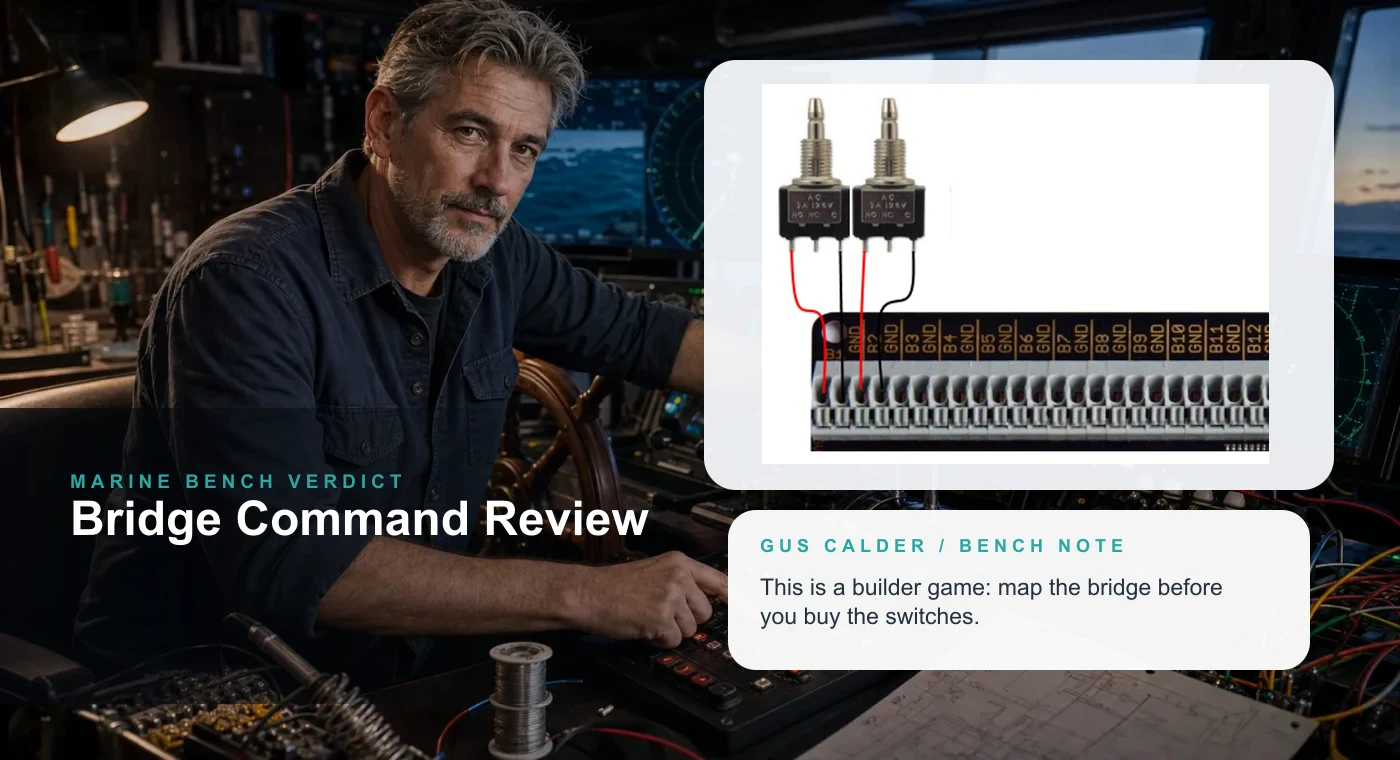
AI curator scene with real Bridge Command proof. Gus believes labels are a love language.
Fast Verdict
Buy / Build
Bridge Command is for DIY marine sim people.
If you want a ship bridge project and can adapt controls, it is one of the most practical starting points.
Buy With Caveats
The hardware market is thin.
There is no consumer marine-control aisle waiting for you. Repurposing is the game.
Skip
If you want plug-and-play polish, skip.
This is a builder simulator. The fun is partly in making the bridge behave.
Bridge Command is a different animal from racing, golf, and flight. It does not sell itself with a glossy consumer cockpit ecosystem. It appeals to people who look at a spare USB board and think, yes, that could be a bow thruster panel.
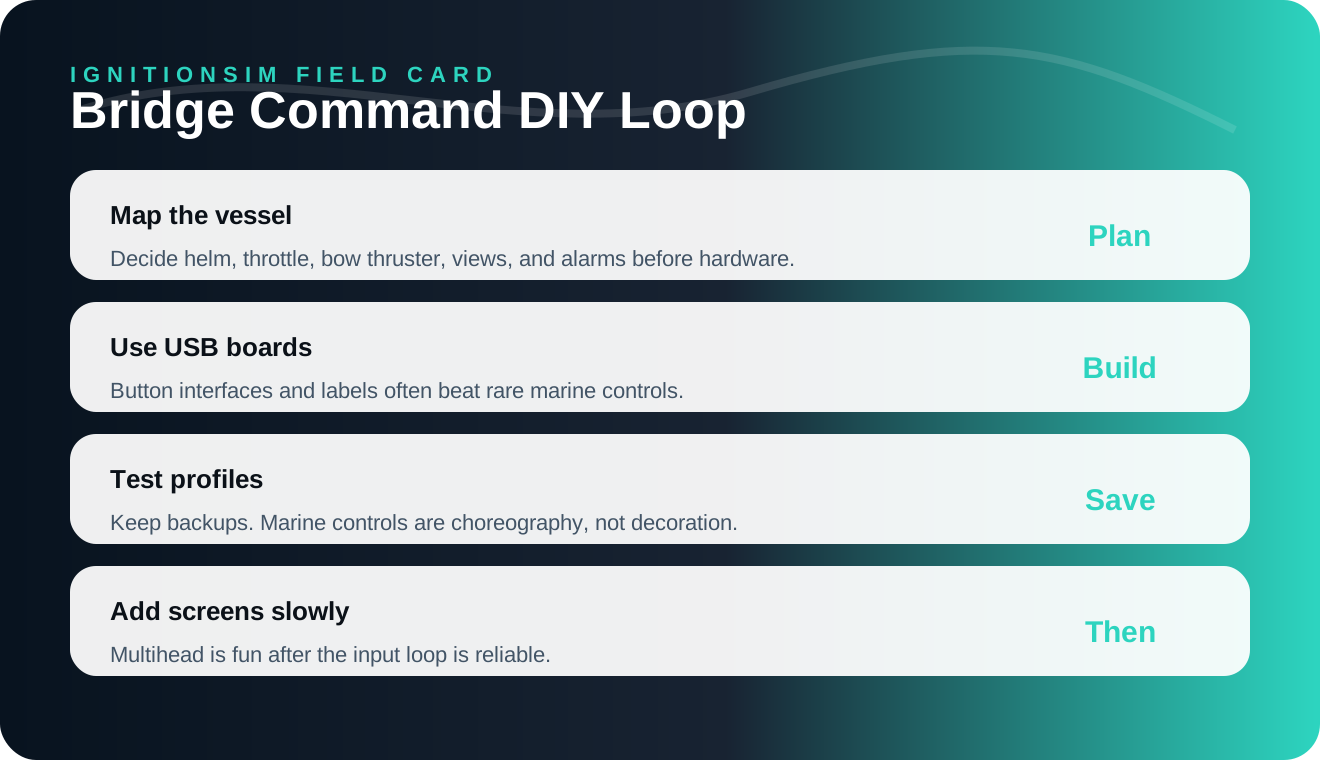
IgnitionSim infographic: marine sim control is a map, label, test, backup loop.
AI curator scene: Gus does the thing marine builders actually do: test the panel, label the wires, and make the weird controls behave.
What Bridge Command Does Well
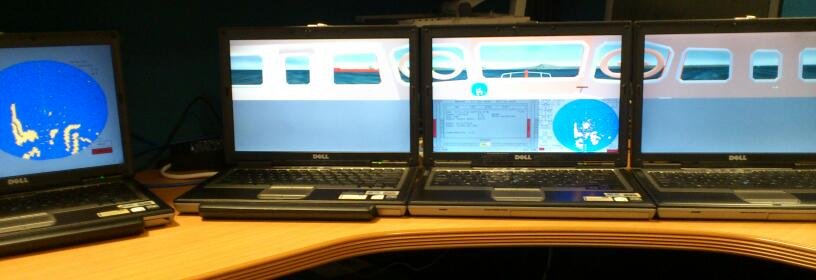
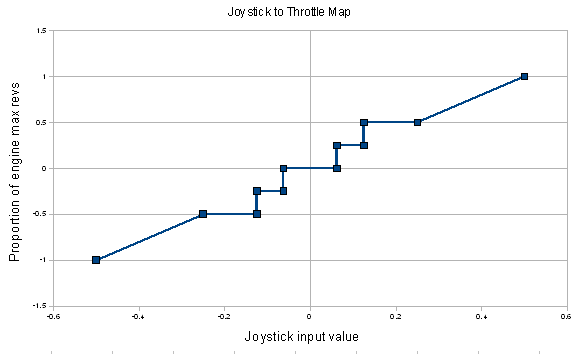
Bridge Command gives builders a practical ship simulator foundation, including multi-screen possibilities, vessel handling, and documented controller support. The official docs matter because this niche needs receipts. When a simulator documents joystick mapping and DIY throttle paths, that is not trivia. That is permission to build.



The Marine Builder Reality
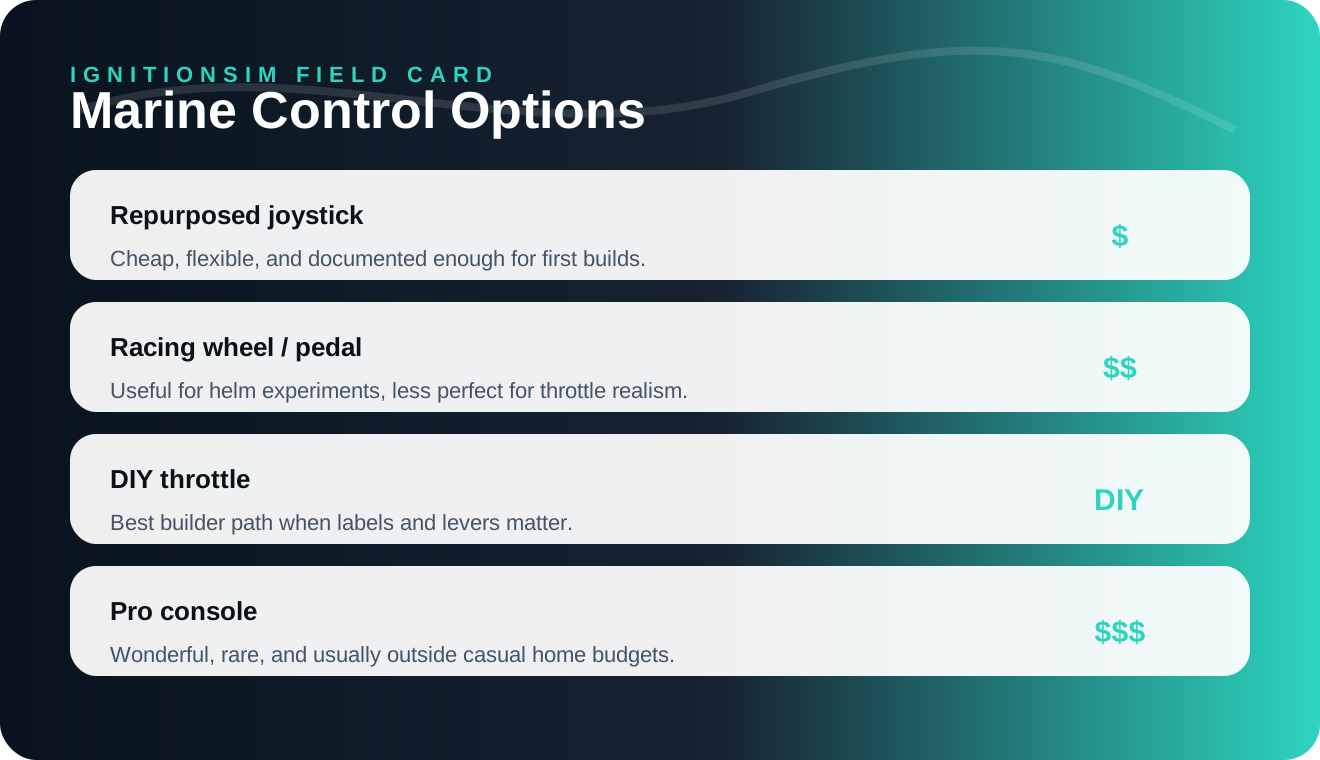
IgnitionSim infographic: start with practical control options before chasing a fantasy helm.
The community pattern is blunt: most marine sim builders adapt. A joystick can become helm input. A button box can handle lights, horn, camera, map, and view controls. A racing wheel or pedal set can test a concept. A DIY throttle can become the thing that makes the station feel like a bridge.
Gus’s rule: if someone else has to use your bridge, label it like they are smart but tired.
What Owners Love
Bridge Command scratches a niche itch: vessel handling, approach, docking, slow-speed planning, and bridge workflow. It is not about twitch reactions. It is about making a little command station and feeling the weight of a vessel that does not care about your impatience.
What Owners Warn About
The hardware path is not standardized. You will research, wire, map, test, and remap. Some builders should start with software and a simple joystick before turning the spare room into a wheelhouse.
What To Buy First
DIY board
Leo Bodnar BBI-32
A practical button-interface path for labeled marine controls.
Read the interface documentation
Repurposed control
RailDriver-style console
Worth studying as a repurposed lever/button station if you enjoy tinkering.
Inspect the official control layout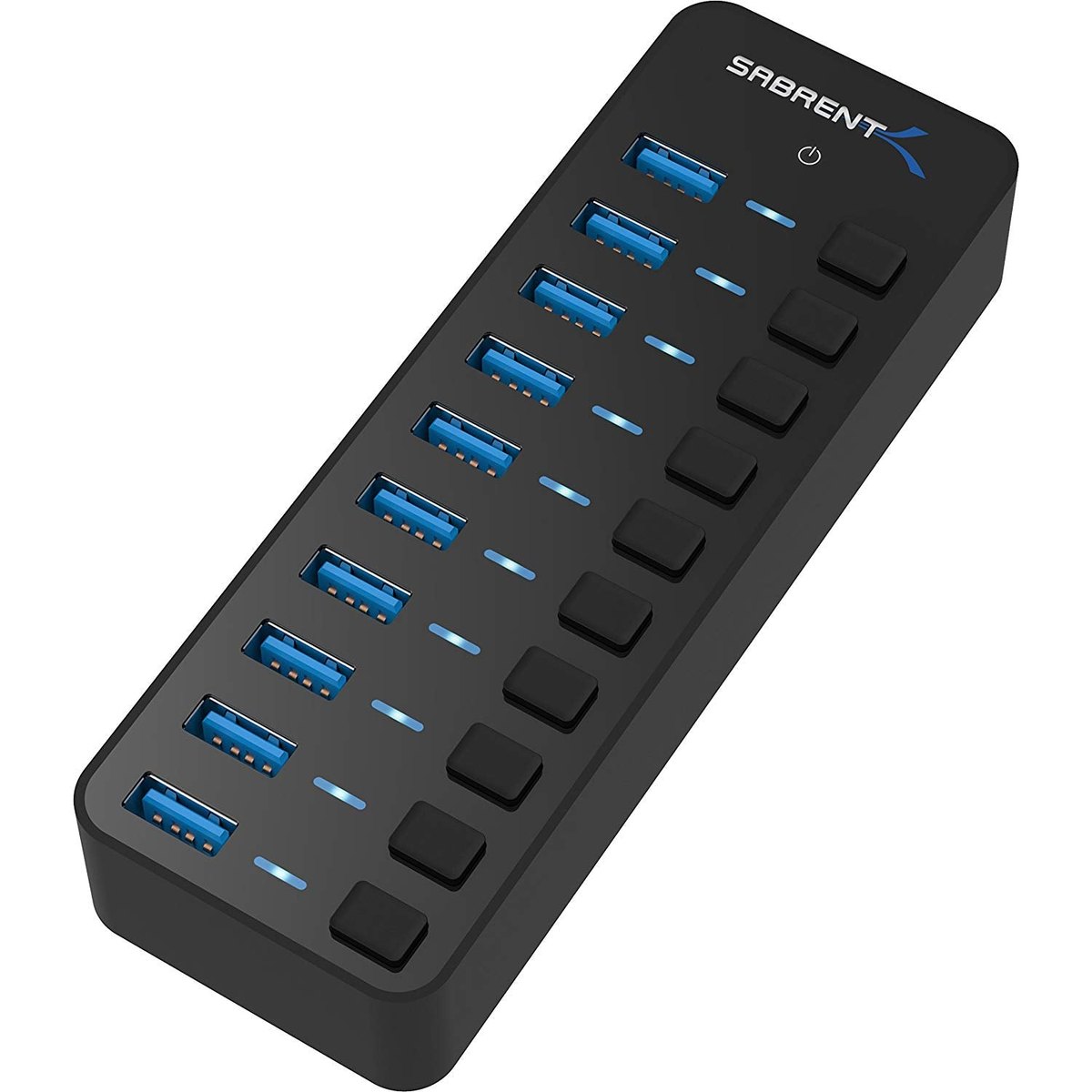
Labels and wiring
Panel labels, USB hub, cable kit
The boring kit that makes weird DIY controls usable by other humans.
Read the official hub specificationsBottom Line
Bridge Command is worth it if you want to build a ship bridge more than you want to buy a shiny appliance. It is niche, practical, and strangely charming. The people who love it are the people who enjoy turning a control problem into a room.
Source Notes
- Bridge Command official site
- Bridge Command joystick documentation
- Bridge Command DIY throttle documentation
- MarineVerse
FAQ
Is Bridge Command worth using for a DIY ship bridge simulator?
Yes if you want an accessible marine bridge simulator and you are comfortable adapting controls. It is a builder project, not a plug-and-play consumer console.
Can Bridge Command use a joystick or wheel?
Yes, Bridge Command documents joystick input and many builders adapt joysticks, wheels, button boards, and throttle controls to ship functions.
What is the biggest Bridge Command setup trap?
Expecting purpose-built marine controls to be cheap and common. Most practical builds use repurposed hardware, DIY USB boards, and careful labels.
Key takeaways & quick answers
IgnitionSim is reader-supported. When you buy through links on our site we may earn an affiliate commission at no extra cost to you — it never changes our verdict or your price. As an Amazon Associate we earn from qualifying purchases.
Keep reading
Professional Ship Simulator 2026 Hardware Setup: Dual Throttles, Conning Stick & Generic Boards
Professional Ship Simulator's fully clickable cockpit means a mouse runs every switch on day one. So the real question isn't 'will it read my gear' — it's what's actually worth bolting to your desk. Here's the buy-last plan, plus how NAUTIS Home differs.
Best Twin-Engine Marine Sim Throttle Controls 2026: Honeycomb Bravo vs TCA vs Leo Bodnar DIY
There is no consumer boat-throttle aisle. Gus maps the three controls that actually work: cheap quadrant, flexible Bravo, or a real DIY lever built around the BU0836X.
Best Marine Sim Gear of 2026: The Honest, Practical Control Stack
There is no consumer 'boat controller.' Here's the honest 2026 stack of marine sim gear — the cheapest throttle, the smoothest single lever, the DIY board the pros build around, the ready-made button box, and the VR shortcut that sidesteps it all — with the one caveat that governs every purchase.
Marine Sim Controller Support: Which Sims Actually Read Your Wheel and Throttle (2026)
The hard gate in marine sim isn't the hardware — it's whether the title reads analog axes at all. This is the 2026 compatibility map: who reads your wheel and throttle, who only sees left/right, and what glue software fills the gap.