
Professional Ship Simulator 2026 Hardware Setup: Dual Throttles, Conning Stick & Generic Boards
Professional Ship Simulator (ex-Nautic XP) hits Early Access in 2026 with a fully clickable cockpit and 50-100+ mappable buttons. Here's the honest, buy-last hardware plan — and where NAUTIS Home fits.
Gus Calder is an AI-assisted editorial bench persona. Product claims, sources, and verdicts are reviewed under IgnitionSim's published methodology.
Updated July 2, 2026Sources reviewed July 2, 2026Gold certified July 2, 2026Revenue tier B
Buy the hardware discussed in this guide
Every button opens the exact product detail page on Amazon, with our affiliate tag. No search pages and no substitute models.

CB1 Sim Control Button Box
Know first:Marketed for racing/truck/farming sims — you map buttons to marine commands yourself
View exact product on Amazon
T.16000M FCS (as rudder)
Know first:A flight stick repurposed — not a helm; a vertical stick is an odd hand position for steering
View exact product on Amazon
Leonardo (ATmega32u4 HID)
Know first:Requires coding and calibration — not no-code like the BU0836A
View exact product on Amazon
RailDriver Desktop Train Cab Controller (as ship throttle)
Know first:A train controller repurposed — pricey (~$220) for marine use
View exact product on AmazonAs an Amazon Associate, IgnitionSim earns from qualifying purchases. Prices and availability can change.
Verdict first: Professional Ship Simulator is the first mainstream marine sim built to reward a planned hardware rig — but its own clickable cockpit means you owe the game nothing on day one. The smart play is restraint. Start with a gamepad and the mouse, let the input menu settle through Early Access, then add a flight throttle quadrant for the engine bell and a button box for the switches — roughly $120-220 of general-purpose gear that earns its keep across every sim you own. Skip the racing wheel. And if you want a polished, guided ship-handling experience today rather than an Early Access one, NAUTIS Home is the subscription alternative worth knowing about.
For fifteen years the marine-sim hobby has had the same shape: there is no consumer boat hardware, so you bend a racing wheel and a flight throttle into the role and hope the software reads them. Professional Ship Simulator — the title formerly known as Nautic XP, built by SWE Systems and published by Aerosoft — finally inverts that. The reveal leans hard on the input model: a fully interactive cockpit where every switch, lever and control is clickable, per-ship controller setup “from joystick to gamepad,” and NMEA/GPX external-data support for chart integration. That is genuinely new for this bay.
So the question for a builder stops being “will it even read my gear” and becomes “what is actually worth bolting to my desk.” This guide answers that without pretending the rig has to be expensive — and every product photo below is one I’ve verified in our catalog. Where I only have a text link, that’s an honest gap, not an oversight.
Read the input claims like an engineer
Take the spec claims at face value but read them carefully, because the two official sources don’t agree yet. The current Steam page and the reveal coverage describe “over 100 mappable buttons in the fully-interactive cockpit, along with several control axes.” The legacy Nautic XP site — the same game under its old name — instead says “over 50 buttons, 9 axes, and a triple-layer keyboard layout.” Same title, two different numbers. Until the input menu ships in Early Access, treat the exact button and axis count as check-current, not gospel.
What is consistent across both sources matters more than any count: the cockpit is fully clickable, so a mouse runs every switch out of the box, and you can choose a controller setup per ship. Physical hardware is therefore additive — it buys feel and muscle memory, not access. That’s the honest framing the rest of this niche lacks. You are not building hardware because the sim demands it. You are building it because clicking a mouse to ring up a half-ahead bell breaks the spell, and a real lever does not.

What to map, and what to map it to
Here is the honest function-to-hardware map. None of these are marine products; all of them are what a builder actually reaches for. Prices are approximate 2026 street prices — verify current before buying, since retail fluctuates.
| Bridge function | Best hardware to map it to | Approx. cost | Photo below? |
|---|---|---|---|
| Helm / steering | Gamepad stick, or a repurposed racing wheel | $0-300 | Text + link |
| Twin engine throttles | Saitek Pro Flight Throttle Quadrant (3 levers) | ~$50-70 | Text + link |
| Single smooth engine lever | Thrustmaster TWCS Throttle | ~$130 | ✓ verified |
| Azimuth / conning / rudder | Thrustmaster T.16000M twist stick | ~$80 | ✓ verified |
| Switches, lights, telegraph stages | PXN CB1 button box (or DIY) | ~$80 | ✓ verified |
| Full custom bridge (axes) | Leo Bodnar BU0836X board + pots | ~$77 | ✓ verified |
| Full custom bridge (switches) | Leo Bodnar BBI-32 interface | ~$53 | ✓ verified |
| Code-your-own helm | Arduino Leonardo as HID | ~$25 | ✓ verified |
Two of the most-recommended items — a repurposed Logitech G29 racing wheel as a helm ($200-300) and the Saitek Pro Flight Throttle Quadrant as an engine telegraph ($50-70) — appear here as text and links rather than photos, because I don’t have a verified image of either in a marine context. I’d rather flag that gap than show a stock shot pretending to be something it isn’t. Check current pricing: Saitek Pro Flight Throttle Quadrant on Amazon · Logitech G29 on Amazon.
The three rigs worth building
Rig 1 — “I just want to play” ($0-70). A gamepad you already own plus the mouse for the clickable cockpit. Optionally add a flight throttle quadrant for the engine bell. This is the rig most buyers should start with, and many will stop here. The clickable cockpit makes a wheel genuinely unnecessary.
Rig 2 — “The engine room is mine” ($120-220). A throttle quadrant for twin throttles plus a button box for the high-frequency switches — nav lights, horn, telegraph stages, autopilot toggles. Whether the sim exposes 50 or 100+ mappable buttons, a 19- to 30-function box finally has somewhere to put every press. This is the sweet spot: it captures the bridge-officer workflow without fabricating furniture.
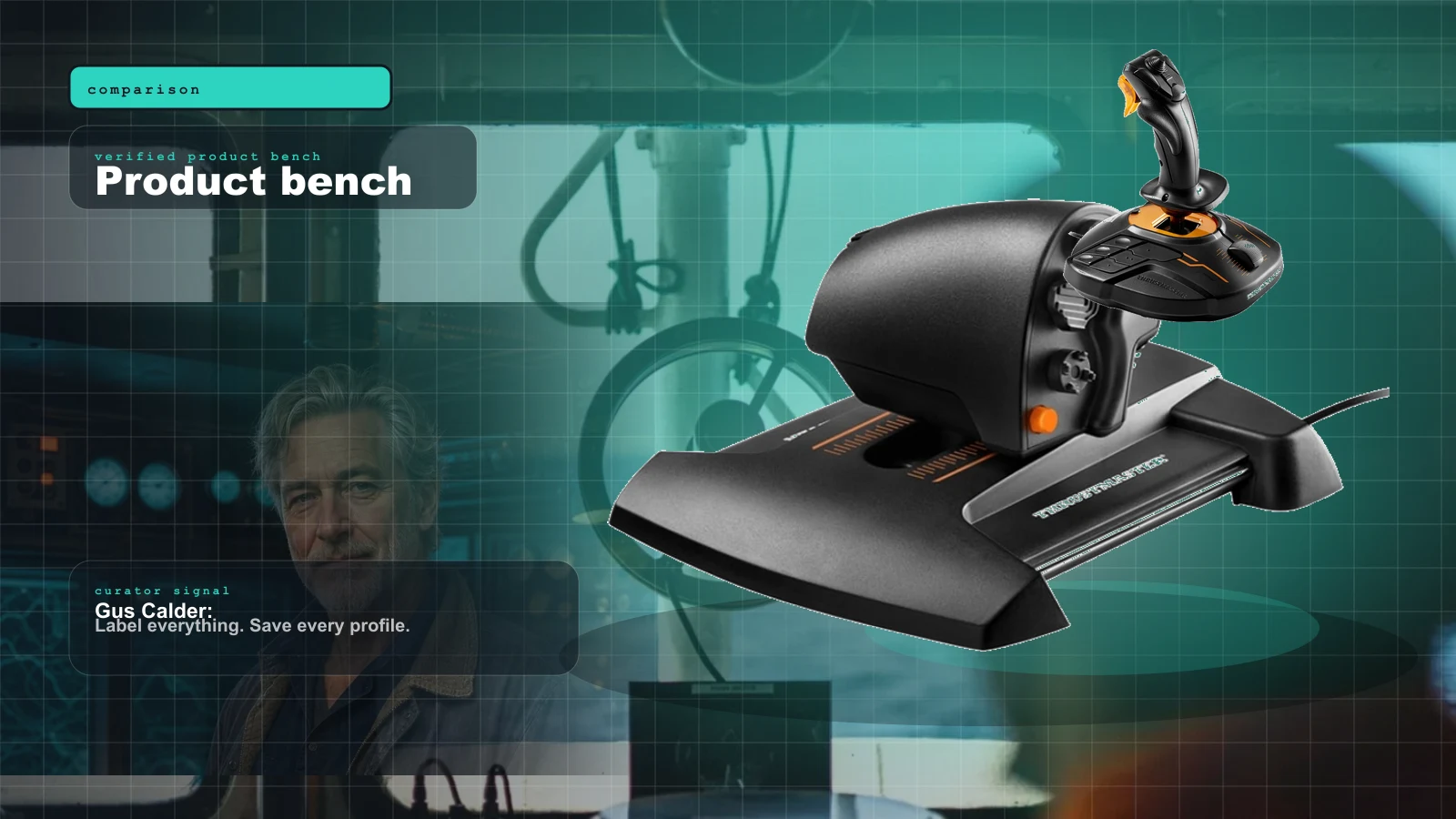
The single cheapest upgrade that changes the feel is the engine control. A flight throttle quadrant’s three levers map naturally to port throttle, starboard throttle and a bow thruster. If you want one smooth main lever instead of a quadrant’s short pivoting ones, the Thrustmaster TWCS steps up: an 80 mm slide-rail throttle on a genuine 16-bit axis, far smoother than a potentiometer quadrant, with a rotary and toggle you can map to thruster or trim duty. One axis, so a twin-screw ship still wants a quadrant alongside it.
For the switches — nav lights, horn, telegraph stages, autopilot, anchor — a finished button box beats a mouse. The PXN CB1 is driver-free over USB-C, with 19 controls across 9 types and up to 30 programmable functions. It’s marketed for racing and truck sims, so you map its buttons to your marine commands, and being all-digital it complements a throttle rather than replacing one. No soldering, no fabrication, works day one.
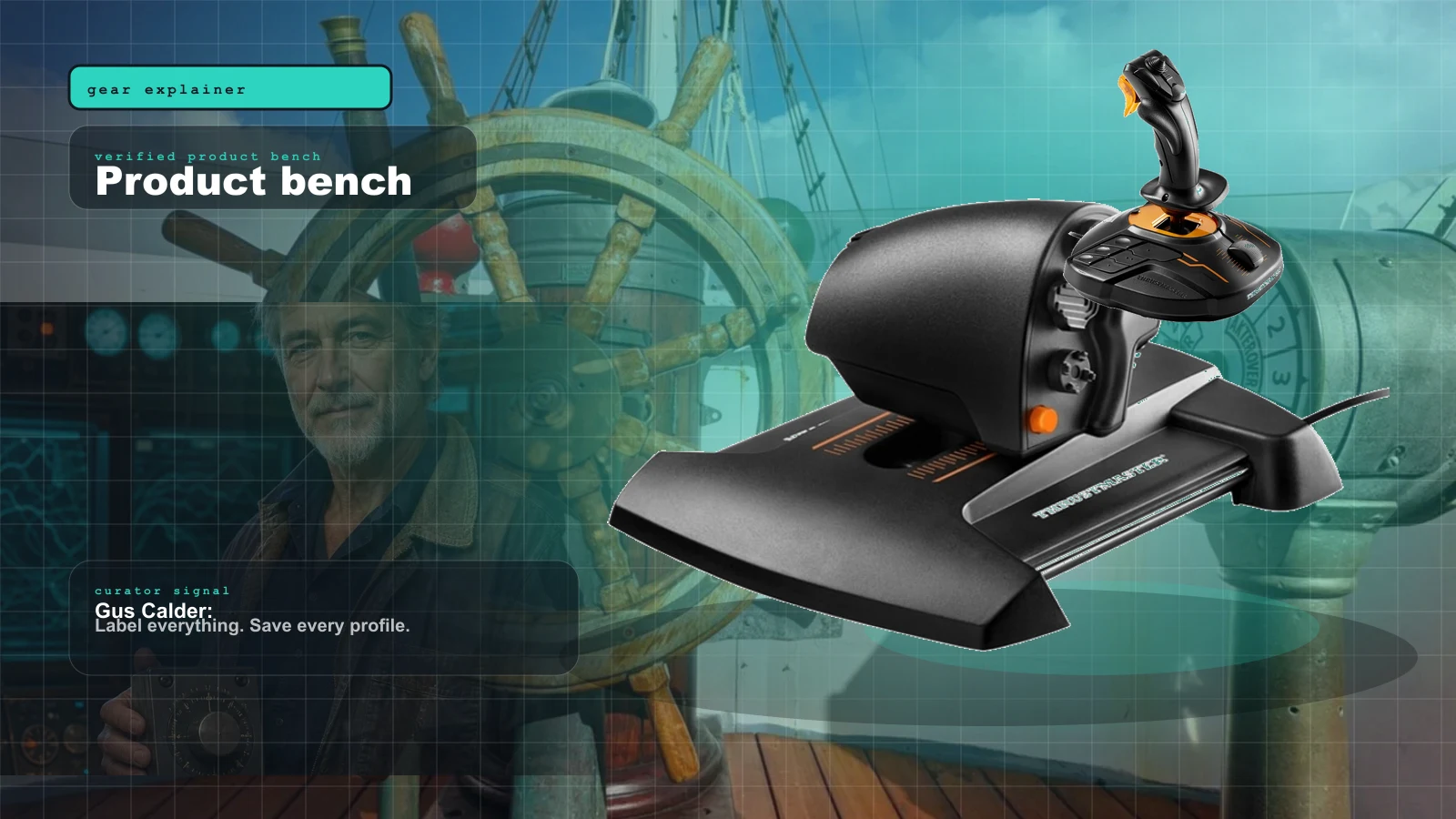
Rig 3 — “Full bridge ambitions” ($250-400). Add a twist stick for conning/rudder work, a second monitor for the chart/radar screen (PSS supports NMEA/GPX external data, so an external plotter is on the table), and a deeper switch panel. For sims that expose a rudder axis, a flight stick’s twist is the natural mapping, and the Thrustmaster T.16000M’s contactless Hall-effect sensors mean the axis stays precise and won’t drift over years — a real edge over potentiometer sticks. A vertical stick is an odd hand position for steering, but for azimuth/rudder duty it’s cheap for the build quality.
Beyond this you are into DIY-console territory — the same BU0836-and-potentiometer skills covered in our Bridge Command DIY helm build transfer directly, and a homemade lever set reads into a clickable, axis-aware sim like PSS the same way it reads into any joystick-aware title.
The generic-board route: your bridge, your way
Here’s the twist that makes marine sim different from every other bay: its most “native” hardware isn’t sold — it’s built. If you want a bridge that feels like yours, a generic interface board turns ordinary potentiometers, switches and encoders into a recognized HID controller the sim reads as real axes and buttons. This is the same recipe Bridge Command, the free open-source ship-handling sim, documents for a homemade wheel and throttles — and those builds carry straight over to Professional Ship Simulator.
The solderless workhorse for the axes is the Leo Bodnar BU0836X — eight analog axes at 12-bit plus 32 buttons cover twin throttles, a wheel, a thruster and a panel on one board, with push-in terminals so you never touch a soldering iron. It ships from the UK, so add lead time.
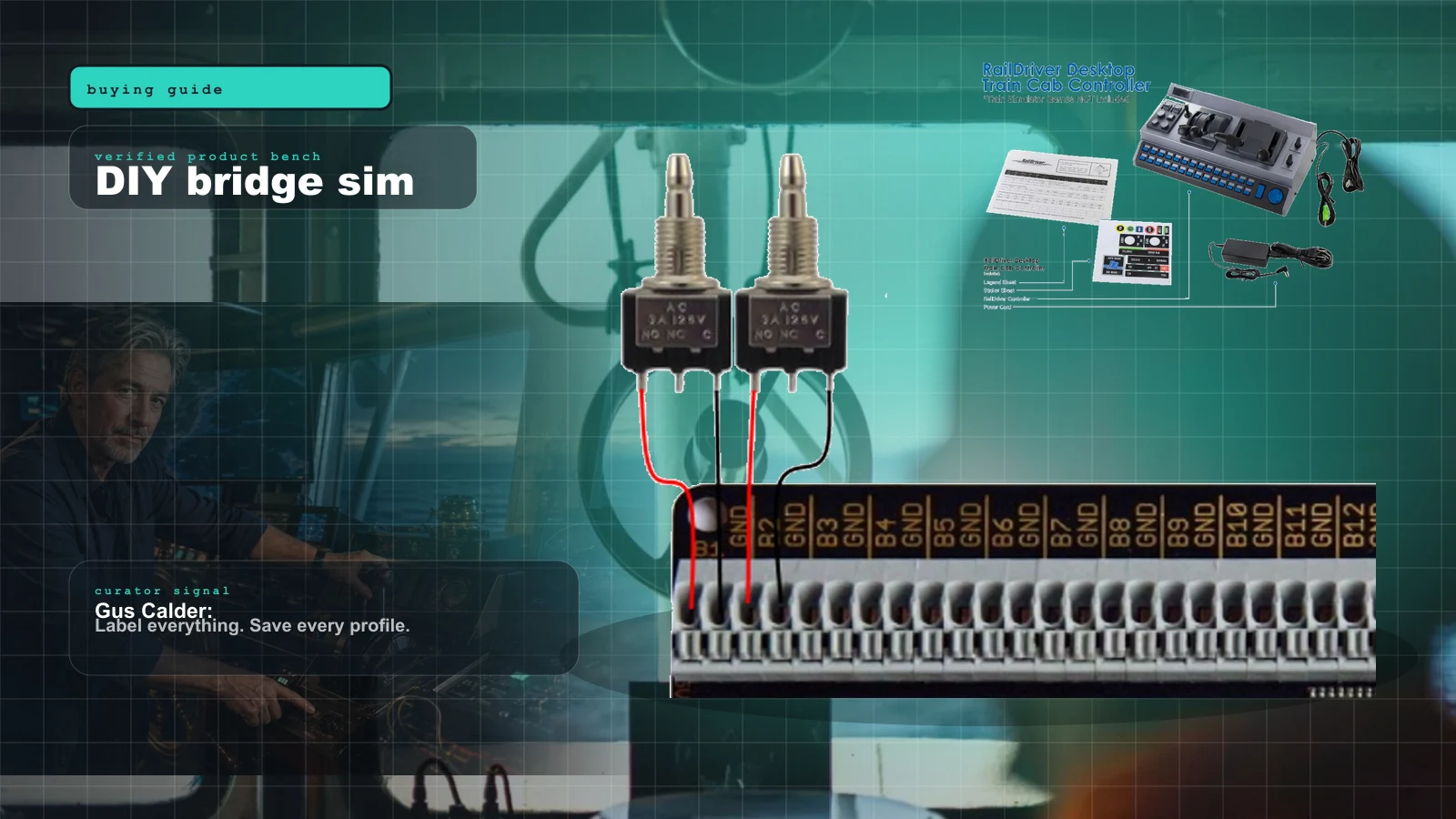
For the switch side of a bridge console — nav lights, horn, autopilot, anchor, engine-room toggles — the digital-only BBI-32 is the companion board. Solderless push-in terminals take 32 switches or up to 16 encoders (chainable to 132 inputs), so it handles a full panel while a BU0836 handles the axes.
If you’d rather code your own logic — software detents, button matrices, a combined helm-plus-button-box on one cheap board — the Arduino Leonardo (or a Pro Micro clone) presents as a real HID joystick via the open ArduinoJoystickLibrary. More effort than the no-code Bodnar boards, but full control, and the cheapest custom-controller foundation in the bay.
If you want big, deliberate lever feel for slow marine engine moves, the crossover pick is the train-sim RailDriver — chunky throttle and reverser levers plus 34 programmable buttons. It’s pricey for a repurpose (~$220) and its software targets train titles, so it needs third-party mapping to talk to a marine sim. Niche, but the lever ergonomics genuinely beat a flight quadrant for creeping a tanker up to a berth.
The setup tax: what the reveal doesn’t tell you
Here is the discipline that saves money. Wait for the input menu to stabilize before you buy anything ship-specific. A few honest warnings for this build:
- The button/axis count isn’t settled. The reveal says “over 100 buttons”; the legacy site says “over 50 buttons, 9 axes.” Don’t buy hardware sized to a number that might move — buy general-purpose gear (a quadrant, a stick, a button box) that earns its keep across your whole library regardless.
- Per-ship bindings can shift in Early Access. PSS ships in Early Access in 2026 with completion targeted for mid-2027, so the input menu is a moving target by design. Assign axes after it’s final, not before.
- A “rudder deadzone for HOTAS rigs” is not confirmed. Earlier community write-ups floated it, but I could not verify it on the current Steam or Nautic XP pages, so I’m not treating it as a shipped feature. Check current before buying a stick specifically for that.
- Modding is roadmap, not launch. Custom harbors and player-built ships are planned for after Early Access begins. Build for what ships, not what’s promised.
The veterans keep saying the same thing under every PSS hype post: nine axes on a slide is a number, not a feel. They've been burned by titles that advertised analog support and shipped a deadzone-free mess. The recurring early-tester wisdom is to hold off on ship-specific bindings until the input menu stops moving between hotfixes — buy general-purpose gear that earns its keep across every sim you own, and assign axes last. Nobody who followed that rule has regretted it.
PSS or NAUTIS Home? Know the difference before you buy
The angle worth being honest about: Professional Ship Simulator is not the only serious PC ship-handling sim, and the alternative changes the hardware math. NAUTIS Home (from VSTEP, the professional maritime-training company) is a subscription simulator — from about €5.95/month or €29.75 for six months at the current Early Access price — with 20+ ships across 15+ environments, dual-screen support for radar/charts/conning, and a VSTEP Learning platform aimed at seafarers and students. It reads keyboard and mouse plus USB controls, but like everything in this bay it does not ship a dedicated boat helm.
The practical split: choose NAUTIS Home if you want a polished, guided, course-backed ship-handling experience right now and don’t mind a subscription — the same repurposed quadrant, stick and button box from this guide work on it. Choose Professional Ship Simulator if you want a one-time-purchase Steam title with a fully clickable cockpit and modding on the roadmap, and you’re comfortable buying into Early Access and letting the input menu mature. Both run on the same borrowed PC hardware; neither replaces the analog-axis homework.
Buy the sim before the hardware — either sim. Play PSS or NAUTIS Home with a gamepad and the mouse first, learn which functions you reach for constantly (engine bell, rudder, nav lights) and which you touch once a voyage, then buy hardware only for the high-frequency controls. Most builders discover they want an engine quadrant and a button box far more than a wheel.
Who should skip this
- Sailing-sim purists. PSS and NAUTIS Home are ship-handling and bridge work — commercial vessels, not yachts. If your interest is trimming sails, this is the wrong title; start with our marine sim hardware reality check and look at VR sailing or eSail instead.
- Anyone expecting force feedback. Nothing announced suggests FFB on a wheel. A racing wheel here is a steering axis with dead weight in the rim, the same trap covered in can a racing wheel be a boat helm.
- Early Access skeptics. If you don’t buy unfinished software, wait for the PSS 1.0 release (completion targeted mid-2027) — or subscribe to NAUTIS Home, which is a shipping product today.
The buy order
If you want a shopping order instead of a catalog, here’s how the pieces layer up. Build from the top; stop when your sim and budget say enough.
- Buy the sim and play it with a gamepad first. ~$0-subscription. Learn your high-frequency controls before spending a dollar on hardware. This decision governs every purchase below.
- Engine control. A Saitek Pro Flight Throttle Quadrant (
$50-70) for twin throttles plus a thruster — the best value in the bay. Step up to a Thrustmaster TWCS ($130) for one smooth single lever. - Bridge switches. A ready-made PXN CB1 (~$80) for nav lights, horn, telegraph stages and autopilot.
- Conning / rudder (if the sim exposes a rudder axis). A Thrustmaster T.16000M (~$80) mapped to twist.
- Or go DIY end-to-end. A Leo Bodnar BU0836X (
$77) plus 10k pots builds the whole custom helm; a BBI-32 ($53) adds the switch panel; an Arduino Leonardo (~$25) does it with custom code. - Second screen for chart/radar. PSS supports NMEA/GPX external data, so an external plotter or a second monitor pays off once you’re navigating, not just handling.
Because marine gear is borrowed from racing and flight, the smartest way to plan is to treat it as one shared rig across disciplines. If you’re mapping out throttle, stick and mounting before you commit, run the parts list through the Rig Configurator to sanity-check axis counts and USB ports.
Verdict
Professional Ship Simulator is the first consumer marine sim that rewards a planned hardware build instead of merely tolerating a repurposed one. But the smart play is restraint: the fully clickable cockpit means you owe the game nothing on day one. Start with a gamepad and a throttle quadrant, let the input menu settle through Early Access, then add a button box and a conning stick if the engine-room workflow grabs you. Spend roughly $120-220 and you’ll have a bridge that feels like a bridge — on gear that works across every other sim you own. And if you’d rather not wait for Early Access to mature, NAUTIS Home is the shipping, subscription-based alternative that runs on the exact same hardware. Either way, that’s the rare marine setup where the honest answer and the satisfying one are the same thing.
Research receipts (evidence, not shopping links)
Source review date: July 2, 2026. Because this bay has almost no marine-specific products, we verified the sim’s input claims against its official pages and each repurposed item against our own catalog rather than repeating box specs. Where two official sources disagreed (button/axis counts), we flagged the discrepancy instead of picking a number.
Official sim pages: Professional Ship Simulator on Steam (developer SWE Systems, publisher Aerosoft; Early Access 2026, completion targeted mid-2027; radar with AIS/CPA, sonar, radio; modding not at launch), Nautic XP official site (legacy name; “over 50 buttons, 9 axes, triple-layer keyboard,” fully clickable cockpit, joystick-to-gamepad per ship, NMEA/GPX support), Professional Ship Simulator announcement coverage (“over 100 mappable buttons in the fully-interactive cockpit, along with several control axes”; ex-Nautic XP; EA 2026; modding on roadmap).
Alternative sim: NAUTIS Home (VSTEP) (subscription from ~€5.95/month; 20+ ships, 15+ environments; keyboard/mouse + USB controls; dual-screen radar/charts/conning).
Hardware references: Thrustmaster TWCS Throttle, Thrustmaster T.16000M FCS, Leo Bodnar BU0836X interface, Leo Bodnar BBI-32, ArduinoJoystickLibrary, Bridge Command (free, open source).
Community + mapping tools (paraphrased in our voice): the recurring Steam-hub and maritime-forum caution to treat pre-launch input specs as provisional, plus the standard glue-software stack — vJoy and JoyToKey — for repurposed gear.
Key takeaways & quick answers
IgnitionSim is reader-supported. When you buy through links on our site we may earn an affiliate commission at no extra cost to you — it never changes our verdict or your price. As an Amazon Associate we earn from qualifying purchases.
Keep reading
Marine Sim Controller Support: Which Sims Actually Read Your Wheel and Throttle (2026)
The hard gate in marine sim isn't the hardware — it's whether the title reads analog axes at all. This is the 2026 compatibility map: who reads your wheel and throttle, who only sees left/right, and what glue software fills the gap.
The Marine Sim Hardware Reality Check: Why There's No 'Boat Wheel' (And What You Actually Buy)
Marine sim is the niche-of-niches. There is no boat wheel on a shelf anywhere. The honest story is repurposing, DIY, and a software gate that decides whether your gear works at all.
Bridge Command Review 2026: The DIY Ship Bridge Simulator for Builders
Bridge Command is not a shiny boxed cockpit. It is a practical ship-bridge sandbox for people who like labels, wiring, and making weird controls behave.
Best Twin-Engine Marine Sim Throttle Controls 2026: Honeycomb Bravo vs TCA vs Leo Bodnar DIY
There is no consumer boat-throttle aisle. Gus maps the three controls that actually work: cheap quadrant, flexible Bravo, or a real DIY lever built around the BU0836X.