
MSFS Home Cockpit Buyer Map 2026: Yoke, Throttle, Rudders, Panels, Head Tracking, and USB Sanity
A practical Microsoft Flight Simulator hardware buyer map for 2026: Honeycomb, Logitech, Turtle Beach, rudders, TrackIR, Tobii, panels, mounts, and powered USB hubs.
Published July 1, 2026Sources reviewed July 2, 2026Gold certified July 1, 2026Revenue tier B
Flight sim hardware has one special talent: it makes you feel like you need an airliner panel before you can fly a Cessna around your hometown. This is how closets fill with plastic quadrants and regret.
Val’s order is simpler: primary controls, throttle, rudders, head tracking, then panels. Panels are wonderful. Panels are also dessert. Eat dinner first.


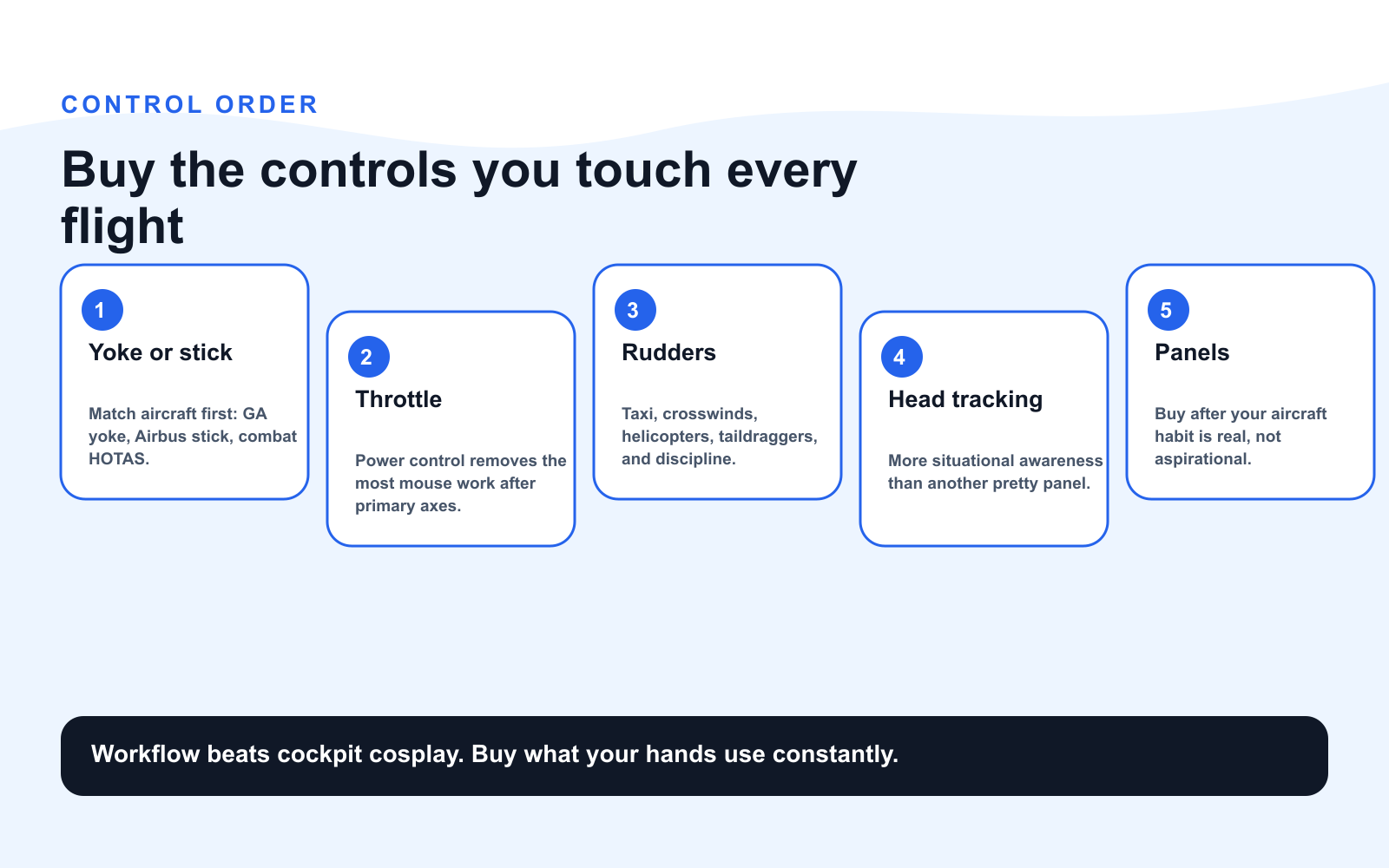
The Buy Order
| Phase | Buy | Why it matters |
|---|---|---|
| 1 | Yoke or stick | Primary aircraft control |
| 2 | Throttle quadrant | Power, prop, mixture, reversers, spoilers |
| 3 | Rudder pedals | Takeoff, taxi, crosswinds, helicopters |
| 4 | Head tracking | Situational awareness without mouse wrestling |
| 5 | Powered USB hub | Stability for multi-device cockpits |
| 6 | Panels | Workflow and immersion once basics are right |
Phase 1: Choose Yoke or Stick by Aircraft
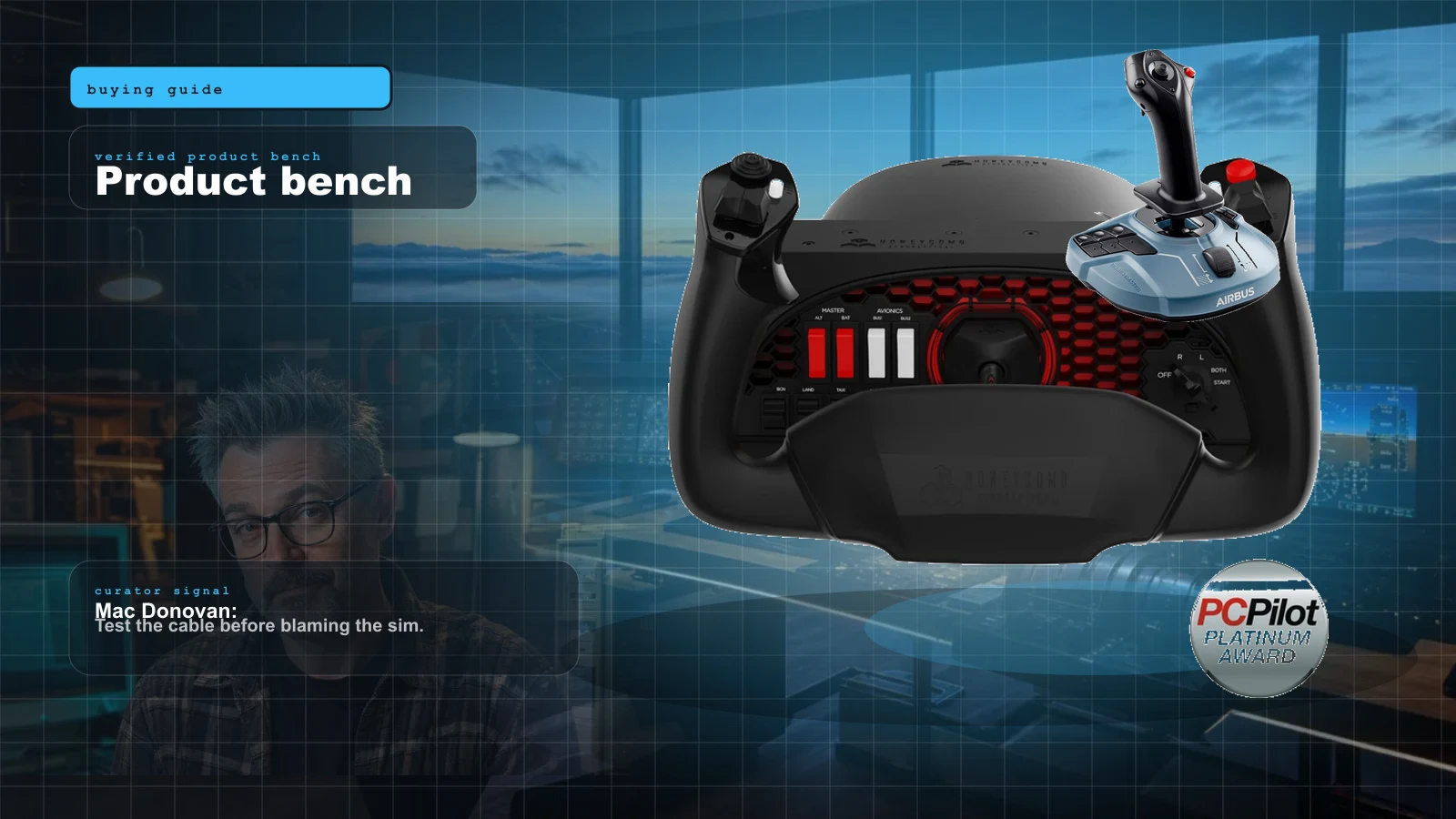
If you mostly fly Cessna, Piper, Beechcraft, business jets, or airliners, a yoke feels right. The Honeycomb Alpha remains the default serious GA yoke because it combines a smooth 180-degree yoke with useful switchgear.
If you fly Airbus, fighters, helicopters, or space/flight hybrids, a stick may make more sense. The Thrustmaster TCA Sidestick Airbus is a clean airline stick. The Turtle Beach VelocityOne Flightstick is a compact all-rounder with Xbox support.
Phase 2: Throttle Is Where Workflow Lives
The Honeycomb Bravo is famous because it is not just a throttle. It is a six-lever quadrant, trim wheel, gear lever, autopilot panel, and annunciator cluster in one box. For general aviation and light airliners, it solves a lot of cockpit flow.
Airbus-focused builders may prefer the Thrustmaster TCA Quadrant Airbus. Military simmers usually want a HOTAS throttle instead. Buy for the aircraft you actually fly, not the aircraft you watch on YouTube while avoiding chores.
Phase 3: Rudders Are Optional Until They Are Not
You can start without rudders. MSFS can help with auto-rudder, and many sticks twist. But once you care about crosswind landings, ground handling, taildraggers, helicopters, or realism, pedals stop being optional.
Budget: Logitech G Flight Rudder Pedals. Mid: Honeycomb Charlie. Compact precision: VKB T-Rudder. The VKB option lacks toe brakes but has excellent axis feel.
Phase 4: Head Tracking Before More Panels
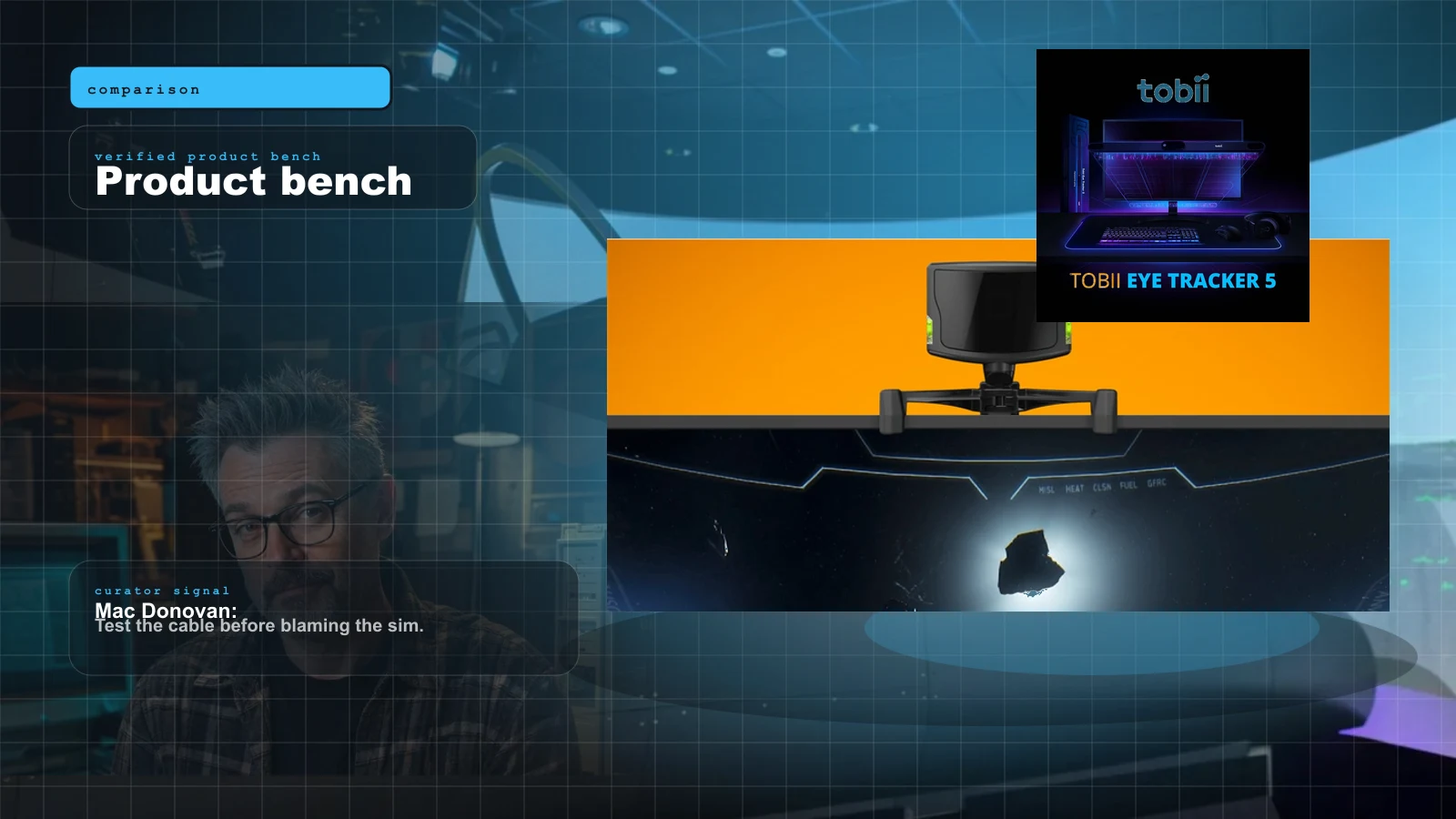
Head tracking changes how you fly because it removes the mouse from basic visual tasks. TrackIR uses an optical clip and remains the genre standard. Tobii is clip-free and blends head and eye tracking. Both can be more useful than another panel because you use them every second.
Phase 5: USB Sanity Is Part of the Build
Multi-panel cockpits fail in boring ways: weak hubs, overloaded ports, sleep settings, and cables stressed by moving desks. Use a powered USB hub, label cables, disable USB selective suspend if needed, and do not route every device through the cheapest passive hub in the drawer.
Current MSFS setup threads still surface the same practical advice: yoke/throttle first for GA, then a powered hub once peripherals multiply. That sounds unglamorous until the Bravo, rudders, tracker, and panels start disconnecting like they are playing a tiny game of hide-and-seek.
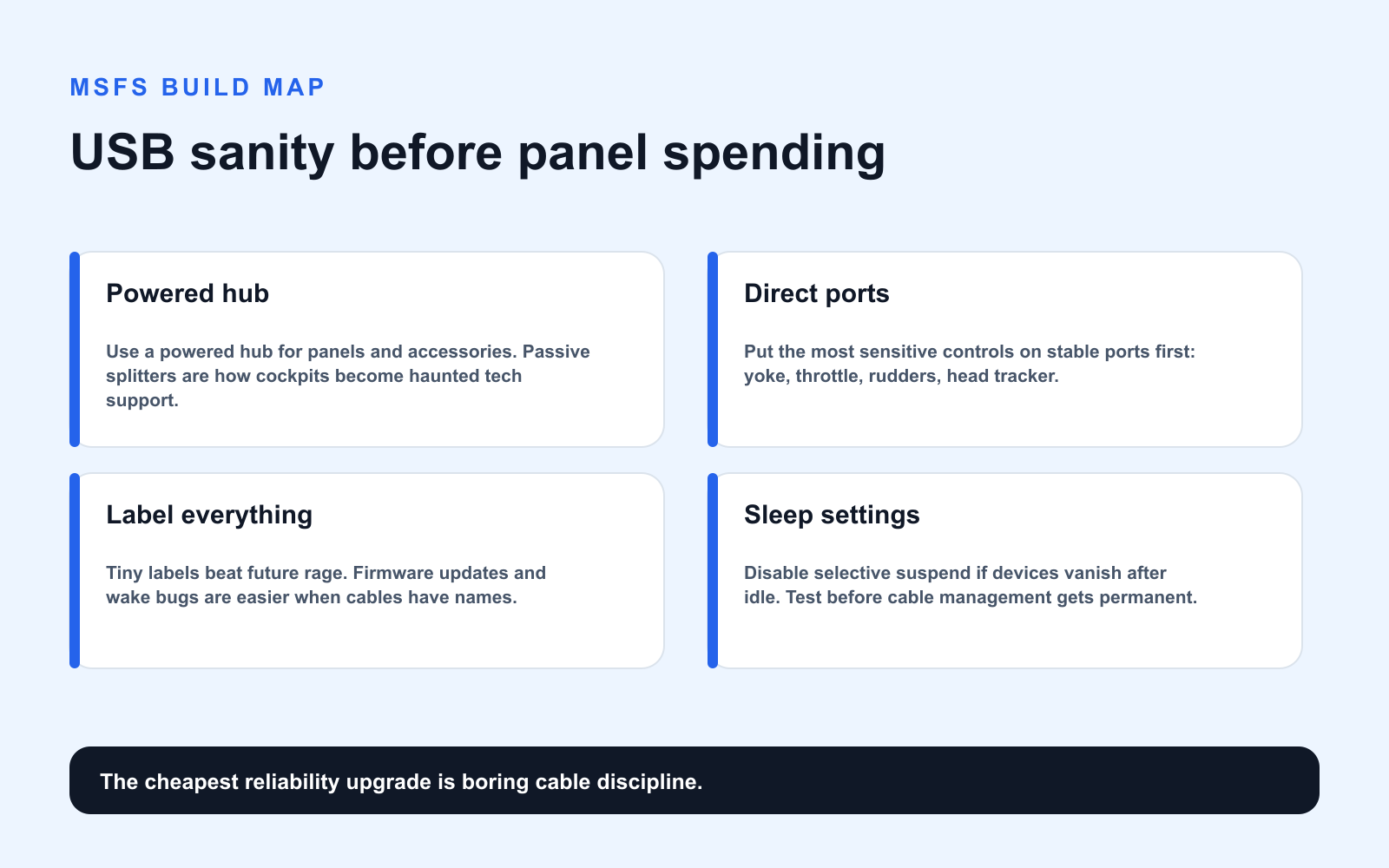
The boring buy here is a reputable powered USB hub with enough current for the cockpit, not a mystery passive splitter from the cable drawer. Put the yoke/throttle stack, panels, head tracker, and rudders on labeled runs; keep firmware-updated devices easy to unplug; and test sleep/wake behavior before you tidy cables so aggressively that troubleshooting requires archaeology.
Research Notes
This map cross-checks Honeycomb’s Alpha and Bravo product specs, NaturalPoint’s TrackIR 5 specs, Tobii’s Eye Tracker 5 specs, and current MSFS community hardware patterns including a recent r/flightsim MSFS 2024 setup thread. Device compatibility changes with firmware and sim updates, so verify your aircraft add-on mappings before panel spending gets spicy.
Verdict
Buy controls you touch every flight before panels you admire between flights. Yoke or stick, throttle, rudders, head tracking, powered hub, then panels. The result is cleaner, cheaper, and much less likely to behave like a tiny airport IT incident.
Key takeaways & quick answers
IgnitionSim is reader-supported. When you buy through links on our site we may earn an affiliate commission at no extra cost to you — it never changes our verdict or your price. As an Amazon Associate we earn from qualifying purchases.
Keep reading
Your First Flight Sim Setup: What to Buy First for MSFS 2024
MSFS 2024 brought a wave of new pilots. Here is exactly what to buy first, what to skip, and three builds that scale from your existing gamepad to a full ~$500 GA cockpit.
TrackIR 5 vs Tobii Eye Tracker 5 for MSFS in 2026: The Honest Head-Tracking Verdict
Head tracking is the cheapest upgrade that changes how you fly a flat monitor. Here is the honest TrackIR 5 vs Tobii Eye Tracker 5 breakdown for 2026 — clip vs clip-free, precision vs convenience, and the one to buy.
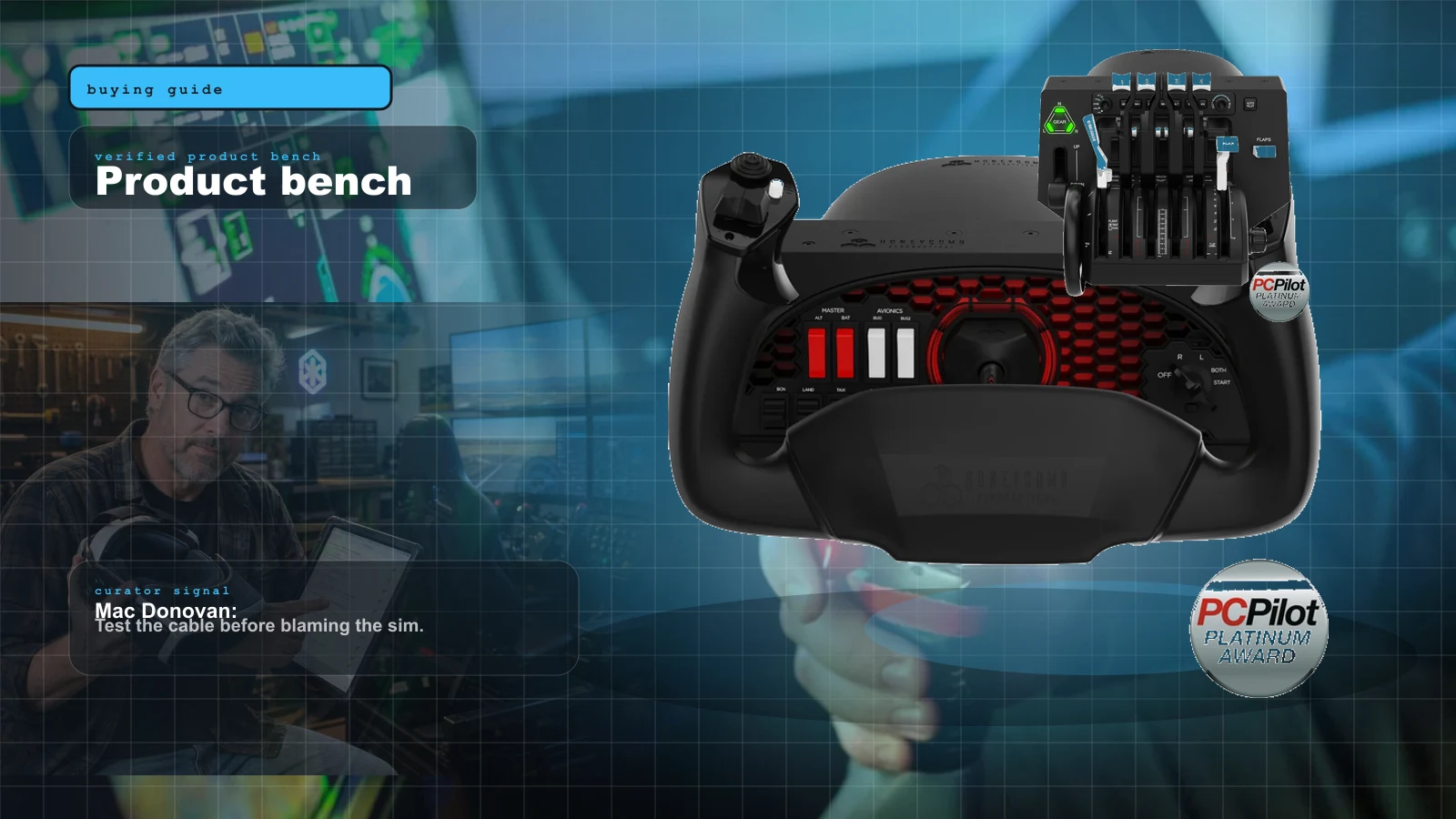
Best MSFS Flight Sim Hardware of 2026: Yokes, Throttles, Pedals, Panels and Head Tracking Ranked
The right first purchase depends entirely on what you fly. Here's the honest 2026 buy order — the one thing to buy first, then the ladder from first stick to a full airliner cockpit, matched to GA, Airbus, Boeing and combat.
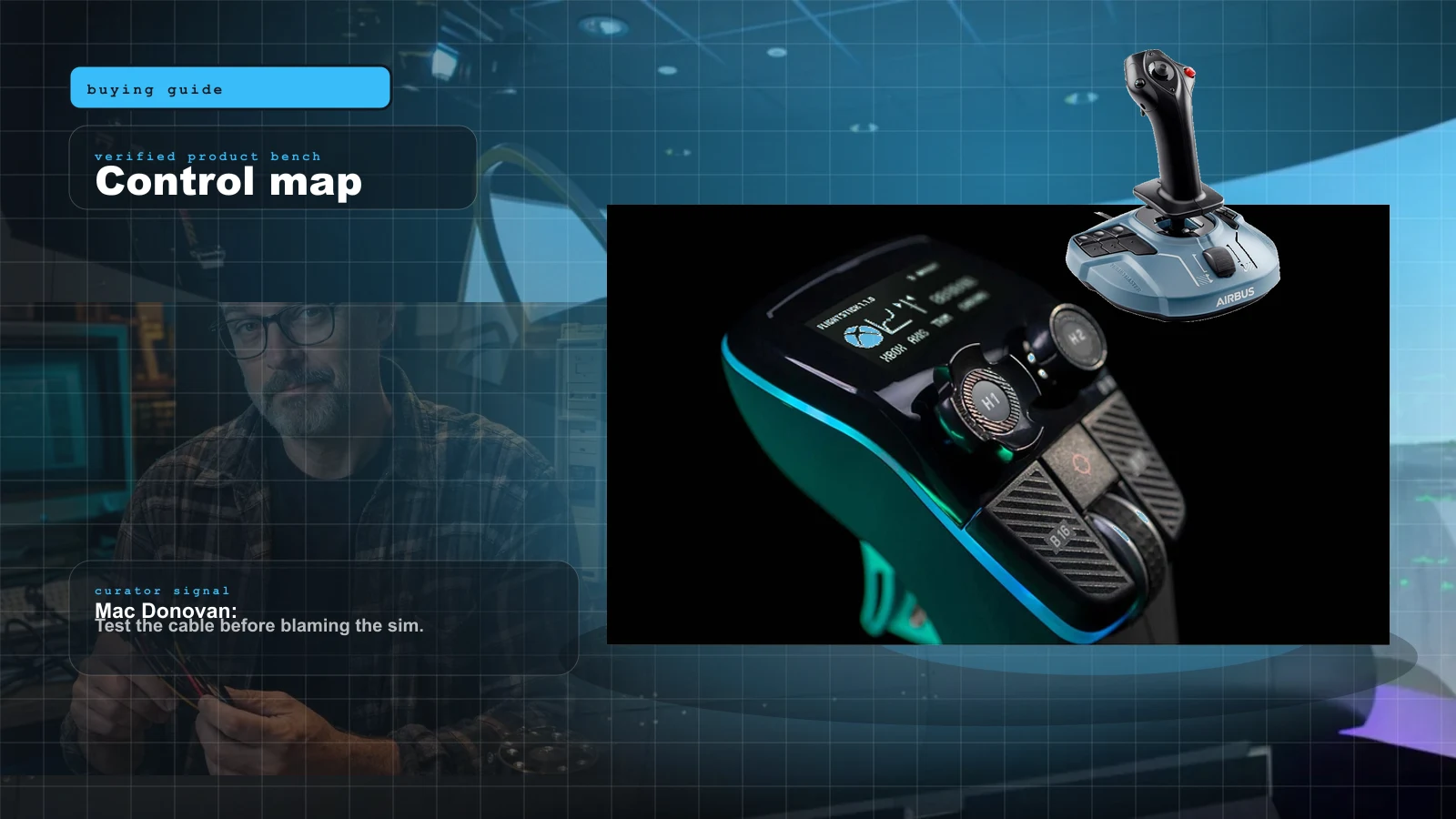
Best HOTAS for MSFS 2024 in 2026: Stick-and-Throttle Picks by Budget and Aircraft
A yoke isn't the only way to fly MSFS 2024. Here's the honest 2026 HOTAS ladder — from a $100 plug-and-play stick to a $1,000-plus modular base — matched to what you actually fly, and which ones bind without a fight.