
Best HOTAS for MSFS 2024 in 2026: Stick-and-Throttle Picks by Budget and Aircraft
The best HOTAS for MSFS 2024 in 2026, ranked by budget and what you fly: Thrustmaster, VKB, WinWing, Turtle Beach. Verdict-first, with the binding fix reviewers skip.
Mac Donovan is an AI-assisted editorial bench persona. Product claims, sources, and verdicts are reviewed under IgnitionSim's published methodology.
Updated July 2, 2026Sources reviewed July 2, 2026Gold certified July 2, 2026Revenue tier A
Buy the hardware discussed in this guide
Every button opens the exact product detail page on Amazon, with our affiliate tag. No search pages and no substitute models.

HOTAS Warthog
Know first:Overkill and the wrong layout for civil GA or airliner flying
View exact product on Amazon
TCA Quadrant Airbus Edition
Know first:Two-lever Airbus layout only; not for GA or Boeing
View exact product on AmazonTCA Sidestick Airbus Edition
Know first:Side-stick suits Airbus, not Boeing or GA yoke flying
View exact product on Amazon

TrackIR 5 (with TrackClip PRO)
Know first:You have to wear a clip on a headset or hat
View exact product on Amazon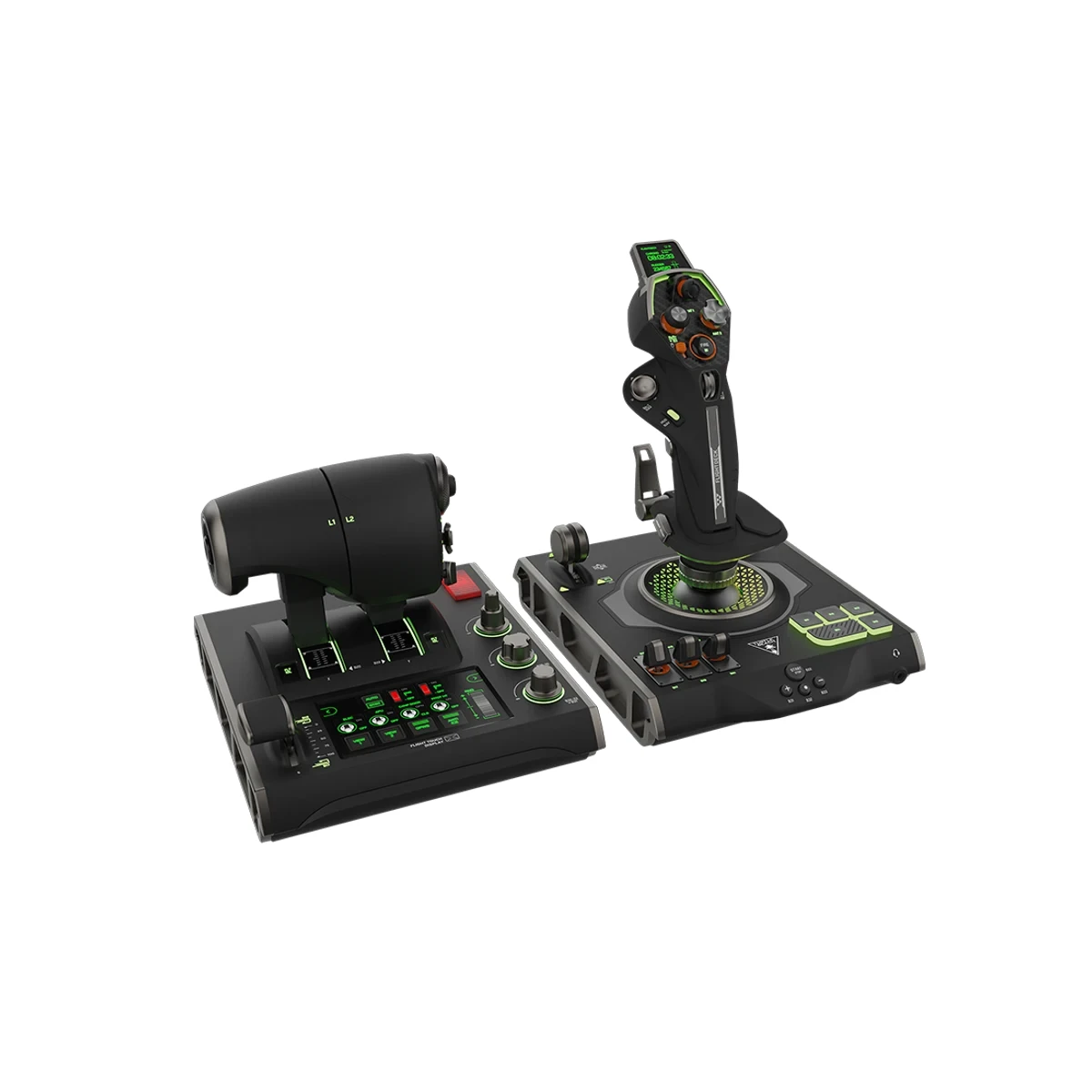
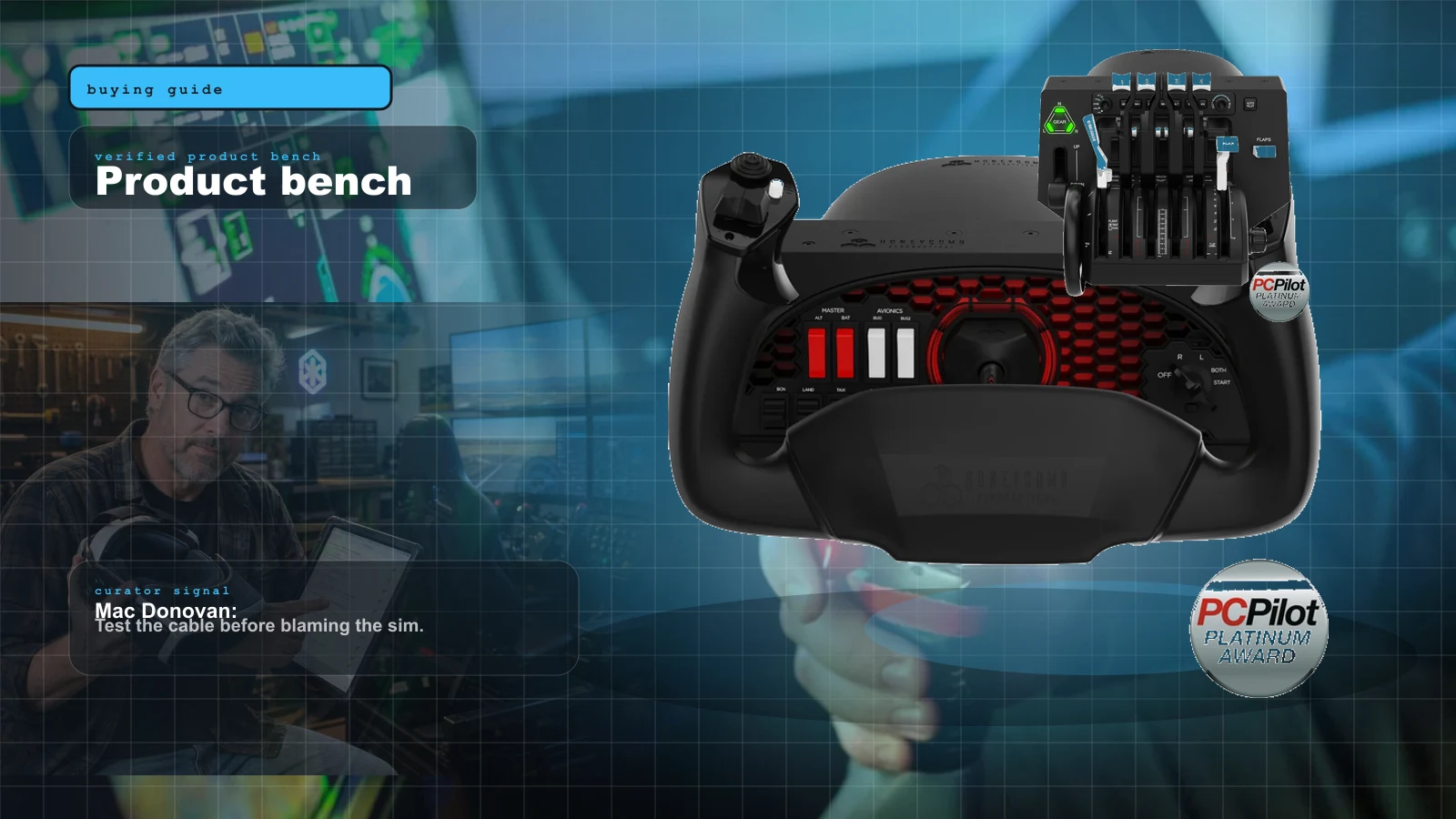
VelocityOne FlightDeck
Know first:PC-only, not the Xbox VelocityOne option
View exact product on AmazonAs an Amazon Associate, IgnitionSim earns from qualifying purchases. Prices and availability can change.
Verdict first: for a civil MSFS 2024 simmer who wants a stick, buy a VKB Gladiator NXT EVO (around $109-149) and add a separate throttle quadrant. Contactless sensors, real build quality, and clean binding once you map it by hand — it does everything a yoke does poorly, for less than a yoke costs. If DCS is in your future, the Thrustmaster HOTAS Warthog is the metal benchmark. If you’re on Xbox, the Turtle Beach VelocityOne Flight Stick (~$110) flies solo. Everything else on this page is a matter of matching the tool to the mission.
The yoke crowd will tell you a HOTAS is for space games. They’re half right. If you fly nothing but a 172 and a 737, a yoke is the better tool. But MSFS 2024 shipped with a deeper roster of fighters, warbirds and aerobatic aircraft than 2020 ever had — and the moment you point a Spitfire at the deck, a yoke feels like steering a bus through a chicane. A stick-and-throttle is the right answer there, and it’s usually the cheaper way into the sim at all. Here’s the honest 2026 ladder: what each tier buys you, which units bind cleanly, and where the money stops being worth it.
What “HOTAS” actually means for a civil simmer
HOTAS stands for Hands On Throttle And Stick — a combat-aviation idea where every switch you need lives on the two grips so you never let go. For civil flying that ergonomic obsession is mostly wasted; you’re not slewing a radar while pulling 6 G. What you actually want from a “HOTAS” in MSFS 2024 is:
- A precise center so cruise and trimmed flight don’t wander.
- Enough axes and buttons to map throttle, prop, mixture, trim, flaps and a view hat without diving into menus.
- Sensors that don’t wear out — Hall-effect or contactless beats old-style potentiometers for drift.
- Clean binding in MSFS 2024, which has a documented habit of quietly swapping you onto a default profile after updates.
That last point is the one reviewers skip and Reddit complains about for weeks. A great stick that fights the sim’s control menu is a bad buy — and the fix is a habit, not a purchase.
The 2026 HOTAS ladder
| Tier | Product | Approx. price | Sensors | Best for | MSFS 2024 binding |
|---|---|---|---|---|---|
| Entry | Thrustmaster T.Flight HOTAS One (MSFS Edition) | ~$110 | Potentiometer | First stick, Xbox + PC | Plug-and-play |
| Budget precision | VKB Gladiator NXT EVO | ~$109-149 | Contactless (FCS) | GA, fighters, value pick | Clean, manual map |
| Mid throttle add | Thrustmaster TCA Quadrant Airbus | ~$100 | Contactless (H.E.A.R.T) | Airbus throttle pairing | Clean |
| Xbox all-in-one | Turtle Beach VelocityOne Flight Stick | ~$110 | Hall-effect | Xbox + PC, OLED, twist rudder | Plug-and-play |
| PC all-in-one | Turtle Beach VelocityOne Flightdeck | ~$400 | Hall-effect | PC, touchscreen HUD | Plug-and-play |
| Premium replica | Thrustmaster HOTAS Warthog | ~$500 official (check current) | Hall-effect (stick) | Hardcore, A-10/DCS crossover | Clean, heavy config |
| Modular premium | WinWing Orion 2 base + grip | ~$390-1,100 | Hall-effect | Cockpit builders, swappable grips | Clean via SimApp Pro |
Prices are official or street reads as of July 2, 2026, and they move with sales — treat them as “around,” and check current on anything flagged.
Entry — get airborne for ~$110
The Thrustmaster T.Flight HOTAS One is the floor. It’s plastic, the throttle is short, and the pots will eventually develop a little slop — but it binds the first time, works on Xbox Series X/S and PC, and gets you flying tonight. The plain version runs about $100; the officially Microsoft-licensed MSFS Edition (~$110) is the one to buy, because it ships ready for MSFS and sidesteps the recognition quirks that older, non-MSFS budget sticks show. Don’t buy a discounted lookalike to save ten dollars.
This tier has no verified studio photo on file, so it’s text-and-link only here:
- Thrustmaster T.Flight HOTAS One (MSFS Edition) — cheapest reliable entry, Xbox + PC, ~$110. No exact Amazon listing has passed our model check yet, so we show no purchase CTA.
Budget precision — the smart-money pick
The VKB Gladiator NXT EVO (around $109-149 depending on grip edition) is where I send most people who fly civil. It uses VKB’s contactless sensors, so it holds its center far longer than any pot-based stick, and the build quality embarrasses sticks twice the price. It doesn’t include a throttle — pair it with the Thrustmaster TCA Quadrant (~$100) or a Bravo you already own. Binding is clean but you map it by hand, which is the right way anyway. For the trim and curve work that follows, see how to set up control curves.
VKB sells direct rather than through a verified studio photo on our side, so the Gladiator is text-and-link only:
- VKB Gladiator NXT EVO — contactless-sensor budget stick, ~$109-149. It has no exact verified Amazon listing, so we show no purchase CTA; VKB specifications remain in the research receipts.
The Airbus shortcut — a stick that flies solo
If you mainly fly the Fenix A320, the cleanest stick-first answer isn’t a combat HOTAS at all — it’s the Thrustmaster TCA Sidestick Airbus Edition (~$80). It’s a 1:1 A320 side-stick on Thrustmaster’s proven T.16000M internals, with contactless magnetic sensors, a twist rudder and a built-in thrust lever, so it flies solo out of the box. Add the TCA Quadrant above and you have a credible Airbus cockpit for under $200. It’s the best value in the whole category if an Airbus is what’s in your hangar.
Console — the Xbox all-in-one
Console flyers have essentially one great starting point: the Turtle Beach VelocityOne Flight Stick (~$110; MSRP $129.99). It’s genuinely Xbox-and-PC licensed, packs 27 programmable buttons, an OLED status screen and Hall-effect axes, and its integrated twist rudder means it flies solo with no extra gear. It’s plastic-heavy and reviewers note it’s a touch happier on PC than Xbox, but for a console pilot who wants one device to get airborne, it’s a lot of hardware for the money — and it binds plug-and-play.
Don’t confuse it with its bigger sibling. The VelocityOne Flightdeck (~$400; often ~$330 on sale) is a full split HOTAS with a programmable touchscreen HUD and 139 mappable controls — but despite the family name, it’s a PC-only system, not an Xbox one. Buy the Flightdeck for a serious PC pit; buy the Flight Stick for Xbox.
Premium — Warthog and modular bases
The Thrustmaster HOTAS Warthog is a faithful all-metal A-10C replica: over 14 lb, gorgeous, and genuinely overkill for civil flying. Its Hall-effect stick sensor avoids drift, and DCS community support is unmatched sixteen years after launch — but a 2026 revisit flags an aging ball-gimbal with a pronounced center detent that fights precision work in aircraft like the F/A-18, plus dated TARGET software. Pricing is the other watch-out: it’s officially around $500, but U.S. retailers were listing it near $580, so check current before you buy. It has no twist rudder, so budget for rudder pedals.
The WinWing Orion 2 is the modular answer: a Hall-effect base (joystick base from ~$390; full F-16-style HOTAS sets climb past $1,100) with swappable grips, so one base can serve a fighter today and a different airframe tomorrow, configured through WinWing’s SimApp Pro. Both the Warthog and the Orion 2 are cockpit-builder territory, not first buys — and neither has a verified studio photo on file, so both are text-and-link only:
- Thrustmaster HOTAS Warthog — all-metal A-10C stick + dual throttle, ~$500 official (retail near $580, check current). View the exact HOTAS Warthog on Amazon{:target=“_blank” rel=“sponsored nofollow noopener” data-buy-link=“true” data-event=“buy_click”}.
- WinWing Orion 2 — modular Hall-effect base + swappable grips, from ~$390 (base) into four figures (full sets). It has no exact verified Amazon listing, so we show no purchase CTA.
What the community says
Across r/flightsim, the AVSIM forums and the MSFS 2024 boards, a few patterns repeat. Reviewers and simmers consistently flag the Warthog as the “buy it for life” stick but caution it’s more than civil flying needs — and that newer bases now beat it on adjustable springs and modularity. The VKB Gladiator is the near-universal value recommendation for anyone without a yoke. And the loudest recurring complaint isn’t about hardware at all — it’s MSFS 2024 mangling default bindings, with the common fix being to map by hand and export the profile so an update can’t quietly swap you back to defaults. Treat any new stick as “unbound until proven otherwise.”
For pairing a stick with head movement, note that a HOTAS frees both hands — which is exactly when head tracking pays off. Many stick pilots add a TrackIR 5 so they can check their six without letting go of the grip.
The loudest recurring HOTAS complaint on r/flightsim isn't about any stick — it's MSFS 2024 quietly swapping you onto a default profile after a Sim Update or a new-aircraft load, so your binds look like they vanished. The community fix is blunt: map the stick by hand, then export the profile so you can re-import it. And never hit "Reset to Defaults" as a troubleshooting step — it truly resets, wiping every curve and dead zone you tuned. Treat any new stick as unbound until you've proven otherwise, and half the "this thing is broken" posts evaporate.
Pro tips before you buy
- Decide what you fly first. Mostly 172s and airliners? A yoke beats any of these. Fighters, warbirds, aerobatics, or Airbus side-stick? A HOTAS wins.
- Budget for a throttle separately unless you buy an all-in-one. A bare stick is only half a HOTAS.
- Plan for rudder. A twist-rudder axis is fine to start, but twist-rudder fatigues your wrist on long flights — pedals come next.
- Map by hand and export the profile. It’s the single most reliable cure for MSFS 2024’s binding gremlins, because it survives the updates that reset defaults.
- Mount it solid. A stick you bump mid-approach is a go-around. A clamp or rig helps; build it into the flight configurator if you’re planning a full station.
The setup tax nobody quotes you
- A throttle is a second purchase. Only the all-in-ones (VelocityOne Flight Stick, T.Flight HOTAS One) ship with a throttle. A VKB or Warthog stick needs a quadrant budgeted alongside it.
- Rudder is a third. No twist axis on the Warthog means pedals aren’t optional; even twist-equipped sticks fatigue on long legs.
- Desk mounting matters. Metal sticks like the Warthog want a firm clamp or a rig; a base that slides mid-flight is worse than a cheaper one that doesn’t.
- Binding time, not just money. Budget a session to map the stick, tune curves, and export the profile before you expect a clean flight.
Who should skip this
Skip a HOTAS entirely if you fly only GA and airliners — your money is better spent on a yoke and the Honeycomb-vs-Thrustmaster decision. Skip the Warthog and Orion 2 if you’re not also a DCS or hardcore combat simmer; they’re exquisite and wasted on a Cessna. And skip the ~$110 entry stick if you already know you’re serious — you’ll replace it within a year, and the VKB would have lasted a decade.
What to buy
The 2026 HOTAS shortlist
| Gear | ~Price | Best for | Verdict |
|---|---|---|---|
| VKB Gladiator NXT EVO | $109-149 | Civil stick, value | Buy first — contactless, clean binding |
| TCA Sidestick Airbus | $80 | Fenix A320 | Best value (Airbus) — flies solo |
| TCA Quadrant Airbus | $100 | Throttle pairing | Best throttle add |
| VelocityOne Flight Stick | $110 | Xbox all-in-one | Best console pick |
| VelocityOne Flightdeck | ~$400 | PC touchscreen HOTAS | Best PC all-in-one · check current |
| T.Flight HOTAS One (MSFS) | $110 | First stick | Best cheap entry |
| HOTAS Warthog | ~$500 | DCS / combat | Best build · check current |
| WinWing Orion 2 | $390+ | Cockpit builders | Best modular base |
| TrackIR 5 | $170 | Any HOTAS | Best head-tracking add |
Verdict
For a civil MSFS 2024 simmer who wants a stick, the VKB Gladiator NXT EVO is the pick: contactless sensors, real build quality, clean binding, and roughly $120. Add a throttle quadrant and you have a HOTAS that does everything a yoke does poorly, for less than a yoke costs. Buy the Warthog only if DCS is in your future (and check its current street price — it’s crept up), the VelocityOne Flight Stick if you’re on Xbox, the TCA Sidestick if you fly the Airbus, and the ~$110 T.Flight only as a deliberate “try before I commit.” The hardware is the easy part — budget your patience for the binding menu, not the stick.
Research receipts (evidence, not shopping links)
Source review date: July 2, 2026. We checked official product pages and current pricing/availability rather than repeating box specs; where a price was sale-dependent or had moved off its long-standing figure, we flagged “check current.”
Official pages: Thrustmaster HOTAS Warthog, Thrustmaster T.Flight HOTAS One, Thrustmaster TCA Quadrant Airbus Edition, VKB Gladiator NXT EVO joysticks (VKB US store), Turtle Beach VelocityOne Flight Stick, Turtle Beach VelocityOne Flightdeck, WinWing / WinCTRL store.
Pricing + availability reads: HOTAS Warthog current pricing (MyPilotStore), VelocityOne Flightdeck deal/price (Windows Central), WinWing Orion 2 joystick base review + price (Boosted Media).
Review + community reads (paraphrased in our voice): Boosted Media’s 2026 Warthog revisit (7/10, aging gimbal, dated TARGET software), the recurring r/flightsim “unbound until proven otherwise” binding threads, and the MSFS 2024 controls-reset guidance at SimTuts and the MSFS forums.
Key takeaways & quick answers
IgnitionSim is reader-supported. When you buy through links on our site we may earn an affiliate commission at no extra cost to you — it never changes our verdict or your price. As an Amazon Associate we earn from qualifying purchases.
Keep reading
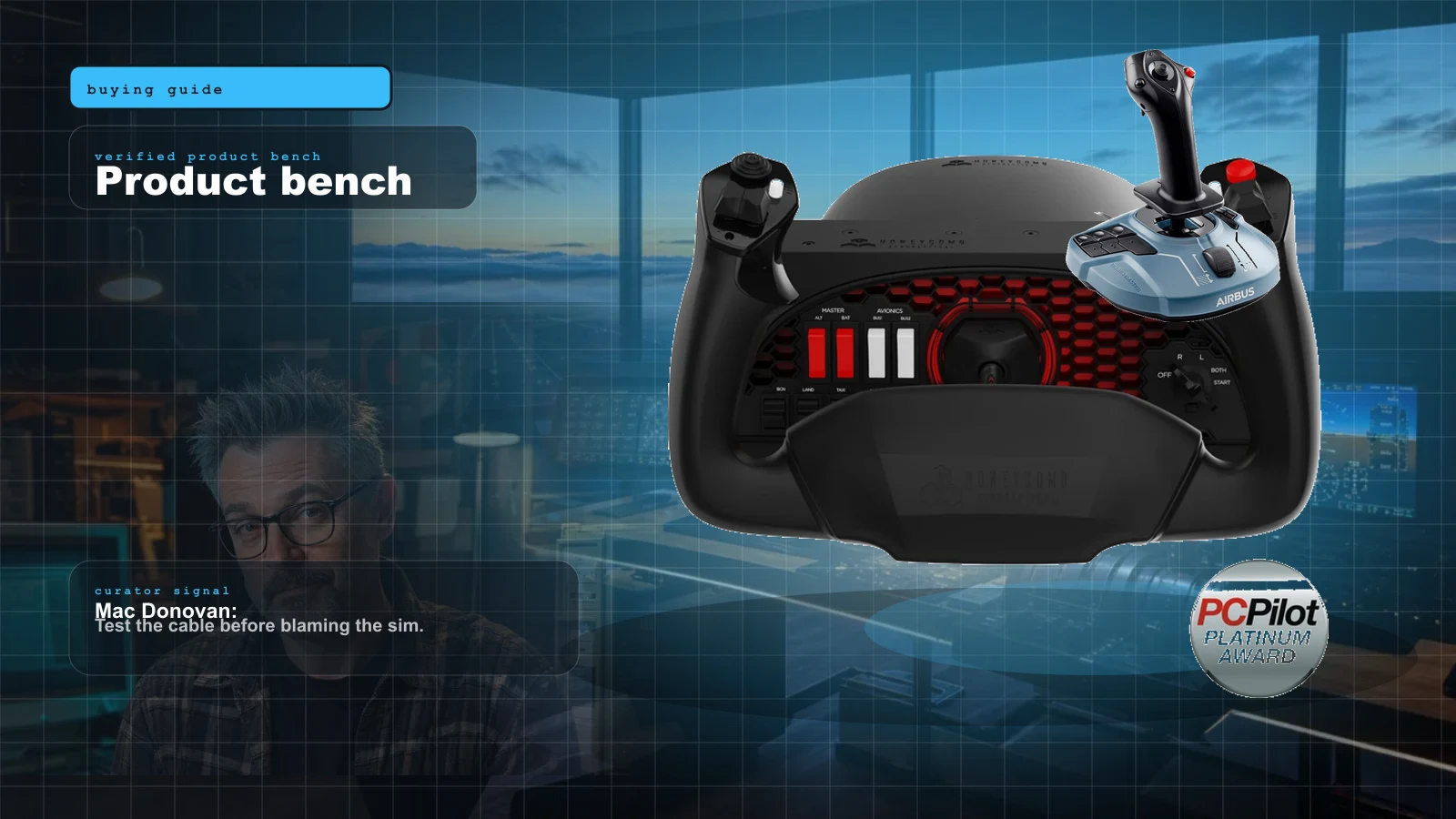
Your First Flight Sim Setup: What to Buy First for MSFS 2024
MSFS 2024 brought a wave of new pilots. Here is exactly what to buy first, what to skip, and three builds that scale from your existing gamepad to a full ~$500 GA cockpit.
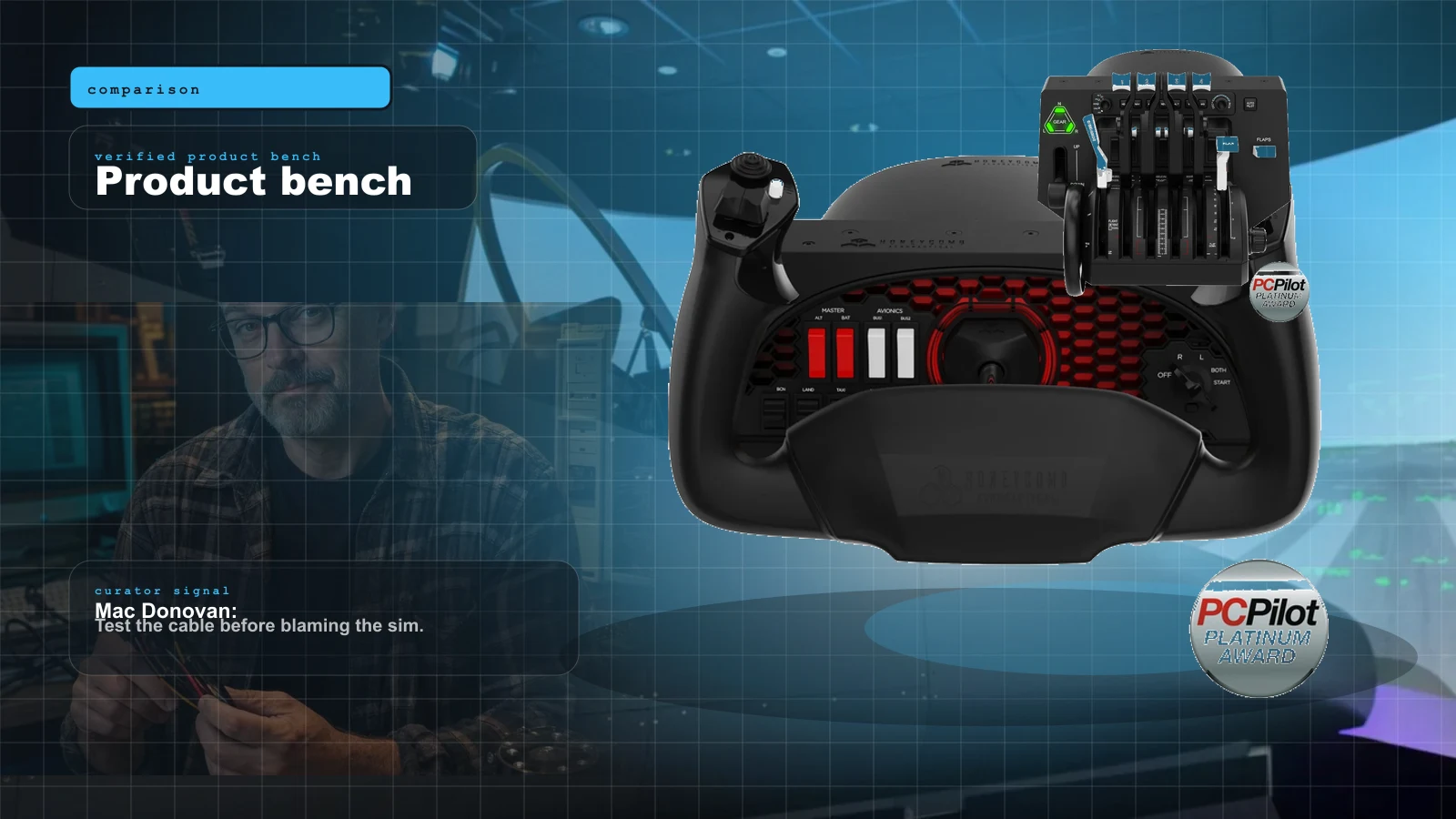
Honeycomb vs Thrustmaster TCA (2026): Which Flight Sim Ecosystem to Buy
These two ecosystems aren't really competing — they're built for different airplanes. Here's the honest 2026 verdict: name your airplane first, then let the yoke-vs-sidestick, price and ecosystem gaps make the call for you.
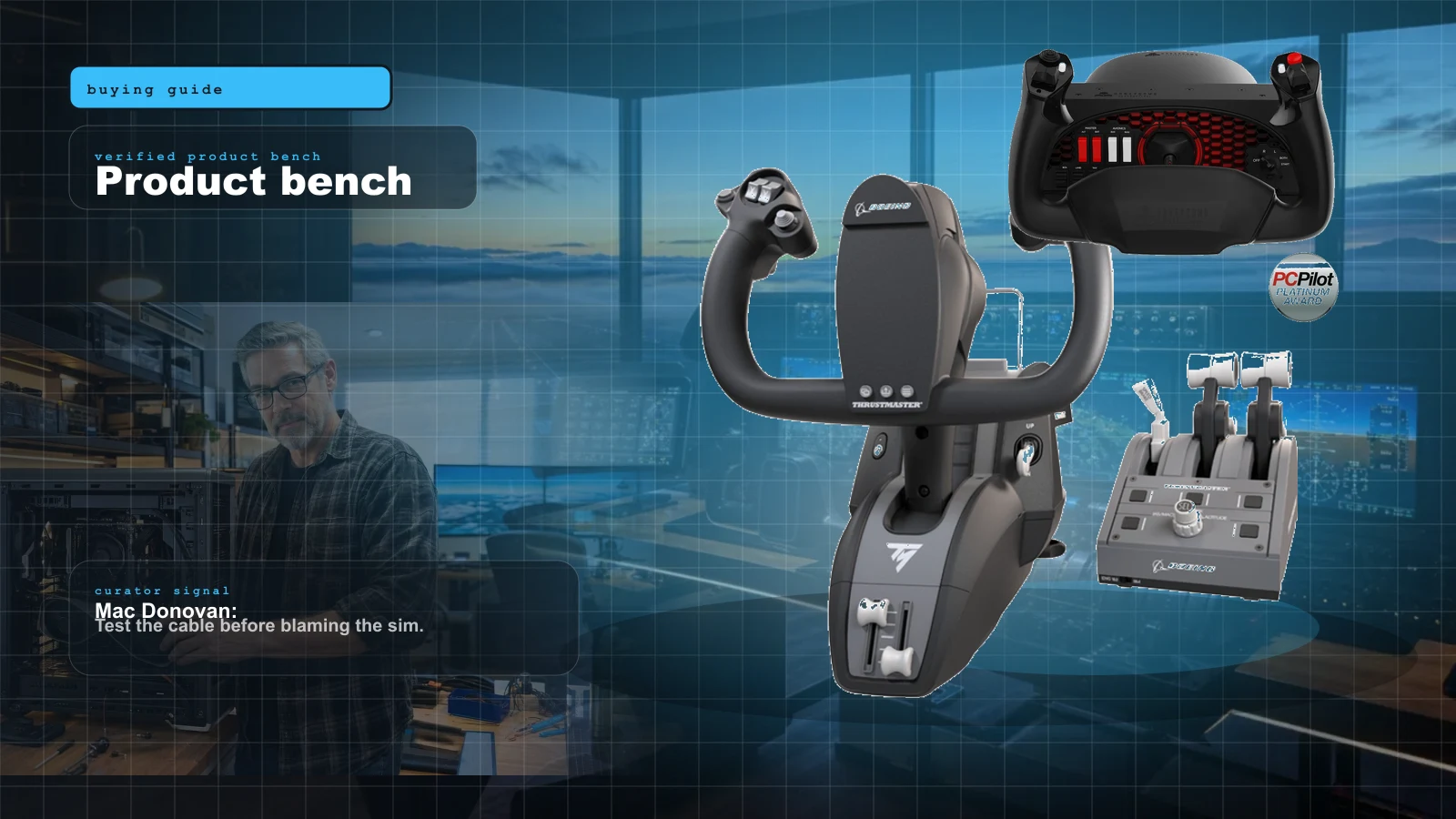
FlightSimExpo 2026 Hardware Buyer Map: What to Buy Now, What to Watch, What to Skip
FlightSimExpo 2026 was a hardware show, not a headline. The winning move isn't buying the flashiest new base — it's matching one new reveal to the airplane you actually fly, and knowing which announcements to let mature first.
Best MSFS Flight Sim Hardware of 2026: Yokes, Throttles, Pedals, Panels and Head Tracking Ranked
The right first purchase depends entirely on what you fly. Here's the honest 2026 buy order — the one thing to buy first, then the ladder from first stick to a full airliner cockpit, matched to GA, Airbus, Boeing and combat.