
GSPro Review 2026: Is It the Home Golf Software Worth Building a PC Bay Around?
A practical GSPro review for 2026 home golf simulator builders: launch monitor compatibility, PC needs, courses, subscriptions, hidden setup pain, and what to buy.
Nina Brooks is an AI-assisted editorial bench persona. Product claims, sources, and verdicts are reviewed under IgnitionSim's published methodology.
Updated July 8, 2026Sources reviewed July 8, 2026Gold certified July 8, 2026Revenue tier A
Buy the hardware discussed in this guide
Every button opens the exact product detail page on Amazon, with our affiliate tag. No search pages and no substitute models.

Approach R50
Know first:$5,000 is expensive before mat, screen, enclosure, projector, or software
View exact product on Amazon
SkyTrak+
Know first:Club data leans on radar inference rather than direct camera capture
View exact product on AmazonAs an Amazon Associate, IgnitionSim earns from qualifying purchases. Prices and availability can change.
GSPro Review 2026: Is It the Home Golf Software Worth Building a PC Bay Around?
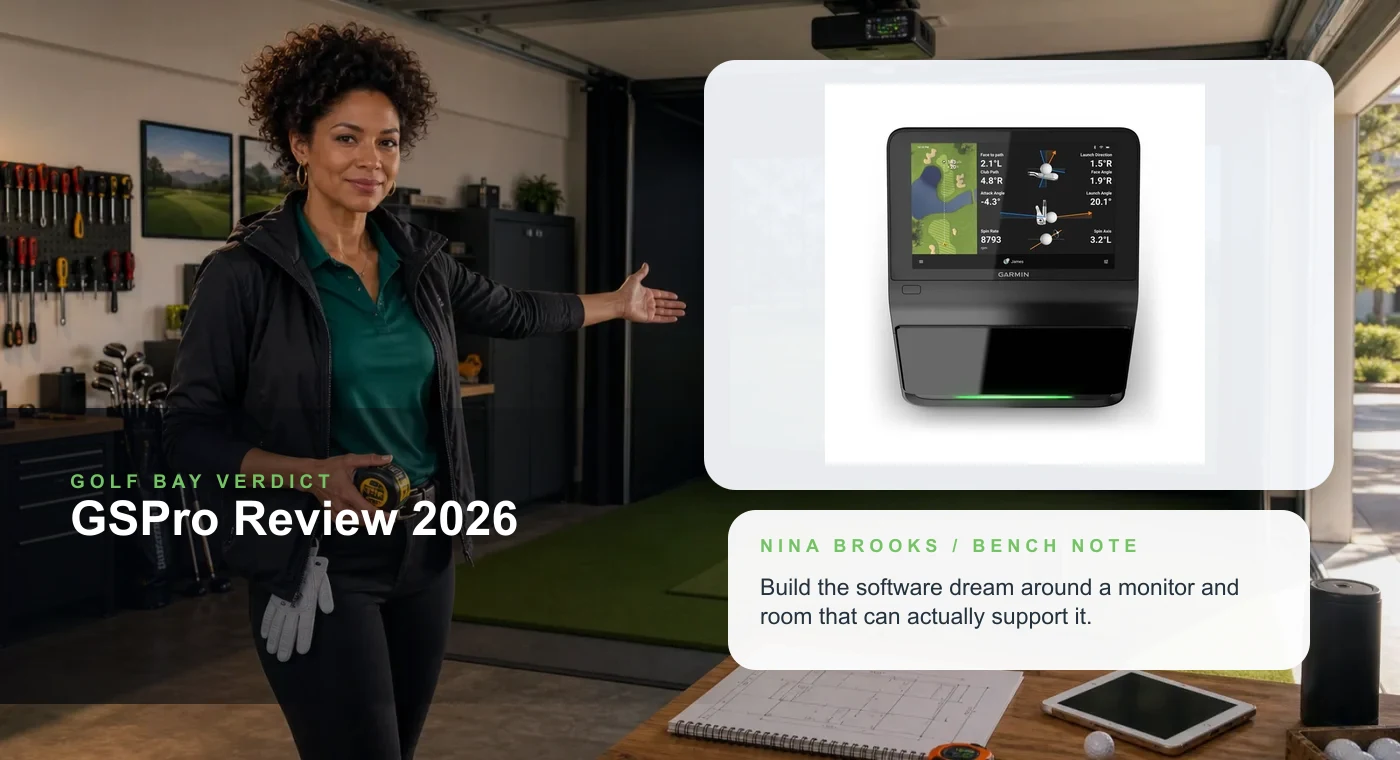
AI curator scene with real product proof. Nina is here to keep the software dream attached to room geometry.
Fast Verdict
Buy Now
Build around GSPro if you want a PC golf bay with legs.
The course ecosystem, community momentum, and launch-monitor breadth make GSPro the software most serious garage golfers should at least plan around.
Buy With Caveats
Compatibility is the toll booth.
Do not buy a launch monitor because a forum post sounded happy. Confirm the exact connector path, subscription reality, and firmware state first.
Wait
If you want appliance simplicity, pause.
Golfers who want an iPad-first, sealed-box experience may be happier with a launch-monitor-native software path.
Nina’s take: GSPro is not just software. It is the decision that decides your launch monitor, your Windows PC, your network cable, your projector geometry, and whether your weekend becomes golf or driver updates. When it is right, the bay stops feeling like a net in a garage and starts feeling like a place people ask to come over to.
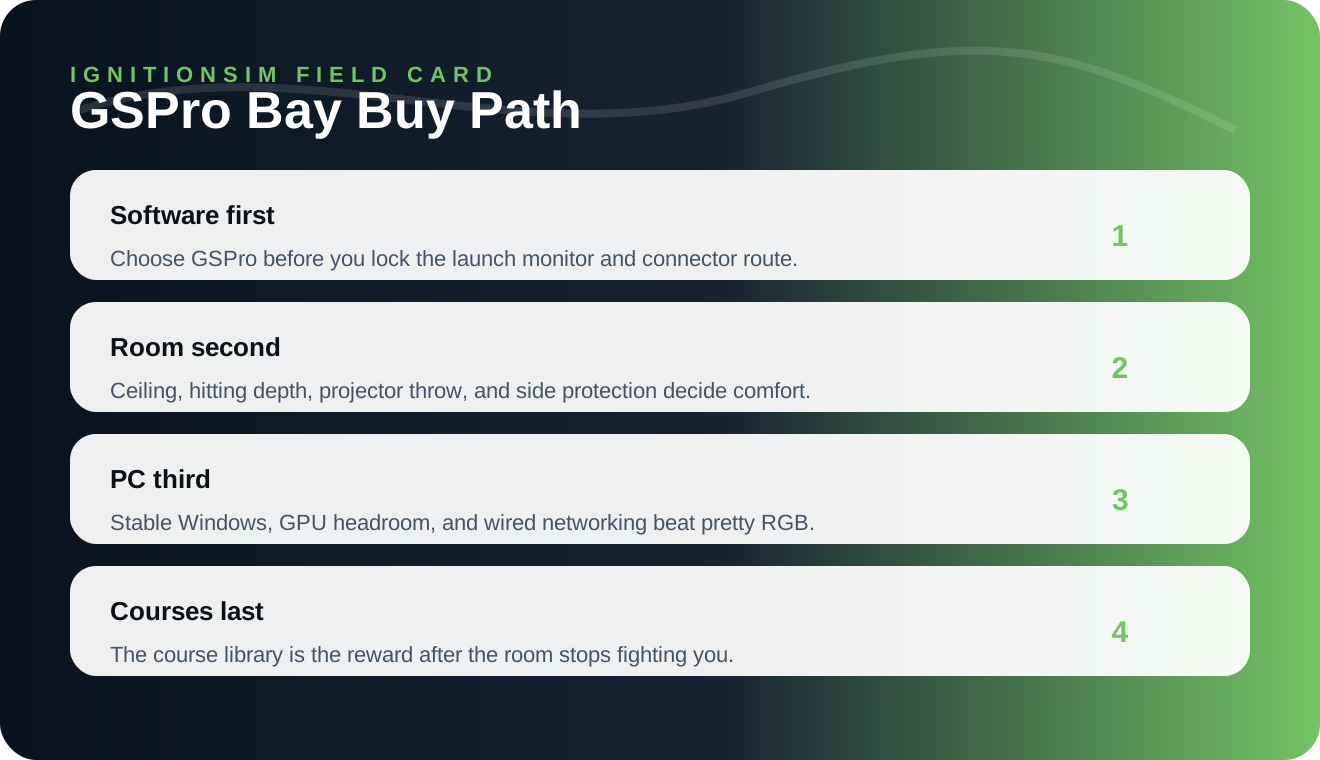
IgnitionSim infographic: build the room in the right order before chasing course count.
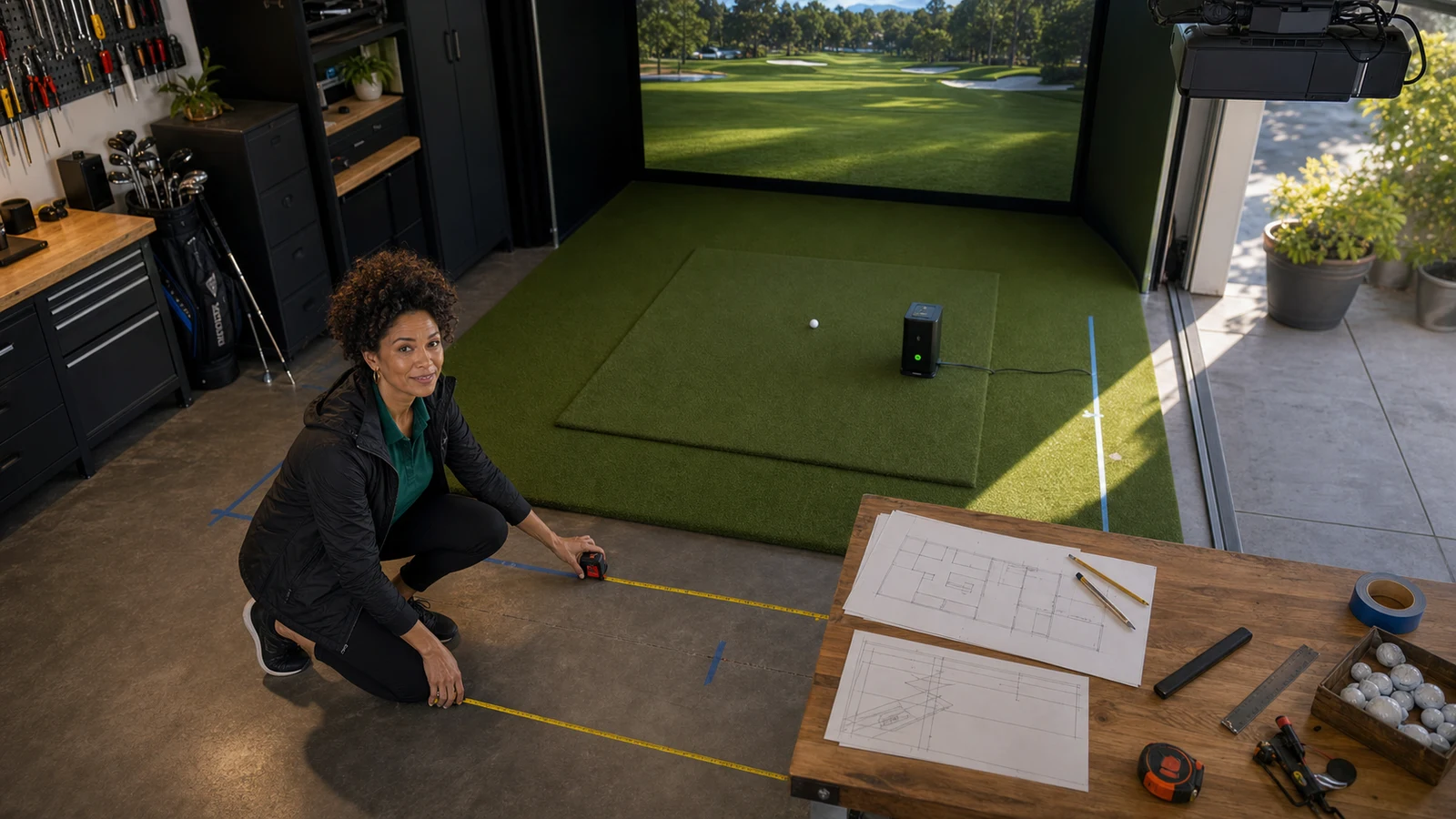
AI curator scene: Nina treats the golf bay like a room build first, because software only feels premium when the space is measured correctly.
What GSPro Actually Solves
GSPro gives home-golf builders a better reason to finish the room. The big draw is the feeling of a living course library and a software ecosystem that community golfers actually talk about. The practical draw is different: once GSPro is the target, you can stop shopping vaguely and start asking better questions.
- Does this launch monitor connect cleanly?
- Does it need a bridge app, subscription, or specific firmware?
- Does my PC have enough GPU headroom for the resolution I want?
- Does the projector throw work before I drill anything?
- Can I keep this stable when friends are over and nobody wants to troubleshoot?
The forums keep saying the same thing in different accents: GSPro happiness is rarely about the download. It is about the whole bay behaving like a system.

The Buy Path Nina Would Actually Use
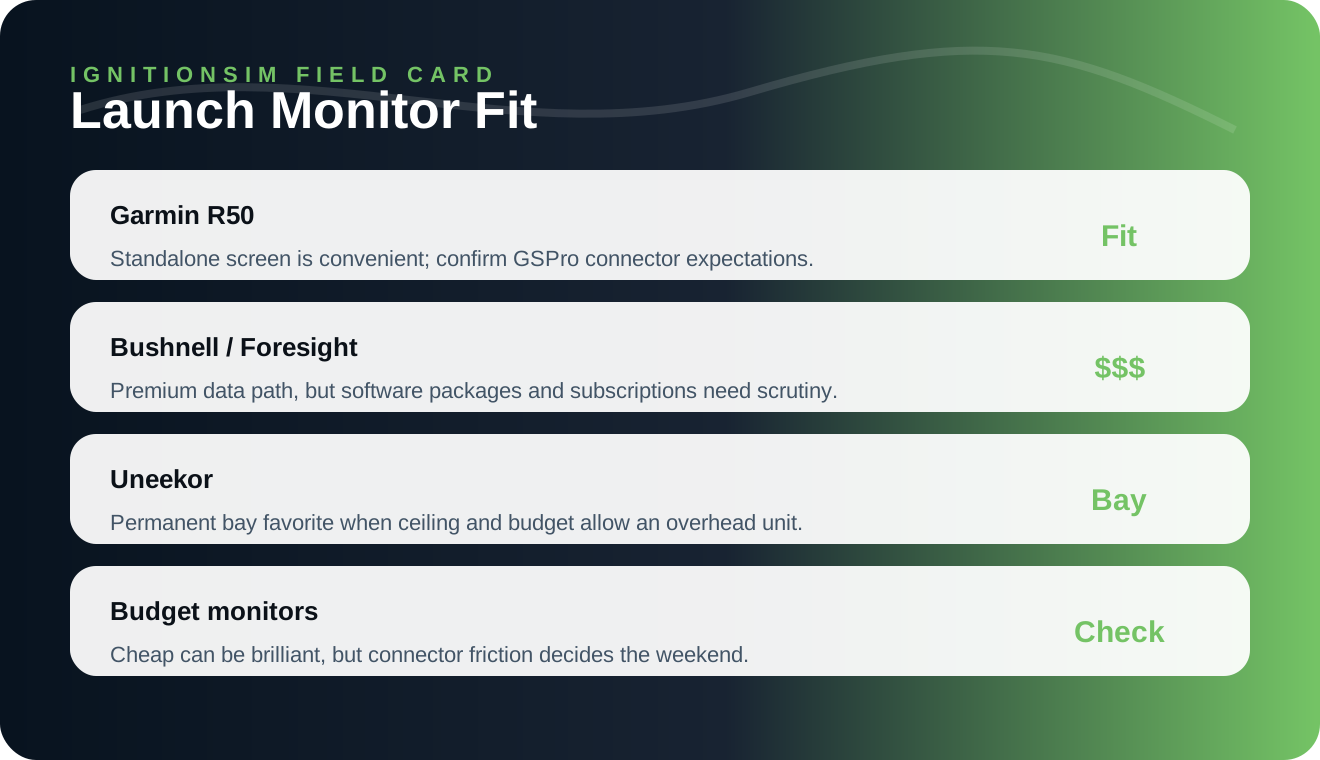
IgnitionSim infographic: the launch monitor is not just hardware. It is the software door handle.
- Pick GSPro or a competing software ecosystem first.
- Pick a launch monitor with a verified connection path.
- Draw the room in boring numbers: width, ceiling, hitting depth, projector throw, ball flight, side misses.
- Build the PC and network like a boring adult. Wired networking and stable drivers are romantic when guests are waiting.
- Add the pretty parts: course playlists, club rack, lighting, seating, and the screen-shot-worthy finish.
The sneaky mistake is buying a launch monitor because it appears in a beautiful product photo and then discovering your preferred software route is awkward, subscription-heavy, or community-dependent. That is not a disaster for tinkerers. It is a disaster for the golfer who just wants 18 holes after dinner.
What Owners Love
The owner praise tends to cluster around course variety, immersion, and the feeling that the software keeps getting more useful after the purchase. People like having a bay that can host a serious practice session, a casual round, or a late-night course wander without feeling like a sterile range screen.
The best compliment is not technical. It is social: when the bay works, non-obsessive friends understand the room immediately. They see the course, hit a ball, and stop asking why there is a projector in the garage.
What Owners Complain About
The complaints are practical: connector friction, update timing, launch monitor support confusion, PC fiddling, and the classic home-sim disease where one tiny device ruins a beautiful room. If your joy depends on everything working in five minutes, budget for boring reliability.
Nina’s rule: if a product requires a forum thread to explain the connection path, read the whole thread before you buy the product.
What To Buy First
Launch monitor
Garmin Approach R50
A premium all-in-one monitor to research if you want screen-forward convenience. Confirm GSPro workflow before buying.
Read official specifications
Launch monitor
SkyTrak Plus
A serious PC-bay candidate when you want data without jumping straight to overhead money.
Open product page
Projector
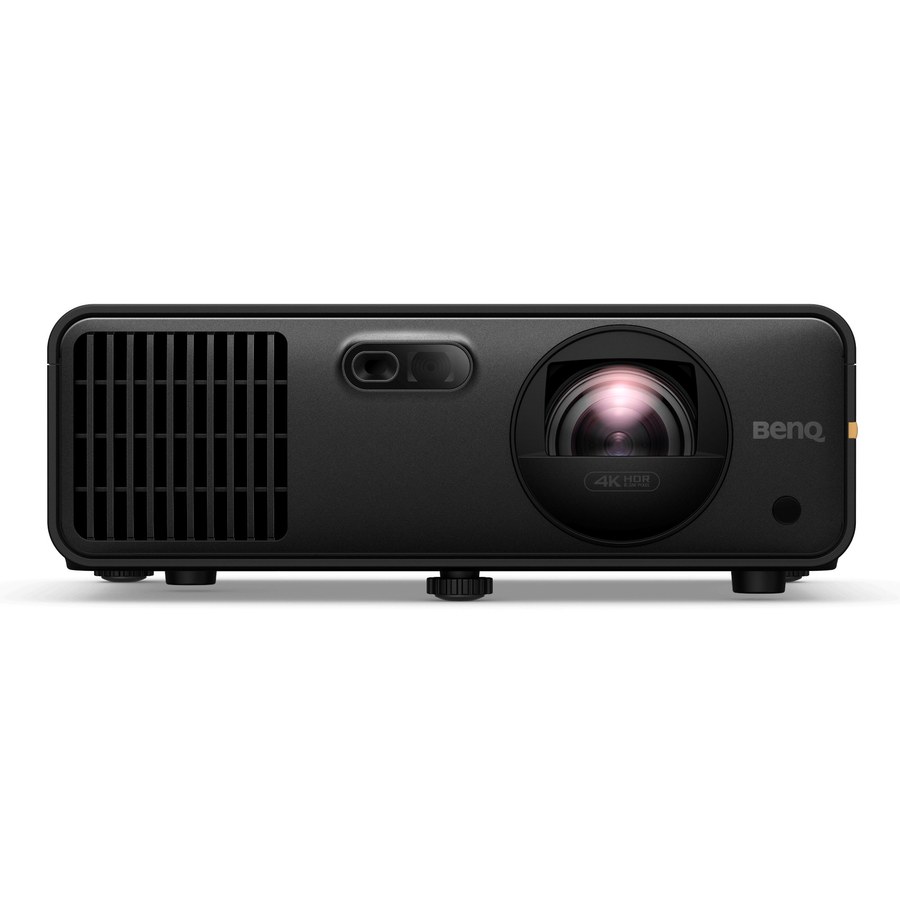
BenQ AK700ST
Short-throw golf projection is room geometry, not decoration. Verify throw and mount position.
Check room-fit specificationsBottom Line
GSPro is worth building around if you are building a real home golf simulator, not a temporary net corner. It rewards people who plan the full system. Buy the software dream, yes, but buy the boring compatibility work first.
Source Notes
FAQ
Is GSPro worth it for a home golf simulator in 2026?
Yes for PC-based builders who want a huge course ecosystem and do not mind checking launch-monitor compatibility before buying hardware. It is not the cleanest appliance path for every golfer.
What matters most before buying GSPro?
Confirm your launch monitor connection path, room dimensions, projector geometry, impact screen, gaming PC, and internet/network setup before you pay for software.
Is GSPro beginner friendly?
It is friendly once the bay is working, but the setup stage rewards patient builders who read compatibility notes and keep firmware, connectors, and PC graphics drivers current.
Key takeaways & quick answers
IgnitionSim is reader-supported. When you buy through links on our site we may earn an affiliate commission at no extra cost to you — it never changes our verdict or your price. As an Amazon Associate we earn from qualifying purchases.
Keep reading
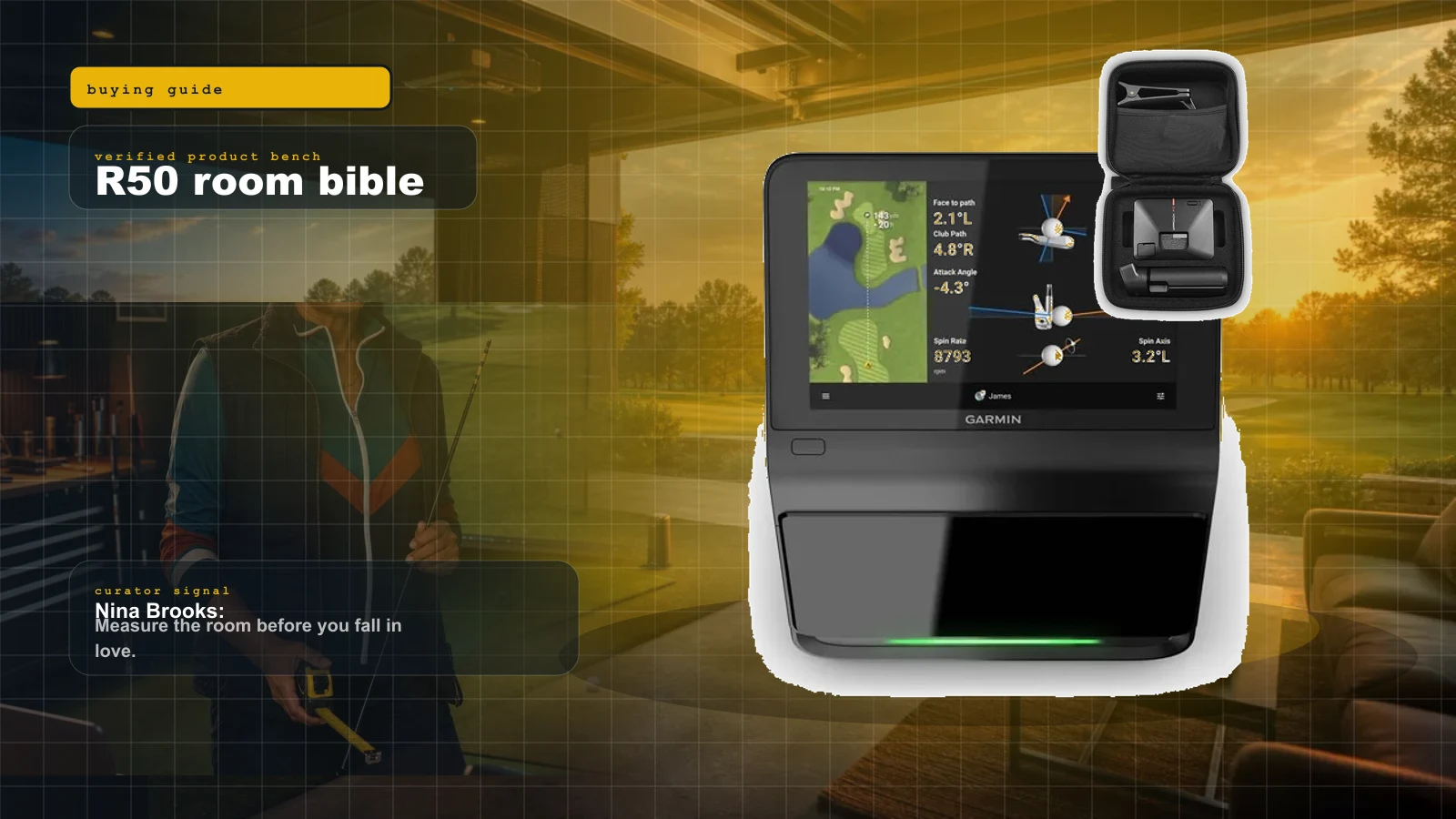
Garmin Approach R50 Room Build Bible: No-PC Golf Simulator Setup, Total Cost, and What to Buy
The R50 is the cleanest no-PC premium golf simulator brain right now. Nina shows who should buy it, who should not, what the room still needs, and the cart that keeps the dream alive.
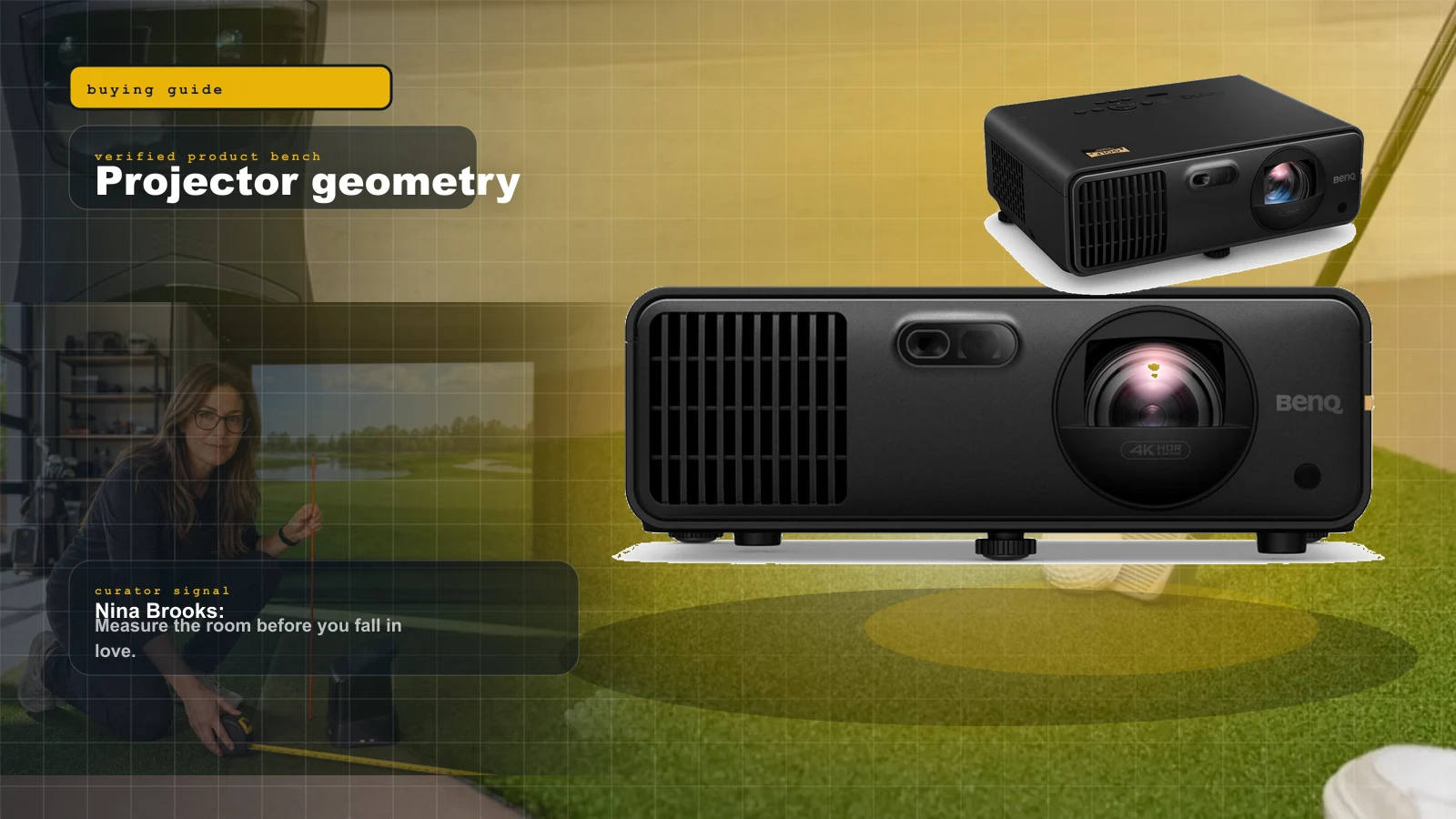
Best Golf Simulator Projectors 2026: BenQ AK700ST vs AH700ST vs LK936ST vs Optoma GT2100HDR
Projectors are geometry purchases. Nina ranks the BenQ AK700ST, AH700ST, LK936ST, and Optoma GT2100HDR by room depth, 4K value, and shadow risk.
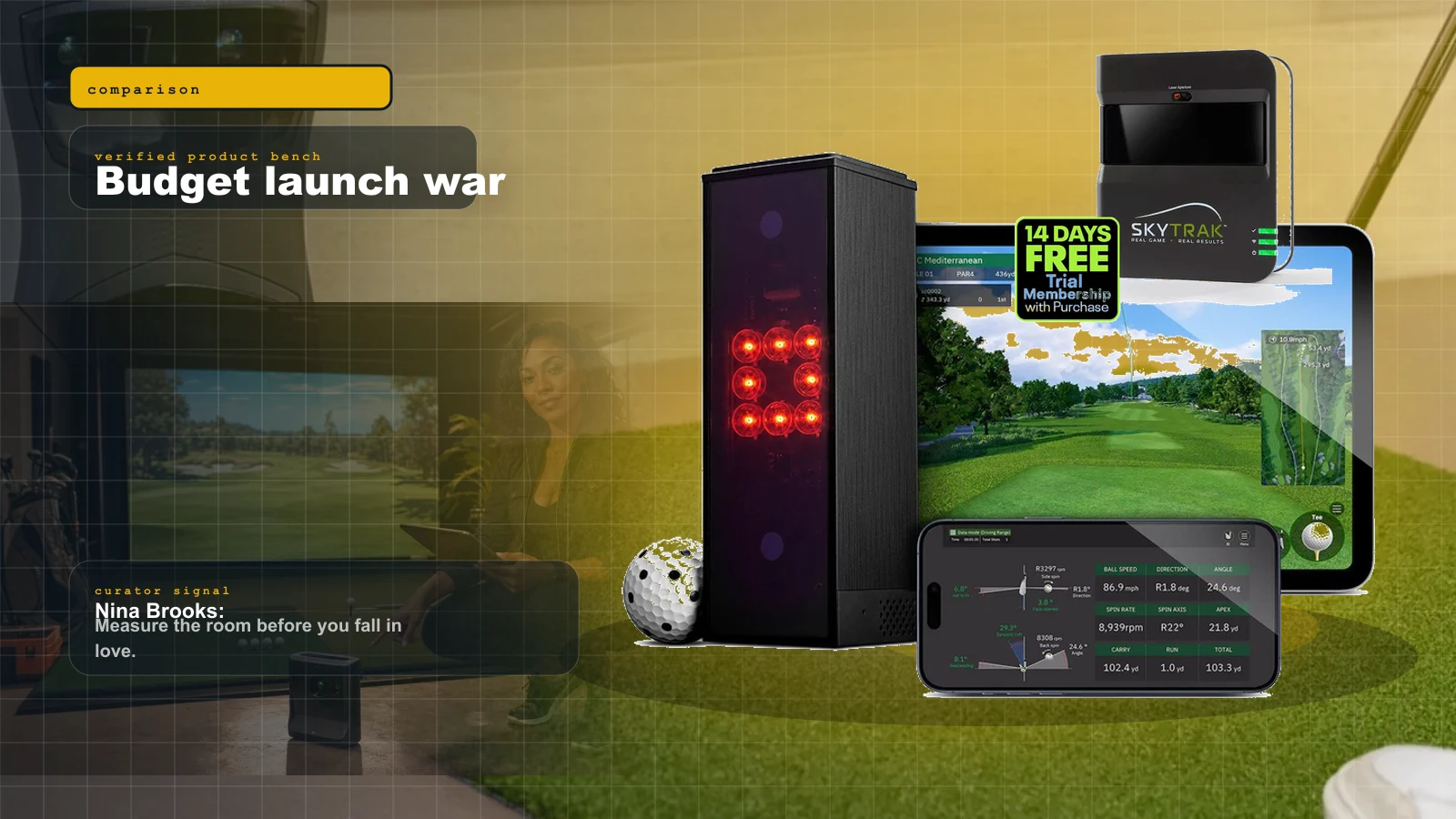
Square Golf vs MLM2PRO vs Garmin R10 vs Used SkyTrak: The Budget Launch Monitor War
The under-$1,000 launch monitor fight is no longer simple. Nina ranks Square Golf, MLM2PRO, Garmin R10, and used SkyTrak by room depth, subscriptions, software, short game, and setup pain.
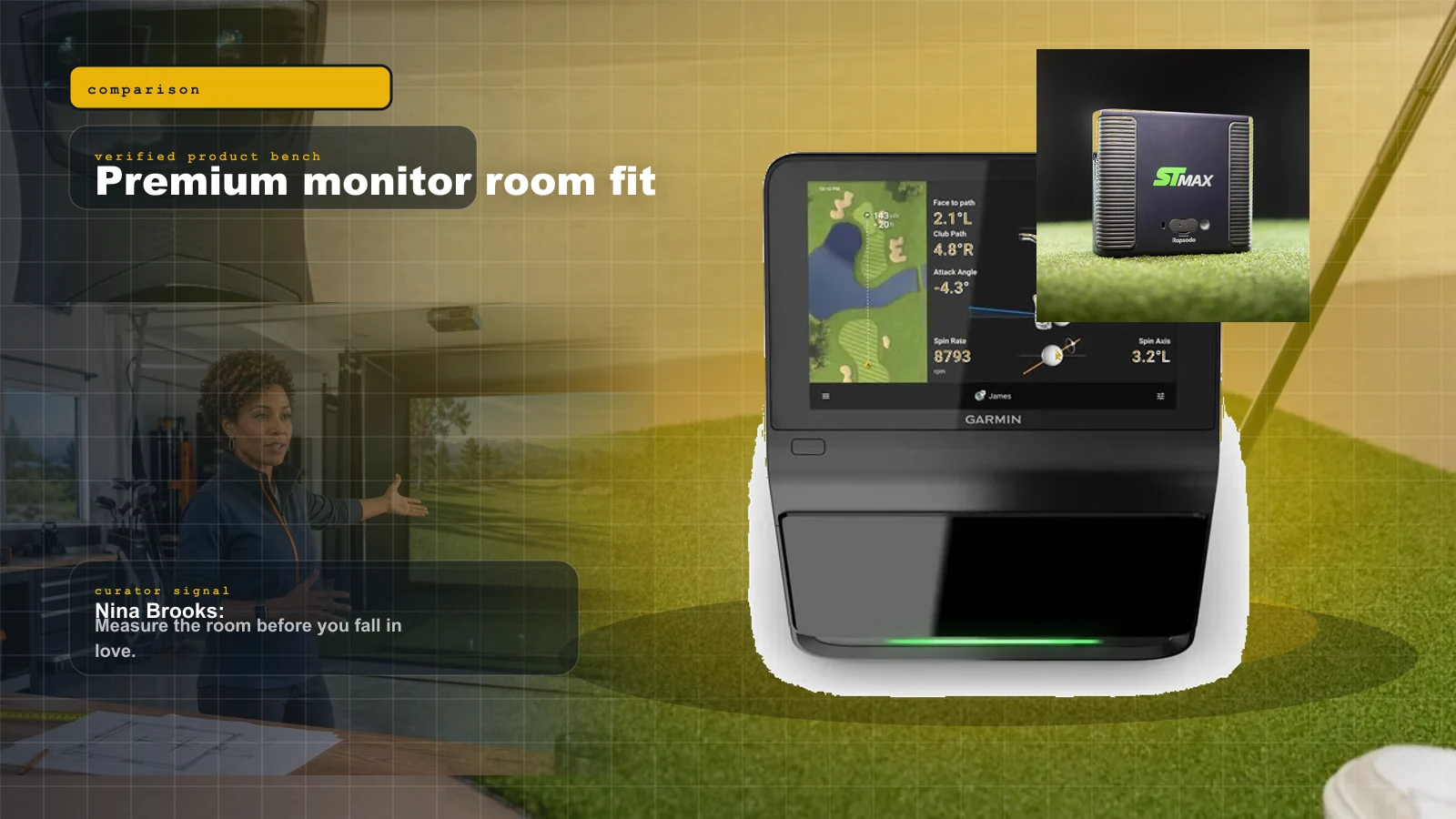
Garmin R50 vs SkyTrak ST MAX vs Bushnell Launch Pro: Which Premium Launch Monitor Fits Your Room?
The premium launch monitor winner is not just the most accurate box. Nina ranks Garmin R50, SkyTrak ST MAX, and Bushnell Launch Pro by room fit, PC tolerance, subscription pain, and software reality.