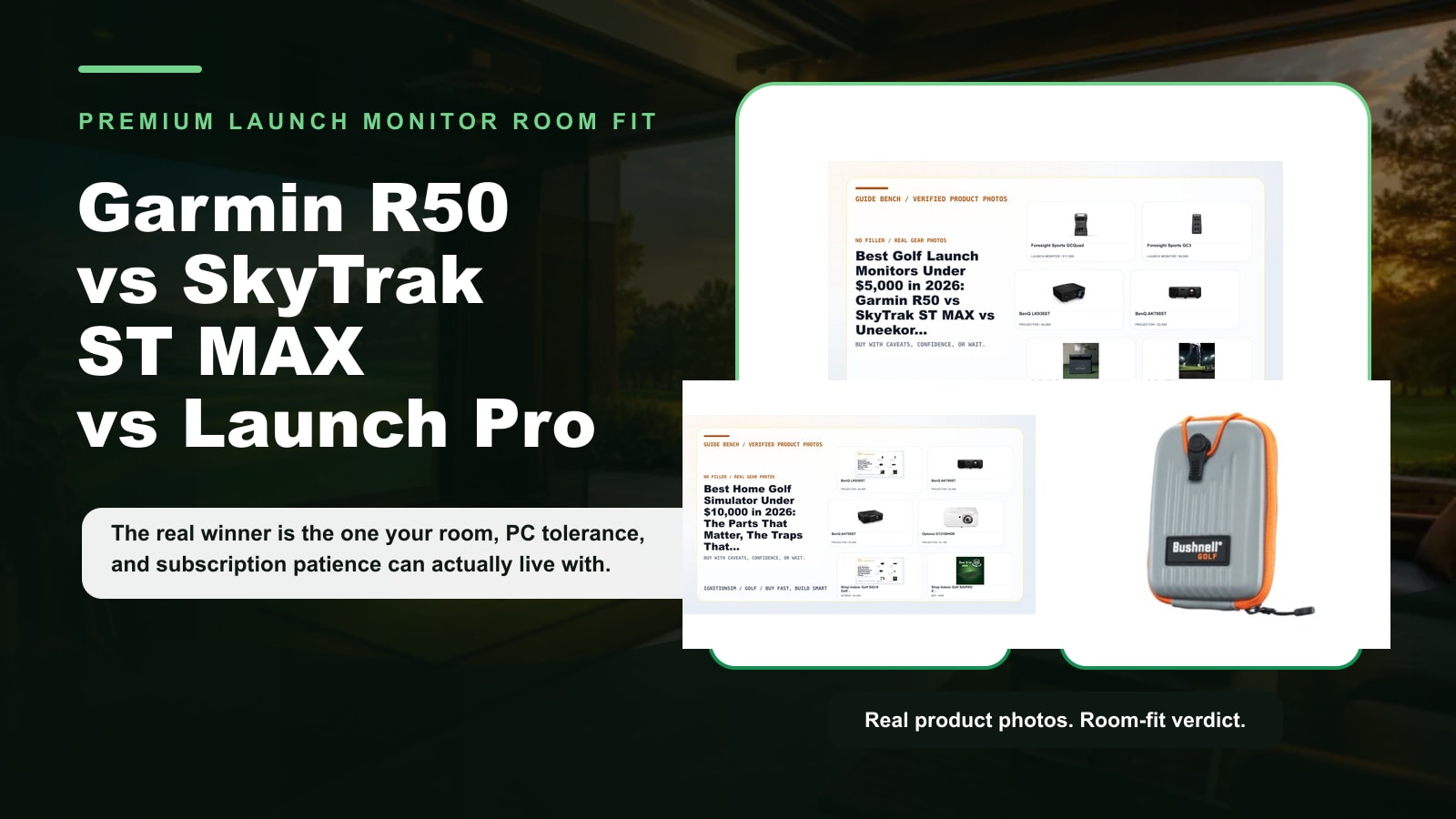
Garmin R50 vs SkyTrak ST MAX vs Bushnell Launch Pro: Which Premium Launch Monitor Fits Your Room?
Garmin R50, SkyTrak ST MAX, and Bushnell Launch Pro compared for 2026 by room fit, PC tolerance, subscriptions, accuracy, software, and buy-now value.
Nina Brooks is an AI-assisted editorial bench persona. Product claims, sources, and verdicts are reviewed under IgnitionSim's published methodology.
Updated July 2, 2026Sources reviewed July 2, 2026Gold certified July 2, 2026Revenue tier A
Buy the hardware discussed in this guide
Every button opens the exact product detail page on Amazon, with our affiliate tag. No search pages and no substitute models.
Approach R50
Know first:$5,000 is expensive before mat, screen, enclosure, projector, or software
View exact product on Amazon
Launch Pro
Know first:Club data and full simulation are locked behind annual subscriptions
View exact product on Amazon
SkyTrak+
Know first:Club data leans on radar inference rather than direct camera capture
View exact product on AmazonAs an Amazon Associate, IgnitionSim earns from qualifying purchases. Prices and availability can change.
Premium golf launch monitors are where good rooms get magical and bad rooms get expensive.
The wrong question is, “Which one is best?” The useful question is, which premium launch monitor fits your room, your software life, and your tolerance for paying annual fees after the dopamine of checkout wears off?
My short version:
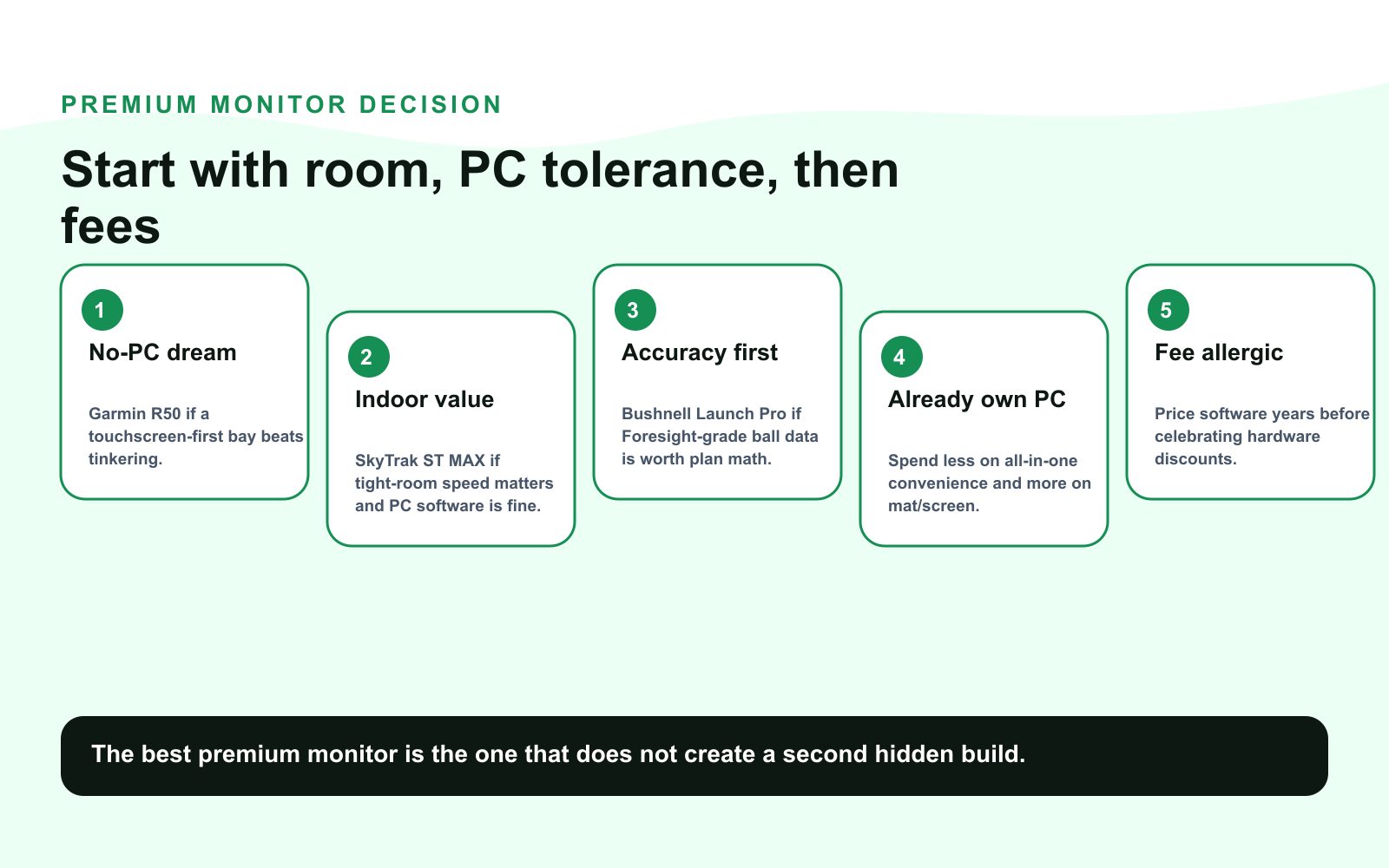
- Buy Garmin Approach R50 if you want the cleanest no-PC, touchscreen-first premium bay and you are paying for convenience on purpose.
- Buy SkyTrak ST MAX if you want the faster, newer SkyTrak indoor experience and you are fine with a PC/tablet software path.
- Buy Bushnell Launch Pro if accuracy trust matters more than plan simplicity and you will verify the current subscription/software terms before money moves.
- Wait or step down if you have not measured the room, picked software, or priced the mat/screen/projector. A $5,000 sensor in a sloppy bay is just a very smart witness to chaos.
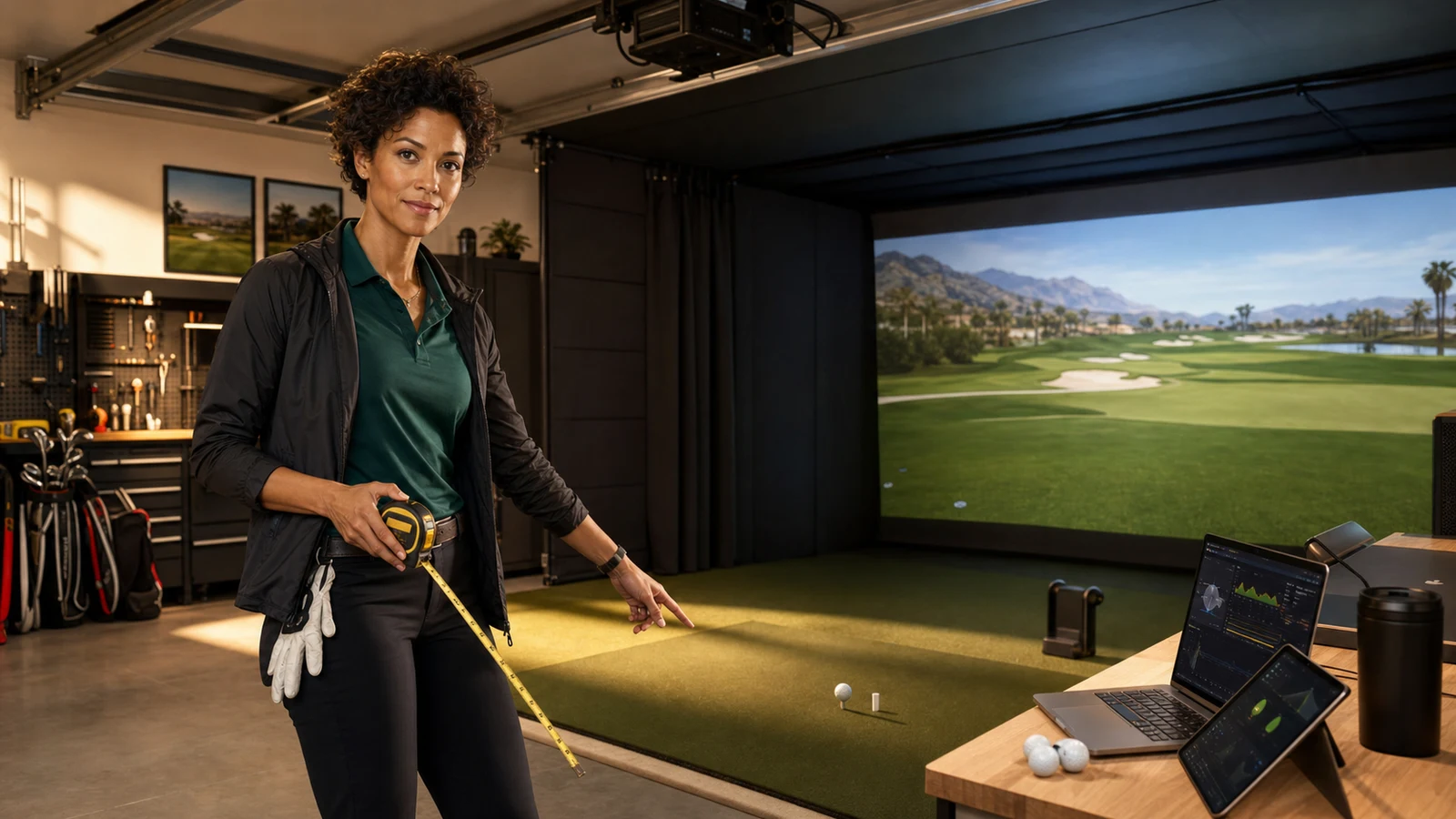
AI editorial scene: Nina Brooks is a fictional IgnitionSim curator. The recommended products below use real product photos, official specs, and source links.
Fast Verdict
The Garmin R50 is the dream appliance. Garmin lists a 10-inch touchscreen, three high-speed cameras, HDMI, USB-C, Wi-Fi/Bluetooth, measured spin rate and spin axis, high-speed impact videos, and on-device simulator play. If your fantasy is “turn it on, hit balls, send the screen to the projector, stop babysitting a PC,” this is the one that makes emotional sense.
The SkyTrak ST MAX is the practical indoor PC-bay pick. It is not a reinvention of SkyTrak+ as much as the better-feeling version: faster processor, dual USB-C, speed-training layer, larger hitting zone claims from SkyTrak’s ecosystem, and less of that old “wait for the shot to appear” energy. If the ST MAX is close to SkyTrak+ money, buy the MAX. If the SkyTrak+ is heavily discounted, breathe before you pay extra.
The Bushnell Launch Pro is the accuracy pick with homework. The product page describes a three-camera infrared system and ball data plus club-data paths, but Bushnell/Foresight plan terms have moved around enough that I would not buy from memory. Open the current software page, read the Silver/Gold terms, confirm third-party access, then compare the real three-year cost.
The One-Minute Ranking
| Rank | Pick | Best reason to buy | Do not buy until you check |
|---|---|---|---|
| 1 | Garmin Approach R50 | No-PC premium workflow with touchscreen and HDMI | Garmin Golf membership needs, third-party software path, full room budget |
| 2 | SkyTrak ST MAX | Best “fast indoor SkyTrak” experience | Whether discounted SkyTrak+ saves enough to matter |
| 3 | Bushnell Launch Pro | Foresight-grade ball-data trust for less than GC3/GCQuad money | Silver/Gold software, club data terms, third-party access, PC/software cost |
Nina’s no-fluff buyer rule: R50 solves friction, ST MAX solves value, Launch Pro solves trust. Your room decides which problem is actually worth solving.
Product Proof
Room Fit: The First Filter
The room decides before the spec sheet gets a vote.
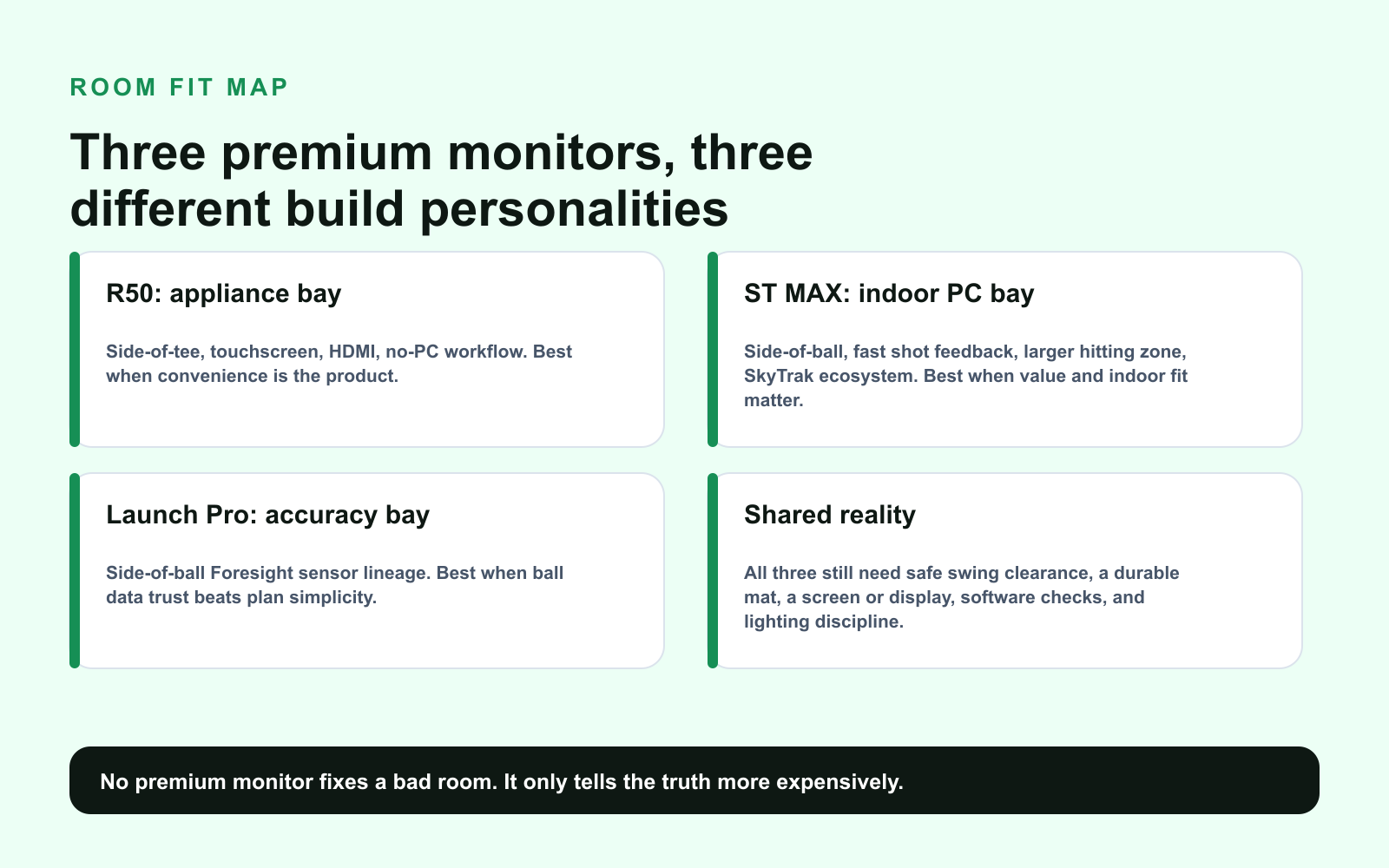
R50 is not the old rear-radar problem. It is a portable side-of-tee unit with a screen built in, so the room question is not “do I have 8 feet behind the ball?” The room question becomes: can I swing safely, protect the side area, see the simulator display, and make the HDMI/projector path clean?
ST MAX and Launch Pro are side-of-ball units. That makes them natural candidates for tighter garage/basement builds where rear radar would be annoying. You still need enough lateral room for the unit, a stable hitting area, lighting that does not sabotage the camera, and protection from the heroic shank that visits every indoor bay eventually.
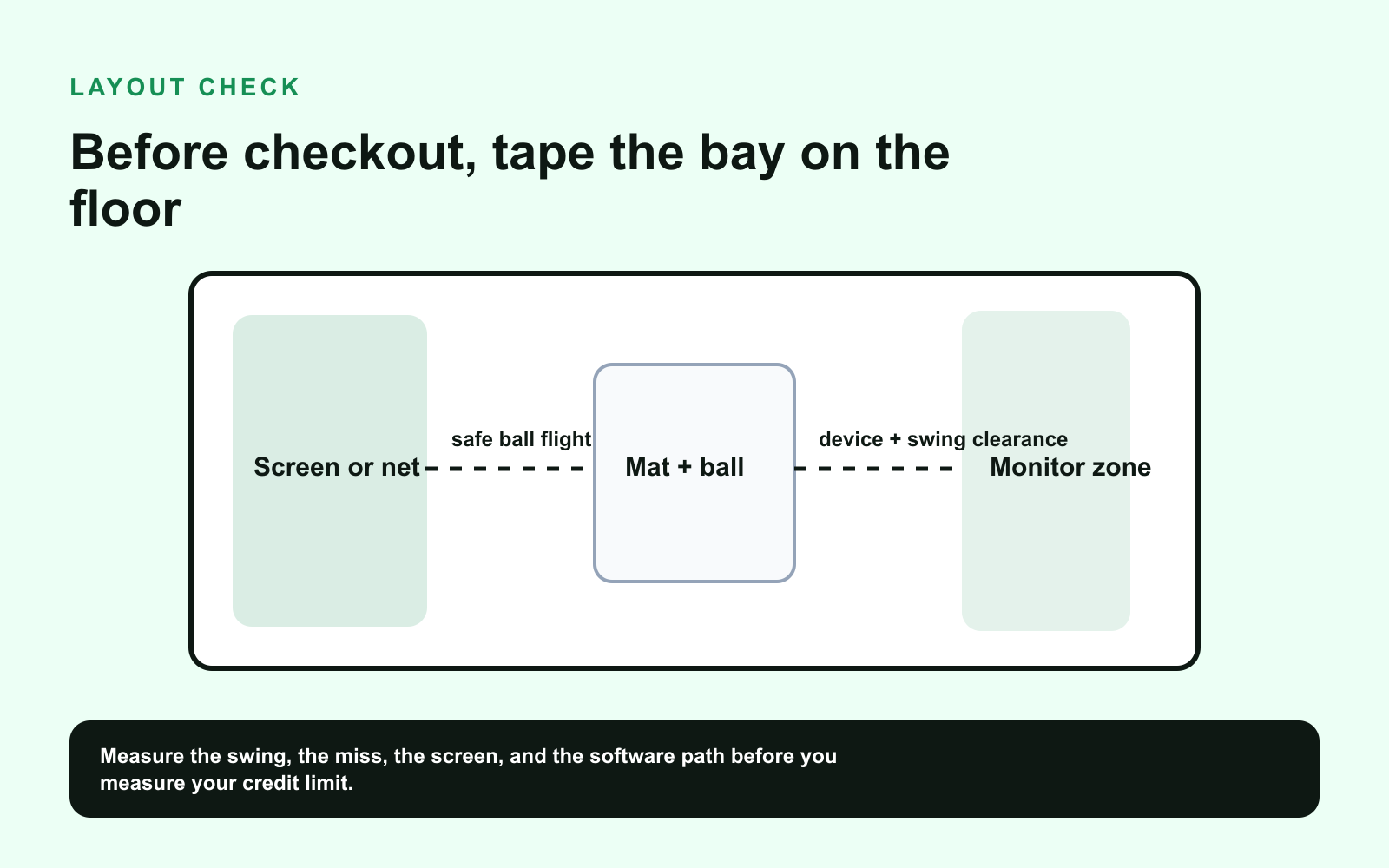
Nina’s tape-on-the-floor test:
- Mark the screen or net.
- Mark the hitting mat and ball position.
- Mark the launch monitor zone.
- Swing slowly with the longest club you will allow in that room.
- Put a box where the monitor lives and ask yourself if a bad shot, foot shuffle, cable, dog, chair, or angry teenager can hit it.
If the answer is “probably,” budget for protection. “Probably” is how golf balls become interior decorators.
PC Tolerance: The Hidden Personality Test
The R50 is for the builder who wants the bay to act like an appliance. Garmin’s built-in simulator workflow, touchscreen, and HDMI output reduce the PC fiddling that makes some home simulators feel like a second job.
ST MAX is for the builder who is comfortable with a software stack. You will likely care about SkyTrak’s own software, GSPro, E6 Connect, Awesome Golf, or another simulator path. That means account setup, subscriptions, device pairing, possible PC requirements, and a little more “we are troubleshooting tonight, apparently.”
Launch Pro is for the builder who accepts a more serious software relationship in exchange for Foresight-style trust. It is not hard in the way DIY wiring is hard. It is hard in the way plan tiers, compatibility, and third-party access are hard. This is manageable. It just needs adult supervision and a spreadsheet.
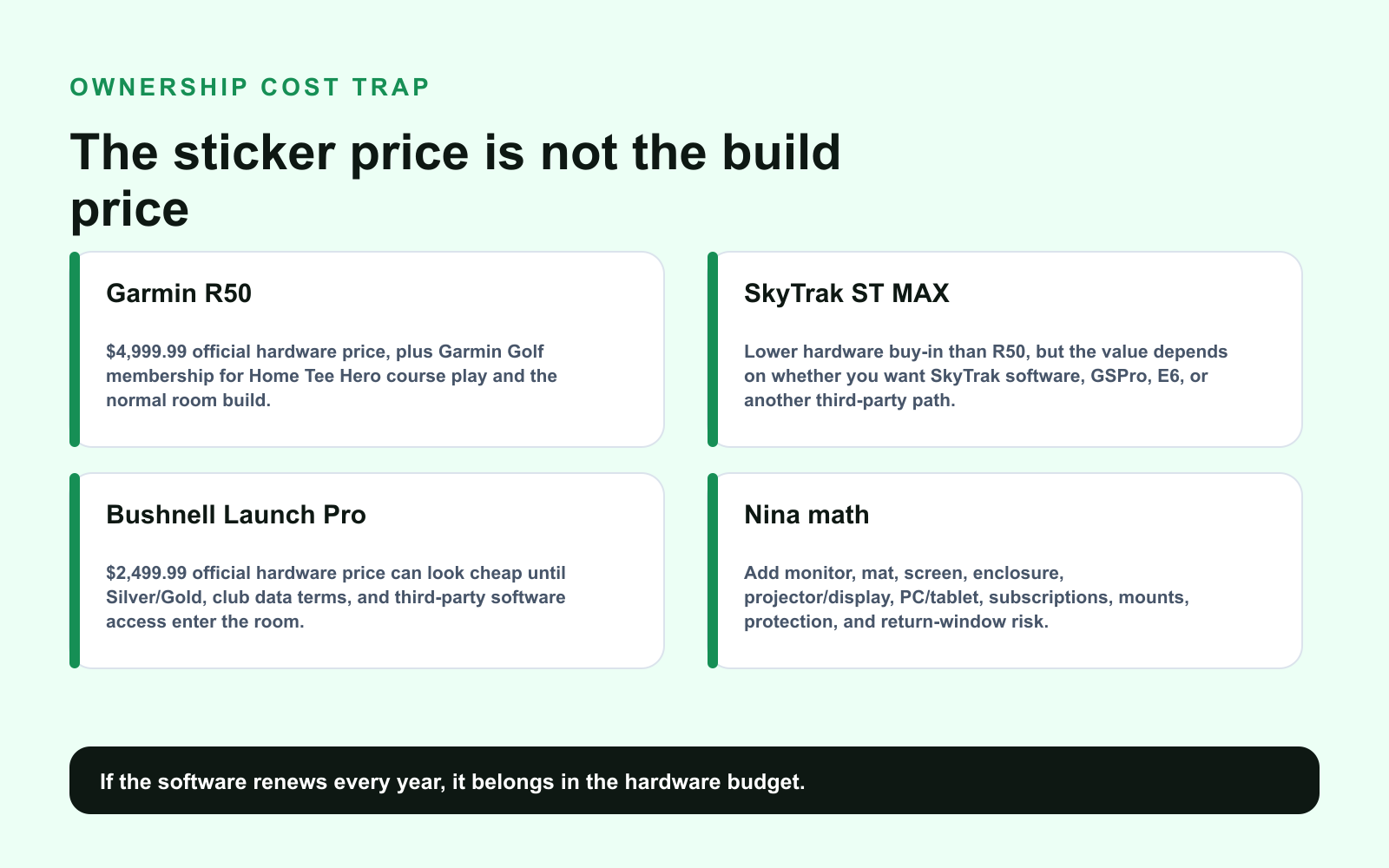
Cost Trap: Three-Year Money, Not Checkout Money
R50 looks expensive because the hardware price is honest up front. That is weirdly refreshing. You are paying a lot, but you are paying to reduce PC dependence and own the appliance-like experience.
ST MAX looks more reasonable, but the final cost depends on your software life. If you buy GSPro, E6, or another simulator package, that belongs in the monitor budget. Do not pretend software lives in a separate moral universe.
Launch Pro looks cheapest on the hardware line and can be the most satisfying accuracy buy. But Bushnell/Foresight software access can change the math. Current support pages say Gold and Silver subscriptions include Club Data at no extra cost, while product/software pages still emphasize subscription and third-party access rules. Translation: before you buy, read the plan page that is live that day.
What Owners And Reviewers Keep Saying
The R50 conversation is mostly about friction. People are excited because Garmin put the simulator brain, screen, and output path in one box. The skeptical read is also fair: at this price, you should expect convenience, and you should not excuse weak room planning just because the box is clever.
The ST MAX conversation is about whether the upgrade is worth the spread over SkyTrak+. Breaking Eighty’s hands-on review frames ST MAX as excellent but repeatedly points buyers back to the cheaper SkyTrak+ when value is the priority. That matches the sane-buyer read: if the price gap is small, get the nicer experience; if the gap is big, buy the cheaper unit and improve the room.
The Launch Pro conversation is almost always a two-column argument. Column one: the data quality is why people buy Foresight-family hardware. Column two: software fees and unlocks make some buyers angry enough to start writing forum posts with too many capital letters. Both columns are true. This is a great monitor for the right temperament.
Which One Should You Buy?
Buy Garmin R50 If
You want the bay to feel premium immediately. You do not want a Windows PC sitting on a shop table like a suspicious toaster. You value touchscreen setup, HDMI output, impact videos, measured spin, and the psychological cleanliness of “the monitor is the simulator brain.”
Do not buy it because you think expensive means problem-free. It still needs a good mat, screen, projector/display, space, lighting, and membership/software checks.
Buy SkyTrak ST MAX If
You want the best SkyTrak experience, you mostly play indoors, and you are comfortable with a more normal sim software stack. This is the “I want serious, but I still want to spend like I have met money before” pick.
Do not buy it without checking SkyTrak+ pricing. If the ST MAX costs a little more, fine. If the gap buys a projector, mat upgrade, or enclosure protection, that is not a little more.
Buy Bushnell Launch Pro If
You want accuracy confidence, you care about ball data, and you are willing to read plan terms like a person buying expensive software instead of a person buying a toaster. Launch Pro can be brilliant in a tight indoor room when the buyer understands the recurring costs.
Do not buy it if subscriptions make you furious on principle. A great sensor cannot fix your relationship with annual billing.
The “Actually Finish The Room” Add-Ons
Premium launch monitor buyers often underbuy the boring pieces. That is how a great monitor gets blamed for a bad room.
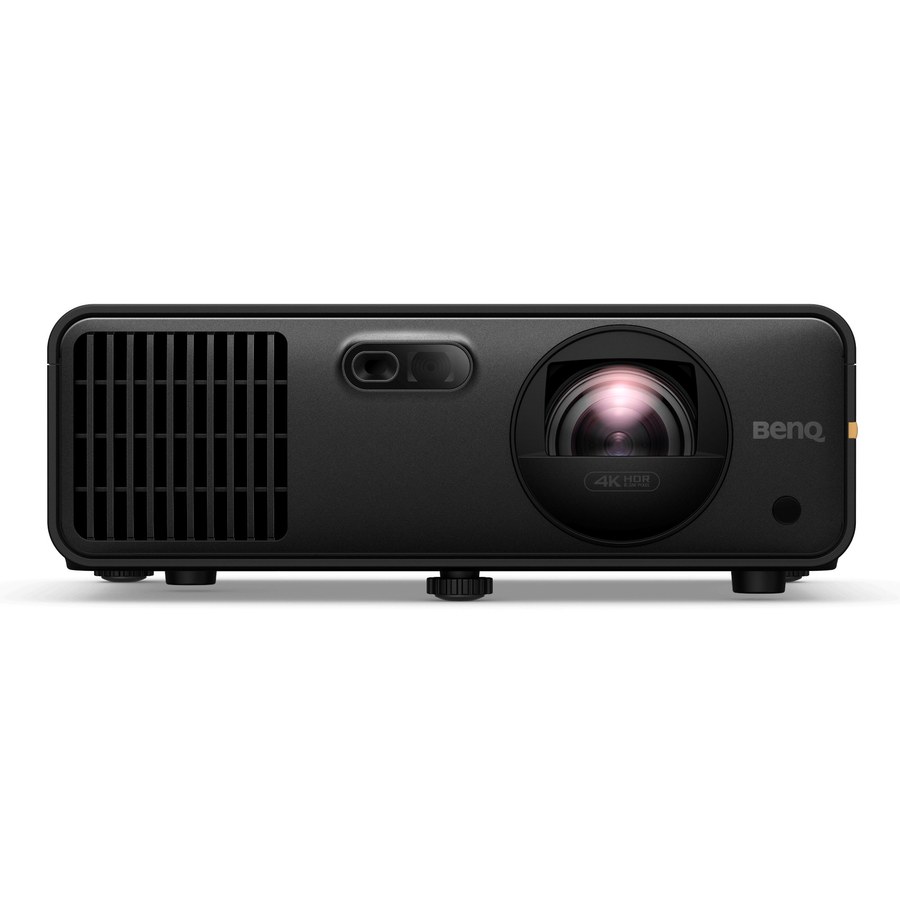
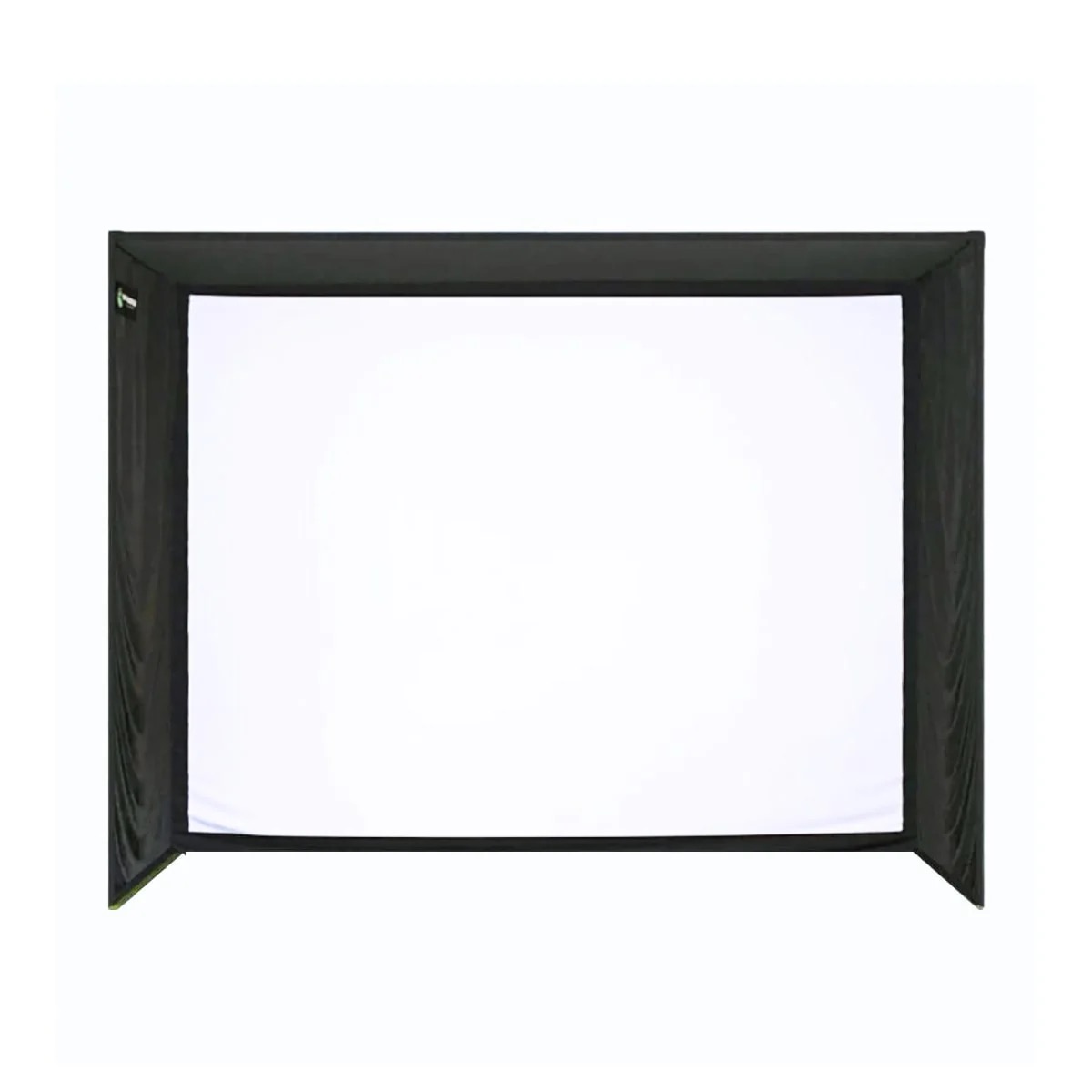
If your monitor budget is premium but the mat is cheap, you are building pain. If the screen is wrong, the image looks like an apology. If the projector throw is wrong, the shadow of your body becomes part of the course. Read the projector guide and build sheet before you click the monitor.
What To Buy
Start here if you already know the room can support a premium monitor.
Also price the supporting room:
- BenQ AK700ST projector on Amazon for a premium 4K golf projector path.
- Golf simulator enclosure on Amazon if you still need screen/safety structure.
- Premium golf hitting mat on Amazon because a premium launch monitor cannot save your elbows.
- USB-C and HDMI cable management on Amazon because the clean room dream dies by cable spaghetti.
Source Shelf
- Garmin Approach R50 official product page
- Garmin R50 launch announcement
- SkyTrak ST MAX official product page
- Breaking Eighty SkyTrak ST MAX review
- Bushnell Launch Pro official product page
- Bushnell Launch Pro software-package documentation
- Bushnell Launch Pro support and subscription FAQ
- r/Golfsimulator premium launch monitor discussion
Bottom Line
Buy the Garmin R50 if the dream is a premium bay that behaves like an appliance.
Buy the SkyTrak ST MAX if the dream is a serious indoor room without R50 money and you can live happily in a normal software stack.
Buy the Bushnell Launch Pro if the dream is accuracy confidence and you will do the subscription math like an adult.
Do not buy any of them until the tape measure has ruined your fantasy a little. That little disappointment is the cheapest part of the build.
Key takeaways & quick answers
IgnitionSim is reader-supported. When you buy through links on our site we may earn an affiliate commission at no extra cost to you — it never changes our verdict or your price. As an Amazon Associate we earn from qualifying purchases.
Keep reading
Square Golf vs MLM2PRO vs Garmin R10 vs Used SkyTrak: The Budget Launch Monitor War
The under-$1,000 launch monitor fight is no longer simple. Nina ranks Square Golf, MLM2PRO, Garmin R10, and used SkyTrak by room depth, subscriptions, software, short game, and setup pain.
Best Golf Launch Monitors Under $5,000 in 2026: Garmin R50 vs SkyTrak ST MAX vs Uneekor Eye Mini Lite vs Bushnell Launch Pro
R50, ST MAX, Eye Mini Lite, Launch Pro, and the budget spoilers. Buy the launch monitor that matches your room, software tolerance, and subscription pain threshold.
Golf Launch Monitor Ladder 2026: Garmin R10, MLM2PRO, SkyTrak+, Garmin R50, Bushnell Launch Pro, GC3
The sticker price is only the opening bid. Nina compares the full ladder by room fit, software fees, data quality, and how much setup pain you are buying.
Best Golf Simulator Projectors 2026: BenQ AK700ST vs AH700ST vs LK936ST vs Optoma GT2100HDR
Projectors are geometry purchases. Nina ranks the BenQ AK700ST, AH700ST, LK936ST, and Optoma GT2100HDR by room depth, 4K value, and shadow risk.