 8/10
8/10 Click image to expand
Garmin · launch monitor
Approach R50
Buyers who will pay a premium for a no-PC, touchscreen-first premium launch monitor and want less room-depth drama than rear radar.
~$4,999 approx 2026 street price
Garmin's priciest consumer launch monitor folds a 3-camera sensor, a 10-inch touchscreen, HDMI output, USB-C, and a built-in simulator workflow into one portable side-of-tee unit. It is the cleanest no-PC/no-tablet premium path: place the R50 beside the tee, use the touchscreen, and send the simulator view to a display or projector. The official spec sheet lists more than 15 ball and club metrics, measured spin rate and spin axis, high-speed impact video, Wi-Fi/Bluetooth, and Home Tee Hero course play with an active Garmin Golf membership. You are paying a real premium for all-in-one convenience, not for avoiding normal room, mat, screen, and projector planning.
Buy with caveats
Worth buying for the right builder, but read the warnings before it lands in your cart.
Known caution: $5,000 is expensive before mat, screen, enclosure, projector, or softwareIgnitionSim is reader-supported. When you buy through links on our site we may earn an affiliate commission at no extra cost to you — it never changes our verdict or your price. As an Amazon Associate we earn from qualifying purchases.
Specs
| Tech | Photometric, 3 high-speed cameras |
|---|---|
| Data points | 15+ ball and club metrics |
| Subscription | Home Tee Hero course play with active Garmin Golf membership; third-party software separate |
| Placement | Portable side-of-tee placement next to the hitting area |
| Display | Built-in 10-inch LCD touchscreen, 800 x 1280 |
| Size/weight | 16.5 x 10.6 x 7.5 in; 9 lb |
| Battery/connectivity | Up to 4 hours, USB-C, HDMI, Wi-Fi, Bluetooth |
| Sim | On-device simulator workflow plus compatible third-party simulator paths |
Pros
- No-PC premium workflow with built-in touchscreen and HDMI output
- Portable side-of-tee setup avoids rear-radar depth and overhead mounting
- Measured spin rate/spin axis plus high-speed impact videos
Cons
- $5,000 is expensive before mat, screen, enclosure, projector, or software
- Home Tee Hero course play needs an active Garmin Golf membership
- Third-party simulator compatibility and current software paths still need checkout verification
Common questions
Does the Garmin R50 need a separate PC?
No. The R50 has a built-in 10-inch touchscreen and on-device simulator workflow, and it can output via HDMI. A PC may still matter for some third-party simulator paths, so verify your chosen software before buying.
Is the R50 worth more than a SkyTrak ST MAX or Bushnell Launch Pro?
It depends on what you value. The R50 buys all-in-one, no-PC convenience and a simpler touchscreen workflow. SkyTrak ST MAX and Bushnell Launch Pro can make more sense if you already have a PC/display plan or want a lower hardware buy-in.
Compare with
Related Golf guides
Launch monitor lab 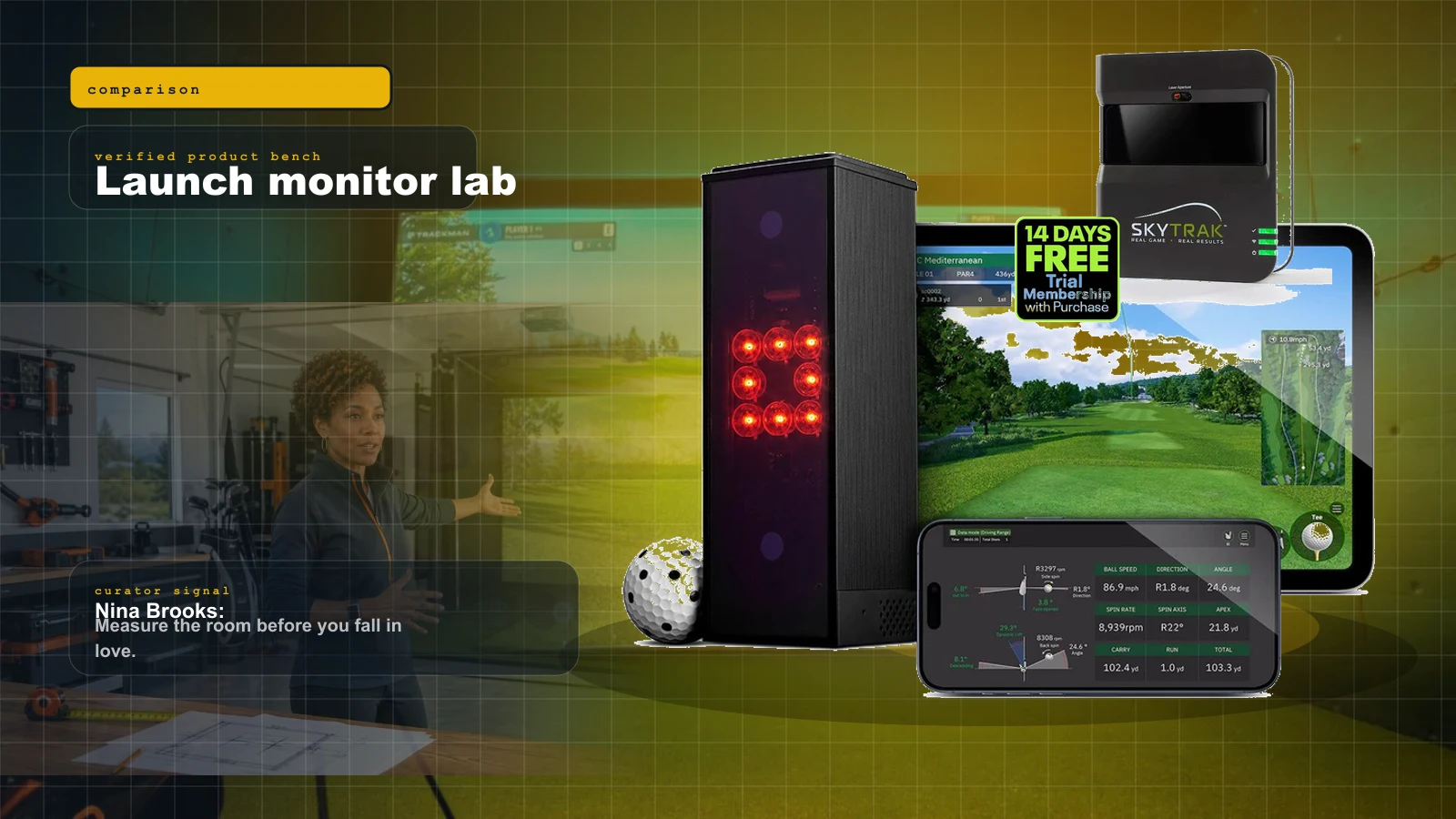
comparison
Best Golf Launch Monitors Under $1,000 in 2026: The Honest Sub-$1K Field
Under a thousand dollars in 2026 you can get genuine launch data and real simulator play — but the honest field is smaller than the marketing suggests. Three units own it, and the right pick depends entirely on your room.
Product proof 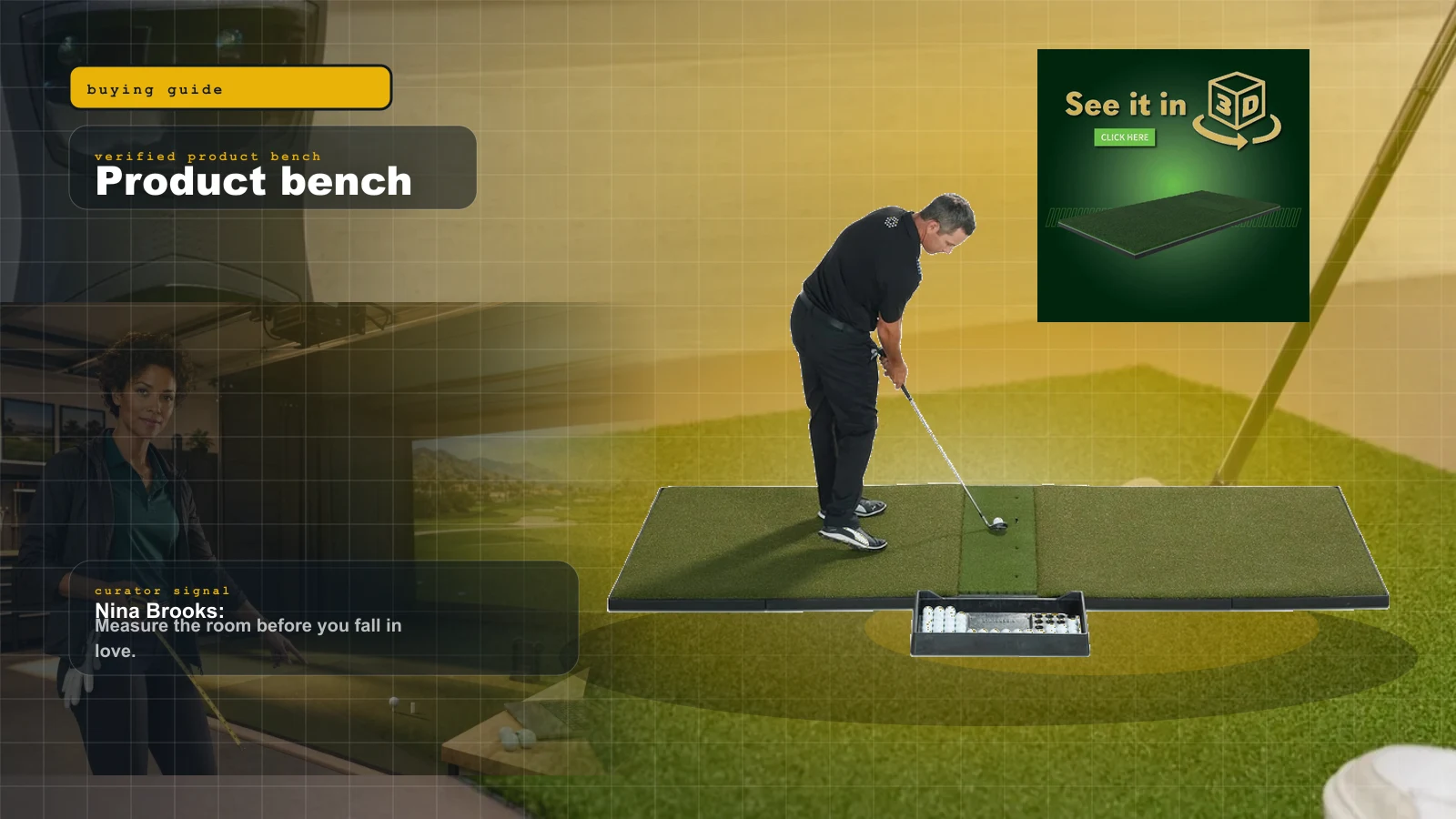
buying guide
Best Golf Simulator Hitting Mats of 2026: Fiberbuilt vs SIGPRO Softy vs Country Club Elite (The Joint-Saving Buy)
Buyers drop $3,000 on a launch monitor and $100 on the mat, then wonder why their wrists hurt and their numbers lie. The mat is the most under-budgeted, most injury-relevant part of the whole bay. Here is which mat to buy, which one to avoid for your joints, and how to keep the mat from lying to your launch monitor.
Software + community rigs 
comparison
Best Golf Simulator Software 2026: GSPro vs E6 vs Awesome Golf
GSPro wins serious home leagues, E6 2026 wins structured practice, Awesome Golf wins family night, and FSX Play makes sense inside Foresight. The expensive part is choosing the wrong room around them.