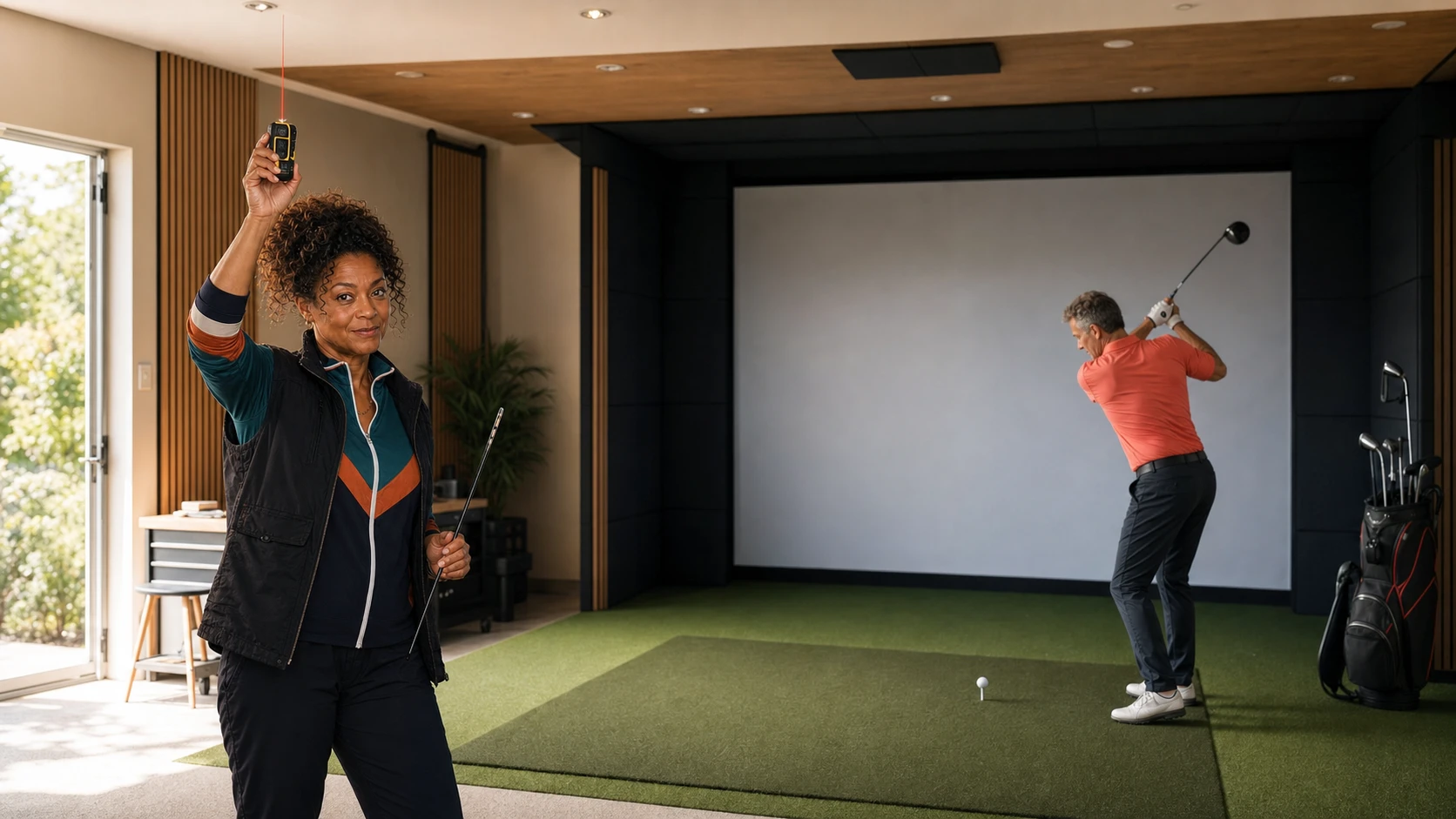
Best Golf Simulator Software 2026: GSPro vs E6 vs Awesome Golf
GSPro, E6 2026, Awesome Golf, and FSX Play compared by price, PC requirements, launch-monitor support, community rig fit, and setup pain.
Nina Brooks is an AI-assisted editorial bench persona. Product claims, sources, and verdicts are reviewed under IgnitionSim's published methodology.
Updated July 24, 2026Sources reviewed July 24, 2026Gold certified July 24, 2026Revenue tier A
Buy the hardware discussed in this guide
Every button opens the exact product detail page on Amazon, with our affiliate tag. No search pages and no substitute models.
Approach R50
Know first:$5,000 is expensive before mat, screen, enclosure, projector, or software
View exact product on Amazon
Launch Pro
Know first:Club data and full simulation are locked behind annual subscriptions
View exact product on Amazon
Approach R10
Know first:Radar needs depth behind the player, so it struggles in shallow rooms
View exact product on Amazon
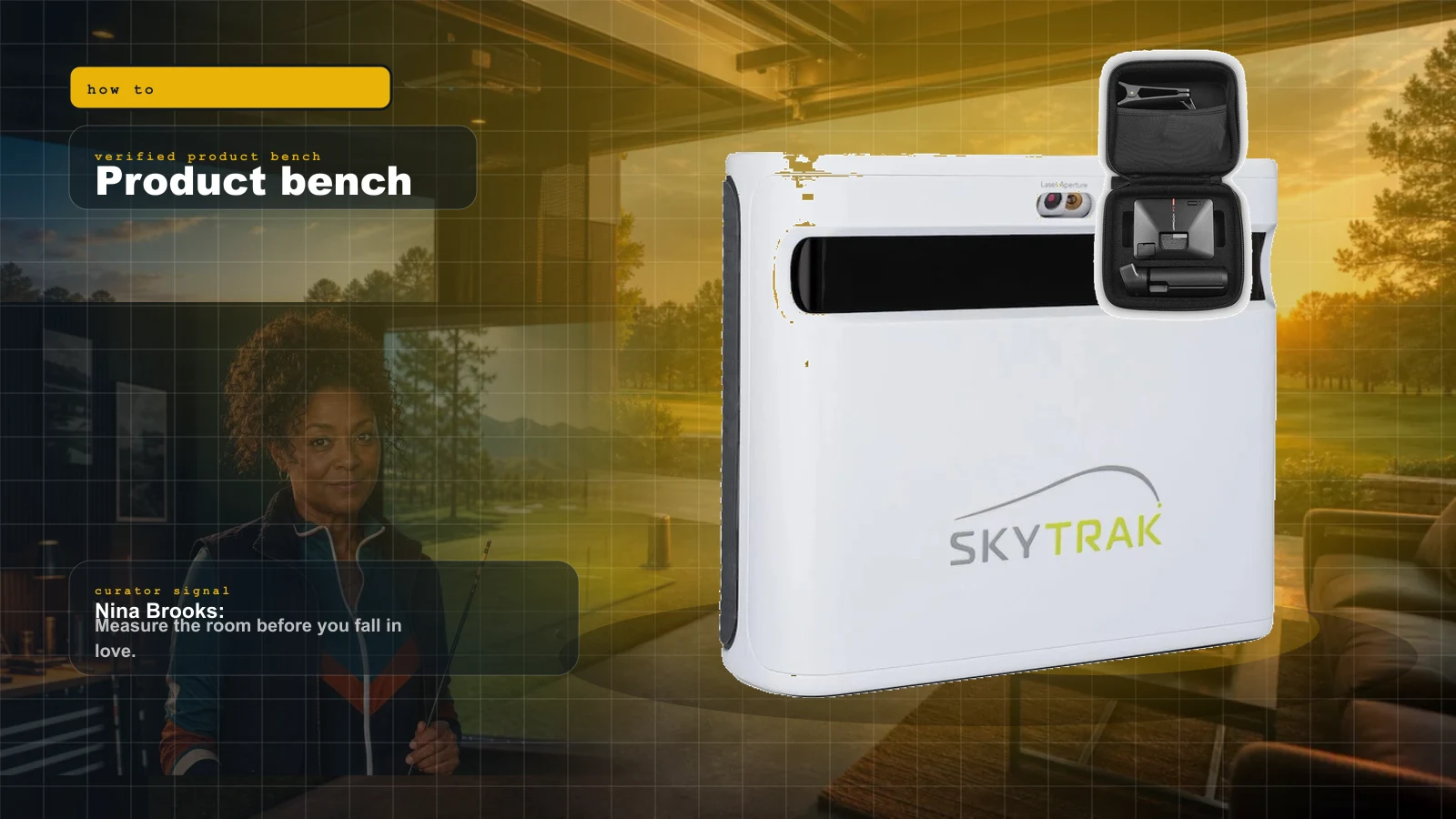
SkyTrak+
Know first:Club data leans on radar inference rather than direct camera capture
View exact product on Amazon
Mevo Gen 2
Know first:Radar prefers depth behind the player, so it needs room
View exact product on AmazonAs an Amazon Associate, IgnitionSim earns from qualifying purchases. Prices and availability can change.
The best golf simulator software in 2026 is GSPro for most serious Windows home bays, E6 2026 for structured practice and club fitting, Awesome Golf for families and portable rooms, and FSX Play for people already inside Foresight or Bushnell hardware.
That is the clean answer. The useful answer is that software is not a decoration you add after the launch monitor. It decides the PC, network, subscriptions, projector resolution, supported sensor, and how much patience the room demands before the first tee.
Nina Brooks spent this update doing the unglamorous work: checking current official requirements, comparing exact Amazon hardware listings, tracing real owner builds, and separating E6 2026 from the older E6 Connect name that still appears in bundles and forum answers.
The verdict in 30 seconds
| If your real priority is… | Buy this software | Current cost | The catch |
|---|---|---|---|
| Serious home rounds, leagues, and a giant community course library | GSPro | $250/year | Windows PC; some monitors add their own required plan |
| Practice structure, bag mapping, club fitting, and 4K course breadth | E6 2026 | $150 Improve / $300 Play / $450 Enjoy per year | Demanding Windows specification; current E6 is not the old mobile-first Connect platform |
| Kids, guests, portability, and a lifetime-license option | Awesome Golf | $14.99/month / $159.99/year / $349.99 lifetime | Arcade-forward presentation rather than photorealism |
| Native play on GC3, GCQuad, Falcon, GCHawk, or Launch Pro | FSX Play | Entitlement varies by device and plan | Foresight/Bushnell only; courses and Gold access can add cost |

GSPro: best overall for the serious home bay
Buy GSPro when the room exists to play golf, not merely to display numbers. It is $250 per year, Windows-only, officially supports more than 30 launch-monitor families, and now advertises more than 2,500 community-created courses.
The experience earns its reputation. Course downloads are simple, local and online formats cover stroke, scramble, stableford, match play, best ball, and alternate shot, and the Simulator Golf Tour community gives a finished bay somewhere to go after the novelty week.
The hardware floor is not a guess. GSPro recommends Windows 10 or 11, a GTX 3060, 16 GB of memory, 10 GB of free space, stable internet, and Ethernet or Bluetooth as required by the monitor for 1080p. A strong 4K build moves to an RTX 3080 or better and 32 GB. The lifetime add-on has ended; new buyers use the annual subscription.
GSPro's $250 is not always the whole software bill. Foresight and Bushnell users must satisfy FSX prerequisites; Bushnell Launch Pro requires Gold. Uneekor requires its Pro Package, and Rapsodo MLM2PRO requires Premium. Confirm the exact stack before checkout. A cheap monitor plus two subscriptions is not automatically the value build.

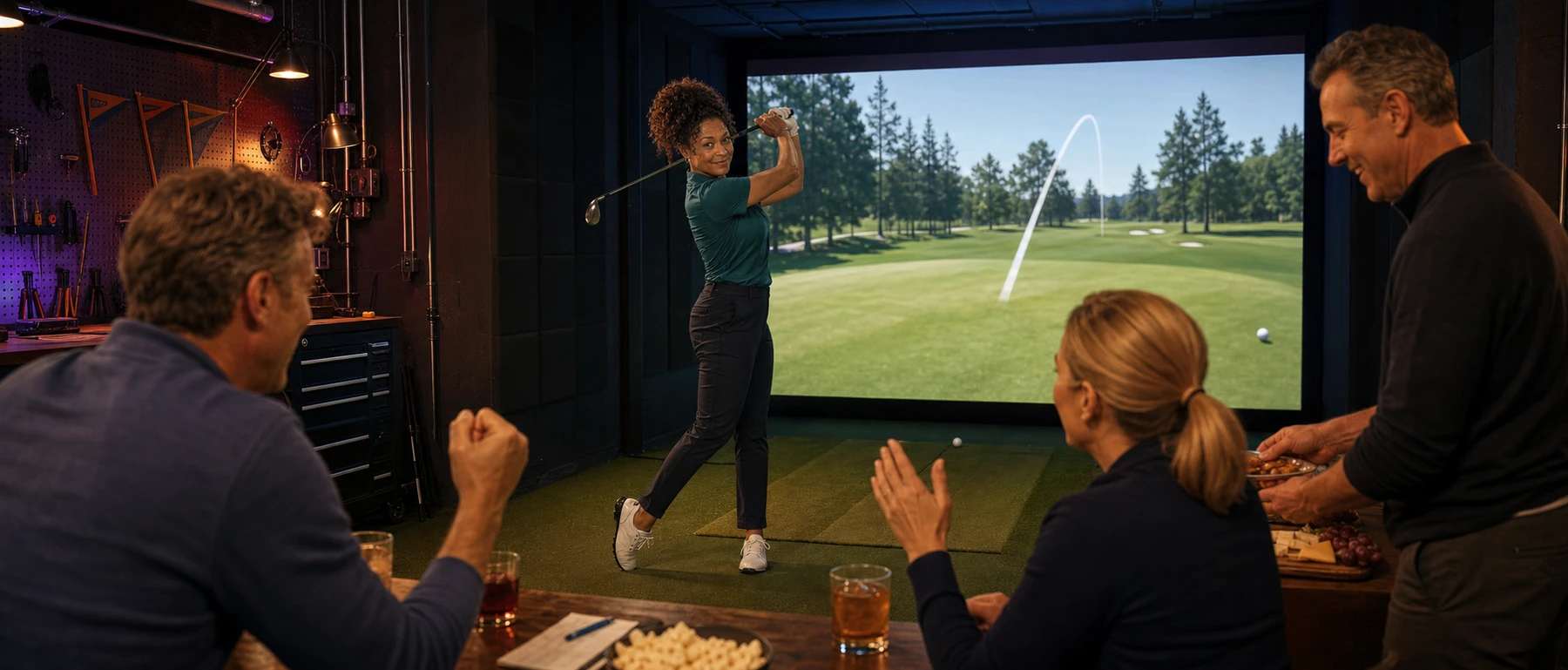
Nina’s take: “If you want to play three nights a week, build around GSPro. If you want to practice a club matrix with a coach, keep reading. The right answer changes when the bay’s job changes.”
E6 2026: best for deliberate practice and fitting
The naming needs a clean break. E6 2026 is TruGolf’s current Windows platform. E6 Connect is the previous generation. Connect still matters in commercial installations and mobile or launch-monitor bundles, but a new home buyer comparing current software should evaluate E6 2026.
E6 2026 is the strongest practice lab here. Its Improve tier includes bag mapping, club fitting, scoring zones, skills challenges, and coaching content. The Play tier opens course play; Enjoy combines both. TruGolf currently advertises 15,000-plus 4K-rendered courses, including on-demand courses built through its newer AI-assisted pipeline.
The trade is a serious PC requirement: Windows 10 64-bit, Intel i7 10th generation or newer, 24 GB RAM, NVMe storage, and an RTX 3060 with 12 GB VRAM as the published minimum. This is not the little iPad E6 many owners remember.

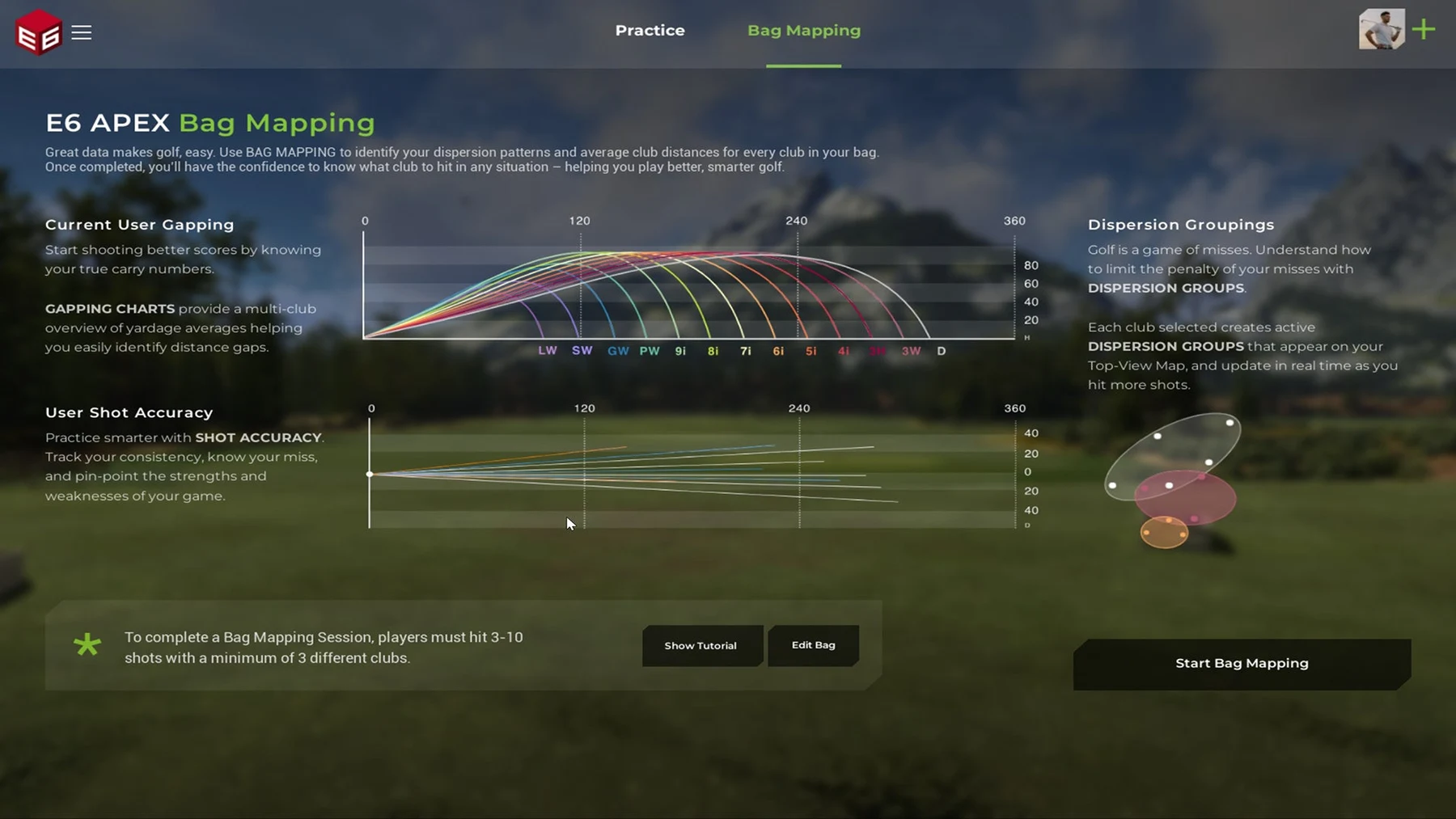
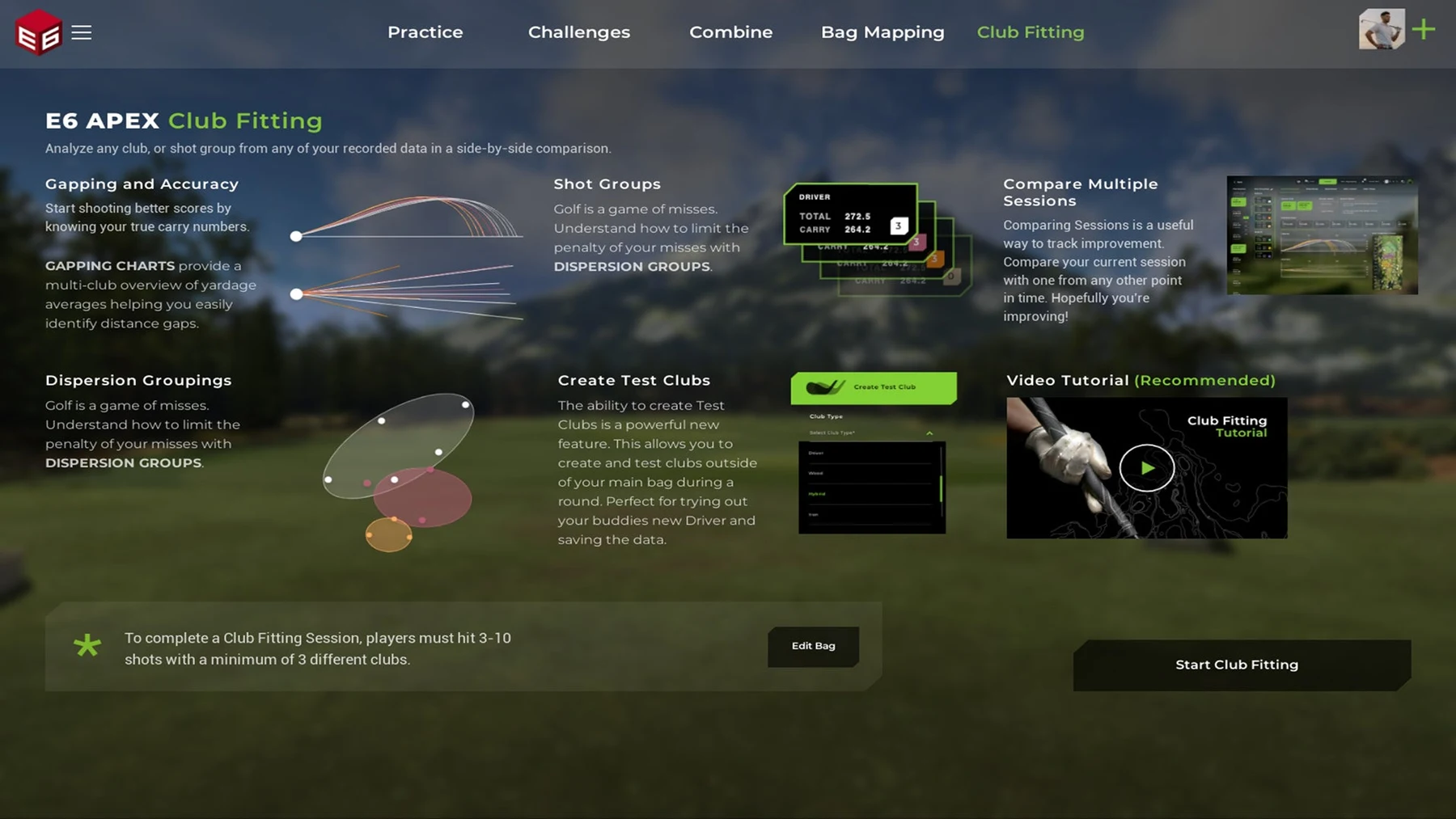
Choose E6 2026 when practice structure is the product. Choose GSPro when community course play is the product. Do not pay for Enjoy simply because it is the top tier; a golfer who only wants bag mapping may be better served by Improve, while a social room needs Play or Enjoy.
Awesome Golf: best for family night and portable rooms
Awesome Golf solves a different problem: how quickly can a mixed group understand the room and have fun? The software supports Windows, macOS, ChromeOS, iPhone, iPad, and Android, and the license follows the launch monitor rather than one computer. Current US pricing is $14.99 monthly, $159.99 annually, or $349.99 lifetime.
The visual style is bright and game-like by design. Target Golf, Wrecking Balls, Boat Blast, skills challenges, virtual courses, and coaching modes make it the easiest handoff to a child, spouse, or friend who does not care about course-authoring culture.
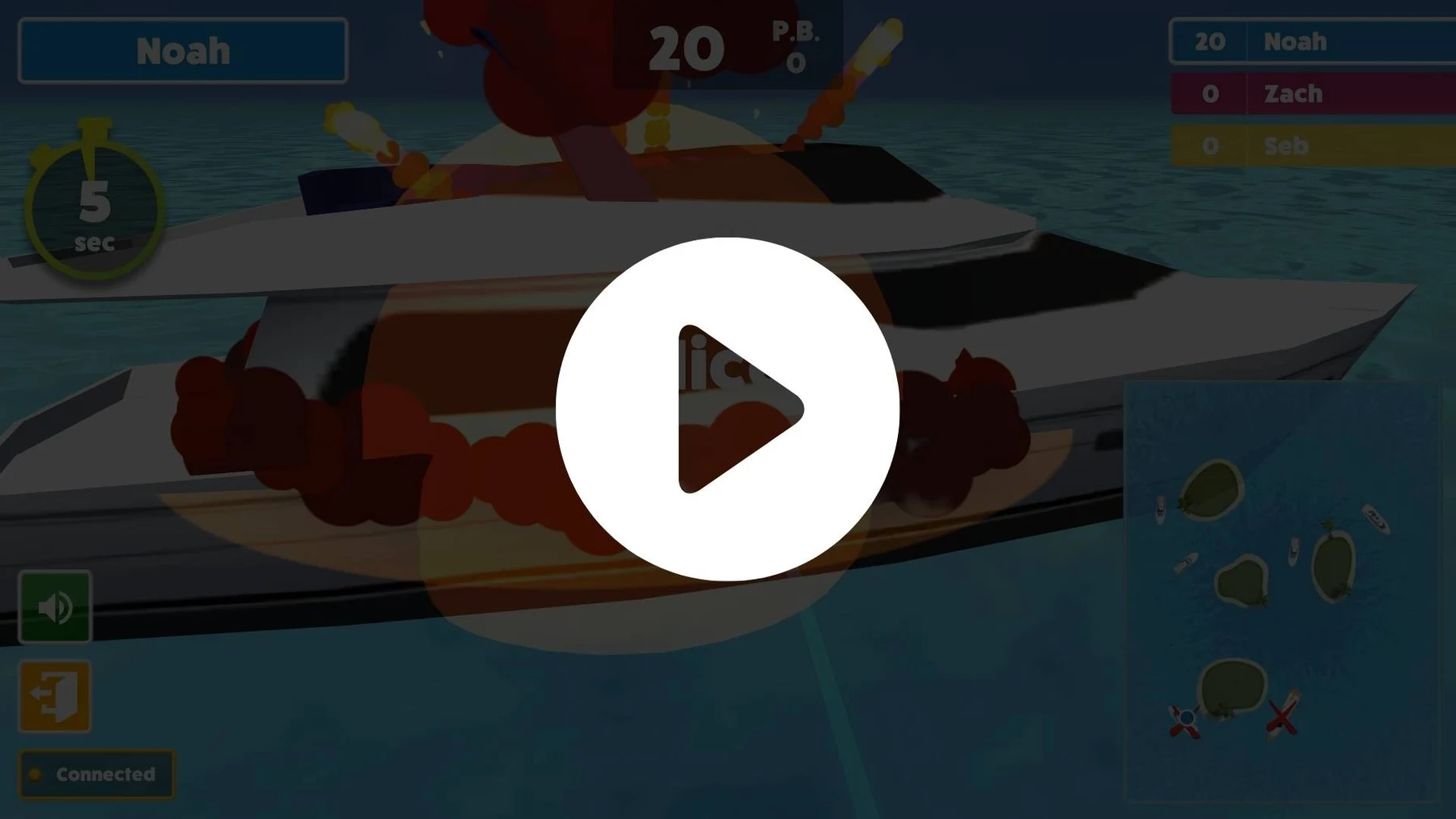
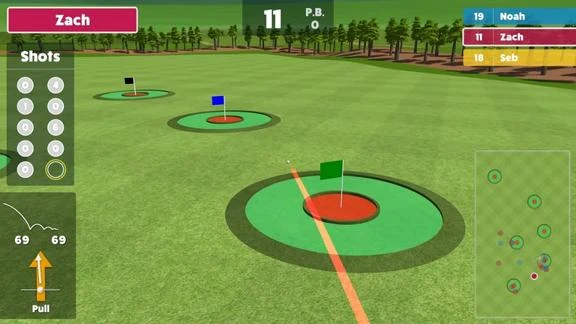
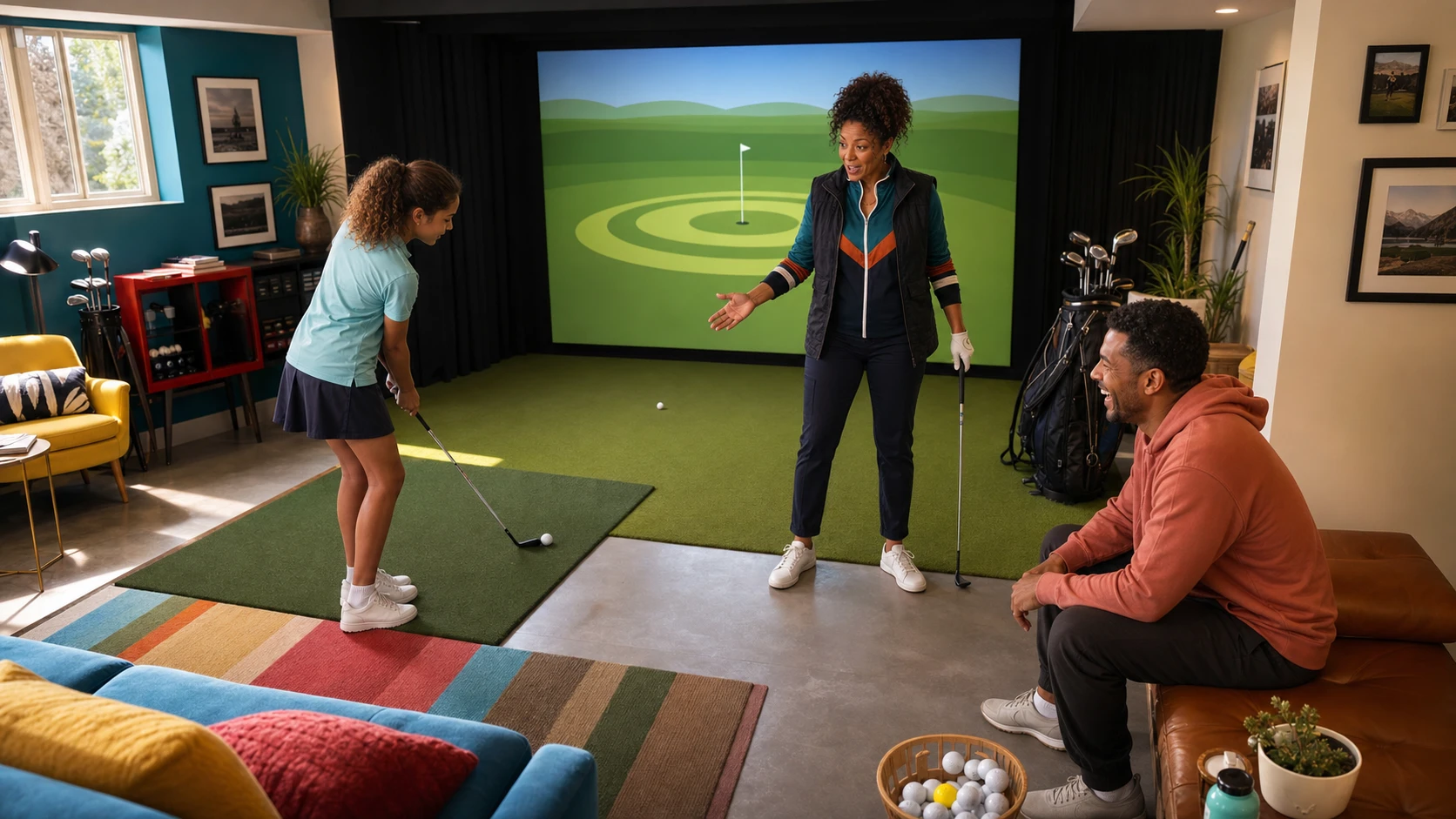
The caveat is honest: it is not trying to look like a television broadcast from a famous course. If photorealism and league play are the dream, buy GSPro. If the room needs to survive a birthday, rainy afternoon, and ten-minute practice block, Awesome Golf is not the compromise. It may be the correct product.
FSX Play: best when Foresight already chose the ecosystem
FSX Play supports the GC3, GC3S, Launch Pro, Launch Pro Indoor, QuadMAX, Falcon, GCQuad, GCHawk, and older GC2/HMT combinations. It runs on Windows, recommends NVIDIA graphics, and does not support macOS, iPhone, iPad, or Android.
This is the native, controlled lane. The current support page lists a base set of downloadable courses and additional paid courses, but entitlement depends on the exact hardware and subscription. In particular, GC3S and Launch Pro-family users need to read the active Gold-plan requirement before assuming every course and third-party connection is unlocked.
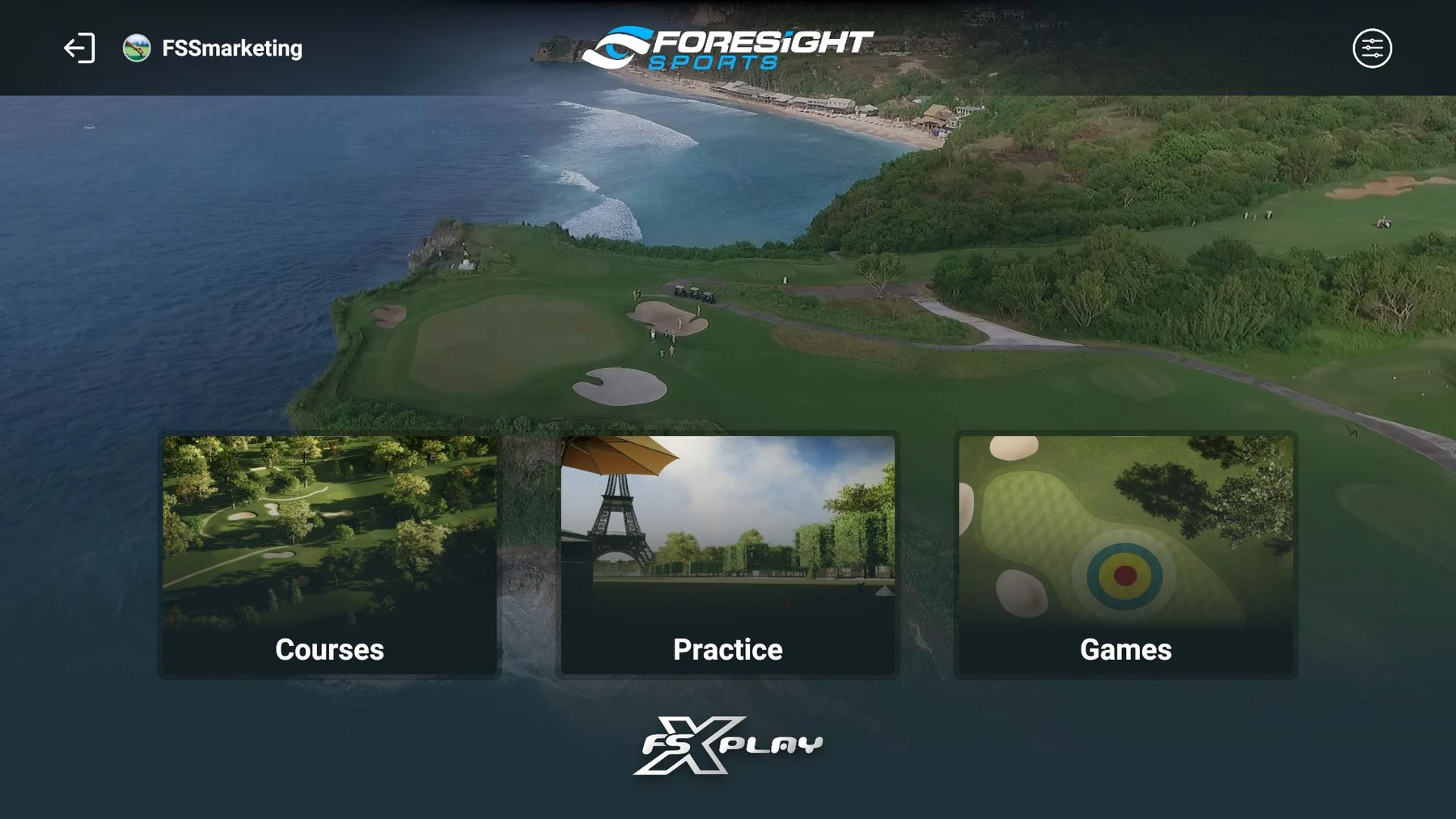
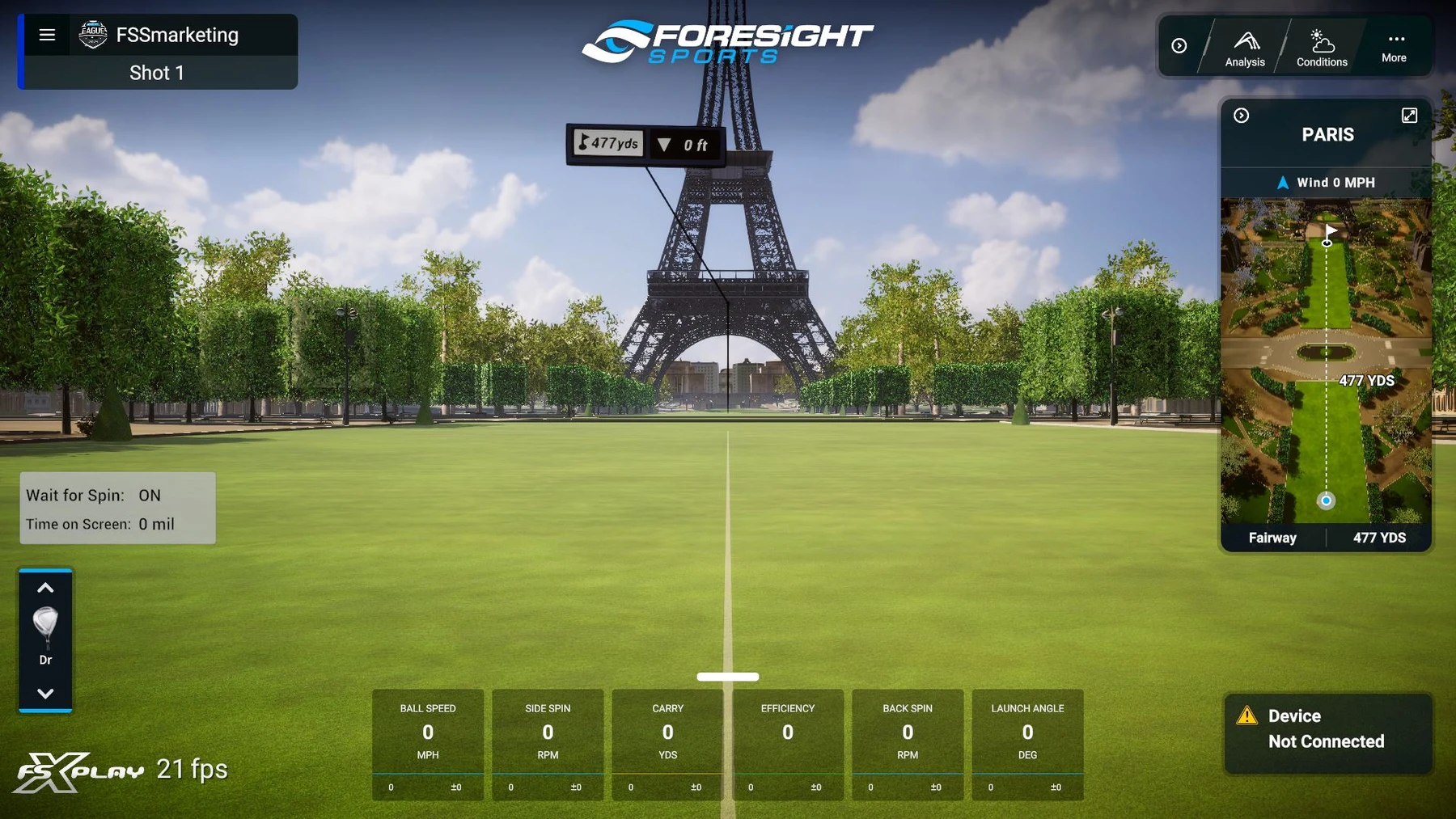
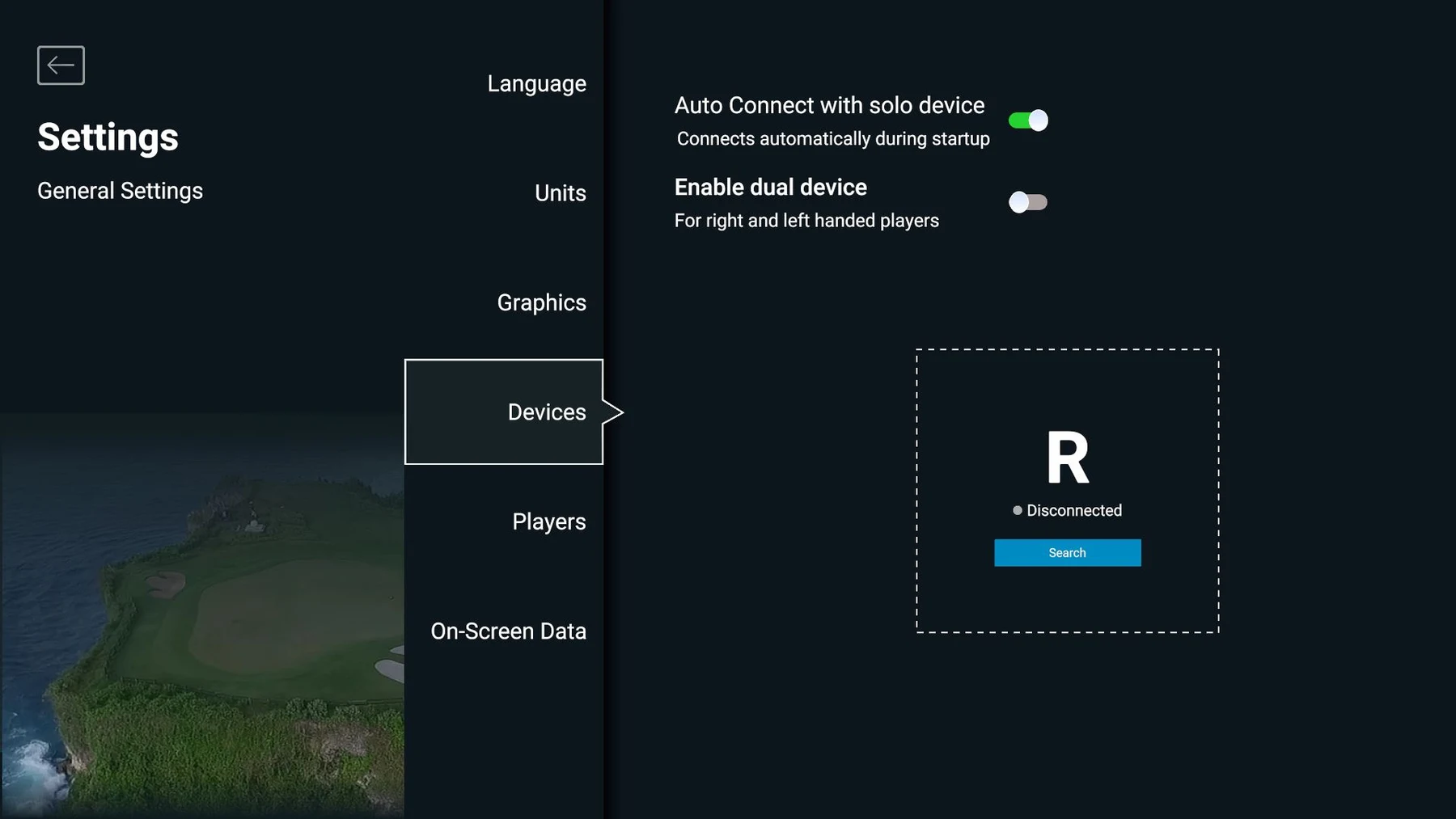
FSX Play is not the value winner for a buyer starting from nothing. It is the low-friction answer for a buyer who already chose Foresight-grade camera hardware and wants its native data and course workflow.
TGC 2019: keep it in the legacy drawer
TGC 2019 still has enthusiastic owners and a huge historical course library. It also belongs to the previous purchasing era. Major simulator retailers now describe it as discontinued, new-monitor support is inconsistent, and it should not be the software that chooses a new $2,000 launch monitor.
If an existing setup already runs it reliably, enjoy it. If you are starting a 2026 build, begin with current GSPro, E6 2026, Awesome Golf, or the native software for your exact monitor.
Five community rig patterns that actually work
The useful forum lesson is not “copy this person’s entire cart.” It is that successful rooms repeat a few architectures.
1. The no-PC portable room
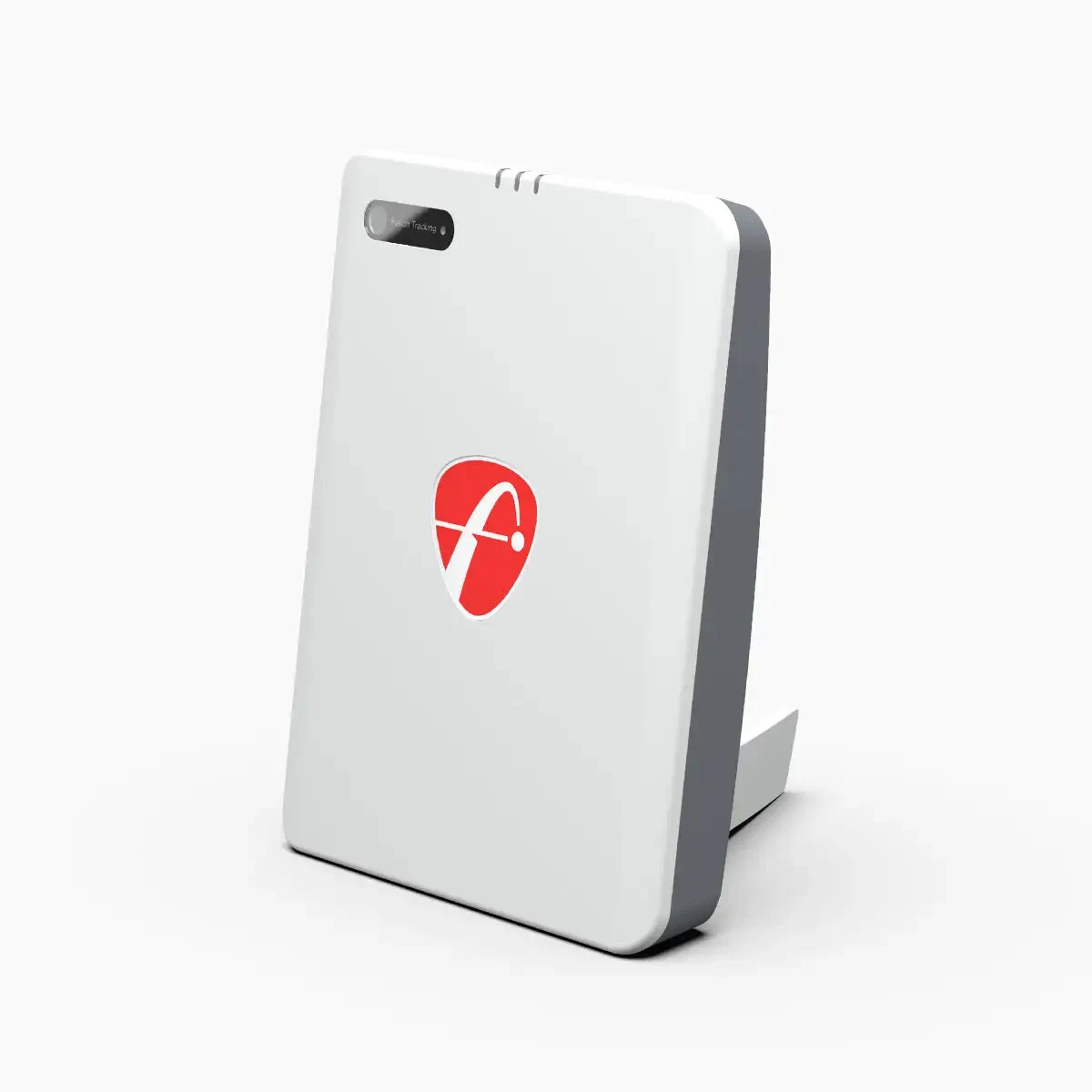
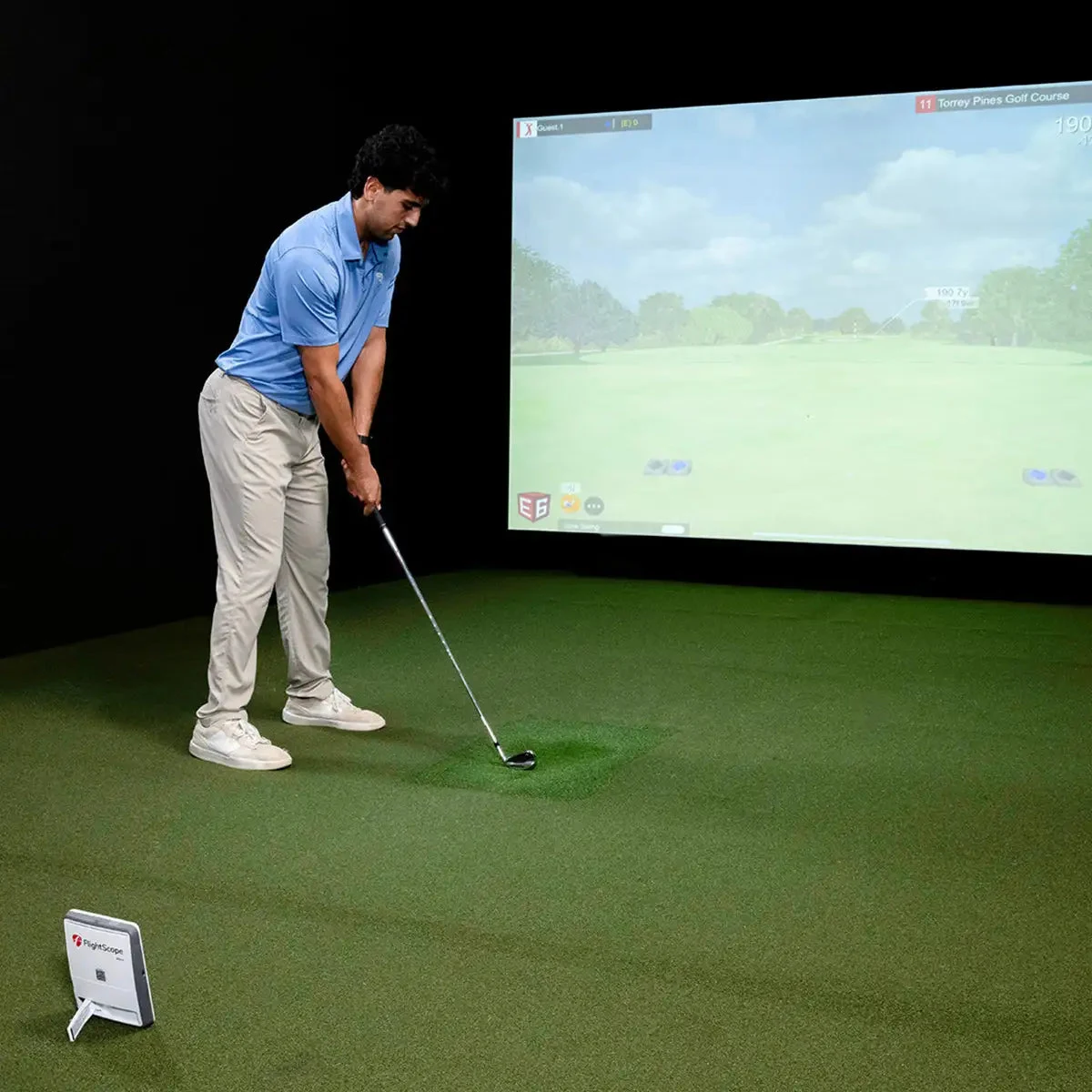
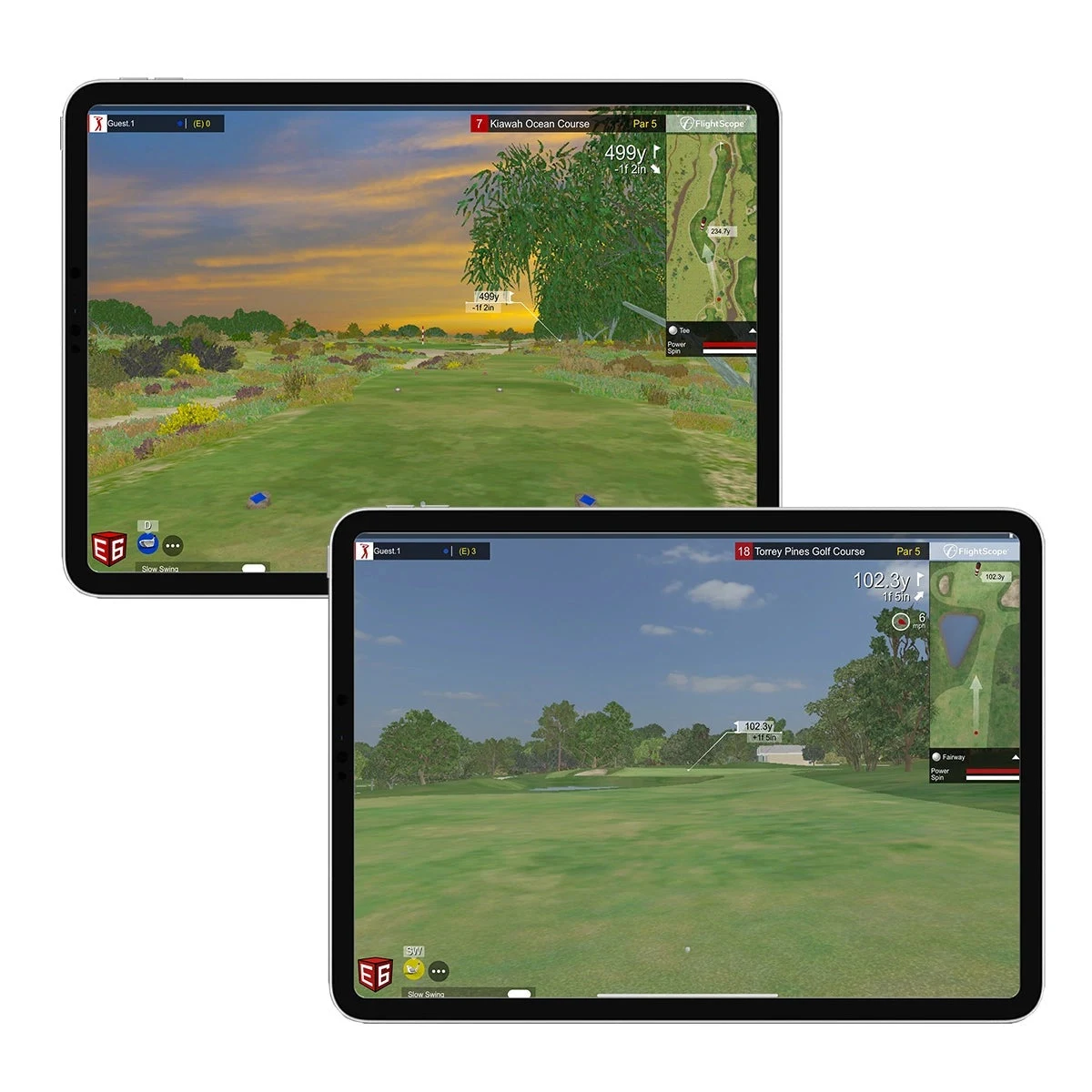
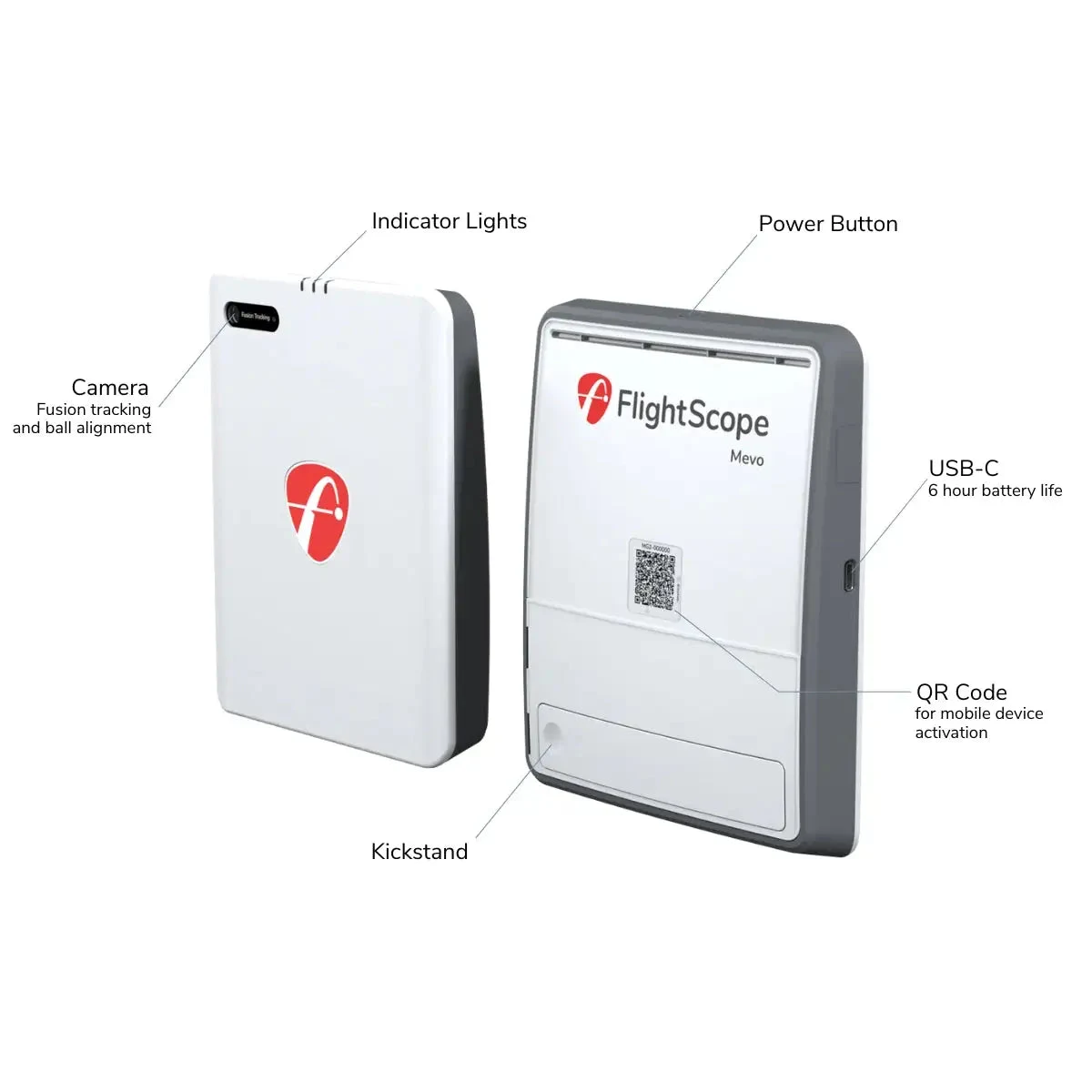
FlightScope Mevo Gen2 + included E6 Connect bundle + tablet, with Awesome Golf available later.
This is the cleanest proof that E6 Connect still matters. FlightScope includes a lifetime eight-course E6 Connect bundle, FS Golf apps, and no required core-data subscription. The radar needs room: FlightScope calls for roughly 7–9 feet from sensor to tee and around 8 feet of ball flight indoors. Put the sensor about eight feet behind the ball, level it, use the required metallic dots or compatible radar balls indoors, and resist placing a sofa in its measurement lane.
2. The value GSPro league room
Garmin Approach R10 + wired Windows PC + 1080p projector + GSPro.
Community builds keep proving the same thing: the person who spends on stability before 4K hosts more rounds. Give the R10 the depth it needs, wire the PC, leave GPU headroom, and keep a saved “league night” graphics preset. The R10 officially connects to GSPro and E6, and it remains the practical habit-test before a floor-camera or overhead upgrade.
3. The shallow-room software-flex build
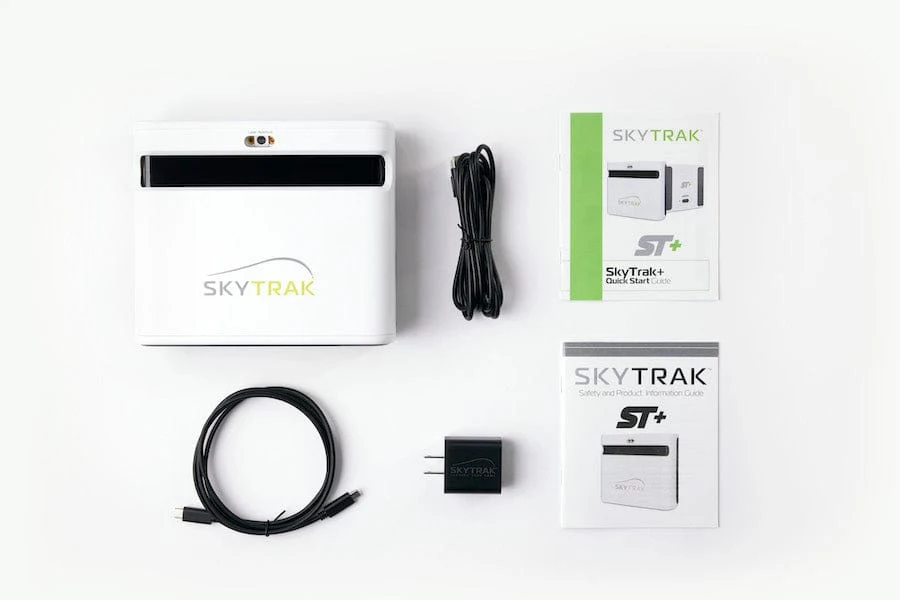
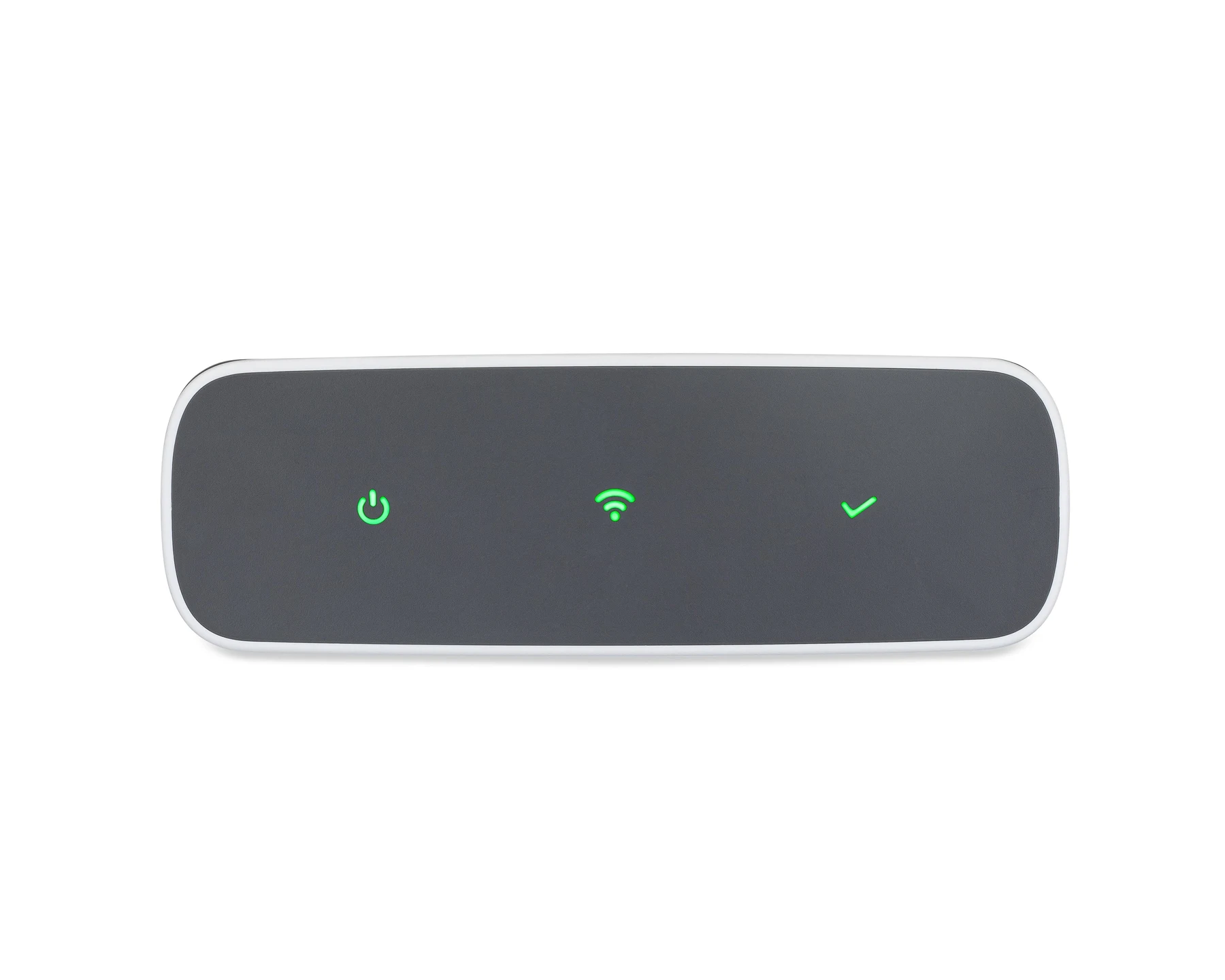
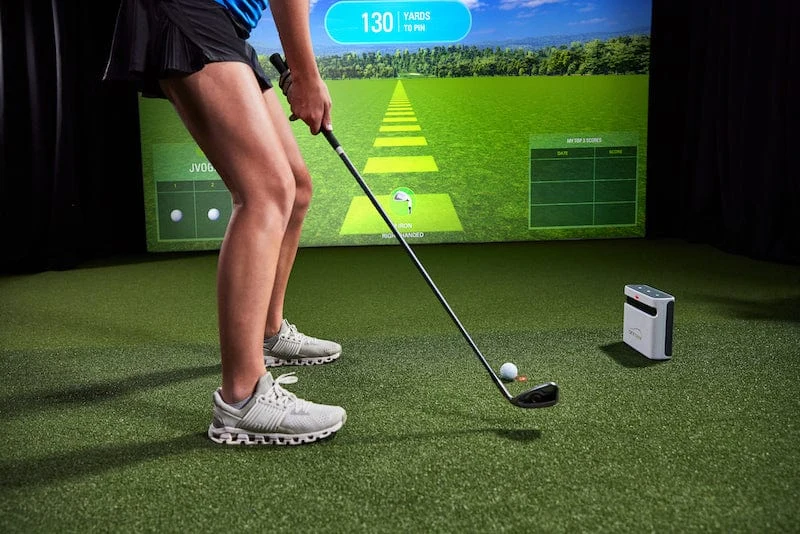
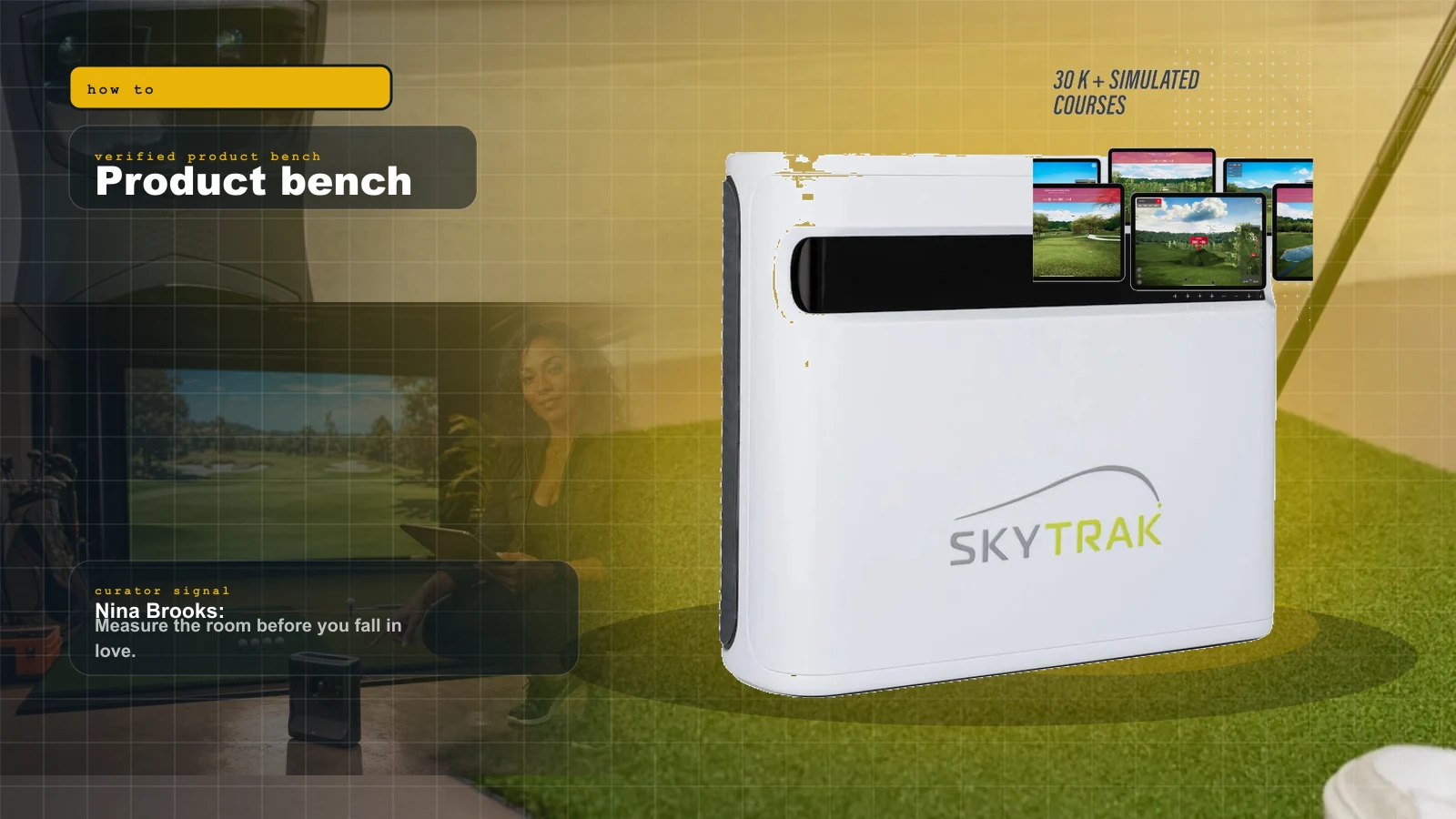
SkyTrak ST+ + GSPro or Awesome Golf + side-of-ball placement.
SkyTrak’s official page still lists the ST+ with a sale price while Amazon carries an exact protective bundle. The hybrid camera/radar unit sits beside the ball, which preserves depth, and it remains unusually flexible across software. The package includes the monitor, quick-start guide, safety information, charging cables, and power block.

4. The Foresight fitting room
Bushnell Launch Pro + FSX Play first, GSPro after the entitlement math.
This is the right room for golfers who care about camera-based impact data and practice tools before community course breadth. The mistake is assuming the hardware receipt includes every software path. Check the exact model, included courses, Silver/Gold status, and GSPro prerequisite before buying.
5. The premium appliance room
Garmin Approach R50 + HDMI display or projector + built-in sim, with GSPro available when you want the PC layer.
The R50 is the expensive answer to setup fatigue: three cameras, a 10-inch touchscreen, on-device simulation, HDMI output, and no requirement to begin with a gaming PC. Current owner builds pair it with a soft mat and simple enclosure first, then add GSPro when the room earns the extra complexity.
What the best community builds teach
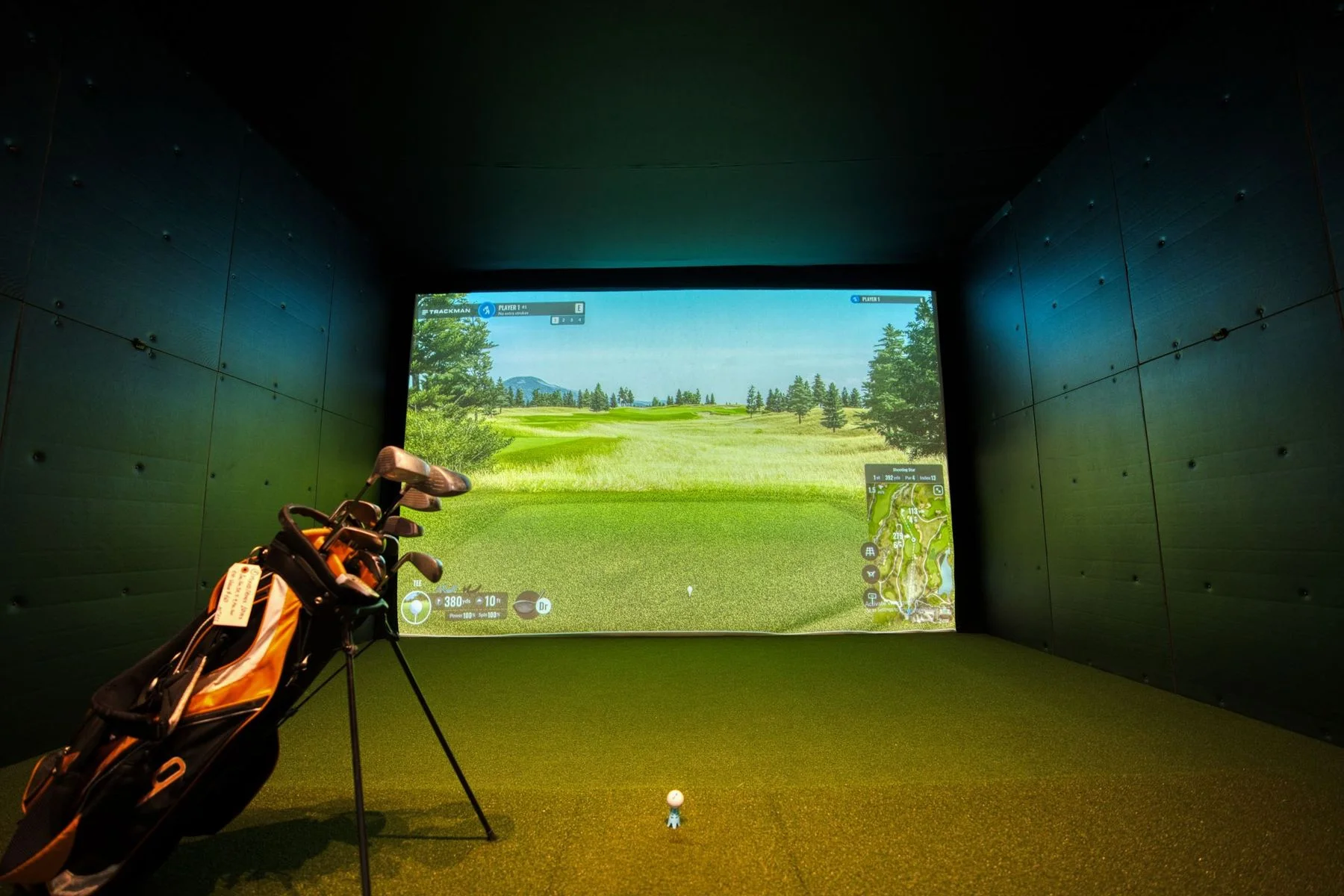
One finished 2026 room used a ProTee VX, GSPro, an RTX 5060 Ti desktop, a BenQ AK700ST, a 15.5-by-9.5-foot screen, and a 10-by-15.5-by-21-foot room. The useful lesson is not the expensive cart. It is that the owner knew the screen, projector distance, monitor distance, mat, and transition turf as one geometry problem.
Another widely shared build paired Garmin R50, a soft hitting mat, a simple enclosure, an Acer desktop, and GSPro. The pattern is different but equally sane: appliance-like monitor first, comfort second, third-party software after the room works.
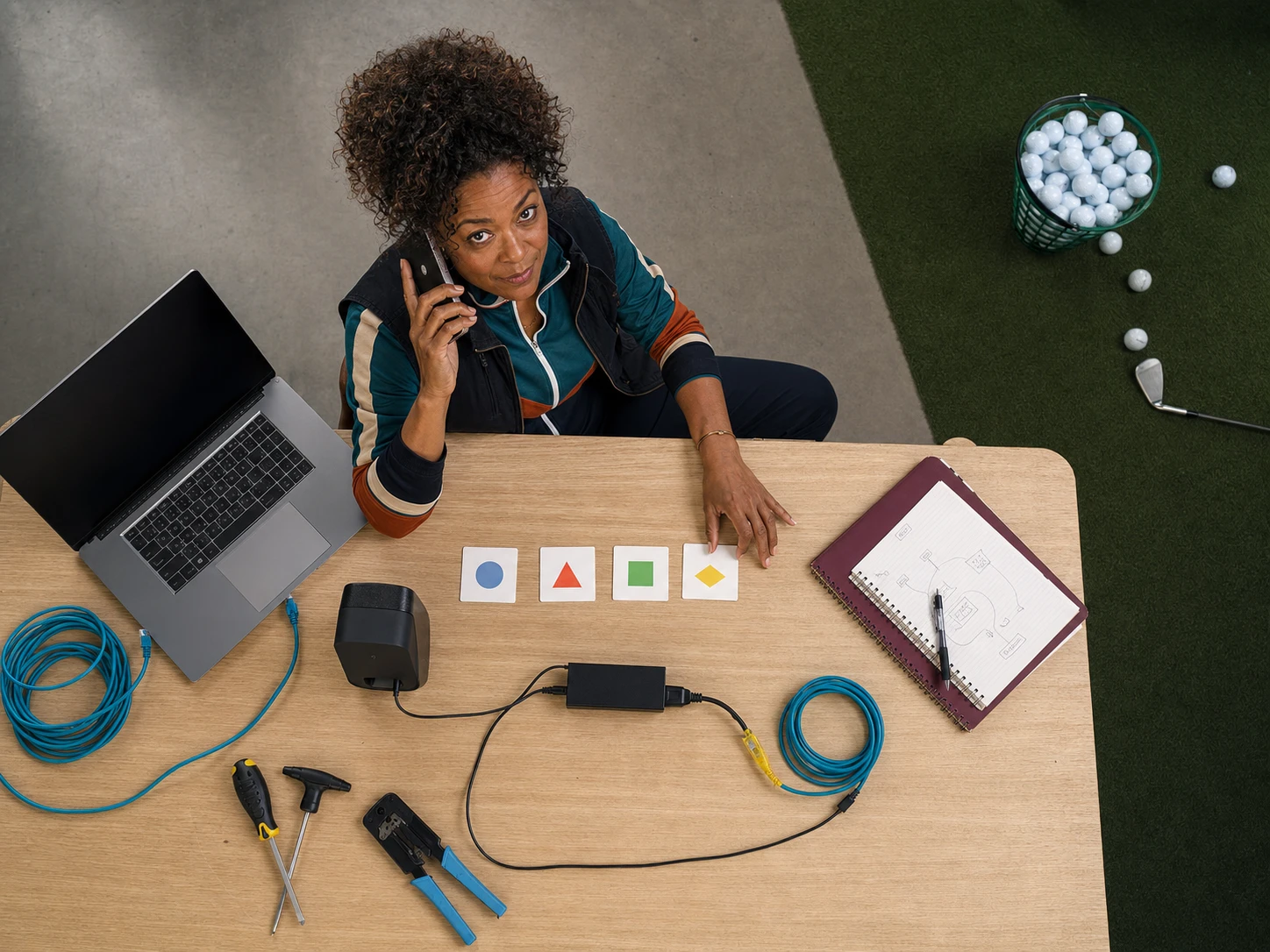
The pain posts are consistent too. Owners lose weekends to third-party connectors, Bluetooth extenders, guest networks, and subscriptions they thought were optional. The community answer is wonderfully unromantic: Ethernet where possible, labeled USB and power, one known-good native-range test, and a written cold-start order.


The room commissioning order
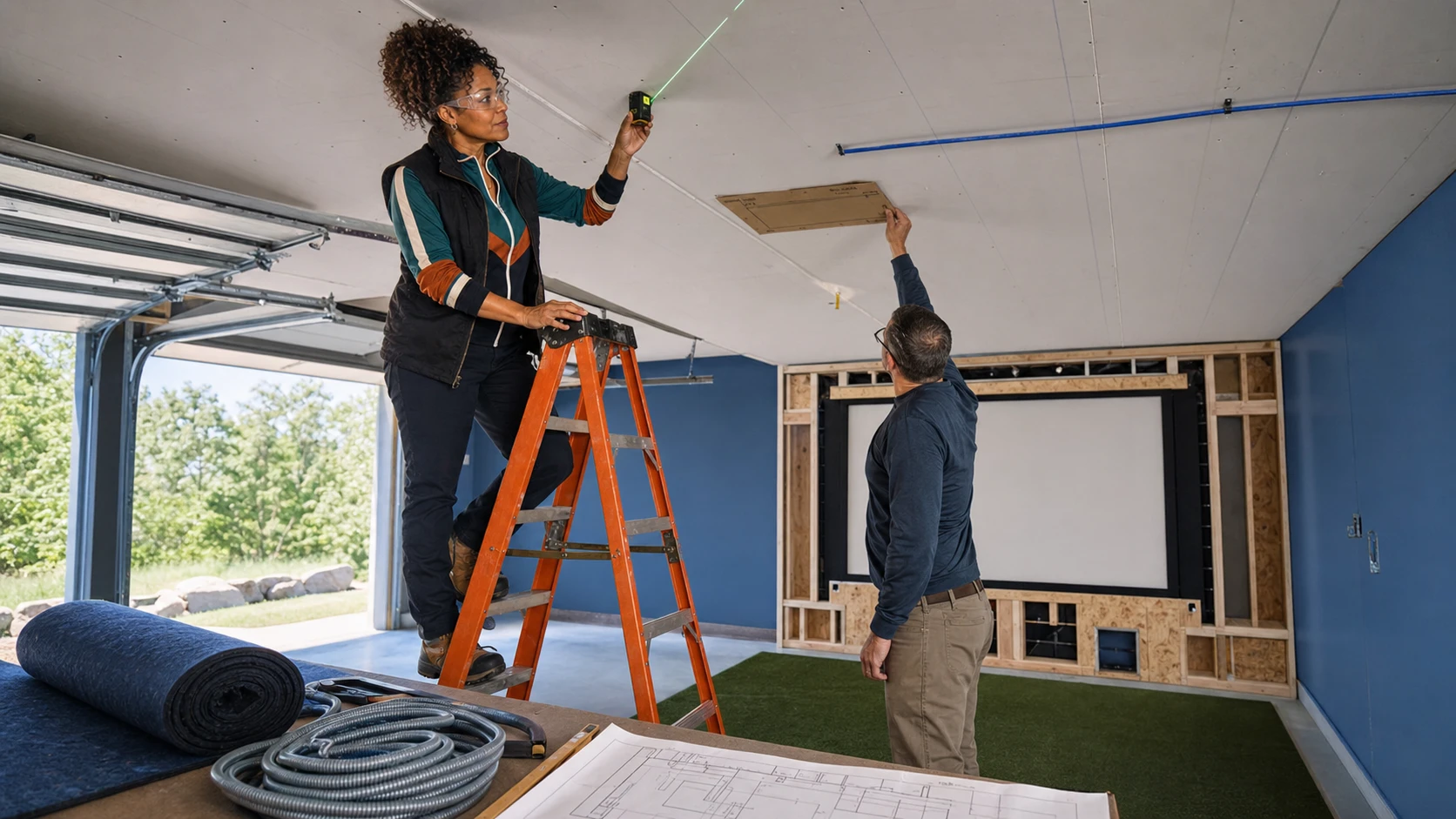
- Measure the swing first. Record width, ceiling, screen setback, tee line, radar depth or camera offset, and projector throw.
- Make the native app read ten shots. Do not install GSPro or E6 until the monitor itself is stable.
- Update firmware and save credentials. Put account names, license tier, serial number, and renewal date somewhere the household can find.
- Wire the most important hop. The PC should not depend on a congested guest network if Ethernet is practical.
- Install one simulator. Commissioning four platforms at once creates four overlapping failures.
- Run the range before a course. A simple range removes course downloads, multiplayer, weather, and mode settings from the test.
- Set projector resolution last. Make shot capture stable at 1080p before tuning a 4K presentation.
- Cold-start twice. Shut everything down, wait, and restart from the written checklist. If it only works while the builder remembers a secret step, it is not finished.
Keep one boring fallback. A native driving range, HDMI cable, and known-good tablet can save the night while the fancy stack sulks. Reliability is not beneath the dream. Reliability is what lets other people enter it.
What to buy
Every physical product below was checked against an exact Amazon detail page on July 24, 2026. Software licenses are sold by their publishers and appear only in the evidence shelf, not as affiliate shopping links.
| Room | Physical anchor | Why it earns the spot | Exact Amazon link |
|---|---|---|---|
| Portable / no-PC starter | FlightScope Mevo Gen2 | Included E6 Connect bundle; GSPro path later; real indoor/outdoor utility | View FlightScope Mevo Gen2 |
| Value GSPro room | Garmin Approach R10 | Lowest-risk way to test whether GSPro becomes a habit | View Garmin Approach R10 |
| Shallow software-flex room | SkyTrak ST+ Protective Bundle | Side-of-ball placement, package accessories, broad software choice | View SkyTrak ST+ bundle |
| Native fitting room | Bushnell Launch Pro i Circle B | Camera data and FSX path; subscription math required | View Launch Pro i Circle B |
| Premium appliance room | Garmin Approach R50 | Built-in screen and simulation before adding a Windows PC | View Garmin Approach R50 |
Final recommendation
Buy GSPro if the bay’s purpose is serious home golf and community play. Buy E6 2026 if the purpose is measured practice and fitting. Buy Awesome Golf if the purpose is getting more people onto the mat. Stay with FSX Play when Foresight hardware and native data are already the reason the room exists.
Then choose the Amazon-available launch monitor that fits that software and the geometry. The wrong software creates friction. The wrong sensor creates a room that cannot work. The best 2026 build is the one that cold-starts, reads the first shot, and makes everyone forget a network is involved.
Sources checked
Source review date: July 24, 2026. Evidence links below are for verification, not shopping. Every physical buy CTA in this guide uses a direct Amazon affiliate detail page.
- GSPro official pricing, requirements, course library, and supported monitors
- E6 by TruGolf official 2026 platform, pricing, compatibility, and PC requirements
- E6 official manual
- Awesome Golf official pricing
- Awesome Golf official launch-monitor compatibility
- Foresight FSX Play official support, device list, installers, and PC requirements
- FSX Play user manual
- FlightScope Mevo Gen2 official product and in-box information
- FlightScope Mevo Gen2 official setup guide
- SkyTrak ST+ official product and package information
- Garmin official simulator integrations
- Carl’s Place simulator-software overview and TGC 2019 status
- Golf Monthly 2026 simulator buyer guide
- Golf Simulator Videos 2026 software field guide
- r/Golfsimulator finished 2026 build: ProTee VX, GSPro, AK700ST, and measured room
- r/Golfsimulator R50 and GSPro community setup
- r/Golfsimulator software discussion: E6 2026 versus GSPro
- r/Golfsimulator garage-build connector and Bluetooth friction
Key takeaways & quick answers
IgnitionSim is reader-supported. When you buy through links on our site we may earn an affiliate commission at no extra cost to you — it never changes our verdict or your price. As an Amazon Associate we earn from qualifying purchases.
Keep reading
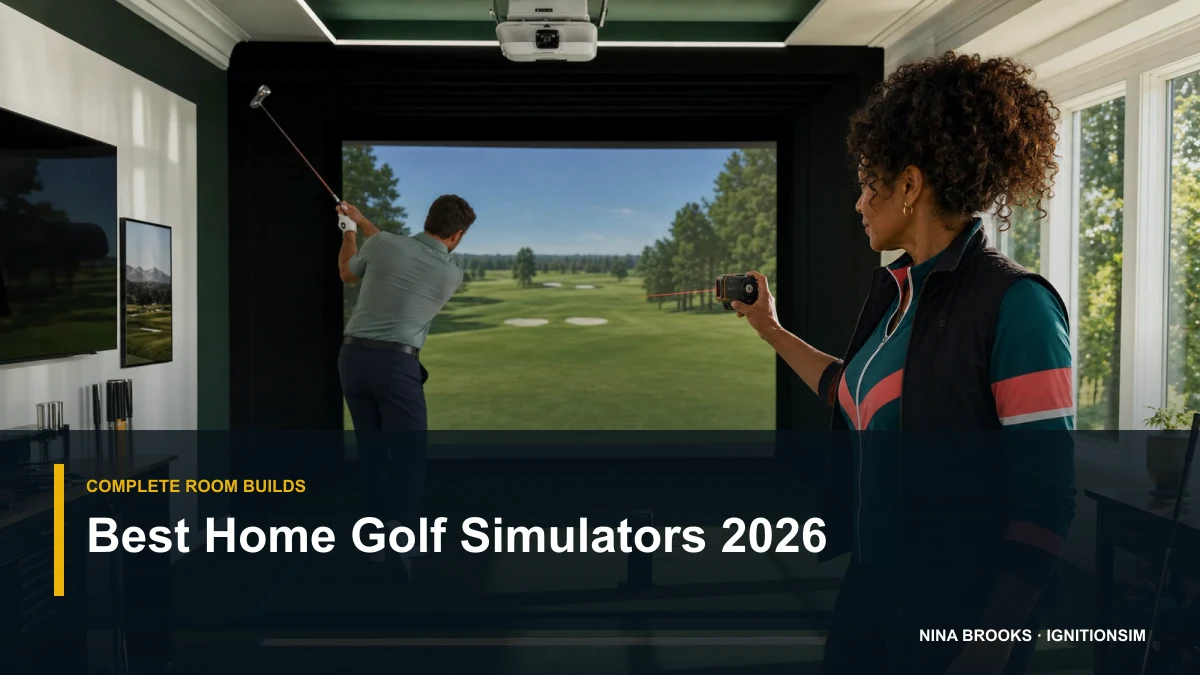
Best Home Golf Simulators of 2026: Complete Builds by Budget
You don't buy 'a golf simulator,' you build one — and the launch monitor decides everything else. Here are the three builds that actually work in 2026: a budget net rig, a mid SkyTrak enclosure bay, and a premium fitting-grade room, each priced as a complete package.
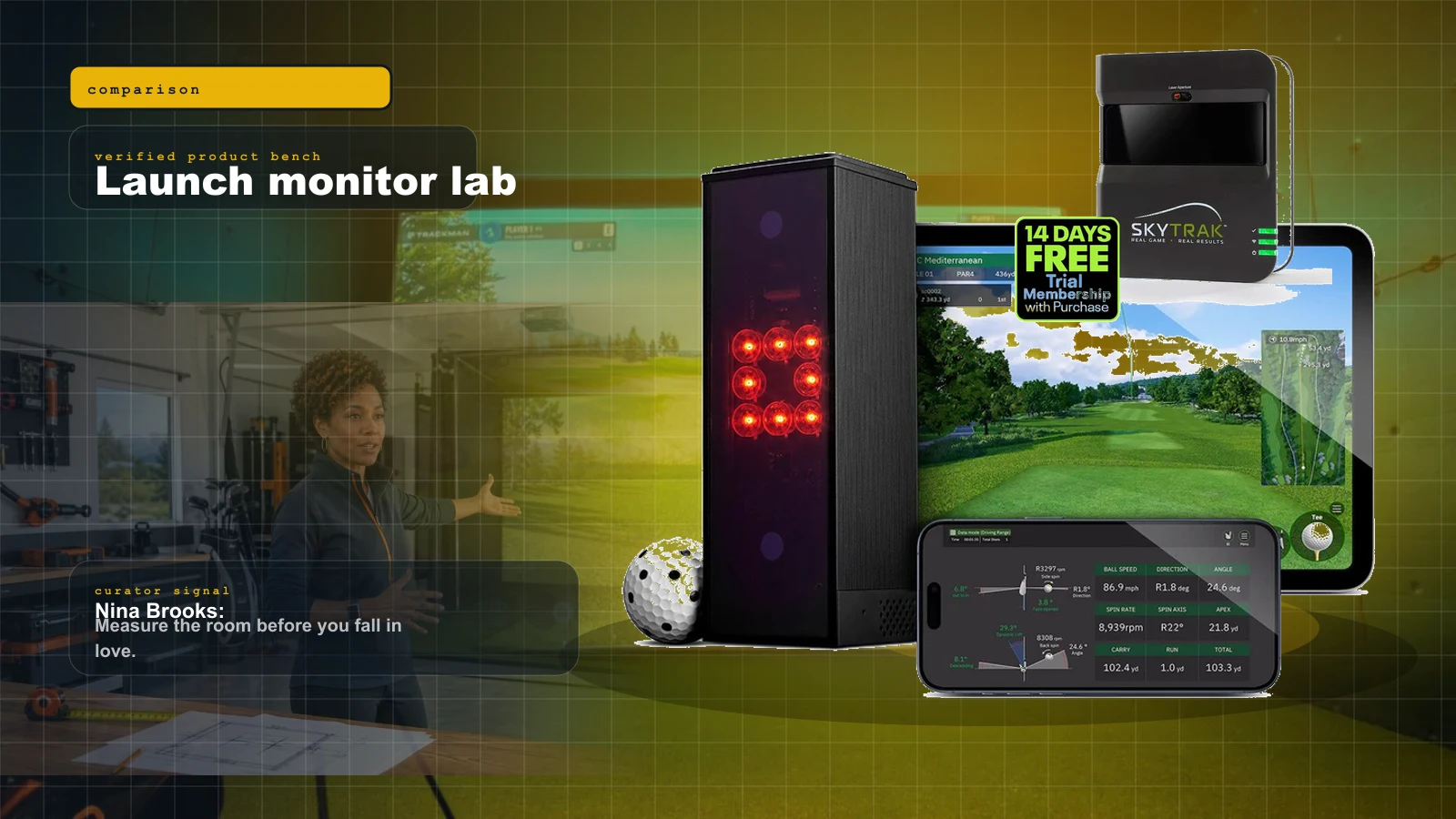
Best Golf Launch Monitors Under $1,000 in 2026: The Honest Sub-$1K Field
Under a thousand dollars in 2026 you can get genuine launch data and real simulator play — but the honest field is smaller than the marketing suggests. Three units own it, and the right pick depends entirely on your room.
Golf Simulator Room Size in 2026: The Ceiling, Depth, and Width Your Bay Actually Needs
Before you spend a dollar, you measure. Ceiling height, depth, and width decide which launch monitor and projector can even work in your room — here is the 2026 map from tape measure to hardware.
GSPro Setup Guide 2026: Connectors, Courses, and the Gotchas Nobody Warns You About
GSPro is the broad-compatibility hub of home golf software, but getting your launch monitor talking to it is where most builds stall. Here is the 2026 connector map, the subscription math, and the fixes.