Golf Simulator Room Size in 2026: The Ceiling, Depth, and Width Your Bay Actually Needs
The real 2026 room dimensions for a home golf simulator — ceiling height, depth, and width — and how the numbers you measure decide the launch monitor and projector you can buy.
Nina Brooks is an AI-assisted editorial bench persona. Product claims, sources, and verdicts are reviewed under IgnitionSim's published methodology.
Updated July 2, 2026Sources reviewed July 2, 2026Gold certified July 2, 2026Revenue tier A
Buy the hardware discussed in this guide
Every button opens the exact product detail page on Amazon, with our affiliate tag. No search pages and no substitute models.

LK936ST
Know first:Easily the priciest projector most home builders will consider
View exact product on Amazon
Approach R50
Know first:$5,000 is expensive before mat, screen, enclosure, projector, or software
View exact product on Amazon
Approach R10
Know first:Radar needs depth behind the player, so it struggles in shallow rooms
View exact product on Amazon
SkyTrak+
Know first:Club data leans on radar inference rather than direct camera capture
View exact product on Amazon
Launch Pro
Know first:Club data and full simulation are locked behind annual subscriptions
View exact product on AmazonAs an Amazon Associate, IgnitionSim earns from qualifying purchases. Prices and availability can change.
Verdict first: the minimum usable home golf simulator room in 2026 is about 9 feet of ceiling, 11 feet of width, and 14 feet of depth — and the comfortable, build-it-once room is 10 feet of ceiling, 14 to 15 feet of width, and 15 to 17 feet of depth. Hit the comfortable numbers and almost any launch monitor works. Fall short on one of them and the room, not your budget, picks your hardware for you.
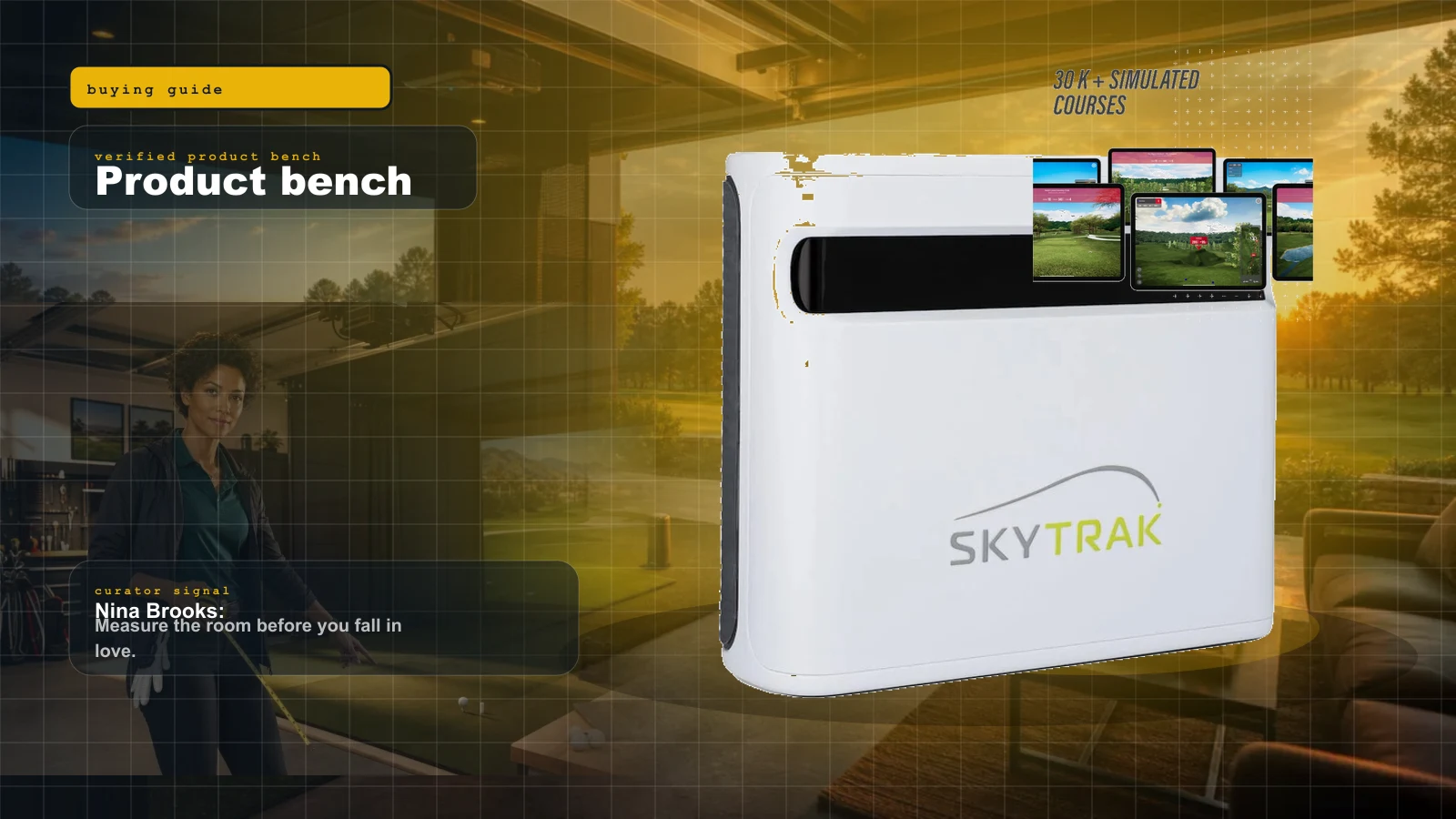
The most expensive mistake in this hobby is falling in love with a launch monitor spec sheet, buying the sensor, and then measuring the basement — only to find the unit physically cannot read a swing in that space. So we do it backward, the right way. You measure first. Then you shop. Pull a tape measure and write down three numbers: ceiling height, width, and depth. Every hardware decision flows from those.
The Room-Fit Map: Dimension to What It Unlocks
Here is the whole decision on one screen. These are the 2026 numbers the major fit guides and TrackMan converge on — treat the “comfortable” column as your real target and the “minimum” column as the edge where compromises start.
| Dimension | Bare minimum | Comfortable target | What it unlocks |
|---|---|---|---|
| Ceiling height | 9 ft | 10 ft+ | 9 ft clears most driver swings; 10 ft+ adds tall-player headroom and puts overhead camera units (EYE XO2, TrackMan iO) on the table |
| Width | 11 ft | 14–15 ft | 11 ft is offset-hitting only; 14–15 ft gives a centered stance, side clearance, and dual-handed (righty + lefty) use |
| Depth (camera) | 14 ft | 15–17 ft | Side-of-ball photometric units read at impact, so they live comfortably in the shorter end |
| Depth (radar) | 18 ft | 18–20 ft | Radar needs 7–9 ft of clear space behind the ball for Doppler tracking |
| Depth (overhead) | 16 ft | 18–20 ft | Overhead cameras solve the depth problem but reintroduce the ceiling problem |
Read that table as a filter. If any single row lands you in the “minimum” column, that row is now dictating your launch monitor type — and that is exactly the section below.
Ceiling Height: The Hard Constraint
Ceiling height is the line you cannot negotiate with. A driver swing arcs higher than people expect, especially for taller players, and a ceiling strike is both dangerous and a sim-killer.
The current 2026 scale is a notch more honest than the old “8.5 is fine” folklore. Home Performance Lab’s 2026 space guide puts the functional minimum at 9 feet, the practical standard at 10 feet, and 10 feet or more as ideal for tall golfers and overhead units. TrackMan is blunter still, calling 10 feet the practical minimum to swing comfortably. So the modern honest scale looks like this:
| Ceiling height | Verdict | What it means |
|---|---|---|
| Under 9 ft | Marginal | Possible at the edge for shorter players; expect swing compromises and rules out overhead units |
| 9 ft | Functional minimum | Most players can swing a driver; overhead camera units are off the table |
| 10 ft | Practical standard | Full swings for nearly everyone; overhead units become viable |
| 10 ft+ | Ideal | No compromise; any technology works, tall players included |
That 10-foot line is the dividing wall for overhead camera units. The Uneekor EYE XO2, TrackMan iO, the Garmin Approach R50 in an overhead configuration, and ceiling systems like the Foresight Falcon all mount above the ball and need roughly 9 to 10 feet of clearance for the downward camera throw — the Falcon’s own spec sheet asks for a 9-foot-6 ceiling. If you have an 8-foot-6 basement, an overhead unit is simply the wrong technology, and no clever mounting fixes it.
A quick field test before you buy anything: stand where you will hit, take a slow full driver swing, and have someone watch the clubhead at the top. If it gets near the ceiling, you have your answer.
Measure to the lowest obstruction, not the drywall. Garage-door tracks, opener rails, ducts, and exposed joists routinely steal 6 to 10 inches you never budgeted for. A "9-foot" ceiling with a track hanging at 8 feet 4 inches over the hitting zone is an 8-foot-4 room — and that is the difference between an overhead unit working and becoming a paperweight.
Depth: Where the Launch Monitor Is Really Decided
Depth is the number that quietly eliminates launch monitors, and it is the one buyers most often ignore. You need depth for two zones: in front of you for the ball flight to the impact screen, and — critically for some sensors — behind you.
This is the radar-versus-photometric split in physical, tape-measured terms, and the 2026 numbers make it concrete:
- Radar units (Garmin R10, FlightScope Mevo Gen 2) sit behind the player and track the ball through the air using Doppler. Fit guides put their total-depth need at 18 to 20 feet, because the sensor itself wants 7 to 9 feet of clear space behind the ball. TrackMan says the same about its behind-the-ball Model 4: plan on 18 feet or more. Shove a radar unit into a shallow room and the data degrades.
- Photometric side units (SkyTrak+, Bushnell Launch Pro, Foresight GC3) sit 18 to 20 inches to the side of the ball and capture it at impact. They are comfortable in about 15 to 17 feet total because they never need to watch the ball travel.
- Overhead units (EYE XO2, Falcon, TrackMan iO) sit above the ball and want about 16 feet minimum, 18 to 20 comfortable — they solve the behind-you depth problem but reintroduce the ceiling problem.
That is the entire “the room decides the launch monitor” story in one list: a shallow room quietly kills radar, and a low ceiling quietly kills overhead.
The single most common r/golfsimulator confession, stated a hundred ways: "bought the launch monitor, measured the room after." The room decides which technology can even work — radar dies in a shallow space, overhead dies under a low ceiling. Tape measure first, cart second. Always.
Width: Room to Swing, to Aim, and to Share
Width is about three things: clearance for your swing arc, room for a screen wide enough to feel immersive, and — the one people forget — whether two golfers of different handedness can share the bay.
The 2026 comfort target is 14 to 15 feet, which is where a right- or left-handed player can hit from a centered position with real side clearance. The hard minimum floating around the fit guides is 11 feet, and it is explicitly “offset hitting only” — you stand off-center, one player’s follow-through owns the room, and a lefty in the house is a negotiation. Below about 12 feet you also start clipping side walls on the takeaway. And you need the screen wide enough to make the projected image immersive rather than a postage stamp.
Width is where the dual-handed question lives. If both a righty and a lefty will use the bay, you want that centered hitting position and a sensor placement that does not force one player to re-aim the whole room. A centered overhead unit or a repositionable side-mount photometric unit makes this far easier than an asymmetric radar setup — one more way the room quietly picks the hardware.
The Overhead Option: When the Room Is Tall but Short
If your room has a 10-foot ceiling but not the 18-to-20 feet a radar unit wants, an overhead camera is the elegant fix. It mounts above the ball, reads the strike from the top, and needs neither the rear runway of radar nor the side lane of a floor camera — which is also why left- and right-handers can swap without re-aiming.
The trade is money and permanence. The Uneekor EYE XO2 is the enthusiast benchmark here: a three-camera overhead unit with a 28-by-21-inch hitting zone and Dimple Optix spin reading off any ball, needing roughly 9 to 10 feet of ceiling — but it is a five-figure, dedicated-room commitment, and we do not yet have a verified product photo of it, so treat it as a spec, not a picture.
Uneekor EYE XO2 — overhead flagship (text-only, image pending). ~$11,000, 25 ball and club metrics, 28” x 21” hitting zone, needs 9–10 ft ceiling. The build-it-once choice for a tall, dedicated room. Check price on Amazon
Foresight Falcon — overhead Quadrascopic (text-only, image pending). ~$14,999, spec sheet asks for a 9-foot-6 ceiling by 12 feet wide by 14 feet deep. GCHawk-class accuracy in a cleaner ceiling install. Check price on Amazon
Lighting: The Photometric Catch Nobody Puts on the Box
One more measurement that is not a dimension: light. Photometric units read the ball with cameras, and inconsistent lighting — direct sunlight from a window, or harsh flickering LED shop lights — can cause misreads. A dedicated room with controlled, even lighting is part of the spec for camera-based sensors, even when nobody prints it on the box. If your only candidate room is a garage with a big west-facing window, factor blackout and even LED track lighting into the plan before you commit to a camera unit.
The Projector Is a Geometry Purchase, Not a Brightness Contest
Once the room fixes the launch monitor, the same room math fixes the projector. The one formula that matters:
Throw distance = throw ratio × screen width.
A 0.8 throw-ratio projector on a 12-foot-wide screen wants about 9.6 feet of mounting distance. Drop to a 0.5-class throw ratio and that same 12-foot screen fills from under 6 feet. The safe ceiling-mount window is roughly 8 to 14 feet from the screen — closer than 8 feet and a rebounding ball can strike the projector, farther than 14 feet and the beam gets shallow enough that your body starts casting shadows on the image mid-swing.
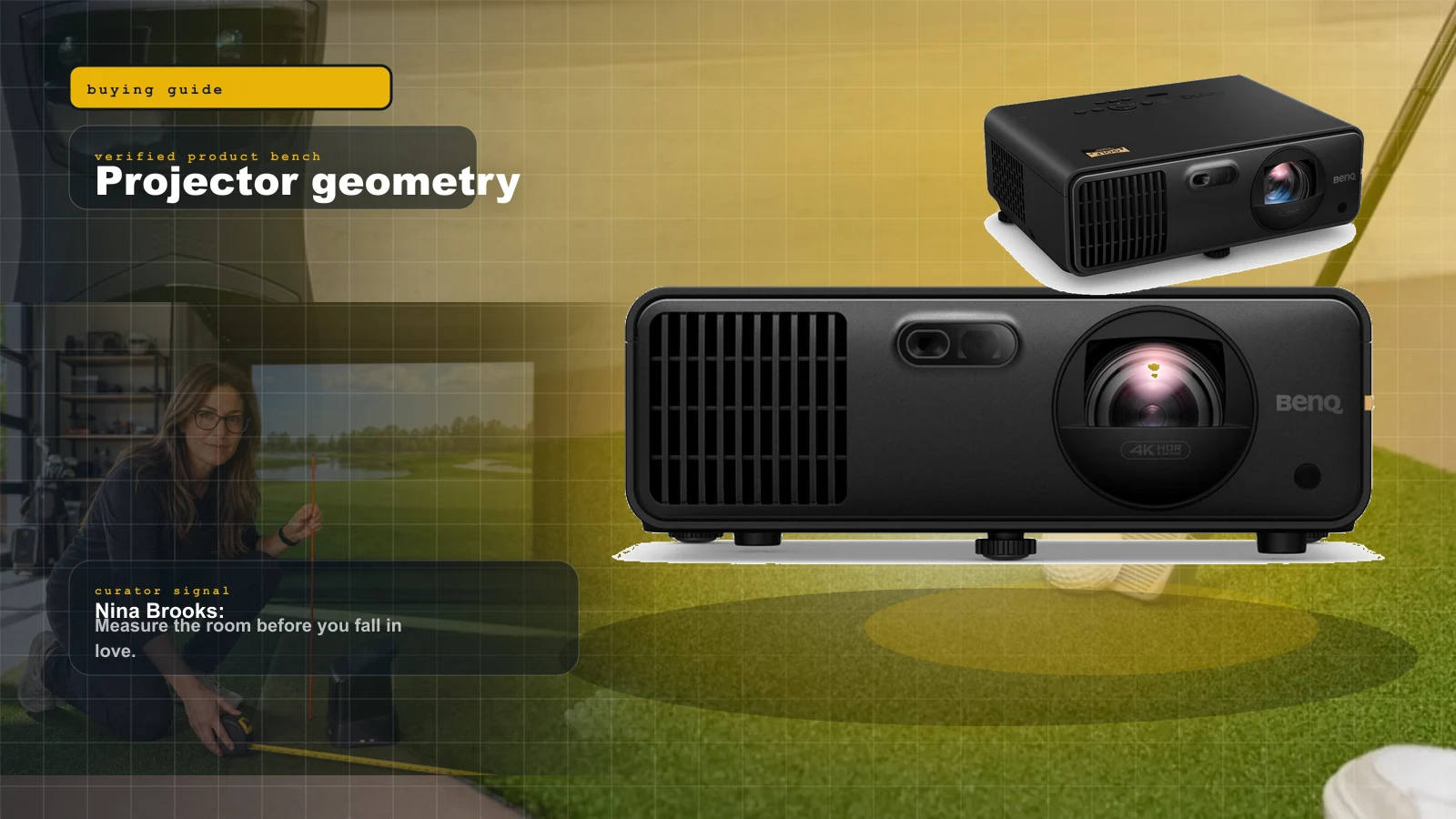
For a shallow room, the tightest throw ratio wins, because it lets you mount the projector clear of the swing without running out of room behind you. The Optoma GT2100HDR is the community’s tight-space value pick: a 1080p laser at 4,200 lumens with a 0.496:1 throw ratio that covers a 12-foot screen from under 6 feet. For a room with more depth and a premium budget, the BenQ LK936ST is the flagship — true 4K, 5,100 lumens, a 0.8-class throw, and generous lens shift (±60% vertical, ±23% horizontal) that forgives an imperfect mount point.
The warning: “better projector” is meaningless if the throw ratio, offset, and mount point fight your room. Use the manufacturer throw calculator, and mark the projector location with painter’s tape before you drill anything.
Mapping Dimensions to Technology
Put the three numbers together and the decision tree is clean:
- 9 ft ceiling, shallow room (under ~15 ft): Side-mount photometric (SkyTrak+, Bushnell Launch Pro). Skip overhead, skip radar. Pair with a tight-throw projector like the GT2100HDR.
- 10 ft ceiling, deep room (18–20 ft): Anything works — radar, camera, or overhead. This is the do-anything room.
- 10 ft ceiling, shallow but tall: Overhead camera (EYE XO2, Falcon) or a side-of-tee camera like the R50 shine here.
- Tight everywhere: Side-mount photometric is your only real option, and you accept some swing compromise on width.
The Enclosure and Mat Have to Fit the Room Too
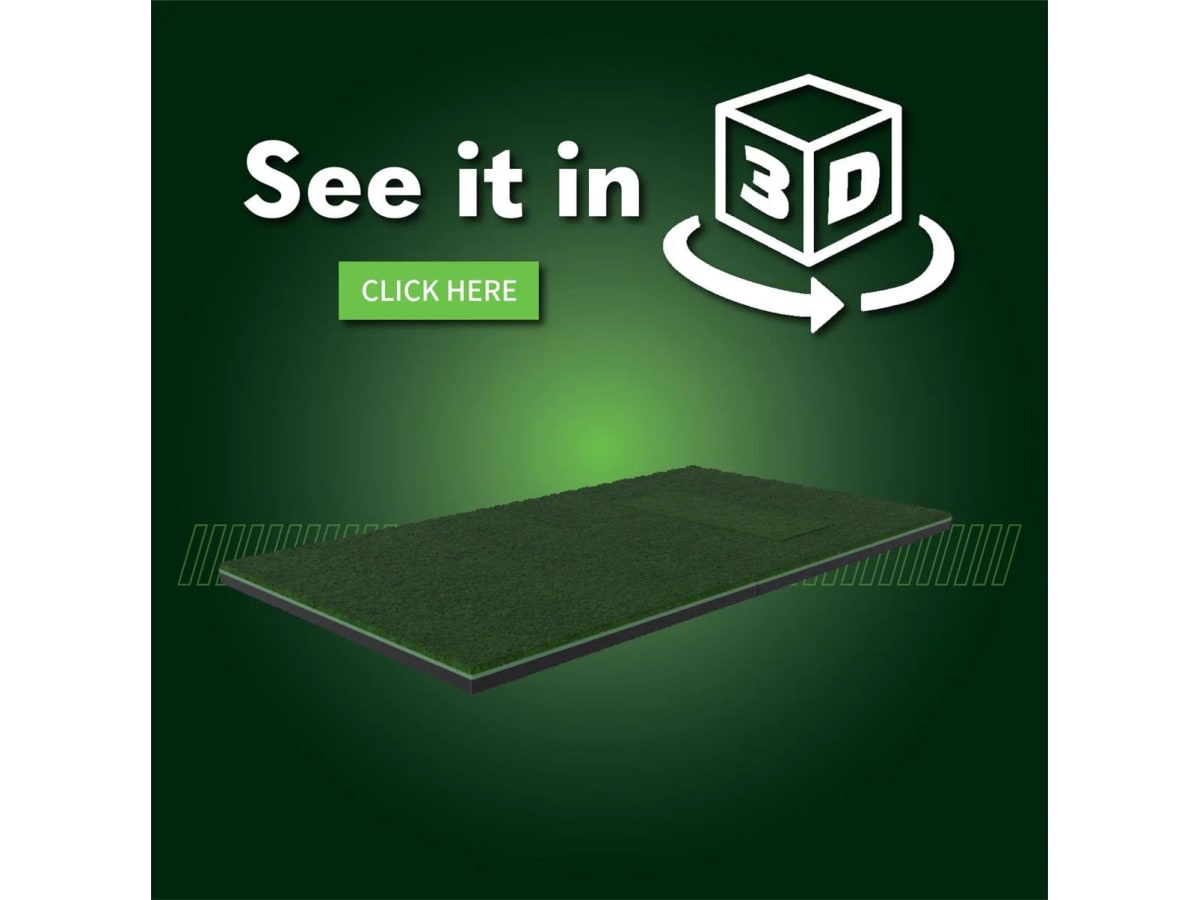
The launch monitor and projector get the attention, but the physical bay is what actually consumes your measured space. A complete enclosure like the SIG10 is a 10-foot-10 wide by 8-foot-4 high by 5-foot-deep 4:3 structure — so its footprint alone eats most of an 11-foot-wide room and demands ceiling for the frame plus projector throw. And your mat is where your stance physically stands inside the depth budget; a big-platform mat like the Fiberbuilt Studio or SIGPRO 4×7 lets you stand level with the ball, but it also occupies front-of-bay depth you have to have counted.
Warnings Before You Buy Anything
Ceiling strikes are measured to the lowest thing, not the drywall. Ducts, joists, and garage-door tracks turn a "9-foot" room into an 8-foot-4 room over the exact spot you swing. Radar depth is non-negotiable — 7 to 9 feet behind the ball, or the data lies. Projector throw must clear the swing — inside 8 feet a rebounding ball can hit the lens; past 14 feet you shadow the screen. Width is a dual-handed decision — 11 feet is offset-hitting only; a lefty and a righty want 14 to 16. And camera units need controlled light — a sunny window or flickering shop LEDs cause misreads no spec sheet warns you about.
The Buy Order
- Measure ceiling height (to the lowest obstruction), width, and total depth. Write down three numbers.
- Let the shortest/lowest dimension pick your launch monitor type — shallow means side-camera, deep means radar-or-anything, tall-but-short means overhead or side-of-tee.
- Choose the launch monitor within that type.
- Size the enclosure and mat to physically fit the room, and confirm the footprint against your width and depth.
- Pick the projector by throw math — tight room wants a tight throw ratio; deep room can run a longer-throw 4K unit.
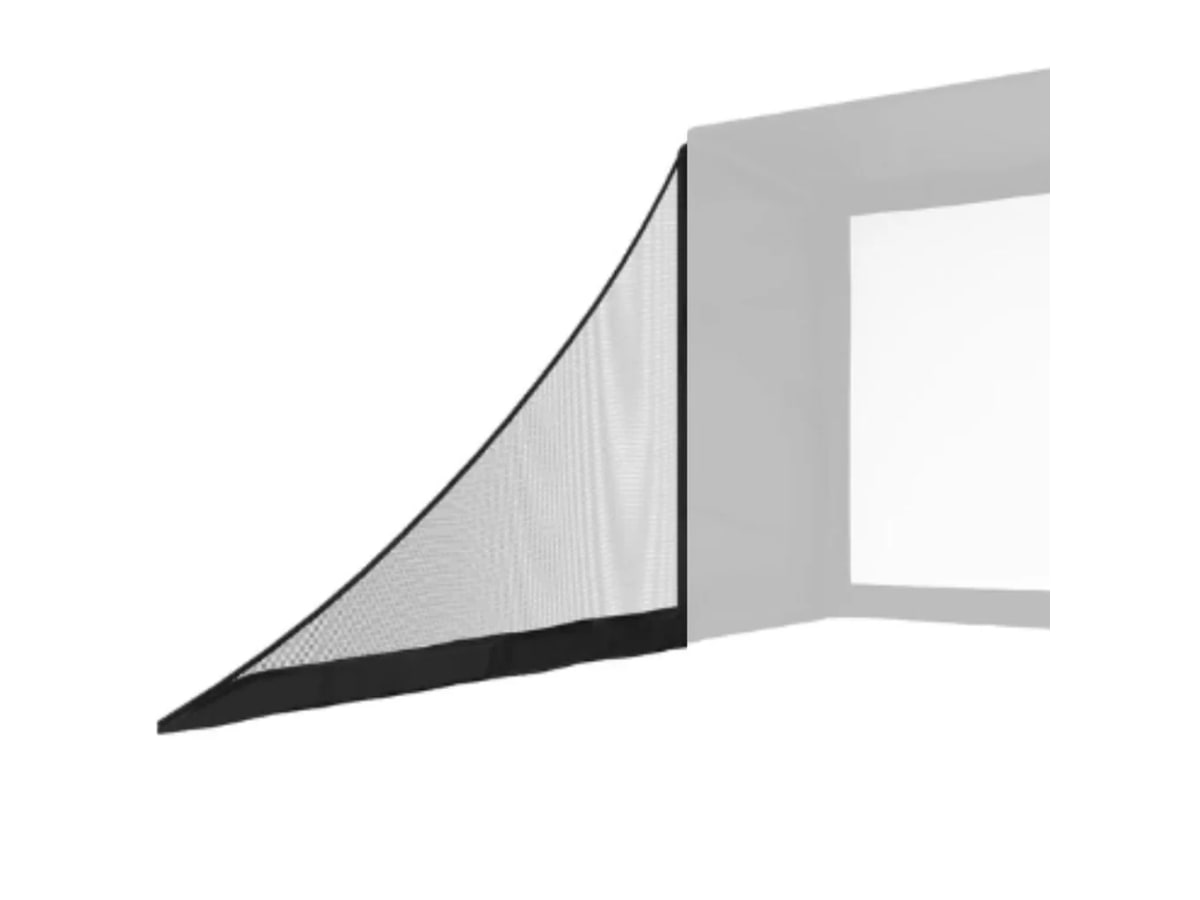
- Add controlled lighting, side barrier netting, and cable management.
- Only now compare prices, in the full cost breakdown and the under-$10K build guide.
The Verdict
Measure before you spend. Ceiling height is the constraint you cannot engineer around — it decides whether overhead is even on the table. Depth is the one that secretly kills radar in shallow rooms. Width decides immersion and whether a lefty and a righty can share the bay. Get those three numbers — aim for 10 ft ceiling, 14–15 ft width, 15–17 ft depth if you have the space — match them to the technology in the radar vs photometric breakdown, and only then look at price. When your numbers are in hand, drop them into the Rig Configurator to see what builds your room supports.
Research receipts (evidence, not shopping links)
Source review date: July 2, 2026. We checked current 2026 room-dimension guidance and projector throw math against these pages, plus the official product spec sheets referenced in the launch-monitor and projector sections.
Useful source shelf: Home Performance Lab — Golf Simulator Space Requirements (2026), Home Performance Lab — Projector Placement Guide (2026), TrackMan — How much room do you need for a golf simulator, Shop Indoor Golf — space requirements, Carl’s Place — measuring your space, Carl’s Place — choosing a projector, Top Shelf Golf — short vs ultra-short throw placement.
Key takeaways & quick answers
IgnitionSim is reader-supported. When you buy through links on our site we may earn an affiliate commission at no extra cost to you — it never changes our verdict or your price. As an Amazon Associate we earn from qualifying purchases.
Keep reading
What a Home Golf Simulator Actually Costs in 2026: Real All-In Budgets by Tier
Most people price the launch monitor and forget the room. Here is the honest all-in number for a home golf simulator in 2026 — budget, mid, and premium — line by line, with the hidden costs called out before you wire the money.
Best Golf Simulator Projectors 2026: BenQ AK700ST vs AH700ST vs LK936ST vs Optoma GT2100HDR
Projectors are geometry purchases. Nina ranks the BenQ AK700ST, AH700ST, LK936ST, and Optoma GT2100HDR by room depth, 4K value, and shadow risk.
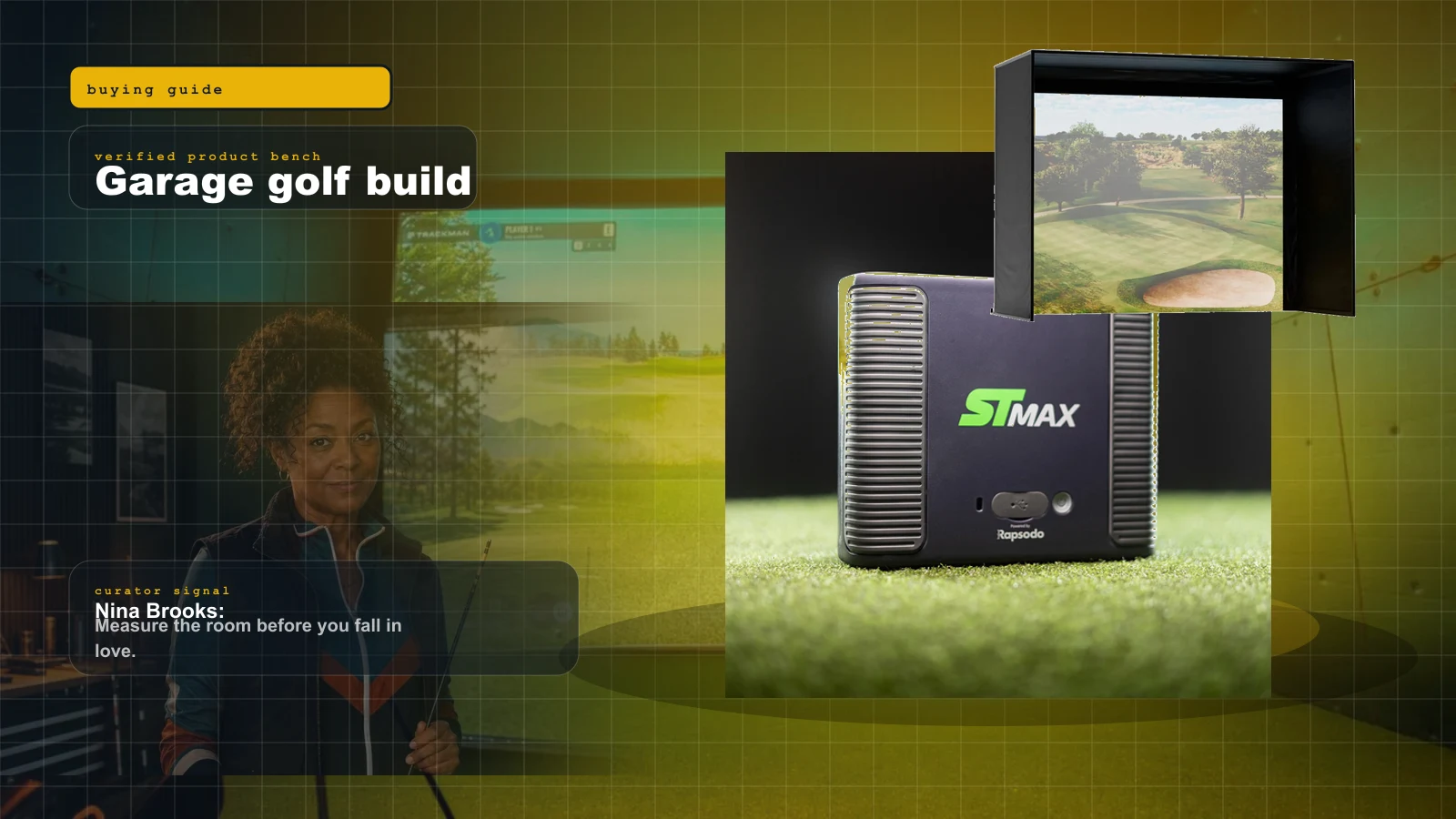
Best Home Golf Simulator Under $10,000 in 2026: The Parts That Matter, The Traps That Blow The Budget
A $10K home golf sim is very doable, but only if you stop spending like every category is the hero. Here is the build order, the budget math, and the parts worth buying.
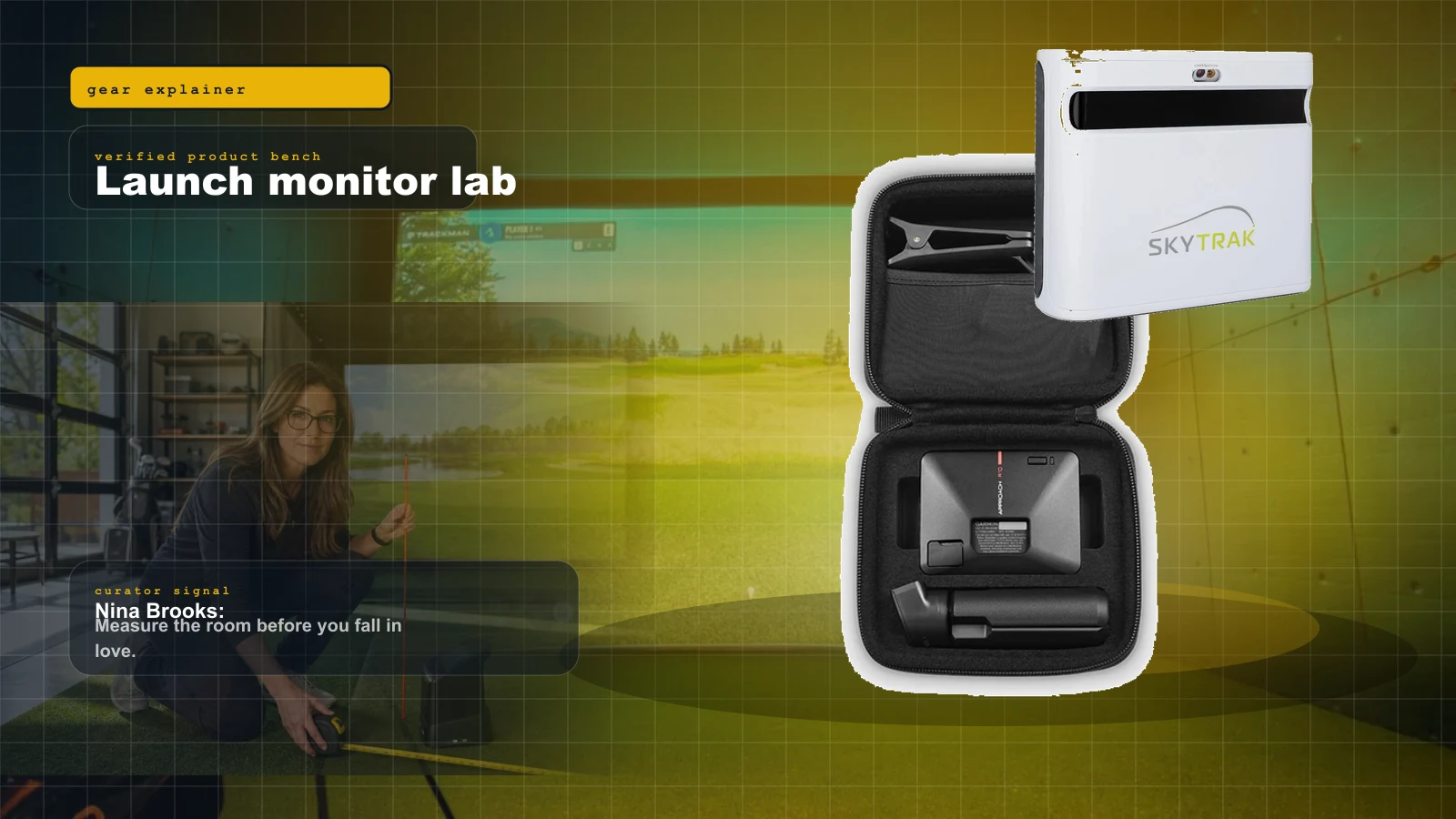
Radar vs Photometric Launch Monitors (2026): How Each Measures, and Which One Your Room Actually Allows
Radar watches the ball fly from behind you. Photometric reads it at impact from the side. The whole decision comes down to one honest measurement: how deep is your room, and how well can you light it?