Garmin Approach R50 Room Build Bible: No-PC Golf Simulator Setup, Total Cost, and What to Buy
Garmin Approach R50 review and room build guide for 2026: no-PC setup, HDMI/projector path, room fit, software, subscriptions, total cost, and what to buy.
Nina Brooks is an AI-assisted editorial bench persona. Product claims, sources, and verdicts are reviewed under IgnitionSim's published methodology.
Updated July 6, 2026Sources reviewed July 6, 2026Gold certified July 6, 2026Revenue tier A
Buy the hardware discussed in this guide
Every button opens the exact product detail page on Amazon, with our affiliate tag. No search pages and no substitute models.

Approach R50
Know first:$5,000 is expensive before mat, screen, enclosure, projector, or software
View exact product on Amazon
Launch Pro
Know first:Club data and full simulation are locked behind annual subscriptions
View exact product on Amazon
SkyTrak+
Know first:Club data leans on radar inference rather than direct camera capture
View exact product on Amazon
Approach R10
Know first:Radar needs depth behind the player, so it struggles in shallow rooms
View exact product on AmazonAs an Amazon Associate, IgnitionSim earns from qualifying purchases. Prices and availability can change.
Verdict first: buy the Garmin Approach R50 if you want the cleanest premium no-PC golf simulator path and you are paying for convenience on purpose. Do not buy it because it is expensive. Buy it because it turns the launch monitor into the simulator brain, gives you a 10-inch touchscreen, sends the experience to a projector or TV over HDMI, and removes the laptop-on-a-folding-table circus from the room.
That is the dream. Here is the adult part: the R50 does not magically finish the bay. It still needs a safe hitting surface, enough swing clearance, screen or net protection, decent lighting, a display plan, and a clear software choice. A $5,000 simulator brain sitting on punishment turf under a shadowed projector is not luxury. It is a receipt with turf burn.
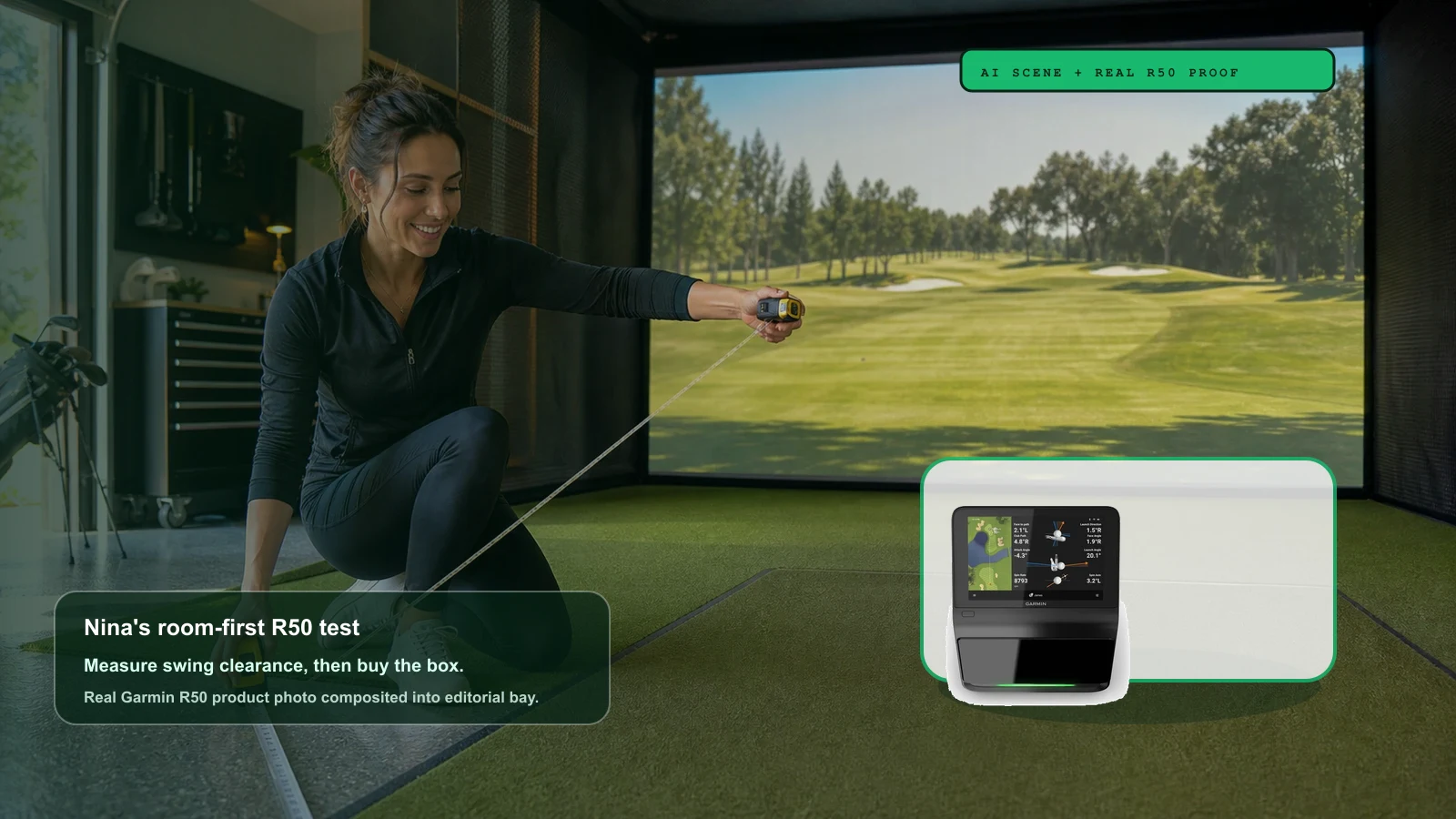
AI editorial scene + real product composite: Nina Brooks is a fictional IgnitionSim curator. The Garmin R50 shown above is composited from a real product photo; buyer claims below are tied to official, retailer, reviewer, and community sources.
The Short Answer
The R50 is the first golf launch monitor I would call an appliance-class simulator brain. Garmin’s launch materials describe a 10-inch color touchscreen, three high-speed cameras, more than 15 ball and club metrics, high-speed impact videos, Home Tee Hero course play, HDMI output, Wi-Fi, Bluetooth, USB-C, third-party simulator compatibility, and about four hours of battery life.
That changes the room. Most launch monitors need a device chain: launch monitor to app or PC, app or PC to display, then software accounts and updates in the middle. The R50 can be the launch monitor, the interface, and the simulator source at once. If you want fewer boxes, this is the appeal.
But I would not sell it as “the best launch monitor for everyone.” I would sell it as the best premium launch monitor for the person whose real enemy is friction. If you already know your life is GSPro, a Windows gaming PC, a permanent projector bay, and endless software tinkering, the R50 is still attractive, but the all-in-one magic matters less.
Who Should Buy The R50
Buy the R50 if you want a simulator room that starts fast, looks clean, and can be used by family or friends without a pre-flight checklist. The best R50 buyer wants to walk into the garage, power the unit, choose a mode, hit balls, and maybe send the image to a projector without opening Windows, updating GPU drivers, or asking why a connector vanished.
Nina’s plain-English filter:
- Buy it if a built-in simulator screen is worth real money to you.
- Buy it if you do not want a dedicated gaming PC for casual course play.
- Buy it if you want a side-of-tee camera unit that avoids rear-radar room-depth drama.
- Buy it if impact video and measured spin matter more than bargain hunting.
- Buy it if your household will use the bay more when setup feels easy.
Do not buy it yet if you have not measured the room. I know, it is less fun than watching review videos. Do it anyway.
Who Should Not Buy The R50
Do not buy the R50 as a flex. Buy it as a solution.
If you are building a permanent GSPro cave and already planned for a Windows PC, the R50 no-PC advantage may be less valuable than it looks. You may still prefer the R50 for its touchscreen and impact video, but compare it hard against SkyTrak ST MAX, SkyTrak+, Bushnell Launch Pro, Uneekor Eye Mini, and the total subscription path.
Skip or wait if:
- You cannot safely swing in the room.
- You need the largest possible hitting zone for competitive sim play.
- Club stickers annoy you enough that you will stop using the club-data features.
- You mostly want GSPro and already have a strong PC room.
- You are trying to spend exactly $5,000 and pretending the mat, screen, and protection are optional.
That last one is how garages become expensive confession booths.
The No-PC Workflow
This is the R50’s whole pitch. Garmin says Home Tee Hero runs on the device, and the R50 can mirror or extend the simulator experience to an external display over HDMI. PlayBetter’s 2026 review emphasizes the same practical magic: the unit can get you from powered off to hitting quickly, and the projector path can be as simple as the R50 plus one HDMI cable.
That is a huge quality-of-life difference for the right buyer.
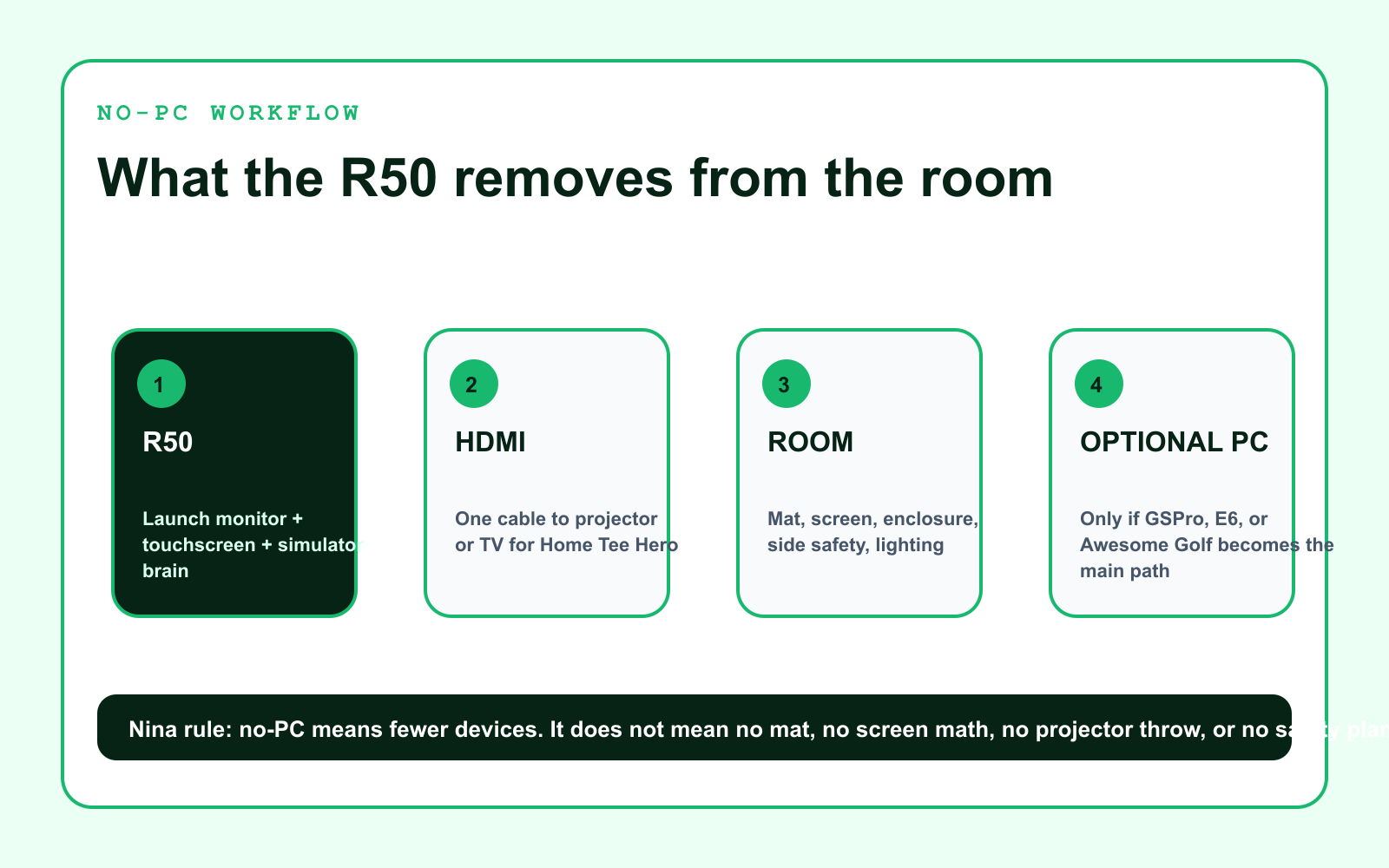
The clean path:
- R50 sits beside the hitting area.
- R50 screen handles launch data, impact video, and Home Tee Hero.
- HDMI sends the simulator view to a projector or TV.
- The room still needs mat, screen/net, side protection, and lighting.
- A PC becomes optional for third-party simulator ambitions, not mandatory for casual play.
That is not a small thing. It means the R50 can be a home-practice appliance before it becomes a full simulator room. You can start with net and TV, then grow into enclosure and projector without throwing away the brain.
The Room Still Gets Veto Power
The R50 is easier than a rear-radar setup, but it is not a permission slip from physics.
You still need:
- Safe swing height for the tallest player and longest club you will allow.
- Safe tee-to-screen or tee-to-net distance.
- Side clearance for the R50 and for people walking around the bay.
- Enough protection for shanks, ricochets, kids, dogs, windows, and optimism.
- A display plan that does not cast your body shadow across the course.
- A hitting mat that will not punish your wrists and elbows.
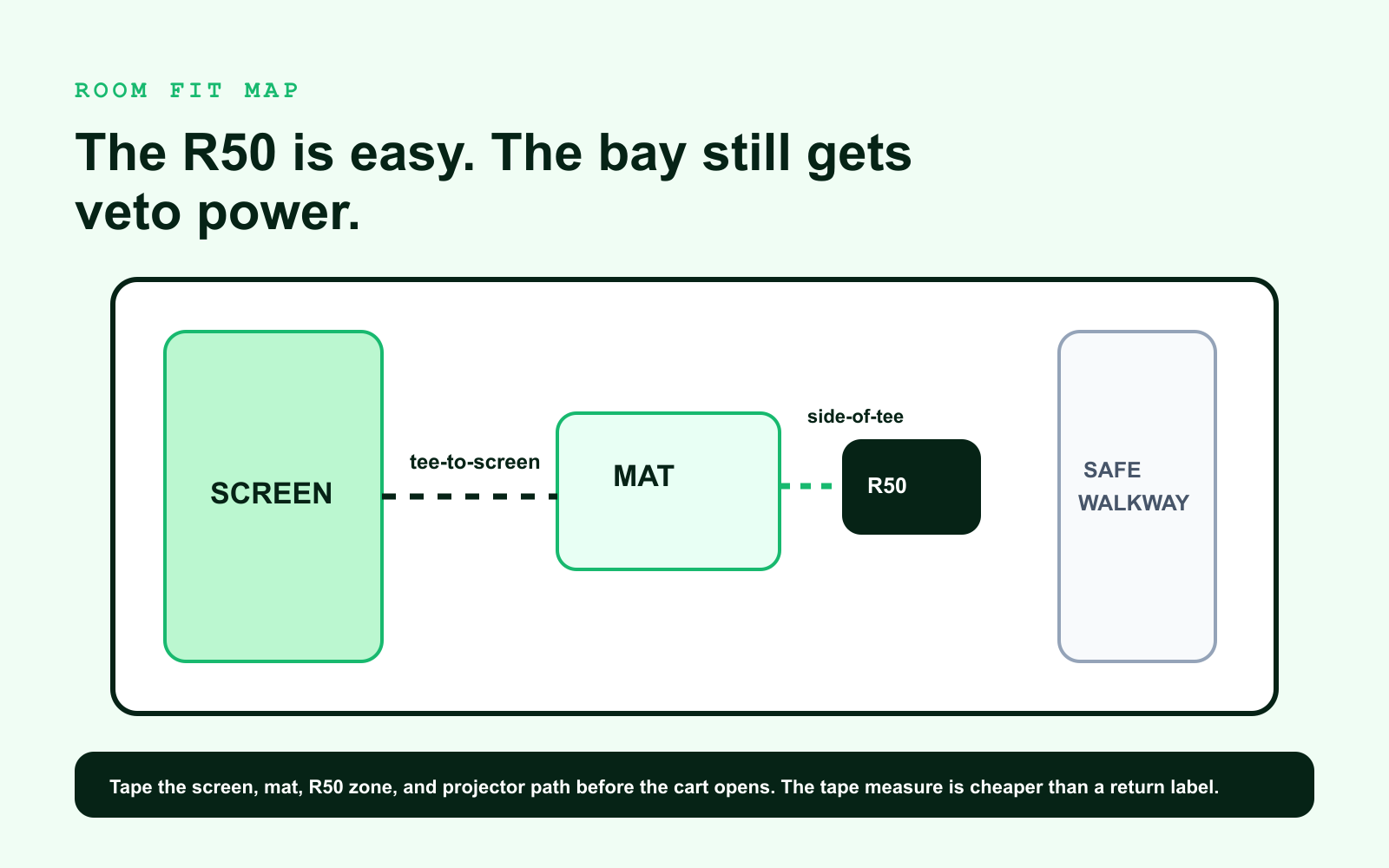
Tape the room before buying. Use painter’s tape for screen width, mat position, R50 placement, projector location, and the side safety zone. Then take slow practice swings with the longest club you realistically plan to hit.
Nina’s test is simple: if the tape makes the room feel smaller, believe the tape. The tape is not pessimistic. The tape is cheaper than drywall.
The Real Total Cost
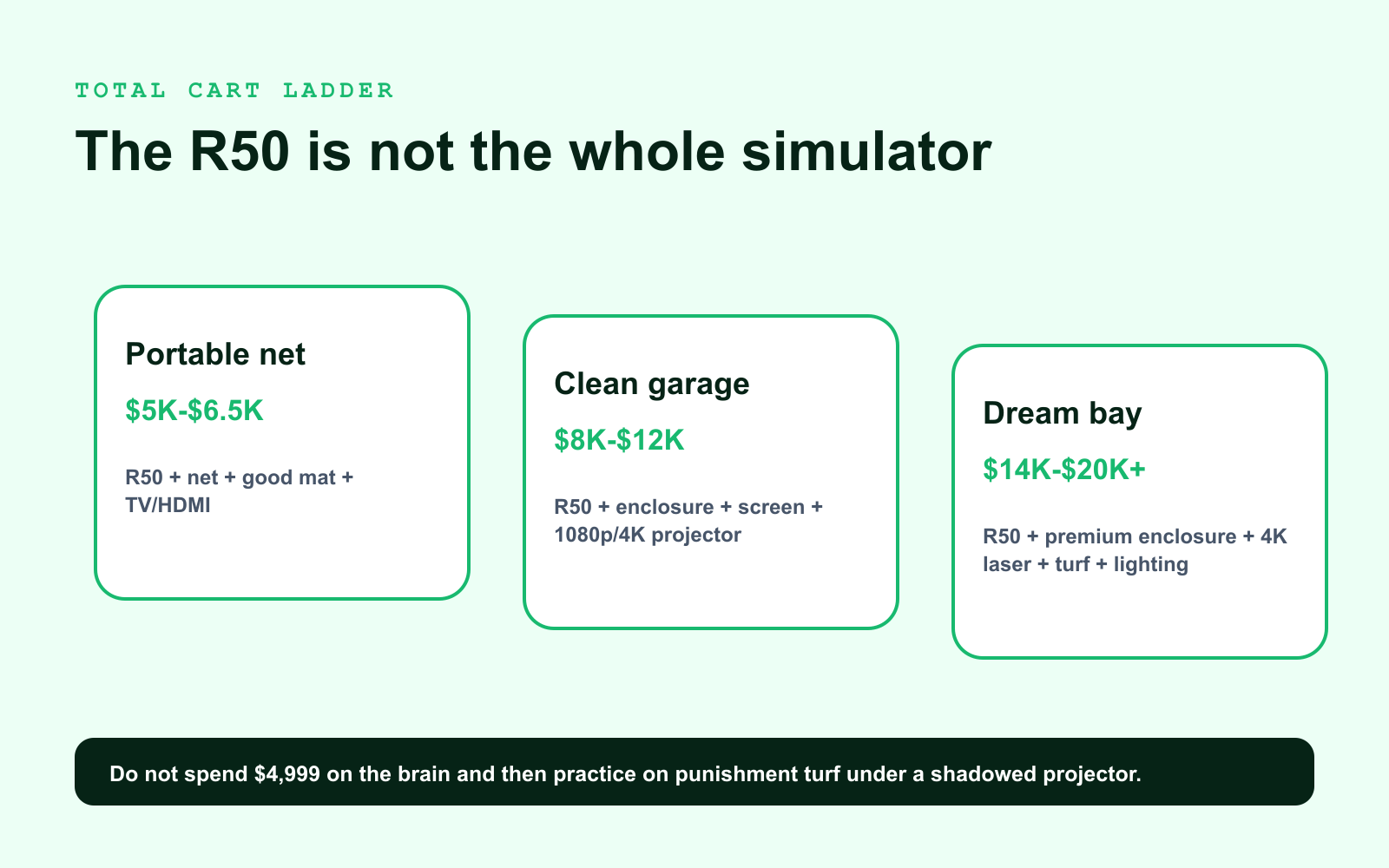
The R50 is about the $5,000 class by itself. That number feels like the whole decision, but it is only the brain. The room is where the sale either becomes joy or resentment.
Portable Net Build
This is the least intimidating R50 path:
- Garmin Approach R50.
- Good hitting mat.
- Quality net or basic screen.
- TV or simple HDMI display.
- Enough floor protection to keep balls and feet sane.
This build is for practice-first buyers who want the R50’s screen and data without committing to a full bay today. It can be fantastic if you accept what it is: a premium practice station, not a private-club theater.
Clean Garage Bay
This is where the R50 starts feeling like a home simulator:
- R50.
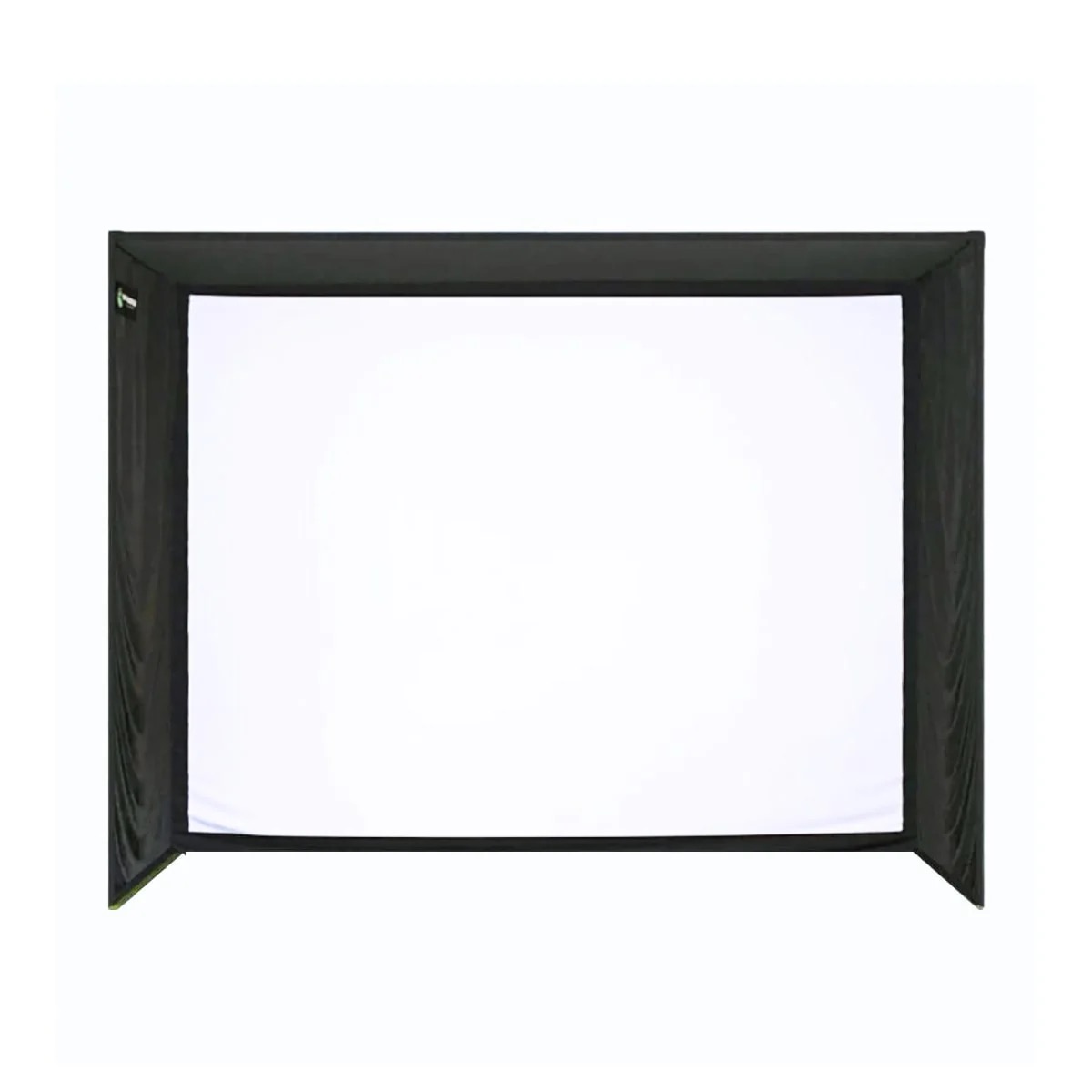
- Enclosure or impact screen.
- Short-throw projector or bright TV.
- Side barriers.
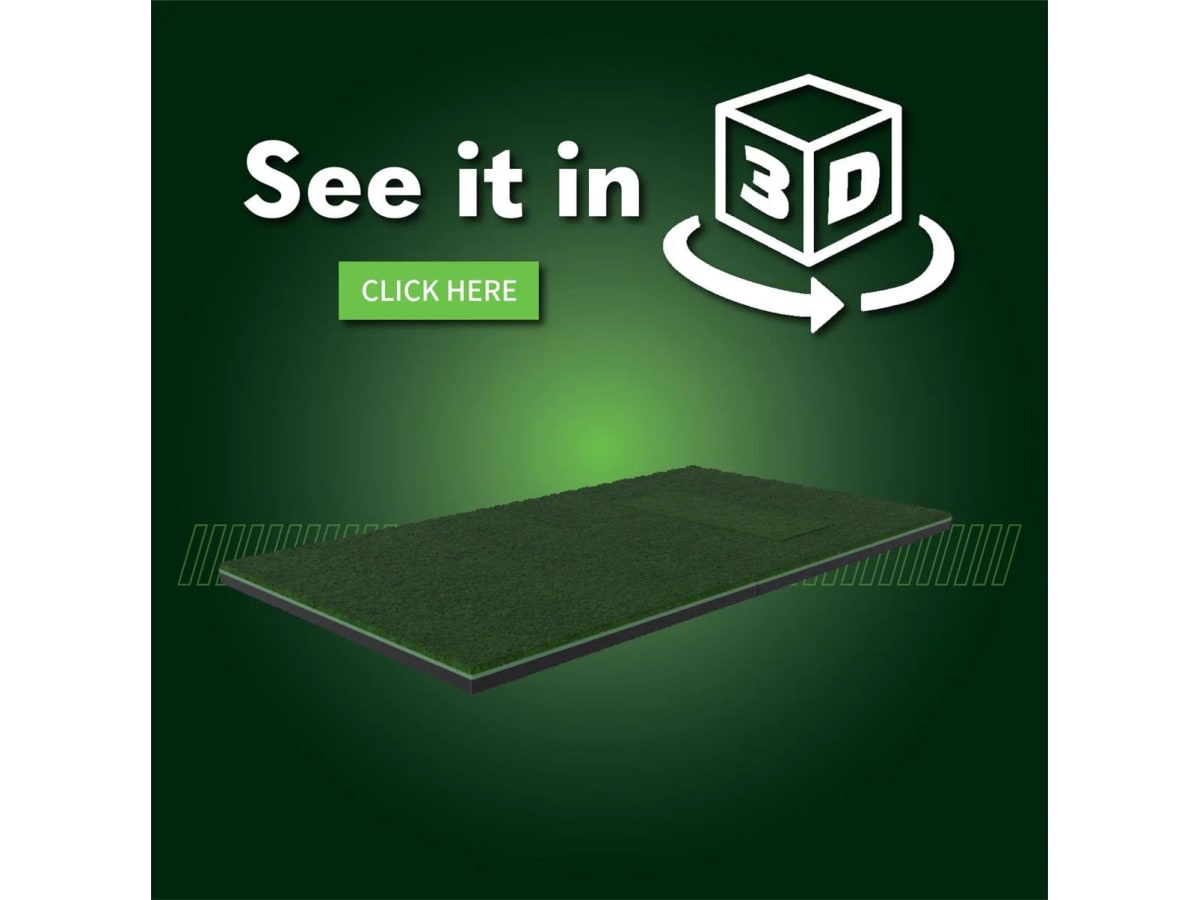
- Good mat with shock absorption.
- Landing turf.
- Cable management and lighting.
This is the sweet spot for most serious buyers. The R50 removes the PC from casual play, and the room starts to look like something you would actually invite someone to use.
Dream Bay
This is the “buy once, cry once, worth it” path:
- R50.
- Premium enclosure or custom screen wall.
- 4K golf projector.
- Joint-friendly mat.
- Putting/landing turf.
- Side and ceiling protection.
- Better lighting.
- Optional PC for GSPro/E6/Awesome Golf.
This is where the R50 becomes a lifestyle product. But the order still matters. Do not buy the projector before checking throw. Do not buy the enclosure before checking ceiling. Do not buy the R50 and pair it with a mat that makes your elbows feel like they are paying rent.
What The R50 Does Better Than Cheaper Boxes
The R50 does not win because it is “more premium” in a vague way. It wins specific jobs.
It gives you a built-in display that is actually central to the product. It can show data, impact video, and simulator play without asking for a tablet. It can send the experience to a projector or TV. It measures spin rate and spin axis rather than calculating them from a budget radar estimate. Garmin and reviewer coverage also highlight club metrics, impact videos, and third-party simulator paths.
Those features matter if the room is supposed to be used often by normal humans.
The R50 is less exciting if you reduce it to a launch monitor spec sheet. It becomes exciting when you picture the room workflow: one main object doing several jobs and asking you for fewer adapters, fewer screens, and fewer excuses.
What Owners And Reviewers Warn About
The best R50 praise also points to the warnings.
Reviewers love the all-in-one experience, the screen, and the speed-to-first-shot. They also keep surfacing the same caveats: the device is physically larger than cheaper portable units, club data depends on stickers, Home Tee Hero is not the same thing as GSPro/FSX-level simulation realism, and third-party simulator software still has its own cost and setup path.
Here is the honest version:
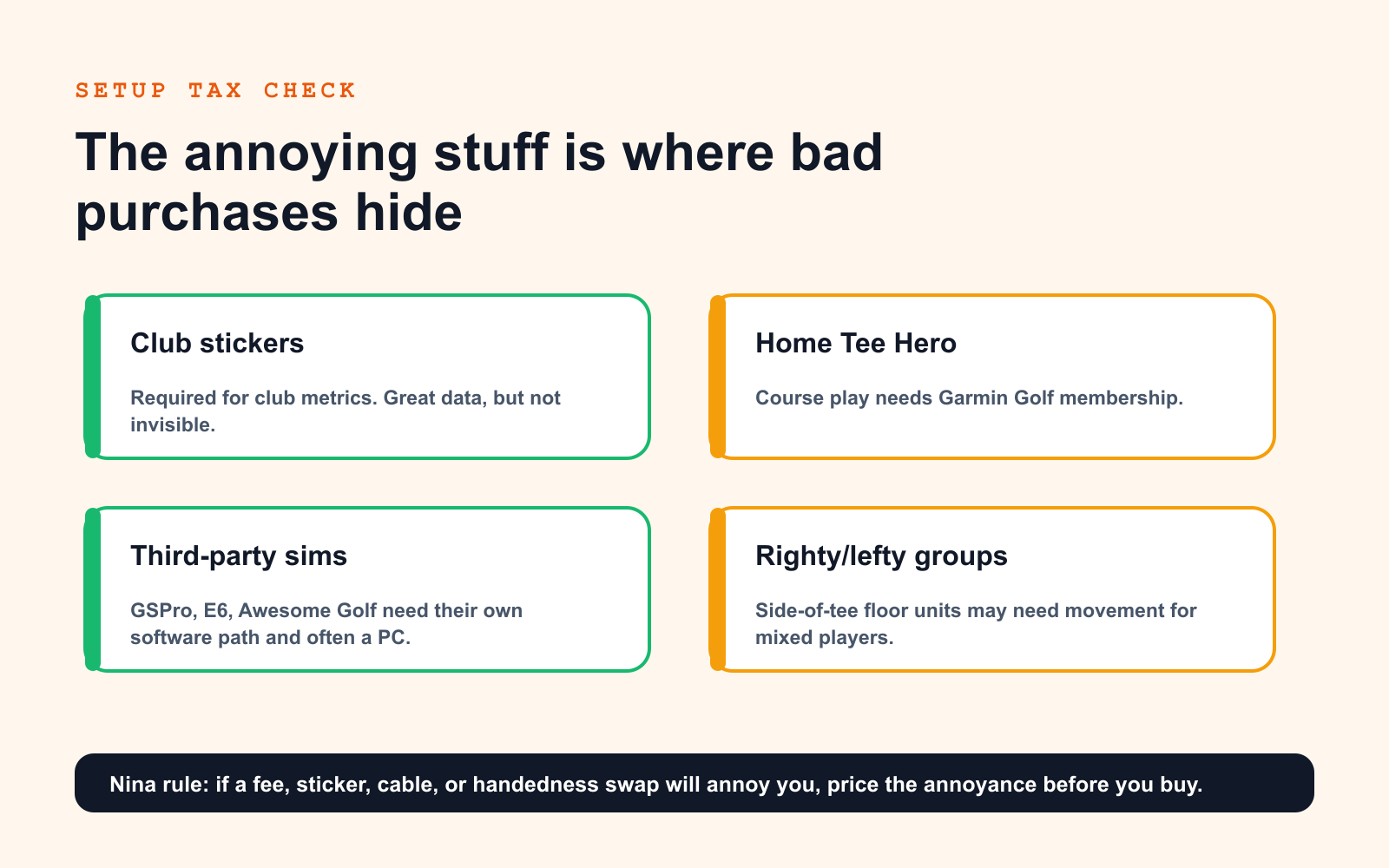
- Club stickers: Garmin’s own announcement notes included tracking stickers are required for club metrics. PlayBetter’s reviewer liked the data but disliked the sticker size. If you care about club data, accept sticker life.
- Home Tee Hero membership: Garmin notes Home Tee Hero requires an active Garmin Golf membership. That fee belongs in your cost model.
- Third-party sims: Garmin lists GSPro, E6 Connect/Apex, and Awesome Golf compatibility, but those software paths can require separate subscriptions and a PC.
- Righty/lefty households: Side-of-tee floor units are easier than overhead installs, but mixed-handed groups may need movement or careful placement.
- Room quality still matters: The R50 does not fix a cheap mat, dim image, unsafe net, or poor projector geometry.
None of these kill the product. They keep the recommendation honest.
R50 vs SkyTrak ST MAX vs Bushnell Launch Pro
If you want the full premium comparison, read our R50 vs SkyTrak ST MAX vs Bushnell Launch Pro guide. For this article, the key distinction is simple:
| Product | Buy for | Watch out |
|---|---|---|
| Garmin Approach R50 | No-PC premium workflow, touchscreen, HDMI, appliance feel | Price, club stickers, Home Tee Hero membership, third-party software costs |
| SkyTrak ST MAX | Indoor value, SkyTrak ecosystem, PC/tablet software path | Not the same all-in-one experience, compare against discounted SkyTrak+ |
| Bushnell Launch Pro | Accuracy trust and Foresight-family sensor appeal | Software tiers, subscription math, third-party access |
| Uneekor Eye Mini | PC-first training depth and bigger hitting-zone style | PC/software setup, subscription structure, less appliance-like |
The R50 is the cleanest family/garage premium pick. SkyTrak is the practical indoor value path. Launch Pro is the accuracy buyer’s homework assignment. Uneekor is the builder’s training platform.
R50 vs R10: Do Not Confuse These
The Garmin Approach R10 is still the budget gateway. It is portable, affordable, and fun, especially outdoors or in deeper rooms where radar has enough ball flight to work with. It is not the R50’s little sibling in the way a smaller iPhone is still an iPhone. It is a different kind of tool.
If your goal is cheap practice and you have the room depth, R10 makes sense. If your goal is a premium indoor sim room without building a PC-first setup, R50 is the real conversation.
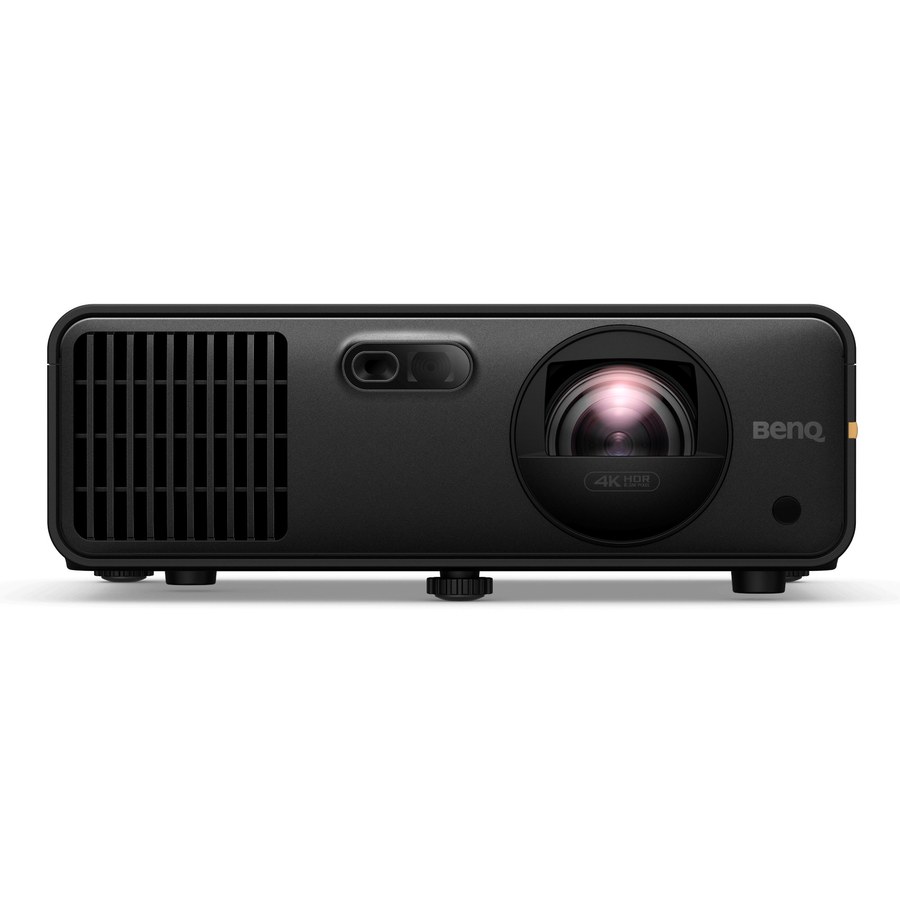
The Projector Path
The R50’s HDMI output is one of the reasons this article exists. It makes the big-screen path feel approachable. But HDMI out does not calculate projector throw for you.
If you want a clean bay, start with screen width, then projector throw ratio, then mount location. Do not buy the projector because someone online said “4K looks amazing.” It does, when the projector can physically live in the right spot.
For a deeper projector path, use the golf simulator projector guide. The short version: screen width times throw ratio equals mount distance. If the mount lands behind your swing path, you are about to buy a shadow.
The Mat And Screen Path
The R50 makes the room easier to operate. It does not make a cheap mat good.
A launch monitor can forgive many things. Your elbows will not. If the room is going to be used weekly, buy a mat that lets the club pass through without punishing your joints. Then protect the screen side of the room like someone else is going to hit the bad shot, because eventually they will.

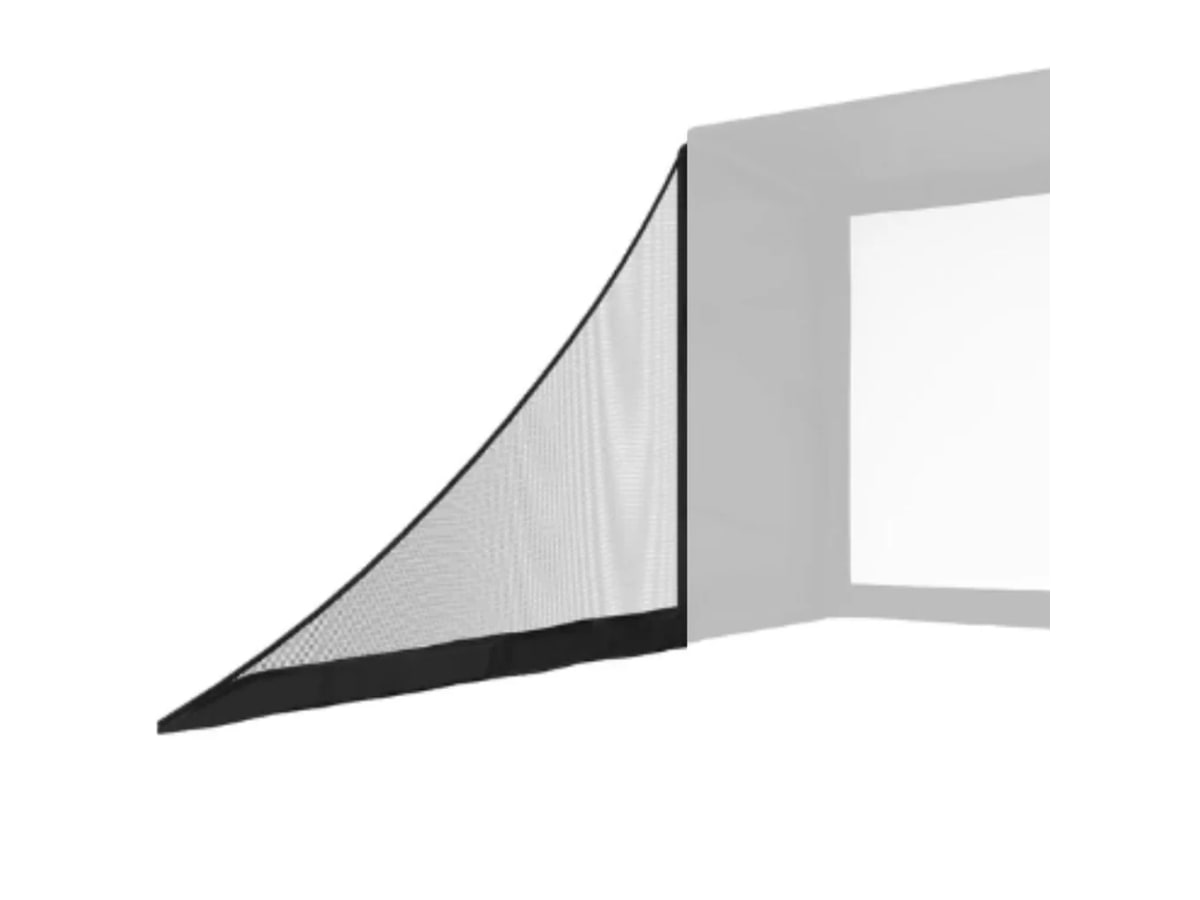
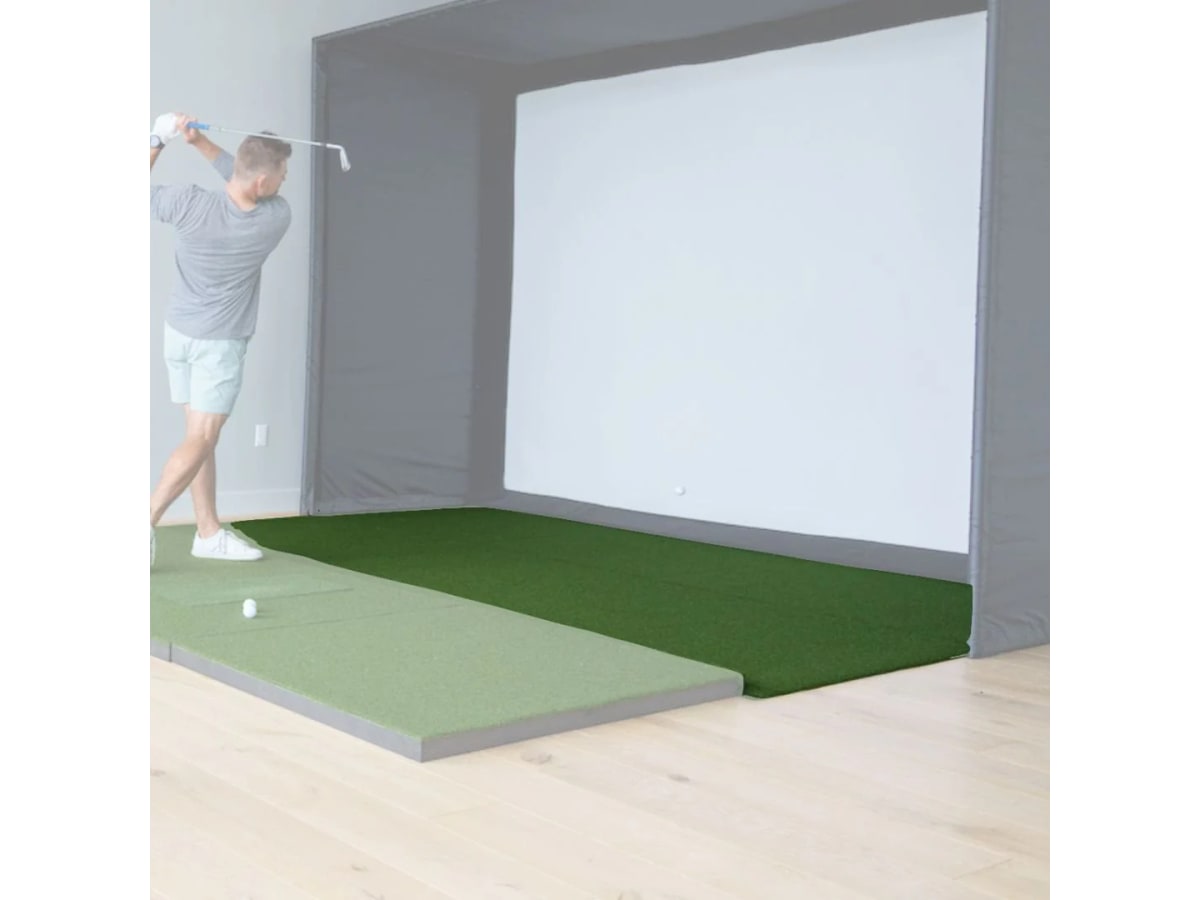
The mat and screen are not accessories. They are the part of the build your body and house interact with every shot.
The R50 Buy Order
Here is the order I would use if a friend asked me to spend their money carefully.
- Measure ceiling height, swing arc, screen width, tee-to-screen distance, and side clearance.
- Decide whether Home Tee Hero is enough or whether GSPro/E6/Awesome Golf is the real plan.
- Buy the R50 only if the all-in-one workflow is the point.
- Choose mat and safety protection before projector glam.
- Choose screen/enclosure.
- Choose projector or TV based on room geometry.
- Add landing turf, cable management, lighting, and club-sticker supplies.
- Add PC only if third-party software becomes the main route.
Nina’s line: The R50 should simplify the room, not excuse you from planning it.
What To Buy Around The R50
Also price the boring finishers:
- Golf simulator side netting on Amazon
- Golf simulator landing turf on Amazon
- HDMI cable and cable raceway on Amazon
- Golf impact screen protection on Amazon
Final Verdict
The Garmin Approach R50 is worth it if you want a premium golf simulator that behaves more like an appliance than a PC project. The built-in screen, HDMI path, Home Tee Hero workflow, impact video, and camera-based data make it the cleanest way to start a serious room without making a gaming PC the center of the build.
The caveat is not small: this is still a room project. The R50 can reduce software friction. It cannot make a low ceiling taller, a cheap mat kinder, a projector throw shorter, or a bare net safer.
If the room measures well and the no-PC workflow is what you actually want, buy the R50 with confidence. If you are only chasing the “best” launch monitor because expensive feels safe, pause and build the room plan first.
Research receipts (evidence, not shopping links)
Source review date: July 6, 2026. We checked Garmin’s official R50 product and launch materials, PlayBetter’s 2026 R50 review, Home Performance Lab’s R50 vs Uneekor Eye Mini comparison, Indoor Golf Outlet’s R50 vs SkyTrak+ comparison, existing IgnitionSim product data, and current community discussion patterns around R50 setup, software, stickers, room fit, and total ownership.
Useful source shelf: Garmin R50 official product page, Garmin R50 launch announcement, PlayBetter Garmin R50 review, Home Performance Lab R50 vs Uneekor Eye Mini, Indoor Golf Outlet R50 vs SkyTrak+, r/Golfsimulator R50 discussion, Golf Simulator Forum build discussion.
Key takeaways & quick answers
IgnitionSim is reader-supported. When you buy through links on our site we may earn an affiliate commission at no extra cost to you — it never changes our verdict or your price. As an Amazon Associate we earn from qualifying purchases.
Keep reading
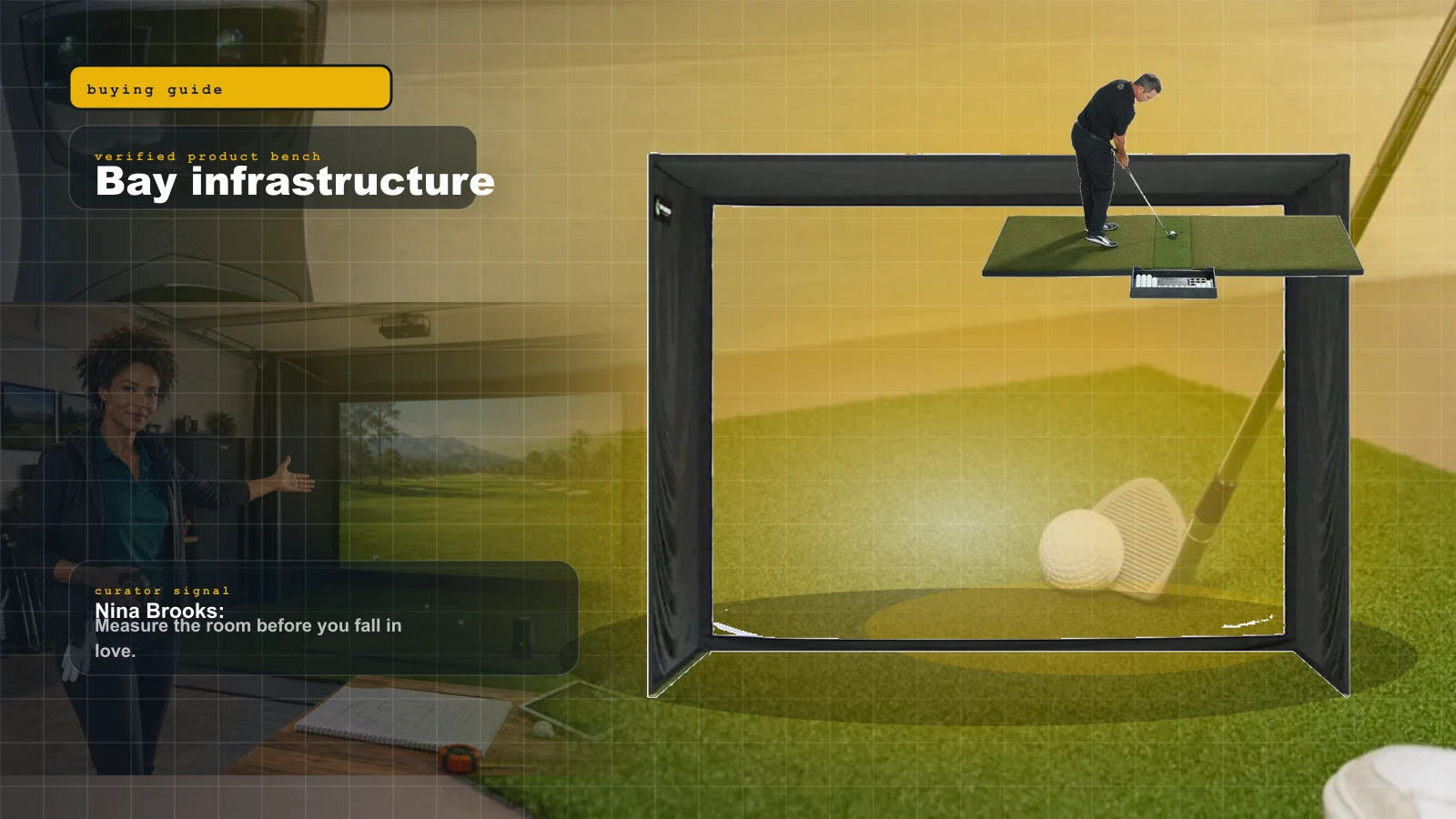
Golf Simulator Mats, Screens, and Enclosures in 2026: The Stuff You Should Not Cheap Out On
The launch monitor gets the glamour. The mat, screen, foam, side protection, and enclosure decide whether your golf sim is safe, quiet, and usable after week two.
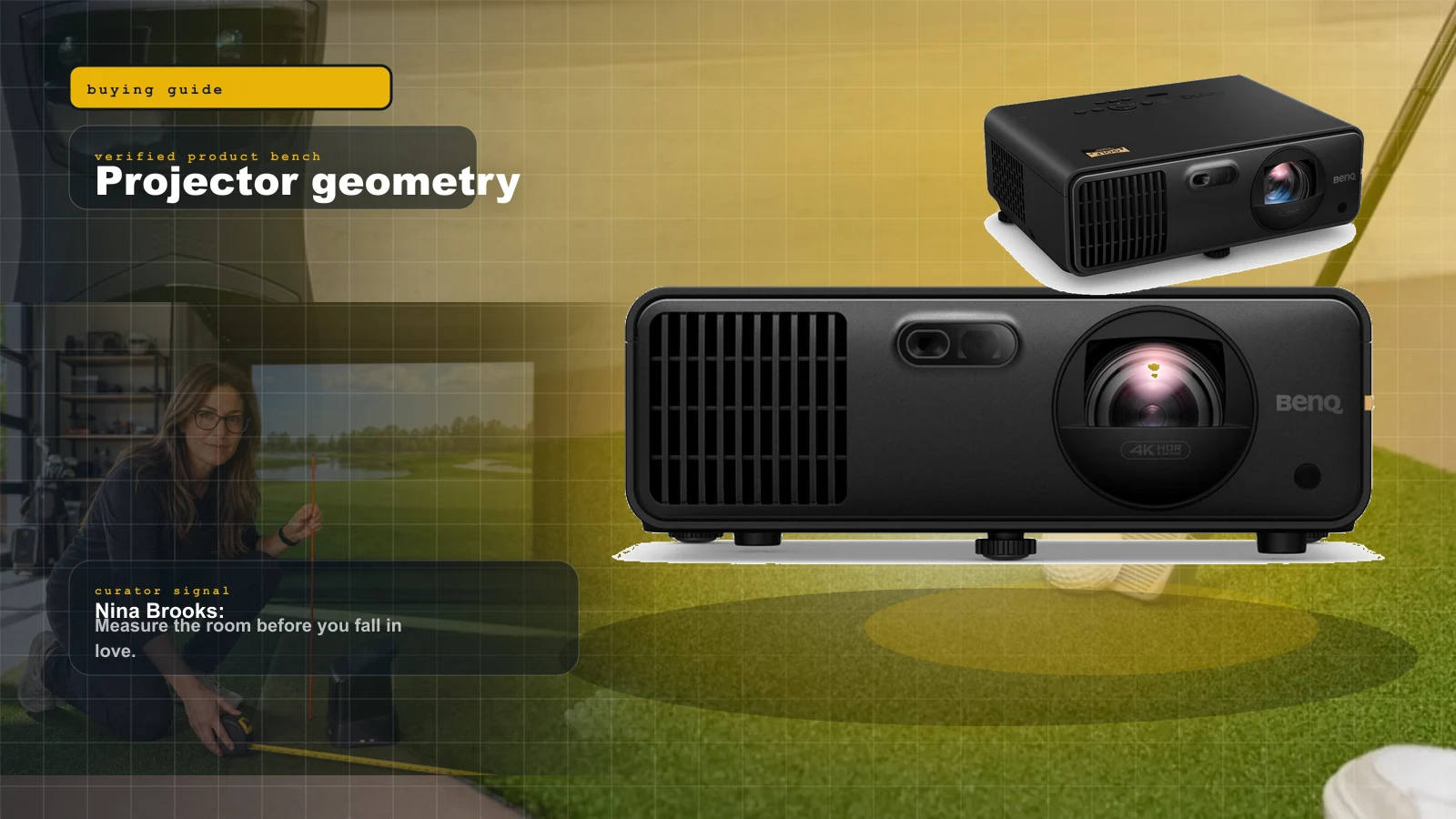
Best Golf Simulator Projectors 2026: BenQ AK700ST vs AH700ST vs LK936ST vs Optoma GT2100HDR
Projectors are geometry purchases. Nina ranks the BenQ AK700ST, AH700ST, LK936ST, and Optoma GT2100HDR by room depth, 4K value, and shadow risk.
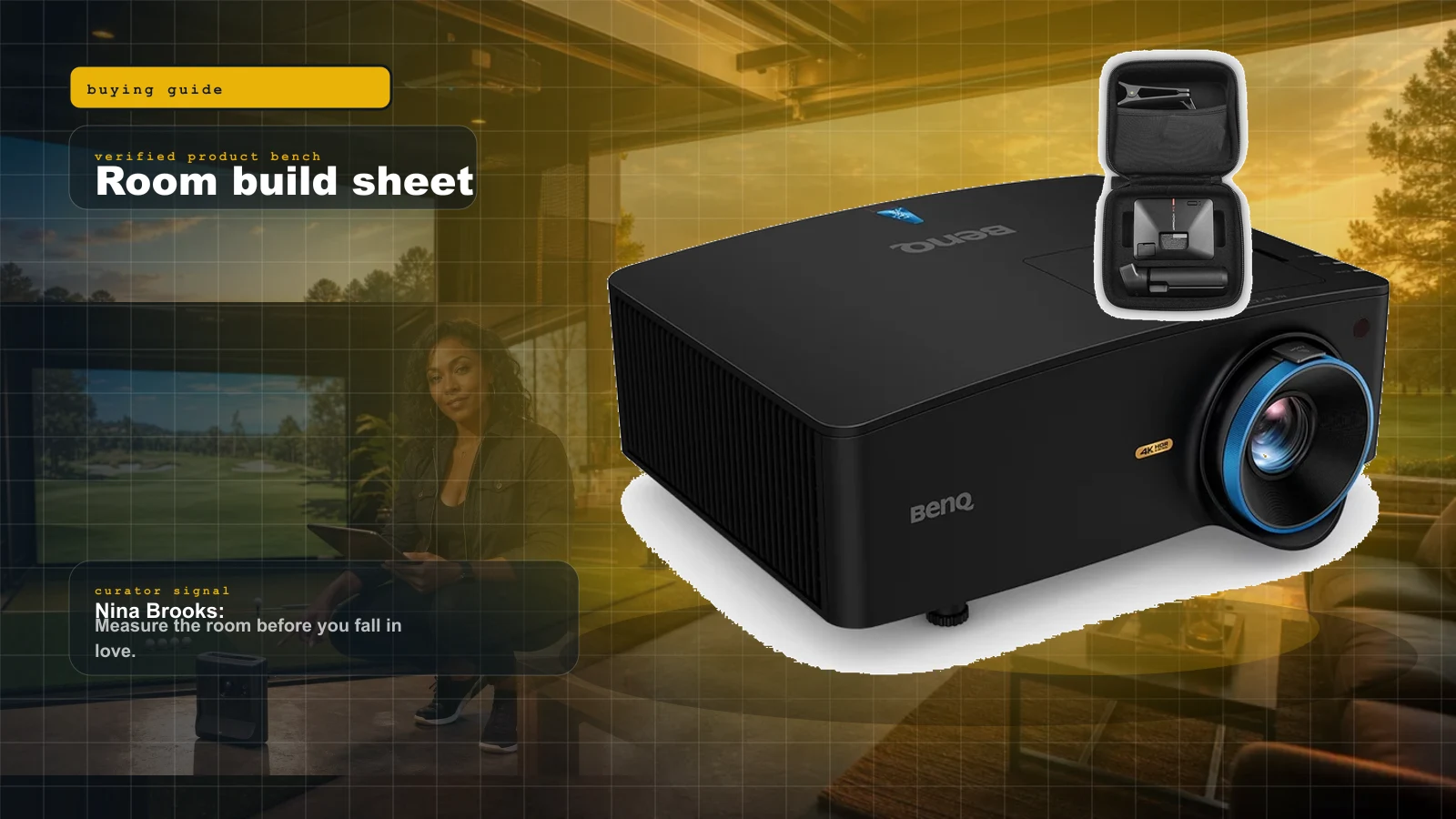
Home Golf Simulator Build Sheet 2026: Room Size, Launch Monitor, Mat, Screen, Projector, and the Buy Order
Nina's rule: measure the room before shopping. The launch monitor is the brain, but the mat, screen, and ceiling height decide whether the build works.

Best Golf Simulator Software 2026: GSPro vs E6 vs Awesome Golf
GSPro wins serious home leagues, E6 2026 wins structured practice, Awesome Golf wins family night, and FSX Play makes sense inside Foresight. The expensive part is choosing the wrong room around them.