Star Citizen HOSAS Buyer Map 2026: Sticks, Omni Throttles, Mounts, Pedals, Stream Decks, and What to Buy First
A practical Star Citizen and space-sim HOSAS buyer guide for 2026: VKB, Virpil, WinWing, Turtle Beach, mounts, pedals, head tracking, and control layers.
Val Chen is an AI-assisted editorial bench persona. Product claims, sources, and verdicts are reviewed under IgnitionSim's published methodology.
Published July 1, 2026Sources reviewed July 1, 2026Gold certified July 1, 2026Revenue tier B
Buy the hardware discussed in this guide
Every button opens the exact product detail page on Amazon, with our affiliate tag. No search pages and no substitute models.

Stream Deck XL
Know first:Not flight hardware — it's keyboard-shortcut mapping, not analog axes
View exact product on Amazon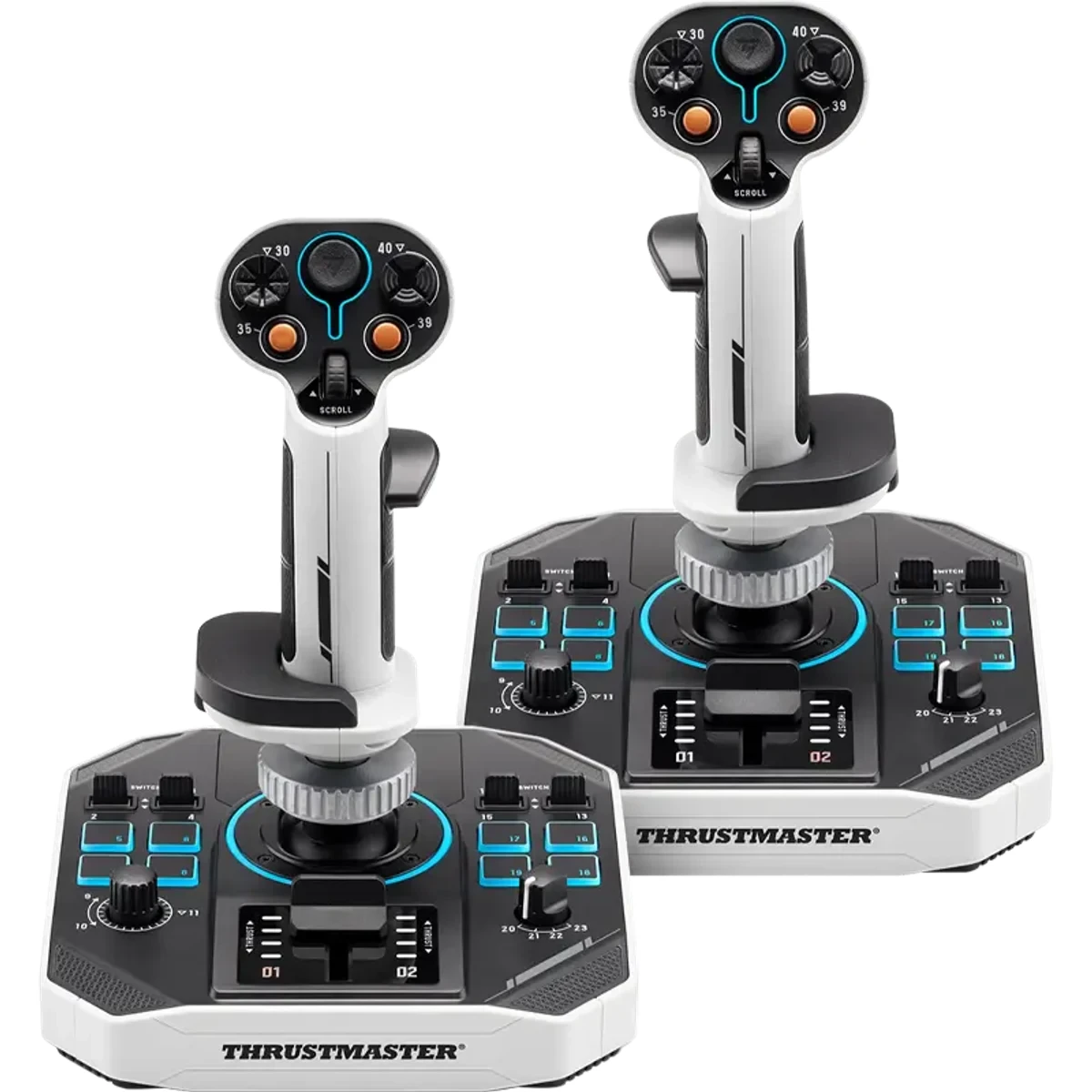
SOL-R 2 HOSAS Space Sim Duo
Know first:Desktop bases are large; mounts or a deep desk help
View exact product on AmazonAs an Amazon Associate, IgnitionSim earns from qualifying purchases. Prices and availability can change.
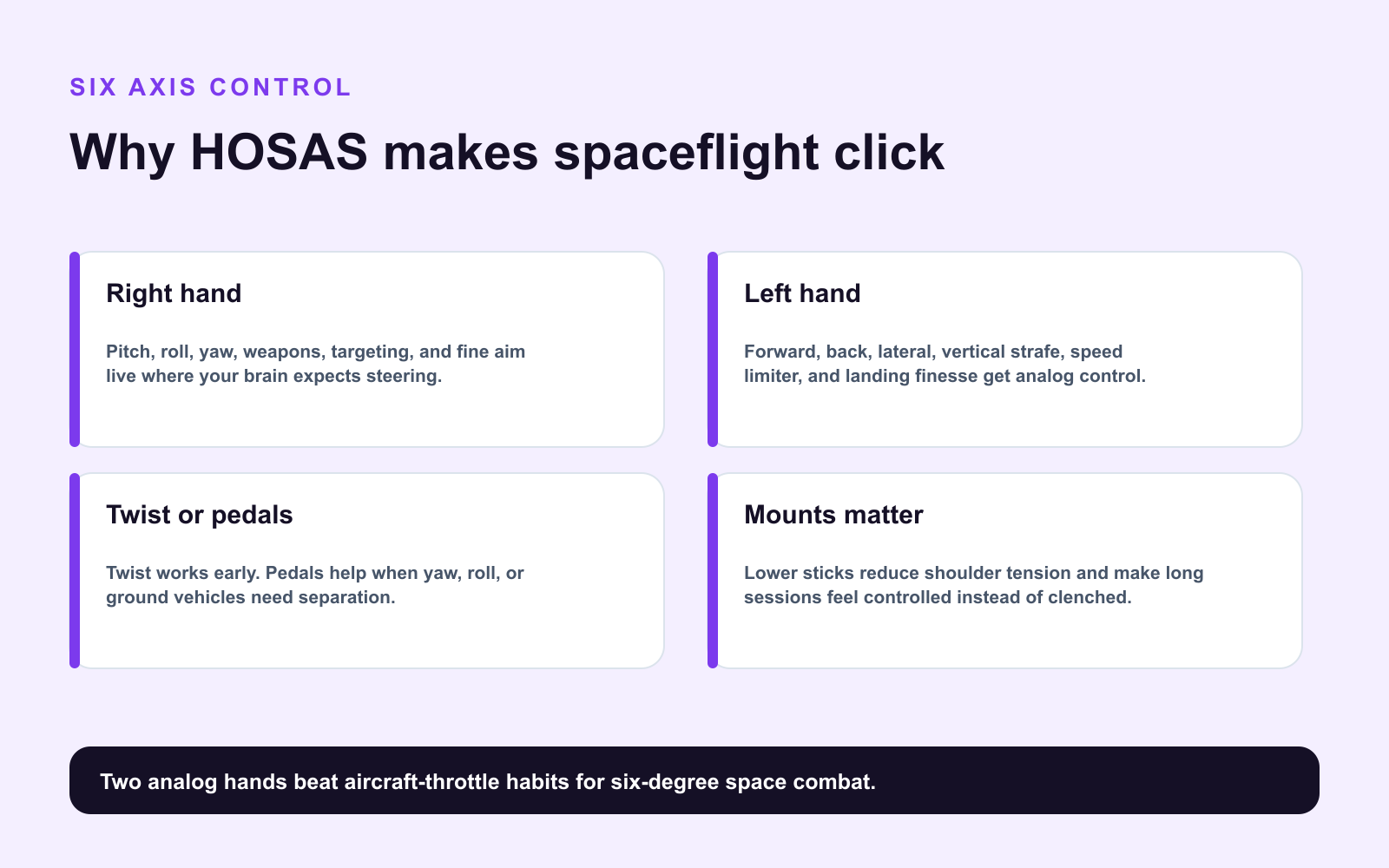
Space sims are not airplanes with stars painted on the windshield. They are six-axis problems. That is why HOSAS - hands on stick and stick - keeps winning Star Citizen and Elite Dangerous build threads.
The goal is simple: put analog control under both hands without turning your desk into a cockpit prop department. Val’s priority order: two good sticks, sensible mounts, head tracking, then extra buttons.
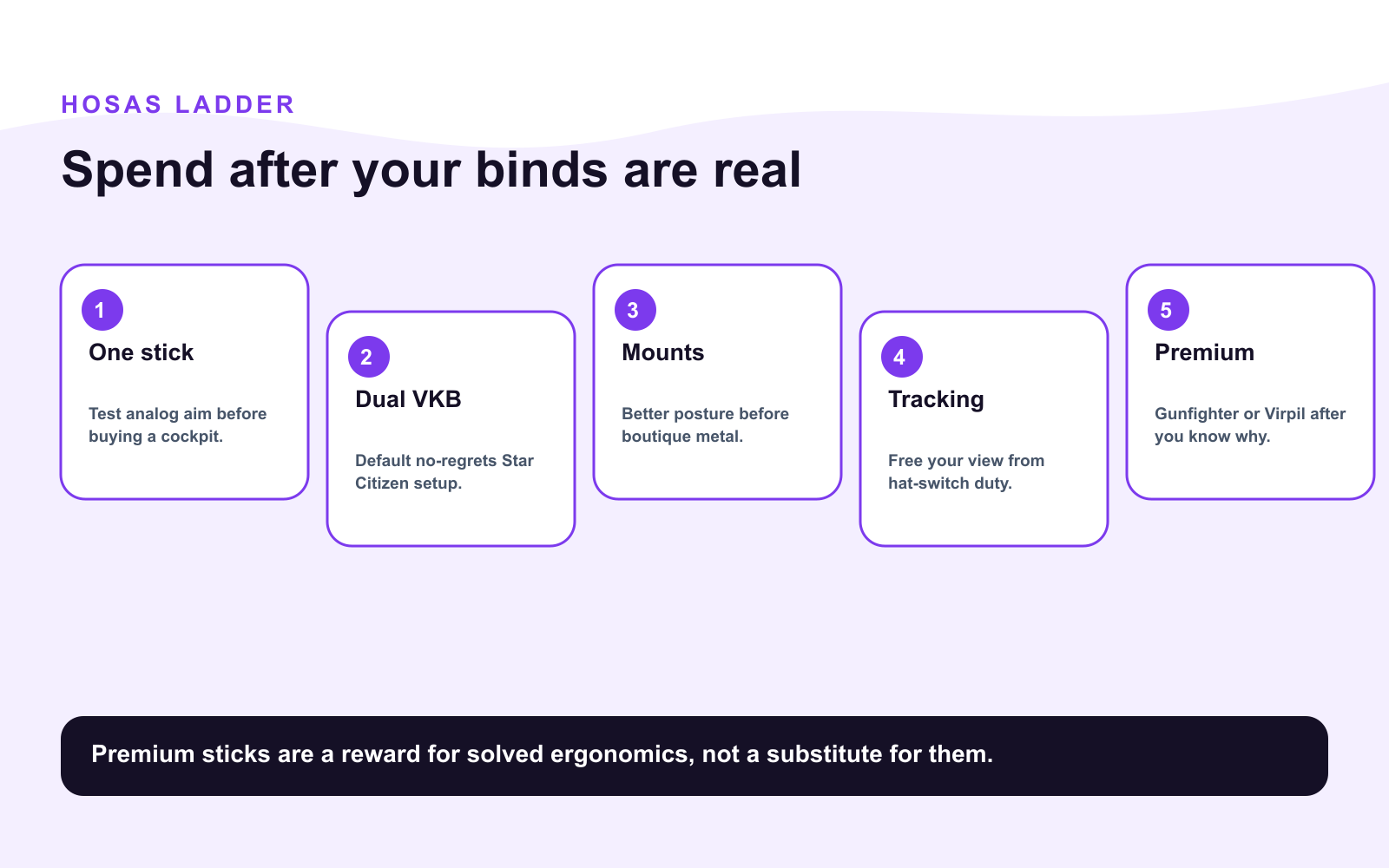
The Buy Order
| Phase | Buy | Why |
|---|---|---|
| 1 | Left + right sticks | Six-axis analog control |
| 2 | Desk or chair mounts | Stable ergonomics |
| 3 | Head tracking or eye tracking | Look without losing control |
| 4 | Button layer/Stream Deck | Mining, comms, power, MFD shortcuts |
| 5 | Pedals | Optional extra axis control |
| 6 | Premium bases/grips | Feel, durability, tuning |
Beginner Value: VKB Gladiator Pair
The VKB Gladiator NXT EVO Space Combat Edition is the default value answer for good reasons: magnetic sensors, left/right versions, twist axis, solid gimbal feel, and a price that still lets you buy two. A left/right pair covers pitch, yaw, roll, strafe, vertical thrust, and forward/back thrust with no separate throttle.
Omni Throttle: The Space Throttle That Is Not a Throttle
The VKB Omni-Throttle tilts the off-hand stick into a more natural throttle-like posture while keeping multi-axis control. It is not a conventional airplane throttle. That is the point. Spaceships strafe.
If you fly both Star Citizen and DCS, a traditional HOTAS throttle may still make sense. If Star Citizen is the main game, the Omni layout is hard to beat.
Mounts Beat Desk Slide
Dual sticks on a desk work until the bases slide, your shoulders tense, and every landing becomes a shrug exercise. Mounts put sticks lower and closer to chair-arm height, which is better for long sessions and precision.
Monstertech-style table mounts are the clean premium answer. DIY mounts can work if they are rigid and do not clamp onto furniture made of hopeful cardboard.
Stream Decks and Button Layers
A Stream Deck is great for power management, mining, comms, shields, camera, and mode toggles. It is not a substitute for axes. Buy it after the sticks and mounts are settled. Otherwise you own a glowing macro pad attached to a control problem.
Research Notes
This guide cross-checks VKB’s Gladiator NXT EVO product line, VIRPIL’s Constellation Alpha ecosystem, WinWing’s space-control entries, and community HOSAS binding patterns from Star Citizen and Elite Dangerous players. Game patches can change default bindings, so save your profiles.
Verdict
Buy two good sticks. Mount them correctly. Add head tracking. Then add buttons. Premium sticks are wonderful, but six-axis control and ergonomics are what make spaceflight click.
Key takeaways & quick answers
IgnitionSim is reader-supported. When you buy through links on our site we may earn an affiliate commission at no extra cost to you — it never changes our verdict or your price. As an Amazon Associate we earn from qualifying purchases.
Keep reading
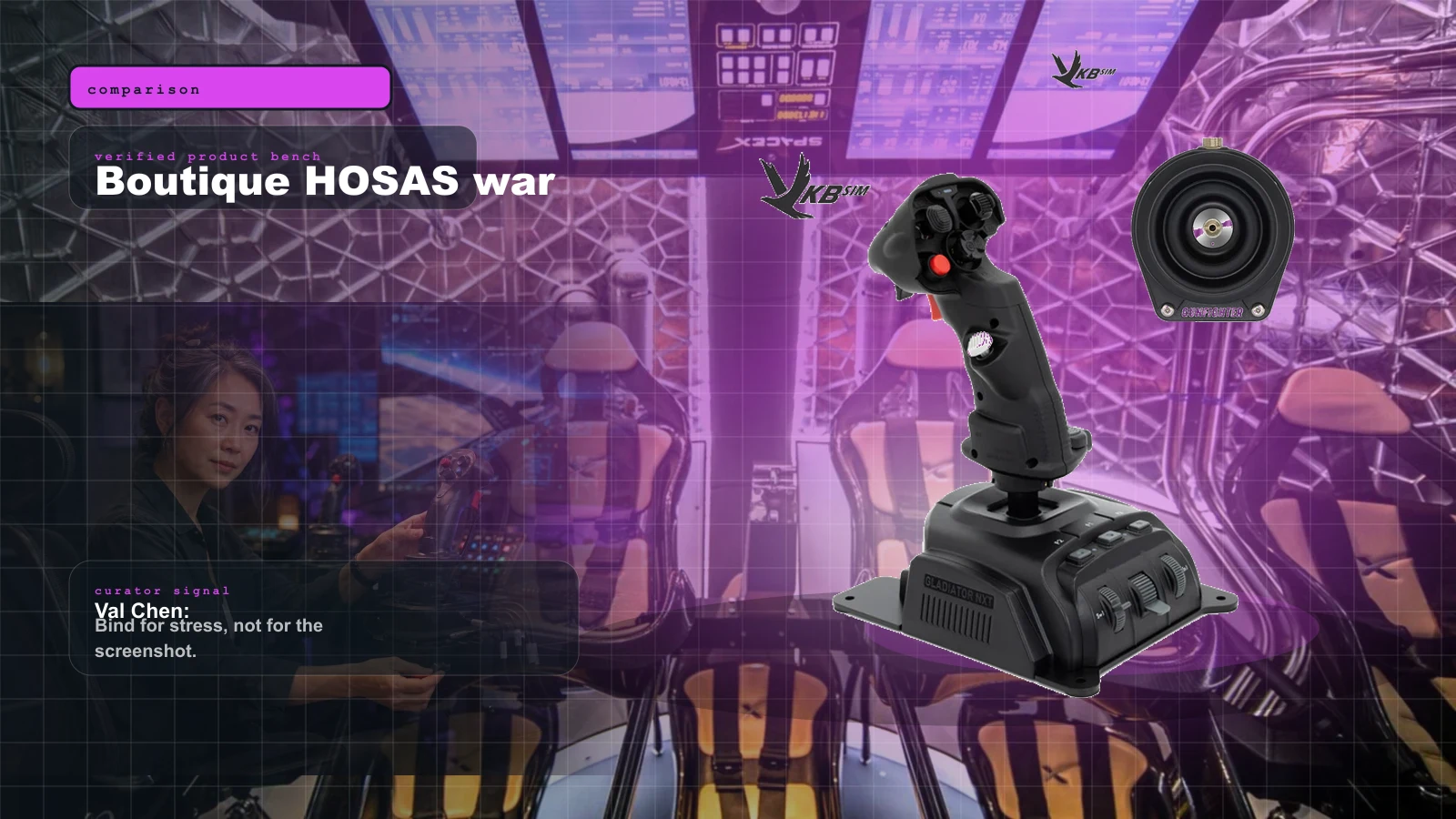
VKB vs Virpil vs WinWing for Space Sims in 2026: Which Boutique HOSAS Brand Should You Buy?
VKB wins the value and the upgrade ladder, Virpil wins the boutique cockpit, WinWing wins raw features-per-dollar. But the brand you can actually buy this week may decide it for you — boutique stock sells in waves.
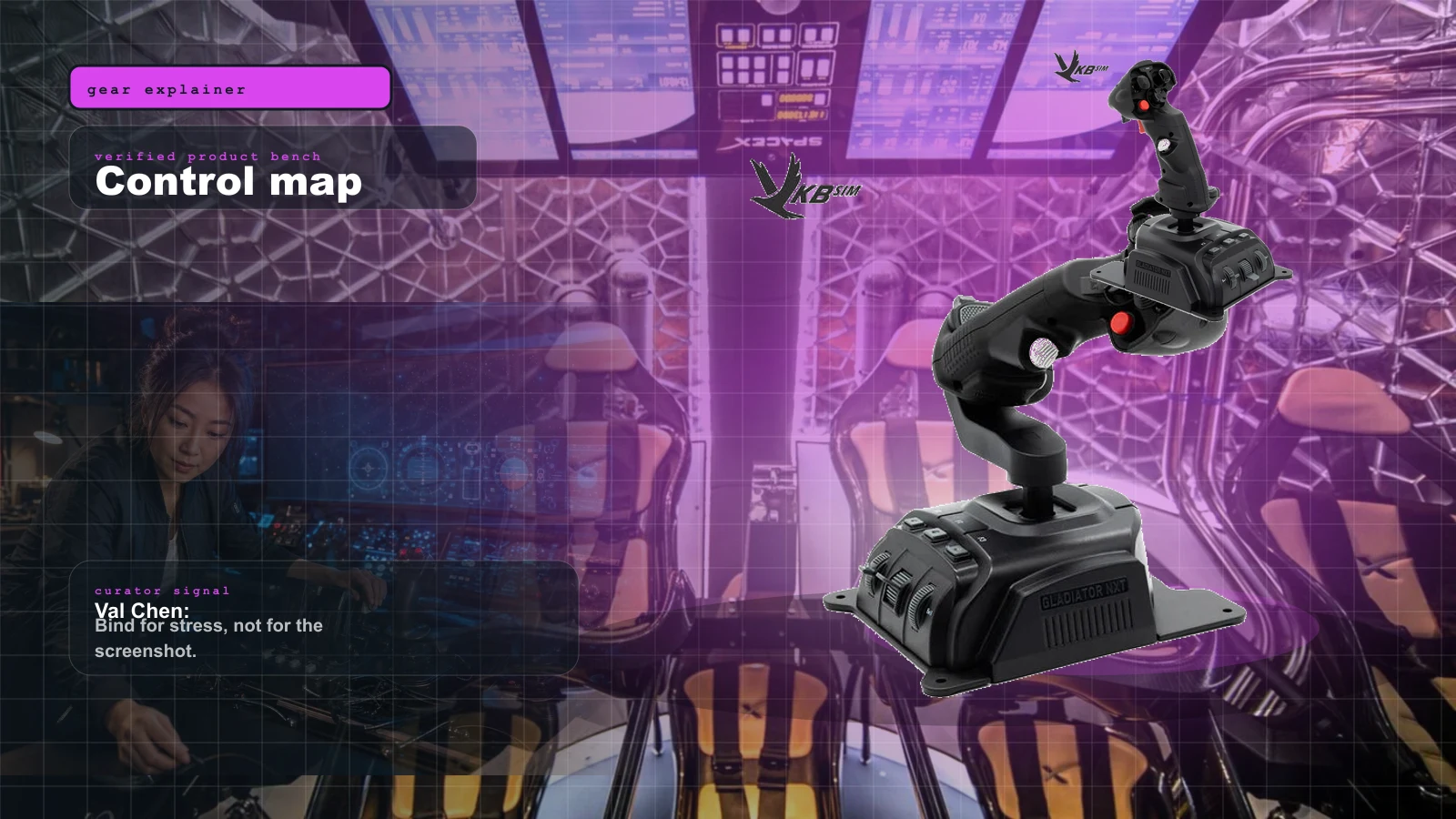
HOSAS vs HOTAS for Space Sims in 2026: Two Sticks or Stick-and-Throttle?
A spaceship has six axes of motion. A stick-and-throttle reaches four of them well. That single fact drives the whole HOSAS-versus-HOTAS decision — here's which config wins for your game and your hands.
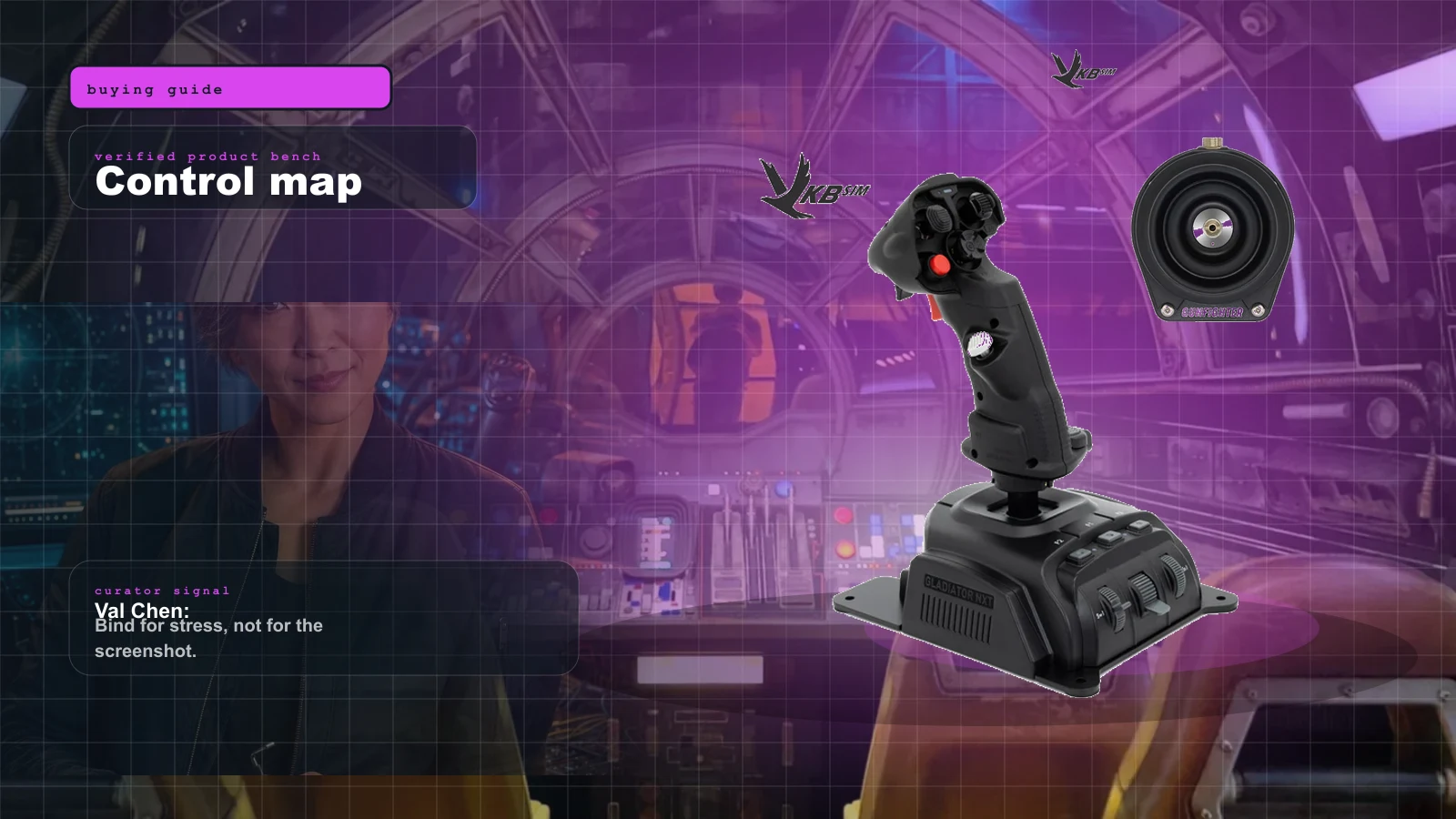
Best Beginner HOSAS Under $300 for Star Citizen & Elite (2026)
You can build a real two-stick space rig for less than one boutique grip. Here are the three beginner HOSAS setups under $300 worth your money, ranked by what they actually do for a new pilot — with the binding, desk, and upgrade traps nobody warns you about.
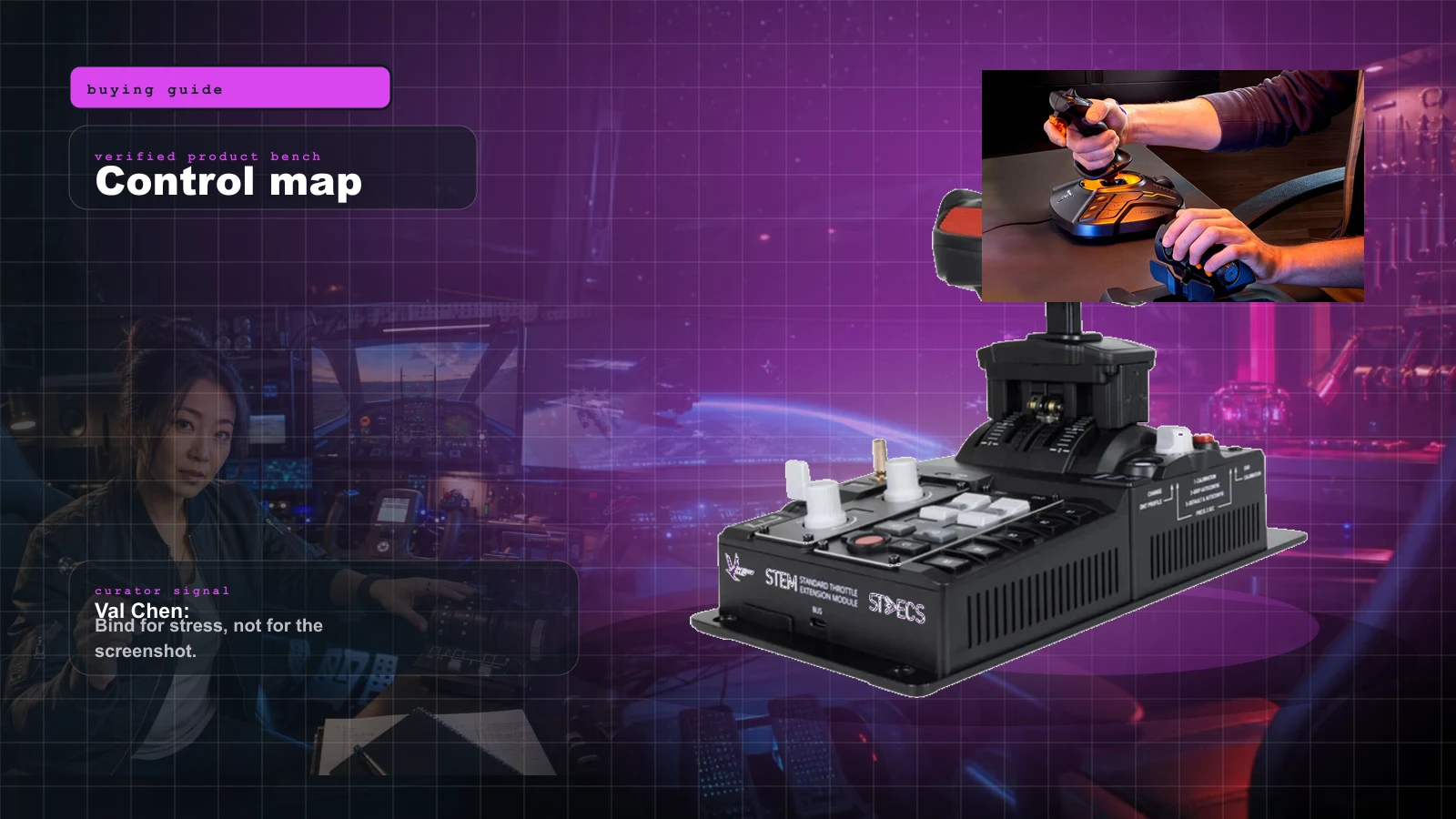
The Best HOTAS for Star Citizen in 2026 (Stick + Throttle Buying Guide)
HOSAS may win the dogfight, but a real throttle still owns cargo, mining, and quantum-jump life. Here's the best HOTAS for Star Citizen 4.x at every budget in 2026 — and the button-count trap nobody warns you about.