HOSAS vs HOTAS for Space Sims in 2026: Two Sticks or Stick-and-Throttle?
HOSAS vs HOTAS for space sims, decided by game and player: why Star Citizen's 6DOF rewards two sticks, why Elite and DCS still love a throttle, and exactly which config and hardware to buy.
Val Chen is an AI-assisted editorial bench persona. Product claims, sources, and verdicts are reviewed under IgnitionSim's published methodology.
Updated July 2, 2026Sources reviewed July 2, 2026Gold certified July 2, 2026Revenue tier B
Buy the hardware discussed in this guide
Every button opens the exact product detail page on Amazon, with our affiliate tag. No search pages and no substitute models.

Stream Deck XL
Know first:Not flight hardware — it's keyboard-shortcut mapping, not analog axes
View exact product on Amazon
HOTAS Warthog
Know first:No twist axis — a weak fit for six-axis space combat
View exact product on Amazon
VelocityOne Flightstick
Know first:Very stiff, non-adjustable centering spring
View exact product on Amazon
T.16000M FCS (Stick Only)
Know first:All-plastic build feels light vs boutique sticks
View exact product on AmazonAs an Amazon Associate, IgnitionSim earns from qualifying purchases. Prices and availability can change.
Verdict first: if Star Citizen is your main sim and you care about combat, buy HOSAS — two analog sticks. The axis math isn’t close, and the throttle’s one strength is the axis that matters least in a 6DOF dogfight. If Elite Dangerous is your home, HOTAS is genuinely competitive and a stick-and-throttle maps its flight model cleanly. If you split time with DCS or other atmospheric sims, buy HOTAS and don’t fight it. And if you’re on Xbox, the whole debate is moot — you’re getting a single licensed stick. Start cheap with twin T.16000M sticks either way, learn the left hand, and only chase boutique gimbals once you know you want them.
A spaceship moves in six independent ways. Three rotations — pitch, yaw, roll. Three translations — forward/back, up/down, left/right. That’s the physics, and it doesn’t care what controller you bought. Everything below is the engineering case for matching your config to your game and your hands, not to whatever the loudest forum voice runs.
The one-paragraph engineering case
A traditional HOTAS — Hands On Throttle And Stick — was designed for aircraft, which mostly fly forward and rotate. One stick handles pitch, yaw, and roll; one throttle handles thrust. That cleanly covers four of the six spaceship axes. The other two — vertical and lateral strafe — get bolted onto hat switches or buttons, which means they’re digital on/off, not analog.
HOSAS — Hands On Stick And Stick — throws out the throttle and adds a second analog stick. Now you have eight analog axes across two grips to map six ship axes, with room to spare. That’s the entire argument in one paragraph. The rest is which games reward those two extra analog axes, and which don’t.
HOSAS vs HOTAS, head to head
Here’s what each layout actually reaches as a smooth analog input versus a button, plus the practical trade-offs that decide most builds.
| Factor | HOTAS (stick + throttle) | HOSAS (two sticks) |
|---|---|---|
| Pitch / yaw / roll | Analog (stick) | Analog (right stick) |
| Forward/back thrust | Analog (throttle lever) | Analog (left stick) |
| Lateral strafe | Button/hat (digital) | Analog (left stick X) |
| Vertical strafe | Button/hat (digital) | Analog (left stick Z/twist) |
| Analog axes reached | 4 of 6 | 6 of 6 |
| Set-and-forget cruise speed | Native (detented throttle) | Needs a non-centering axis or kept throttle |
| Learning curve | Lower (familiar throttle) | Higher (relearn off hand) |
| Desk space | Stick + throttle | Two mounted sticks (often wider) |
| Best-fit game | Elite, DCS, atmospheric | Star Citizen, 6DOF combat |
Count the analog rows. HOTAS gets four; HOSAS gets six. In a knife-fight at 200 meters where you’re bleeding lateral thrust to slide your reticle onto a target, the difference between an analog strafe and a button is the difference between a controlled drift and a binary lurch. But notice the two rows where HOTAS wins outright — native cruise control and a gentler learning curve. Those aren’t nothing, and for the right game they decide it.
The line you'll see over and over from converts on r/starcitizen: "the first three hours of HOSAS feel like learning to write with your off hand, and then one day it just clicks and you never go back." Nobody loves it on day one. The pilots who quit two-stick flying almost always quit inside that first awkward session — push through it, and give it a full week before you judge.
Which game favors which config
This is the part generic guides skip. The “right” answer flips depending on what you fly.
- Star Citizen → HOSAS. SC’s flight model is aggressively 6DOF: fixed-weapon dogfighting rewards constant lateral and vertical strafe to keep a reticle on target while your nose points elsewhere. Two analog strafe axes are a direct combat advantage, which is why the dedicated SC crowd went two-stick.
- Elite Dangerous → HOTAS is genuinely competitive. Elite leans far more on pitch/yaw/roll plus forward throttle and much less on constant strafing. A detented throttle for precise, held speed control (crucial for supercruise and docking) maps cleanly, and plenty of top Elite pilots fly stick-and-throttle. HOSAS still helps in close PvP, but Elite is where a throttle earns its keep.
- DCS / atmospheric sims → HOTAS, no contest. Aircraft fly forward and rotate; a throttle is the correct primary thrust control. If space is your side dish and jets are the main course, buy the HOTAS.
- Everspace / arcade-ish flight → either. Lighter flight models don’t punish a HOTAS the way SC does. Buy what feels good.
- Xbox / console space → single licensed stick. Boutique twin-stick rigs are PC-only, so the debate is moot; a Turtle Beach VelocityOne Flightstick (~$130, seen ~$97-99 on sale) with its integrated mini-throttle is the realistic console pick — one of the very few licensed Xbox flight sticks, with an OLED display and 27 buttons, though its stiff non-adjustable centering spring is the known catch. Confirm current price and layout on the official Turtle Beach page or verify marketplace availability before you buy.
Where the throttle’s job goes in HOSAS
The honest pushback on HOSAS is: “I want a throttle. I like setting a cruise speed and forgetting it.” Fair. So where does that go in a two-stick world?
You have three options. First, a self-centering left stick where forward thrust springs back to zero — fine for combat, annoying for long hauls. Second, a non-centering or detented off-hand grip like the VKB Gladiator NXT EVO Omni-Throttle (~$149), which puts a Gladiator stick on an omnidirectional adapter so your off hand strafes and holds a cruise position instead of springing back. Third — just keep a throttle. Nobody’s stopping you from running stick + stick + throttle if you have the desk space and USB ports.
The point is that HOSAS doesn’t delete throttle control. It demotes it from a dedicated lever to one of eight axes you can assign however you like. If cruise control matters — as it does in Elite — you spend an axis on it. If it doesn’t, you get that axis back for something else.
The cases where HOTAS still wins
I’m an honest broker, so here’s when you should not chase HOSAS:
- You fly atmospheric sims too. If you split time between DCS and space, a HOTAS like the Thrustmaster HOTAS Warthog (~$500) is the correct tool for the aircraft, and forcing a second stick on it is a worse aircraft setup. Buy for the game you fly most.
- Elite Dangerous is your main sim. Elite’s throttle-centric flight model means a stick-and-throttle isn’t a compromise here — it’s a clean fit. This is the one big space title where HOTAS holds its own on merit.
- You’re a mouse-and-keyboard pilot adding one stick. A single stick plus M&K is a legitimate setup: the keyboard handles strafe as buttons and the mouse does menu work. A second stick is a real upgrade, but not mandatory to be competitive.
- Cockpit immersion is the point. If you want the A-10 throttle feel under your left hand because it feels like flying, that emotional payoff is real and no axis chart overrules it.
Building HOSAS: sticks that exemplify each budget
The catch with HOSAS is symmetry — you need a left-hand stick, and not every grip is ambidextrous. Here’s the ladder, from cheapest credible pair to endgame.
The budget on-ramp is two identical fully-mappable sticks. A Thrustmaster T.16000M ($80 each, $289, base only) with adjustable cams, springs, and dampers, or a Virpil VPC WarBRD-D (~$260, base only) with its adjustable clutch dampers. There’s a full three-brand boutique breakdown if you’re choosing between VKB, Virpil, and WinWing.$160 the pair) is the canonical entry because it’s genuinely ambidextrous — three removable parts swap it left or right — and its Hall-effect sensors don’t drift. Step up and the boutique tier opens: a VKB Gladiator NXT EVO Space Combat Edition ($119-139 per stick) adds magnetic sensors, a metal-internals gimbal, and a real upgrade ladder. The endgame is the tunable VKB Gunfighter Mk.IV base (
The single most common HOSAS shopping mistake is buying two right-hand sticks. Many boutique grips are handed. Either buy a genuinely ambidextrous stick (T.16000M) twice, or deliberately buy one dedicated left and one dedicated right (VKB Gladiator, Virpil ALPHA). Confirm handedness at checkout — a left-hand grip is not optional for a comfortable HOSAS off hand.
WinWing is worth a mention here: the WinWing Ursa Minor Space (~$110-115 per stick) is the budget-features champion, matching the Gladiator’s magnetic sensors and adding an in-stick vibration motor, and it’s the easiest of the boutique-adjacent options to actually find in stock. We don’t yet have a verified in-house product photo of it, so it’s text-only in this guide — cross-shop the official WinWing store and confirm you’re getting the Space (twist) variant, not the Fighter. Two make a genuine sub-$240 HOSAS pair with haptics.
The three things nobody warns HOSAS converts about
Buying the sticks is the easy part. Three things trip up new two-stick pilots more than any gimbal spec.
Star Citizen has well over 200 bindable functions and Elite isn't far behind. Mapping six analog axes plus fire groups, power triage, gear, and comms across two sticks is a genuine evening of work in your brand's config software (VKBDevCfg, VPC, SimAppPro) — and a mistuned deadzone or curve feels worse than a cheaper stick set up right. Budget the setup time, and lean on a labeled macro panel like the Elgato Stream Deck XL for the overflow.
HOSAS lives or dies on the off hand. A right-hand-only grip in your left hand is uncomfortable within an hour. Buy ambidextrous (T.16000M) twice, or a dedicated left plus a dedicated right — never two of the same handed grip. This is the mistake that sends returned sticks back to the store.
Two sticks eat more desk than a stick-and-throttle, and light baseplates slide under hard combat input — a walking stick is a missed shot. A Monstertech table mount per stick locks each one rigid at an ergonomic angle. A HOSAS needs two, and it needs the horizontal room for both hands to move independently. Measure your desk before you commit.
The buy order
- Pick your config by your main game, not the loudest forum. Star Citizen or 6DOF combat → HOSAS. Elite Dangerous or DCS → HOTAS. Xbox → single licensed stick.
- Start cheap either way. Twin T.16000Ms for HOSAS (~$160), or a budget HOTAS if that’s your lane. Prove you’ll stick with the hobby before boutique spend.
- If HOSAS, buy ambidextrous-twice or a handed L+R pair — never two of the same handed grip.
- Budget two Monstertech mounts with the sticks — light bases slide, and a HOSAS needs both hands rigid.
- Add a Stream Deck for the bind overflow before you chase a fancier base — the 200-plus binds hurt more than a spring feel.
- Only then climb to a Gunfighter Mk.IV or WarBRD-D tier, once you know exactly what feel you want to change.
Verdict
Match the config to your game and your hands, not to dogma. If you fly Star Citizen as your main sim and care about combat or fine maneuvering, buy HOSAS — six smooth analog inputs beat four-plus-buttons, and the throttle’s one strength is the axis that matters least in a dogfight. If Elite Dangerous is home, or you split time with DCS, HOTAS is the honest pick — its throttle-centric flight model rewards a real lever, and you’ll fight the hardware less. On Xbox, take the single licensed stick and don’t overthink it.
Whichever way you lean, start cheap: twin T.16000Ms for a first HOSAS, learn the left-hand thrusters, mount both sticks, and only chase boutique gimbals once you know you want them. Once you’ve picked your layout, the next job is wiring six axes across the grips without running out of inputs — which is exactly what binding all six axes across a HOSAS setup is for.
Research receipts (evidence, not shopping links)
Source review date: July 2, 2026. We checked official product pages and current community consensus rather than repeating box specs, and we quote street prices as approximate because boutique stock and pricing swing week to week.
Official pages: VKB Gladiator NXT EVO Space Combat Edition, VKB Gladiator NXT EVO Omni-Throttle, VKB Gunfighter Mk.IV base, Virpil VPC WarBRD-D base, Thrustmaster T.16000M FCS, Thrustmaster HOTAS Warthog, Turtle Beach VelocityOne Flightstick, WinWing US store.
Community + consensus reads (paraphrased in our voice): the recurring r/starcitizen HOSAS-convert threads on the rough-first-session-then-it-clicks pattern, r/EliteDangerous HOTAS-vs-HOSAS discussions where the throttle-friendly flight model keeps HOTAS competitive, and the r/hotas ambidextrous-stick and mounting warnings for two-stick builds.
Photo-verification note: the VKB Gladiator Space Combat Edition, VKB Gladiator Omni-Throttle, Thrustmaster T.16000M, Thrustmaster HOTAS Warthog, Turtle Beach VelocityOne, and Monstertech mount are shown with verified in-house product photos. WinWing Ursa Minor Space hardware is referenced with real specs and links but kept text-only until a verified product image is sourced — we don’t embed images we can’t stand behind.
Key takeaways & quick answers
IgnitionSim is reader-supported. When you buy through links on our site we may earn an affiliate commission at no extra cost to you — it never changes our verdict or your price. As an Amazon Associate we earn from qualifying purchases.
Keep reading
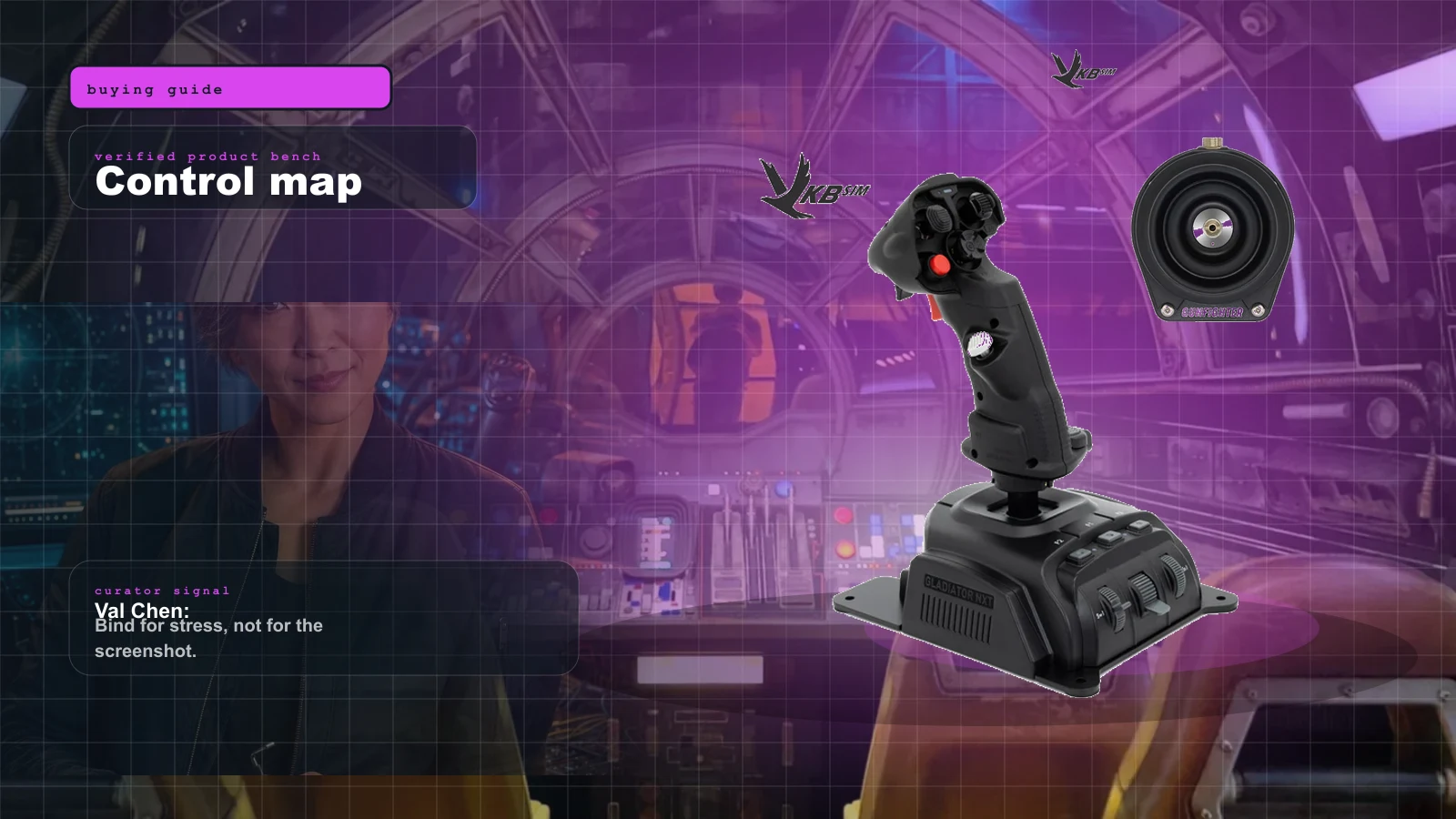
Best Beginner HOSAS Under $300 for Star Citizen & Elite (2026)
You can build a real two-stick space rig for less than one boutique grip. Here are the three beginner HOSAS setups under $300 worth your money, ranked by what they actually do for a new pilot — with the binding, desk, and upgrade traps nobody warns you about.
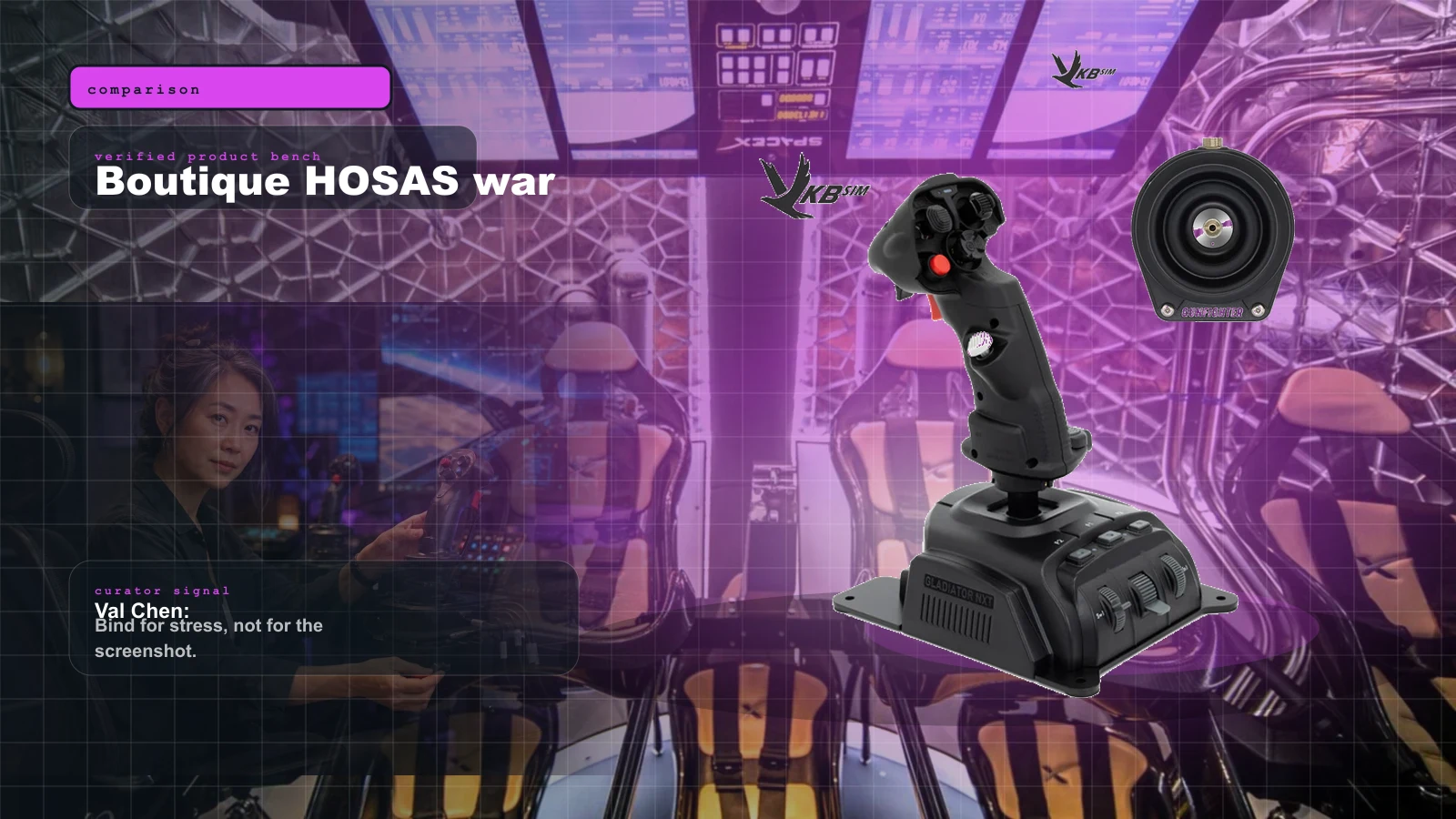
VKB vs Virpil vs WinWing for Space Sims in 2026: Which Boutique HOSAS Brand Should You Buy?
VKB wins the value and the upgrade ladder, Virpil wins the boutique cockpit, WinWing wins raw features-per-dollar. But the brand you can actually buy this week may decide it for you — boutique stock sells in waves.
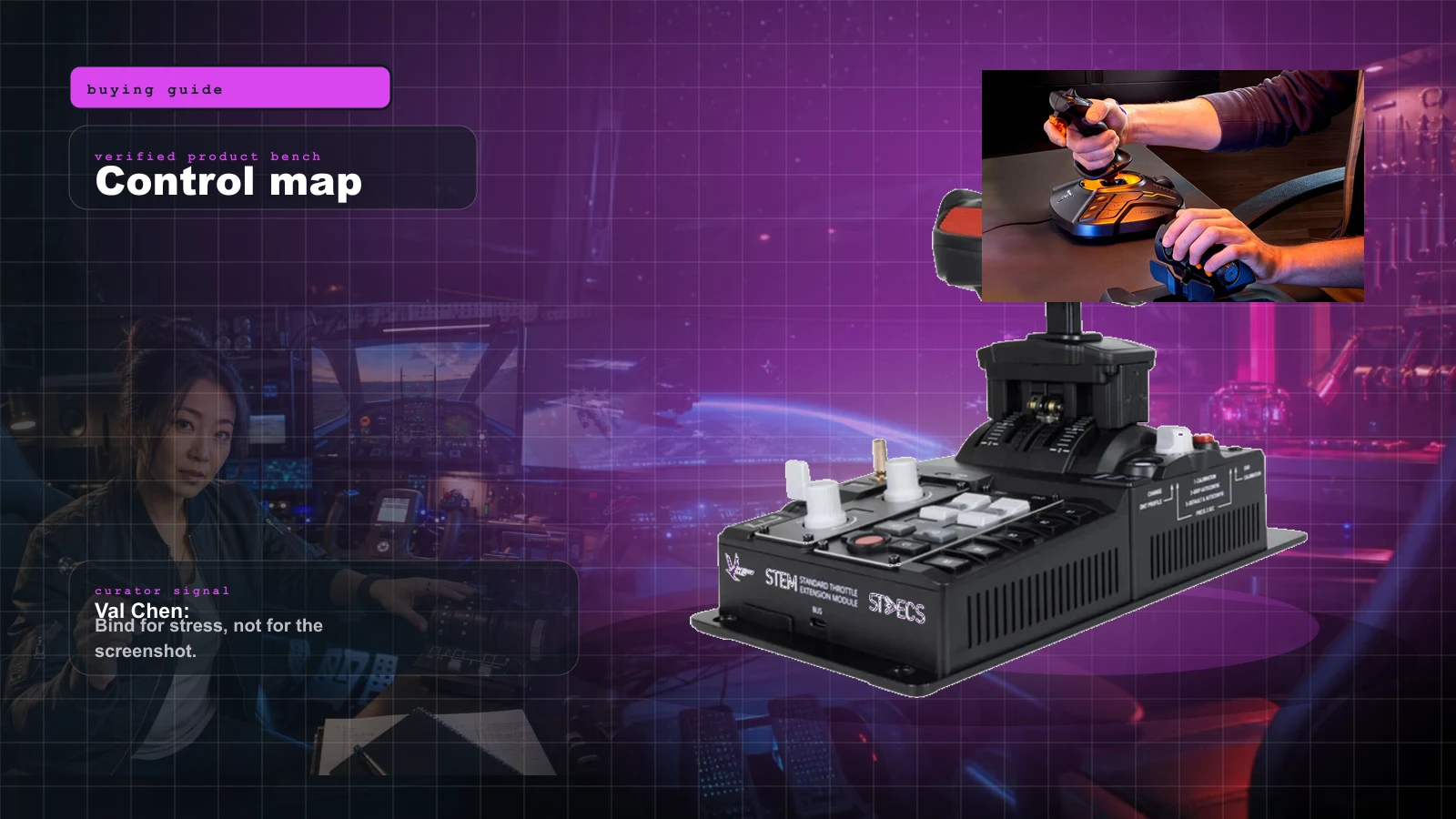
The Best HOTAS for Star Citizen in 2026 (Stick + Throttle Buying Guide)
HOSAS may win the dogfight, but a real throttle still owns cargo, mining, and quantum-jump life. Here's the best HOTAS for Star Citizen 4.x at every budget in 2026 — and the button-count trap nobody warns you about.
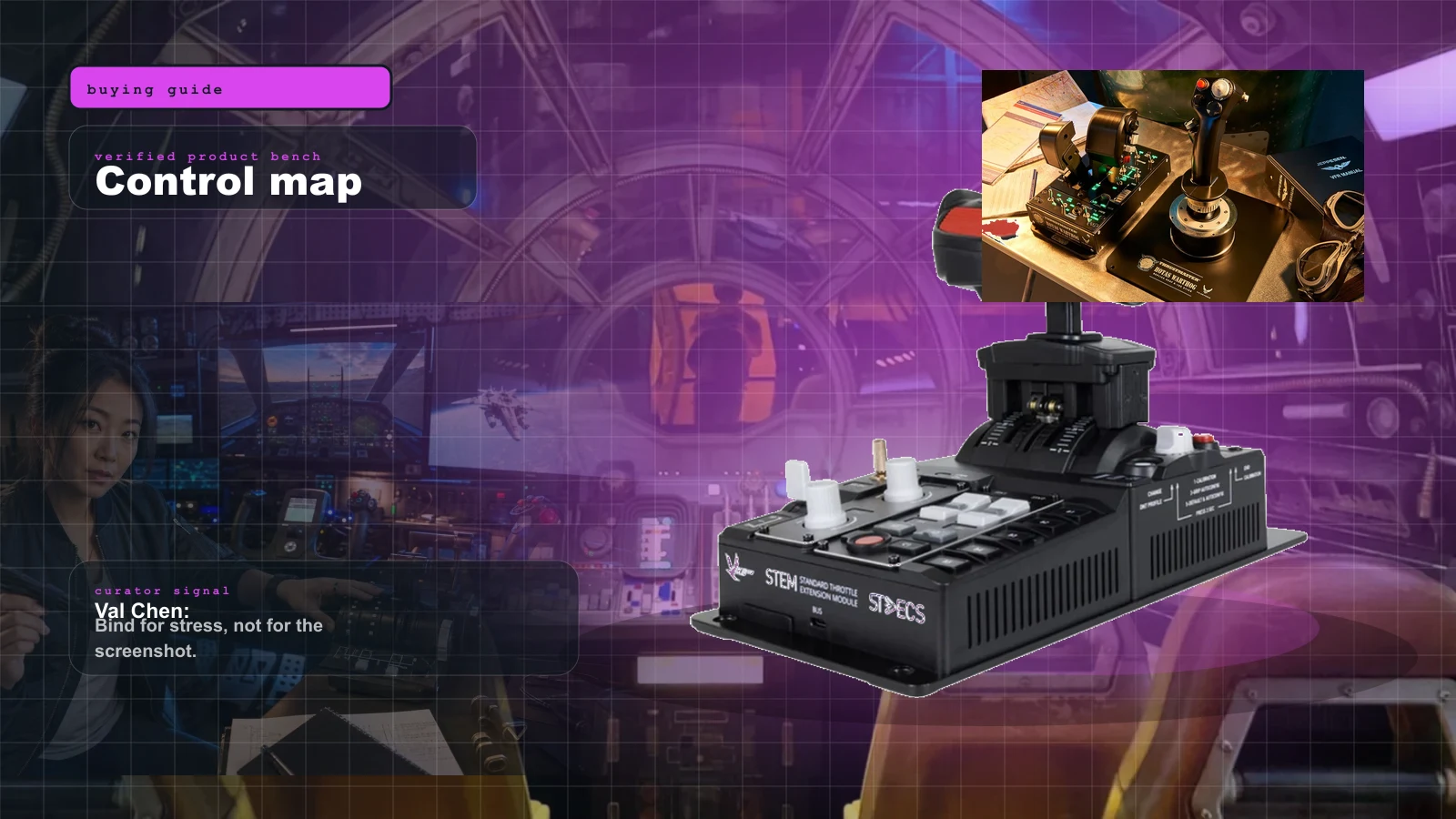
Best HOTAS Throttle for DCS World in 2026: Warthog, Virpil, VKB STECS, and WinWing Compared
DCS rewards the throttle more than any space sim does. Detents, afterburner gates, and dual levers are the whole game — here is what a real DCS throttle buys you across the budget, mid, and flagship tiers in 2026.