 AI-assisted editorial composite
 Top 10 Simulator Creators and Their Rigs in 2026: What Is Actually Worth Copying?
The 10 simulator creators and rigs worth studying in 2026 across racing, golf, flight, and space, with real rig tours, build lessons, warnings, and exact gear paths.
Mac Donovan is an AI-assisted editorial bench persona. Product claims, sources, and verdicts are reviewed under IgnitionSim's published methodology.
Updated July 18, 2026Sources reviewed July 18, 2026Gold certified July 18, 2026Revenue tier A
Buy the hardware discussed in this guide
Every button opens the exact product detail page on Amazon, with our affiliate tag. No search pages and no substitute models.
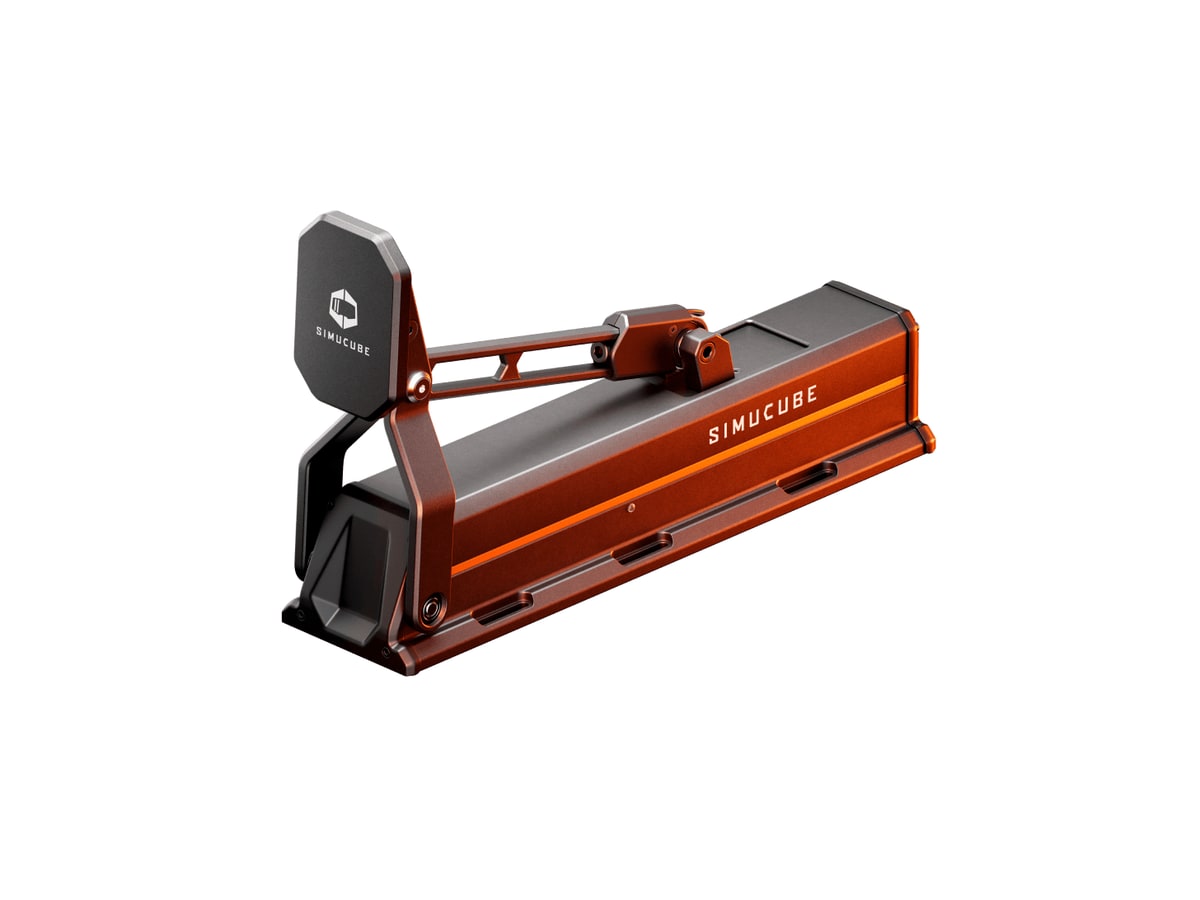
ActivePedal Pro
Know first:Extremely expensive compared with load-cell pedals
View exact product on Amazon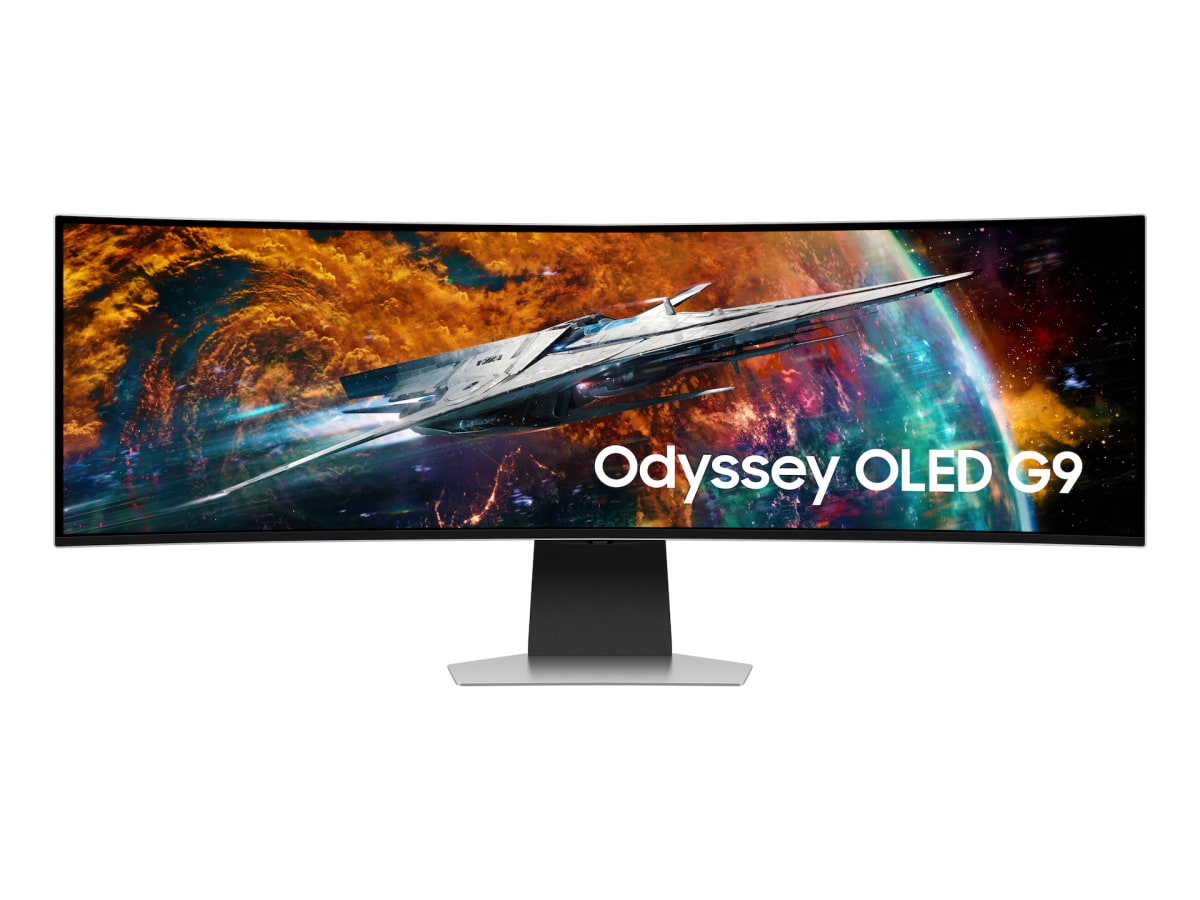
Odyssey OLED G9 49
Know first:Not true triple-screen side geometry
View exact product on Amazon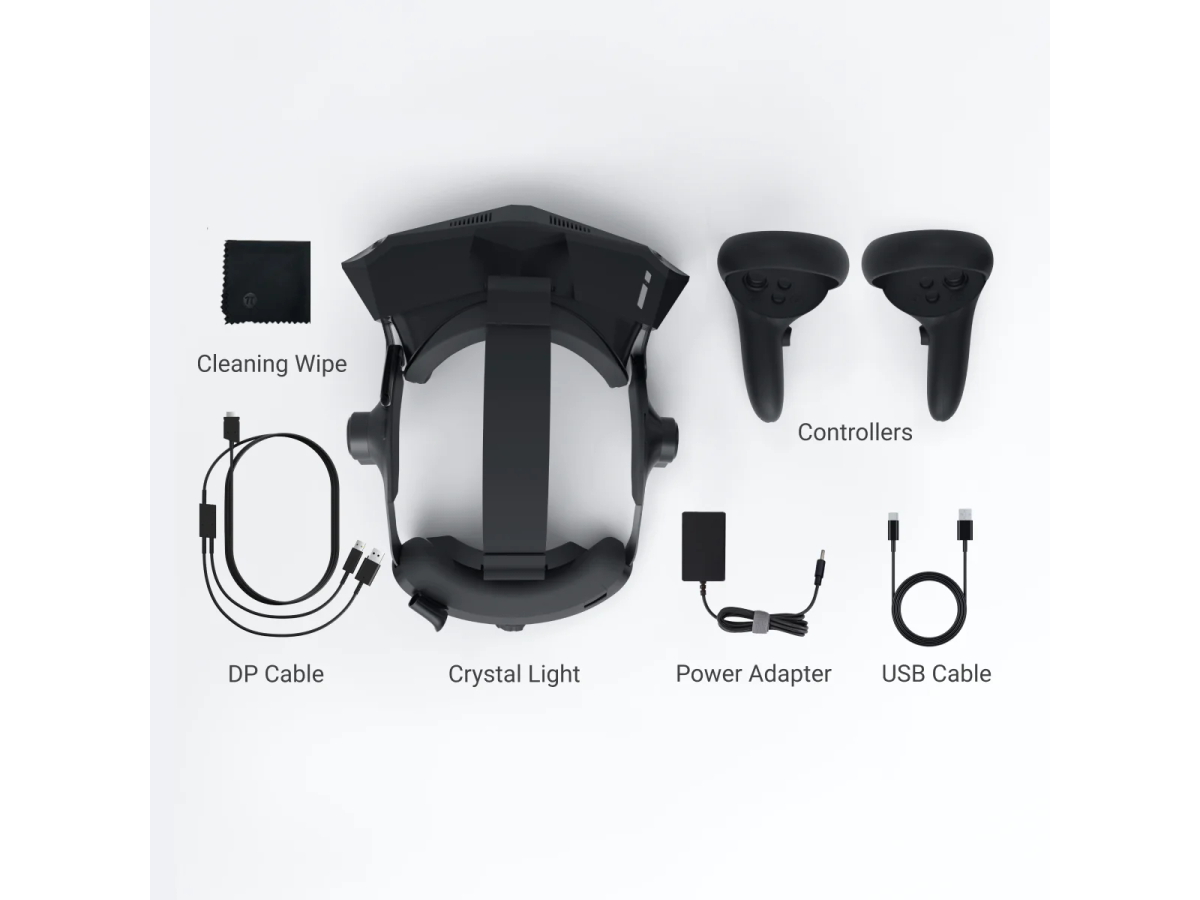

Approach R50
Know first:$5,000 is expensive before mat, screen, enclosure, projector, or software
View exact product on Amazon
Alpha Flight Controls
Know first:Plastic body rather than metal at this price
View exact product on Amazon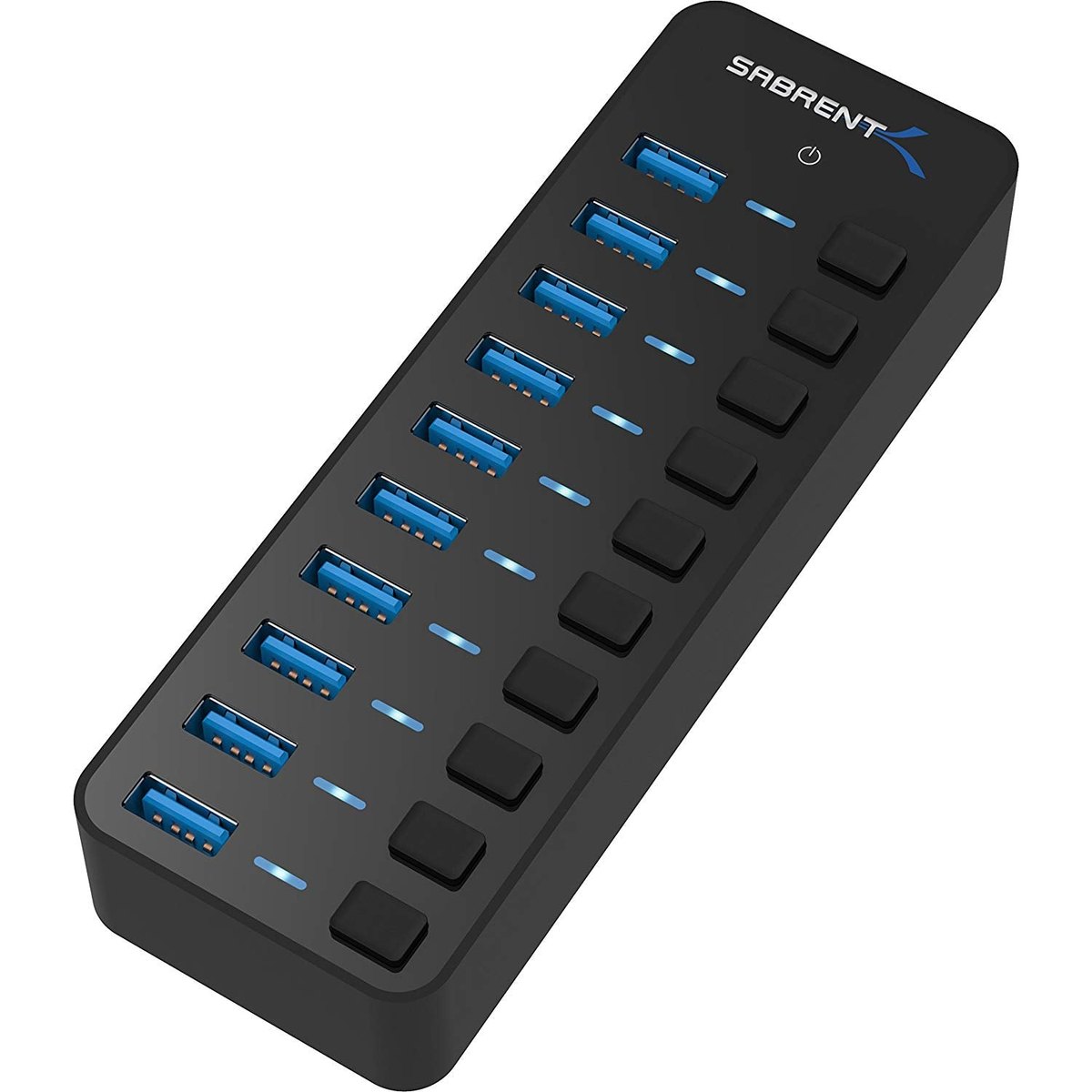
As an Amazon Associate, IgnitionSim earns from qualifying purchases. Prices and availability can change.
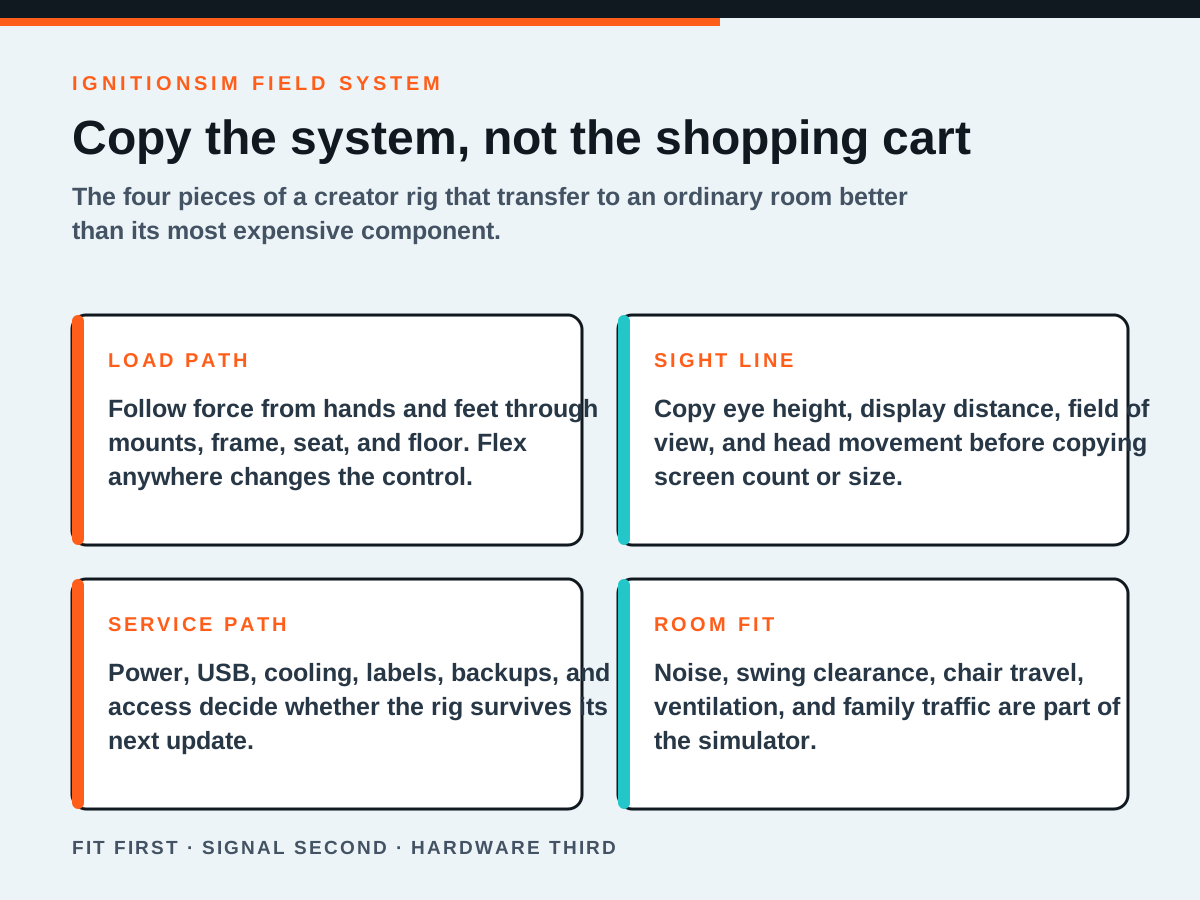
Fast verdict: watch Boosted Media to understand the ceiling, Jimmy Broadbent to see what survives real driving, Dan Suzuki and Sim Racing Garage to understand the engineering, Chris Haye to fix your geometry, Golf Simulator Videos to make the room work, SimHanger to choose flight hardware by mission, Angry Zeppelin and Jurassic Jets to learn full-cockpit serviceability, and SubliminaL to keep a space-sim desk recoverable. Do not copy any one shopping cart. Copy the decisions that make the hardware work together.
That is the distinction most “best simulator YouTubers” lists miss. A creator can be entertaining without being useful to a builder. A magnificent rig can be a terrible template for your room. A reviewer can be honest and still have a different body, game, platform, noise limit, budget, or tolerance for software maintenance.
We ranked these ten by the value of the rig lesson: how clearly the creator shows the control loop, installation, room, compromises, failures, and repeatable setup. Subscriber count was not the score. Nor is this an endorsement of every product each person has ever shown. It is a map of whose work helps a builder make fewer expensive mistakes.
How we chose the ten
We checked current creator tours, official sites, long-form build videos, manufacturer documentation, simulator forums, and current Reddit discussions about which reviewers owners actually trust. Four signals mattered.
- The rig is visible as a system. We need to see mounting, seating, display, controls, room, or service access, not a product floating on a desk.
- The creator teaches a transferable decision. “This is expensive and good” is not enough. The work should help a viewer choose, install, tune, or reject something.
- The creator exposes friction. Configuration, firmware, flex, ergonomics, subscriptions, noise, cables, and recovery are part of the product.
- The lesson survives outside the studio. A useful insight still matters when the viewer owns a smaller room and a normal credit card.
Current r/simracing threads repeatedly mention Boosted Media, Jimmy Broadbent, Dan Suzuki, Sim Racing Garage, and other methodical reviewers, but the most mature comments also make the correct warning: cross-check several people because review samples, affiliate links, preferences, and sample variation all exist. Flight, golf, and Star Citizen communities say the same thing in different language. The trusted source is a pattern across evidence, not a single face.
Use creators to discover the right questions. Use manuals, owner reports, exact compatibility pages, and your own room measurements to answer them.
1. Boosted Media: the whole-system ceiling
Will Ford’s Boosted Media rig is useful because the spectacular parts are not presented as isolated trophies. The triple 65-inch 4K displays, motion, direct-drive controls, audio, PC, cameras, and cockpit geometry have to coexist. His full-rig tour shows how much infrastructure appears when the goal becomes a convincing room-scale experience rather than “a wheel on a frame.”
Copy this: design from the driver outward. Set the seat, pedal, wheel, eye point, and display geometry before treating motion, audio, and production equipment as separate layers. Notice how each system still needs physical clearance and a service path.
Do not copy blindly: screen size and motion travel. A triple-65 room is an architecture project. Smaller displays positioned correctly can produce better field geometry than enormous panels placed where the room allowed.
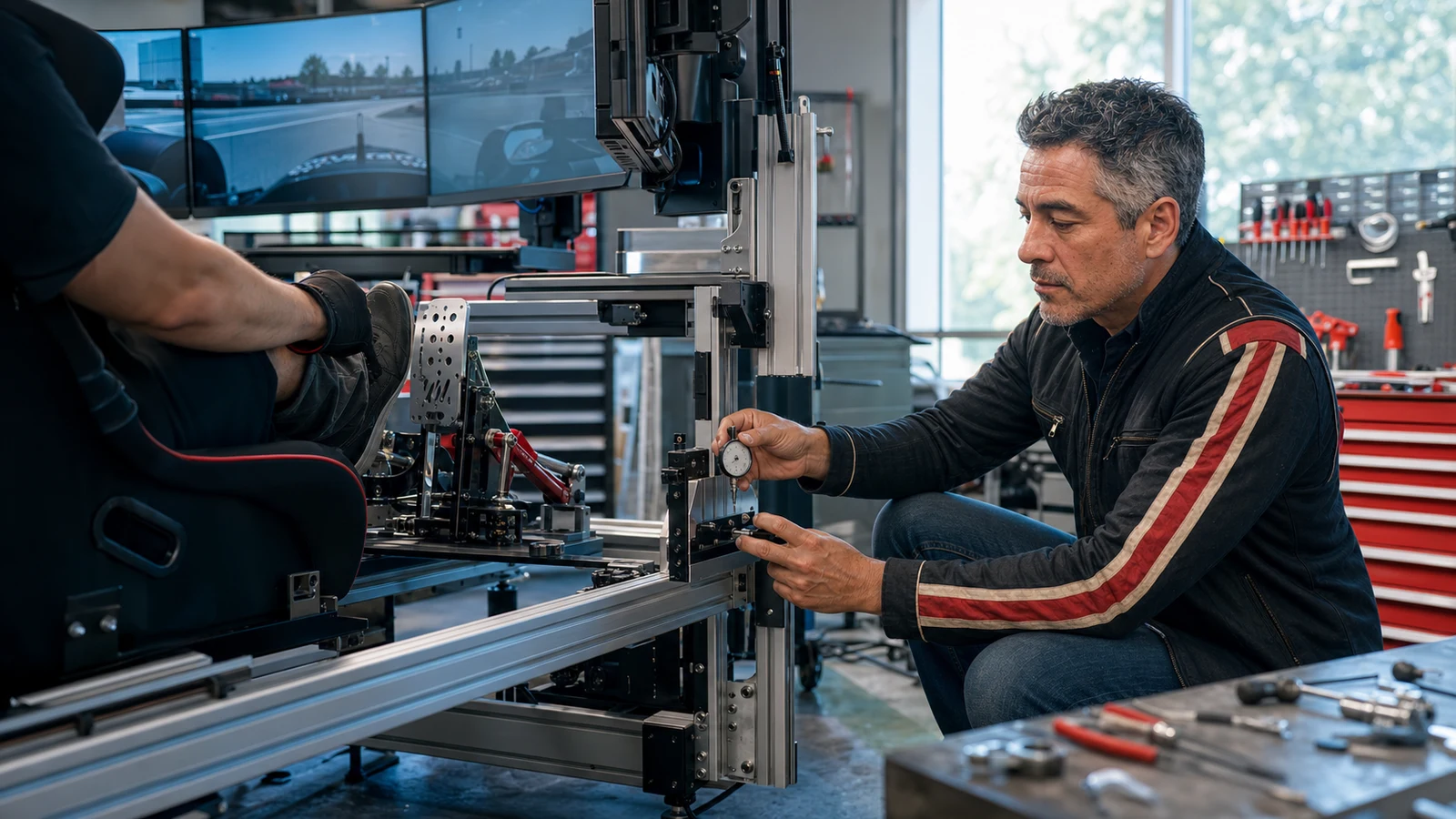
Torque travels through the wheel mount, frame, seat, pedal deck, and floor. If one joint moves, the shiny base is testing furniture instead of your hands.
2. Jimmy Broadbent: the real-driver crossover
Jimmy Broadbent matters because the sim is not the end of his driving story. His work crosses from bedroom and shed sim racing into real motorsport, which makes repeatability, visibility, comfort, and useful feedback more interesting than sheer specification. The valuable question becomes: what helps a driver perform again tomorrow?
Copy this: make every control land in the same place. A repeatable seat, wheel, brake, and sight line train the body. Put adjustment where it can be measured and returned, not where it drifts every time someone cleans the room.
Do not copy blindly: a creator’s specific brake force or steering torque. Real race experience does not make one force setting universal. Leg strength, pedal leverage, seat angle, injury history, and session length change what is sustainable.
3. Dan Suzuki: the engineering test bench
Dan Suzuki’s value is method. His rig content tends to treat hardware as a measurable chain rather than a collection of brand identities. That is the model to use when one upgrade creates a problem somewhere else: change one variable, record the setting, test the behavior, and preserve a known-good state.
Copy this: isolate variables. If the brake feels inconsistent, do not change elastomers, software curve, seat position, pedal angle, and maximum force in one evening. You will not know which change helped.
Do not copy blindly: benchmark-chasing. A lower latency number or higher torque ceiling matters only when it affects the control task you can perceive and repeat.
4. Sim Racing Garage: the teardown before the verdict
Barry Rowland’s Sim Racing Garage became a reference point because installation and construction are not edited out of the opinion. Seeing mounting points, mechanisms, materials, wiring, adjustments, and assembly exposes whether a product will fit the rig you own rather than the review bench used on camera.
Copy this: inspect the interface. Bolt pattern, bracket thickness, adjustment access, cable exit, moving clearance, and tool access are buying criteria.
Do not copy blindly: assuming a successful installation proves universal compatibility. Aluminum profile is forgiving because brackets can move. A tubular cockpit, wheel stand, console setup, or furniture desk may turn a simple install into fabrication.
5. Chris Haye: geometry made visible
Chris Haye’s strongest work makes abstract setup choices understandable. Field of view, monitor distance, eye position, seating, and control geometry are not glamorous products, but they decide whether a simulator reads as a coherent cockpit or a screen across the room.
Copy this: use a tape measure before a display upgrade. Record eye-to-screen distance, eye height, wheel center, and the angle of side displays. Correct geometry can make existing panels feel new.
Do not copy blindly: visual fashion. A super-ultrawide, triples, and VR solve different problems. Pick the one that serves your games, GPU, room, heat tolerance, eyewear, and need to see physical controls.
The monitor geometry guide turns this into a buying path, while the cockpit and seat ladder handles the structure holding the eye point in place.
6. Golf Simulator Videos: the room is the simulator
Jay Lasco’s Golf Simulator Videos belongs on this list because golf hardware cannot be separated from the room. Launch-monitor technology, hitting direction, radar depth, camera position, projector offset, screen size, ceiling height, mat joints, side protection, and left/right-handed use all collide in one physical volume.
Copy this: choose the sensing technology after mapping the room. A camera unit beside the ball, an overhead monitor, and a radar unit behind the golfer demand different floor plans.
Do not copy blindly: package pricing without reconstructing the complete room. The launch monitor is not the whole build. Mat, screen, enclosure, projector, computer, lighting, cable protection, and safe miss zones can multiply the hardware price.
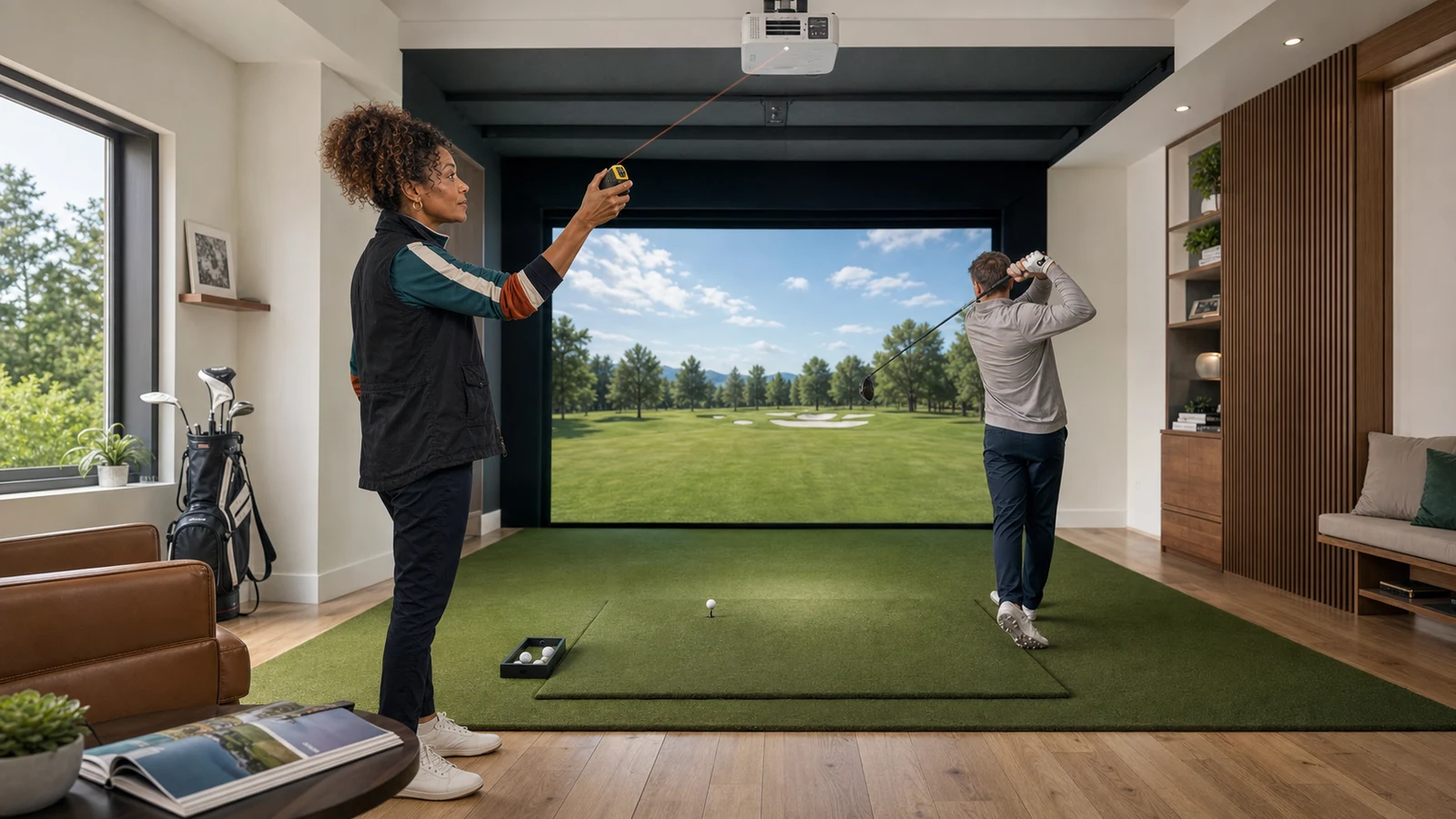
The best launch monitor is the one whose required space remains safe after the golfer, club, ball flight, projector beam, and worst miss all arrive together.
Use the home golf build sheet before choosing a sensor. It forces the room, protection, software, and recurring costs into the same budget.
7. SimHanger Flight Simulation: mission before control count
SimHanger is valuable because flight simulation hardware changes with aircraft and mission. A general-aviation yoke, airliner throttle quadrant, combat HOTAS, helicopter collective, rudder pedals, head tracking, and large display are not interchangeable badges of seriousness. They serve different cockpit tasks.
Copy this: begin with the aircraft you fly most. Primary control, throttle, rudder, trim, and view come before a wall of aircraft-specific panels.
Do not copy blindly: buying every panel visible in a mature cockpit. Panel sprawl increases USB load, power demand, driver complexity, desk depth, and recovery time after updates.
The MSFS home cockpit buyer map orders those layers so a new builder can fly while the cockpit grows.
8. Angry Zeppelin: the 3,287-hour restoration lesson
Angry Zeppelin’s conversion of a heavily used Precision Flight Controls AATD is fascinating for a reason beyond scale. It treats a simulator as a machine that ages. The physical shell may remain excellent while computers, display paths, interfaces, control electronics, and software assumptions become obsolete.
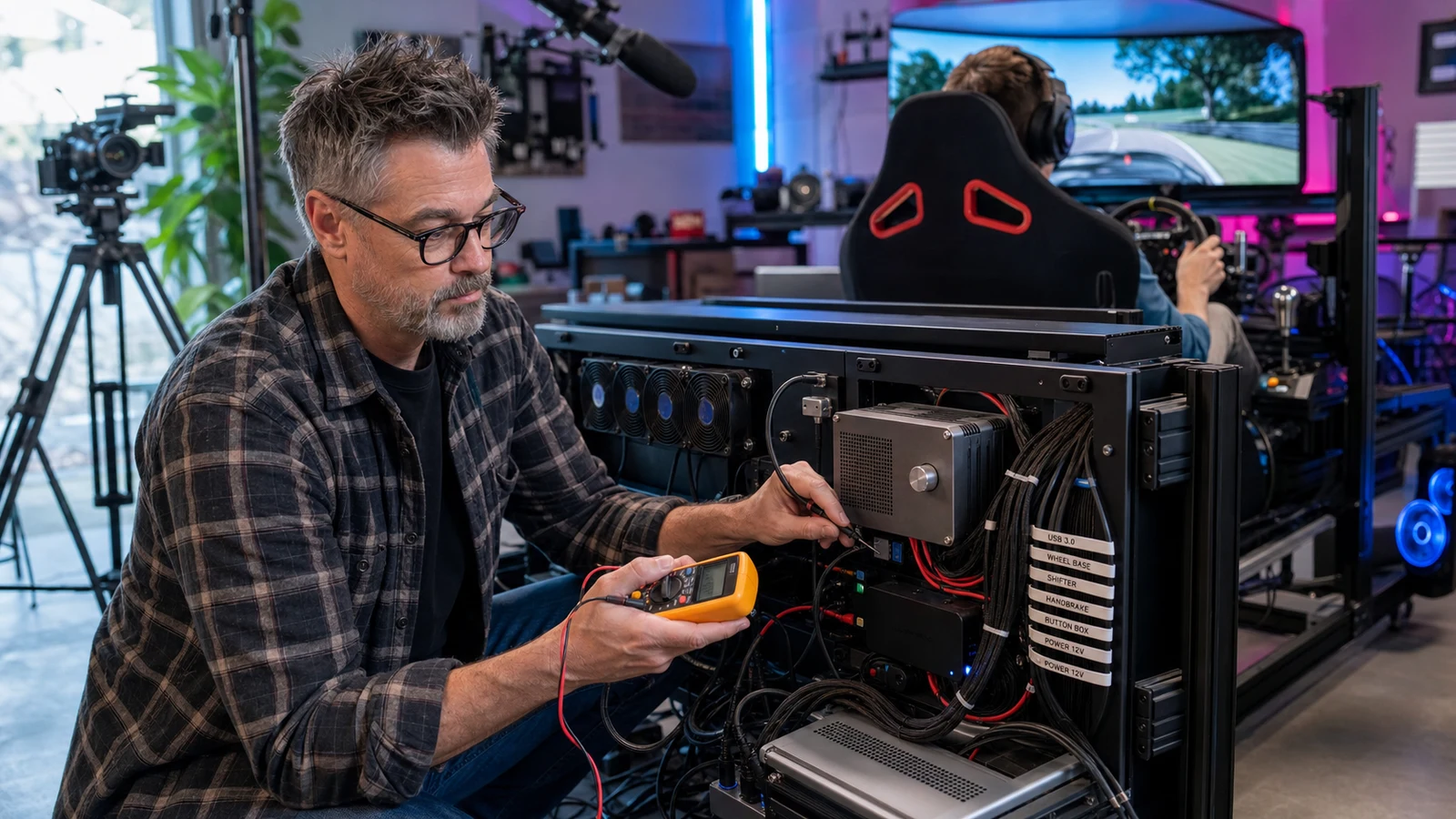
Copy this: design for replacement. Label both ends of every cable, document interface boards, keep wiring diagrams, leave access panels usable, and separate the beautiful physical control from the computer expected to age faster.
Do not copy blindly: legacy professional hardware without confirming the interface path. A bargain cockpit can require unavailable drivers, proprietary boards, custom electronics, calibration work, freight, floor reinforcement, and more patience than money.
9. Jurassic Jets: a full 747 is a team instrument
Jurassic Jets is restoring a Boeing 747 Classic cockpit for X-Plane and WorldFlight. The project shows what a full cockpit really is: not one person’s giant controller, but a set of stations, procedures, sight lines, roles, interfaces, and maintenance decisions.
Copy this: organize controls by role and sequence. Even a single-seat home cockpit improves when start-up, taxi, flight, approach, and shutdown controls have stable physical homes.
Do not copy blindly: cockpit completeness. A beautiful overhead panel that does not support the aircraft you actually fly is decor with a USB cable.

If a crew station cannot be diagnosed while the rest of the simulator remains intact, the installation is performing theater instead of engineering.
10. SubliminaL: the recoverable Star Citizen desk
SubliminaL’s published setup and Star Citizen control content are useful because the space-sim problem is not just buying two sticks. HOSAS mounts, hand geometry, rudder or twist choice, targeting, mining, salvage, camera control, power management, modifiers, USB identity, and saved bindings all have to survive patch day.
Copy this: document the control language. Save profiles with the game version and device order, export bindings, print or store a visual map, label left and right USB paths, and keep a minimum flight layer you can restore first.
Do not copy blindly: a famous binding profile. A map built for another person’s sticks, modifiers, pedals, careers, handedness, and muscle memory can be harder to learn than a smaller map built around your own priorities.

Restore flight axes, landing, safety, and one career loop before rebuilding cosmetic pages. The icon set can wait until the ship can come home.
The Star Citizen HOSAS buyer map handles the hardware order. The creator lesson is the recovery plan.
All five curators: the one lesson each would steal
The trust filter to use on every creator
Most simulator creators operate in a market where review samples, affiliate links, sponsorships, early access, retailer relationships, and personally purchased gear can overlap. That does not invalidate the work. It does mean the viewer should separate four questions.

- Disclosure: was the unit supplied, sponsored, borrowed, purchased, or linked through an affiliate program?
- Measurement: does the creator show repeatable evidence, long-term use, settings, construction, or only first impressions?
- Transfer: does the verdict depend on a body size, studio, game, platform, prototype, or support relationship you do not share?
- Community: do recurring owner reports support the praise and expose the same failure modes?
One harsh forum post does not prove a product is bad. One flawless creator sample does not prove every unit is good. Look for repeated patterns, current firmware, exact model revisions, and whether the manufacturer responds constructively when something fails.
The six buying paths above are woven into the build decision they serve. Verify the exact platform, mounting pattern, room dimensions, computer requirements, and current Amazon seller before buying. Direct product links solve search ambiguity; they do not make every product right for every rig.
The seven-step build order the best rigs quietly share
- Choose the repeated experience. Pick the car, aircraft, career, golfer, vessel, or game loop the room must serve every week.
- Lock the body position. Seat, feet, hands, eyes, head travel, swing, and reach establish the geometry.
- Build the load path. Mounts, frame, desk, seat, pedal deck, and floor must support the forces the controls create.
- Place the visual world. Set display distance, field of view, projector path, VR clearance, or cockpit sight line from the real eye point.
- Route power and USB deliberately. Separate high-draw devices where sensible, use powered infrastructure where needed, label both ends, and leave access.
- Create a recoverable software state. Save firmware versions, settings, profiles, bindings, device order, and a known-good restore sequence.
- Add spectacle last. Motion, active pedals, extra panels, lighting, cameras, and production hardware should amplify a stable control loop.
That order is less exciting than opening six boxes at once. It is also how a simulator becomes a place you use instead of a display you maintain.
Final verdict
There is no single creator rig to copy. Boosted Media shows the integrated ceiling. Jimmy Broadbent makes repeatability matter. Dan Suzuki and Sim Racing Garage expose method and construction. Chris Haye makes geometry legible. Golf Simulator Videos proves the room is part of the instrument. SimHanger chooses controls by mission. Angry Zeppelin and Jurassic Jets make serviceability impossible to ignore. SubliminaL turns a beautiful HOSAS desk into a system that can survive its next patch.
The best lesson is almost annoyingly practical: steal their measurements, sequencing, documentation, and willingness to expose the back of the rig. Buy the component only after those decisions point to it.
Sources checked
Research-only links below document the editorial work; they are not shopping links. All product-purchase buttons in this guide are direct, exact-ASIN Amazon Associates links. Source review: July 18, 2026.
- Boosted Media full triple-65-inch 4K motion rig tour
- Dan Suzuki official site and simulator work
- Sim Racing Garage about and review method
- Golf Simulator Videos real garage build library
- Jurassic Jets 747 Classic cockpit restoration
- X-Plane feature on the Jurassic Jets WorldFlight build
- SubliminaL published Star Citizen setup
- PC Gamer report on Angry Zeppelin’s 3,287-hour AATD conversion
- r/simracing: which YouTubers owners trust for reviews
- r/simracing: recurring trusted hardware sources
- r/flightsim: current beginner creator and playlist recommendations
- r/Golfsimulator: creator recommendations and GSPro content
- r/starcitizen: current HOSAS, rudder, and throttle setup discussion
Community advice is paraphrased and synthesized rather than copied. Creator videos remain embedded from their official channels so viewers can see the real rigs in their original context. AI-assisted curator scenes are labeled and are never used as proof of a retail product, creator’s actual room, or simulator performance.
Key takeaways & quick answers
IgnitionSim is reader-supported. When you buy through links on our site we may earn an affiliate commission at no extra cost to you — it never changes our verdict or your price. As an Amazon Associate we earn from qualifying purchases.
Keep reading
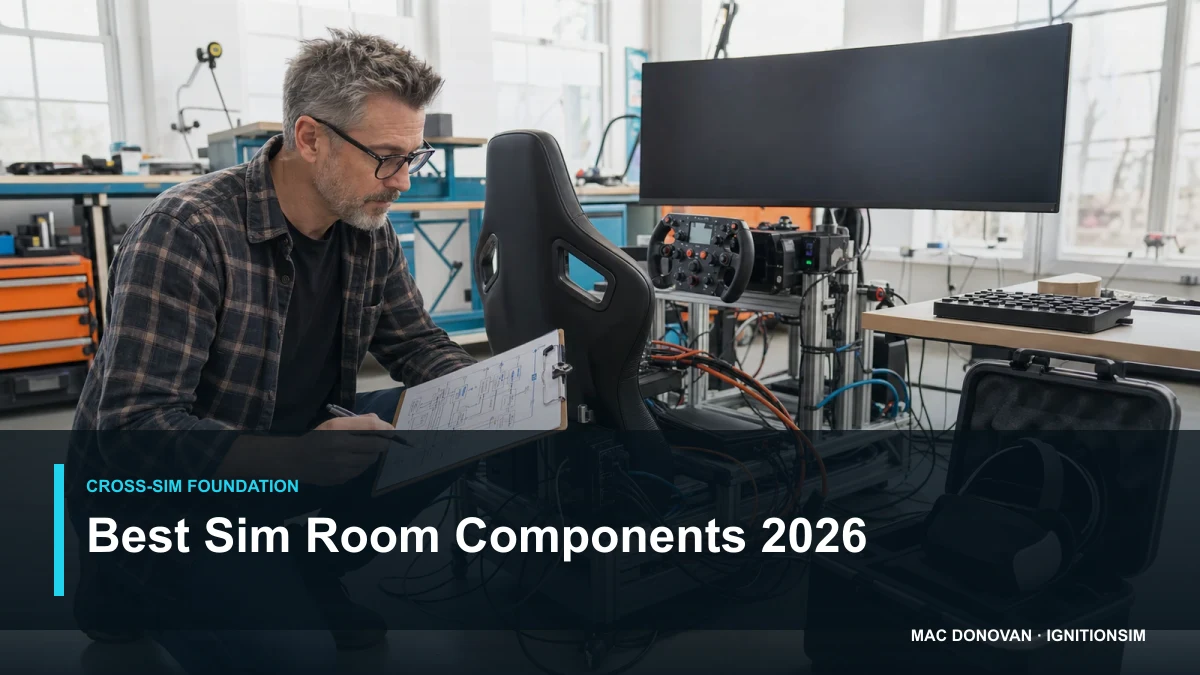
Best Simulation Gaming Gear of 2026: The Cross-Sim Room Parts Worth Buying Once
Before the wheel, yoke or launch monitor, build the room that can keep them alive. Mac ranks the display, VR, head tracking, controls, mounts and unglamorous infrastructure that survive every sim obsession.
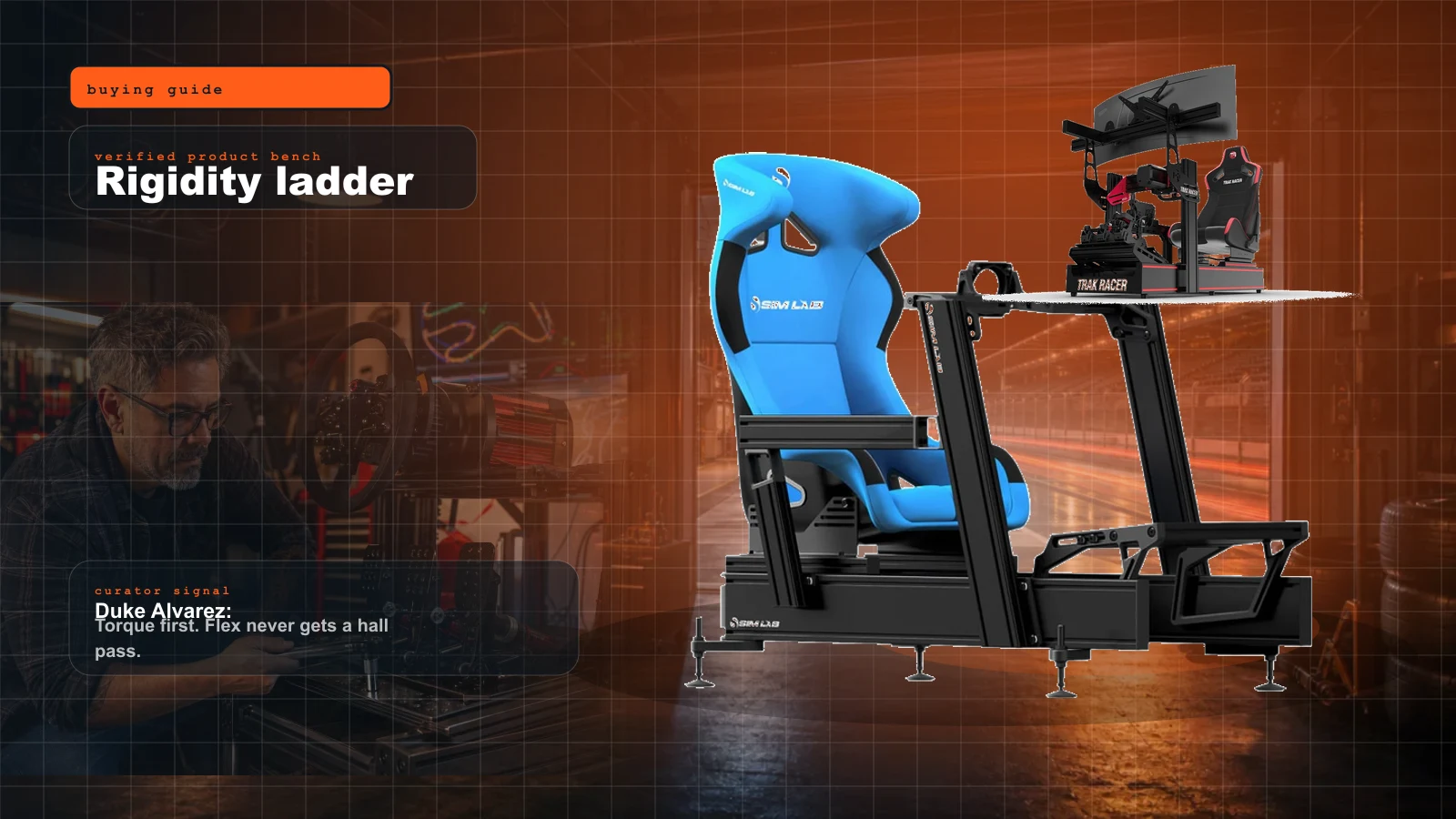
Best Sim Racing Cockpits and Seats of 2026: The Rigidity Ladder
The frame is the part nobody photographs and everybody needs. Here's the honest 2026 rigidity ladder — the cockpit to buy at every budget, when torque forces a real rig, and whether a GT bucket beats a fabric seat.
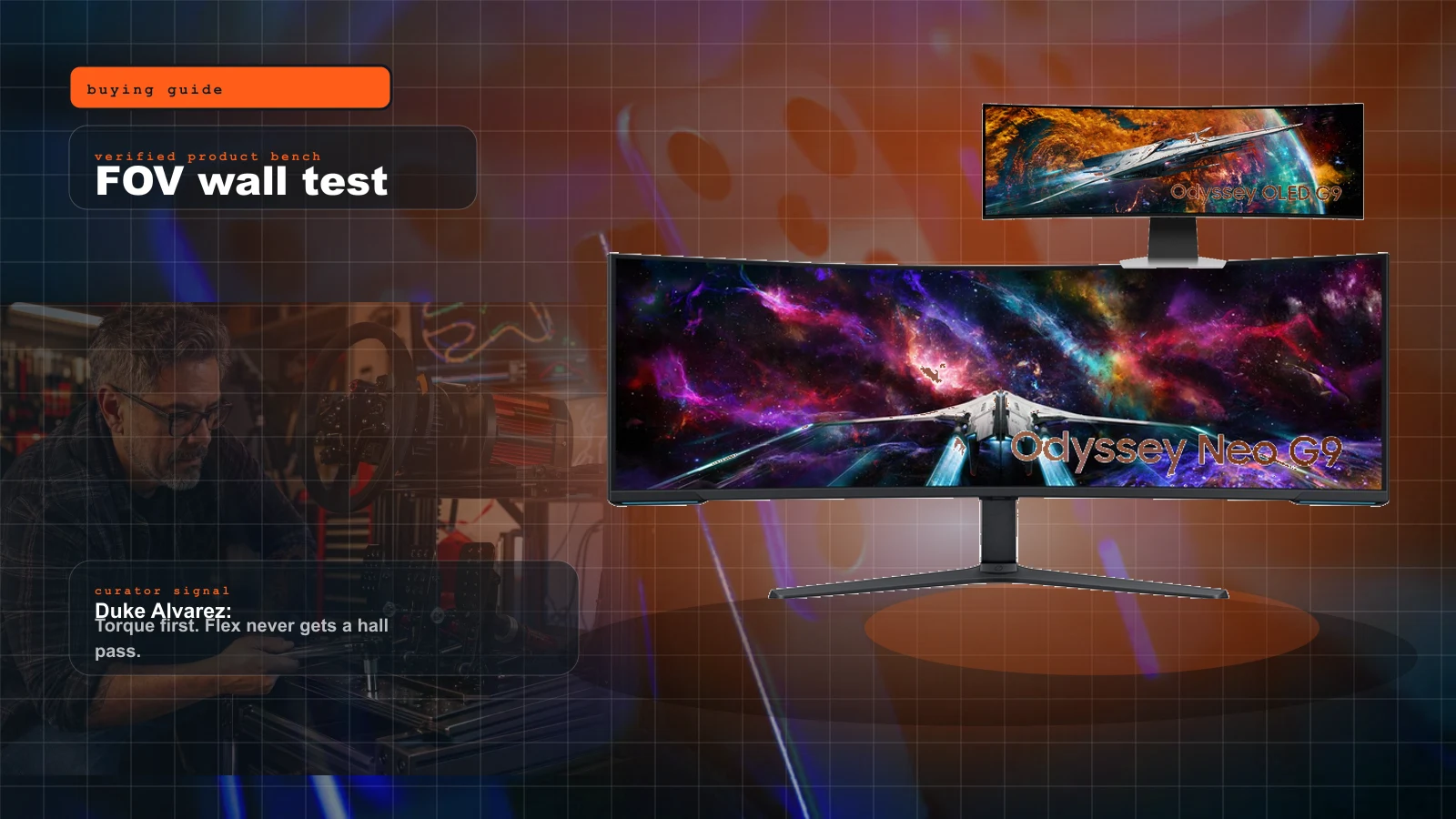
Best Sim Racing Monitors of 2026: Triple vs Super-Ultrawide vs OLED
The display is the missing category in most rig budgets. Here's the honest 2026 monitor guide — super-ultrawide vs triples vs the flat truth about FOV, GPU load, and the freestanding stand nobody quotes you for.
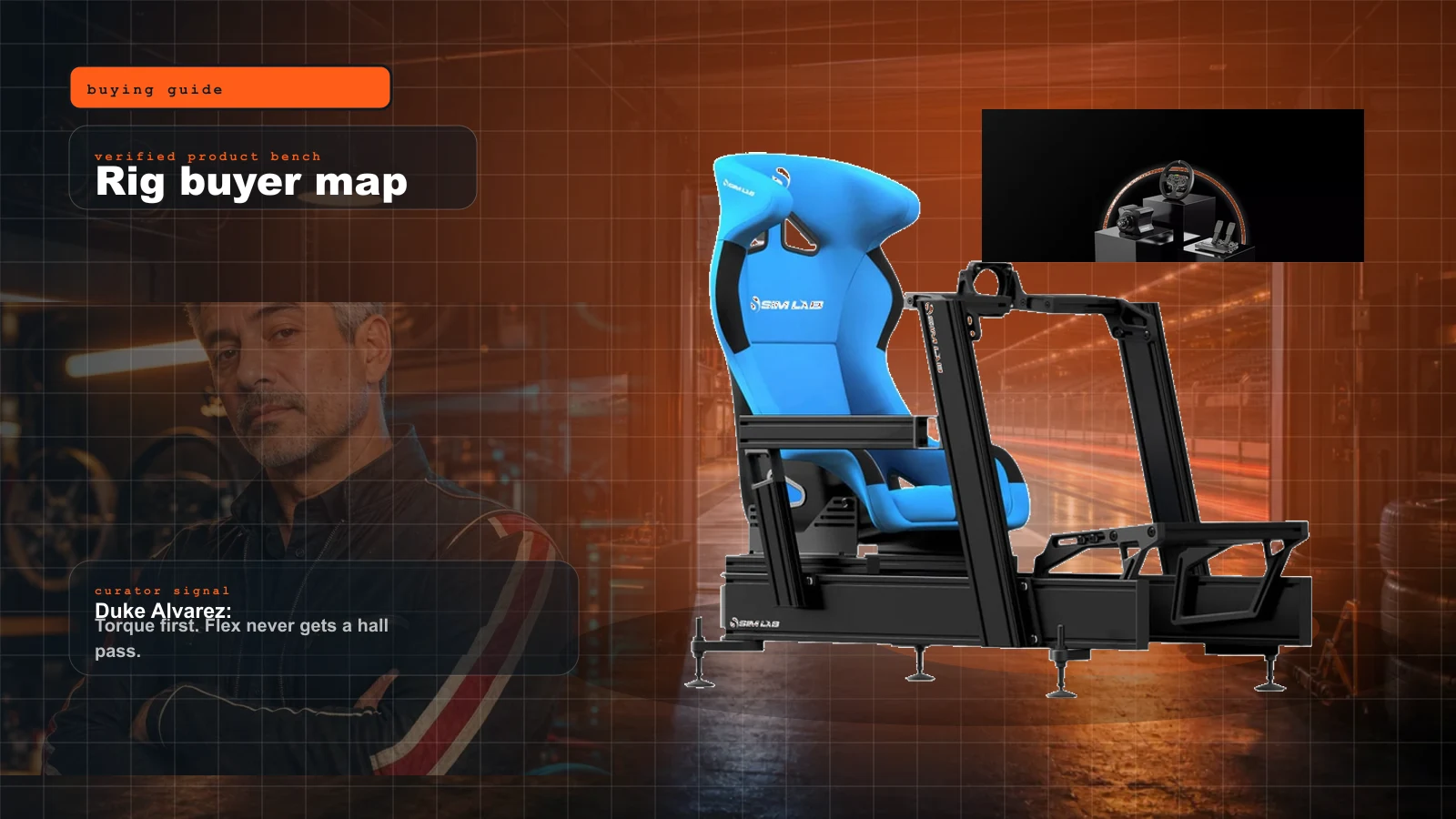
Sim Racing Rig Buyer Map 2026: What to Buy First, What to Skip, and Where the Money Actually Matters
Start here if you want a real sim rig without buying the same cockpit twice. Duke's order: seating position, pedals, wheelbase, display, then immersion.