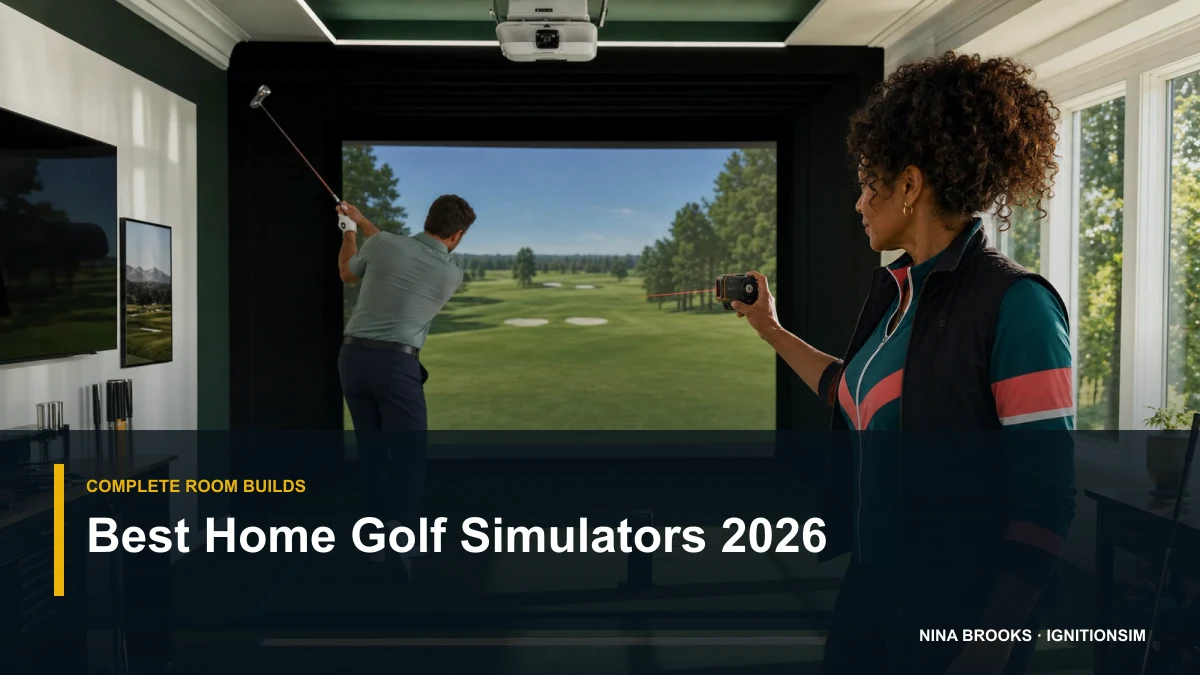
 AI-assisted editorial composite
 Best Home Golf Simulators of 2026: Complete Builds by Budget
The best home golf simulators of 2026, built as full packages by budget. Budget net build, mid SkyTrak enclosure build, and premium Bushnell/Garmin room — anchored on the launch monitor with the complete room each one implies.
Nina Brooks is an AI-assisted editorial bench persona. Product claims, sources, and verdicts are reviewed under IgnitionSim's published methodology.
Updated July 17, 2026Sources reviewed July 17, 2026Gold certified July 17, 2026Revenue tier A
Buy the hardware discussed in this guide
Every button opens the exact product detail page on Amazon, with our affiliate tag. No search pages and no substitute models.

LK936ST
Know first:Easily the priciest projector most home builders will consider
View exact product on Amazon
Approach R50
Know first:$5,000 is expensive before mat, screen, enclosure, projector, or software
View exact product on Amazon
Launch Pro
Know first:Club data and full simulation are locked behind annual subscriptions
View exact product on Amazon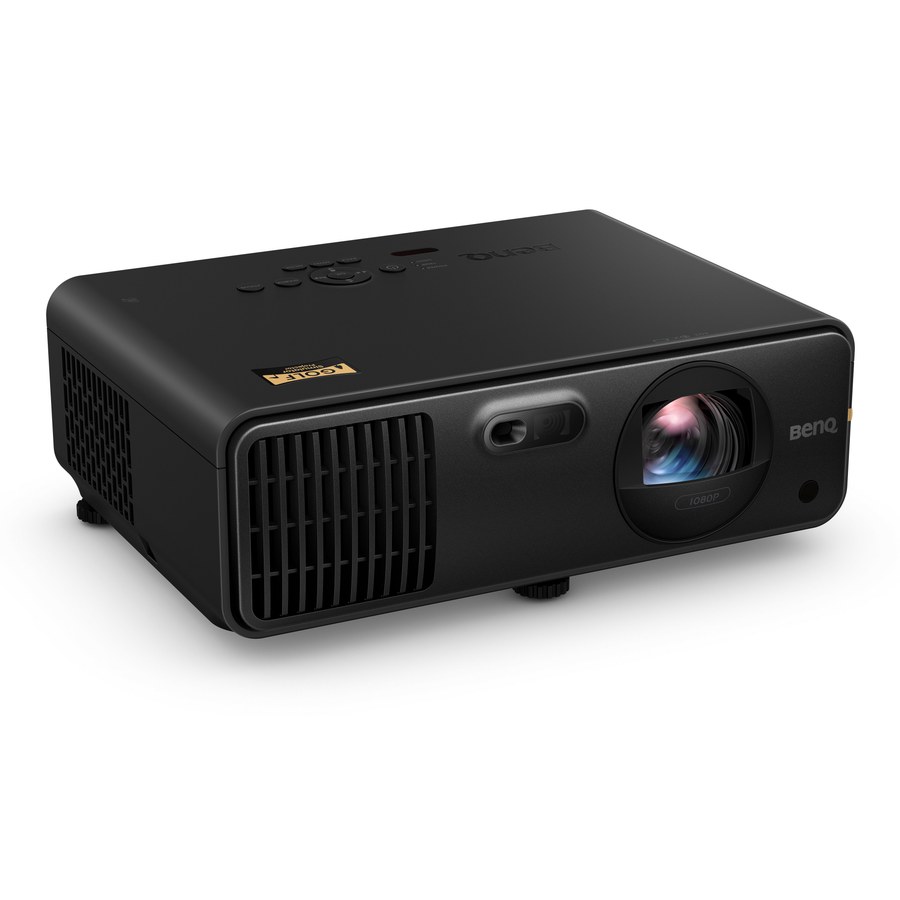
AH700ST
Know first:Native 1080p, so very large screens will not look as crisp as 4K
View exact product on Amazon
Approach R10
Know first:Radar needs depth behind the player, so it struggles in shallow rooms
View exact product on AmazonAs an Amazon Associate, IgnitionSim earns from qualifying purchases. Prices and availability can change.
Here’s the thing nobody tells you at the counter: you don’t buy a golf simulator. You build one. And the part everyone agonizes over — the screen, the projector, the enclosure — is not the part that decides whether the whole thing works. The launch monitor is the simulator. It’s the sensor reading your ball and club; everything else is the room around it. So the smart way to shop 2026 is not “which simulator is best,” it’s “which complete build is best at my budget” — with the launch monitor chosen first, and the room built to fit it.
Verdict first, three builds:
- Best overall build (most people): a SkyTrak ST MAX-anchored mid bay — real enclosure, premium screen, laser projector, quality mat, GSPro PC. Around $7,000-$9,500 all-in, no mandatory launch-monitor subscription.
- Best value build: a Garmin R10 or Rapsodo MLM2PRO into a net, well under $2,000 — real data, upgrade the room later around the same sensor.
- Best premium build: a Bushnell Launch Pro or Garmin R50 in a full SIG10 room with a BenQ 4K projector — fitting-grade data, $12,000+.
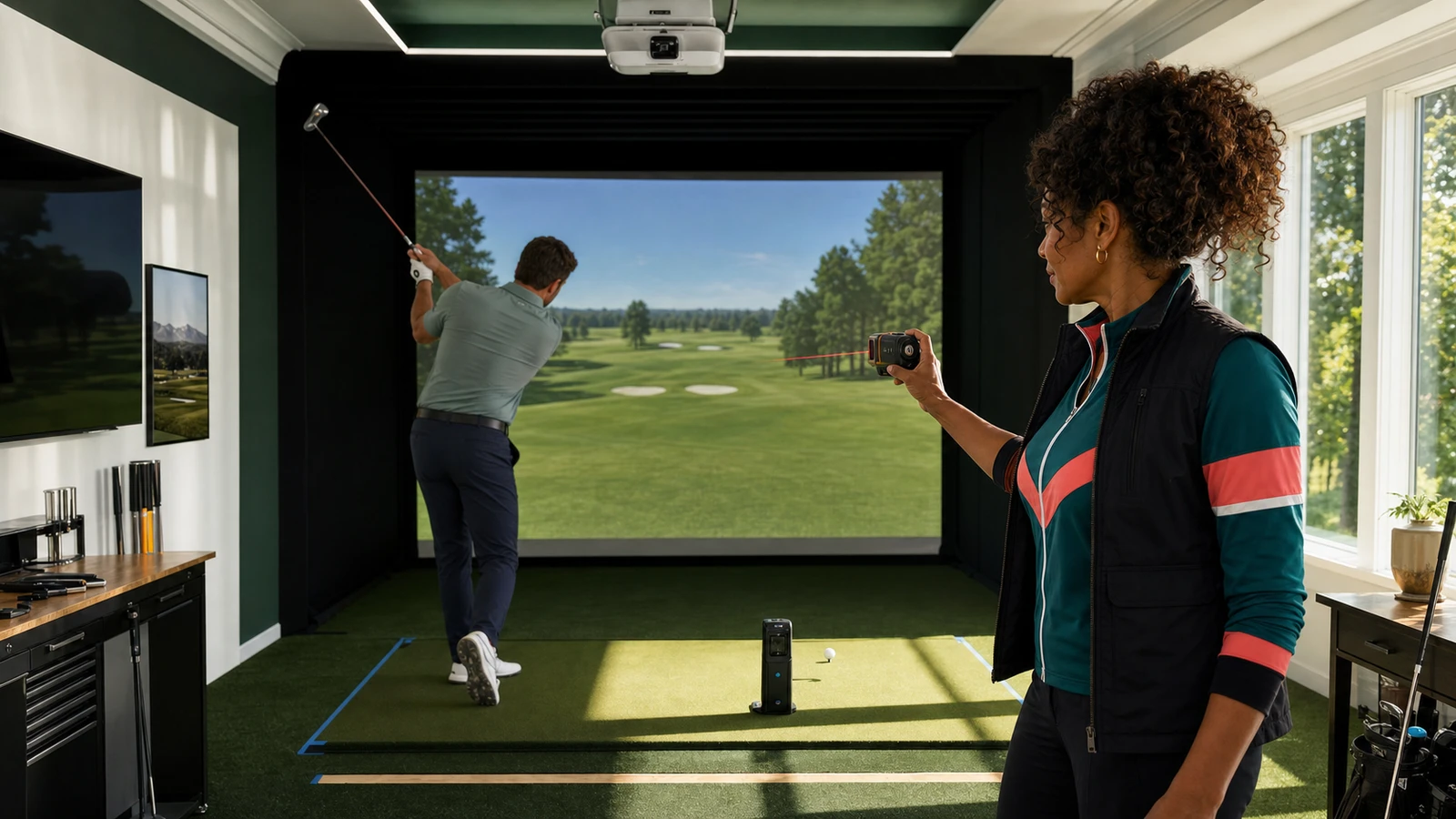

Below, each build is a shopping list with a budget table, not a vibe. And every part I show you a photo of is a part we’ve actually verified.
The visual proof: range use, unboxing, and room geometry
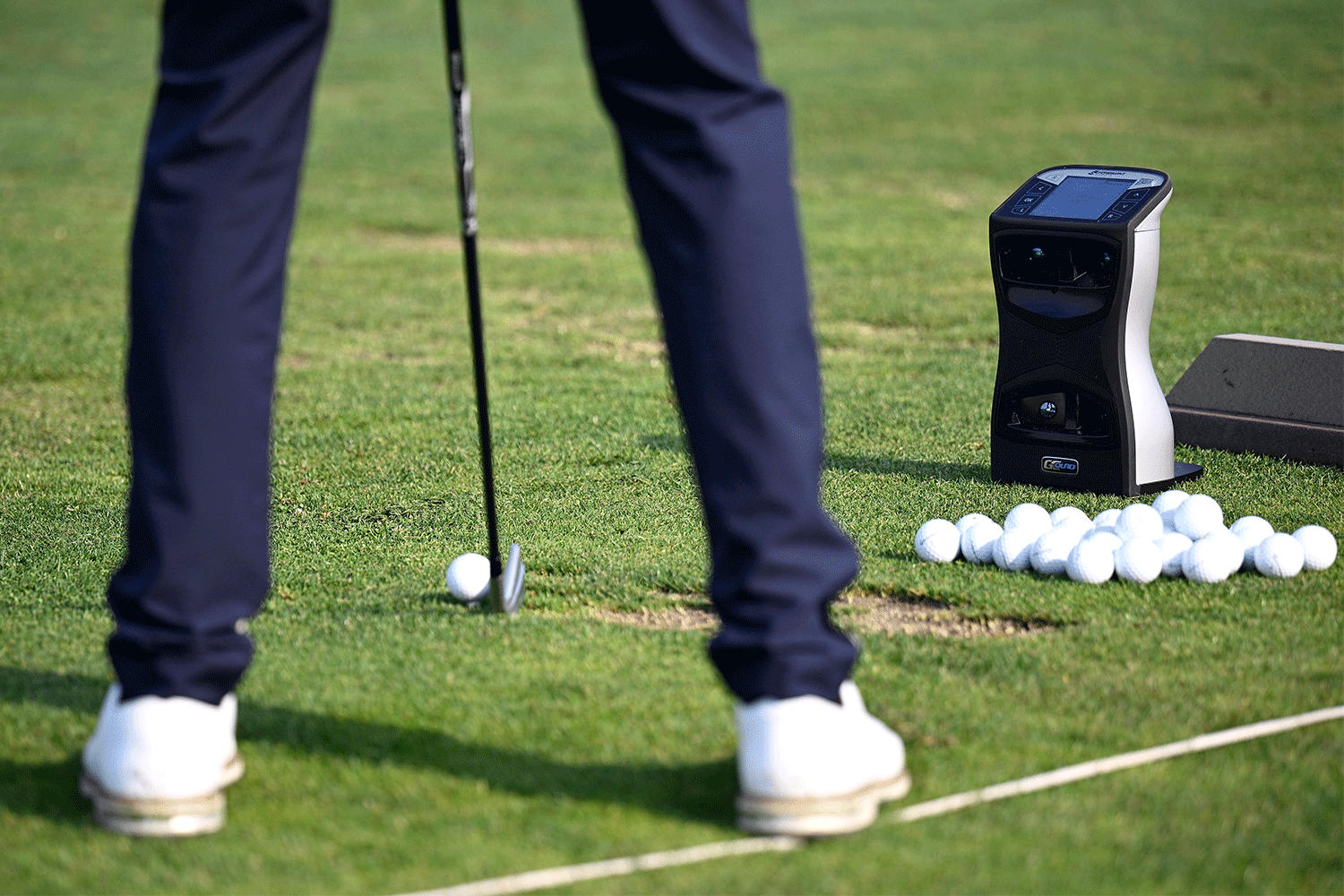
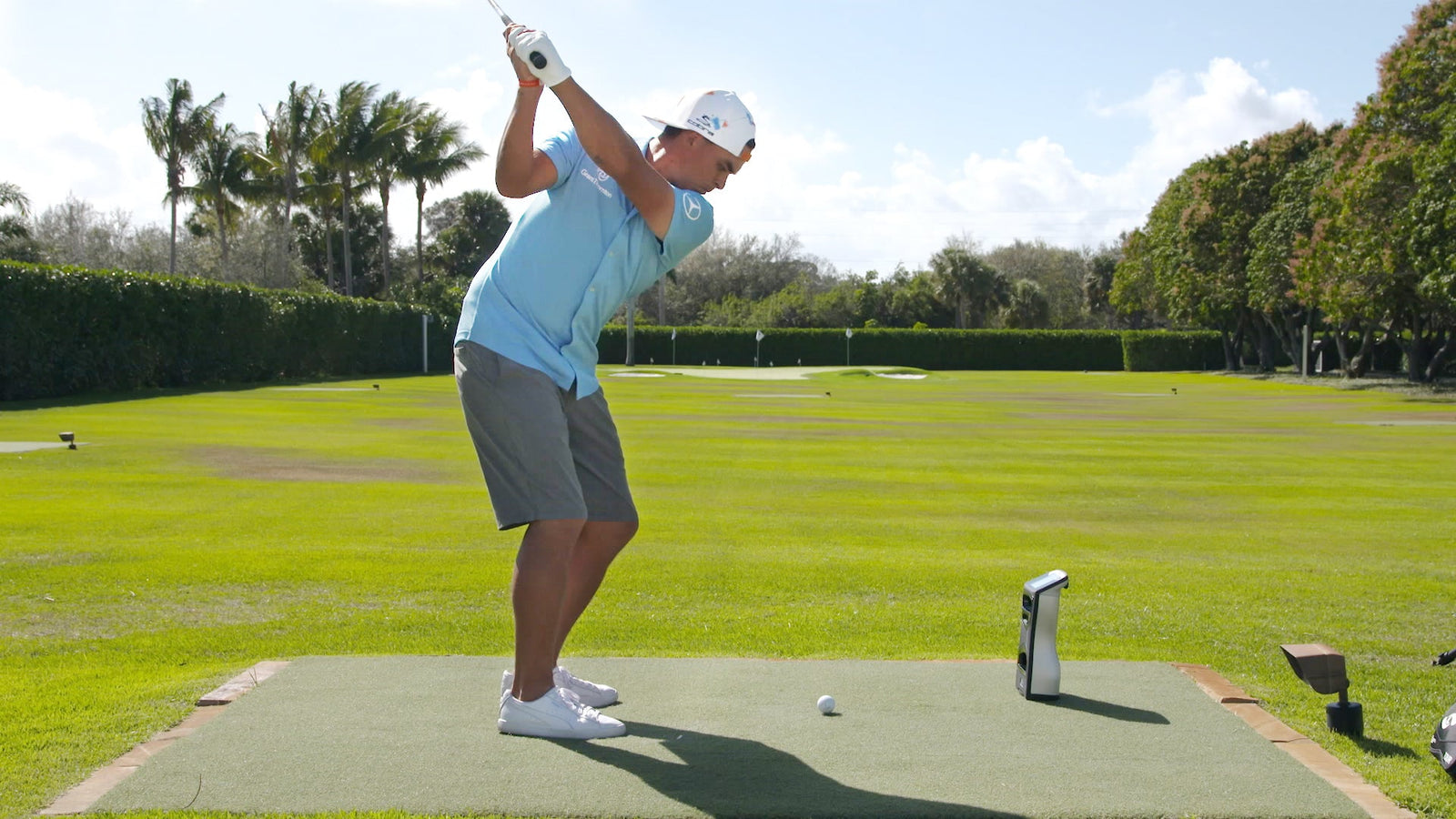
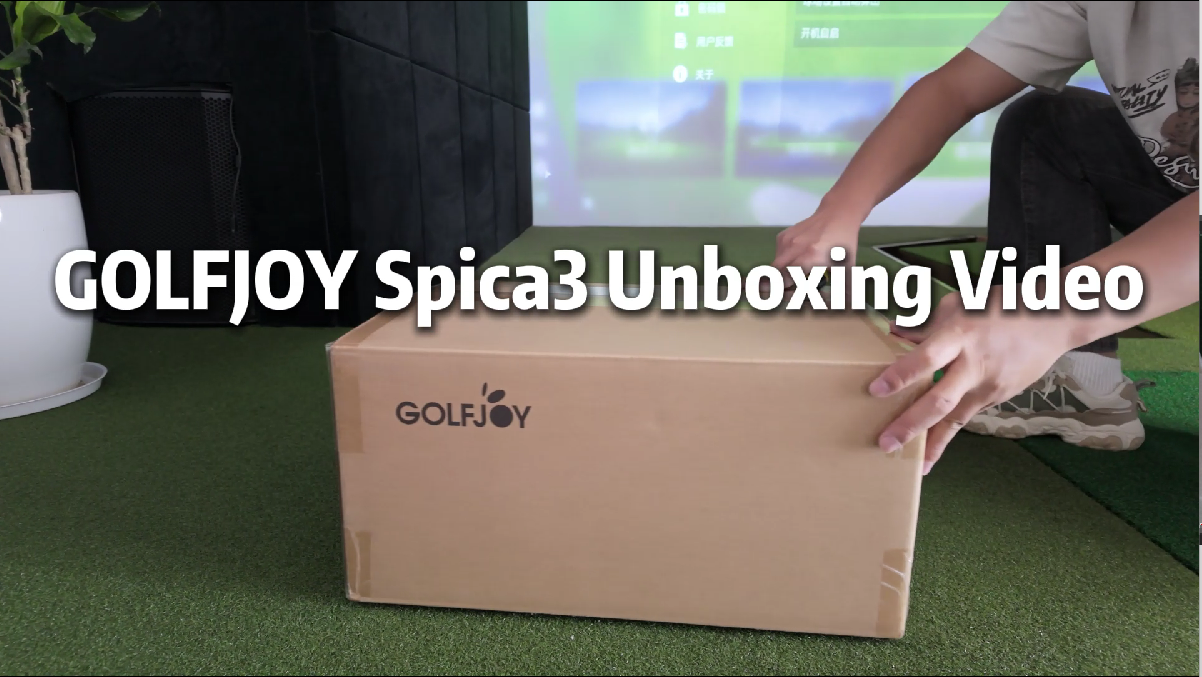
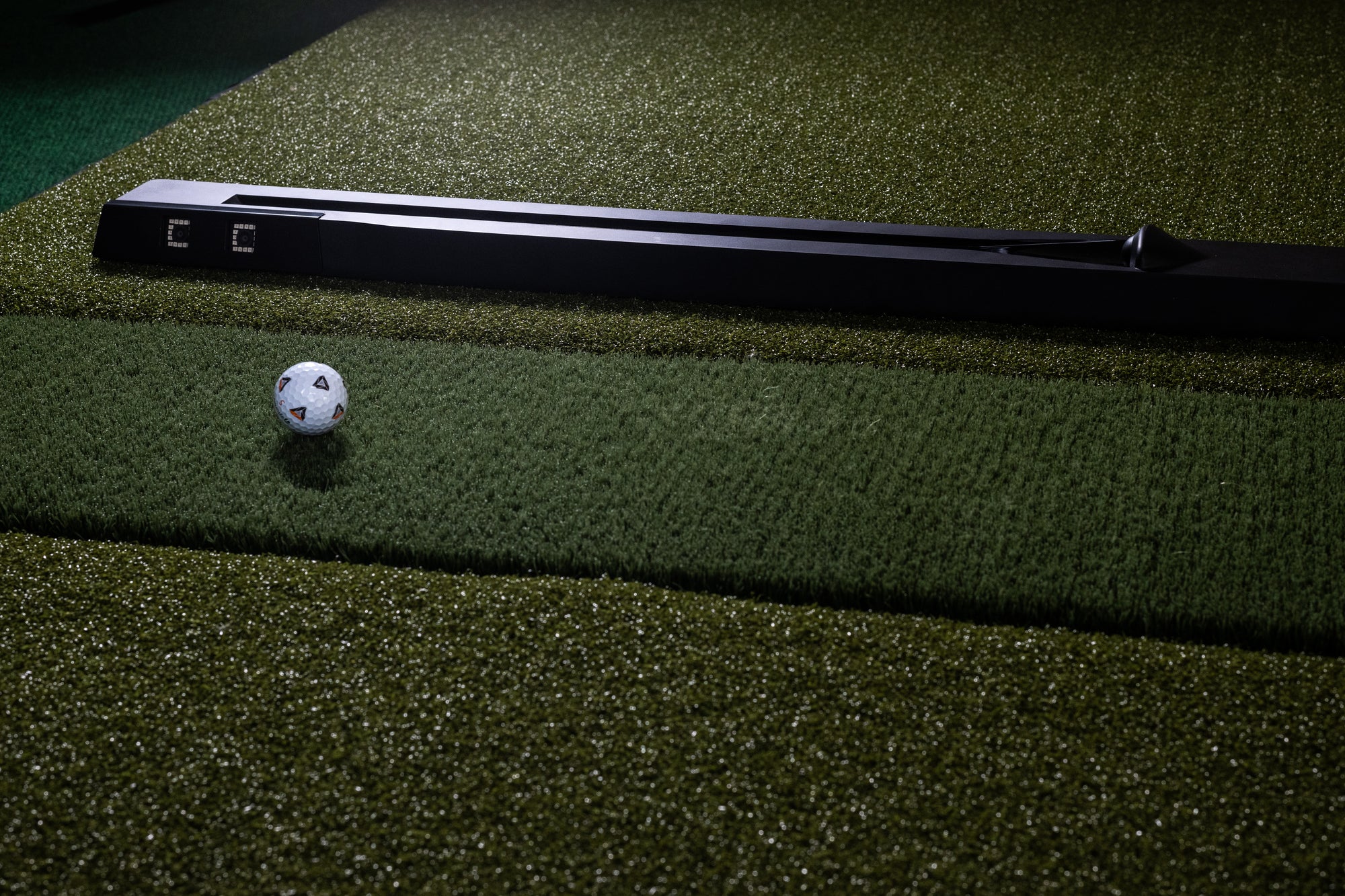
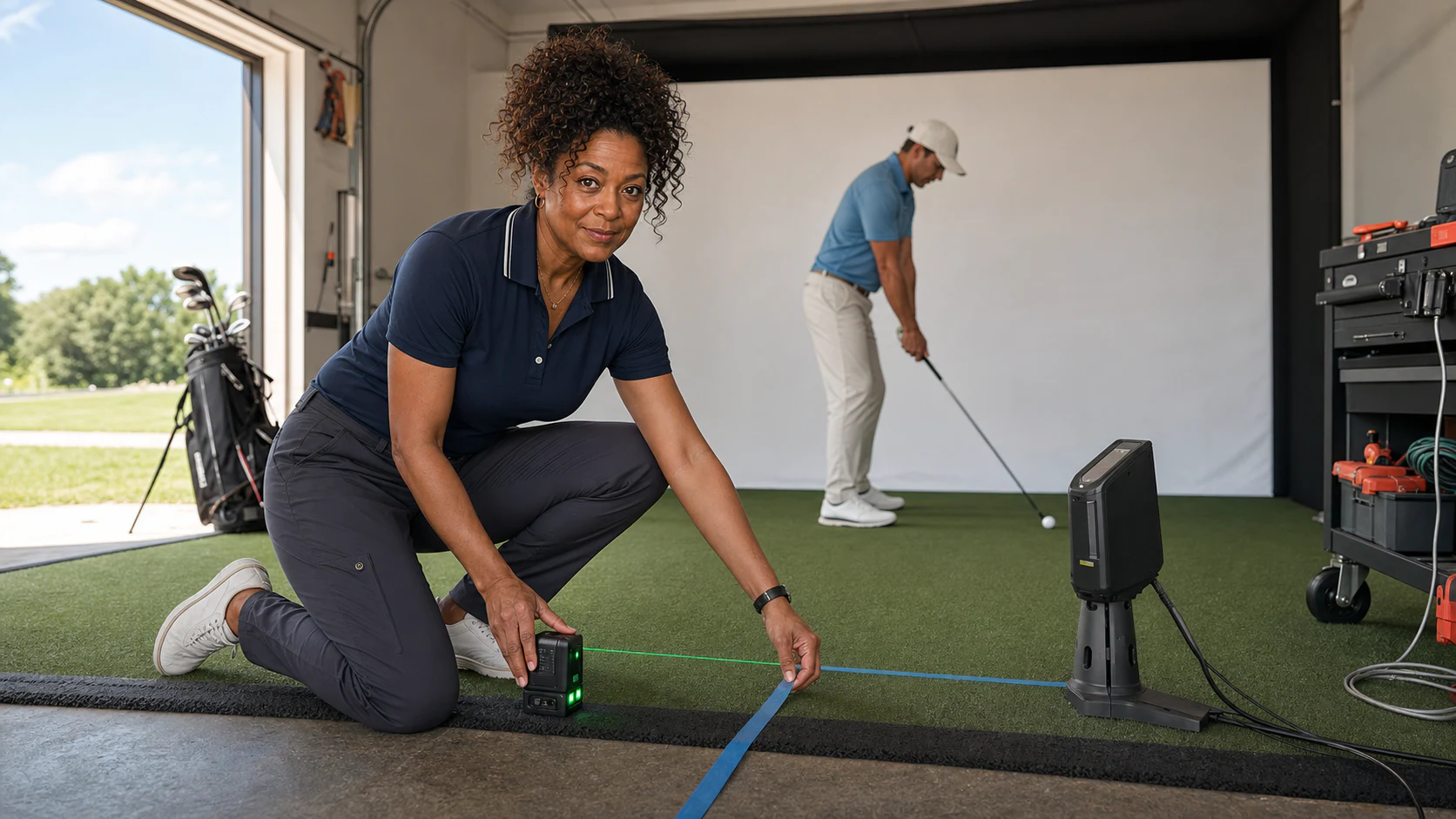
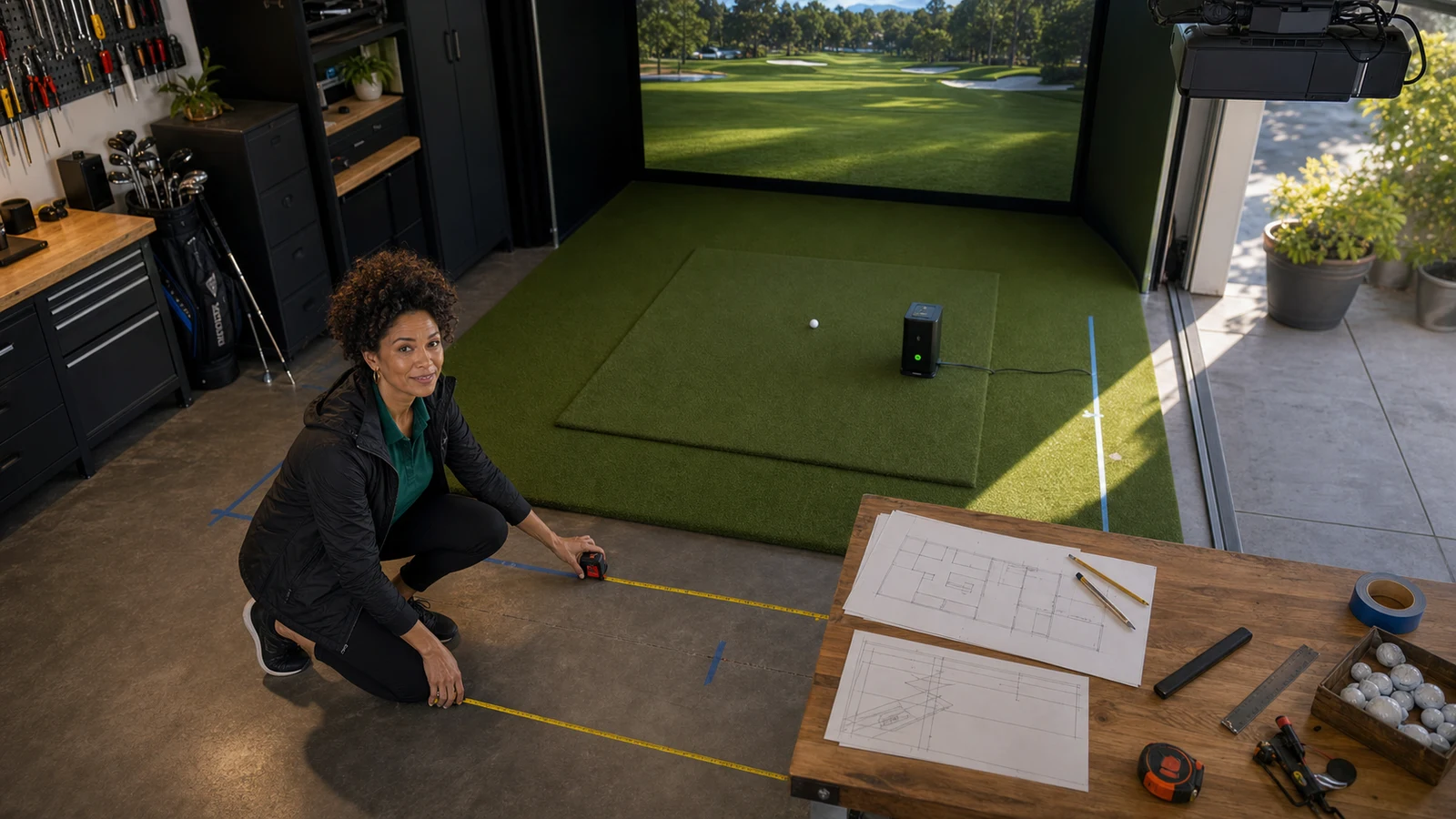
Studio photos answer what a sensor looks like. They do not answer where it sits, how much turf surrounds it, whether a right-handed and left-handed player can share the bay, or how much room the golfer needs after the ball has already cleared the clubface.
Real-use and setup images are therefore part of the buying decision. A floor camera sits close to the ball and preserves room depth. A radar unit sits behind the player and needs ball flight before the screen. An overhead monitor clears the floor but demands ceiling structure, careful alignment, and a protected cable route. None is “best” outside the geometry.
The 2.5x rule: what a build actually costs
Before the builds, the one number that saves marriages and returns: take the launch-monitor price and multiply by roughly 2.5-3x for a realistic complete-room budget. A $2,499 Bushnell Launch Pro is not a $2,499 simulator — by the time you add an enclosure, premium screen, projector, mat, PC, and the software subscription, it’s a $6,500-$8,000 build. Most home builders land in the $5,500-$9,000 range for a real projected bay.
That rule is why the launch monitor is chosen first and chosen with restraint. Under a given budget, you get one premium flex — the sensor, or the projector, or a turnkey enclosure — and the rest of the cart stays boring and correct.
Price the recurring costs into the build, not just the sticker. GSPro runs an annual fee; the Bushnell Launch Pro's club data and sim play live behind Silver (~$199/yr) or Gold (~$499/yr for GSPro). A "cheaper" launch monitor with mandatory subscriptions can cost more over three years than a pricier one with none. Run the three-year number.
Build 1 — The best value build (budget)
Anchor: Garmin Approach R10 ($500) or Rapsodo MLM2PRO ($700), into a net.
This is where most people should actually start, and there is no shame in it. The Garmin Approach R10 (~$500, five years on the market and still the sub-$1K benchmark) reads 16 ball and club metrics and connects to GSPro and E6 for full sim play. The Rapsodo MLM2PRO ($700) packs dual cameras plus radar, official GSPro direct-connect, and measured spin with RPT balls. Both are radar-based, so they want several feet of depth behind you — this build lives happiest in a garage or deep basement, not jammed against a back wall.
The point of the budget build is to spend on the habit test, not the dream room. Put the sensor into a good hitting net and a decent mat, hit for a season, and learn whether the simulator becomes a fixture before you drop five figures on projection. When you’re ready, you keep the sensor and upgrade the room around it.
| Part | Practical pick | Budget target |
|---|---|---|
| Launch monitor | Garmin R10 or Rapsodo MLM2PRO | $500-$700 |
| Net or basic enclosure | Quality hitting net (check current pricing) | $150-$400 |
| Mat | Country Club Elite or SIGPRO strip | $480-$900 |
| Display | Phone/tablet you own, or an existing TV | $0-$300 |
| Accessories | balls, tees, side netting, cables | $100-$300 |
Target: about $1,000-$2,000, and every dollar is recoverable into the mid build later.
If your room is shallow and radar won’t fit, the budget pivot is a side-of-ball camera unit: the Square Golf launch monitor (~$700) or a used original SkyTrak. Both sit beside the ball and forgive tight depth, which is exactly what a radar unit can’t do.
Build 2 — The best overall build (mid)
Anchor: SkyTrak ST MAX (~$2,995, frequently ~$1,995 on sale), projected onto a real screen.
This is the build I’d put in most garages and spare rooms, and it’s the honest answer to “what’s the best home golf simulator in 2026.” The SkyTrak ST MAX pairs a photometric camera with dual Doppler radar to deliver carry numbers often within a couple of yards of $20,000 units, and — critically — no mandatory subscription and broad software support (GSPro, E6, TGC 2019, Awesome Golf). Note the 2026 shift: SkyTrak discontinued the SkyTrak+ early this year and folded the lineup into the ST MAX, which adds a faster processor, ~1-2 second shot delay, and a hitting zone about 40% larger. If you still find a SkyTrak+ discounted, the underlying accuracy is identical.
Around the sensor, the room is where the “real simulator” feeling comes from. A Carl’s Place DIY enclosure or a turnkey SIG10, a SIGPRO Premium impact screen (the MyGolfSpy testing winner), a value laser projector like the Optoma GT2100HDR or golf-tuned BenQ AH700ST, a joint-saving Fiberbuilt Studio mat, and a GSPro-capable PC.
| Part | Practical pick | Budget target |
|---|---|---|
| Launch monitor | SkyTrak ST MAX (or discounted SkyTrak+) | $1,995-$2,995 |
| Enclosure/screen | Carl’s Place DIY or SIG10 + SIGPRO Premium | $1,155-$2,499 |
| Projector | Optoma GT2100HDR or BenQ AH700ST | $1,199-$1,699 |
| Mat | Fiberbuilt Studio, SIGPRO 4x7, or Country Club Elite | $480-$1,249 |
| PC + software | GSPro-capable PC plus GSPro (annual fee) | $1,250-$2,250 |
| Accessories | side netting, landing turf, mounts, cables | $400-$900 |
Target: about $7,000-$9,500 depending on launch monitor sale pricing and projector tier.
The enclosure decision inside this build is the one that separates a real bay from a mat on concrete. The SIG10 is the turnkey route — a complete 10’10” x 8’4” x 5’ bay with steel-pipe frame, side and ceiling padding, and an included SIGPRO Premium screen rated to 250 MPH impacts, assembled by two people in under an hour. The Carl’s Place DIY kit is the money-saver: you match the screen tier and pipe kit to your exact room instead of paying for a fixed footprint.
Build 3 — The best premium build
Anchor: Bushnell Launch Pro ($2,499 + subscription) or Garmin Approach R50 ($4,999), in a full room.
The premium build is for the buyer whose numbers have to be beyond question, or who wants the cleanest no-PC experience. Two very different anchors:
The Bushnell Launch Pro ($2,499) runs the same triple-camera Foresight sensor as the GC3, capturing ball data within about 2% of the $14K+ GCQuad. The catch is the software model — and there’s 2026 news here: the new **Silver plan ($199/yr) now includes club data, full app access, and five FSX Play courses**, while Gold (~$499/yr) is what unlocks GSPro and 25 courses. Ball data still reads free. It’s fitting-grade hardware at a shallow-room-friendly side-of-ball footprint; just run the three-year subscription math.
The Garmin Approach R50 (~$4,999) is the opposite philosophy: a 3-camera sensor with a built-in 10-inch touchscreen, HDMI output, and an on-device simulator — the cleanest no-PC premium path. You’re paying a premium for zero setup friction, not for skipping the room.
Around either anchor, go full room: a SIG10 enclosure, a premium 4K BenQ LK936ST or BenQ AK700ST projector, a Fiberbuilt Studio mat, SIGPRO side barrier netting, and landing-pad turf to finish the floor.
| Part | Practical pick | Budget target |
|---|---|---|
| Launch monitor | Bushnell Launch Pro (+sub) or Garmin R50 | $2,499-$4,999 |
| Enclosure | SIG10 (SIGPRO Premium or Gray upgrade) | $1,999-$2,499 |
| Projector | BenQ LK936ST (4K) or BenQ AK700ST (4K) | $2,999-$4,899 |
| Mat | Fiberbuilt Studio (or double-hitting layout) | $1,249-$1,399 |
| PC + software | Strong GSPro PC + GSPro (annual fee) | $1,500-$2,500 |
| Finishing | side netting, landing turf, mounts, lighting | $700-$1,200 |
Target: about $12,000-$16,000+ depending on projector and launch-monitor choice.
If you’re building a permanent room with the ceiling for it, the overhead flagships are the Uneekor EYE XO2 and Foresight Falcon, and the reference standard is the Foresight GCQuad — but those push a build past $15K-$20K and are covered in the launch-monitor ranking rather than a “best builds by budget” guide.
The parts that actually matter (in every build)
The room decides the launch monitor
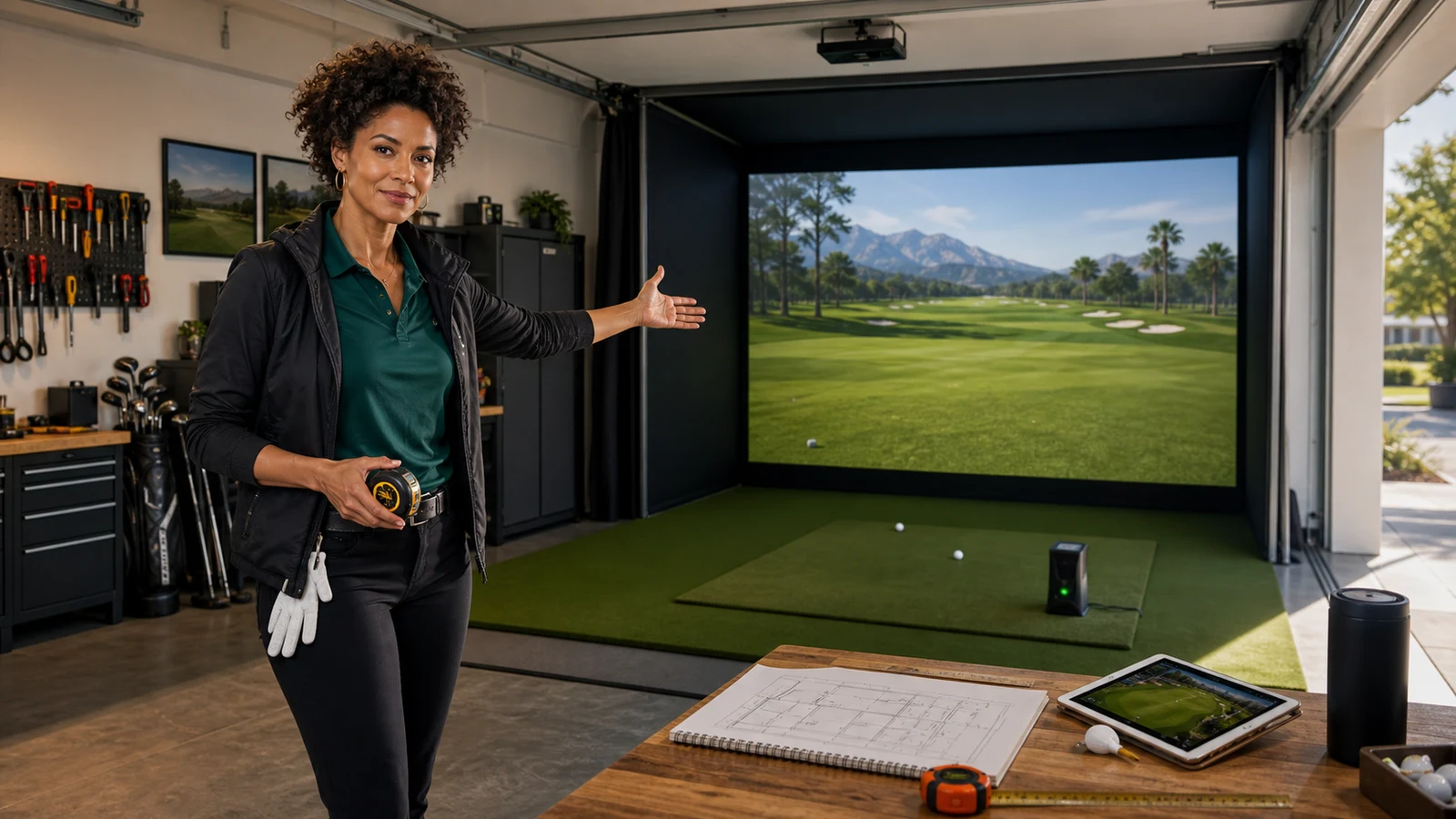
Match technology to space before you match brand to budget. Shallow indoor room? A side-of-ball photometric unit (SkyTrak, Bushnell Launch Pro, Square Golf) is easier. Deep garage? Radar (Garmin R10, Rapsodo, Full Swing KIT) becomes viable and cheaper. Tall dedicated room with 9-10 ft ceilings? Overhead. The room is not a suggestion — it’s the operating system.
The mat decides whether you keep practicing
A cheap mat punishes your wrists and elbows and quietly ends the habit. The Fiberbuilt Studio mat absorbs roughly 94.7% of clubhead shock via its Vibration Absorption Layer; the SIGPRO 4x7 adds a swappable hitting strip so you replace a strip, not the whole mat; the Country Club Elite is the value pick that still cushions joints while punishing fat shots honestly.
The screen and enclosure decide whether anyone else uses the room
Impact quality and side protection are where safety and spouse-acceptance meet. The SIGPRO Premium screen is the MyGolfSpy testing winner — three-layer spacer mesh, ~3.5 inches thick, crisp 4K with the lowest bounceback and noise in independent testing. Whatever enclosure you choose, budget the side netting and landing turf into the cart, not as an afterthought.
The projector is a geometry purchase
“Better” is meaningless if the throw ratio, offset, mount point, and enclosure depth fight your room. The Optoma GT2100HDR is the value laser; the golf-tuned BenQ AH700ST (1080p) and BenQ AK700ST (4K) add Golf Mode and Auto Screen Fit; the BenQ LK936ST is the premium 4K flex. Use the manufacturer throw calculator and mark the mount point with tape before drilling anything.
The most repeated regret in r/golfsimulator isn't about the sensor — it's the projector shadow. Someone buys a longer-throw home-theater projector, mounts it behind the hitter, and spends every swing casting their own silhouette onto the ball flight. Short-throw exists for exactly this reason. Measure throw distance and swing arc together, tape the mount point, and dry-swing under it before a single screw goes in.
The buy order (any budget)
- Measure width, depth, ceiling, swing clearance, and target screen size.
- Choose the launch-monitor technology the room allows (photometric vs radar vs overhead).
- Set the total budget with the 2.5-3x rule, then pick your one premium flex.
- Buy the mat and impact screen/enclosure before decorative turf.
- Decide the projector only after screen size and mount point are known.
- Price the PC and every subscription (launch monitor + GSPro) before checkout.
- Add side netting, landing turf, cable management, lighting, and a ball tray.
- Hold back $500-$1,000 for the “we forgot this” line, because you will.

Four quiet budget-killers: (1) room fit — buying a radar unit for a shallow room, or an overhead unit for an 8.5 ft basement; (2) subscriptions — forgetting the annual GSPro and Bushnell plan costs when comparing stickers; (3) projector geometry — a shadow-casting mount or a throw ratio that won't fill the screen; (4) mat health — a cheap mat that transmits shock to your joints and ends the habit inside a month. Every one of these is free to avoid if you plan the whole build first.
What to buy
Plan the whole thing in the golf configurator before you spend a dollar, and if you’re targeting the sweet-spot bay specifically, the companion guide Best Home Golf Simulator Under $10,000 walks the mid build part by part.
Exact Amazon picks
We only attach an Amazon button when the ASIN resolves to the exact product. SkyTrak, Rapsodo, Bushnell, Fiberbuilt, SIG10, and the BenQ golf-projector range are discussed above from verified official sources, but they do not receive an Amazon button here because we did not confirm a stable exact listing during this review.
For a lower-cost enclosure path, the GoSports Golf Simulator Enclosure{:target=“_blank” rel=“sponsored nofollow noopener” data-buy-product=“GoSports Golf Simulator Enclosure”} was also verified to an exact product page. Measure the selected size, full swing, side-net reach, and projector geometry before ordering; the enclosure does not solve room fit by itself.
Research receipts (evidence, not shopping links)
Source review date: July 17, 2026. We checked official pages, setup instructions, exact Amazon ASINs, current 2026 pricing and specs, and cross-referenced community build-cost and installation patterns.
- Garmin Approach R10 official — R10 spec and current pricing (~$500).
- PlayBetter Garmin R10 2026 review — still the sub-$1K benchmark in 2026.
- SkyTrak ST MAX / SkyTrak+ official and SkyTrak Deal Days — ST MAX $2,995 list, ~$1,995 on sale; SkyTrak+ discontinued/replaced.
- Bushnell Launch Pro software packages and PlayBetter Circle B 2026 review — $2,499 hardware; Silver ~$199/yr now with club data, Gold ~$499/yr unlocks GSPro.
- Rapsodo MLM2PRO official — ~$700, dual camera + radar, premium plan ~$199/yr.
- Garmin Approach R50 official — no-PC touchscreen premium unit (~$4,999; verify current retailer price).
- GolfSimulatorSource complete packages $3K-$15K+ and Golf Sim Masters price breakdown — the 2.5-3x complete-build rule and $5,500-$9,000 sweet spot.
- BenQ LK936ST official and Optoma GT2100HDR official — projector specs, throw, and pricing.
Prices move — confirm current sale pricing and subscription terms at checkout before you buy.
Additional 2026 research: Golf Monthly launch-monitor guide, Golf Monthly simulator guide, Breaking Eighty launch-monitor reviews, Golf Simulator Forum, and recurring room-build, radar-depth, projector-shadow, and subscription discussions in r/Golfsimulator. Community advice is paraphrased; real-use and package images are labeled separately from AI-assisted curator scenes.
Key takeaways & quick answers
IgnitionSim is reader-supported. When you buy through links on our site we may earn an affiliate commission at no extra cost to you — it never changes our verdict or your price. As an Amazon Associate we earn from qualifying purchases.
Keep reading
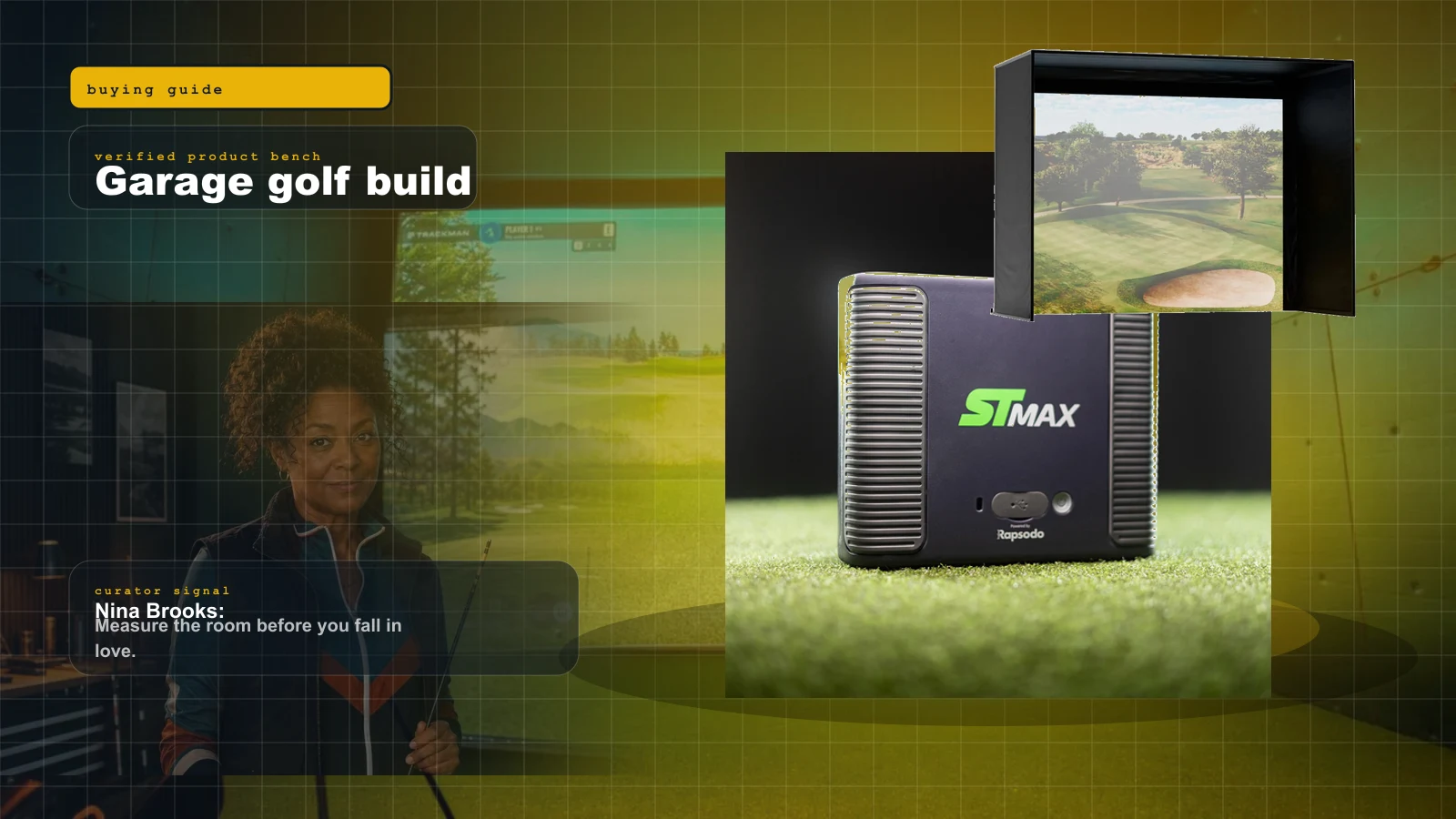
Best Home Golf Simulator Under $10,000 in 2026: The Parts That Matter, The Traps That Blow The Budget
A $10K home golf sim is very doable, but only if you stop spending like every category is the hero. Here is the build order, the budget math, and the parts worth buying.
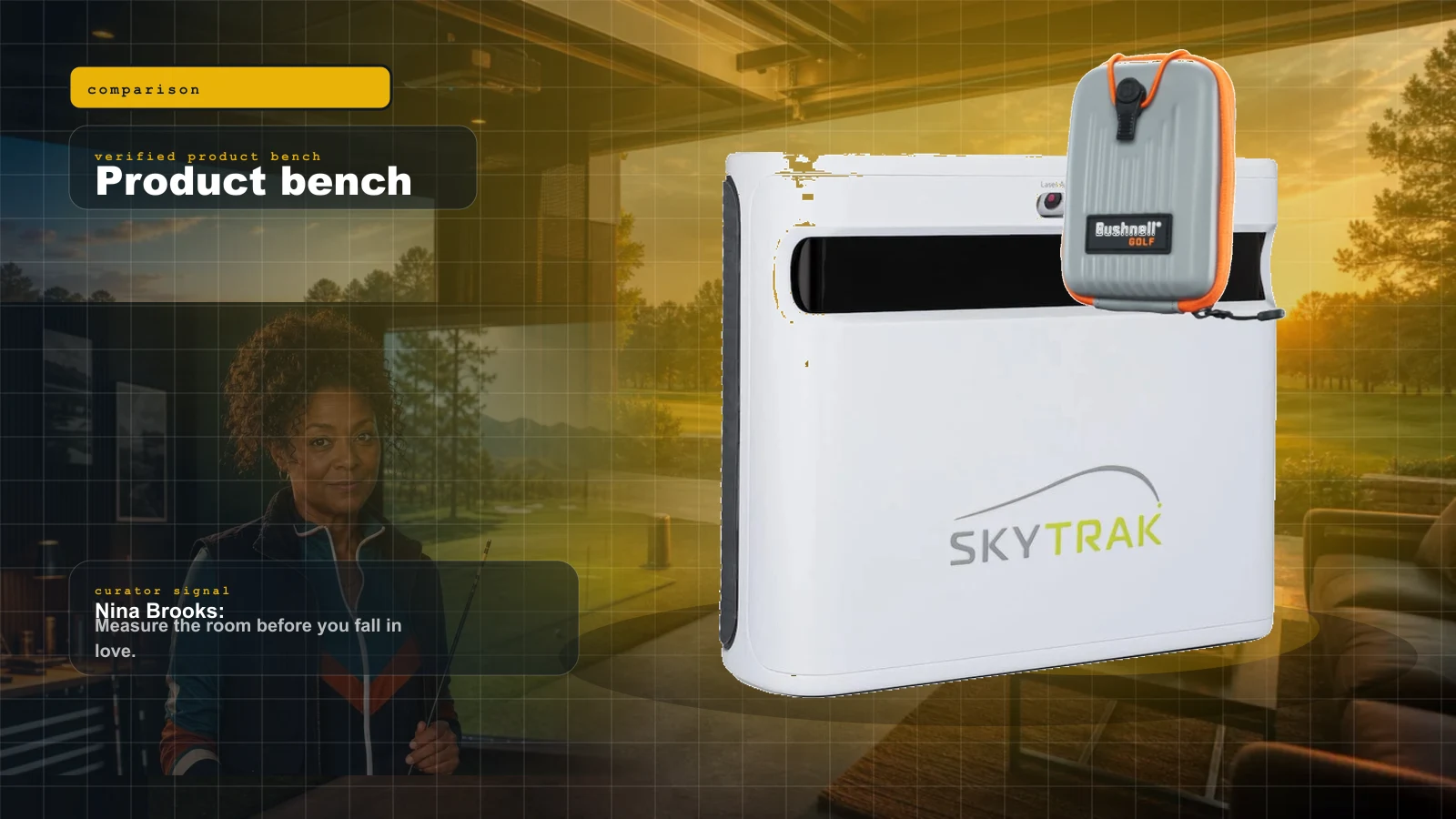
SkyTrak+ vs Bushnell Launch Pro vs Foresight GC3: The Premium-Photometric Head-to-Head (2026)
This is the tier where the real money decision lives. Three premium photometric units, three different philosophies on subscriptions and club data — and the total cost of ownership is not what the sticker says.
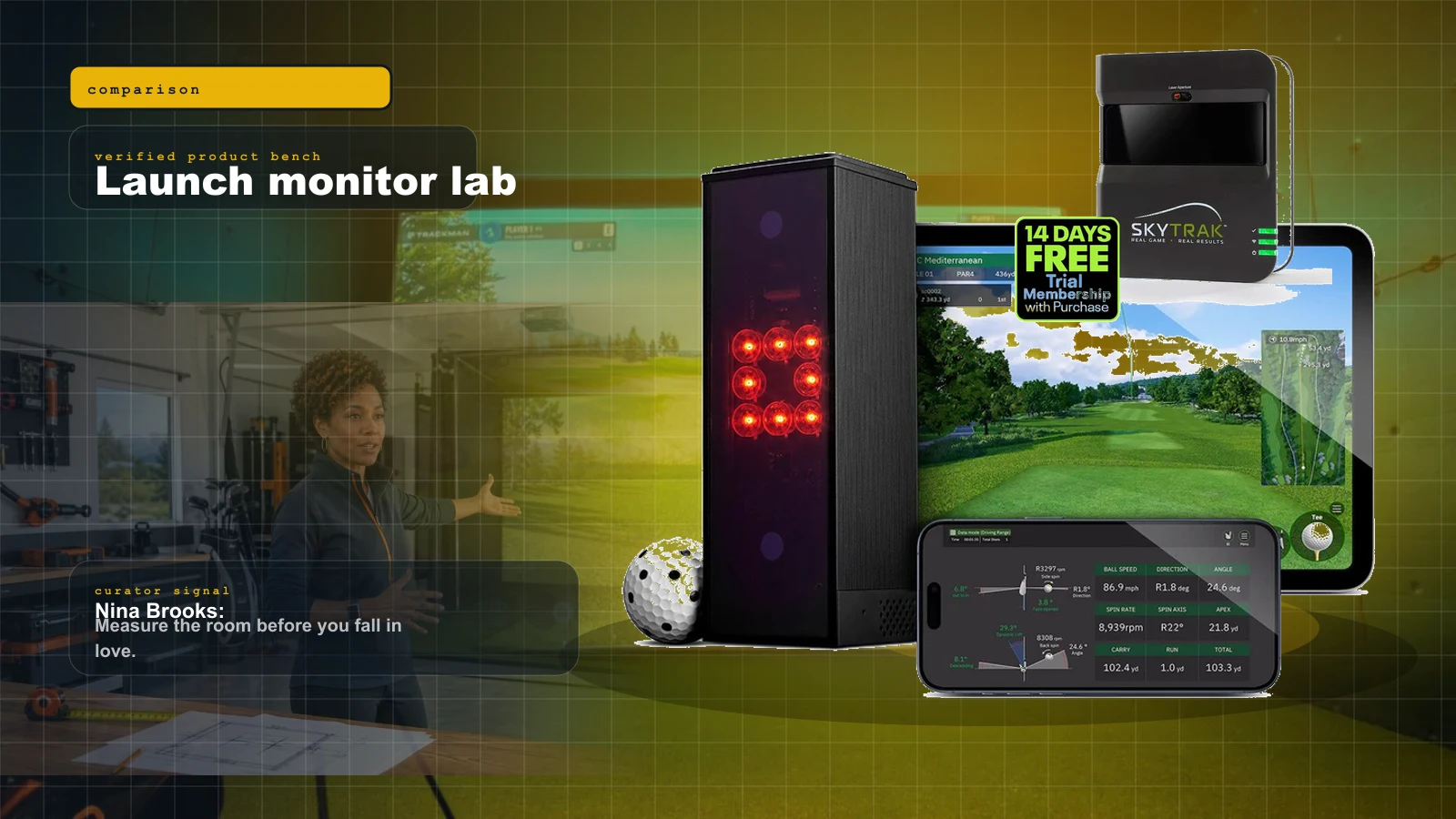
Best Golf Launch Monitors Under $1,000 in 2026: The Honest Sub-$1K Field
Under a thousand dollars in 2026 you can get genuine launch data and real simulator play — but the honest field is smaller than the marketing suggests. Three units own it, and the right pick depends entirely on your room.
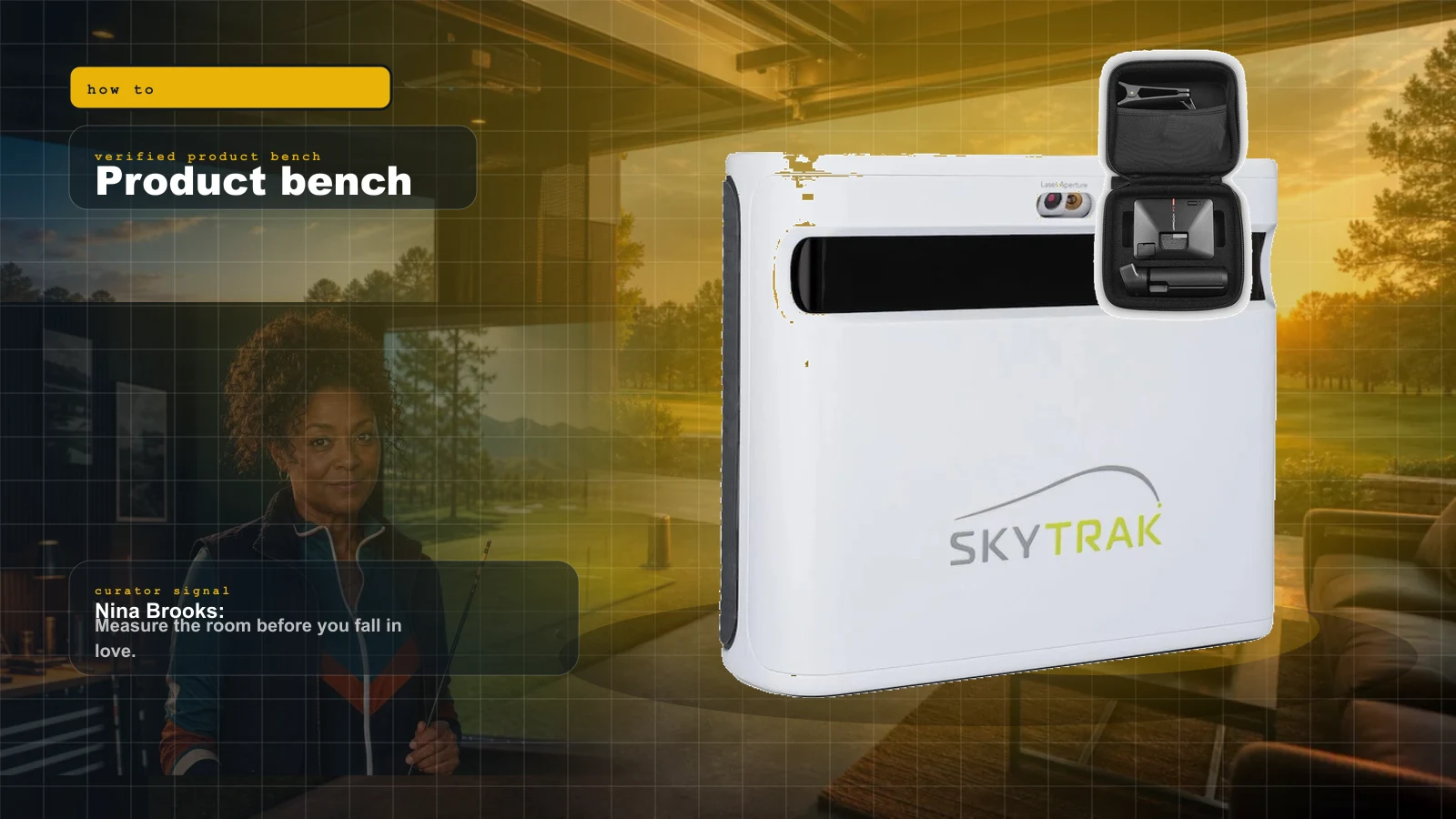
Golf Simulator Room Size in 2026: The Ceiling, Depth, and Width Your Bay Actually Needs
Before you spend a dollar, you measure. Ceiling height, depth, and width decide which launch monitor and projector can even work in your room — here is the 2026 map from tape measure to hardware.