
Your First Flight Sim Setup: What to Buy First for MSFS 2024
The best beginner flight sim setup for 2026: gamepad vs stick vs yoke, when rudder pedals matter, what to skip, and three concrete builds at ~$150, ~$300 and ~$500 with verified prices.
Mac Donovan is an AI-assisted editorial bench persona. Product claims, sources, and verdicts are reviewed under IgnitionSim's published methodology.
Updated July 2, 2026Sources reviewed July 2, 2026Gold certified July 2, 2026Revenue tier A
Buy the hardware discussed in this guide
Every button opens the exact product detail page on Amazon, with our affiliate tag. No search pages and no substitute models.
Bravo Throttle Quadrant
Know first:Plastic build at a near-$300 price
View exact product on AmazonAlpha Flight Controls
Know first:Plastic body rather than metal at this price
View exact product on Amazon
TCA Quadrant Airbus Edition
Know first:Two-lever Airbus layout only; not for GA or Boeing
View exact product on Amazon
TCA Sidestick Airbus Edition
Know first:Side-stick suits Airbus, not Boeing or GA yoke flying
View exact product on Amazon
TCA Yoke Pack Boeing Edition
Know first:Quadrant has a spring-back that can let throttle settings drift
View exact product on Amazon
As an Amazon Associate, IgnitionSim earns from qualifying purchases. Prices and availability can change.
Verdict first: don’t buy anything on day one — fly the gamepad you already own, then buy the one control that matches your airplane. For general-aviation flyers that first real purchase is a combined yoke-and-throttle (the Logitech G PRO Flight Yoke System at ~$180, or the Honeycomb Alpha at ~$300 if you already know GA is sticking). For Airbus-leaning newcomers it’s the ~$80 Thrustmaster TCA Sidestick. For Xbox players it’s a console all-in-one. Everything else — pedals, a second throttle, panels, head tracking — comes later, in that order.
Microsoft Flight Simulator 2024 did something the hobby hadn’t seen in years: it made the front door wide. Hundreds of thousands of people loaded a Cessna, wobbled into the air on a gamepad, and immediately asked the same question — what do I actually buy first? The honest answer is a staircase, not a leap. Below are three concrete builds at roughly $150, $300 and $500-600. Spend at the tier that matches how serious you already know you are, buy one piece at a time, and let the cockpit grow under you.
Start with the controller you already own
You do not need to spend a dollar to start flying. An Xbox controller or any gamepad works in MSFS 2024, and with the assistance options turned up you can fly a respectable circuit. This is not a throwaway phase — it’s the cheapest, smartest week you’ll spend on the hobby. Fly the gamepad for a week and it tells you, for free, whether you lean toward puttering around in general aviation (GA) piston aircraft or toward big tube-liners. That single decision shapes every purchase after it, because a yoke that makes a Cessna sing is the wrong control for an A320.
The gamepad’s ceiling is real, though. Throttle on a trigger or a stick has no detents and no resolution, and pitch trim on a d-pad is misery. When precise approaches start feeling like a fight against the hardware rather than the airplane, it’s time for the first real device — and which device depends entirely on the answer that week gave you.
Build 1 — The ~$150 “get airborne properly” cockpit
The single best first upgrade for a GA flyer on PC is a combined yoke-and-throttle device. The Logitech G PRO Flight Yoke System ($179.99 at Logitech’s official store as of July 2026) is the default pick: a stainless-steel-shaft, self-centering yoke plus a separate three-lever throttle quadrant in one box, with 75 programmable controls. It’s plastic, the aging potentiometer axes can drift over years of use, and it won’t impress a cockpit builder. None of that matters when you’re learning. It gives you a proper pitch-and-roll yoke, real throttle resolution, and a fistful of buttons for trim and flaps — and it’s the gateway into the stackable Saitek panel ecosystem if you keep going.
For airliner-leaning newcomers, the alternative is the Thrustmaster TCA Sidestick Airbus Edition ($80), a 1:1 A320 side-stick with contactless magnetic sensors that never wear out, a twist rudder and a built-in thrust lever, so it flies solo. It’s the best value in flight sim and the correct rung-one buy for the Fenix A320. For Xbox players — who can’t use the PC-only Logitech yoke — the Turtle Beach VelocityOne Flightstick ($130) is the console all-in-one: an Xbox- and PC-licensed stick with an integrated twist rudder, an OLED status display and 27 programmable buttons.
At this tier you do not buy pedals. Every device here has a twist or rocker rudder axis, and it’s plenty for early flying.
The Logitech G PRO Flight Yoke System is text-and-link only below because we haven’t verified an exact studio photo for it; we are withholding marketplace links until the exact listing is verified.
- Logitech G PRO Flight Yoke System — yoke + three-lever throttle in one box, 75 programmable controls, PC/Mac, $179.99 official. View the exact yoke system on Amazon{:target=“_blank” rel=“sponsored nofollow noopener” data-buy-link=“true” data-event=“buy_click”}.
If you're on Xbox or PS5, watch the newly announced Thrustmaster TCA Sky Yoke (~$199.99 announced MSRP, Q3 2026) before you commit. It's the rare yoke that spans PC, Xbox and PS5, with Hall-effect sensors, a trim wheel and integrated throttle and yaw — a genuine console yoke path where almost none existed. Treat it as a watchlist item until retail units and reviews land, but it may be the console beginner's best first buy the moment it ships.
Build 2 — The ~$300 “I’m committed to GA” cockpit
This is where most people who stick with the hobby end up within a few months. The anchor is the Honeycomb Alpha Flight Controls Yoke ($299.99 at Honeycomb’s official store; often less on sale). It’s a 180-degree steel-shaft yoke on dual ball bearings with proper self-centering feel and almost no deadzone, plus an integrated switch and ignition panel right on the base — master, alternator, avionics, lights, and a five-position magneto/ignition knob. That panel alone removes a dozen mouse-clicks from every flight. It’s plastic-bodied at the price and the aileron axis runs a touch light, but as the de-facto GA standard with broad MSFS 2024 and X-Plane 12 support, it’s the easy buy for anyone flying Cessnas.
Run the Alpha alongside the throttle quadrant you already own from Build 1, or a cheap standalone quadrant, and add rudder pedals when budget allows. Hold off on the premium throttle for now; the Alpha by itself transforms GA flying, and a month of it teaches you exactly what you want next.
For Airbus flyers building their second piece instead, the parallel move is to pair the TCA Sidestick with the TCA Quadrant Airbus Edition (~$100) — a dual-lever throttle with authentic Idle/Climb/Flex/TO-GA detent gates and fingertip reversers, on the same contactless sensors as the side-stick. That’s a credible Fenix A320 cockpit for under $200 total.
Build 3 — The ~$500-600 enthusiast standard
The Honeycomb Alpha + Bravo pairing is the most-recommended GA cockpit in the hobby, and for good reason. At official MSRP the two run about $600 together ($299.99 each), though the bundle frequently sells for less — check current before you buy. The Bravo Throttle Quadrant ($299.99 on its own) brings six swappable levers — single-lever GA, dual and quad commercial — plus a genuine autopilot panel, a 14-light annunciator, a trim wheel and a gear lever. Together the Alpha and Bravo cover the vast majority of what a GA or light-twin pilot touches, in hardware, without diving into menus.
This is the build I point most newcomers toward if they already know flight sim is going to stick. It scales: the natural next step is the Honeycomb Charlie rudder pedals (~$350) to complete the matched three-piece deck in aluminum. I walk through that staged path in detail in the GA cockpit upgrade path.
Fly each piece for a few weeks before buying the next. The Alpha alone tells you whether you want the Bravo's autopilot panel or just a cheap quadrant — and a month of flying teaches you where everything should sit on the desk, which no spec sheet can. Buy the ladder in order and every stage is fully usable on its own.
The three builds at a glance
| Build | Spend | Core gear | Best for | Rudder solution |
|---|---|---|---|---|
| Get airborne | ~$130-180 | Logitech G PRO Yoke ($180) · TCA Sidestick ($80, Airbus) · VelocityOne ($130, Xbox) | First real hardware, testing the waters | Twist / rocker on the device |
| Committed GA | ~$300 | Honeycomb Alpha ($300) + a basic quadrant | Settled GA flyers | Add pedals later |
| Enthusiast standard | ~$500-600 | Honeycomb Alpha + Bravo ($600 MSRP, less on sale) | Serious GA, ready to grow a cockpit | Honeycomb Charlie next |
When rudder pedals actually matter
The most common beginner overspend is buying pedals on day one. You do not need them to learn. The twist axis on your yoke or stick, plus MSFS 2024’s auto-rudder, handles taxiing and gentle yaw fine for months.
The moment to buy pedals is specific: when you start flying crosswind landings, when you’re taxiing a taildragger, or when the twist motion starts cross-coupling your roll inputs in the flare. That’s your cue. When it comes, the Logitech G Flight Rudder Pedals ($179.99 official) with real differential toe brakes are the standard budget answer, and the aluminum Honeycomb Charlie (~$350) is the step up. I go deeper in the best rudder pedals guide.
The Logitech G Flight Rudder Pedals are text-and-link only here because we haven’t verified an exact studio photo:
- Logitech G Flight Rudder Pedals — self-centering, differential toe brakes, adjustable damping, PC/Mac, $179.99 official. We do not have an exact verified Amazon listing for the standalone pedals, so this guide deliberately shows no purchase CTA.
The Boeing exception
If your week on the gamepad told you your future is a Boeing glass cockpit rather than a Cessna, the beginner ladder splits early — and buying a GA yoke first is the expensive mistake. Your rung-one buy is the Thrustmaster TCA Yoke Pack Boeing Edition (~$500), a 1:1 787-inspired yoke whose PENDUL_R mechanism swings the column through realistic airliner kinematics rather than sliding flat, bundled with a throttle quadrant. It’s heavy, well-built, uses magnetic sensors, and is officially licensed for Xbox as well as PC. It’s a bigger first spend than the GA path, but for a committed Boeing flyer it’s the right half of the funnel. I compare the Boeing, Airbus and GA paths in depth in the full 2026 hardware buy order.
The most-repeated beginner regret on r/flightsim isn't "I bought the wrong brand" — it's "I bought the right brand for the wrong airplane." A spotless Honeycomb Alpha gathering dust because someone fell in love with the Fenix A320 shows up far more often than genuine hardware complaints. The second-most-repeated: buying rudder pedals on day one and then flying twist-rudder for months anyway. Fly the gamepad first, name your airplane, then buy rung one. It's boring advice and it's right.
Who should skip all of this
Be honest with yourself. If you’ve flown the gamepad for two evenings and already feel done, do not spend $300 on a yoke that will become a shelf ornament. There’s no shame in flying on a controller forever — plenty of people do, and MSFS 2024’s assistance modes are built for exactly that. Hardware rewards repetition. Buy it when you’ve proven to yourself that you keep coming back.
And don’t buy the obvious top pick against your own airplane. Don’t buy the Honeycomb Alpha if you mainly fly the A320 — the ~$80 TCA Sidestick will serve you better and cost a quarter as much. Don’t buy pedals before your yoke. Don’t spend on head tracking or panels before you own a decent primary control. Match the tool to the mission, and buy the ladder in order.
The setup tax nobody quotes you
- Desk mounting isn’t optional for yokes. The Logitech and Honeycomb yokes clamp to a solid desk edge — a flimsy desk or a thin lip will flex and creak under the pull. Budget a real desk edge, not just the yoke.
- Twist rudder is a stopgap, not a solution. It’s fine to start on, but it cross-couples with roll on some sticks, which is exactly the cue to add pedals later. Don’t fight it forever.
- Console vs PC splits your options. Xbox players can’t use the PC-only Logitech yoke or pedals; your path runs through the VelocityOne, the Xbox-licensed TCA Yoke Pack, or (soon) the TCA Sky Yoke. Check platform before you fall in love with a device.
- Calibration takes a session. Every new device wants a few minutes in the sim’s sensitivity and deadzone settings before it feels right. Budget the time, not just the money — see control curves and calibration.
What to buy
The verdict
For nearly every new MSFS 2024 pilot, the answer is a staircase, not a leap. Start free on the gamepad for a week and let it name your airplane. Then buy rung one, matched to that airplane: a ~$180 Logitech yoke or ~$300 Honeycomb Alpha for GA, the ~$80 TCA Sidestick for Airbus, the ~$130 VelocityOne on Xbox, or the ~$500 TCA Yoke Pack for a committed Boeing flyer. Graduate to the Alpha + Bravo pairing once you know flight sim has its hooks in you, and add pedals only when a specific maneuver demands them. If you want help mapping a full build to your budget before you spend, run it through the flight configurator — then buy the next single piece, fly it until you’ve outgrown it, and let the cockpit grow under you.
Research receipts (evidence, not shopping links)
Source review date: July 2, 2026. We checked official product pages and current pricing/availability rather than repeating box specs; where a price was sale-dependent or the product is not yet shipping, we flagged “check current” or “announced.”
Official pages: Logitech G PRO Flight Yoke System ($179.99), Logitech G Flight Simulator Rudder Pedals ($179.99), Honeycomb Alpha Flight Controls ($299.99), Honeycomb Bravo Throttle Quadrant, Honeycomb Charlie Rudder Pedals, Thrustmaster TCA Sidestick Airbus, Thrustmaster TCA Quadrant Airbus, Thrustmaster TCA Yoke Pack Boeing, Turtle Beach VelocityOne Flightstick ($129.99).
Pricing + availability reads: Thrustmaster FSExpo 2026 reveal — TCA Sky Yoke $199.99 / Q3 2026, PC/Xbox/PS5, Hall-effect + trim wheel (FSElite), TCA Sky Yoke specs and price (Threshold), beginner yoke-vs-stick pricing and starter picks (Pilot Mall 2026 buyer guide).
Community + review reads (paraphrased in our voice): the recurring r/flightsim “right brand, wrong airplane” and “don’t buy pedals day one” beginner threads, plus the Turtle Beach VelocityOne Flightstick review (FSElite).
Key takeaways & quick answers
IgnitionSim is reader-supported. When you buy through links on our site we may earn an affiliate commission at no extra cost to you — it never changes our verdict or your price. As an Amazon Associate we earn from qualifying purchases.
Keep reading
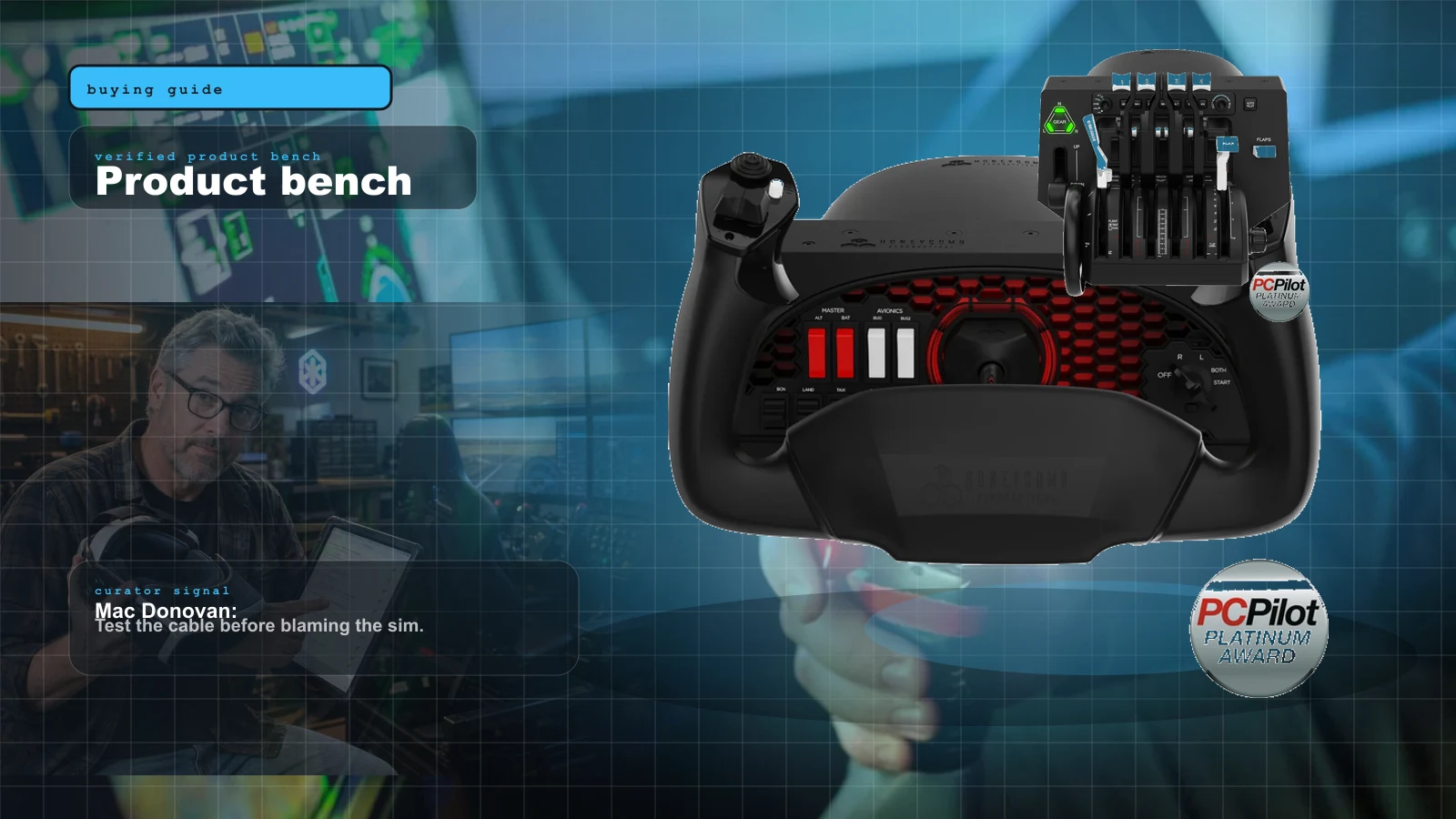
Best MSFS Flight Sim Hardware of 2026: Yokes, Throttles, Pedals, Panels and Head Tracking Ranked
The right first purchase depends entirely on what you fly. Here's the honest 2026 buy order — the one thing to buy first, then the ladder from first stick to a full airliner cockpit, matched to GA, Airbus, Boeing and combat.
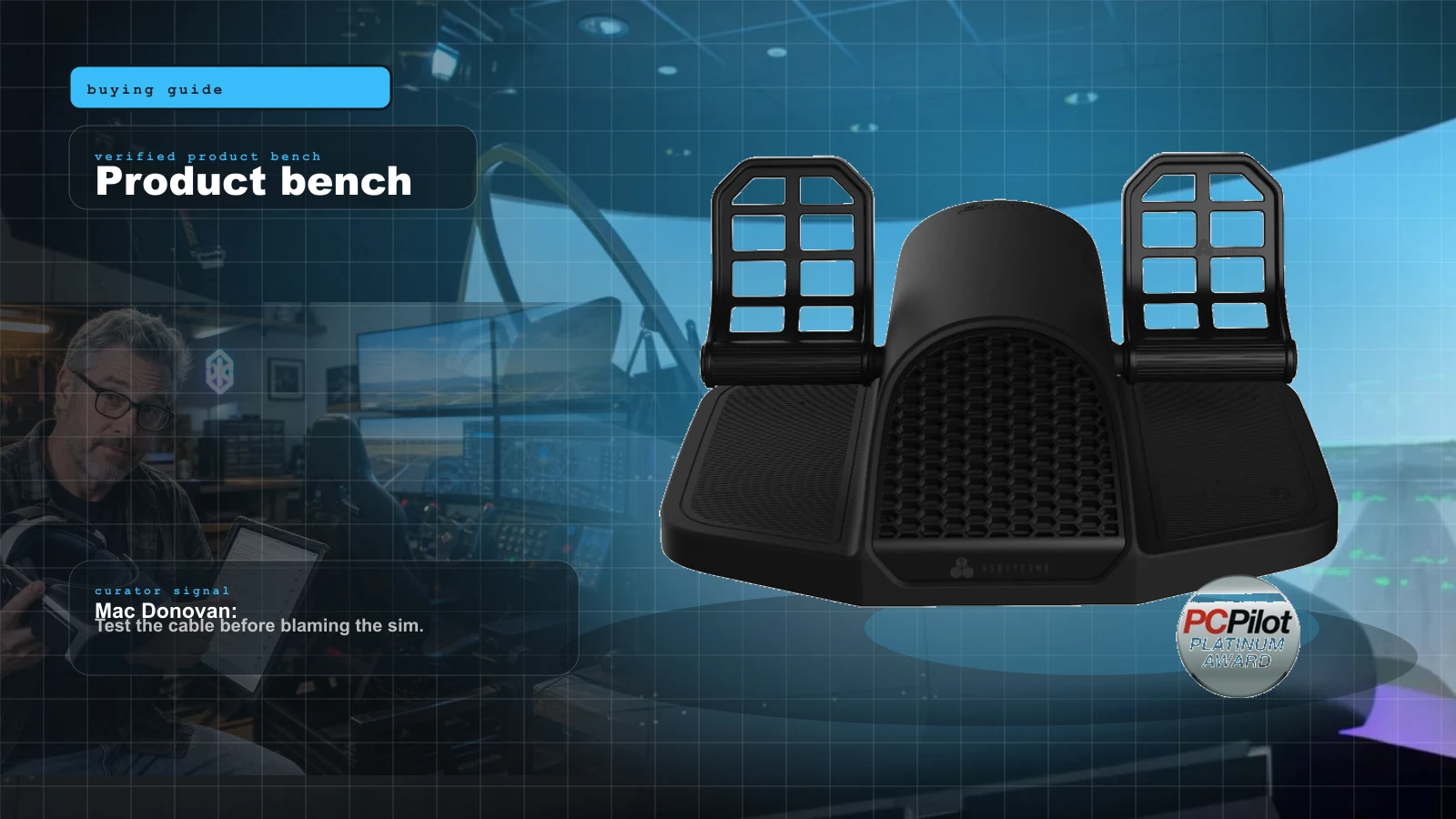
Best Flight Sim Rudder Pedals 2026: Budget Sliders to Pendular and Force Feedback, Ranked
Rudder pedals are the most over-bought first purchase and the most under-appreciated upgrade. Here is the honest 2026 ranking — by mechanism, by price, and by whether you need toe brakes at all — from budget sliders to pendular to the force-feedback pedals that finally shipped.
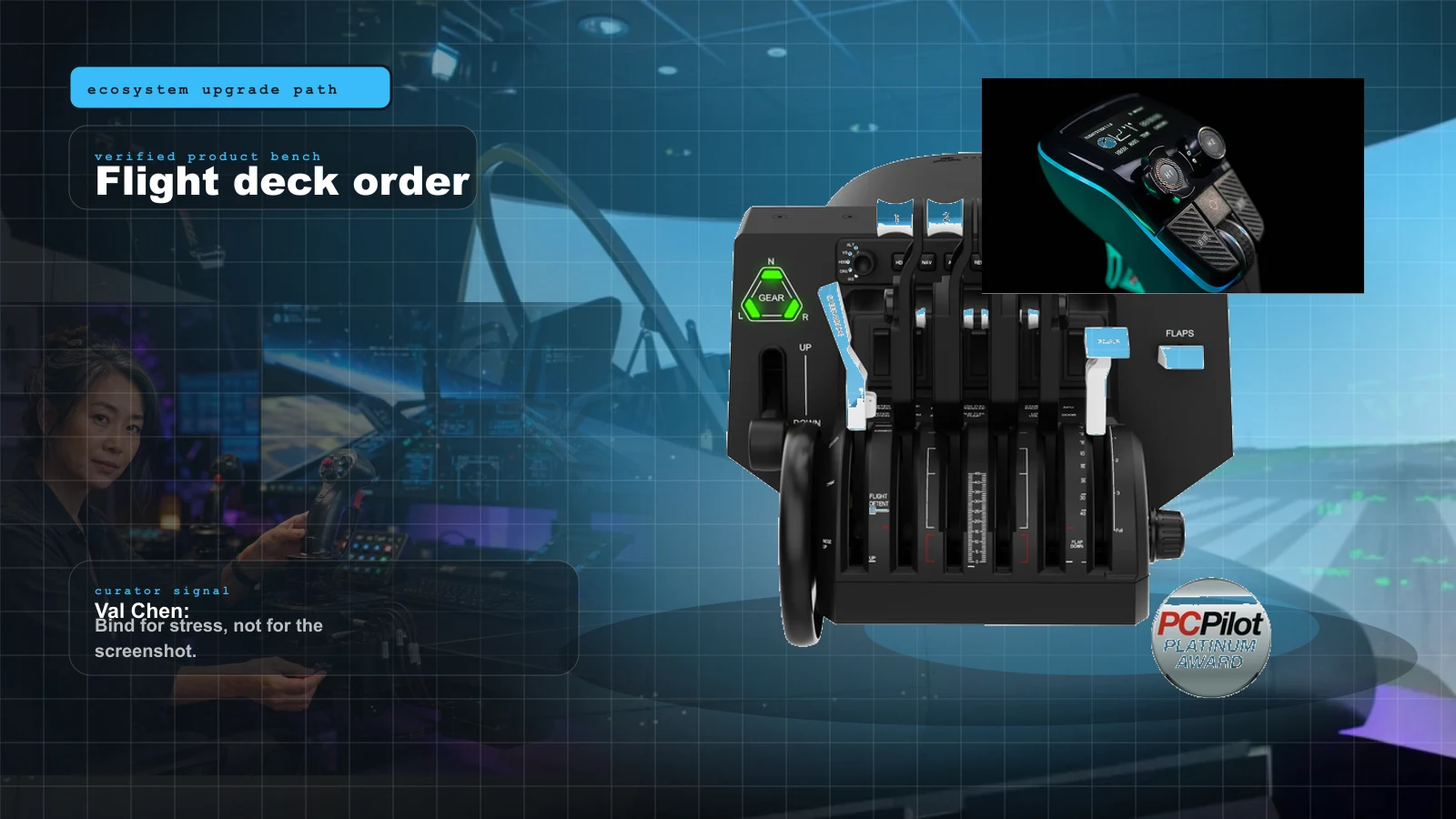
Yoke, Throttle, Rudders, or Head Tracking First? The 2026 Flight Sim Upgrade Order
The correct flight sim upgrade order depends on aircraft. Val gives the fast answer for GA, airliners, helicopters, and DCS-adjacent setups.
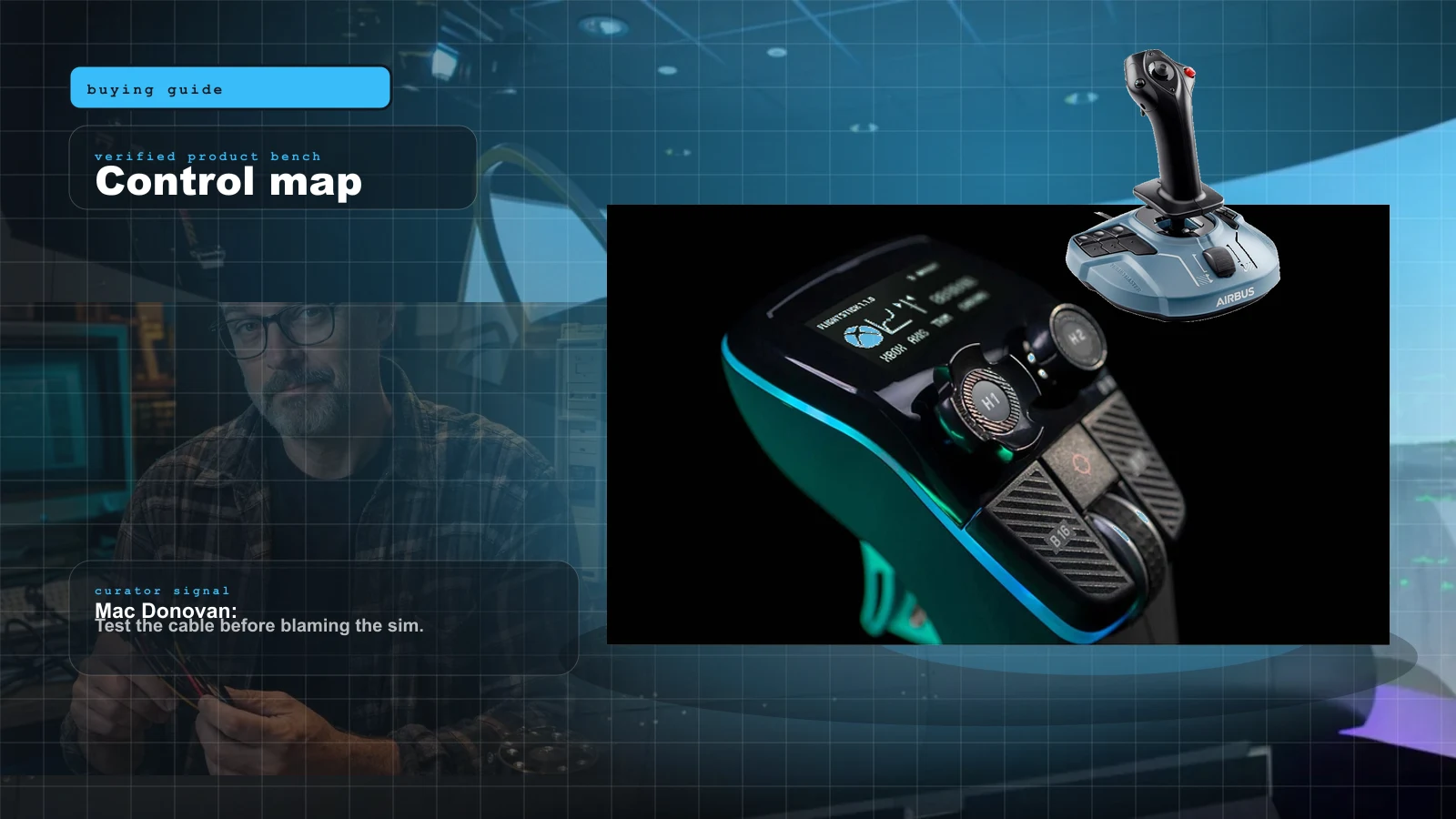
Best HOTAS for MSFS 2024 in 2026: Stick-and-Throttle Picks by Budget and Aircraft
A yoke isn't the only way to fly MSFS 2024. Here's the honest 2026 HOTAS ladder — from a $100 plug-and-play stick to a $1,000-plus modular base — matched to what you actually fly, and which ones bind without a fight.