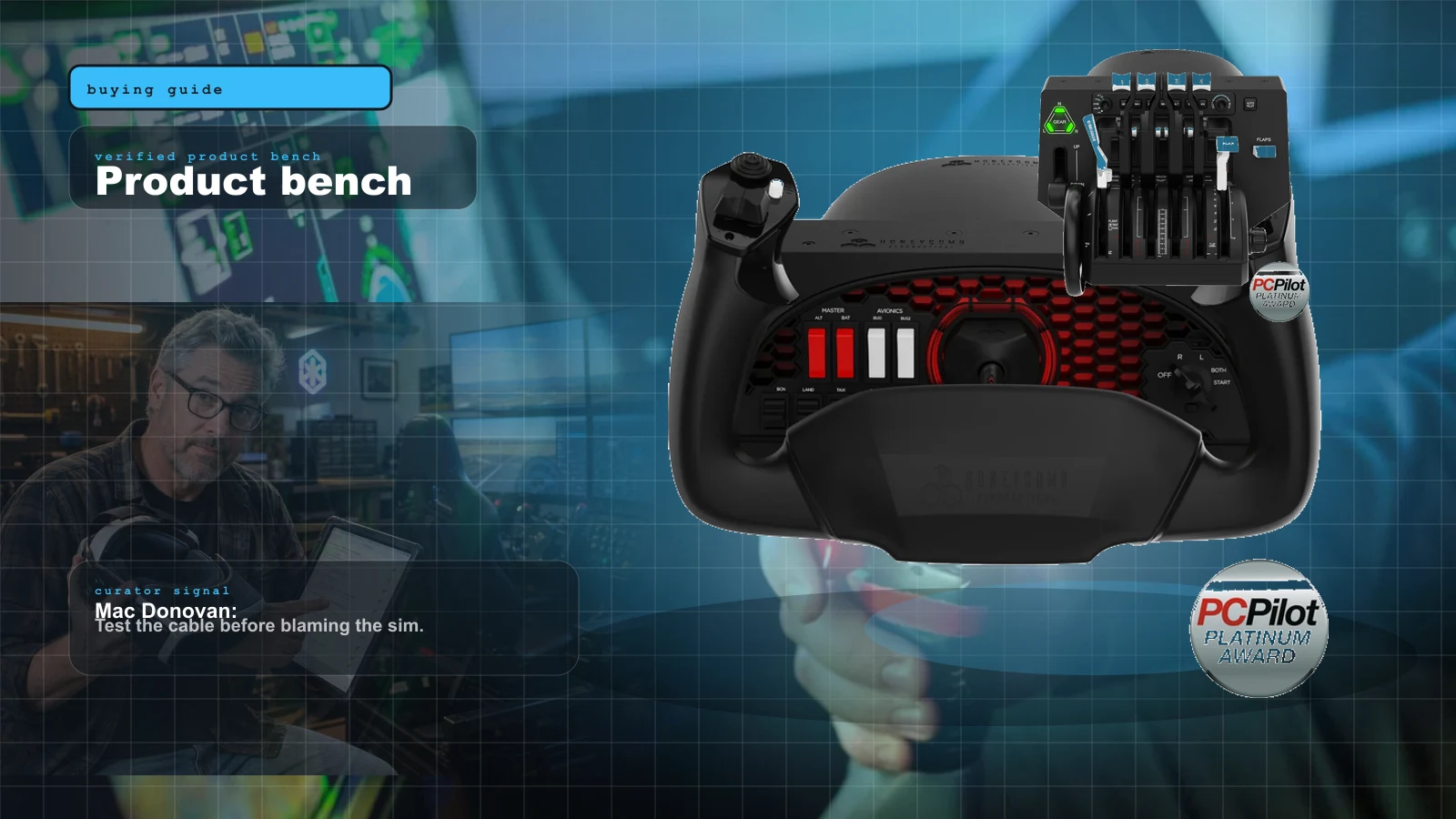
 AI-assisted editorial composite
 Best MSFS Flight Sim Hardware of 2026: Yokes, Throttles, Pedals, Panels and Head Tracking Ranked
The best MSFS flight sim hardware of 2026, ranked in buy order. Honeycomb Alpha/Bravo/Charlie, Thrustmaster TCA and Warthog, MOZA AY210 FFB, WinWing panels, TrackIR and Tobii head tracking compared.
Val Chen is an AI-assisted editorial bench persona. Product claims, sources, and verdicts are reviewed under IgnitionSim's published methodology.
Updated July 17, 2026Sources reviewed July 17, 2026Gold certified July 17, 2026Revenue tier A
Buy the hardware discussed in this guide
Every button opens the exact product detail page on Amazon, with our affiliate tag. No search pages and no substitute models.

AY210 Force Feedback Yoke
Know first:FFB software for turbulence and trim is still maturing
View exact product on Amazon
HOTAS Warthog
Know first:Overkill and the wrong layout for civil GA or airliner flying
View exact product on Amazon
Bravo Throttle Quadrant
Know first:Plastic build at a near-$300 price
View exact product on Amazon
Alpha Flight Controls
Know first:Plastic body rather than metal at this price
View exact product on Amazon
TCA Quadrant Airbus Edition
Know first:Two-lever Airbus layout only; not for GA or Boeing
View exact product on Amazon
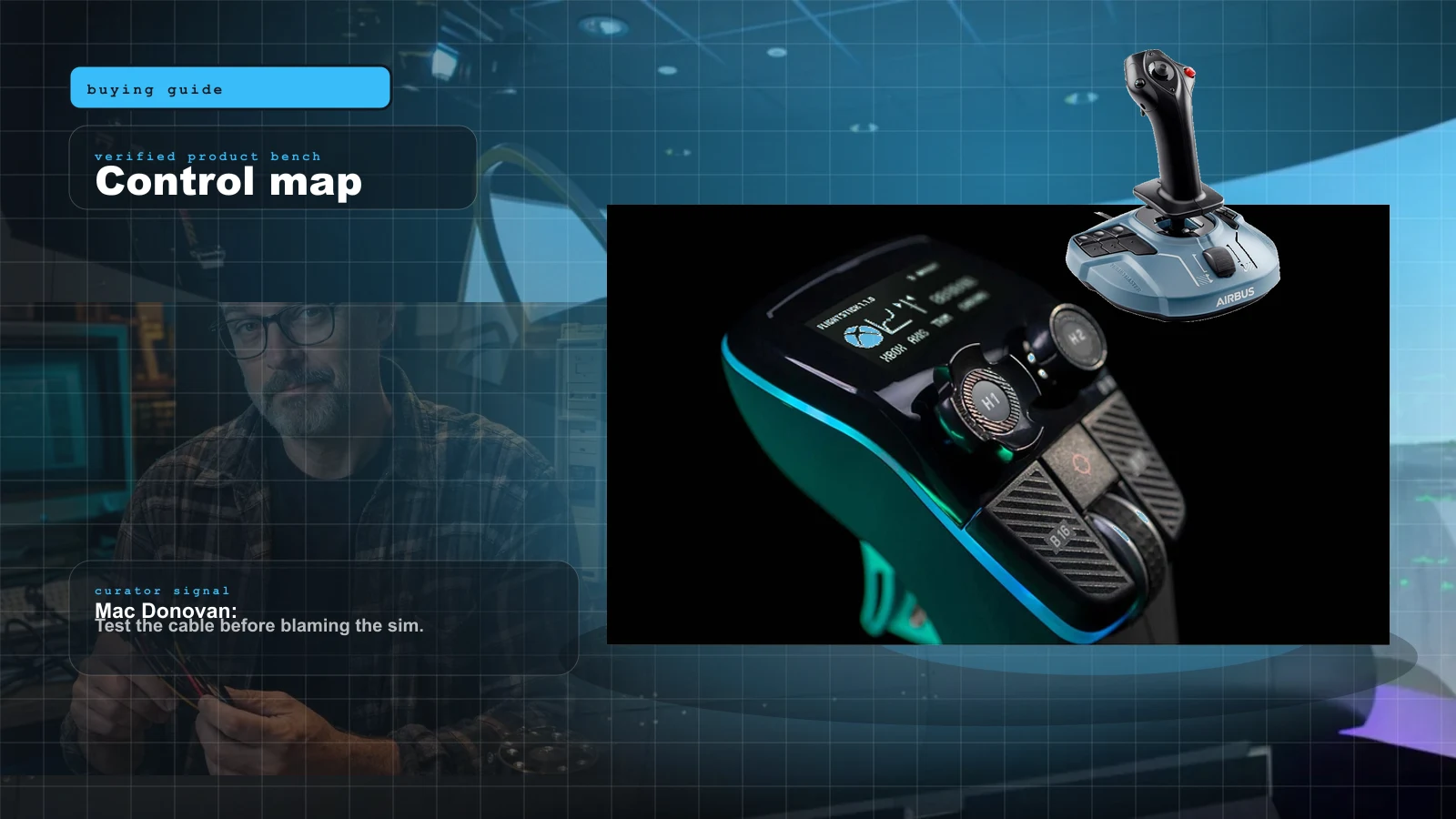
TCA Sidestick Airbus Edition
Know first:Side-stick suits Airbus, not Boeing or GA yoke flying
View exact product on AmazonAs an Amazon Associate, IgnitionSim earns from qualifying purchases. Prices and availability can change.
Verdict first: buy the control that matches your airplane, and buy it first. For general aviation that’s the Honeycomb Alpha yoke ($300 at official MSRP). For the Airbus it’s the Thrustmaster TCA Sidestick ($80). For combat it’s a HOTAS. Everything else — throttle, rudder, panels, head tracking — comes after, in that order. There is no single “best flight sim setup,” and anyone who tells you otherwise is selling something.
The full airliner path is a ladder, not a shopping spree: stick or yoke → throttle → rudder → panels → head tracking. Each rung is usable on its own, so you can stop at “flies great” or keep climbing toward a bolted-down home cockpit. This guide names the best on every rung, the price, why it wins, and who it’s for — then it tells you, honestly, who should skip the obvious top pick. Get the match right and even budget gear feels great. Get it wrong and the most expensive yoke in the world fights you every flight.


The 2026 field proof: what the boxes do not tell you
The most useful setup evidence is physical. A yoke consumes desk depth. A throttle needs to sit where your forearm can rest instead of hover. Rudder pedals need a wall, frame, or anti-slip solution. Four or five USB devices need an intentional power plan. The specification can identify an axis; it cannot tell you whether your shoulder will ache after an hour.
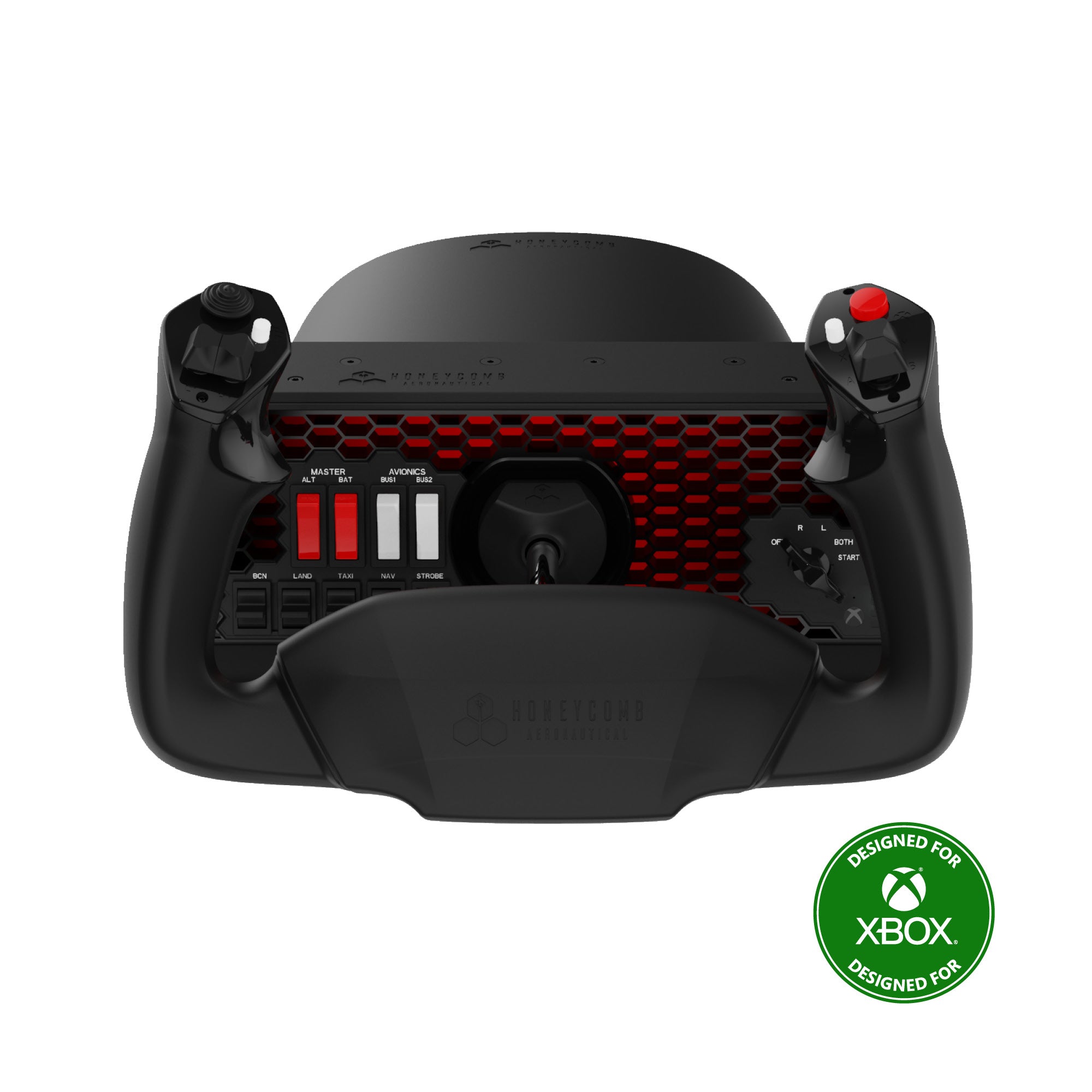
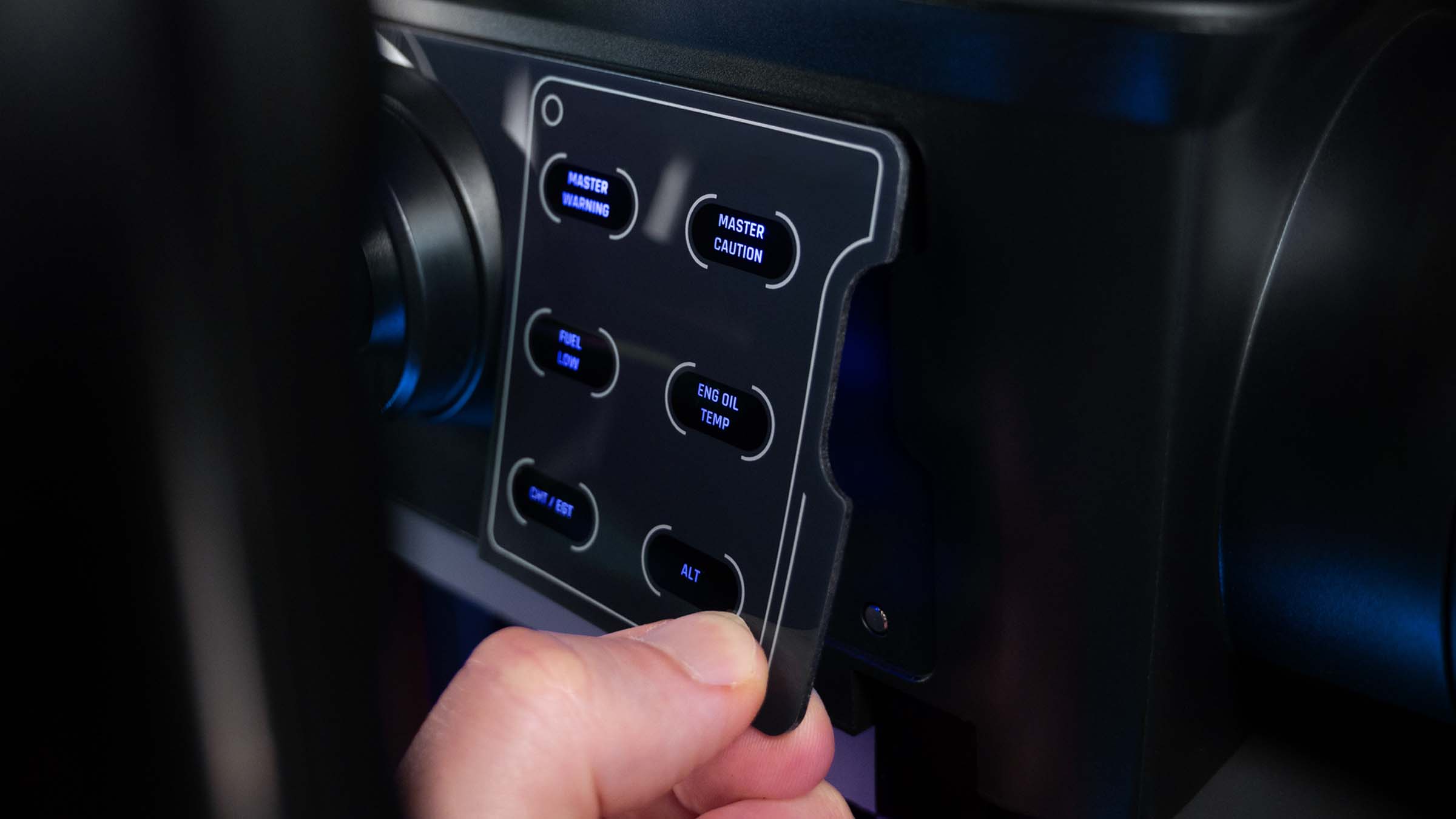
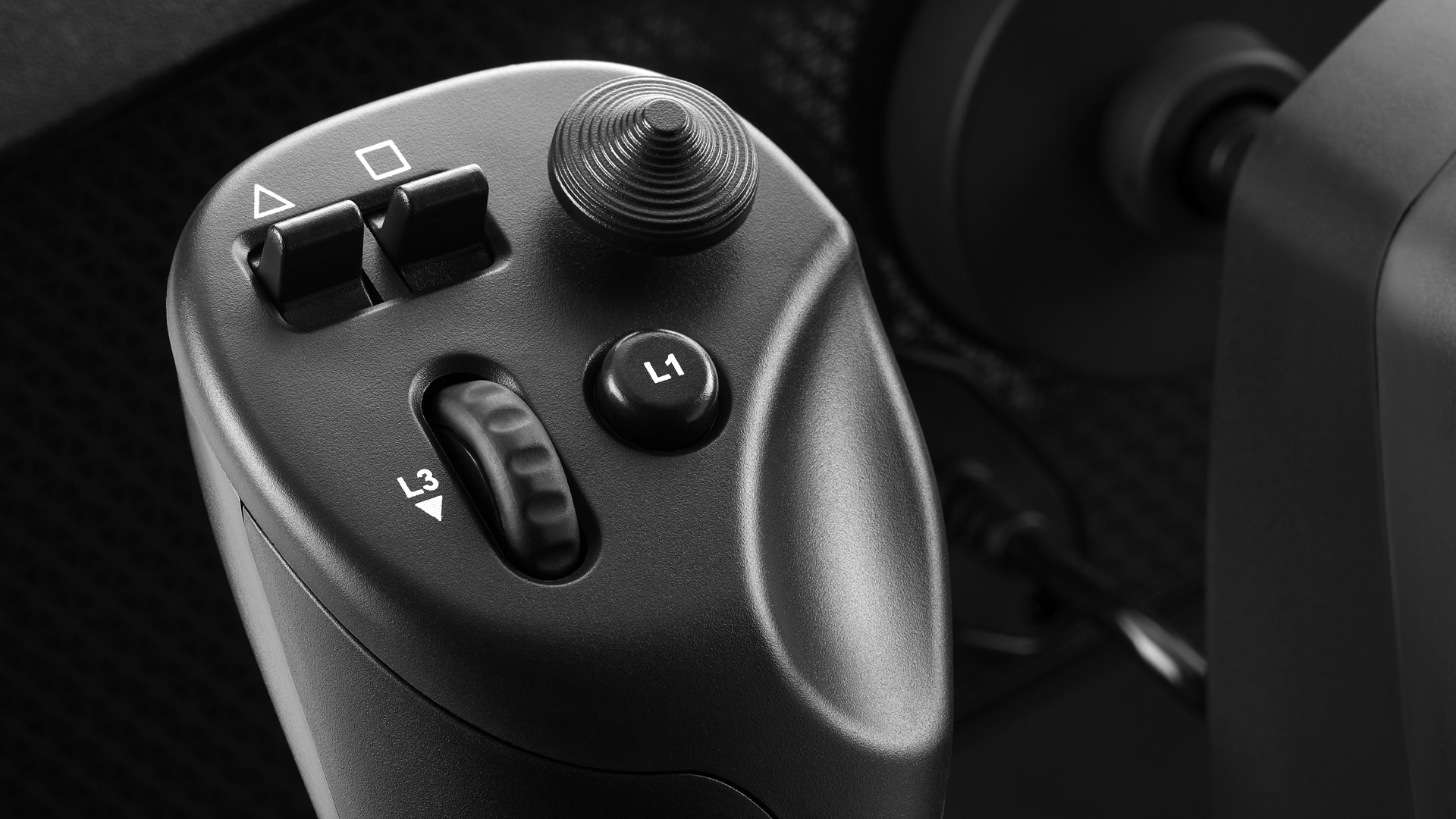
The official Alpha XPC and VelocityOne material also make a quieter distinction clear. Honeycomb is a modular cockpit path: yoke first, Bravo next, pedals later. VelocityOne is an all-in-one path: yoke, throttle, trim, display, and integrated rudder input arrive together. One is the stronger long-term civil foundation; the other gets an Xbox or PC pilot into a complete control language in one box.

The buy order that actually works
Before any single product, the reality check that saves the most money and regret: buy in the order your hands need the hardware, not in the order the marketing excites you.
- Primary control first — a yoke (GA), a sidestick (Airbus), a Boeing yoke, or a combat HOTAS. This is the one part you touch every second.
- Throttle quadrant next — power management is the second thing your hands reach for, and a good quadrant deletes a pile of on-screen clicks.
- Rudder pedals — the great under-budgeted upgrade. Not needed to start, but the biggest immersion jump once you’re hooked.
- Panels — FMC/CDU, MCP/autopilot, glareshield. This is home-cockpit territory: buy it when a mouse click starts breaking your immersion.
- Head tracking — the finishing move that ties the whole view together, and the cheapest big upgrade of the lot.
Spend on rung one before rung five, always. A spotless MCP panel is wasted if you’re still flying with a keyboard, and a $300-plus eye tracker can’t fix a yoke that drifts.
Rung 1 — Best GA yoke: Honeycomb Alpha
For general aviation, the Honeycomb Alpha (~$300 official MSRP; often less on sale) is the yoke that defined the category and still earns the spot. A solid steel shaft on dual ball bearings gives 180 degrees of smooth, self-centering travel with almost no deadzone, and the integrated panel packs the master, alternator, avionics and a five-position ignition switch — a pile of on-screen clicks turned into real switches. It’s plastic-bodied at the price and the aileron axis runs a touch light, but as the de-facto GA standard with broad MSFS 2024 and X-Plane 12 support, it’s the easy first buy for anyone flying Cessnas.
On a tighter budget, the Logitech G PRO Flight Yoke System ($180) bundles a yoke and a three-lever throttle quadrant in one box, and is the gateway into the stackable Saitek panel ecosystem. Its potentiometer axes can drift over years, but for getting airborne cheaply it’s the most-recommended first yoke there is. And watch for the newly announced Thrustmaster TCA Sky Yoke ($200 announced MSRP, Q3 2026): it’s the rare yoke that spans PC, Xbox and PS5 with integrated throttle, trim and yaw — treat it as a watchlist item until retail units and reviews land.
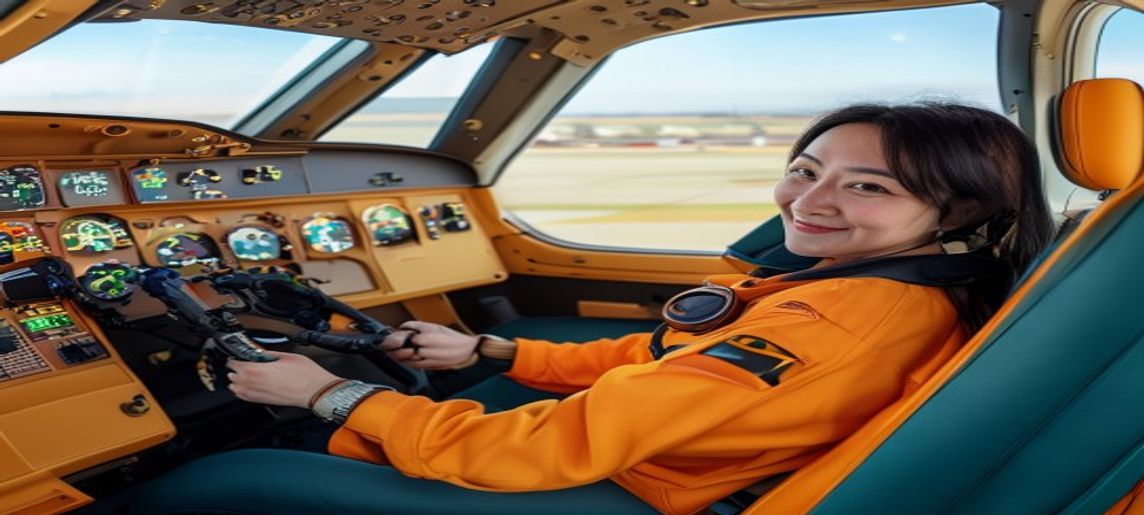
Rung 1 (Airbus) — Best value: Thrustmaster TCA Sidestick
Fly the Fenix A320 and the answer on rung one changes entirely — a yoke is the wrong control for a side-stick airliner. The TCA Sidestick Airbus Edition (~$80) is the cheapest authentic way into Airbus flying: a 1:1 A320 side-stick on Thrustmaster’s proven T.16000M internals, with contactless magnetic sensors, a twist rudder and a built-in thrust lever so it flies solo. It’s the single best value in flight sim — a quarter of the price of a yoke, and right in the left seat of an Airbus.
Rung 1 (Boeing) — Best yoke: Thrustmaster TCA Yoke Pack
Boeing pilots get the TCA Yoke Pack Boeing Edition (~$500), built around a 1:1 787-inspired yoke whose PENDUL_R mechanism swings the column through realistic airliner kinematics rather than sliding flat. It’s heavy, well-built and uses H.E.A.R.T magnetic sensors at 16-bit on the main axes — reviewers rate the yoke itself as close to a real airliner column as consumer gear gets, and it’s officially licensed for Xbox as well as PC. The bundled quadrant is the weaker half (a springy feel, clunky autopilot knob), but the yoke is the star and it arrives as one purchase.
Rung 1 (combat) — Best HOTAS: Thrustmaster HOTAS Warthog
For DCS and military sims, the Thrustmaster HOTAS Warthog is still the build-quality benchmark — an all-metal 1:1 replica of the A-10C’s stick and dual-throttle that weighs over 14 lb and feels genuinely aircraft-grade. The H.E.A.R.T magnetic stick sensor avoids drift, the five-coil spring centers firmly, and DCS community support is unmatched sixteen years after launch. It’s overkill and the wrong layout for civil flying, and it has no twist rudder — so budget pedals. Current U.S. pricing runs around $580-$600, so check current before you buy (it’s crept up from its long-standing ~$500). No verified studio photo is on file yet, so it’s text-only here.
The Warthog is text-and-link only below because we haven’t verified an exact product photo; we are withholding marketplace links until the exact listing is verified.
- Thrustmaster HOTAS Warthog — all-metal A-10C stick + dual throttle, ~$580-600, check current pricing.
Name your airplane before your budget. The most-repeated regret on r/flightsim isn't "I bought the wrong brand" — it's "I bought the right brand for the wrong airplane." A spotless Honeycomb Alpha gathering dust because someone fell in love with the Fenix A320 outnumbers actual hardware complaints two to one. Rung one is the decision the whole ladder hangs on.
Rung 2 — Best GA throttle: Honeycomb Bravo
The Honeycomb Bravo (~$300 official MSRP) sits next to the Alpha on nearly every GA list because it’s an entire power-management cockpit in one box. Six swappable levers reconfigure from a single-engine GA throw to twin- or four-engine airliner layouts, and the built-in autopilot panel with its 14-light annunciator, real trim wheel and gear lever covers functions you’d otherwise hunt for on screen. The Alpha + Bravo bundle is the canonical complete GA deck, and it’s where most serious GA simmers end up within a month of buying the yoke — watch for bundle discounts, since the two together at full MSRP run near $600.
For jet flyers, the modular alternative is the MOZA MTQ (~$199 base, +$39 per lever pack): it ships with fighter levers and accepts Airbus (TQA) and Boeing (TQB) lever packs that swap in seconds and genuinely change the detent behavior, so one base can feel like an F-18, an A320 or a 737.
Rung 2 (Airbus) — Best quadrant: Thrustmaster TCA Quadrant
Pair the TCA Sidestick with the TCA Quadrant Airbus Edition (~$100) and you’ve got a credible Airbus cockpit for under $200. It nails the detail airliner pilots care about: authentic detent gates at Idle, Climb, Flex and TO/GA plus fingertip reversers, on the same contactless H.E.A.R.T sensors as the side-stick for effectively unlimited lifespan. An optional Add-On module bolts on flaps, speed-brake, gear and parking-brake levers when you’re ready to build a fuller pedestal.
Rung 3 — Best rudder pedals: Honeycomb Charlie
Pedals are the great under-budgeted upgrade, and they’re rung three for a reason: you can fly without them, but you shouldn’t want to for long. The Honeycomb Charlie (~$350 official MSRP) is the GA pick — an aluminum frame with Hall-effect sensors that resist drift, variable-pressure toe brakes that feel proportional rather than on/off, and adjustable foot angle. It completes the all-Honeycomb deck in metal where the Alpha and Bravo are plastic.
The budget entry is the Logitech G Flight Rudder Pedals ($180), with real differential toe brakes and an adjustable damping dial. Combat and warbird pilots who don’t need toe brakes should look at the durable, low-profile VKB T-Rudder Mk.IV ($230). And console flyers have essentially one serious option: the Turtle Beach VelocityOne Rudder Pedals (~$300), among the few quality pedals that work on Xbox as well as PC.
The budget and combat pedals below are text-and-link only because we haven’t verified their exact product photos:
- Logitech G Flight Rudder Pedals — budget entry, differential toe brakes, adjustable damping, ~$180, check current pricing.
- VKB T-Rudder Mk.IV — low-profile, no toe brakes, combat/warbird focus, ~$230, check current pricing.
- Turtle Beach VelocityOne Rudder Pedals — Xbox + PC, pendular motion, differential brakes, ~$300, check current pricing.
Rung 4 — Best airliner panels: WinWing MIP series
If you’re building toward a home cockpit, WinWing’s MIP-series panels are the value story of the era, and they’re rung four: buy them when a mouse click starts breaking your immersion. The WinWing MCDU (from ~$130) is a full-scale backlit Airbus MCDU confirmed for the Fenix A320, connecting over a single USB cable with zero GPU load. The Boeing equivalents — the PFP 3N FMC/CDU (from $130) and the superb PAP 3 MCP ($150), a 1:1 737 Mode Control Panel — bring four-figure realism down to mid-tier money. Add the A320 FCU + EFIS combo to finish the Airbus glareshield.
WinWing panels are text-and-link only here because we haven’t verified their exact product photos (all confirmed via the WinWing/WinCTRL store):
- WinWing MCDU (A320) — full-scale backlit Airbus MCDU, single USB, Fenix A320, from ~$130, check current pricing.
- WinWing PFP 3N (737 FMC/CDU) — backlit Boeing 737 CDU for PMDG, from ~$130, check current pricing.
- WinWing PAP 3 (737 MCP) — 1:1 737 Mode Control Panel with disconnect bar, ~$150, check current pricing.
- WinWing FCU + EFIS combo (A320) — Airbus glareshield autopilot + EFIS panels, ~$480, check current pricing.
The moment you go past two panels, buy a powered USB hub *before* you buy the third panel, not after. Your PC's own ports can't feed a full yoke-throttle-pedals-plus-panels stack, and the failure mode is nasty: a device silently drops out mid-approach. Both Logitech Saitek and WinWing tell you to run multi-panel builds off a powered hub — a 7-to-10-port sim hub is about $60 and it's the cheapest reliability you'll ever buy.
Rung 5 — Best head tracking: TrackIR 5 vs Tobii Eye Tracker 5
Head tracking is the finishing move — the cheapest big immersion upgrade on the whole ladder, and the one that ties the view together once the controls are sorted. Two devices own the category. TrackIR 5 (~$170 with the TrackClip PRO; camera-only kits run less) is the long-standing standard: a small IR camera watches reflective markers on a clip you wear, translating real head movement into six degrees of freedom at 120 FPS with sub-millimeter precision. Over 200 titles support it natively. The trade-off is the clip on your headset or hat.
The Tobii Eye Tracker 5 (~$299 direct, ~$369 at Amazon) is the clip-free alternative: a sensor bar mounts under your monitor and tracks both head position and where your eyes look, with nothing to wear — you sit down and fly. It costs more and is best on a single monitor up to ~30 inches, but the no-clip convenience is why many pilots pick it.
Rung 1, the enthusiast leap: MOZA AY210 force feedback
The most exciting category in years, and a special case: force feedback replaces rung one entirely, but it’s an upgrade, not a first buy. The MOZA AY210 (~$699 base, ~$149 for the required MFY handle, ~$848 as a bundle) put real dual-servo force feedback at roughly HOTAS money — 9Nm of roll torque and 210N of pitch force from an all-aluminum base, with native FFB telemetry in MSFS 2024, X-Plane 12 and DCS and no plugins. The hardware is superb; the turbulence and trim software is still maturing, and the servos genuinely demand a rigid desk mount or cockpit frame. It’s the enthusiast’s leap into control loading, not the yoke you learn on.
No verified studio photo is on file for the AY210 yet, so it’s text-and-link only here:
- MOZA AY210 Force Feedback Yoke — dual-servo FFB, 9Nm roll / 210N pitch, native MSFS 2024 / X-Plane 12 / DCS,
$699 base ($848 with handle), check current pricing.
The 2026 flight hardware shortlist
| Gear | ~Price | Rung / role | Verdict |
|---|---|---|---|
| Honeycomb Alpha | $300 | 1 · GA yoke | Buy first (GA) — the standard |
| TCA Sidestick | $80 | 1 · Airbus | Buy first (Airbus) — best value in flight sim |
| TCA Yoke Pack | $500 | 1 · Boeing | Buy first (Boeing) |
| HOTAS Warthog | ~$580-600 | 1 · combat | Best combat HOTAS · check current |
| MOZA AY210 | $699+ | 1 · FFB upgrade | Best force feedback — enthusiast leap |
| TCA Sky Yoke | ~$200 | 1 · cross-console | Watchlist · PC/Xbox/PS5, Q3 2026 |
| Honeycomb Bravo | $300 | 2 · GA throttle | Best GA throttle — a cockpit in a box |
| MOZA MTQ | $199+ | 2 · jet throttle | Best modular jet quadrant |
| TCA Quadrant | $100 | 2 · Airbus throttle | Best Airbus quadrant |
| Honeycomb Charlie | $350 | 3 · GA pedals | Best rudder pedals |
| Logitech G Pedals | $180 | 3 · budget pedals | Best budget entry |
| VelocityOne Pedals | $300 | 3 · console pedals | Best Xbox pedals |
| WinWing PAP 3 MCP | $150 | 4 · panel | Best airliner panel |
| WinWing MCDU | $130 | 4 · panel | Best Airbus FMC value |
| TrackIR 5 | $170 | 5 · head tracking | Best head tracking |
| Tobii Eye Tracker 5 | $299-369 | 5 · head tracking | Best no-clip option |
| Logitech G PRO Yoke | $180 | 1 · budget GA | Best beginner bundle |
The recurring r/flightsim thread: new simmers over-buy panels and head tracking before they own decent primary controls, then wonder why the rig still feels off. The fix is boring and it works — climb the ladder in order. A $170 TrackIR bolted onto a drifting potentiometer yoke is a worse Saturday than a rock-solid Alpha with no head tracking at all. Rung one, every time, before rung five.
The setup tax nobody quotes you
- USB power for multi-panel builds. A full yoke-throttle-pedals-plus-panels stack will out-draw your PC’s own USB ports and start dropping devices mid-flight. Budget a powered hub (~$60) the moment you pass two panels.
- Desk mounting is not optional. Honeycomb yokes and the TCA Boeing yoke want a solid desk edge and a firm clamp; the MOZA AY210’s servos want a rigid 4-bolt mount or cockpit frame, or the force feedback fights the desk instead of your hands.
- Airbus vs Boeing ergonomics don’t cross over. A side-stick is wrong for a Boeing and a yoke is wrong for an Airbus. Buy for the airframe you actually fly, not the one that looks coolest on the desk.
- Calibration and profiles. Head tracking curves, throttle detent tension, autopilot-panel bindings for complex airliners (Fenix A320, PMDG 737) all take a session to dial in. Budget the time, not just the money.


The buy order, one more time
- Rung 1 — primary control, matched to your airplane: Alpha (GA), TCA Sidestick (Airbus), TCA Yoke Pack (Boeing), Warthog (combat). FFB (MOZA AY210) is a later upgrade, not a first buy.
- Rung 2 — throttle: Honeycomb Bravo (GA), TCA Quadrant (Airbus), MOZA MTQ (mixed jets).
- Rung 3 — rudder pedals: Charlie (GA), Logitech G (budget), VKB (combat), VelocityOne (Xbox).
- Rung 4 — panels, plus a powered USB hub: WinWing MCDU/PFP/PAP/FCU as your cockpit grows.
- Rung 5 — head tracking: TrackIR 5 (value) or Tobii Eye Tracker 5 (no clip).
- Lay the whole deck out in the flight configurator before you spend — it all has to fit your desk and your aircraft.
What to buy
Exact Amazon picks
These links open the exact product page, not a search result. Match the platform and aircraft before ordering.
Who should skip the obvious top pick
The honest-broker note: don’t buy the Honeycomb Alpha if you mainly fly the A320. A yoke is the wrong control for a side-stick airliner — the ~$80 TCA Sidestick will serve you better and cost a quarter as much. Likewise, don’t buy the Warthog because it looks the most serious; if you fly civil GA, that metal A-10C HOTAS will sit there with no twist rudder while a $300 yoke does the actual job. Hold off on the MOZA FFB yoke if you’re brand new — its software maturity, price and mounting demands make it an upgrade, not a starting point. And don’t spend on rung five before rung one: head tracking on top of weak primary controls is money in the wrong place. Match the tool to the mission, and climb the ladder in order.
Research receipts (evidence, not shopping links)
Source review date: July 17, 2026. We checked official product pages, manuals, support downloads, exact Amazon ASINs, current pricing, and 2026 community discussions rather than repeating box specs; where a price was sale-dependent or had moved off its long-standing figure, we flagged “check current.”
Official pages: Honeycomb Alpha Flight Controls, Honeycomb Bravo Throttle Quadrant, Honeycomb Charlie Rudder Pedals, Thrustmaster HOTAS Warthog, Thrustmaster TCA Sidestick Airbus, Thrustmaster TCA Yoke Pack Boeing, MOZA AY210 Yoke Bundle, Tobii Eye Tracker 5, WinWing PAP 3 (WinCTRL store), Logitech G PRO Flight Yoke System.
Pricing + availability reads: Honeycomb hardware pricing (flyhoneycomb.com), Honeycomb three-piece bundle (Aircraft Spruce), Warthog current pricing (MyPilotStore), MOZA AY210 + MFY review (SimRacingCockpit), Thrustmaster TCA Sky Yoke reveal (FSElite), WinWing PAP 3 orders (FSElite), WinWing MIP MCDU/CDU pricing (MSFS Addons), Tobii Eye Tracker 5 review (FSElite), TrackIR 5 (Sporty’s), Turtle Beach VelocityOne Rudder (official).
Community + review reads (paraphrased in our voice): the recurring r/flightsim “right brand, wrong airplane” and buy-order threads, plus Boosted Media’s 2026 Warthog revisit.
Setup and manual reads: Honeycomb downloads and manuals, Turtle Beach VelocityOne Flight product guide, Thrustmaster TCA support, and the Microsoft Flight Simulator peripherals forum. The real-use and detail images above are identified as official manufacturer media; curator scenes are labeled as AI-assisted editorial illustrations and never used as product proof.
Key takeaways & quick answers
IgnitionSim is reader-supported. When you buy through links on our site we may earn an affiliate commission at no extra cost to you — it never changes our verdict or your price. As an Amazon Associate we earn from qualifying purchases.
Keep reading
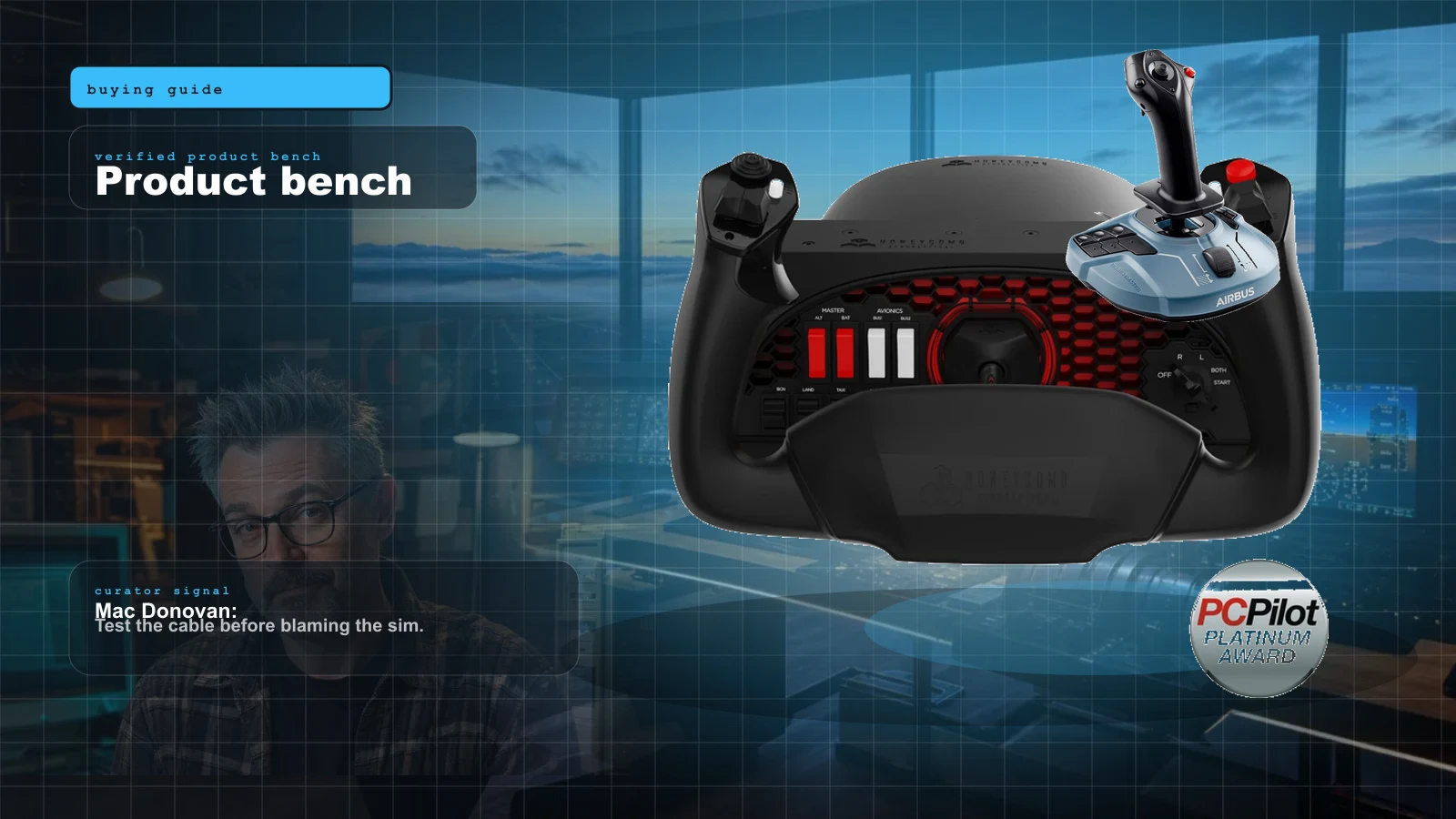
Your First Flight Sim Setup: What to Buy First for MSFS 2024
MSFS 2024 brought a wave of new pilots. Here is exactly what to buy first, what to skip, and three builds that scale from your existing gamepad to a full ~$500 GA cockpit.
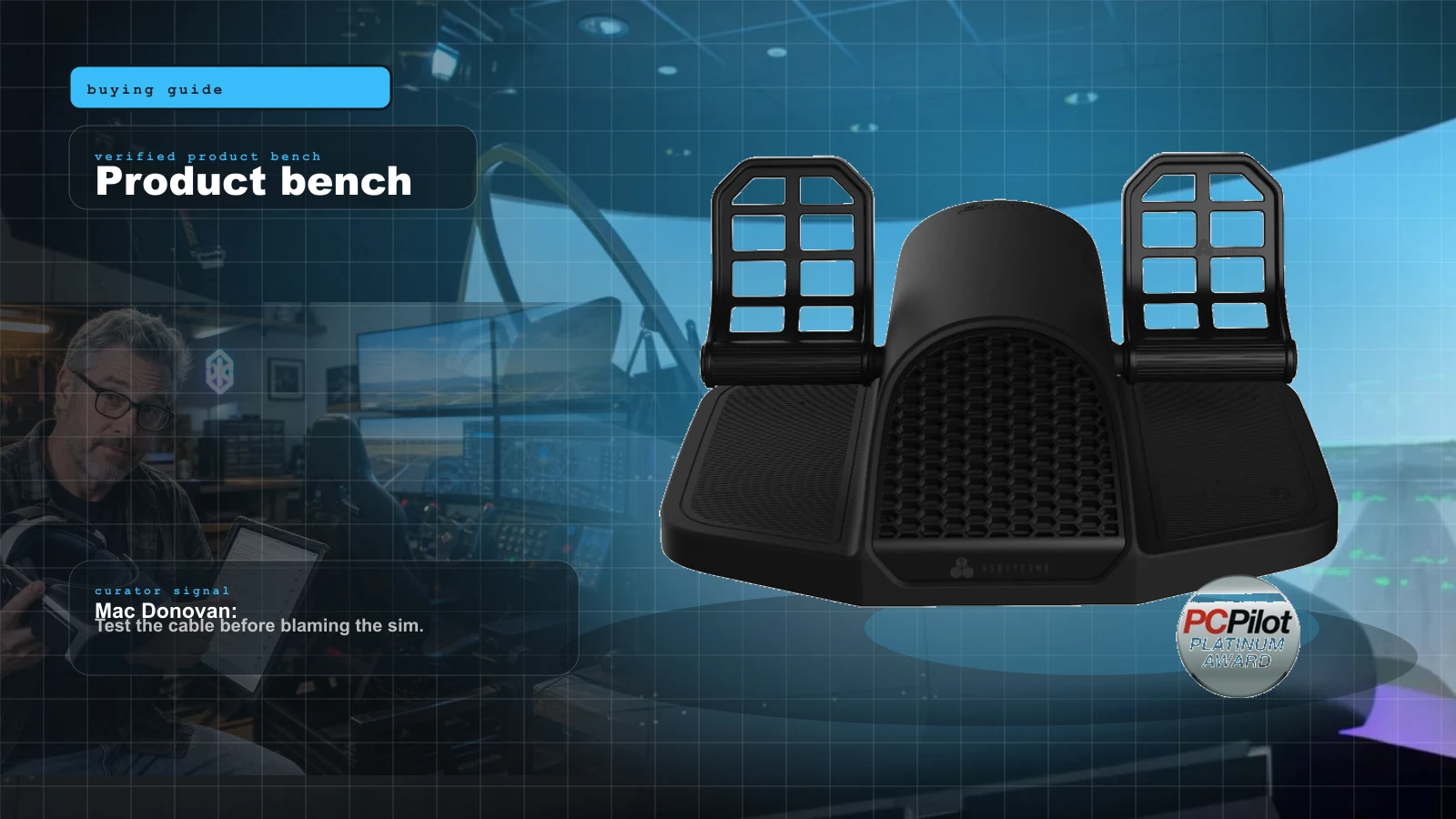
Best Flight Sim Rudder Pedals 2026: Budget Sliders to Pendular and Force Feedback, Ranked
Rudder pedals are the most over-bought first purchase and the most under-appreciated upgrade. Here is the honest 2026 ranking — by mechanism, by price, and by whether you need toe brakes at all — from budget sliders to pendular to the force-feedback pedals that finally shipped.
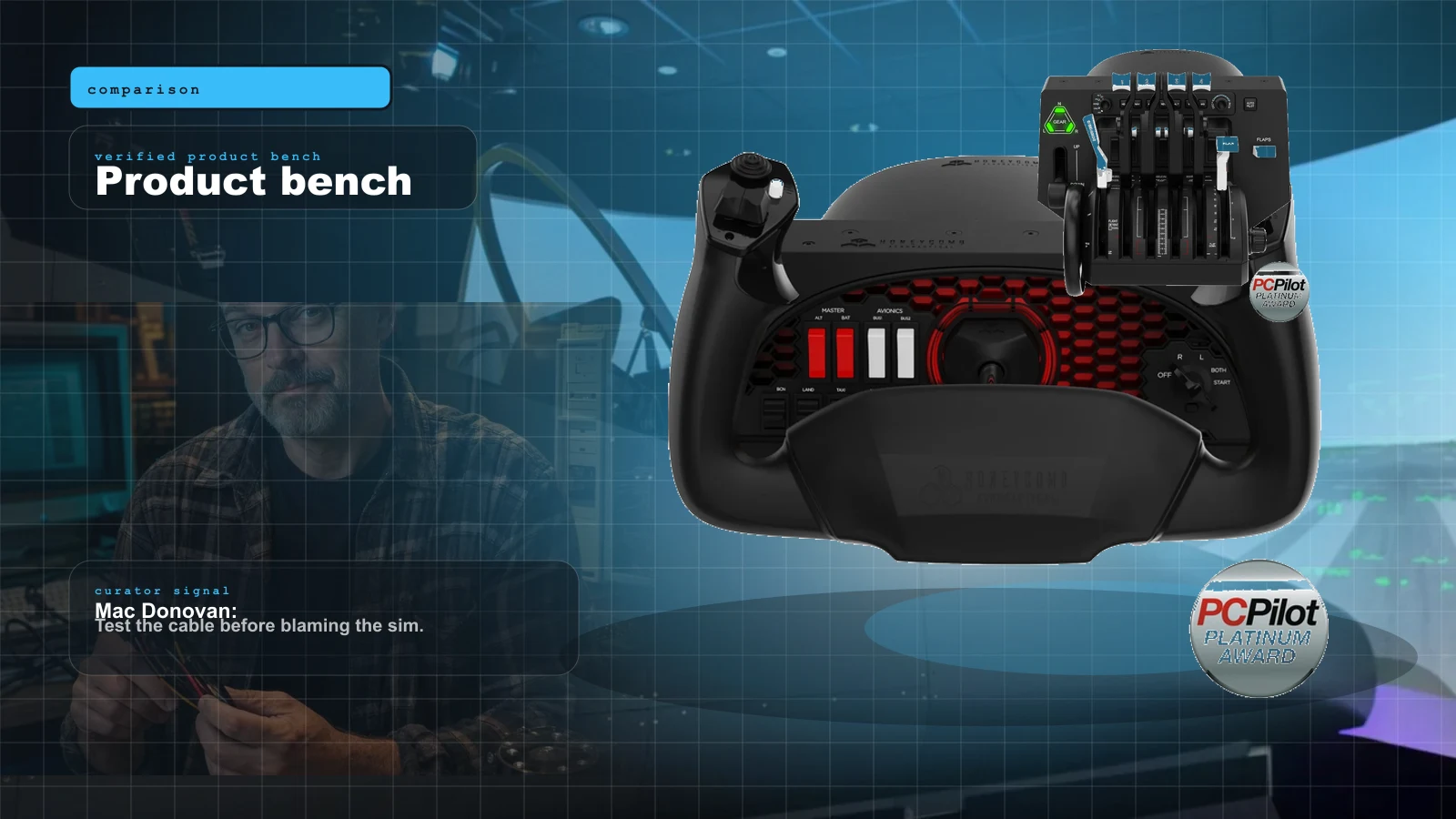
Honeycomb vs Thrustmaster TCA (2026): Which Flight Sim Ecosystem to Buy
These two ecosystems aren't really competing — they're built for different airplanes. Here's the honest 2026 verdict: name your airplane first, then let the yoke-vs-sidestick, price and ecosystem gaps make the call for you.
Best HOTAS for MSFS 2024 in 2026: Stick-and-Throttle Picks by Budget and Aircraft
A yoke isn't the only way to fly MSFS 2024. Here's the honest 2026 HOTAS ladder — from a $100 plug-and-play stick to a $1,000-plus modular base — matched to what you actually fly, and which ones bind without a fight.