 9/10
9/10 Click image to expand
A320 FCU + EFIS-L/R Combo
Airbus home-cockpit builders who already have (or want) the MCDU and need the glareshield autopilot and EFIS panels.
If the WinWing MCDU handles the pedestal, the FCU and EFIS panels own the glareshield. The FCU (Flight Control Unit) is a 1:1 backlit Airbus autopilot panel with the speed, heading, altitude and vertical-speed selectors, the metric/QNH and AP mode pushbuttons, and the FCU display readouts; the two EFIS panels flanking it carry the barometric reference knobs, the FD/LS/CSTR/WPT/VOR.D/NDB/ARPT buttons and the ND mode and range selectors. Together they put the entire top-of-instrument-panel autopilot workflow under your fingers instead of on a mouse. Like the rest of the WinWing MIP line they are fully backlit with auto-brightness, connect over USB without HDMI or GPU load, and target the Fenix A320 and other Airbus add-ons. Reviewers rate the trio as the affordable way to a real Airbus glareshield; the SimApp Pro config takes a little learning.
This is one of the cleaner buys in its lane if the price and platform fit your setup.
Known caution: Airbus-specific; tied to add-ons like the Fenix A320IgnitionSim is reader-supported. When you buy through links on our site we may earn an affiliate commission at no extra cost to you — it never changes our verdict or your price. As an Amazon Associate we earn from qualifying purchases.
Specs
| FCU | 1:1 backlit Airbus Flight Control Unit (SPD/HDG/ALT/V-S selectors + mode buttons + display) |
|---|---|
| EFIS-L/R | Baro reference knobs, FD/LS/CSTR/WPT/VOR.D/NDB/ARPT, ND mode + range |
| Backlighting | Full backlight with auto-brightness light sensor |
| Connection | USB (no HDMI, no GPU load) |
| Compatibility | Fenix A320 and other Airbus add-ons |
| Config | SimApp Pro |
Pros
- Completes the Airbus glareshield: autopilot FCU plus both EFIS panels
- Single-USB, fully backlit with no GPU load and no latency
- Pairs directly with the WinWing MCDU for a full Airbus cockpit
Cons
- Airbus-specific; tied to add-ons like the Fenix A320
- Multi-panel builds need a powered USB hub
- SimApp Pro mapping has a learning curve
Common questions
Related Flight guides
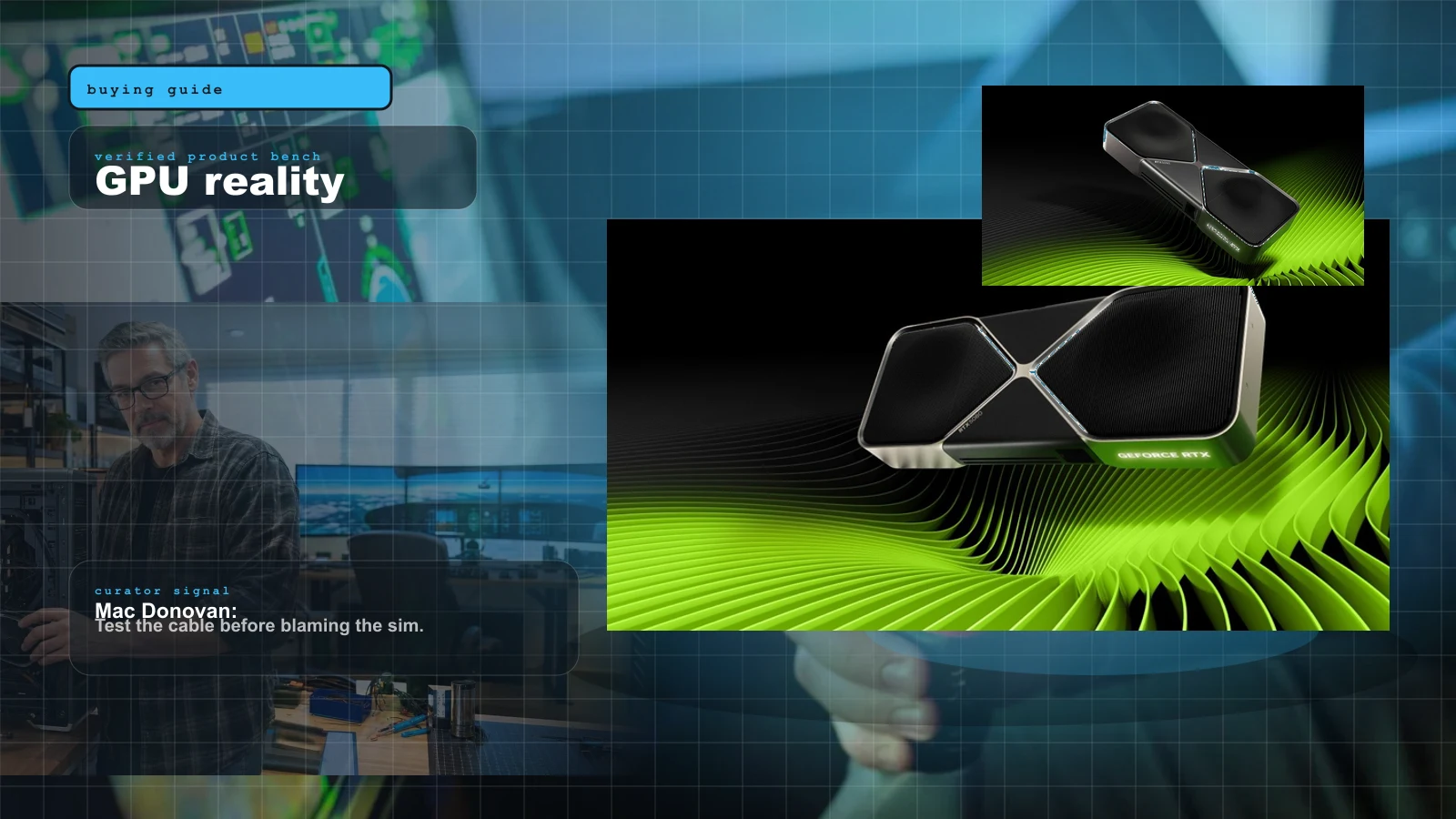
Best GPU for Sim Racing and Flight in 2026: RTX 5080 vs RTX 5090 for MSFS 2024, Triples and VR
The catalog obsesses over yokes and wheelbases and quietly ignores the one component that decides whether your triples or your VR headset work at all: the GPU. Here's the honest 2026 answer for the most demanding mainstream sim — the RTX 5080 sweet spot, the RTX 5090 no-compromise card, and exactly which one your resolution and headset actually need.
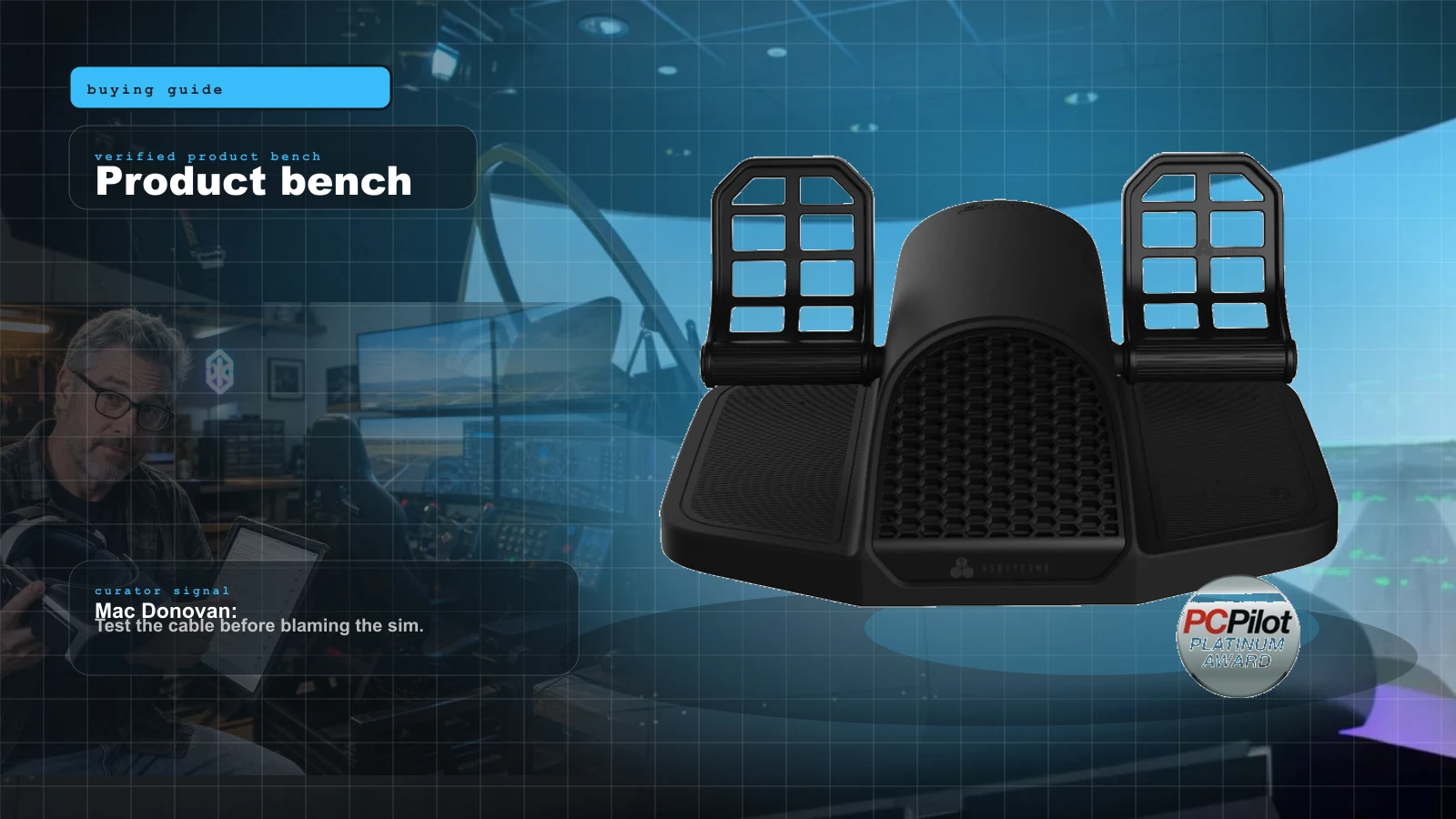
Best Flight Sim Rudder Pedals 2026: Budget Sliders to Pendular and Force Feedback, Ranked
Rudder pedals are the most over-bought first purchase and the most under-appreciated upgrade. Here is the honest 2026 ranking — by mechanism, by price, and by whether you need toe brakes at all — from budget sliders to pendular to the force-feedback pedals that finally shipped.
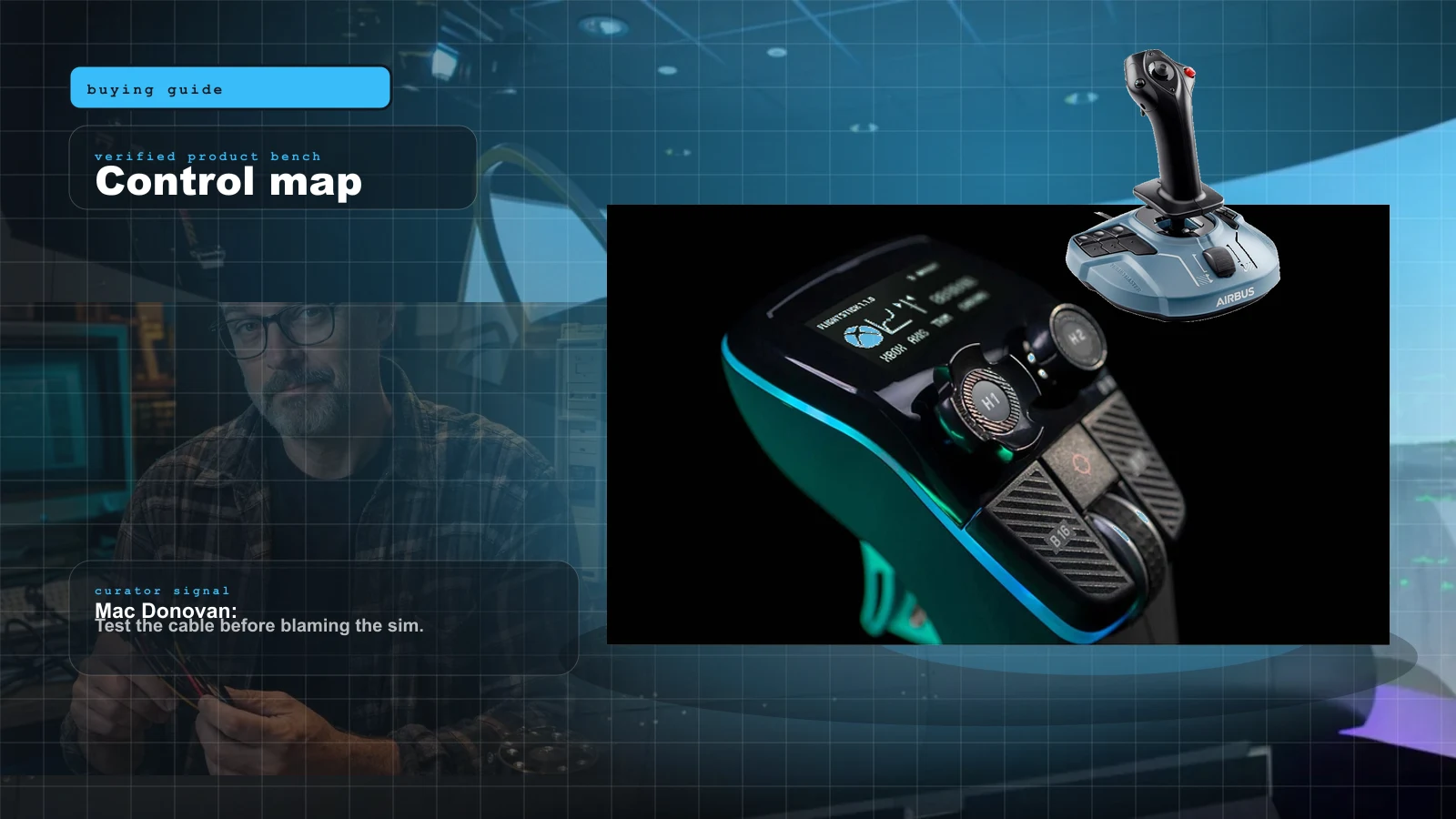
Best HOTAS for MSFS 2024 in 2026: Stick-and-Throttle Picks by Budget and Aircraft
A yoke isn't the only way to fly MSFS 2024. Here's the honest 2026 HOTAS ladder — from a $100 plug-and-play stick to a $1,000-plus modular base — matched to what you actually fly, and which ones bind without a fight.