Radar vs Photometric Launch Monitors (2026): How Each Measures, and Which One Your Room Actually Allows
A room-first guide to radar (Doppler) vs photometric (camera) launch monitors — how each senses the ball, the depth and lighting each demands, indoor vs outdoor accuracy, and which 2026 units are which.
Nina Brooks is an AI-assisted editorial bench persona. Product claims, sources, and verdicts are reviewed under IgnitionSim's published methodology.
Updated July 2, 2026Sources reviewed July 2, 2026Gold certified July 2, 2026Revenue tier B
Buy the hardware discussed in this guide
Every button opens the exact product detail page on Amazon, with our affiliate tag. No search pages and no substitute models.
Launch Pro
Know first:Club data and full simulation are locked behind annual subscriptions
View exact product on Amazon
Approach R10
Know first:Radar needs depth behind the player, so it struggles in shallow rooms
View exact product on Amazon
SkyTrak+
Know first:Club data leans on radar inference rather than direct camera capture
View exact product on Amazon
Approach R50
Know first:$5,000 is expensive before mat, screen, enclosure, projector, or software
View exact product on Amazon
Mevo Gen 2
Know first:Radar prefers depth behind the player, so it needs room
View exact product on AmazonAs an Amazon Associate, IgnitionSim earns from qualifying purchases. Prices and availability can change.
Verdict first: for a normal-to-shallow indoor room, buy photometric (a side-of-ball camera). For a deep room or outdoor range use, radar or a radar-camera fusion unit makes sense. The sensing technology is not a matter of taste or brand loyalty. It is dictated by two measurements you can take with a tape measure and a light meter: how much depth sits behind your hitting spot, and how consistently you can light the room.
Forget the marketing about data-point counts for a moment. Two units can both list “spin, launch, carry, club path” and arrive at those numbers in completely different ways — and one of those ways may not fit your garage. Let me walk you through it the way I would explain it to a friend standing in his half-finished basement.
The Room Decides the Tech, Not the Other Way Around
Here is the single sentence that saves the most money: the technology you can use is set by your room before you ever compare data sheets.
Radar (Doppler) units sit behind the ball and track it through the air — reflecting a microwave signal off the moving ball and reading the frequency shift in the returning signal to calculate speed and trajectory. That means radar needs the ball to actually fly. Industry buyer guides put optimal radar depth in the 18–20-foot range, with accuracy degrading noticeably once a room drops under about 15 feet, because a short room lets the ball hit the screen before the sensor has gathered a full read.
Photometric (camera) units sit beside the ball and capture a burst of high-speed images during and immediately after impact — often at 2,000–4,000 frames per second — then calculate launch conditions from those frames. Crucially, spin is measured from the ball’s actual rotation rather than inferred from watching flight over distance. Because the read happens at impact, a photometric unit does not need depth behind you and works in spaces down to roughly 12 feet, which is exactly why it is the technology of choice for garage and basement builds.
So before you fall in love with any unit, measure your room. The tape measure is the first spec sheet.
Radar vs Photometric: The Comparison That Actually Matters
| Radar (Doppler) | Fusion (radar + camera) | Photometric (side camera) | Overhead camera | |
|---|---|---|---|---|
| Sensor position | Behind the hitter | Behind the hitter | Beside the ball | Above the ball |
| How it measures | Tracks ball flight through the air | Radar tracks flight, camera adds impact/spin | Images the ball at impact; measures spin directly | Images from above at impact |
| Room demand | Depth behind you (~15–20 ft ideal) | Some depth; more forgiving than pure radar | Tolerates tight rooms (~12 ft) | 9–10 ft ceiling |
| Indoor accuracy | Good with depth, weaker in shallow rooms | Better indoors than pure radar | Strong indoors (~±1% ball speed) | Strong; excellent club data |
| Outdoor / range | Excellent | Very good | Works, less depth-critical | Not portable |
| Lighting need | Minimal | Some (camera side) | Controlled, flicker-free lighting | Controlled, flicker-free lighting |
| 2026 examples | Trackman, FlightScope Mevo, Garmin R10 | Mevo Gen 2, Rapsodo MLM2PRO | SkyTrak+, Bushnell Launch Pro, Foresight GC3, Garmin R50 | Uneekor EYE XO2, Foresight Falcon |
The right-hand columns are where most home builders actually live. The two mistakes that hurt are mirror images: radar in a closet-depth garage, and a camera in a room you cannot light. Everything below is about avoiding both.
Radar: Watching the Ball Fly
Radar is the affordable, portable, outdoor-friendly path. The Garmin Approach R10 (~$600) is the value benchmark — a pocket-sized 3-receiver Doppler unit that reads about 16 ball and club metrics and connects to GSPro and E6 for full sim play. The FlightScope Mevo family and the premium Full Swing KIT (the official TGL launch monitor, with a built-in 4K camera) round out the radar side.
The defining trait — and the catch — is that radar sits behind the hitter and needs the ball to travel far enough to read enough of the flight to model the rest. In a shallow room the ball hits the screen before the read completes, so the unit extrapolates from less data. Radar genuinely thrives outdoors at a range, where it has unlimited depth. Indoors, give it the space behind the hitter or accept softer numbers.
Best when: you have room depth, you want outdoor range use too, and budget is tight.
Photometric: Watching the Impact
Photometric is the indoor accuracy-per-dollar winner for most rooms. The SkyTrak+ ($2,995, pairs a camera with dual radar) and the Bushnell Launch Pro ($2,499, running the same triple-camera Foresight sensor as the GC3) are the prosumer pillars, with the Foresight GC3 (~$6,999) stepping up to fitting-grade club data.
The advantage is exactly what radar lacks: a photometric unit reads the ball at impact rather than waiting to watch it fly, so it does not need depth behind you. It sits to the side of the ball and tolerates tighter rooms. Independent testing has the Launch Pro’s ball data within about 2% of the $14,000-plus GCQuad, and the SkyTrak+ camera within roughly 1–3 yards of GCQuad carry benchmarks. That is why, for the typical indoor build in a normal room, photometric is both the more accurate and the more practical choice.
The catch is lighting. These units capture rapid-fire images at impact, and flickering or inconsistent light causes misreads. Most use infrared cameras that reduce sunlight dependence, but a dedicated room with flicker-free LED lighting is part of the real spec even though it never makes the box copy — and it is the cheapest fix for the reliability complaints camera owners report most.
Best when: you are indoors in a room of normal or shallow depth, you want strong indoor accuracy, and you can control the lighting.
Fusion: The Middle Path
Worth its own note because it is where the budget tier is heading. Fusion units blend radar with a synchronized camera to chase the strengths of both — the radar tracks flight while the camera adds impact and spin detail. The Rapsodo MLM2PRO ($700) puts dual-camera-plus-radar fusion at the budget tier and earned official GSPro direct-connect integration in 2025; the FlightScope Mevo Gen 2 ($1,299 base) uses FlightScope’s Fusion Tracking, the same radar-and-camera engine as their five-figure X3C pro unit, with measured (not estimated) club data and a lifetime E6 Connect bundle.
Fusion is the answer to “I want radar’s affordability but I’m hitting indoors.” It is a real improvement on pure radar in a room. It still respects the same depth instincts, though — fusion is not a magic pass into a closet-depth garage the way a true side-of-ball camera is.
Overhead Camera: Photometric, Pointed Down
Overhead units are photometric too, but they mount above the ball for a clean, unobstructed downward view of club and ball. The Uneekor EYE XO2 ($11,000) triangulates 25 metrics over a huge hitting zone, and the Foresight Falcon ($14,999) brings GCHawk-class Quadrascopic tech into a ceiling mount. The Garmin Approach R50 (~$4,999) is a side-of-tee three-camera photometric unit — not overhead, but a clean no-PC premium camera path worth naming here.
The downward angle is excellent for club data and removes the side-clearance fuss, but it trades one constraint for another: overhead units need 9–10 feet of ceiling for the camera throw. In an 8.5-foot basement, an overhead unit is the wrong tool — full stop. That ceiling number is non-negotiable, which is exactly why you measure the room first. (These flagships have verified spec cards on the site, but no verified product photo yet, so I am linking rather than showing them here.)
- Uneekor EYE XO2 — 3-camera overhead, 25 metrics, needs 9–10 ft ceiling. Amazon direct link pending
- Foresight Falcon — overhead Quadrascopic, needs a 9’6” ceiling by 12x14 ft room. Amazon direct link pending
- Garmin Approach R50 — side-of-tee 3-camera, built-in touchscreen, no PC needed. Amazon direct link pending
The Two Camera Warnings People Ignore
Lighting is a real spec. A photometric unit in a room with a west-facing window or flickering shop LEDs will misread all afternoon, and the owner will blame the unit. Budget for flicker-free LED lighting the same way you budget for a mat. It is cheap insurance on an expensive sensor.
Indoor is not outdoor. A camera that is superb in your basement can struggle at the range in direct sun glare, and a radar unit that nails the driving range can flounder against your basement wall. If you want one unit for both, a fusion or portable camera with an outdoor-readable display is the honest compromise — but know which environment is your priority before you buy.
The two priciest confessions on r/golfsimulator are mirror images: someone bought radar for a closet-depth garage and someone bought a camera for a room they never re-lit. Both are great sensors set up to fail. Nobody regrets measuring depth and testing the lighting first — plenty regret matching the tech to a review instead of a tape measure.
The Buy Order
- Measure room depth behind the hitting spot, then ceiling height. Write both numbers down.
- If depth is under ~15 ft, default to photometric (side camera). If you have depth or want outdoor range use, radar or fusion is in play.
- If you have 9–10 ft of ceiling and want premium club data with a clear floor, consider overhead.
- Test your lighting before committing to any camera unit — flicker-free LED, no direct-sun window.
- Confirm the software you want (GSPro, E6, TGC 2019) actually supports the unit and note any subscription.
- Then, and only then, compare data-point counts and price.
The Verdict
Do not buy a technology, buy a fit. If your room is shallow, photometric wins, period. If you have depth and want range flexibility on a budget, radar or fusion makes sense. If you have ceiling height and want premium club data with a clear floor, overhead is gorgeous — in the right room. The single most expensive mistake is buying overhead for an 8.5-foot room or radar for a closet-depth garage.
Match the sensor to your dimensions using the room-size reality check, then narrow the budget tier with the best sub-$1,000 launch monitors and the launch monitors under $5,000.
Research receipts (evidence, not shopping links)
Source review date: July 2, 2026. We checked official and independent-testing pages covering how radar and photometric technologies measure, room-depth and lighting requirements, indoor vs outdoor accuracy, and which 2026 units use which sensor. Specs for named units were cross-checked against the IgnitionSim gear pages (Garmin R10, SkyTrak+, Bushnell Launch Pro, Rapsodo MLM2PRO, FlightScope Mevo Gen 2, Uneekor EYE XO2, Foresight Falcon, Garmin R50).
Useful source shelf: PlayBetter camera-vs-radar comparison, PlayBetter 2026 launch monitor buyer’s guide, Uneekor photometric vs Doppler explainer, GolfBays radar vs photometric indoors, Home Performance Lab SkyTrak+ vs Launch Pro vs GC3, FlightScope Mevo Gen2 comparison, Breaking Eighty FlightScope vs Rapsodo.
Key takeaways & quick answers
IgnitionSim is reader-supported. When you buy through links on our site we may earn an affiliate commission at no extra cost to you — it never changes our verdict or your price. As an Amazon Associate we earn from qualifying purchases.
Keep reading
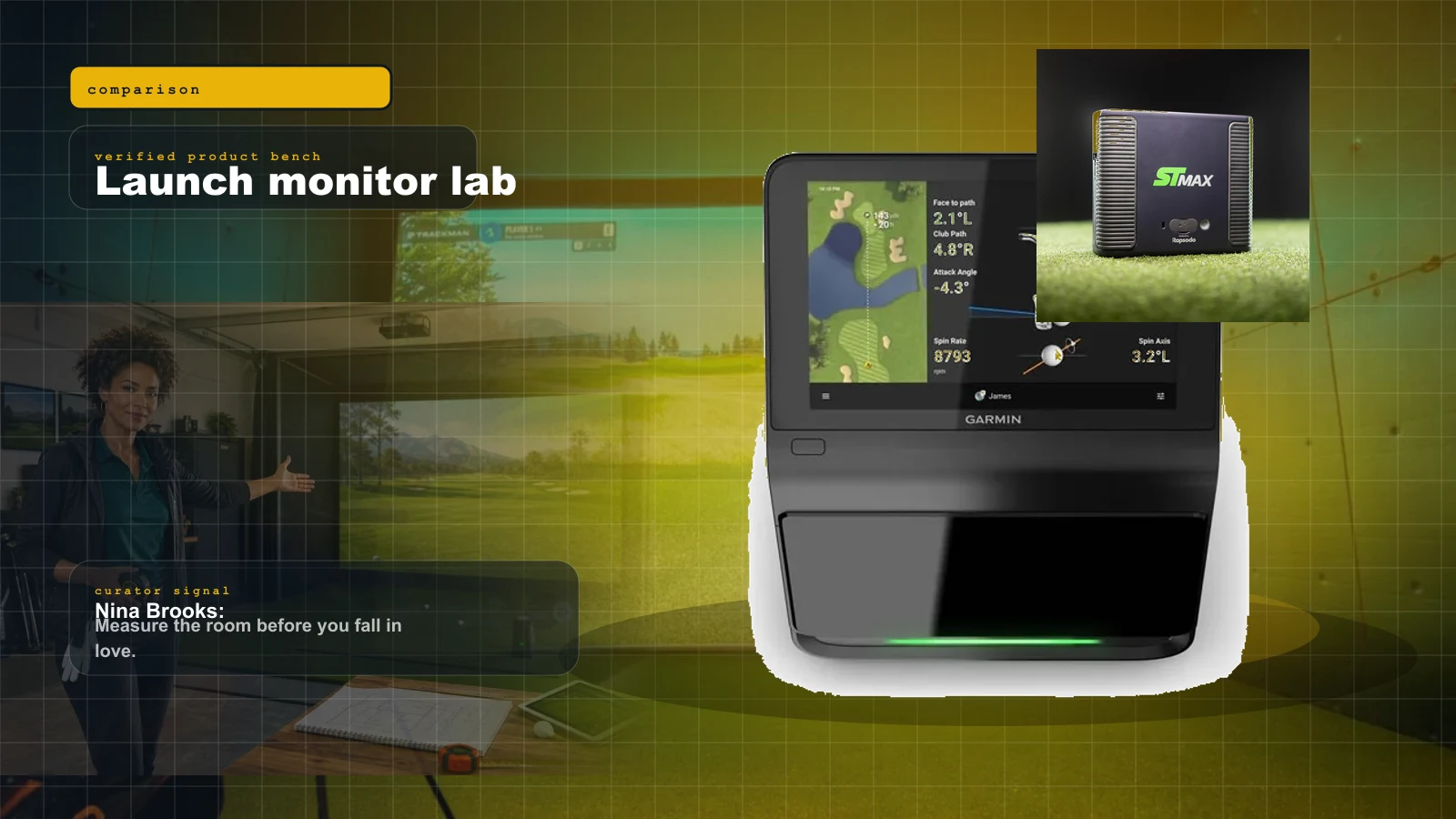
Best Golf Launch Monitors Under $5,000 in 2026: Garmin R50 vs SkyTrak ST MAX vs Uneekor Eye Mini Lite vs Bushnell Launch Pro
R50, ST MAX, Eye Mini Lite, Launch Pro, and the budget spoilers. Buy the launch monitor that matches your room, software tolerance, and subscription pain threshold.
Best Golf Launch Monitors Under $1,000 in 2026: The Honest Sub-$1K Field
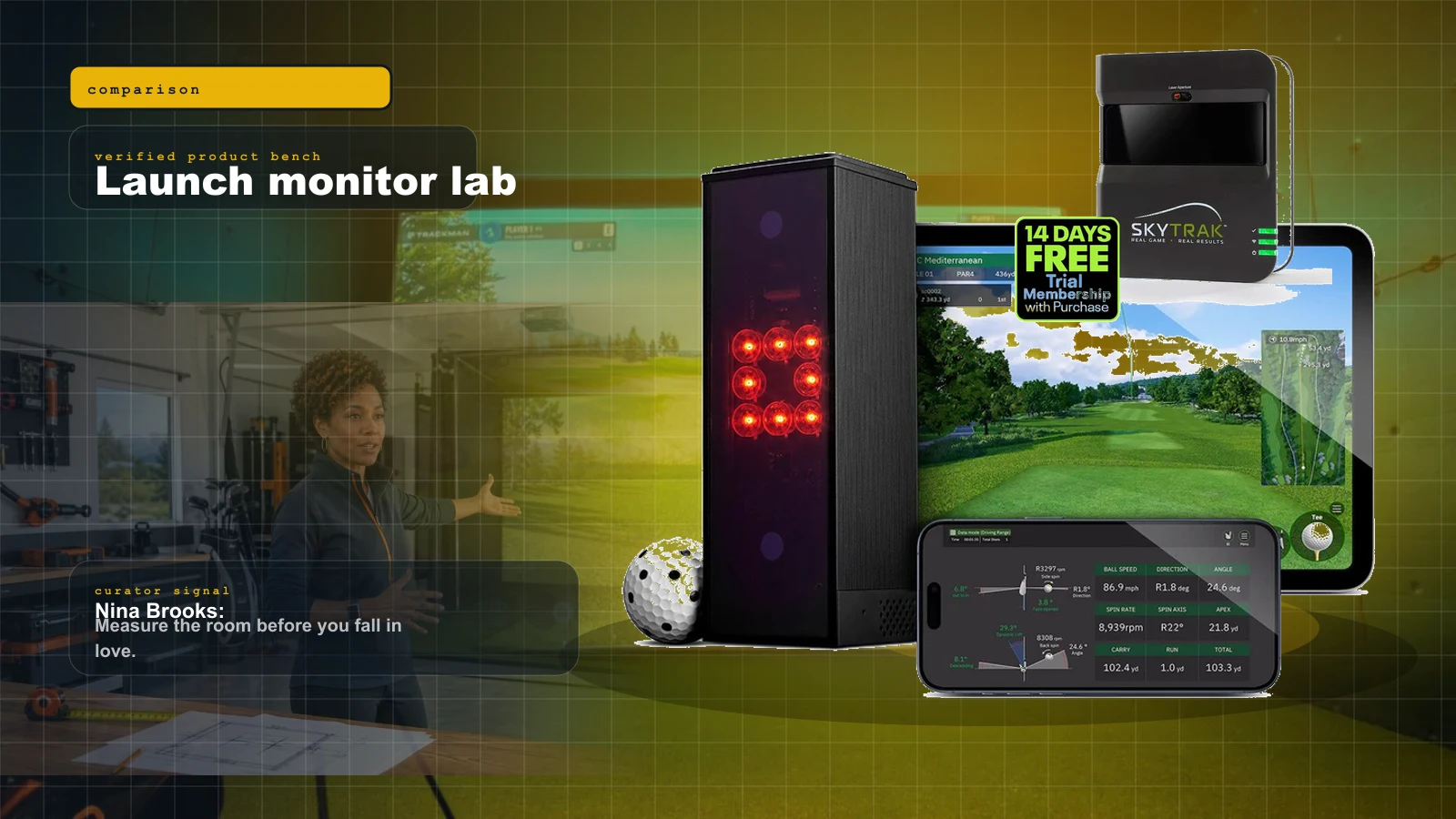
Under a thousand dollars in 2026 you can get genuine launch data and real simulator play — but the honest field is smaller than the marketing suggests. Three units own it, and the right pick depends entirely on your room.
Golf Simulator Room Size in 2026: The Ceiling, Depth, and Width Your Bay Actually Needs
Before you spend a dollar, you measure. Ceiling height, depth, and width decide which launch monitor and projector can even work in your room — here is the 2026 map from tape measure to hardware.

Best Golf Simulator Software 2026: GSPro vs E6 vs Awesome Golf
GSPro wins serious home leagues, E6 2026 wins structured practice, Awesome Golf wins family night, and FSX Play makes sense inside Foresight. The expensive part is choosing the wrong room around them.