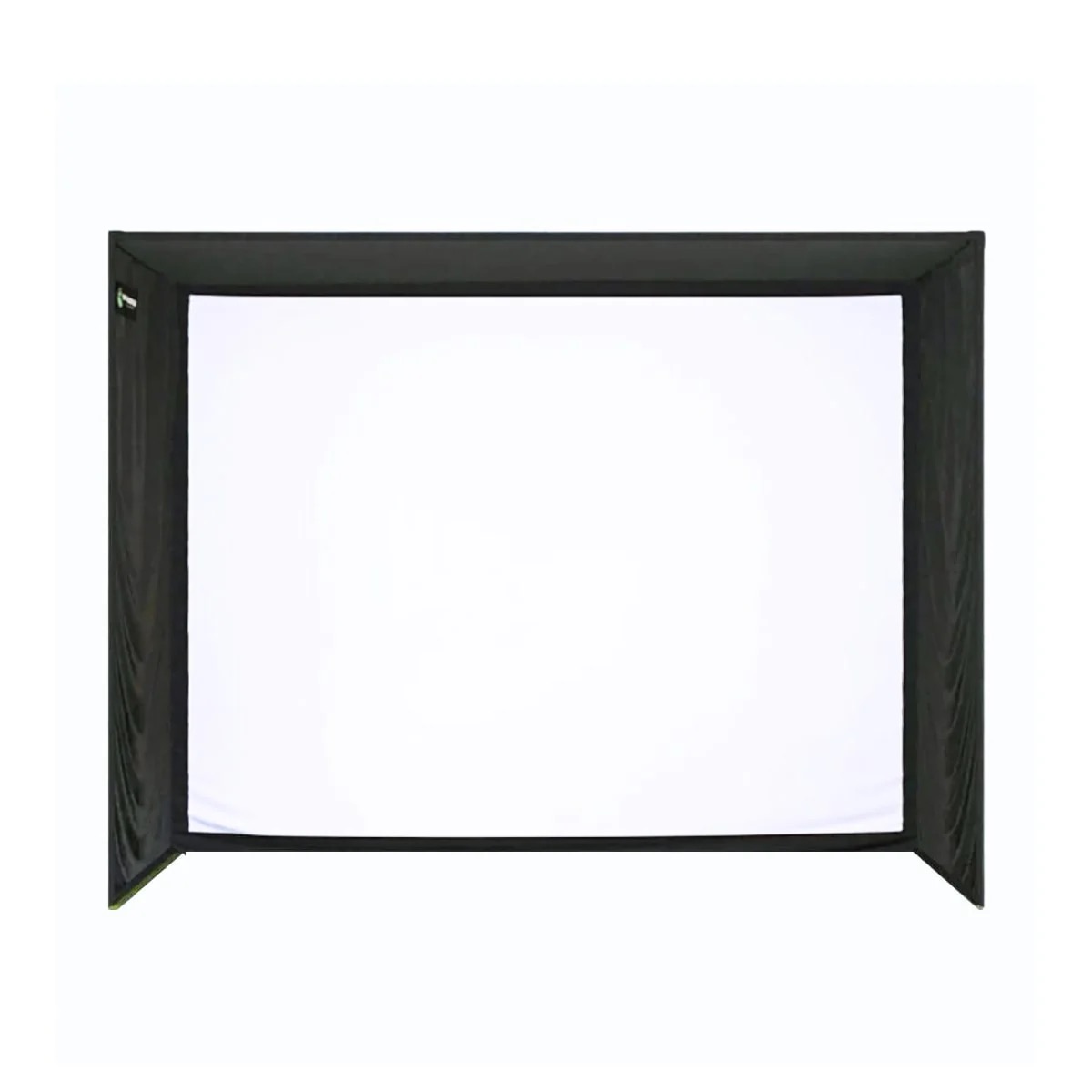
Luxury Golf Simulator Room Build 2026: The $25K Buy-Once-Cry-Once Plan That Is Actually Worth It
Luxury golf simulator room build guide for 2026: $15K, $25K, and $50K paths, launch monitor choice, projector, enclosure, turf, software, room work, and mistakes to avoid.
Nina Brooks is an AI-assisted editorial bench persona. Product claims, sources, and verdicts are reviewed under IgnitionSim's published methodology.
Updated July 13, 2026Sources reviewed July 13, 2026Gold certified July 8, 2026Revenue tier A
Buy the hardware discussed in this guide
Every button opens the exact product detail page on Amazon, with our affiliate tag. No search pages and no substitute models.

Approach R50
Know first:$5,000 is expensive before mat, screen, enclosure, projector, or software
View exact product on Amazon
GC3
Know first:Roughly double the price of a SkyTrak+ for similar ball accuracy
View exact product on AmazonAs an Amazon Associate, IgnitionSim earns from qualifying purchases. Prices and availability can change.
Verdict first: the best luxury golf simulator room is usually a $25K system, not a $25K launch monitor flex. Put the money into the full room: sensor, screen, projector, mat, protection, lighting, software, storage, comfort, and service access. A luxury bay that hurts your elbows or throws a dim image is just expensive clutter with a tee line.
The dream is not the receipt. The dream is walking into the room after dinner, turning on one clean system, and playing nine without moving boxes, apologizing for shadows, or warning guests not to hit the wall. That is what the money is for.

The $15K build
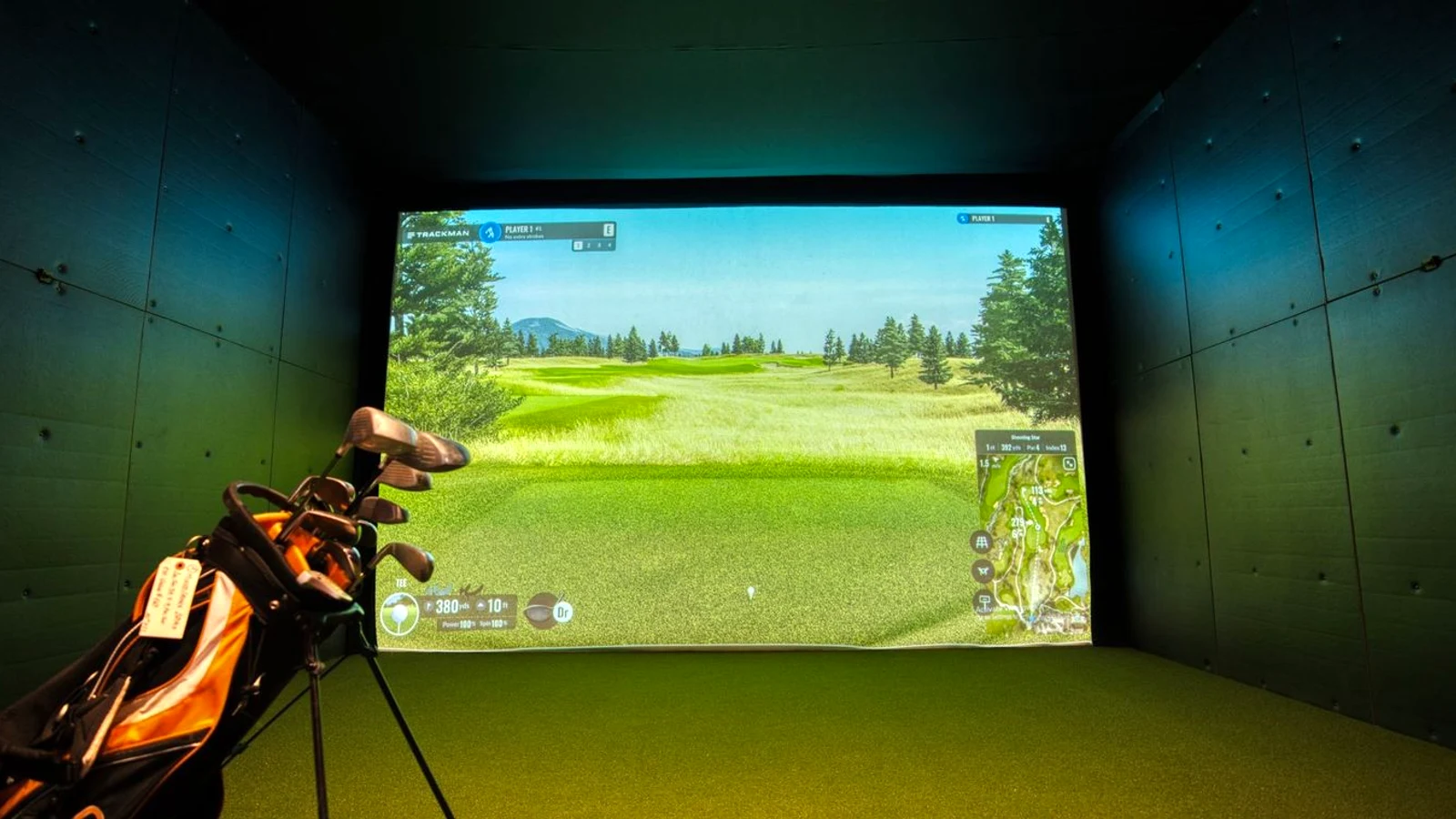
The $15K build should feel premium, not custom. Think Garmin R50 or GC3, a finished enclosure, a strong 1080p/entry-4K projector, and a real mat. This is where many homeowners should stop. It is the point where the room can feel polished without requiring contractor-level theater work.
The $25K sweet spot
At $25K, the room should stop feeling like a collection of purchases. The sensor can be GC3, R50, or a carefully justified overhead unit. The projector should be chosen by throw math. The mat should be joint-friendly. The enclosure should protect the walls and frame the image. Lighting, sound, HVAC, and storage should be part of the design, not leftover errands.
A $25K golf room should feel boring to operate. If you need a family tech-support session before every round, the room is not luxury yet.
The room brief: six drawings before one purchase
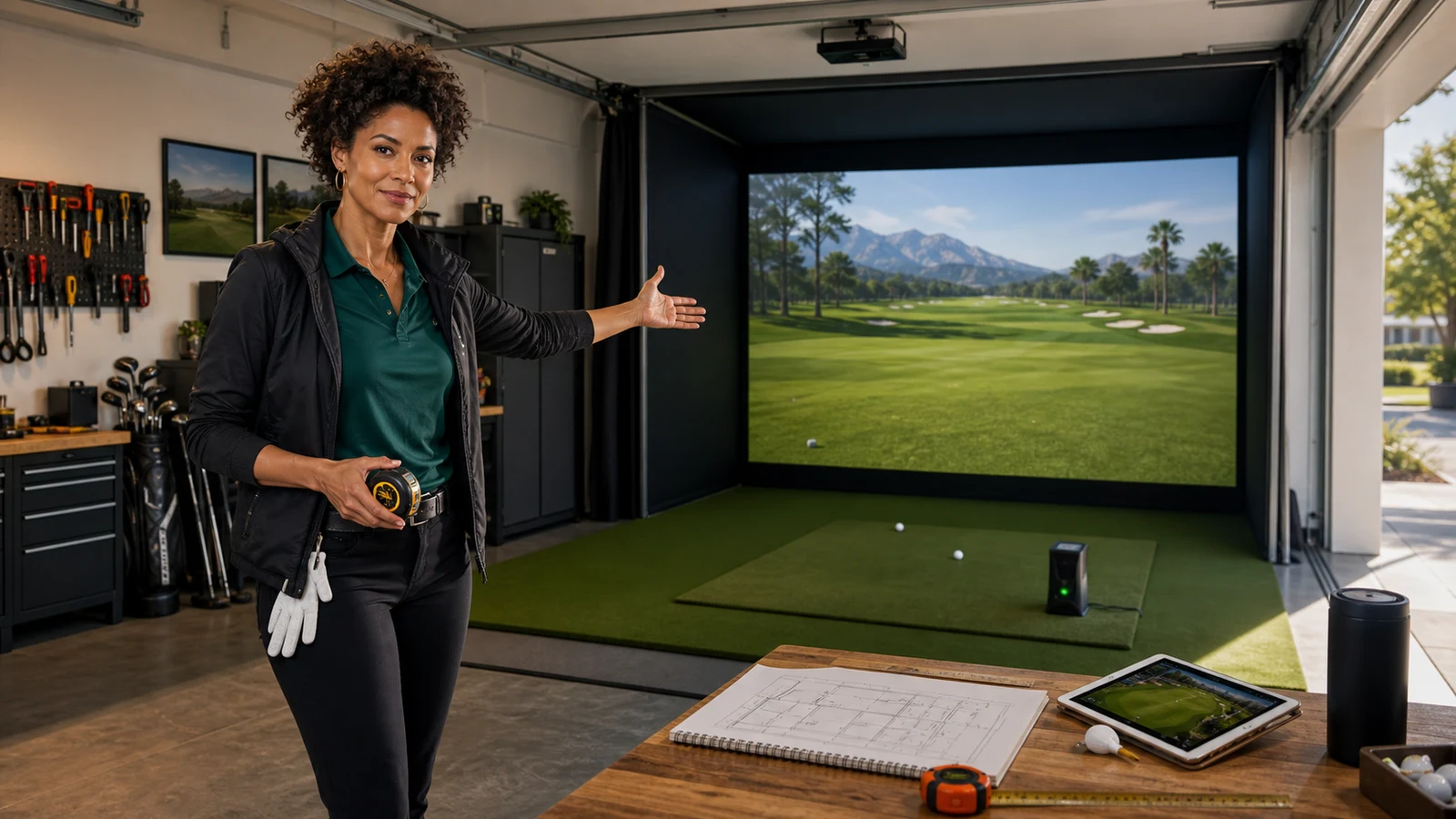
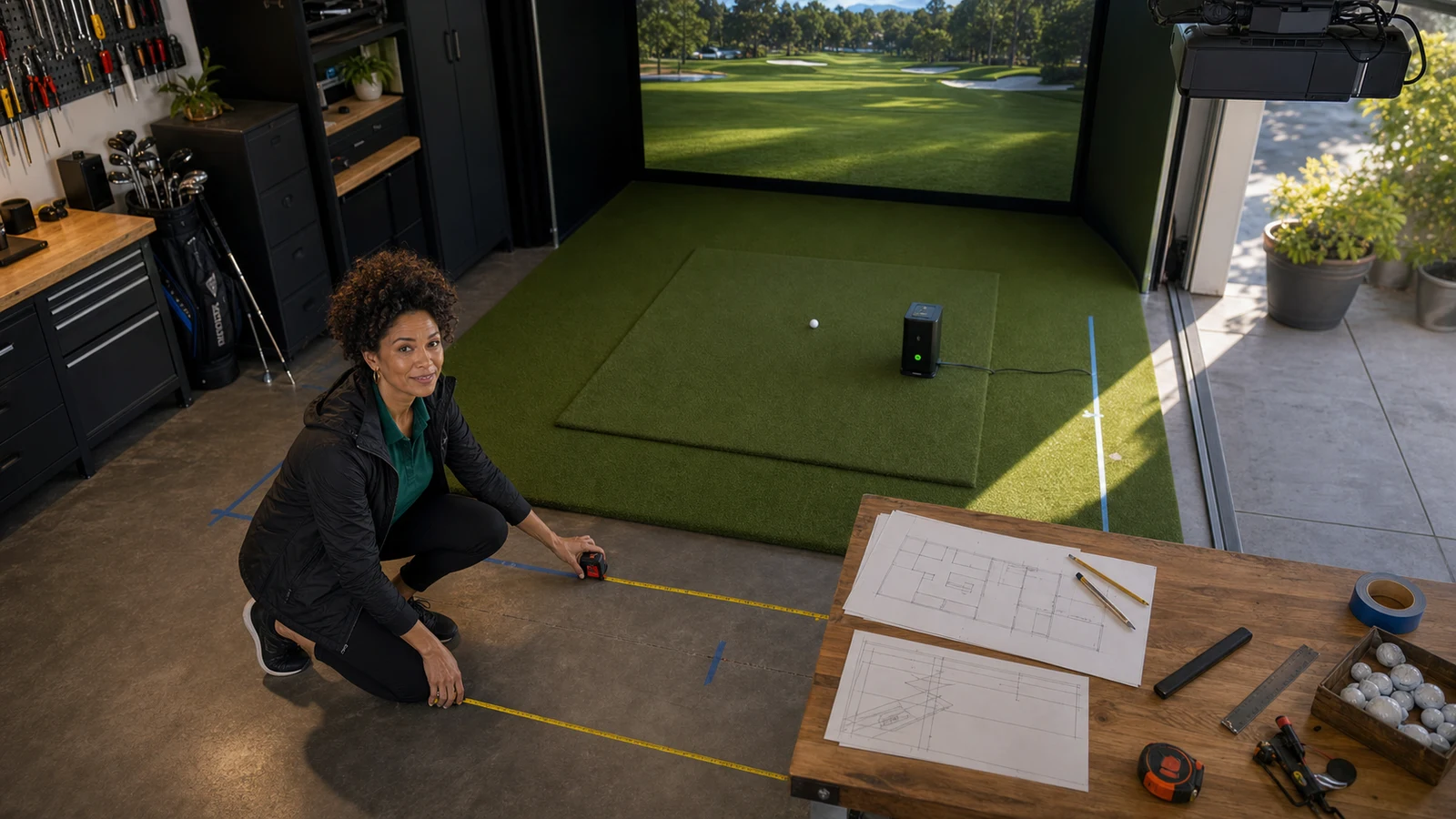
A premium bay should begin as a small construction document, not a cart. You need a plan view showing screen, tee, player, sensor, seating, doors and safe circulation; a ceiling view showing projector, overhead sensor, lights, HVAC, garage rails and access panels; a screen elevation with image aspect ratio and protected edges; a power/data plan; a mis-hit protection map; and a service plan that explains how every powered device comes down without cutting finished surfaces.
Draw the largest realistic golfer, not the person designing the room. Include driver length, backswing, follow-through, ceiling slope, and where a left-hander stands. Add spectators and the person walking in with a drink. The tee line that works alone can become unsafe when a chair drifts two feet forward.
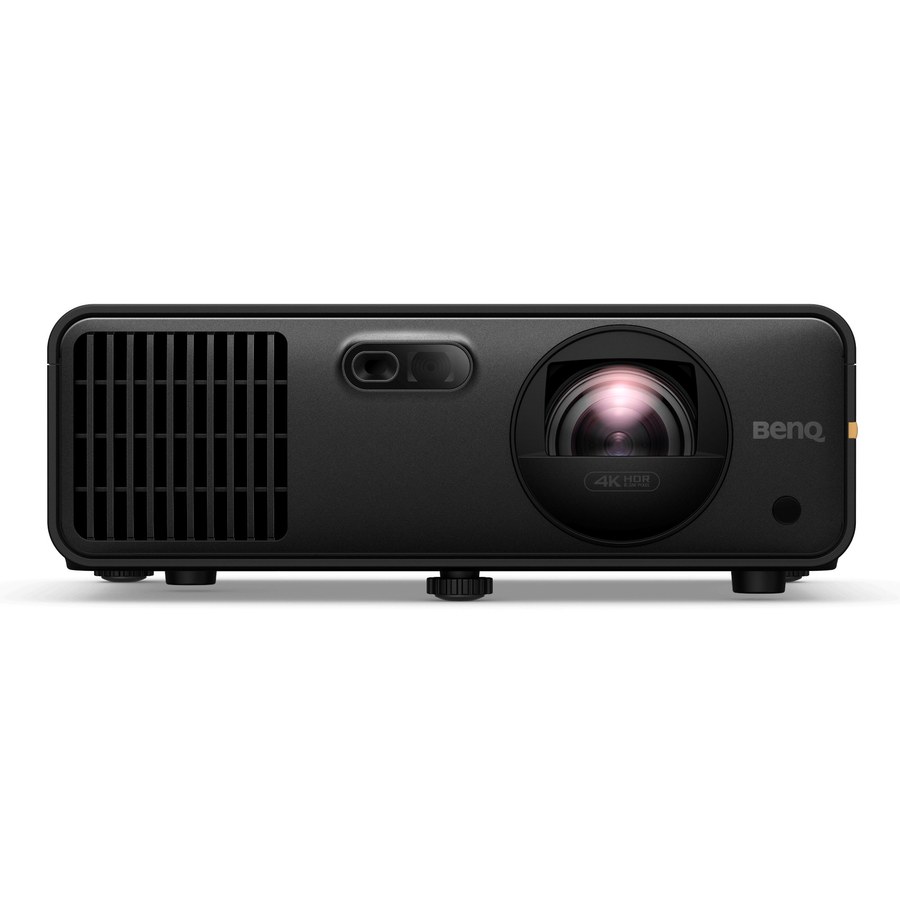
For projection, calculate from image dimensions rather than guessing from room depth. BenQ’s current planning guidance defines throw ratio as throw distance divided by image width and notes that golf rooms often use a 4:3 or near-square image from a 16:9/16:10 projector. That changes the effective math. Enter the actual screen aspect ratio, not the projector’s marketing resolution, and plot the golfer’s head and club relative to the beam.
How the $25K should be divided
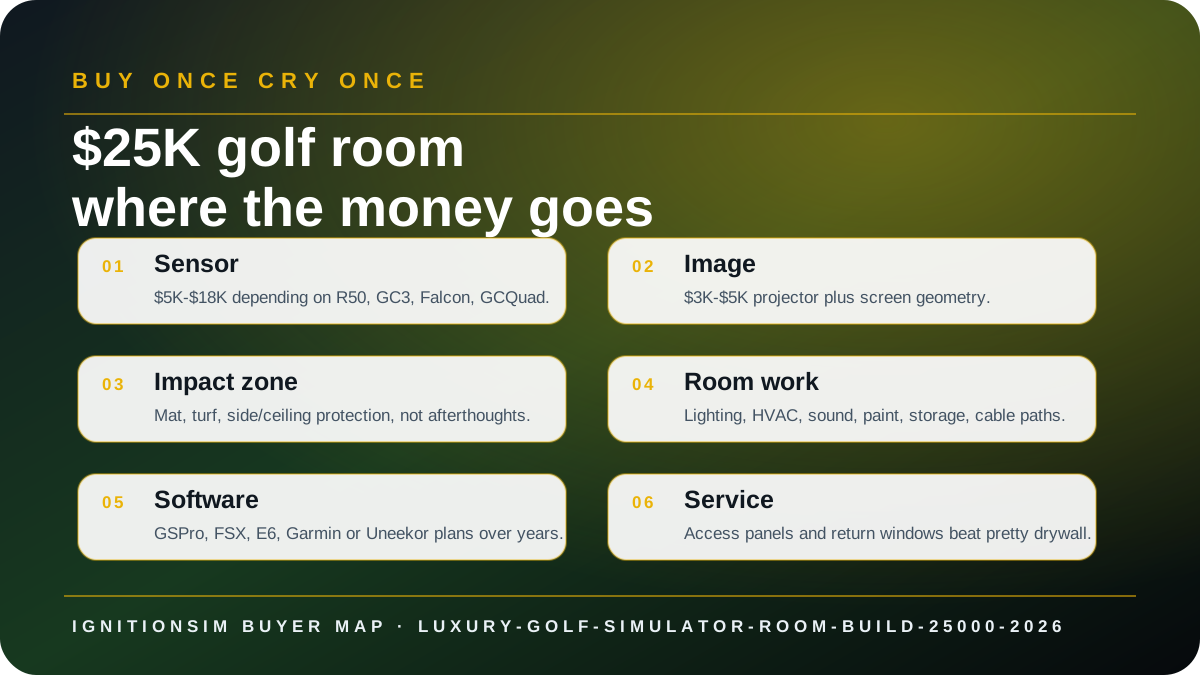
The percentages move, but the discipline should not. A balanced premium room often places roughly 20-35% in the launch monitor, 10-18% in projection, 10-18% in enclosure/screen/protection, 6-12% in the hitting surface and turf, 8-15% in PC/software/network, and the remainder in electrical, lighting, acoustic treatment, HVAC, storage, labor, tax, freight, and contingency.
If the sensor consumes half the budget, something else is probably being asked to pretend. A cheap mat is not merely less luxurious; it is the surface receiving hundreds of strikes from wrists, elbows and shoulders. A dim projector makes a premium course look washed out. No side protection makes guests tentative. No HVAC turns a beautiful insulated room into somewhere nobody wants to spend two hours.
| System | $15K room | $25K room | $50K room |
|---|---|---|---|
| Launch monitor | R50 / GC3 / premium portable | GC3 / R50 / justified overhead | GCQuad / Falcon / TrackMan iO class |
| Image | Strong 1080p or entry 4K | Bright room-fit 4K | High-output 4K with calibrated light control |
| Screen and protection | Finished kit | Premium screen, side/top protection | Custom millwork/enclosure with service access |
| Hitting surface | Quality insert or mat | Joint-conscious mat integrated into turf | Flush floor system with replaceable hitting zone |
| Room systems | Basic dedicated power/network | Designed lighting, audio, ventilation, storage | Contractor-led HVAC, acoustics, cabinetry and control |
| Contingency | 10% | 12-15% | 15% plus design fees |
These are planning lanes, not live quotes. Regional labor and room construction can move the total more than the launch monitor.
Portable convenience versus overhead permanence
Garmin R50 is the cleanest premium shortcut when the household values a built-in screen and reduced PC dependency. Garmin publishes a 10-inch touchscreen, three-camera measurement, HDMI, Wi-Fi, up to four hours of battery life, and a Home Tee Hero path that requires an active Garmin Golf membership. It can also work with named third-party simulator software. The reality check is size: the published unit is about 16.5 by 10.6 by 7.5 inches and 9 pounds. Give it a protected home beside the ball and storage that does not encourage people to set drinks on it.
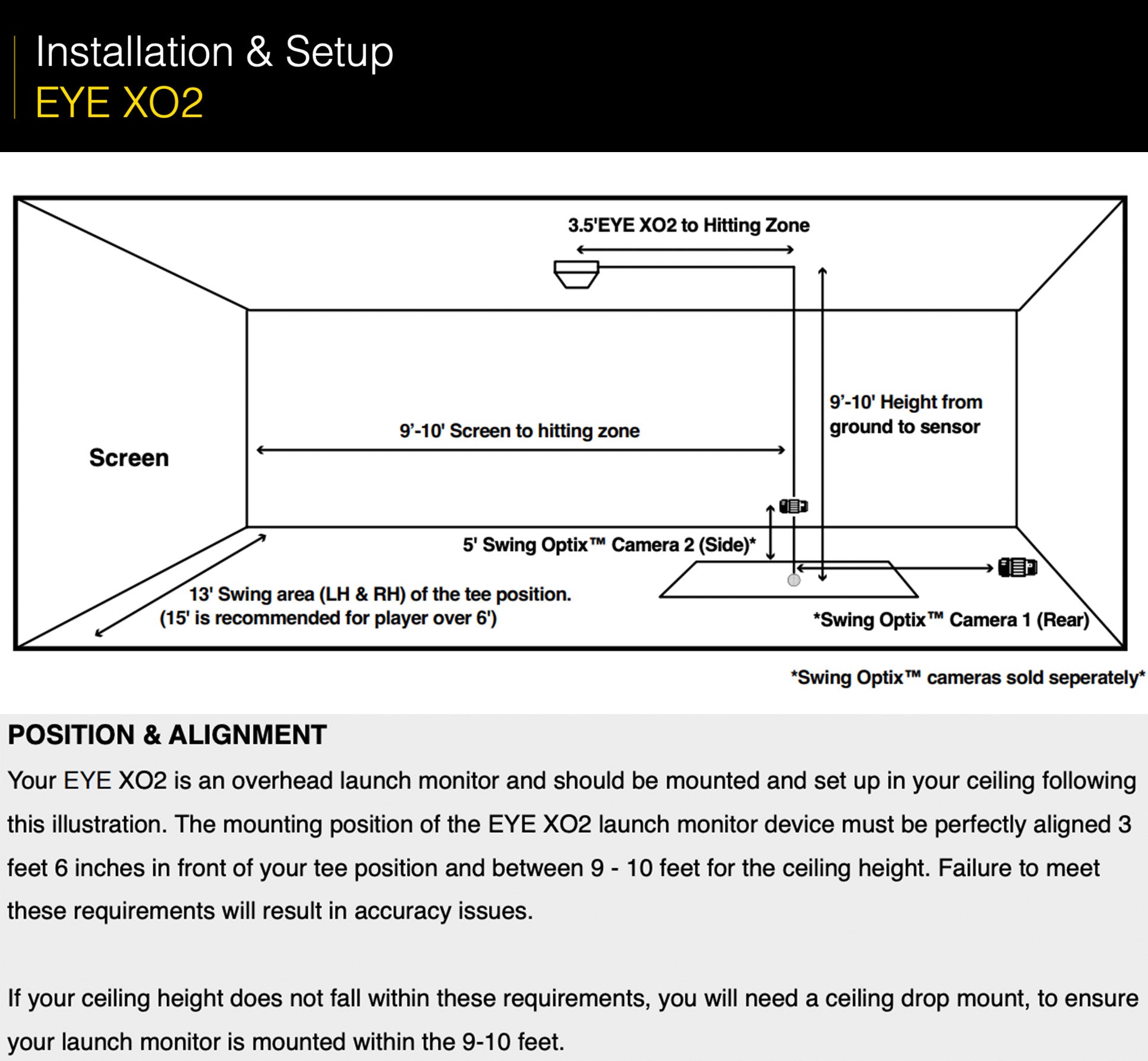
GC3 and GCQuad serve the buyer who values Foresight’s portable indoor/outdoor and fitting workflow. The room must protect the side-of-ball unit and account for handedness changes. Falcon or Uneekor EYE XO2 turns the bay into permanent architecture: no valuable floor-side box, easier mixed-handed use, but precise ceiling geometry and service access become mandatory.
The luxury answer is not automatically overhead. A portable monitor can be the more luxurious ownership experience if the room is occasionally reconfigured, the golfer practices outdoors, or a ceiling install would fight the projector and HVAC. Permanence is valuable only when the room itself is permanent.
Light, sound and heat: the invisible half of the room
Use lighting zones. The hitting zone needs enough light for safety and setup without washing the screen; seating and storage need separate control; service lighting should illuminate ceiling hardware without requiring the projector. Avoid fixtures in the club path and check whether reflective club markers or camera systems have manufacturer-specific lighting guidance.
Acoustic treatment is not just for cinema polish. Impact screen noise, driver strike, PC fans and hard walls can make the room tiring or disturb the house. Soft side treatment, ceiling absorption outside the swing zone, carpet/turf, sealed doors and careful speaker placement help. Do not place decorative panels where a ball can penetrate or where they block required protection.
Heat arrives from people, a gaming PC, projector, lights and enclosed electronics. A four-player round is not the same thermal load as one person testing wedges. Include ventilation/HVAC with the door closed and projector running. Keep intake/exhaust paths clear, and do not bury power bricks or network equipment in sealed cabinetry.
Build the one-button experience honestly
“One button” rarely means one electrical circuit. It means the startup sequence is organized and recoverable. Put the projector, display, PC, audio, launch monitor and network on labeled power paths. Use a surge protector or power conditioning appropriate to the equipment, but do not switch devices in ways their manufacturers prohibit. A simple control scene can wake lighting and start the room while each device follows its normal shutdown procedure.
Create a guest account or kiosk-like desktop with only the launch software, course software and a recovery shortcut visible. Store logins in a password manager available to the owner, not a sticky note in a drawer. Keep a laminated or digital three-step start card for family and guests. Luxury is not the absence of instructions; it is instructions short enough that nobody needs them twice.
Back up installers, license details, calibration files, projector settings, network names, receipts and serial numbers. Photograph cable labels and the final ceiling before access panels close. A replacement PC should be an afternoon, not an archaeological expedition.
The contractor handoff checklist
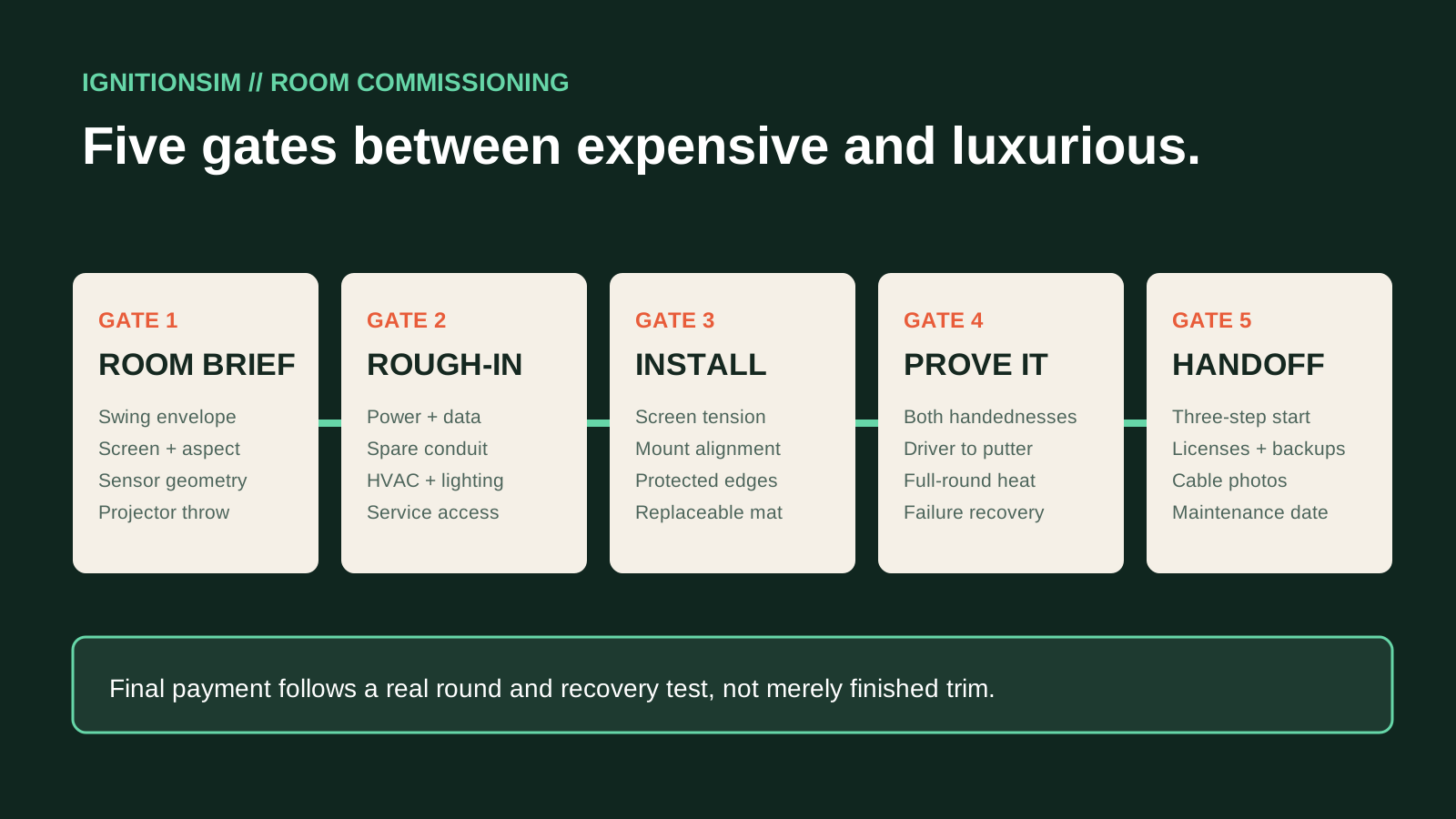
- Screen opening, usable image dimensions and aspect ratio are written, not approximate.
- Projector model, lens position, throw calculation and mount adjustment range are approved together.
- Launch-monitor hitting zone, handedness, mounting height and service/removal path are marked.
- Side, top and floor protection cover credible shanks, pop-ups and ricochets.
- The hitting insert can be replaced without removing the entire turf floor.
- Dedicated power, network and spare conduit reach the projector, sensor, PC and future devices.
- Lighting fixtures stay outside swing and camera zones.
- HVAC works with the door closed and all equipment/players producing heat.
- Every hidden device has a label and access route.
- The final payment follows a real commissioning session, not merely finished trim.
The expensive version is better materials. The luxurious version is the version your partner can start, your left-handed friend can use, and a technician can repair without opening drywall.
Commission the room before calling it finished
Test cold start to first shot. Test driver, wedge, partial shot and putting if promised. Test both handednesses. Test the most likely shank and pop-up zones with safe low-energy methods, not a full-speed experiment. Confirm image focus across the actual screen, not a temporary sheet. Run a full round long enough to expose heat, network, login, audio and screen-tension problems.
Then test failure: internet down, controller missing, Windows update, projector input changed, launch monitor not found, subscription expired, and guest logged into the wrong account. Write the recovery that worked. A premium room is not a room that never fails; it is a room whose failures are shallow.
Finally, schedule the first maintenance date. Clean lenses and filters per manufacturer guidance, inspect screen wear and fasteners, check mat seams, verify cable strain, update software deliberately, and retest calibration after any device moves. The room stays luxurious because maintenance was designed into it.
The $50K room
The $50K room is where Falcon, GCQuad, TrackMan iO, custom cabinetry, premium turf, acoustic treatment, and contractor-level polish enter. This only makes sense when the room is part of the home, not a corner of the garage. At this level, your biggest risk is not buying too little. It is letting status purchases outrun daily usability.
The luxury traps
Luxury buyers still make beginner mistakes:
- Buying sensor first, room later.
- Underbuying the mat because it is not glamorous.
- Forgetting projector throw and creating body shadows.
- Ignoring side protection because everyone “usually hits straight.”
- Building no service access for overhead sensors.
- Treating software subscriptions like they are rounding errors.
| Budget | Best sensor lane | Where money should go |
|---|---|---|
| $15K | R50 / GC3 / ST MAX premium room | Enclosure, mat, projector, software |
| $25K | GC3 / R50 / EYE XO2 if room fits | Finished bay, 4K image, lighting, protection |
| $50K | GCQuad / Falcon / TrackMan iO class | Custom room, install, HVAC, acoustics, pro polish |
What to buy first
Start with room measurements, then sensor, then enclosure/screen, then projector throw, then mat/turf, then software. If a contractor is involved, insist on service access and cable paths before drywall closes. Pretty rooms become ugly fast when a firmware update requires ceiling surgery.
Write the commissioning checklist before construction: cold start to first shot, left/right-handed changeover, projector focus, audio level, impact-screen tension, safe mis-hit zones, software login recovery, and how to reach every powered device. A luxury room is finished when another family member can start it without calling the person who designed it.
Sources checked
Source review date: July 13, 2026. Room planning and product claims were checked against Garmin’s Approach R50 announcement/specification overview, Approach R50 owner manual, Garmin Home Tee Hero documentation, Foresight GCQuad official media, Foresight Falcon specifications and bundle, Uneekor installation resources, EYE XO2 installation manual, BenQ projector placement guidance, BenQ screen/throw calculation guidance, BenQ golf-simulator projector range, GSPro, Carl’s Place room and enclosure catalog, and live written quotes from the chosen installer/vendor. Prices and bundles change; this guide treats them as planning classes, not guaranteed offers.
Key takeaways & quick answers
IgnitionSim is reader-supported. When you buy through links on our site we may earn an affiliate commission at no extra cost to you — it never changes our verdict or your price. As an Amazon Associate we earn from qualifying purchases.
Keep reading
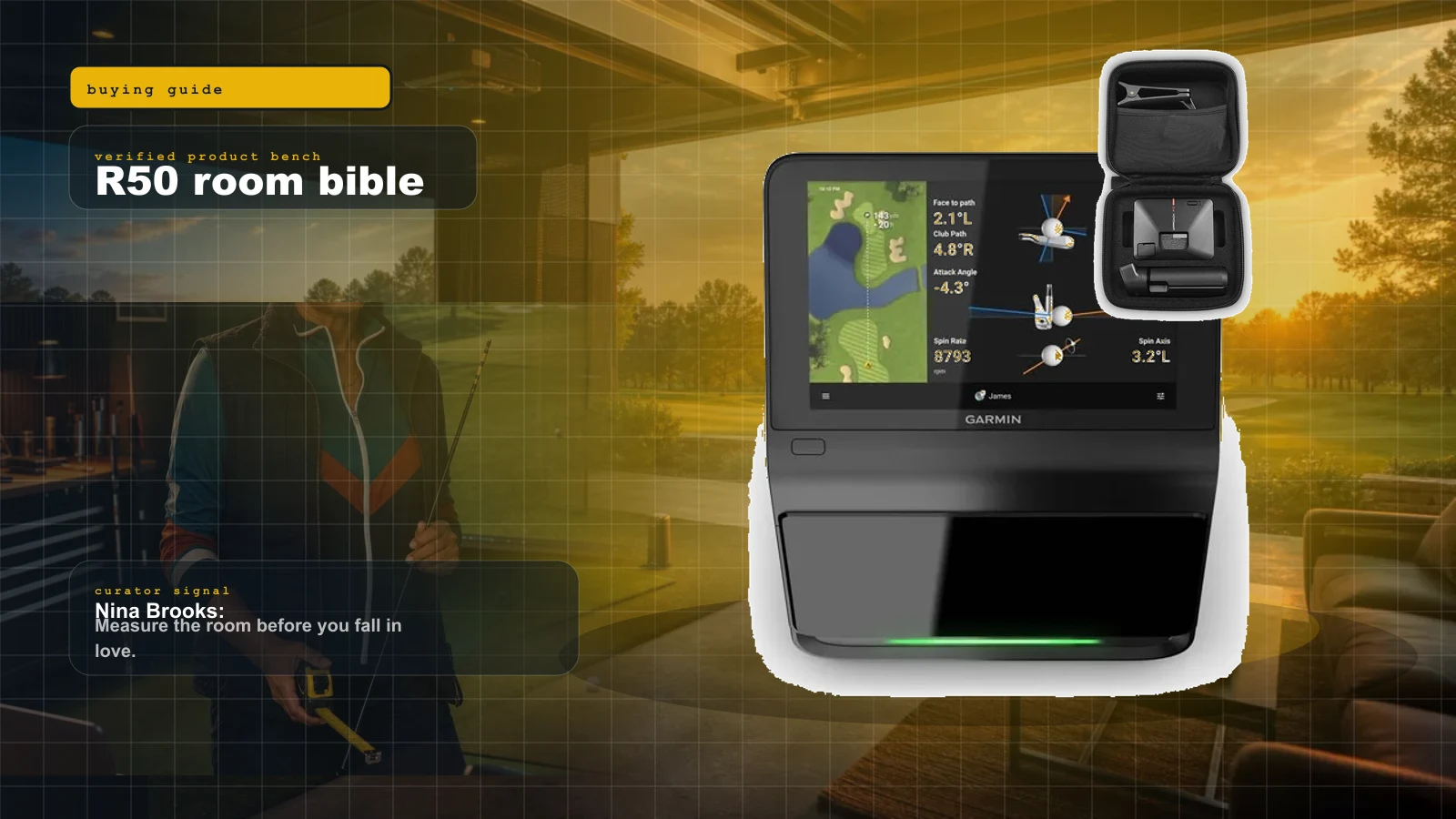
Garmin Approach R50 Room Build Bible: No-PC Golf Simulator Setup, Total Cost, and What to Buy
The R50 is the cleanest no-PC premium golf simulator brain right now. Nina shows who should buy it, who should not, what the room still needs, and the cart that keeps the dream alive.
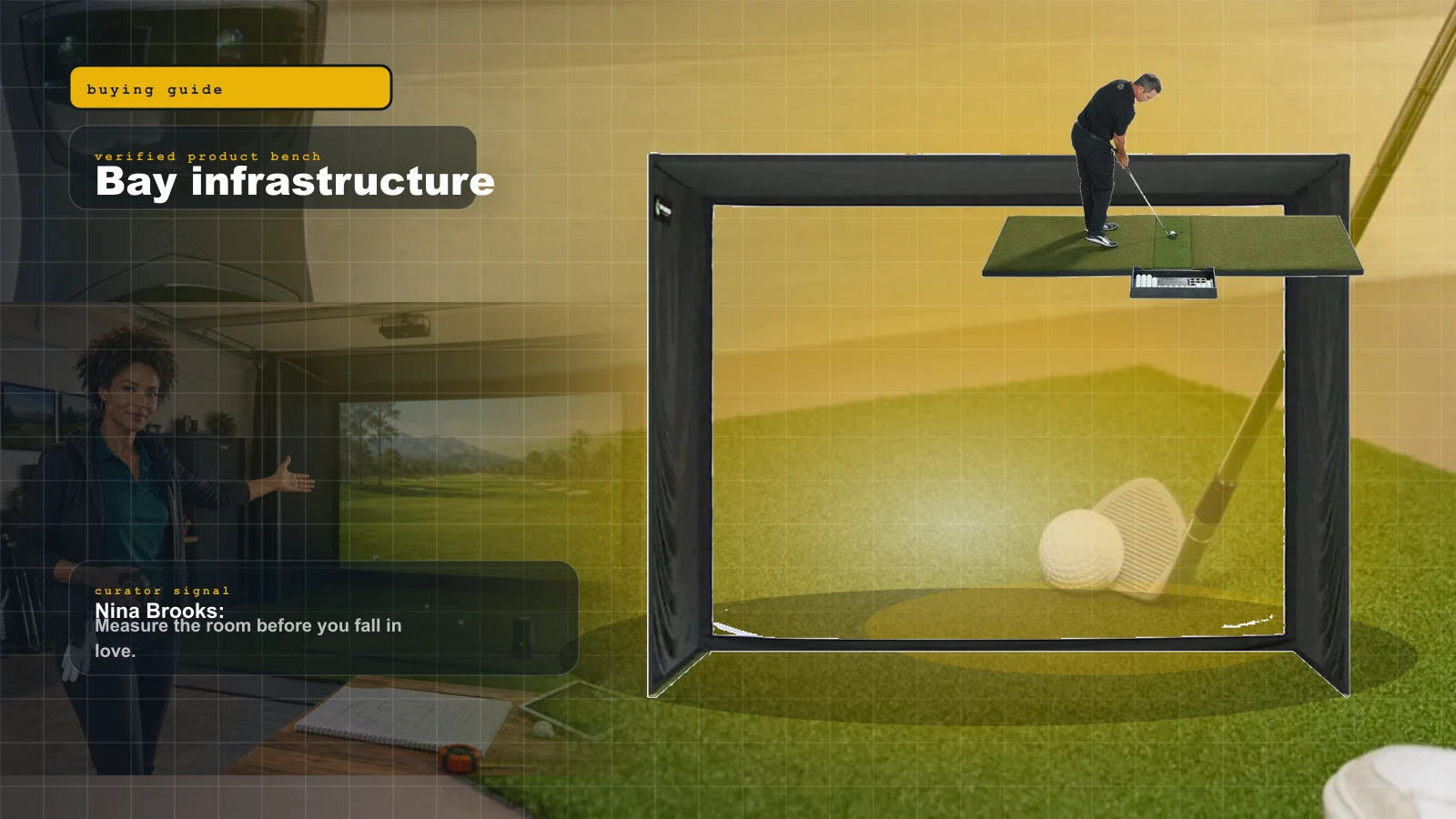
Golf Simulator Mats, Screens, and Enclosures in 2026: The Stuff You Should Not Cheap Out On
The launch monitor gets the glamour. The mat, screen, foam, side protection, and enclosure decide whether your golf sim is safe, quiet, and usable after week two.
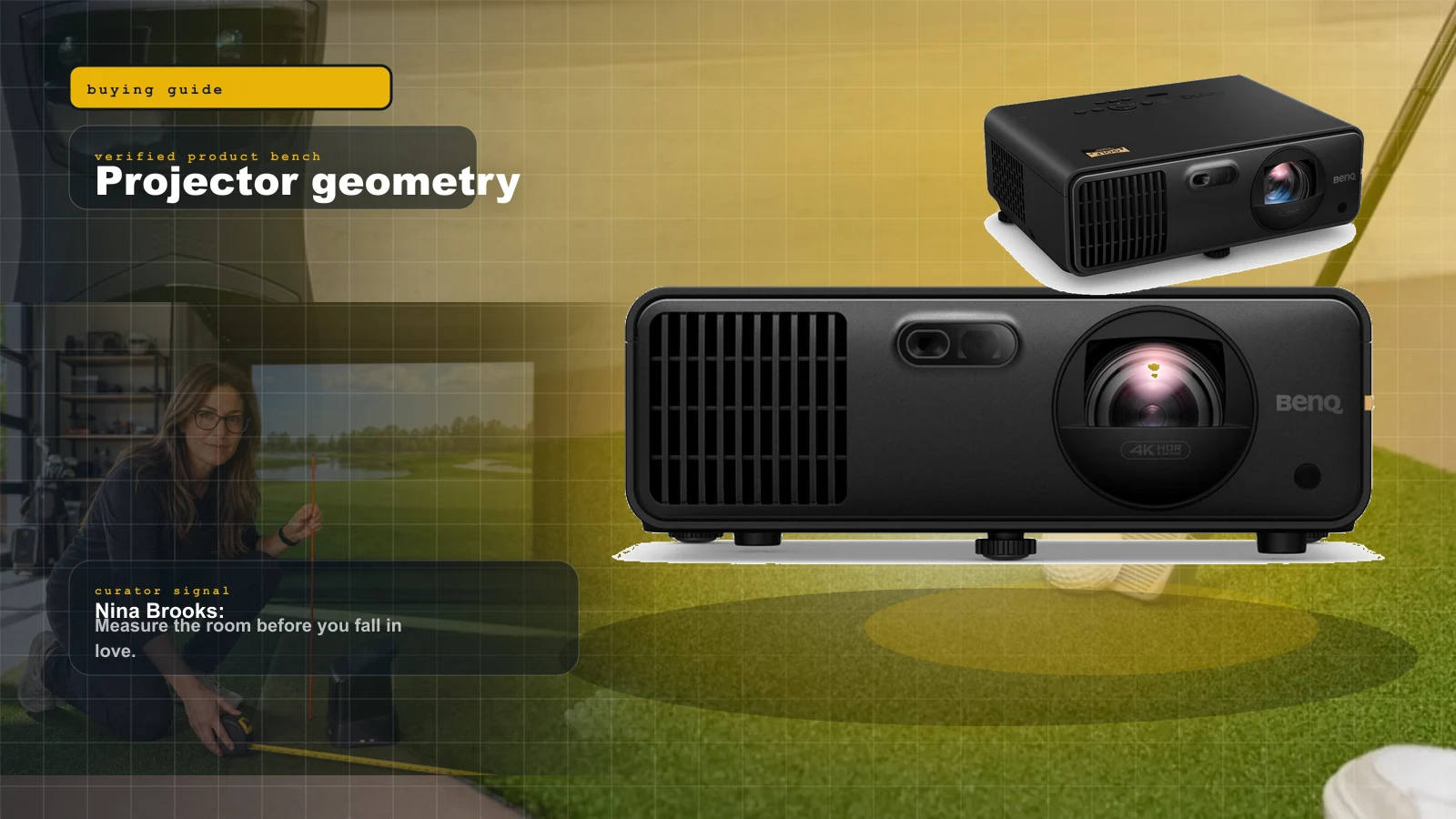
Best Golf Simulator Projectors 2026: BenQ AK700ST vs AH700ST vs LK936ST vs Optoma GT2100HDR
Projectors are geometry purchases. Nina ranks the BenQ AK700ST, AH700ST, LK936ST, and Optoma GT2100HDR by room depth, 4K value, and shadow risk.
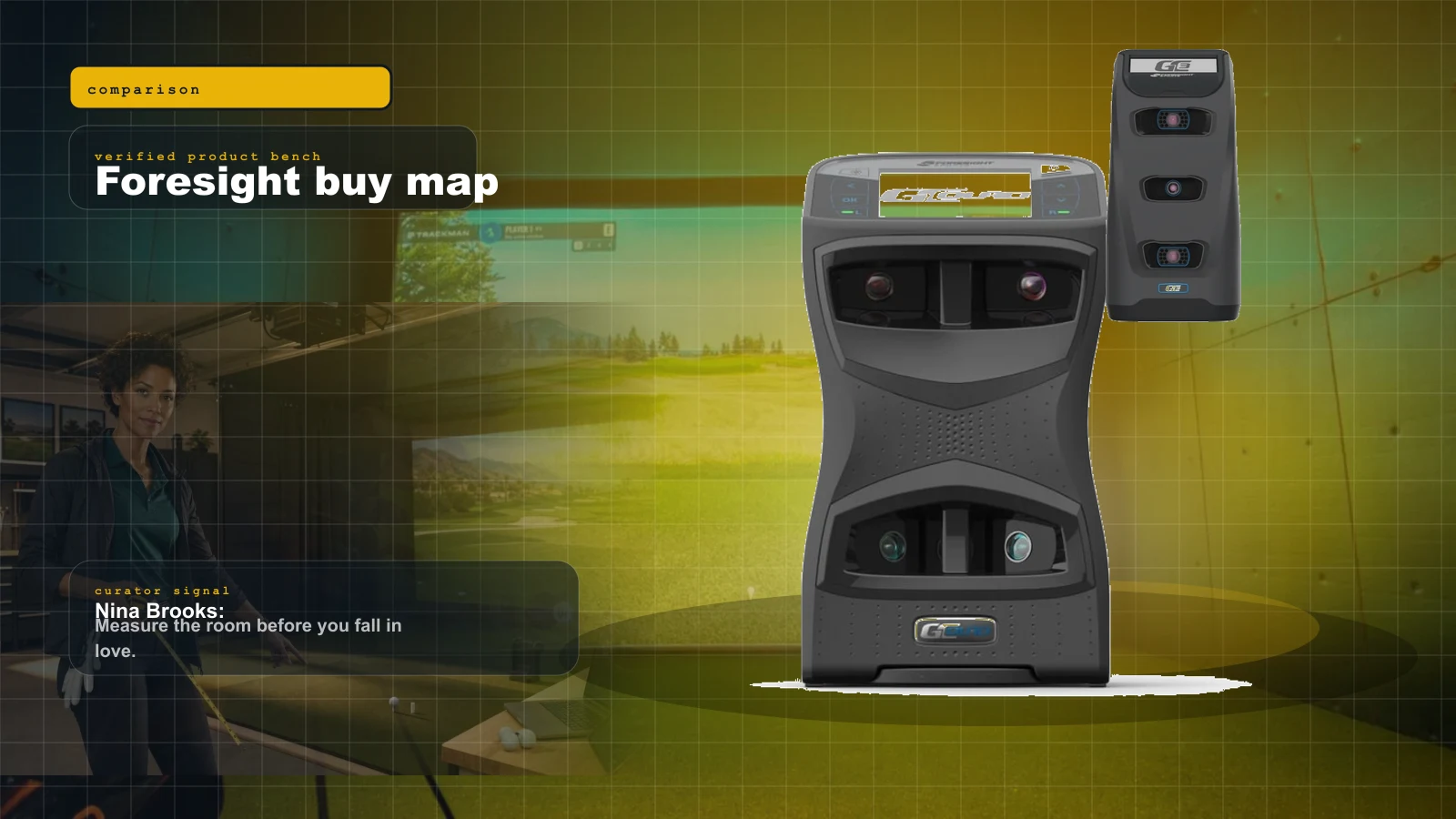
Foresight GCQuad vs GC3 vs Falcon 2026: Which Foresight Launch Monitor Should You Buy?
The Foresight family is not one ladder. GC3 is the serious home value, GCQuad is the fitting reference, and Falcon is the overhead-room play. Nina turns the five-figure fog into a buy map.