Foresight GCQuad vs GC3 vs Falcon 2026: Which Foresight Launch Monitor Should You Buy?
Foresight GCQuad vs GC3 vs Falcon buyer guide for 2026: fitting data, overhead installs, software costs, room fit, and which Foresight unit is worth the money.
Nina Brooks is an AI-assisted editorial bench persona. Product claims, sources, and verdicts are reviewed under IgnitionSim's published methodology.
Updated July 13, 2026Sources reviewed July 13, 2026Gold certified July 8, 2026Revenue tier A
Buy the hardware discussed in this guide
Every button opens the exact product detail page on Amazon, with our affiliate tag. No search pages and no substitute models.
GC3
Know first:Roughly double the price of a SkyTrak+ for similar ball accuracy
View exact product on Amazon
Launch Pro
Know first:Club data and full simulation are locked behind annual subscriptions
View exact product on AmazonAs an Amazon Associate, IgnitionSim earns from qualifying purchases. Prices and availability can change.
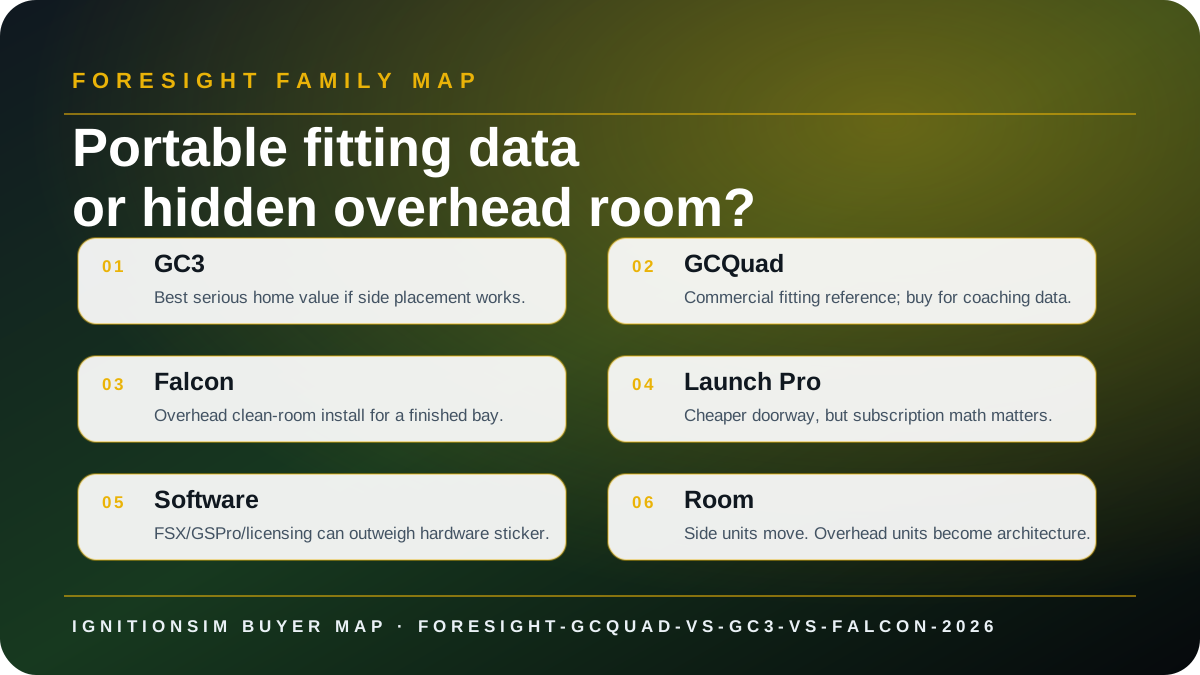
Verdict first: buy GC3 if you are a serious home golfer who wants Foresight data without commercial overkill; buy GCQuad if fitting/coaching-grade impact detail is the business case; buy Falcon if the room itself demands a hidden overhead sensor. These are not good/better/best in a straight line. They are three different ways to spend real money.
The Foresight mistake is thinking the logo solves the decision. It does not. The decision is portability vs architecture, home play vs fitting work, subscription tolerance vs lifetime software, and whether you need impact-location data badly enough to pay for it.
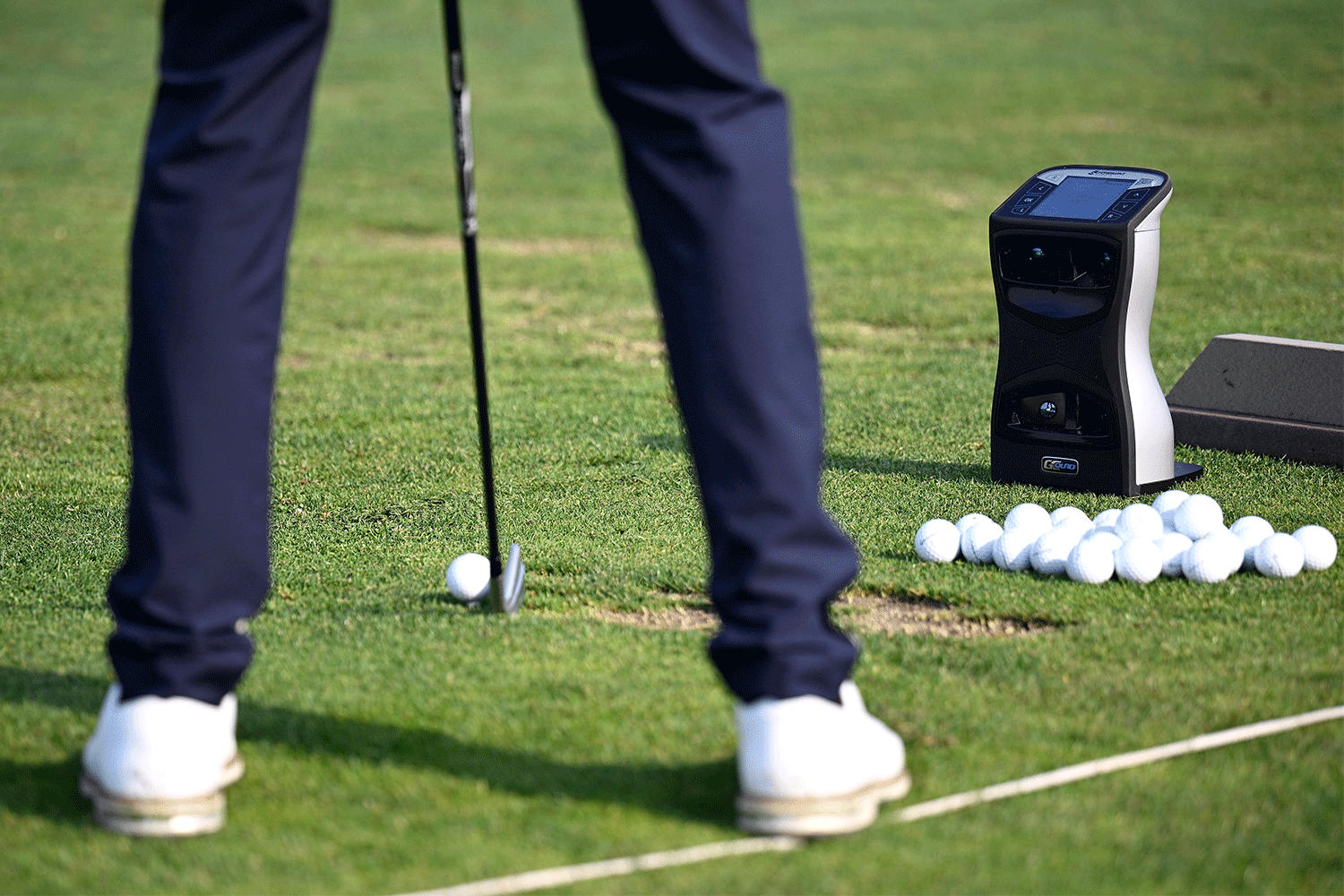
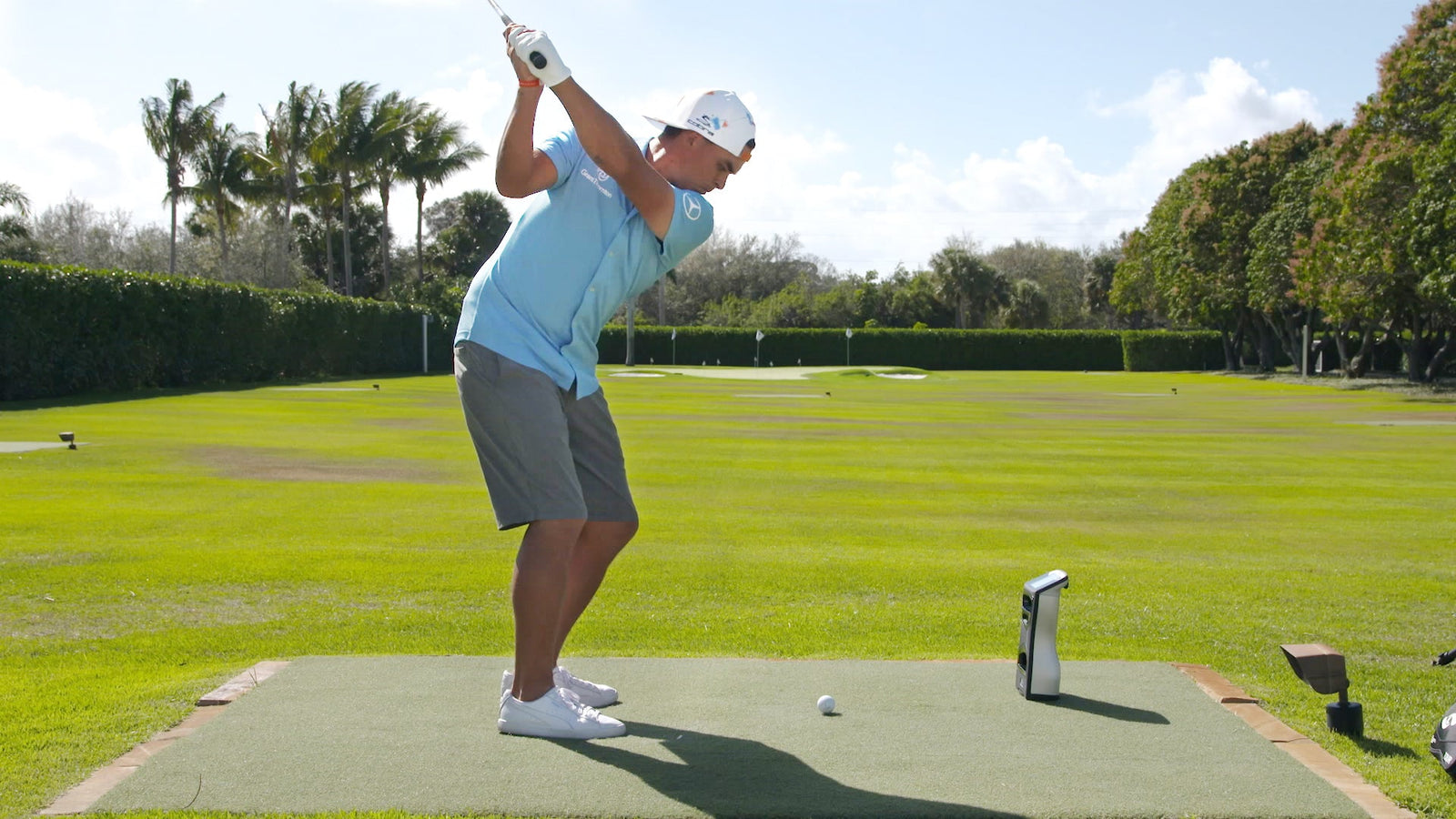
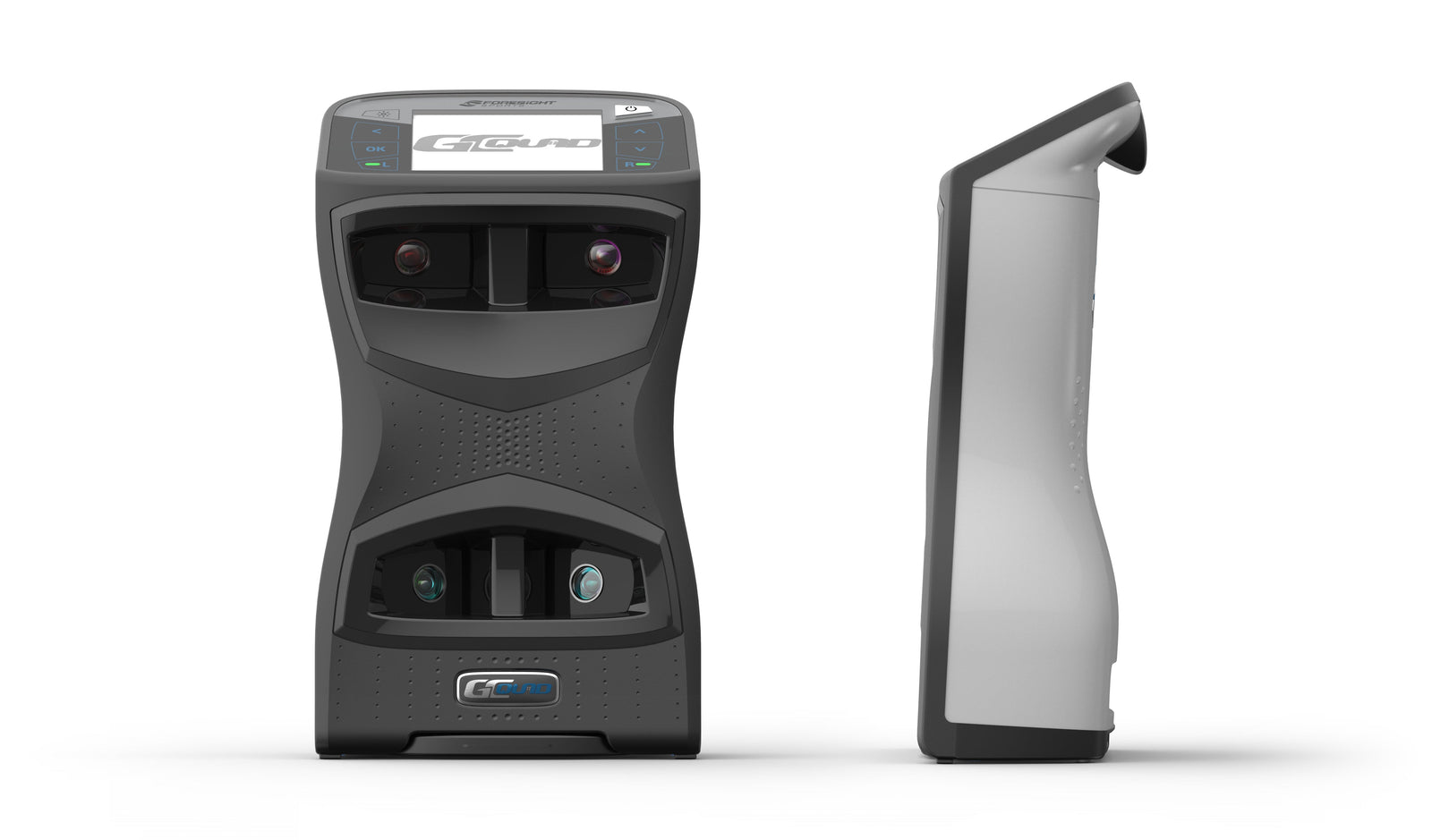
Real product proof: what ownership looks like away from the catalog tile
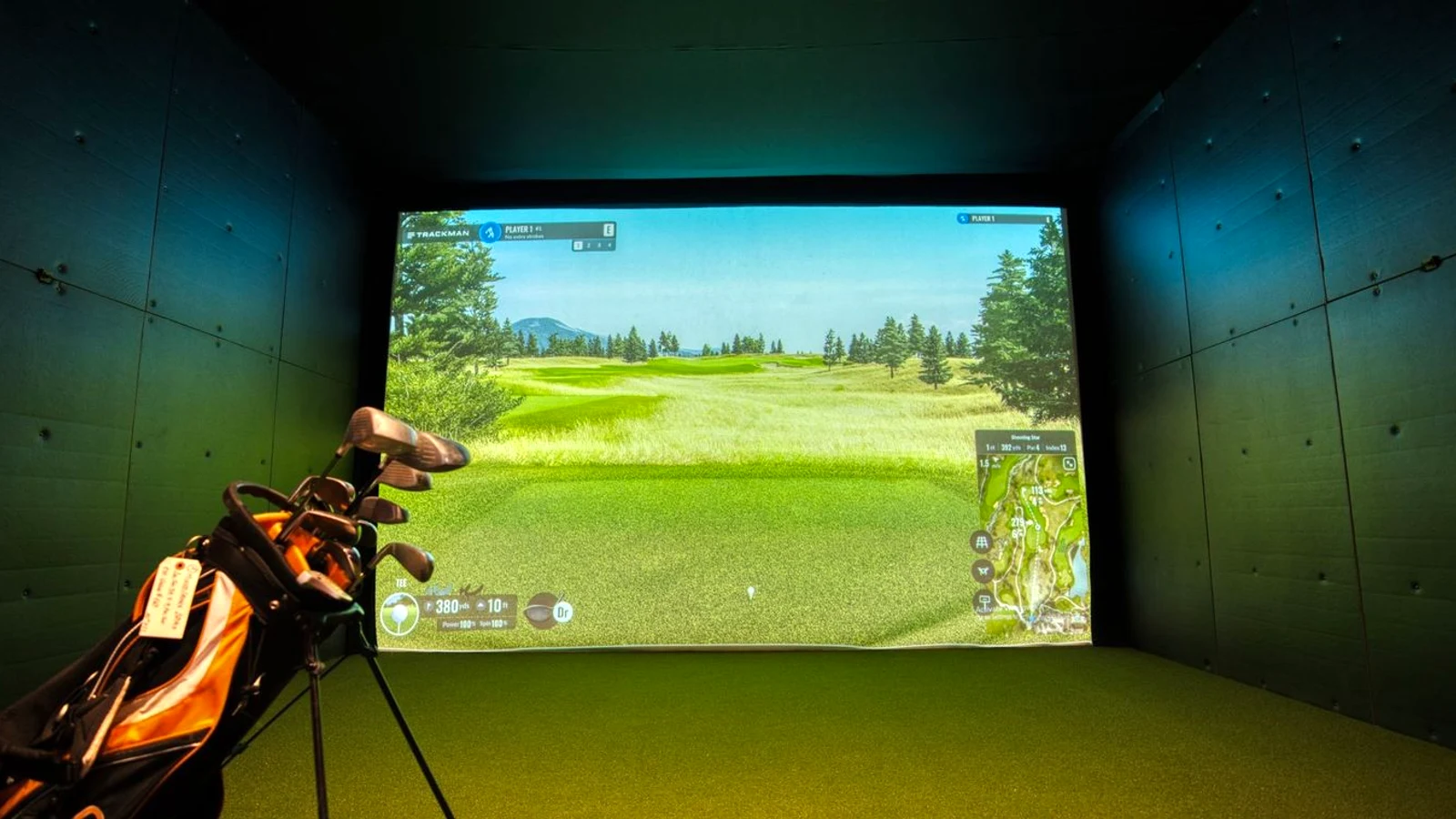
The fast decision
GC3 is the answer for the serious home player who wants trusted ball and club numbers and does not want to cross into full commercial spend. GCQuad is for the coach, fitter, or deeply analytical golfer who can justify the extra cameras and modules. Falcon is for the homeowner building a finished simulator room where the sensor should disappear.
If you cannot describe why you need GCQuad instead of GC3 without saying “best,” you probably need GC3. Save the difference for the projector, mat, enclosure, and software you will use every week.
Start with the room, not the camera count
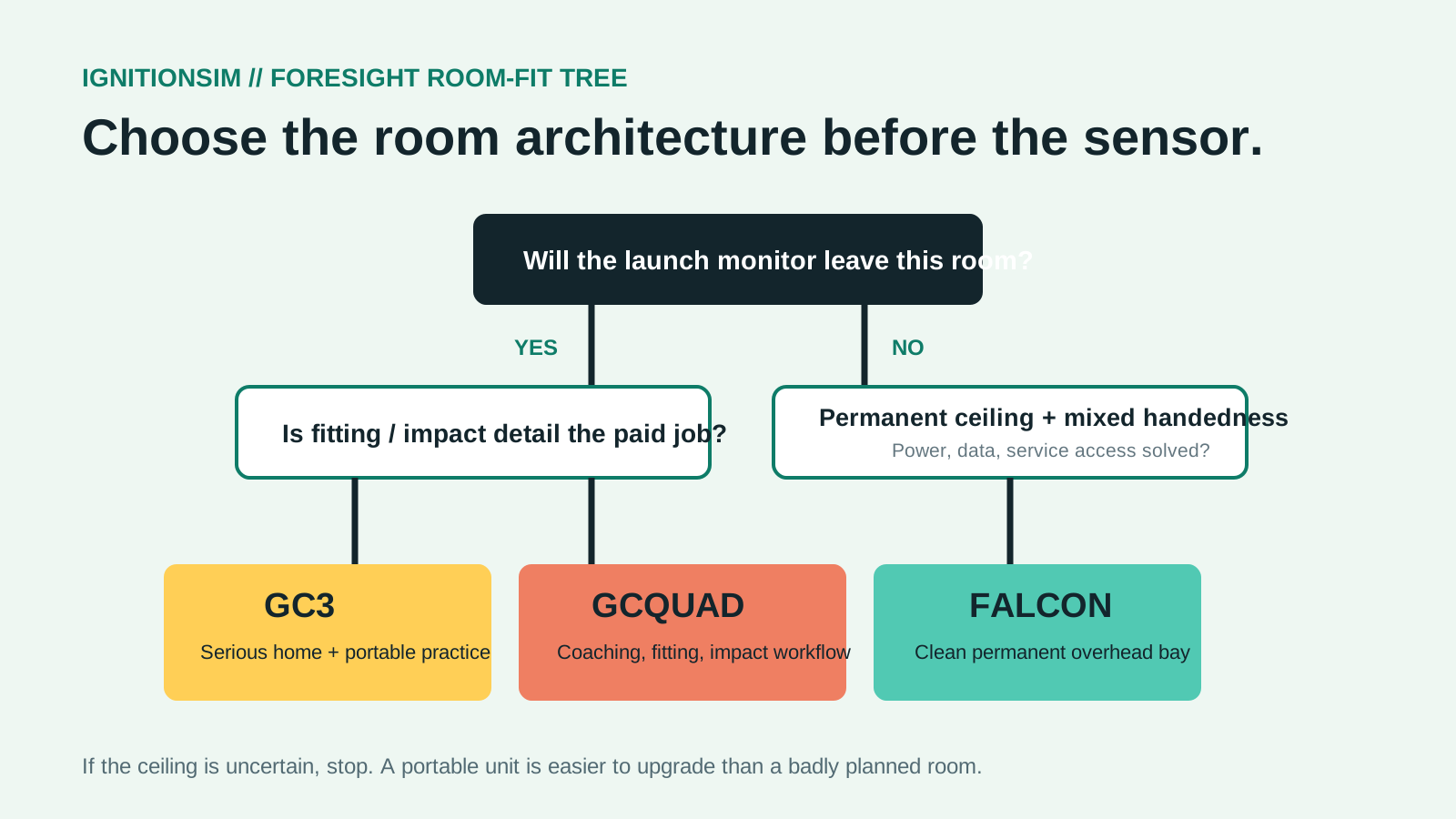
A portable camera unit and an overhead camera unit produce two different rooms. GC3 and GCQuad sit beside the ball. That is excellent when the monitor leaves the house, travels to the range, or moves between a studio and practice tee. Indoors, it means protecting a valuable object near the strike area, reserving its hitting zone, and moving it when a left-hander replaces a right-hander.
Falcon moves the expensive object to the ceiling. Foresight publishes a 43-inch body, 26-pound weight, integrated power supply, automatic latching mount, and a 59-by-28-inch hitting zone. That creates a cleaner floor and easier mixed-handed play, but the room must now support a precise overhead installation, power, Ethernet/USB or Wi-Fi planning, calibration access, and future service. The mounting screws are not included according to the current product page. That small line belongs in the contractor brief.
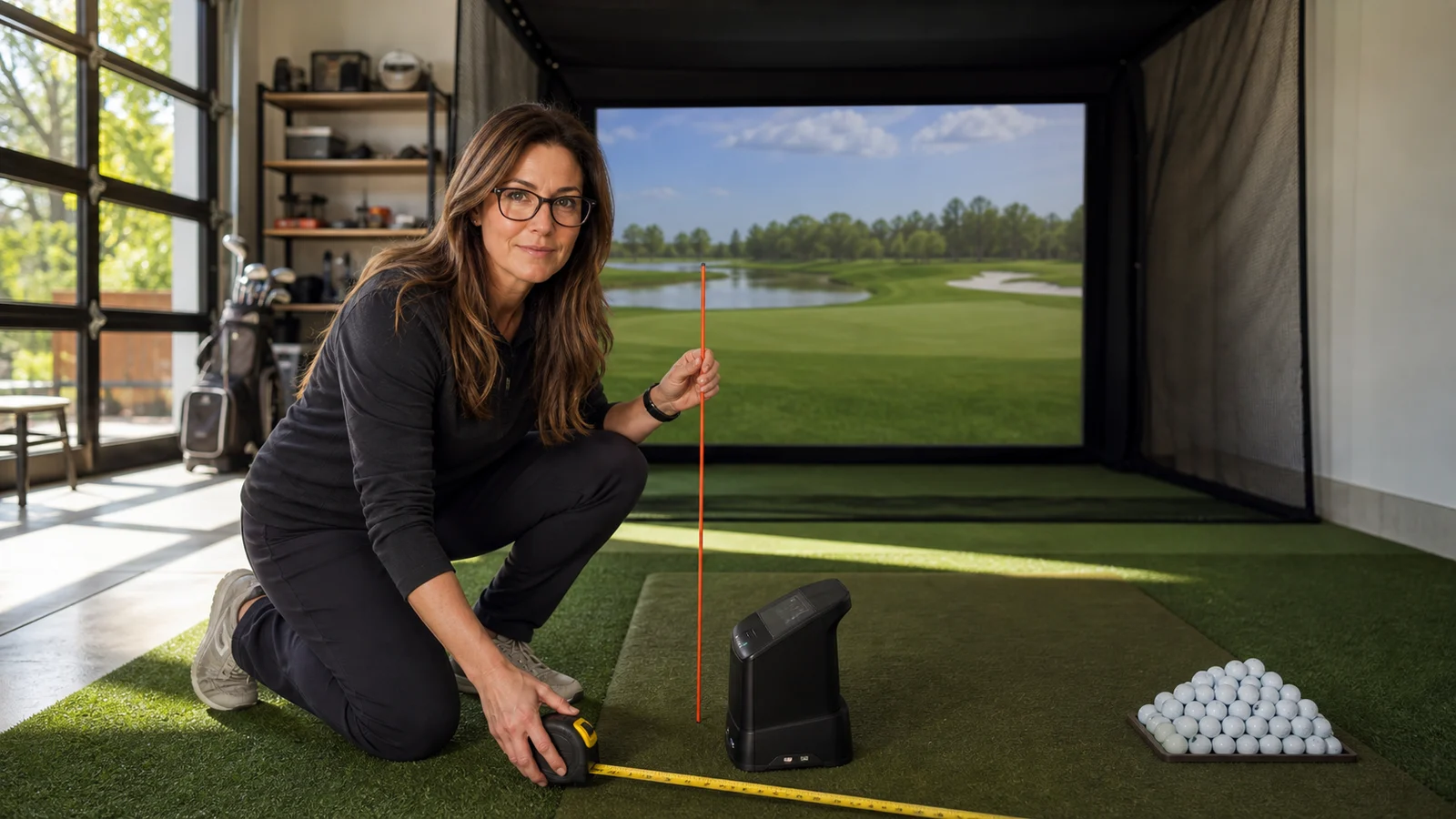
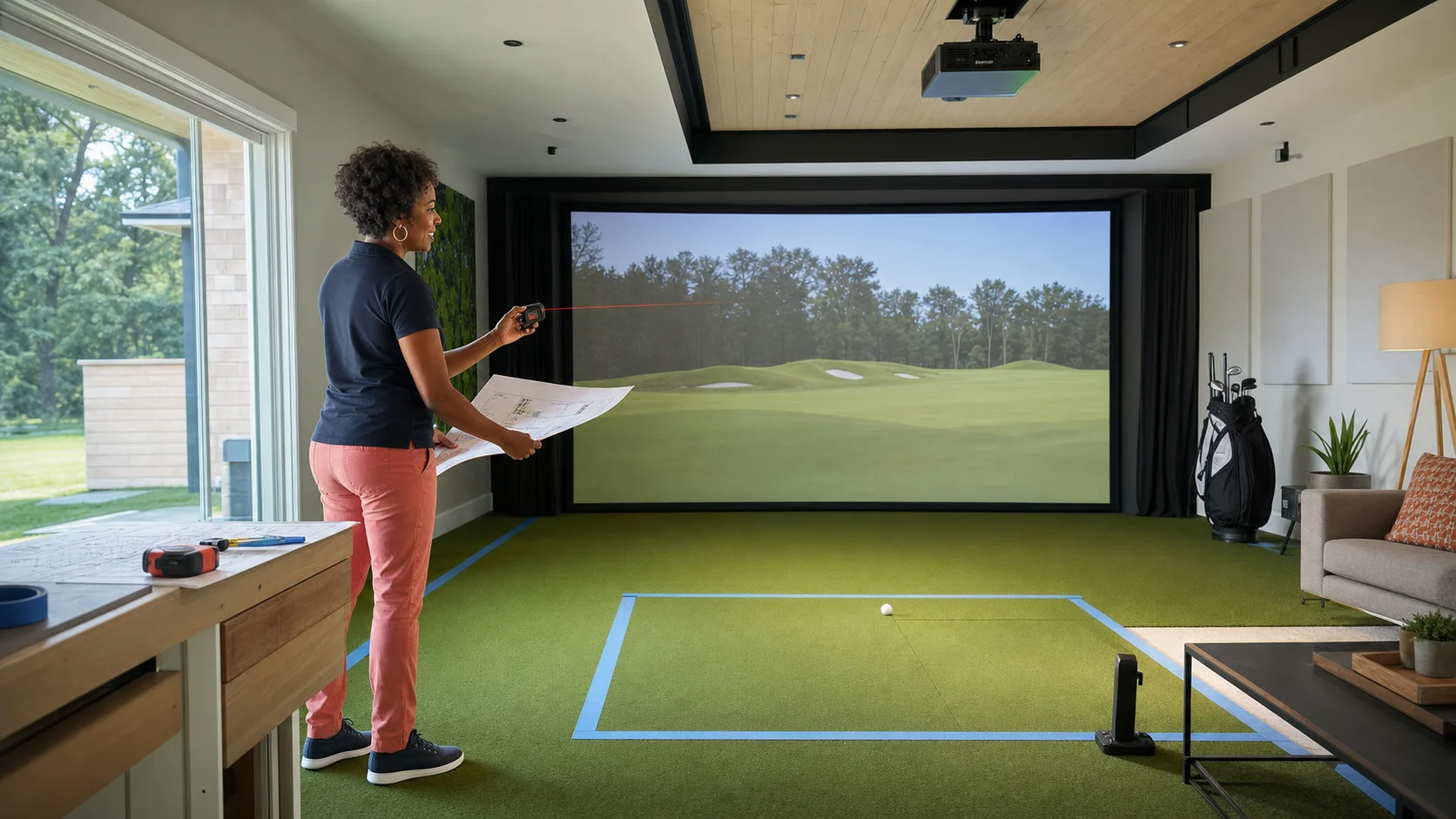
Do not decide overhead versus portable from a catalog. Tape a GC3/GCQuad footprint beside the intended ball position and swing from both sides. Then tape Falcon’s published body and hitting zone on the ceiling/floor. Include the screen offset and the manufacturer’s mounting-height instructions from the current manual. If a garage door rail, projector, light, HVAC register, or ceiling fan crosses the mounting/service zone, the ceiling has already voted.
Data: what changes and what does not
GC3’s official manual lists ball speed, launch angle, launch direction, total spin, and spin axis, plus club speed, smash factor, angle of attack, and path when the appropriate club-data configuration and markers are used. Foresight’s manual also makes a crucial distinction: four-dot club data is not offered on GC3/GC3S. That is the line separating a very capable home/practice unit from the deeper impact and club-delivery case for the quad-camera family.
GCQuad’s buy case is not “more accurate because expensive.” It is the broader four-camera measurement and fitting workflow: a larger professional tool for coaches and fitters who use impact location and additional club information to explain a change. If the extra output will not alter a lesson, fit, or equipment decision, it is expensive reassurance.
Falcon publishes more than a dozen ball and club parameters, including club path, angle of attack, face/lie/loft at impact, closure rate, and impact location. Its advantage is not portability; it is putting Foresight’s quadrascopic measurement into a permanent dual-dexterity bay. The right comparison is therefore GCQuad studio cart versus Falcon room architecture, not simply camera versus camera.
| Decision | GC3 | GCQuad | Falcon |
|---|---|---|---|
| Leaves the room | Excellent | Excellent | No |
| Onboard display | Yes | Yes | No; room display/PC workflow |
| Mixed-handed groups | Move the unit | Move the unit | Clean overhead hitting zone |
| Deep fitting/impact work | Useful core club data | Reference four-camera lane | Broad overhead ball/club data |
| Construction required | None, but protect floor-side position | None, but protect floor-side position | Ceiling mount, power/data, calibration |
| Best buyer | Serious home practice | Coach, fitter, mobile studio | Finished permanent room |
Software is a line item, not a footnote
Every quote should list the exact hardware SKU, club-data entitlement, FSX software, included courses, future course purchases, and any subscription. Foresight’s support library separates standard GC3, GC3 Subscription/GC3S, Launch Pro, and their firmware/software paths. The FSX Subscription documentation warns that installing a different FSX variant can remove access for the GC3 subscription device. This is not a detail to discover after a Windows reinstall.
Falcon’s current US product page includes FSX Play, FSX 2020, clubhead measurement, 25 courses, FSX Pro, Fairgrounds, a two-year warranty, ceiling mount, calibration wand, power and data cables, and other accessories. Offers change, so capture the quoted bundle as a PDF or screenshot at purchase. GC3 and GCQuad bundles can vary by sale, software, data, and region. Compare complete entitlements, not a launch-monitor-only headline.
FSX Play is a Windows product. Current support guidance lists Windows 10 or newer and recommends NVIDIA graphics for the software path; it explicitly does not support Mac/iPad/iPhone/Android as the simulator host. A beautiful room with the wrong computer is still an unfinished room. Price the PC, display connection, network, and backup/reinstallation plan with the monitor.
The three-year ownership worksheet
Write these rows before signing a quote:
- Launch monitor and exact model suffix.
- Club-data unlock or included club measurement.
- FSX Play/FSX 2020/FSX Pro entitlement and included courses.
- Subscription by year, if any.
- Third-party simulator software and connector path.
- Gaming PC and supported GPU/operating system.
- Mount/baseplate, ceiling labor, power and data cabling.
- Protective case or floor-side barrier for portable units.
- Mat, screen, enclosure, projector, side protection and lighting.
- Tax, freight, installation, return/cancellation terms and warranty.
That worksheet can make a “cheaper” subscription model cost more over three years, or prove that the lower initial spend is correct because the buyer plans to upgrade later. The answer depends on the actual offer and use, which is why IgnitionSim will not turn a changing bundle into a timeless ranking.
Setup and first-session reality
For GC3 or GCQuad, create a repeatable floor reference so the unit returns to the same position. Protect it from shanks without blocking cameras or the hitting zone. Keep reflective club markers, charging/power accessories, and a clean lens routine with the room. Verify left/right mode and device networking before guests arrive.
For Falcon, require the installer to leave access for unlatching/service. Photograph the mount, cable path, breaker/outlet, network termination, projector geometry, and calibrated hitting area before the ceiling is closed. Mark the hitting zone subtly in the turf. Keep the calibration wand and fiducials in a labeled room drawer, not in the packaging that disappears into a garage.
Run the first session as commissioning, not entertainment: confirm ball lock, driver through wedge, partial shots, putting if part of the intended workflow, left/right switching, software login, course launch, and clean shutdown. Then invite friends.
If a five-figure quote does not name the software edition, club-data entitlement, included courses, mounting labor, PC and cancellation terms, it is not a quote. It is a mood board with a total.
The low-regret verdict by use case
Home practice and play: GC3. It keeps the expensive measurement portable and leaves more budget for the surfaces you physically hit and see every session.
Mobile coaching or club fitting: GCQuad when the additional club/impact workflow has a professional job. If clients pay for the explanation, the extra data can be part of the business case.
Permanent premium room with both handednesses: Falcon. The overhead architecture makes the room easier to use, but only when the ceiling, hitting zone, software PC, and service access are solved before purchase.
Lowest entry price: a Launch Pro/GC3 subscription path can be rational, but only after a three-year entitlement calculation. A monthly price is not a product specification.
GC3: the sane serious buy
GC3 is the Foresight I would put in the most premium home builds. It sits beside the ball, works indoors/outdoors, and carries the Foresight data trust without the fully-loaded GCQuad tax. The biggest caution is variant confusion: GC3 and GC3S/Launch Pro-style paths can differ in software structure. Read the exact SKU and plan before buying.
GCQuad: the reference benchmark
GCQuad is the unit you buy when data credibility is the product. Fitters and coaches pay for the four-camera reference because the output is part of their professional promise. For home play, that can be overkill. For a teaching studio, it can be the machine that makes the room legitimate.
Falcon: the room-first Foresight
Falcon is not a GCQuad replacement. It is the Foresight overhead answer. Buy it when the clean ceiling install matters, when left/right handed switching matters, and when the room is permanent enough to deserve overhead architecture. Do not buy Falcon for a flexy garage that still parks a car in winter.
The software trap
The hardware price is only the loud number. Foresight software, GSPro paths, course bundles, club data unlocks, and subscription variants decide the three-year ownership cost. This is where “cheap Foresight” can stop being cheap.
| Buyer | Better Foresight path | Why |
|---|---|---|
| Home golfer, serious practice | GC3 | Best balance of data trust and total cost |
| Teaching pro / fitter | GCQuad | Impact/location data and credibility justify the spend |
| Finished luxury room | Falcon | Hidden overhead sensor and left/right convenience |
| Budget doorway | Bushnell Launch Pro | Smart only after plan/subscription math |
What to buy around it
A Foresight sensor deserves a room that does not insult it. Pair GC3 or GCQuad with a real mat, safe side protection, and a bright projector. Pair Falcon with ceiling service access and a clean cable path. In every case, plan software before drilling holes.
Before choosing, tape the physical hitting zone and launch-monitor position onto the floor for GC3/GCQuad, then tape the Falcon coverage and mounting line onto the ceiling. Swing from both sides if the room will host left- and right-handed players. That twenty-minute mock-up exposes the difference between a technically compatible unit and a room people enjoy using.
Sources checked
Source review date: July 13, 2026. Specifications, bundles, support, and software caveats were checked against the current Foresight launch-monitor overview, GCQuad official product page and media, GCQuad support library, GC3/GC3S manual, current GC3 firmware/download shelf, Falcon product page, Falcon room/product overview, Foresight software support index, FSX Subscription warning and course shelf, FSX Play installation/update requirements, FSX Play user manual, and GSPro’s official site. Bundle prices and inclusions change; verify the live written quote before purchase.
Key takeaways & quick answers
IgnitionSim is reader-supported. When you buy through links on our site we may earn an affiliate commission at no extra cost to you — it never changes our verdict or your price. As an Amazon Associate we earn from qualifying purchases.
Keep reading
Best Golf Launch Monitors Under $5,000 in 2026: Garmin R50 vs SkyTrak ST MAX vs Uneekor Eye Mini Lite vs Bushnell Launch Pro
R50, ST MAX, Eye Mini Lite, Launch Pro, and the budget spoilers. Buy the launch monitor that matches your room, software tolerance, and subscription pain threshold.
Best Premium Overhead Golf Launch Monitors 2026: Foresight Falcon vs Uneekor EYE XO2 vs TrackMan iO Reality
Overhead launch monitors are the cleanest luxury golf-sim install and the easiest way to waste five figures if your room is wrong. Nina sorts Falcon, EYE XO2, TrackMan iO, and the GCQuad benchmark.
SkyTrak+ vs Bushnell Launch Pro vs Foresight GC3: The Premium-Photometric Head-to-Head (2026)
This is the tier where the real money decision lives. Three premium photometric units, three different philosophies on subscriptions and club data — and the total cost of ownership is not what the sticker says.
Luxury Golf Simulator Room Build 2026: The $25K Buy-Once-Cry-Once Plan That Is Actually Worth It
A luxury golf room is not a launch monitor with accessories. It is a room system. Nina maps the $15K, $25K, and $50K paths that feel expensive for the right reasons.