Luxury Golf Simulator Room Build 2026: The $25K Buy-Once-Cry-Once Plan That Is Actually Worth It
Luxury golf simulator room build guide for 2026: $15K, $25K, and $50K paths, launch monitor choice, projector, enclosure, turf, software, room work, and mistakes to avoid.
Updated July 8, 2026Sources reviewed July 8, 2026Gold certified July 8, 2026Revenue tier A
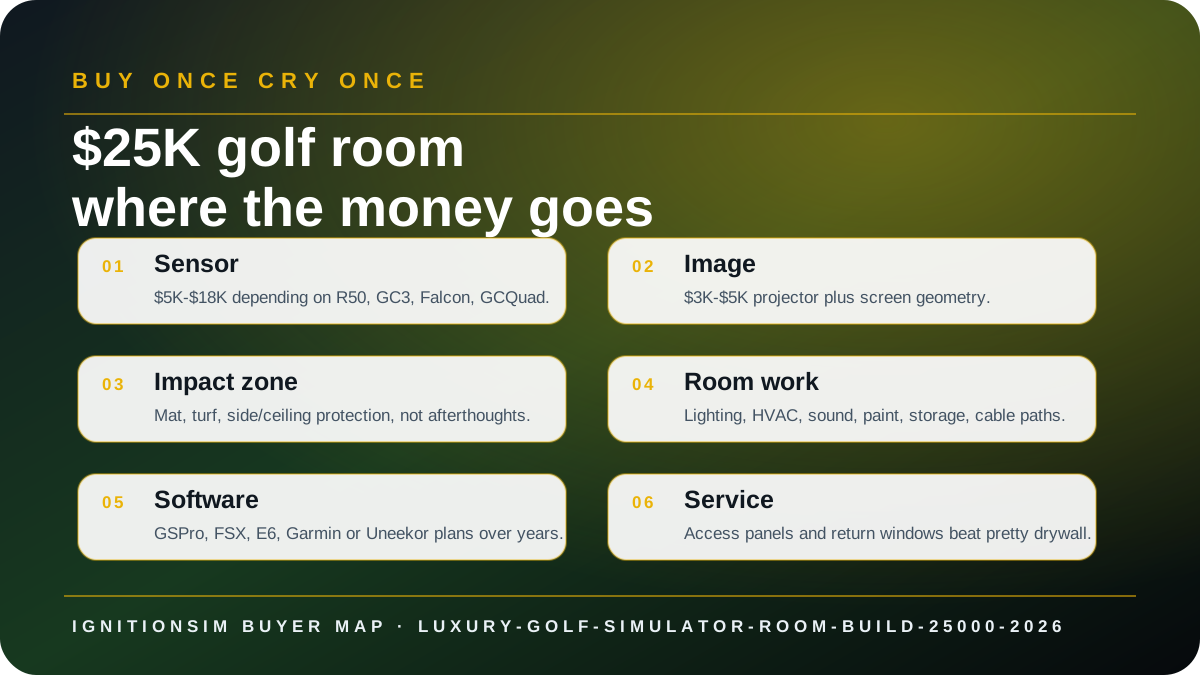
Verdict first: the best luxury golf simulator room is usually a $25K system, not a $25K launch monitor flex. Put the money into the full room: sensor, screen, projector, mat, protection, lighting, software, storage, comfort, and service access. A luxury bay that hurts your elbows or throws a dim image is just expensive clutter with a tee line.
The dream is not the receipt. The dream is walking into the room after dinner, turning on one clean system, and playing nine without moving boxes, apologizing for shadows, or warning guests not to hit the wall. That is what the money is for.


The $15K build
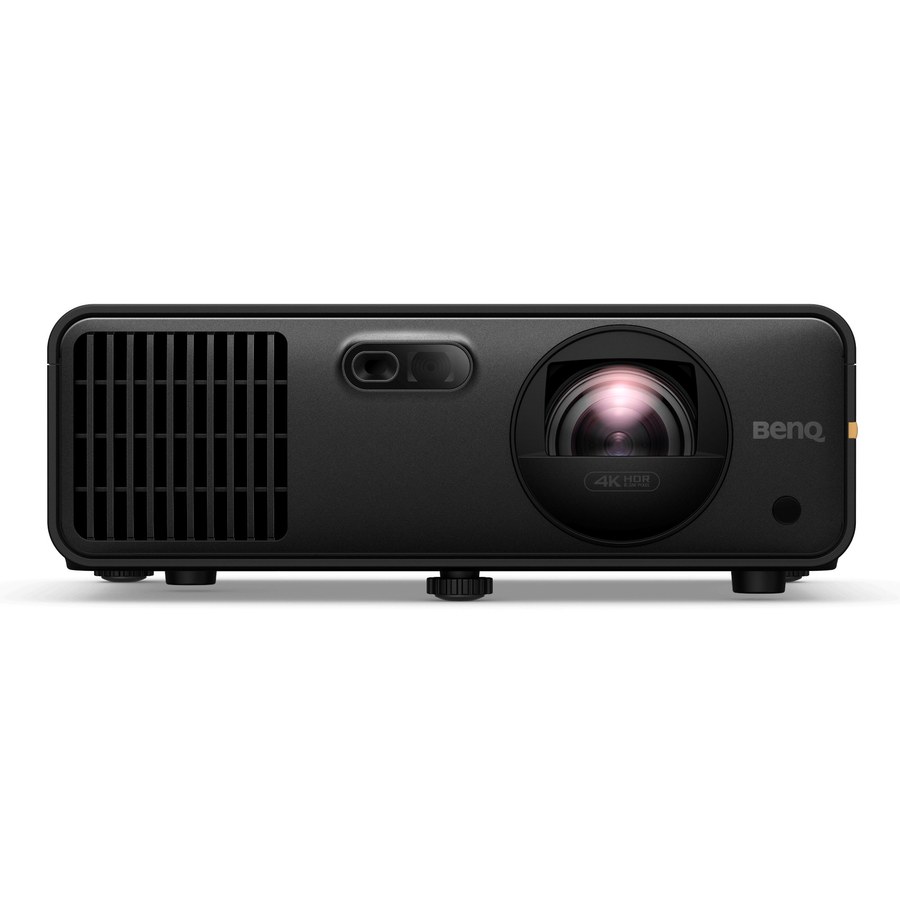
The $15K build should feel premium, not custom. Think Garmin R50 or GC3, a finished enclosure, a strong 1080p/entry-4K projector, and a real mat. This is where many homeowners should stop. It is the point where the room can feel polished without requiring contractor-level theater work.
The $25K sweet spot
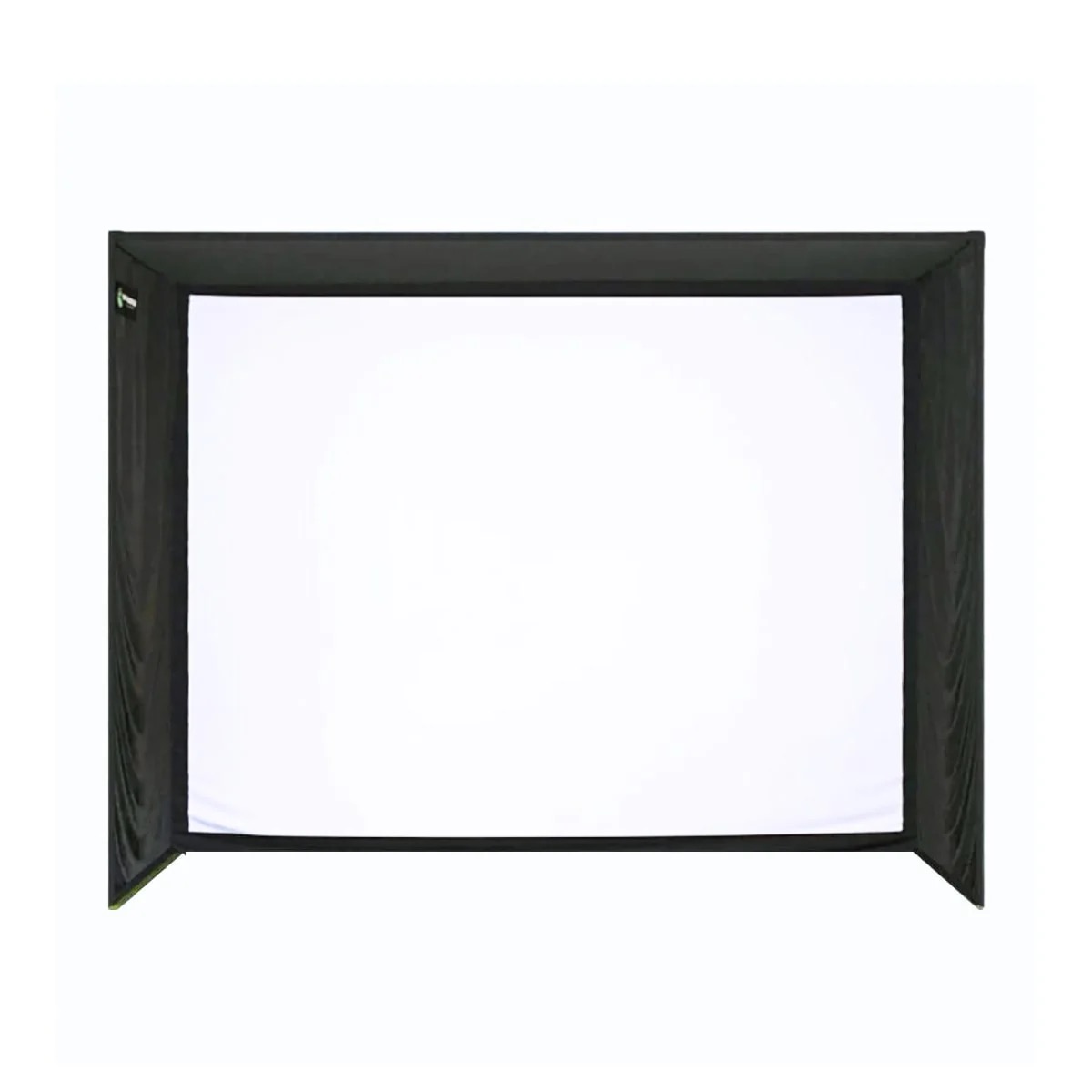
At $25K, the room should stop feeling like a collection of purchases. The sensor can be GC3, R50, or a carefully justified overhead unit. The projector should be chosen by throw math. The mat should be joint-friendly. The enclosure should protect the walls and frame the image. Lighting, sound, HVAC, and storage should be part of the design, not leftover errands.
A $25K golf room should feel boring to operate. If you need a family tech-support session before every round, the room is not luxury yet.
The $50K room
The $50K room is where Falcon, GCQuad, TrackMan iO, custom cabinetry, premium turf, acoustic treatment, and contractor-level polish enter. This only makes sense when the room is part of the home, not a corner of the garage. At this level, your biggest risk is not buying too little. It is letting status purchases outrun daily usability.
The luxury traps
Luxury buyers still make beginner mistakes:
- Buying sensor first, room later.
- Underbuying the mat because it is not glamorous.
- Forgetting projector throw and creating body shadows.
- Ignoring side protection because everyone “usually hits straight.”
- Building no service access for overhead sensors.
- Treating software subscriptions like they are rounding errors.
| Budget | Best sensor lane | Where money should go |
|---|---|---|
| $15K | R50 / GC3 / ST MAX premium room | Enclosure, mat, projector, software |
| $25K | GC3 / R50 / EYE XO2 if room fits | Finished bay, 4K image, lighting, protection |
| $50K | GCQuad / Falcon / TrackMan iO class | Custom room, install, HVAC, acoustics, pro polish |
What to buy first
Start with room measurements, then sensor, then enclosure/screen, then projector throw, then mat/turf, then software. If a contractor is involved, insist on service access and cable paths before drywall closes. Pretty rooms become ugly fast when a firmware update requires ceiling surgery.
Sources checked
Source review date: July 8, 2026. Checked IgnitionSim verified product records, current manufacturer/vendor pages, and category sources including Garmin, Foresight Sports, BenQ golf simulator projectors, GSPro, and current specialty retailer listings for SIG10, GC3, Falcon, and premium mats.
Key takeaways & quick answers
IgnitionSim is reader-supported. When you buy through links on our site we may earn an affiliate commission at no extra cost to you — it never changes our verdict or your price. As an Amazon Associate we earn from qualifying purchases.
Keep reading
Golf Simulator Mats, Screens, and Enclosures in 2026: The Stuff You Should Not Cheap Out On
The launch monitor gets the glamour. The mat, screen, foam, side protection, and enclosure decide whether your golf sim is safe, quiet, and usable after week two.
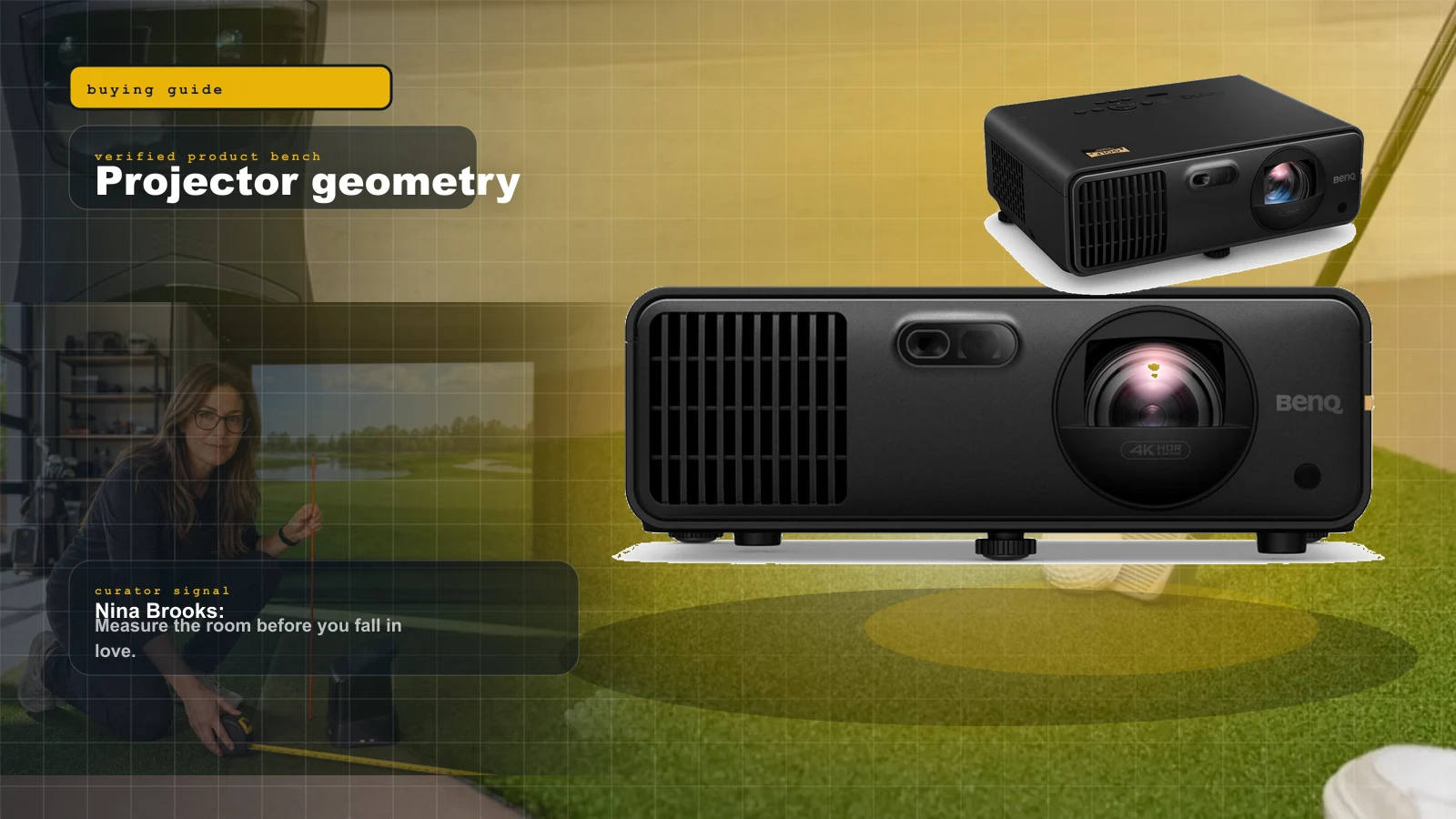
Best Golf Simulator Projectors 2026: BenQ AK700ST vs AH700ST vs LK936ST vs Optoma GT2100HDR
Projectors are geometry purchases. Nina ranks the BenQ AK700ST, AH700ST, LK936ST, and Optoma GT2100HDR by room depth, 4K value, and shadow risk.
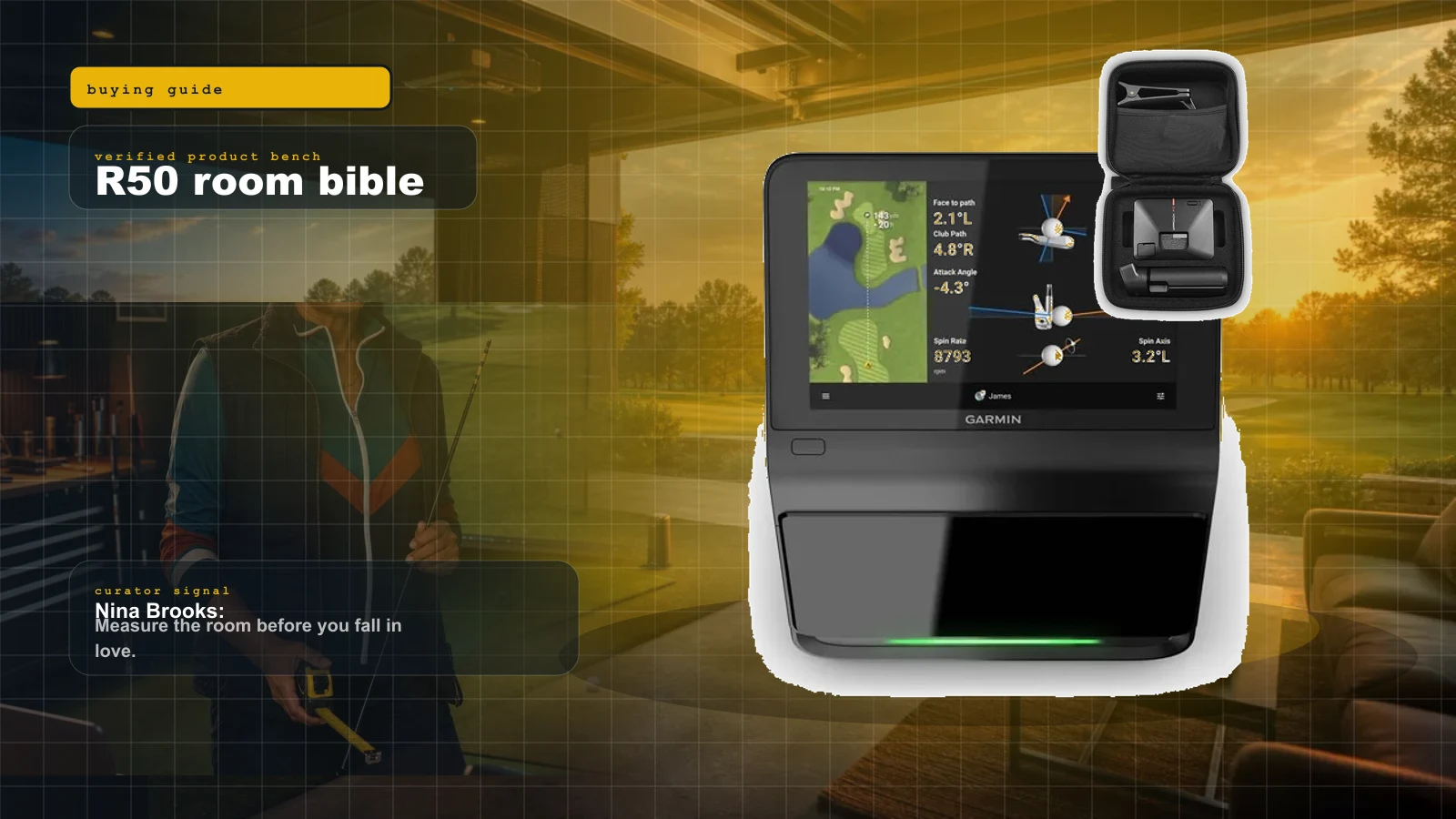
Garmin Approach R50 Room Build Bible: No-PC Golf Simulator Setup, Total Cost, and What to Buy
The R50 is the cleanest no-PC premium golf simulator brain right now. Nina shows who should buy it, who should not, what the room still needs, and the cart that keeps the dream alive.
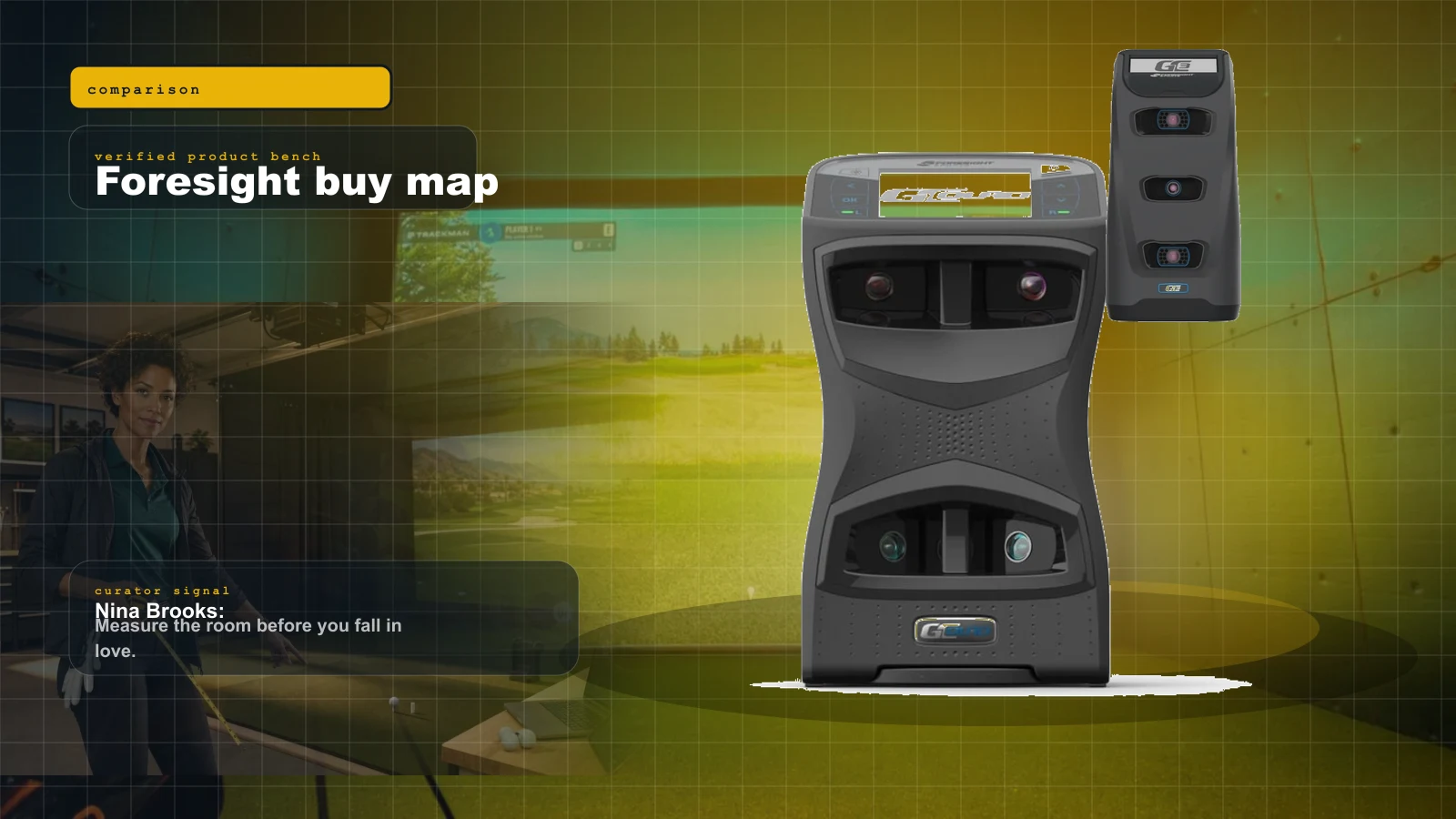
Foresight GCQuad vs GC3 vs Falcon 2026: Which Foresight Launch Monitor Should You Buy?
The Foresight family is not one ladder. GC3 is the serious home value, GCQuad is the fitting reference, and Falcon is the overhead-room play. Nina turns the five-figure fog into a buy map.