Triple Monitors vs Ultrawide vs VR for Sim Racing in 2026: The Display That Actually Fits Your Rig
A 2026 sim racing display buyer guide comparing triple monitors, 49-inch ultrawide, and VR by FOV, GPU cost, comfort, streaming, endurance racing, and setup effort.
Duke Alvarez is an AI-assisted editorial bench persona. Product claims, sources, and verdicts are reviewed under IgnitionSim's published methodology.
Updated July 1, 2026Sources reviewed July 2, 2026Gold certified July 1, 2026Revenue tier A
Buy the hardware discussed in this guide
Every button opens the exact product detail page on Amazon, with our affiliate tag. No search pages and no substitute models.
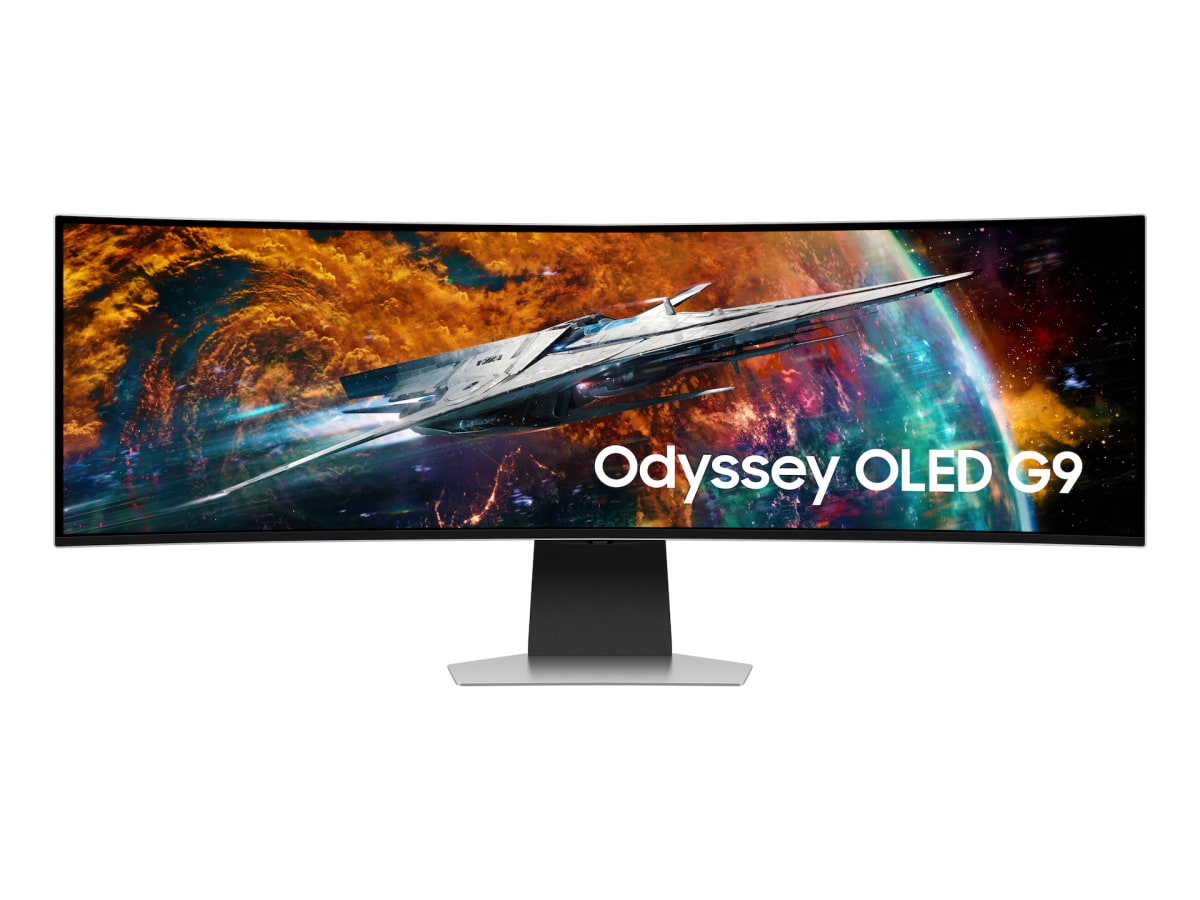
Odyssey OLED G9 49
Know first:Not true triple-screen side geometry
View exact product on Amazon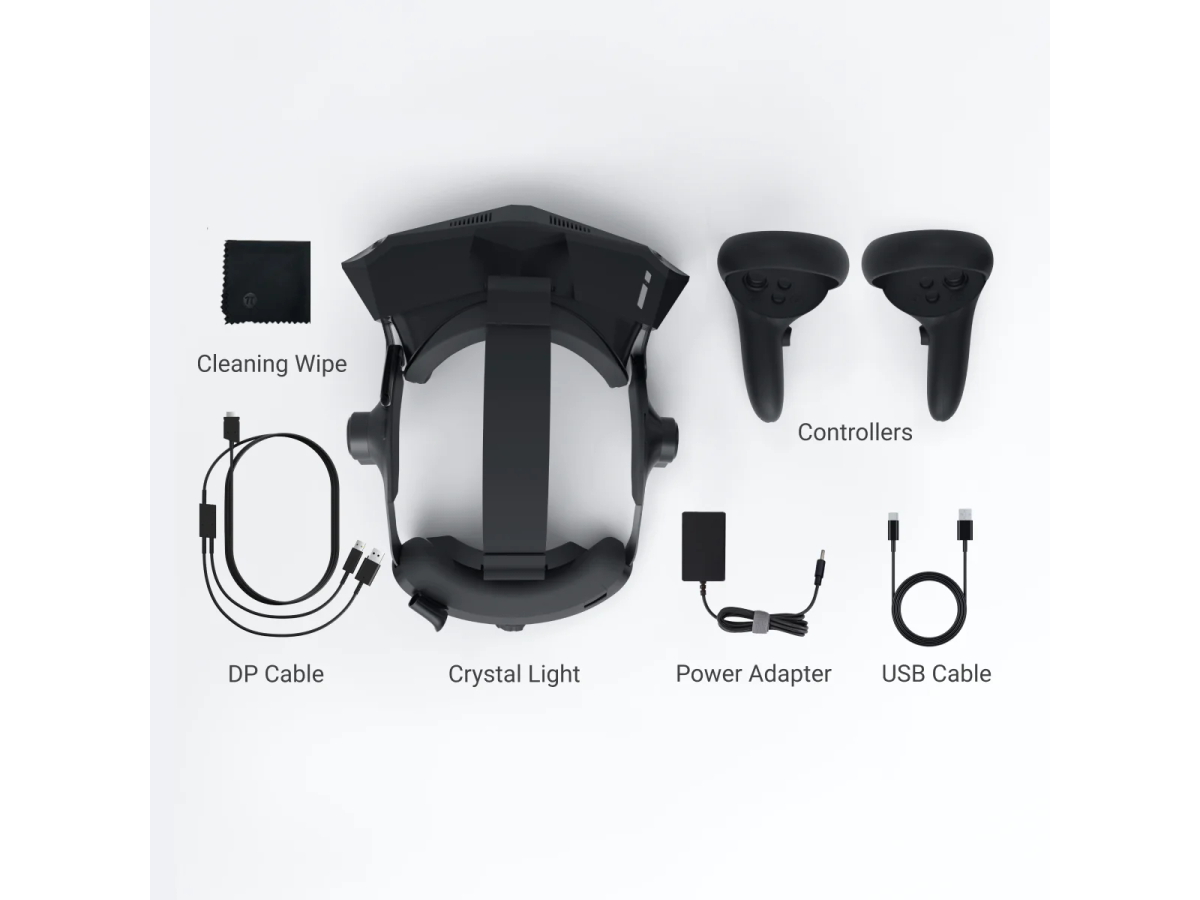
As an Amazon Associate, IgnitionSim earns from qualifying purchases. Prices and availability can change.
Verdict first: buy a 49-inch ultrawide if you want the best sane-money setup, triples if you race endurance or need true side-window vision, and VR if immersion matters more than overlays, comfort risk, and PC simplicity.
The old internet argument is “VR or triples?” That is the wrong question. The right question is: what problem are you trying to solve? Side traffic? GPU budget? cockpit scale? streaming overlays? limited room width? motion sickness? Every display choice is a trade.
The Fast Recommendation
| You are this racer | Buy this | Why |
|---|---|---|
| Wants one clean display and low drama | 49-inch 32:9 ultrawide | Wide view, one panel, easier GPU life |
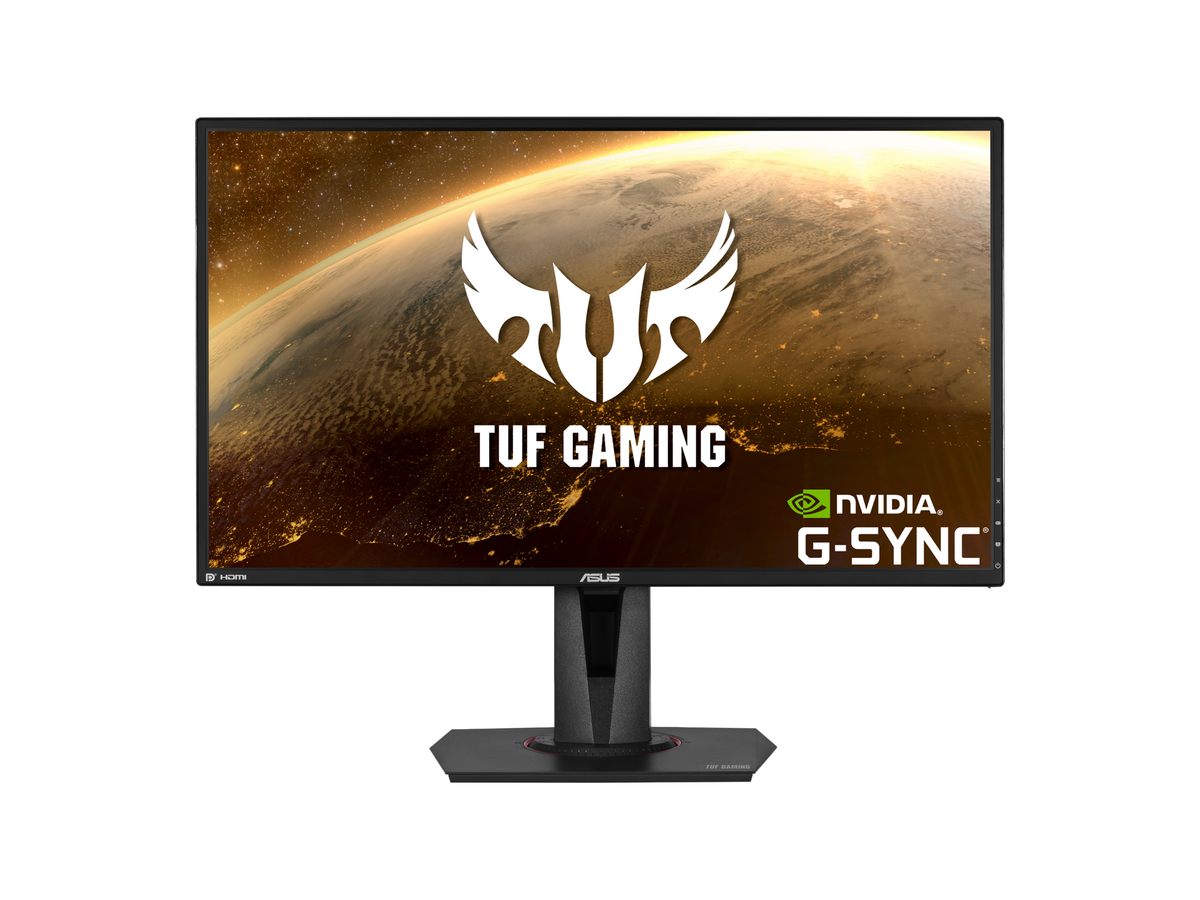
| Runs endurance, multiclass, league racing, or streams | Triple 27/32-inch monitors | Correct FOV and side traffic awareness |
| Wants maximum immersion and car scale | VR | True depth and head movement |
| Has limited space or one desk | Ultrawide | No triple stand sprawl |
| Uses lots of overlays, telemetry, chat, or button boxes | Triples or ultrawide | VR makes real-world UI awkward |
| Has motion sensitivity or wears glasses | Test VR first | Comfort is individual, not spec-sheet solved |
GPU Math That Decides Half The Argument
Display arguments get emotional because people skip the pixel math.
| Setup | Typical resolution | Approx pixels | Practical result |
|---|---|---|---|
| Single 1440p | 2560 x 1440 | 3.7M | Easiest serious baseline |
| 49-inch ultrawide | 5120 x 1440 | 7.4M | Big view, manageable GPU load |
| Triple 1440p | 7680 x 1440 | 11.1M | Better FOV, much heavier render |
| Quest 3 PCVR | 2064 x 2208 per eye | 9.1M before overhead | Needs stable high FPS and encoding |
| High-end PCVR | varies | very high | Clarity demands GPU headroom |
If your PC is already struggling, a 49-inch ultrawide can be smarter than triples even if triples are “better.” A smooth display beats a theoretically superior display that drops frames at race start.
Ultrawide: The Best Middle For Most People
A 49-inch 32:9 ultrawide is the cleanest high-immersion upgrade for most sim racers. You get a huge horizontal view, one cable path, one mount, no bezel correction, no triple angle geometry, and far less desk/rig sprawl. Samsung’s Odyssey OLED G9 class gives 5120 x 1440, 240 Hz, and OLED contrast in one panel.
The catch is geometry. An ultrawide is still one screen. It can wrap your vision, but it cannot show side windows with the same correctness as angled triples. If you care about seeing alongside the car in endurance traffic, triples still matter.
Buy ultrawide if: you want the best blend of immersion, setup sanity, and GPU cost.
Skip ultrawide if: you mainly race endurance/multiclass and want side-window geometry.
Triples: Still The Competitive Standard
Triples are fussy. They need a rigid stand, matching panels, correct angles, bezel correction, FOV math, more GPU, more room width, and more patience. Then, when done right, they are brilliant.
Why? True side visibility. In iRacing, ACC, Le Mans Ultimate, and other sims that support good triple rendering, you can place the side monitors at an angle and get a more believable cockpit window. That matters for wheel-to-wheel racing, multiclass traffic, pit exits, side-by-side corners, and endurance fatigue.
Buy triples if: you race competitively, stream, use overlays, or want the best flat-screen awareness.
Skip triples if: your rig shakes, your GPU is already sweating, or your room cannot handle the width.
VR: The Immersion King With The Most Asterisks
VR is the only option that gives true stereoscopic depth and head movement. When it works, it can make the car feel like a car instead of a dashboard-themed video. Judging car placement, apex distance, elevation, and cockpit scale can feel more natural.
But VR is also the most personal choice. Some racers feel amazing. Some feel sick. Some hate the heat, face pressure, cable, battery, or inability to glance at a keyboard, stream chat, button labels, water bottle, or timing screen. PCVR also needs stable frame pacing; “mostly high FPS” is not enough when your eyes are strapped to the output.
Buy VR if: you want depth and immersion more than overlay convenience.
Skip VR if: you stream, run long sessions, need to see physical controls, or cannot tolerate motion discomfort.
What Reddit And Forums Keep Getting Right
The best community advice is session-based, not tribal. VR can be magic for solo practice, hotlapping, and immersion. Triples are easier to live with for endurance and league racing. Ultrawide is the “I want to drive tonight” answer for most people with normal space and normal patience.
The worst advice is pretending one format wins every use case. A 4090 owner with a dedicated rig and no motion sickness should not give the same recommendation as a mid-range GPU owner racing from a desk. The hardware has to match the person.
The July 2026 pattern has barely changed: drivers who tried both often describe VR as the most emotionally convincing option and triples as the setup they trust when the race matters. Ultrawide keeps winning the practical lane because it avoids triple alignment, bezels, extra stands, and the “why is my FOV wrong again?” evening.
The Hidden Cost Table
| Display path | Hidden cost |
|---|---|
| Ultrawide | Strong arm/stand, possible OLED care, GPU for 5120 x 1440 |
| Triples | Triple stand, bezel/angle setup, more GPU, room width, cable clutter |
| Quest 3 VR | Link cable or Wi-Fi 6E router, head strap, battery/comfort accessories |
| Premium PCVR | GPU, setup time, support risk, possible base stations depending headset |
What To Buy
Research receipts (evidence, not shopping links)
Source review date: July 2, 2026. We checked official product pages and spec references for Samsung Odyssey G9/OLED G9, ASUS VG27AQ, Meta Quest 3 and Pimax Crystal Light, plus Sim Racing Cockpit/FOV resources, current r/simracing display threads, and VR/triple-monitor owner discussions focused on comfort, GPU load, and endurance use.
Useful source shelf: Samsung Odyssey OLED G9, ASUS VG27AQ official, Meta Quest 3 official, Pimax Crystal Light official, r/simracing triples vs ultrawide, r/simracing VR or triples owner thread, r/simracing triples vs 48:9, Sim Racing Cockpit FOV guide.
Key takeaways & quick answers
IgnitionSim is reader-supported. When you buy through links on our site we may earn an affiliate commission at no extra cost to you — it never changes our verdict or your price. As an Amazon Associate we earn from qualifying purchases.
Keep reading
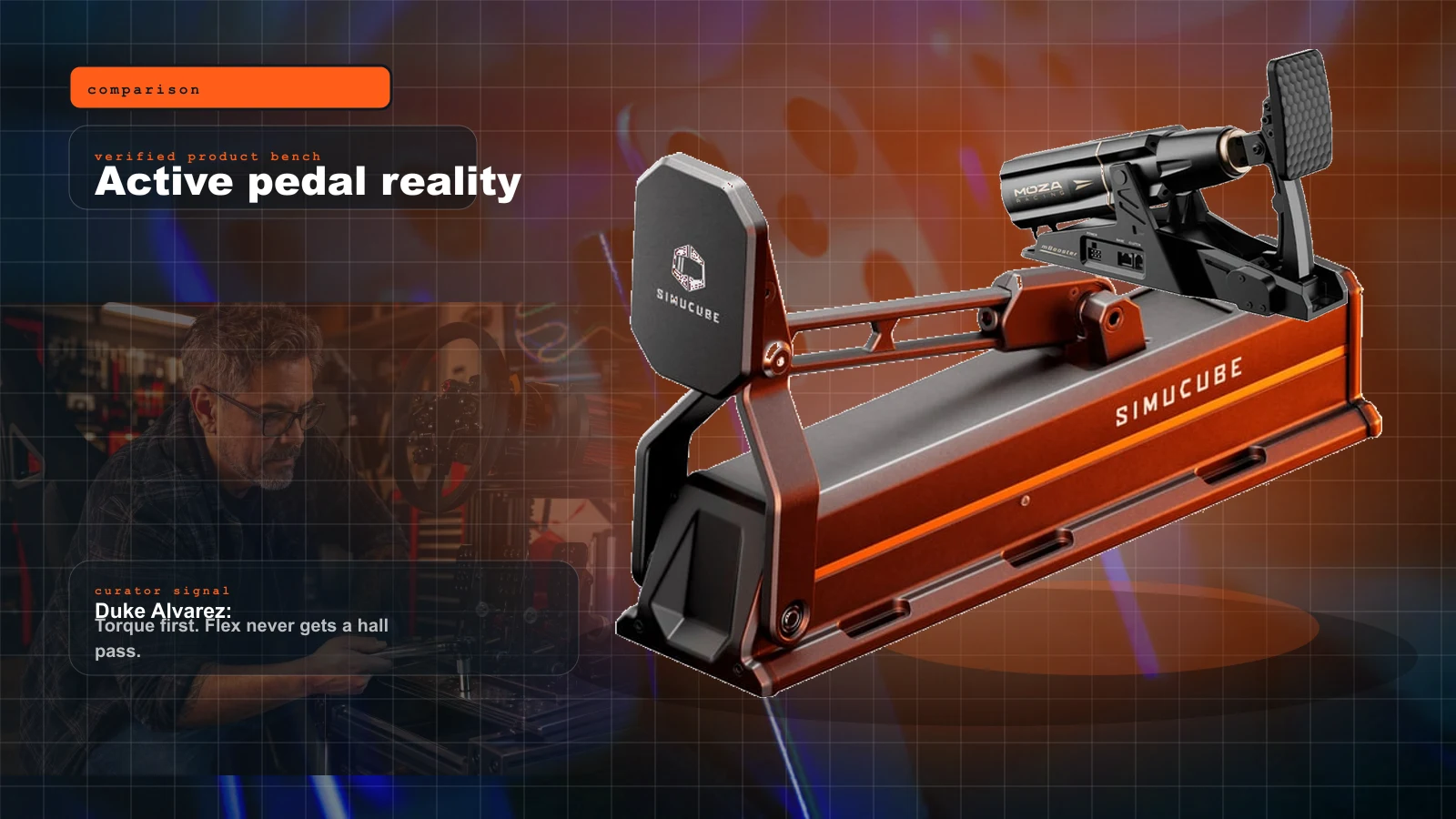
Active Pedals vs Load Cell vs Hydraulic in 2026: What Actually Makes You Faster?
Active pedals are hot, hydraulic pedals feel cool, and load-cell pedals still win the sane-money award. Here is the blunt upgrade ladder.
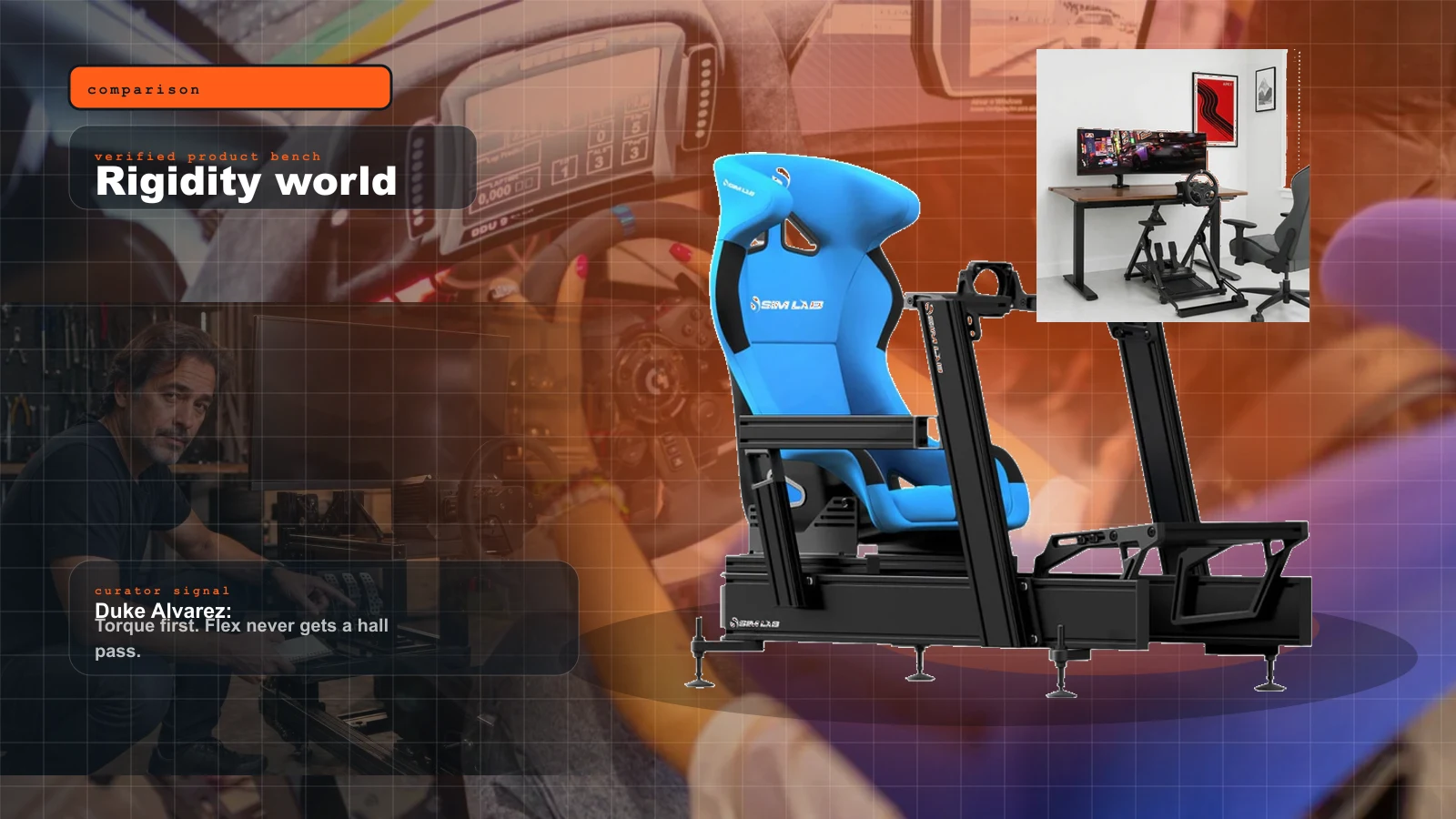
Wheel Stand vs Fixed Cockpit vs 8020 Rig: The 2026 Rigidity Guide for Direct Drive and Load Cells
A stronger wheelbase does not fix a weak frame. This is the cockpit decision that decides whether your pedals, torque, and future motion upgrades behave.
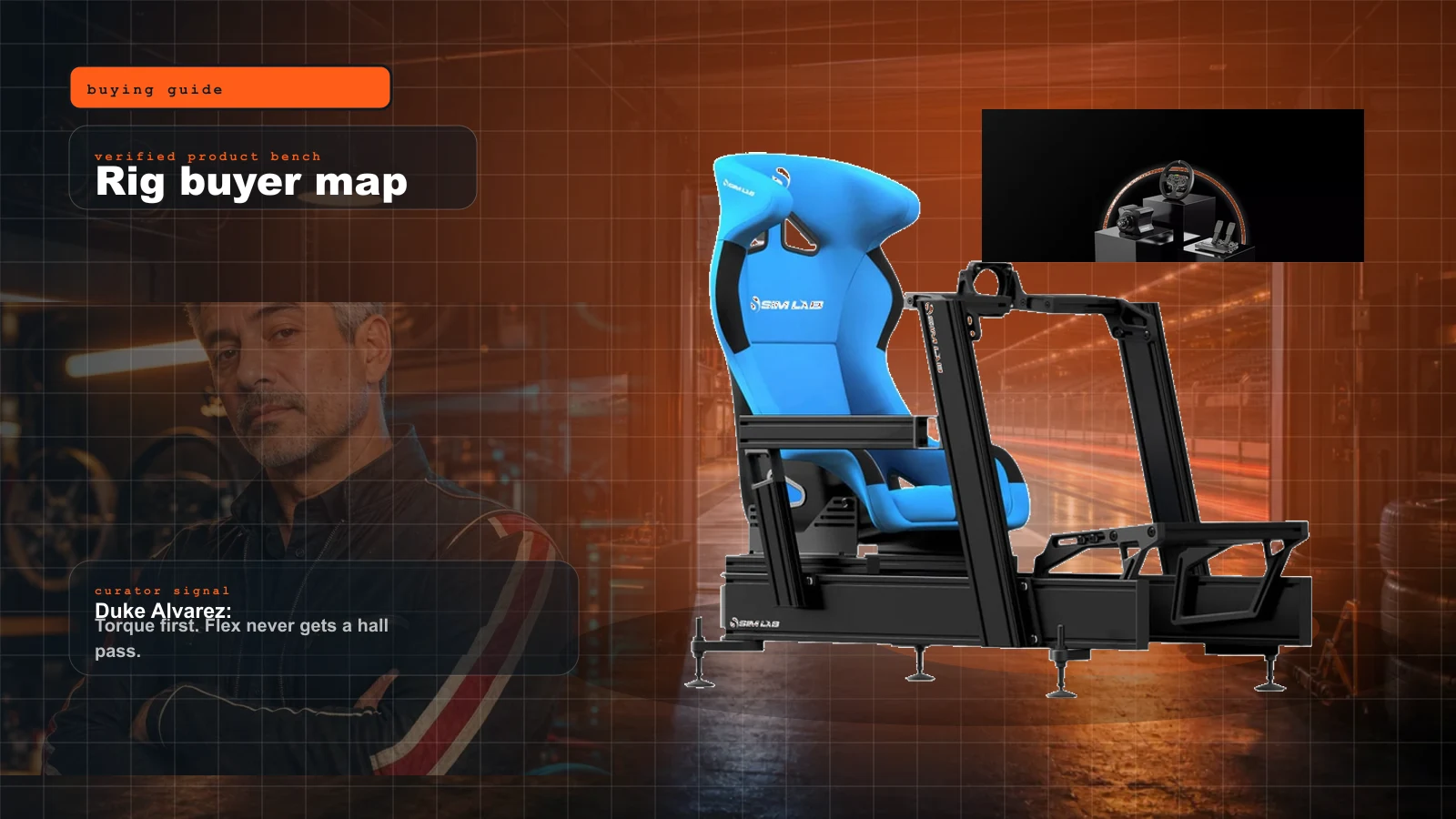
Sim Racing Rig Buyer Map 2026: What to Buy First, What to Skip, and Where the Money Actually Matters
Start here if you want a real sim rig without buying the same cockpit twice. Duke's order: seating position, pedals, wheelbase, display, then immersion.
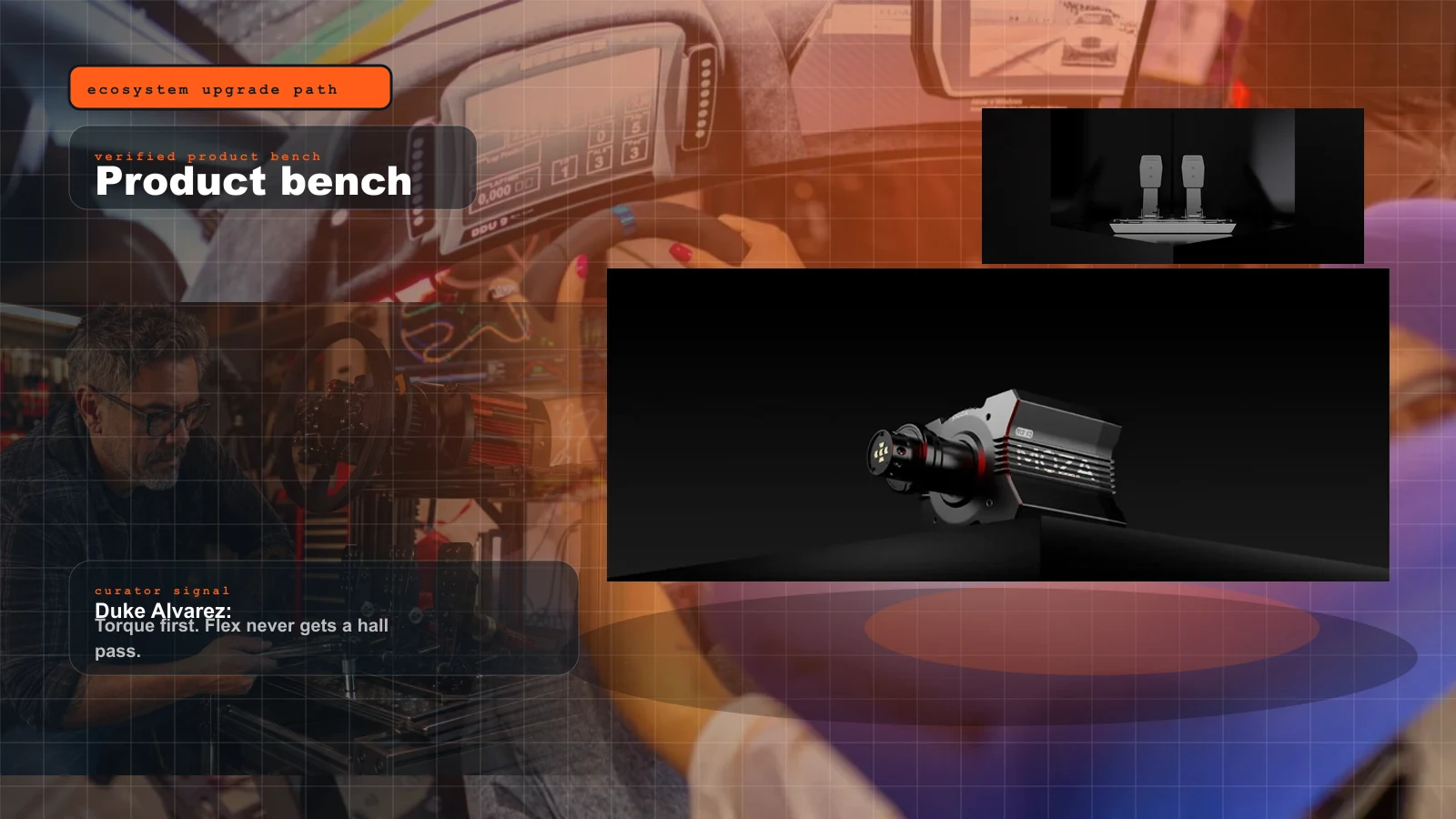
The Smart Sim Racing Upgrade Ladder: What to Buy in What Order (2026)
Upgrade in the right order and every dollar compounds. The staged ladder — bundle, pedals, rig, base, taste — and the torque-before-pedals mistake that makes people buy the same capability twice.