 AI-assisted editorial composite
 Best Simulation Gaming Gear of 2026: The Cross-Sim Room Parts Worth Buying Once
The best shared sim-room gear of 2026 for racing, flight, space, marine and golf: Samsung Odyssey G9, Meta Quest 3, TrackIR 5, Stream Deck, mounts, USB power and the buy order that prevents an expensive rebuild.
Mac Donovan is an AI-assisted editorial bench persona. Product claims, sources, and verdicts are reviewed under IgnitionSim's published methodology.
Updated July 17, 2026Sources reviewed July 17, 2026Gold certified July 17, 2026Revenue tier A
Buy the hardware discussed in this guide
Every button opens the exact product detail page on Amazon, with our affiliate tag. No search pages and no substitute models.
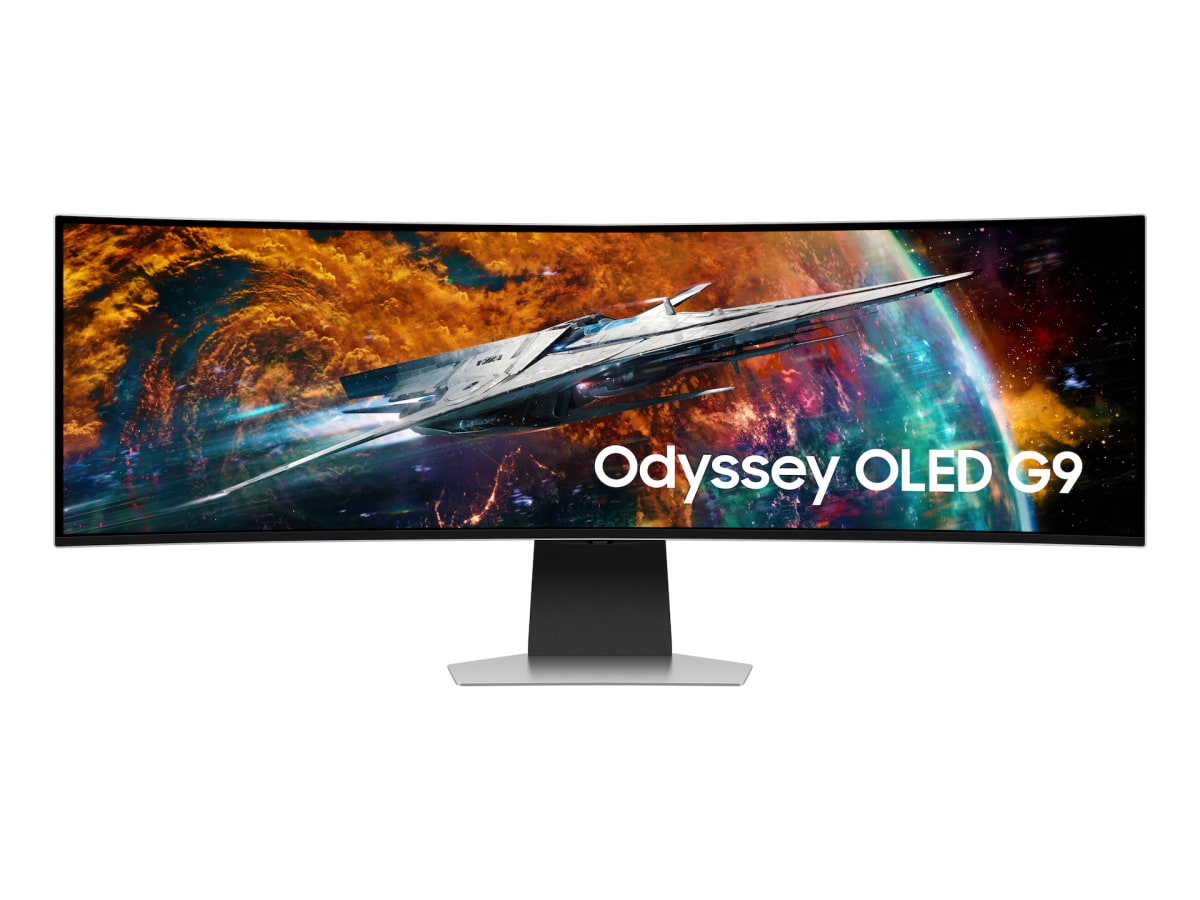
Odyssey OLED G9 49
Know first:Not true triple-screen side geometry
View exact product on Amazon

Stream Deck XL
Know first:Not flight hardware — it's keyboard-shortcut mapping, not analog axes
View exact product on AmazonAs an Amazon Associate, IgnitionSim earns from qualifying purchases. Prices and availability can change.
The most expensive mistake in simulation gaming is buying an excellent control for a room that cannot support it.
A direct-drive wheel on a folding desk, a yoke fighting a shallow monitor, six USB devices sharing one unpowered hub, or a launch monitor squeezed into the wrong depth all create the same ending: premium hardware, bargain-bin sessions. The component that looked boring in the cart becomes the component that decides whether you play.
Our 2026 verdict: for a room that may serve racing, flight, space, marine, trucking, farming, and ordinary games, buy in this order:
- Choose the view: one large ultrawide for comfort and repeatability, or VR for presence.
- Fix the geometry: seat, display distance, control height, and mounts.
- Buy the primary control for the sim you play most.
- Add the memory layer: head tracking and a labeled button deck.
- Commission the infrastructure: powered USB, power distribution, strain relief, and exported profiles.
That order is less exciting than opening a wheelbase. It is also the order that lets the wheelbase work on Friday night instead of becoming Saturday’s troubleshooting project.

The 60-second answer
| Need | Best 2026 answer | Why it survives genres | Main caveat |
|---|---|---|---|
| One display | Samsung Odyssey OLED G9 | 49-inch 32:9 field of view without triple-monitor bezels | GPU demand, desk depth, burn-in discipline |
| Maximum presence | Meta Quest 3 | Strong PCVR value with convincing cockpit depth | Comfort, charging, isolation, GPU load |
| No-headset head tracking | NaturalPoint TrackIR 5 | Mature 6DoF support in flight, space and driving sims | Infrared interference and clip placement |
| Universal button layer | Elgato Stream Deck MK.2 | Labeled commands and app-specific profiles | Needs profile design and a USB path |
| Reliability | Powered USB plus a port map | Prevents the disconnects mistaken for bad hardware | Cheap hubs can create new problems |
| Ergonomics | Rigid, adjustable mounts | Keeps controls repeatable and shoulders neutral | Usually costs more than expected |
The four headline products are not equally necessary. The display or VR decision is foundational. TrackIR is a powerful alternative to VR, not an accessory you need alongside it. Stream Deck becomes valuable when your keyboard commands outnumber your memory. Powered USB and mounting are mandatory as soon as the room grows beyond one simple controller.
Best shared display: Samsung Odyssey OLED G9
The Samsung Odyssey OLED G9{:target=“_blank” rel=“sponsored nofollow noopener” data-buy-product=“Samsung Odyssey OLED G9”} is the strongest one-screen compromise for a mixed simulator room. Its 49-inch, 32:9 canvas gives racing and trucking a broad horizontal view, makes flight instruments easier to keep visible, and still behaves like a normal desktop monitor when the headset comes off.
It also avoids the physical and software tax of triples: three arms, three video outputs, bezel alignment, matching color, and a desktop that occasionally forgets which monitor lives where. That simplicity matters in a room that changes games.
It is not magic. Dual-QHD at high refresh needs a serious GPU. A 1000R curve consumes more desk depth than a product photo suggests. OLED ownership also rewards sane habits: screen protection features enabled, static desktop elements minimized, and the display allowed to run its maintenance routines. If the room is used for spreadsheets eight hours a day and sims two hours a week, a non-OLED ultrawide may be the calmer choice.
Mock the screen's width and curve with painter's tape. Then sit in the actual driving or flying position. The question is not whether the monitor fits the desk; it is whether your eyes can sit near the center of curvature while the wheel, yoke, or sticks remain at a neutral height.
Best VR foundation: Meta Quest 3
The Meta Quest 3 512GB{:target=“_blank” rel=“sponsored nofollow noopener” data-buy-product=“Meta Quest 3 512GB”} is the mainstream VR answer because it can deliver the part a flat display cannot: scale. A cockpit has depth. Mirrors and apexes sit in space. A truck cab feels like somewhere you occupy. MarineVerse can put a tiller in your hand without a physical helm.
The trade is operational friction. You need a PCVR path, enough GPU headroom, a good router or cable, a comfort solution that works for your head, and a ritual for keeping the headset charged. A wheel or yoke does not connect to the Quest as a self-contained console accessory; it works when the sim is running on the Windows PC and the headset is acting as the display.
The practical 2026 advice from owners is consistent: budget for comfort. A better strap and the right facial interface can matter more than another jump in rendered resolution because the headset you remove after 25 minutes is not immersive.
G9 or Quest 3: choose by the session you actually want

Choose the G9 first if you share the room, stream, race for hours, switch games often, wear glasses, or value an immediate restart after a crash. Choose the Quest 3 first if presence outranks convenience, you mainly play seated cockpit sims, and you have the PC and patience to tune it.
Do not buy both on day one unless the budget is genuinely comfortable. One of them will become the default and the other will spend months proving that expensive equipment can also collect dust.
Best no-headset tracker: NaturalPoint TrackIR 5
TrackIR 5 remains relevant because it occupies the useful space between a fixed monitor and VR. The NaturalPoint TrackIR 5{:target=“_blank” rel=“sponsored nofollow noopener” data-buy-product=“NaturalPoint TrackIR 5”} tracks six degrees of head movement and translates small, comfortable motion into a larger in-game view. In flight and space sims, that means checking a wing, instrument, overhead panel, or pursuing ship without turning your whole body.
The product is mature, widely supported, and comparatively light on GPU resources. Its weakness is environmental: direct sunlight, reflective surfaces, and other infrared sources can confuse tracking. Mount the camera near the display centerline, keep the clip geometry stable, and test the room at the time of day you usually play.

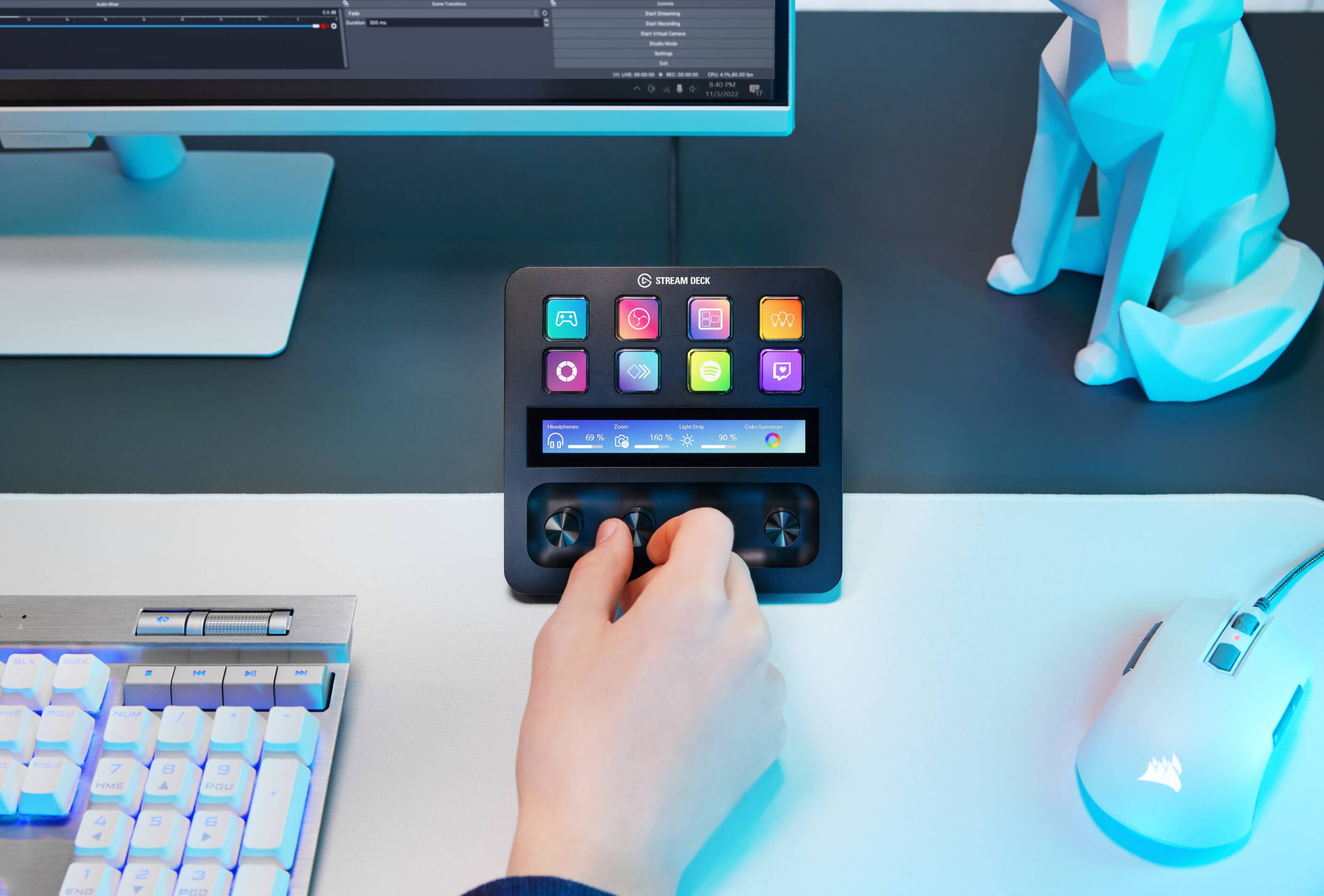
Best universal control panel: Elgato Stream Deck MK.2
The Elgato Stream Deck MK.2{:target=“_blank” rel=“sponsored nofollow noopener” data-buy-product=“Elgato Stream Deck MK.2”} is the rare accessory that becomes more useful as the room becomes less specialized. Racing profiles can hold pit, camera, ignition, and telemetry actions. Flight profiles can expose lights, autopilot, radios, and checklists. Space pages can separate combat, mining, salvage, landing, and power management. Marine pages can hold horn, lights, anchor, radar, chart, and camera controls.
Its advantage is not raw button count. It is labeled state. You do not have to remember whether Shift+Alt+K retracts a landing gear or opens a menu because the key can show the action. Folders and app switching let the same physical deck serve several bays.
The unglamorous winner: USB, power, and recovery
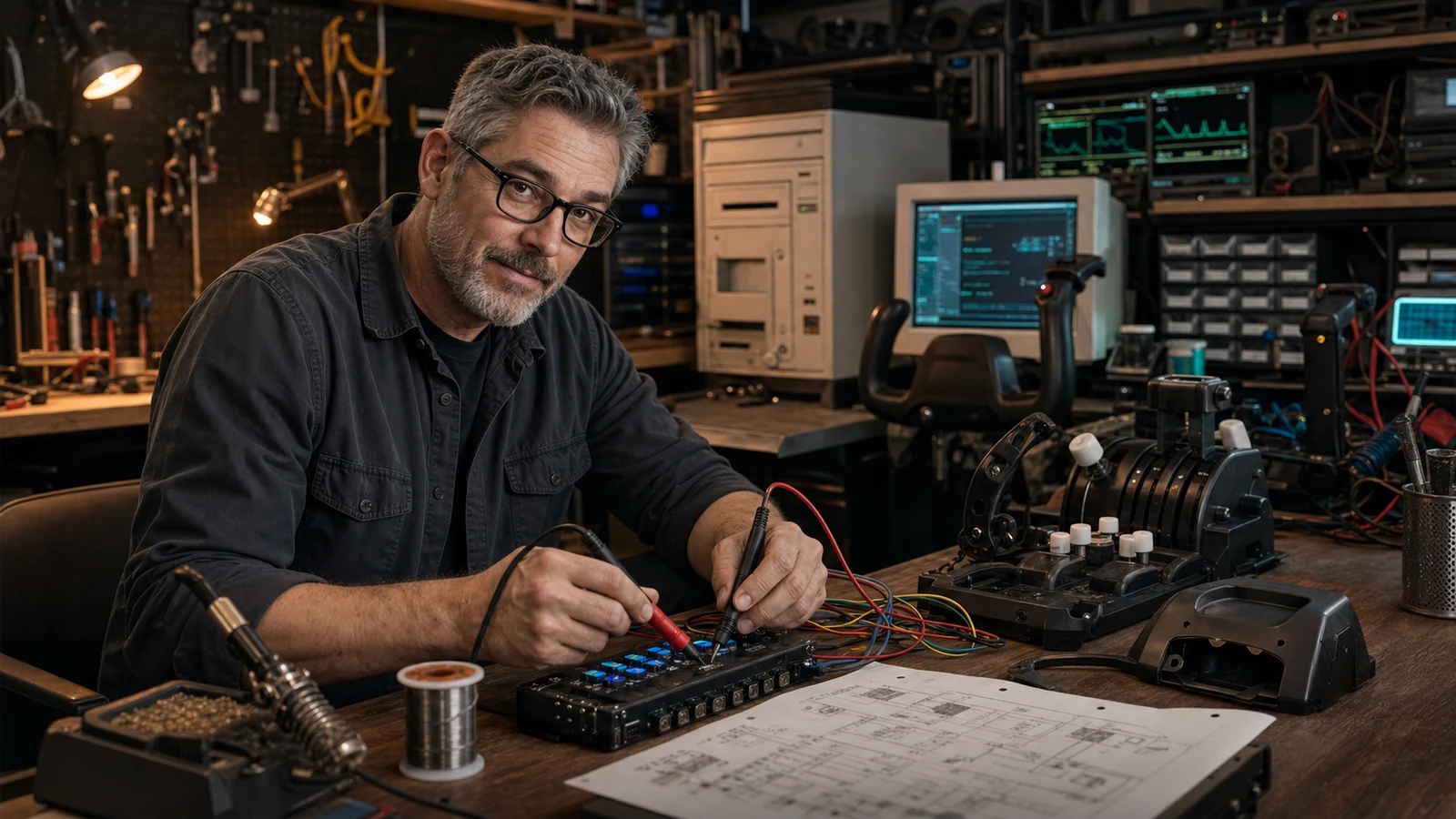
Simulator hardware often fails socially before it fails electrically. A device disappears, Windows renumbers it, a profile gets overwritten, and the user decides the whole rig is temperamental. The fix is a commissioning process:
- Connect the primary control directly to a rear motherboard port for the first firmware update.
- Add one device at a time and confirm it in Windows before opening the sim.
- Use a quality powered hub for panels and lower-bandwidth accessories, not as an excuse to chain every critical device through one cable.
- Label both ends of every cable.
- Photograph the final port map.
- Export profiles after the first working session and after every major change.
- Keep firmware installers, manuals, and profiles in one room folder.
That folder is part of the rig. When an update resets a binding, it is the difference between five minutes of recovery and an evening of archaeology.
What changes by simulator category
Racing
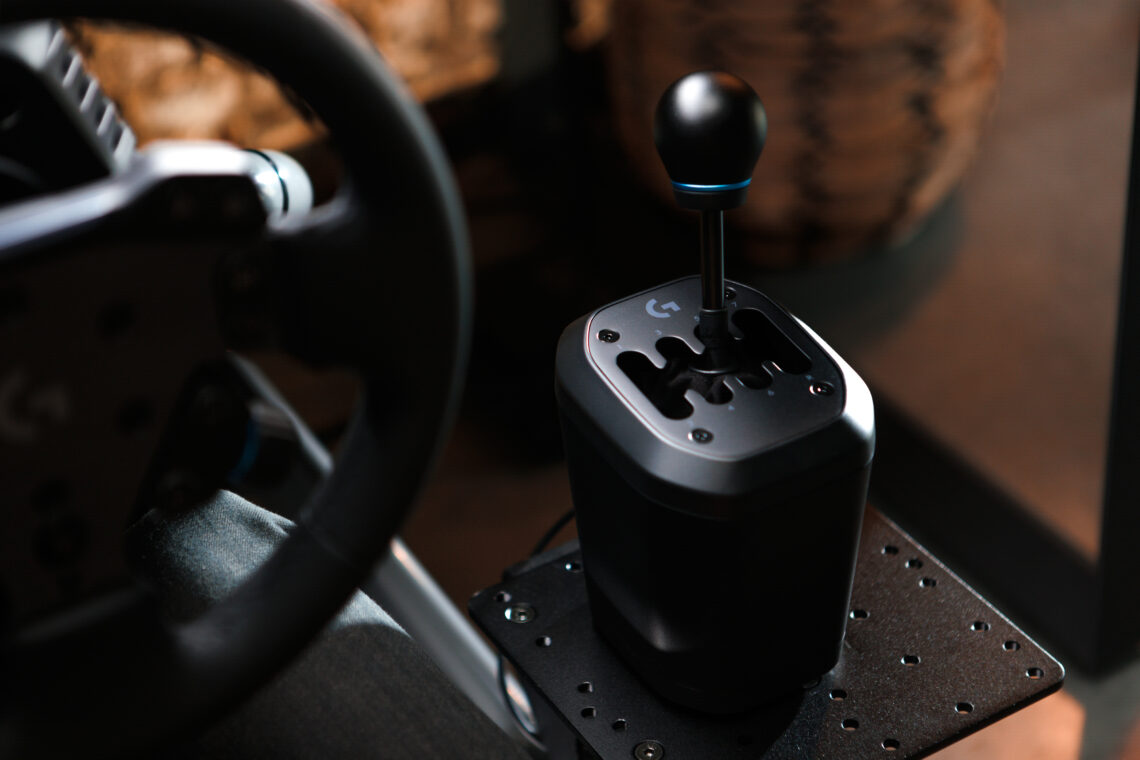
The cockpit and brake matter before huge torque. A stable seat-to-pedal relationship creates repeatable pressure; a wheelbase cannot compensate for a deck that bends. Use the 2026 racing rig buyer map for the category-specific order.
Flight
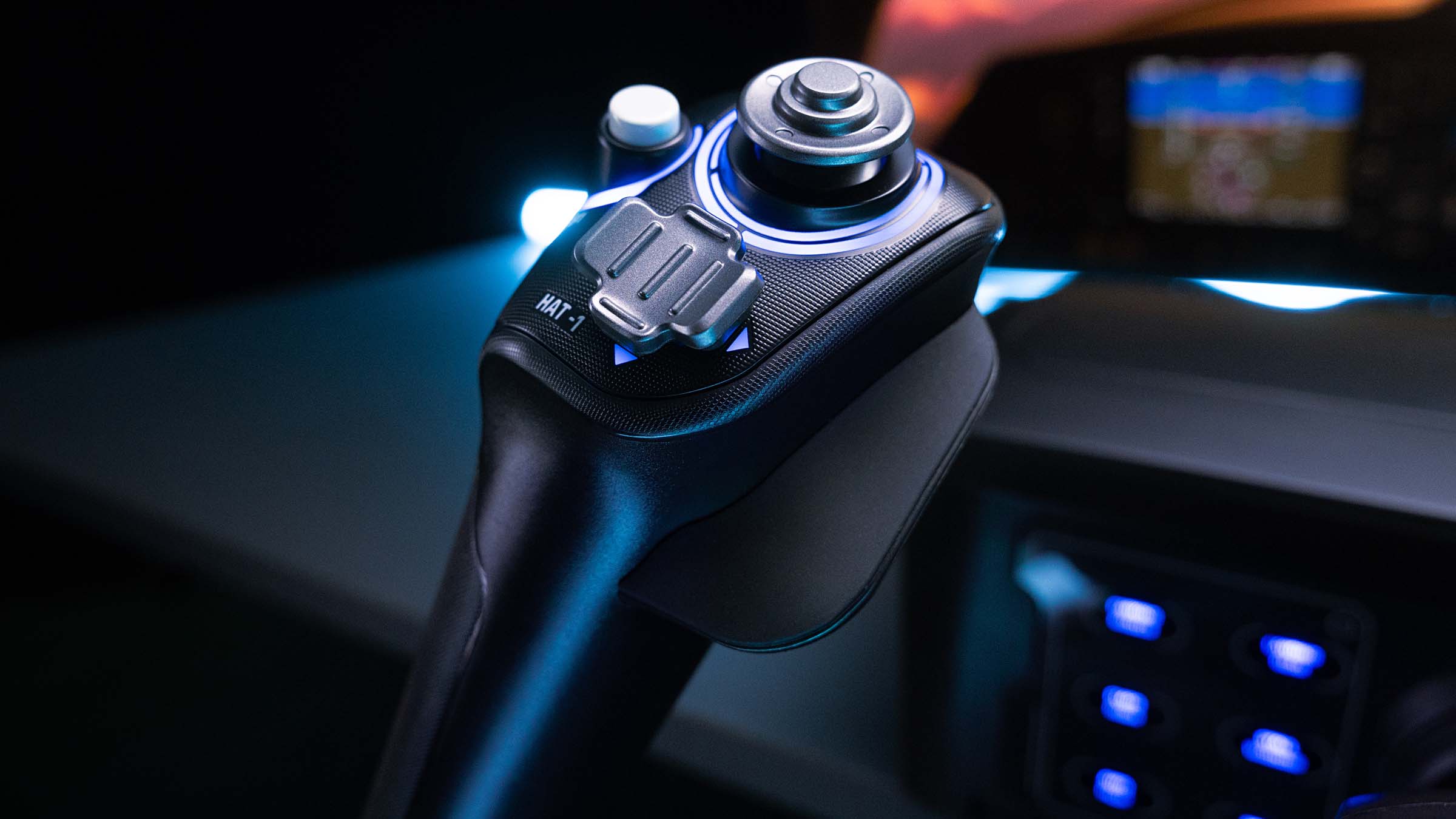
Name the aircraft before buying the control. GA wants a yoke and quadrant. Airbus wants a sidestick and detented throttle. Combat wants HOTAS and, eventually, pedals. The shared display and USB layer stays useful, but the primary control language changes.
Space
Decide HOSAS versus HOTAS from the job. Combat and six-degree translation favor dual sticks; hauling and slower industrial roles can feel better with a throttle. Space also consumes buttons, making the Stream Deck unusually high value.
Marine
Verify analog-axis support before buying anything. Marine remains a hybrid category built from flight throttles, racing wheels, sticks, button decks, and DIY interfaces. The software compatibility map is the first component.
Golf
The room becomes the product. Launch-monitor technology, ceiling height, ball-to-screen depth, radar depth, projector throw, and safe swing clearance matter more than a universal display recommendation.


The $2,000 shared-room build
This is not a promise that every category becomes complete for $2,000. It is a sane shared foundation:
| Line | Target | Why |
|---|---|---|
| Display | $900-$1,300 | Buy the one-screen path first; watch G9 sale pricing |
| Primary control | $300-$600 | Wheel bundle, yoke/quadrant, or dual-stick entry |
| Mount and seat fixes | $200-$500 | Stability and neutral posture |
| Stream Deck | $120-$200 | One control layer across genres |
| Powered USB, power, cable work | $100-$200 | Reliability and recovery |
If VR is the chosen view, move the display allocation to the headset, strap, PCVR connection, and GPU headroom. Do not pretend a $500 headset is a $500 VR system if the PC is below the workload.
What Mac would buy
Final verdict
Buy the room that makes your favorite control repeatable. For most mixed-use builders, that means an ultrawide display, a rigid mounting plan, one correctly chosen primary control, a Stream Deck, and deliberate USB/power work. Add TrackIR when looking around matters. Add VR when you want presence enough to accept its setup ritual.
The expensive component should change the experience. The supporting components should make sure you can reach that experience again next weekend.
Sources checked
Source review date: July 17, 2026. Product listings were opened at the exact ASIN before publication; prices and stock still move, so verify the live offer at checkout.
- Samsung Odyssey OLED G9 product family
- Meta Quest 3 official product page
- NaturalPoint TrackIR 5 product page
- NaturalPoint current downloads
- Elgato Stream Deck quick-start guide
- Microsoft Flight Simulator hardware and peripherals forum
- r/simracing recurring setup and buying discussions
- r/flightsim hardware and desk-layout discussions
- r/hotas control, mount, and USB discussions
- r/Golfsimulator room-build discussions
- Boosted Media simulation hardware reviews
- Sim Racing Cockpit setup and hardware guides
Community observations are paraphrased into IgnitionSim’s editorial voice. Manufacturer media is labeled as product or installed-use evidence; AI-assisted curator scenes are labeled and are never used as product proof.
Key takeaways & quick answers
IgnitionSim is reader-supported. When you buy through links on our site we may earn an affiliate commission at no extra cost to you — it never changes our verdict or your price. As an Amazon Associate we earn from qualifying purchases.
Keep reading
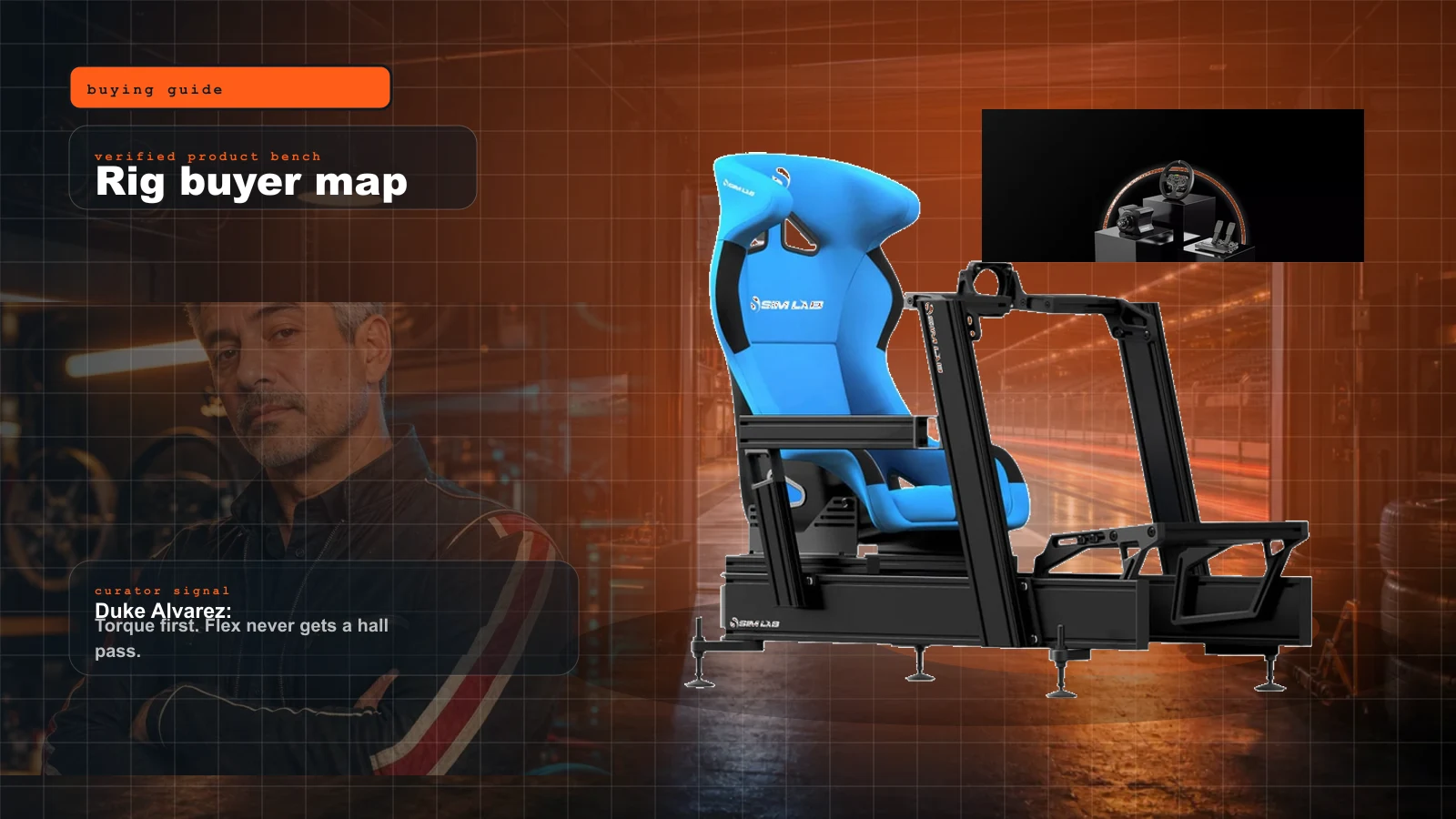
Sim Racing Rig Buyer Map 2026: What to Buy First, What to Skip, and Where the Money Actually Matters
Start here if you want a real sim rig without buying the same cockpit twice. Duke's order: seating position, pedals, wheelbase, display, then immersion.
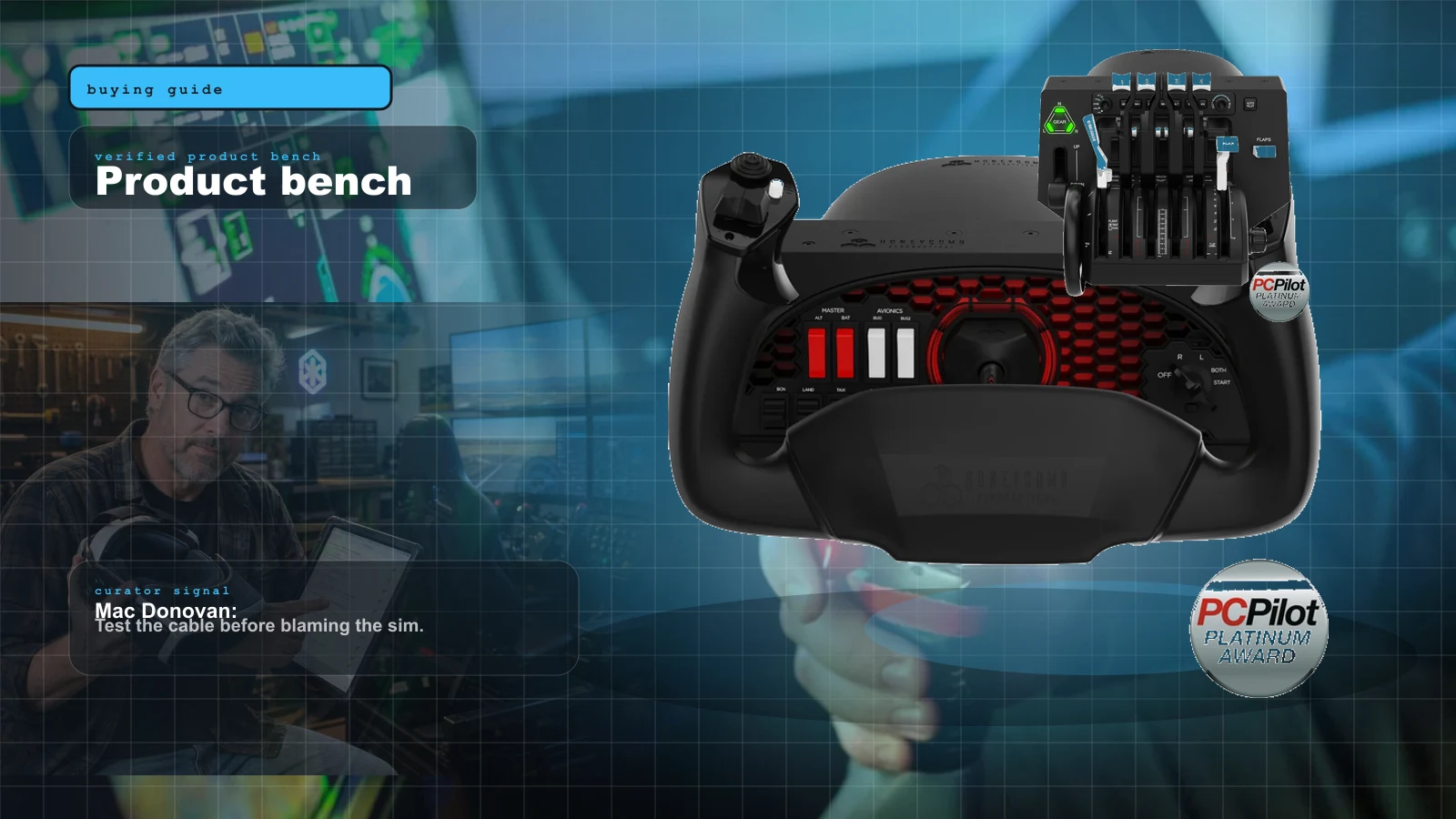
Best MSFS Flight Sim Hardware of 2026: Yokes, Throttles, Pedals, Panels and Head Tracking Ranked
The right first purchase depends entirely on what you fly. Here's the honest 2026 buy order — the one thing to buy first, then the ladder from first stick to a full airliner cockpit, matched to GA, Airbus, Boeing and combat.

Best Home Golf Simulators of 2026: Complete Builds by Budget
You don't buy 'a golf simulator,' you build one — and the launch monitor decides everything else. Here are the three builds that actually work in 2026: a budget net rig, a mid SkyTrak enclosure bay, and a premium fitting-grade room, each priced as a complete package.
Best Space Sim Controllers of 2026: HOSAS, HOTAS and Sticks Ranked
Six axes, two hands, one buying decision. Here's the honest 2026 ranking of space sim controllers — the best HOSAS building block, the best value, the premium endgame and the Xbox-only option — for Star Citizen, Elite Dangerous and X4.