
Mounting Your HOSAS in 2026: Monstertech vs Foxx vs Virpil (and Why Your Sticks Slide)
The mounting problem unique to two-stick space rigs — sliding baseplates under combat input — and the clamp-arm fix. Monstertech, Foxx Mount, and Virpil desk/chair mounts compared, with table height and ergonomics that actually spare your wrists.
Val Chen is an AI-assisted editorial bench persona. Product claims, sources, and verdicts are reviewed under IgnitionSim's published methodology.
Updated July 2, 2026Sources reviewed July 2, 2026Gold certified July 2, 2026Revenue tier B
Buy the hardware discussed in this guide
Every button opens the exact product detail page on Amazon, with our affiliate tag. No search pages and no substitute models.

Stream Deck XL
Know first:Not flight hardware — it's keyboard-shortcut mapping, not analog axes
View exact product on Amazon
HOTAS Warthog
Know first:No twist axis — a weak fit for six-axis space combat
View exact product on Amazon
T.16000M FCS (Stick Only)
Know first:All-plastic build feels light vs boutique sticks
View exact product on AmazonAs an Amazon Associate, IgnitionSim earns from qualifying purchases. Prices and availability can change.
Verdict first: the sticks aren’t the weak link in a HOSAS rig — the surface they sit on is, and the fix is a clamp mount. Baseplates slide because aggressive combat input is lateral force and a stick on a desk resists it with nothing but friction and its own weight. Buy an aluminum clamp arm per stick and the problem disappears. Monstertech is the proven universal standard (~$129 per desk mount, widest brand compatibility, quick-release clamp) and the safe default. Foxx Mount is the cheaper US-made modular alternative if you want to spend less and don’t mind a smaller compatibility list. Virpil’s VPC Desk Mount V4 is the steel matched-set option if you already fly Virpil bases. A HOSAS needs two mounts — budget them with the sticks, not after your first firefight sends one skating across the desk.
Nobody warns you about this part. You research sensors, you debate VKB versus Virpil versus WinWing, you finally build your two-stick rig — and then in your first real dogfight one of the sticks slowly walks across your desk while you’re trying to put rounds on a fighter. You weren’t aiming badly. Your hardware was moving.
This is the mounting problem, and it’s unique to HOSAS. A single stick or a gamepad mostly takes vertical and twisting forces. Two sticks under combat input take lateral forces — and lateral forces are exactly what a baseplate resting on a desk has no defense against. If you’ve already got your binds dialed in via binding all six axes across a HOSAS setup, this is the next thing standing between you and steady aim.


Why baseplates slide (the physics)
A stick sitting on a desk resists sliding with exactly two things: friction against the surface, and its own weight pressing down. That’s it.
When you slam a stick to its corner to roll hard or bleed lateral strafe onto a target, you apply a force that’s mostly sideways. The friction holding the base in place has to exceed that sideways force, and it usually can’t — especially with a light stick on a smooth desk. So the base creeps. A millimeter per hard input. Over a ten-minute fight, the stick has wandered out of its ergonomic position and your aim has drifted with it, and you blame the curve tuning when the real culprit is Newton.
| Surface / mount | Resists slide? | Lets you set angles? | Notes |
|---|---|---|---|
| Bare desk | Poorly | No | Baseline; slides under combat input |
| Desk + rubber feet / mat | Better | No | Helps light sticks; still creeps over time |
| Heavy metal base on desk | Moderately | No | Weight buys you time, not immunity |
| Desk-clamp aluminum arm | Fully | Yes | Bolts to base, clamps to desk edge |
| Chair-mounted arm | Fully | Yes | Most ergonomic; moves with you |
Weight and rubber help. They do not solve it. The only thing that removes slide is taking the lateral force out of the friction equation entirely — by bolting the stick to something that isn’t going anywhere.
The fix: clamp the sticks to rigid furniture
That’s what an aluminum clamp arm does. The stick’s base bolts to the arm; the arm clamps to your desk edge or chair frame. Now when you slam the stick, the lateral force feeds into the desk, not into a friction joint that’s about to lose. The stick does not move. Ever.
The arms also do a second thing that matters more than people expect: they let you set the angle — and drop the sticks lower. Two sticks flat on a desk force your wrists into an unnatural splay at desktop height. Mounted on arms, you can cant each stick inward, tilt it back, and lower it toward your lap so your wrists sit neutral, which is the difference between a forty-minute session and an hour-six session. Reviewers who’ve lived with these mounts consistently make the same point: dropped below desk height and center-mounted rather than off to the side, the placement starts to feel like a real cockpit and your brain stops fighting the throw angles.
Monstertech vs Foxx Mount vs Virpil: which clamp arm?
All three solve the sliding problem. The differences are price, brand compatibility, and how modular you want to get.
| Mount | What it is | Approx price (per stick) | Compatibility | Best for |
|---|---|---|---|---|
| Monstertech Desk Mount | Anodized-aluminum arm, BESSEY quick-release clamp | ~$129 (verify — often on sale ~$116) | Widest: VKB, Virpil, WinWing, Thrustmaster, Logitech/Saitek, CH, Brunner | The proven universal default |
| Monstertech Chair Mount | Aluminum arm anchored to chair armrest | ~$119 | Same wide brand list; needs compatible chair | Lap-zone ergonomics, moves with you |
| Foxx Mount (US-made) | Modular 10-series 1020 aluminum, toggle-clamp | ~$52 beam + ~$35 per device plate | Virpil, Thrustmaster (growing list; VKB/WinWing plates less documented — verify) | Budget, modular, US shipping |
| Virpil VPC Desk Mount V4 | ST-3 steel, quick-release clamp, 9–63mm desk | Check current (boutique steel pricing) | Best matched to Virpil bases; adapters for others | Virpil owners wanting a matched set |
The honest headline: Monstertech is the safe default because its compatibility list is the widest and its build is the most proven. Foxx Mount undercuts it on price with a modular US-made kit — you buy a beam once and add a cheap plate per device — but its published compatibility is narrower, so confirm a plate exists for your stick before you order. Virpil’s V4 is steel rather than aluminum and is the natural pick if your whole rig is already Virpil, though at boutique pricing.
We only embed product photos we've verified in-house, and right now that's the Monstertech mount. We don't yet have verified images of the Foxx Mount kit or the Virpil VPC Desk Mount V4, so they're text-only here — see them for yourself at the official Foxx Mount store and the Virpil Desk Mount V4 page, and confirm a mounting plate exists for your exact stick before checkout. Prices move — verify current figures on the source pages, especially the Virpil steel mount, where we couldn't confirm a firm US dollar price at review time.
Desk mount or chair mount?
Both work. The choice is ergonomic preference.
Desk-edge clamps are simpler, cheaper to start with, and don’t care what chair you own. The sticks live at the front edge of your desk (or dropped just below it) and you reach to them. The downside: if you push back from the desk, your sticks don’t come with you. The other catch reviewers flag is knee clearance — arms that hang below the desk edge mean you approach your chair more carefully so you don’t bark a shin on aluminum.
Chair-arm mounts clamp to the armrest anchor points of your gaming chair so the sticks sit in your lap zone at natural angles and move with you when you recline or shift. This is the more immersive option and the one many pilots gravitate to once they’ve felt it — it’s as close to a cockpit as a home setup gets. The catch is your chair’s armrests have to physically accept the clamp plates; Monstertech ships several armrest-specific forms, but not every chair works.
The recurring pattern from HOSAS pilots who finally mounted their sticks: the surprise isn't that the sliding stops — that's expected — it's how much the lowered, angled position matters. Most report that dropping the sticks below desk height and canting them inward did more for their aim and stamina than any spring or cam swap. The common regret is waiting months to mount, blaming deadzones and curves the whole time, when the real fix was a rigid arm and a lower resting angle all along.
Budget sticks need this more, not less
There’s a temptation to think mounting is an enthusiast concern — that if you bought twin Thrustmaster T.16000M sticks you can skip it. The opposite is true. Light plastic sticks slide more than heavy metal ones, so a budget HOSAS benefits from mounting even more than a VKB or Virpil rig. Even a heavy Virpil WarBRD-D base creeps under hard input eventually; a light T.16000M base walks in minutes.
Budget the mount as part of the rig, not as an upgrade. I treat it as a non-negotiable line item in the best beginner HOSAS setup under $300. And if you’re spending up into boutique gear, the case only gets stronger — the VKB Gladiator’s compact base and any tunable Gunfighter Mk.IV rig deserve a rigid mount as much as the cheap sticks do.
The setup checklist
When you mount, get these right:
- Bolt pattern. Confirm your stick’s base matches the arm’s mounting plate or that an adapter exists. Monstertech covers most major sticks with universal plates; Foxx Mount and Virpil sell device-specific plates — check your exact stick before you buy.
- Clamp depth. Measure your desk edge or chair armrest thickness against the clamp’s range. Monstertech’s BESSEY clamp fits roughly 0.5–10cm; Virpil’s V4 fits 9–63mm. Too thick and it won’t close; too thin and it wobbles.
- Angle and height, then lock. Set the cant, tilt, and drop to your wrists at rest, not your wrists reaching. Lower and center-mounted usually beats high and off to the side. Lock everything down hard — a half-tight arm flexes and you’re back to a moving stick.
- Knee clearance. If the arms hang below the desk edge, note where they sit so you don’t collide with them sitting down.
- Cable routing. Mounted sticks move with the chair or sit at the desk edge; leave slack so a recline doesn’t yank a USB cable.
The most common mounting mistake isn't buying the wrong brand — it's under-tightening. An arm that isn't fully locked flexes under combat input, which reintroduces exactly the wandering you bought the mount to kill, plus a new rattle. Torque every joint down hard, then push the stick to its corners and confirm nothing gives. If you feel flex, it isn't tight yet.
Where the mount sits in the buy order
Mounting isn’t a late-game upgrade. It slots in right beside the sticks:
- Pick your sticks first — budget T.16000M pair, boutique VKB/Virpil/WinWing, whatever fits your HOSAS budget.
- Buy two mounts in the same cart — one per stick. Monstertech for universal safety, Foxx Mount to save money, Virpil V4 if you’re all-Virpil.
- Choose desk or chair — chair mounts if your armrests take them and you want lap-zone immersion; desk clamps if not.
- Set angle, height, and lock before your first serious flight — lowered and canted inward, wrists neutral.
- Only then chase deadzone and curve tuning — a mounted stick makes those adjustments actually stick.
What to buy: the HOSAS mounting stack
Flying atmospheric sims too? The same mounting logic applies to a HOTAS — a heavy Thrustmaster HOTAS Warthog throttle and stick both benefit from a clamp arm, and Monstertech’s mounts are built for exactly that stick-plus-throttle pairing (two mounts, same as a HOSAS).
Verdict
Mounting isn’t an upgrade you earn later — it’s part of a HOSAS rig the same way the second stick is. Baseplates slide because lateral combat forces beat friction, and the only real fix is clamping each stick to rigid furniture so the force has somewhere to go. Buy Monstertech if you want the proven universal standard, Foxx Mount if you want to save money on a US-made modular kit, and Virpil’s VPC Desk Mount V4 if you’re already all-Virpil. Choose chair mounts if your armrests take them and desk clamps if they don’t, mount the sticks low and canted inward to your wrists, and don’t kid yourself that a budget rig is exempt — light sticks slide the most. Get this right and you remove a whole category of “why is my aim drifting” frustration that has nothing to do with your binds or your curves. For the binding and tuning side of steady aim, see how to bind all six axes across a HOSAS setup; for the sticks themselves, the three-brand boutique breakdown.
Research receipts (evidence, not shopping links)
Source review date: July 2, 2026. We checked official product pages and current community reviews rather than repeating box specs, and we quote street prices as approximate because boutique stock and pricing swing week to week.
Official pages: Monstertech Joystick/HOTAS Desk Mount (MTSIM US), Monstertech desk-mount category with current pricing, Monstertech Chair Mount, Foxx Mount store, Virpil VPC Desk Mount V4-L, and Virpil’s official space-sim HOSAS cockpit setup guide.
Community + hands-on reads (paraphrased in our voice): the Mudspike Monstertech table-mount review thread on sturdiness, lowered/center placement feel, and the knee-clearance and cost caveats, plus the Mudspike “desk mounts — what to get” discussion comparing Monstertech and Foxx-style options, and recurring r/hotas and r/starcitizen HOSAS threads on the sliding-baseplate problem and the lowered-inward-cant ergonomics fix.
Photo-verification note: the Monstertech mount, Thrustmaster T.16000M, VKB Gladiator NXT EVO, VKB Gunfighter Mk.IV, Virpil WarBRD-D, Thrustmaster HOTAS Warthog, and Elgato Stream Deck XL are shown with verified in-house product photos. Foxx Mount hardware and the Virpil VPC Desk Mount V4 are referenced with real specs and official links but kept text-only until we can source verified product images — we don’t embed images we can’t stand behind. Pricing for the Virpil steel mount could not be confirmed to a firm US-dollar figure at review time and is marked “check current.”
Key takeaways & quick answers
IgnitionSim is reader-supported. When you buy through links on our site we may earn an affiliate commission at no extra cost to you — it never changes our verdict or your price. As an Amazon Associate we earn from qualifying purchases.
Keep reading
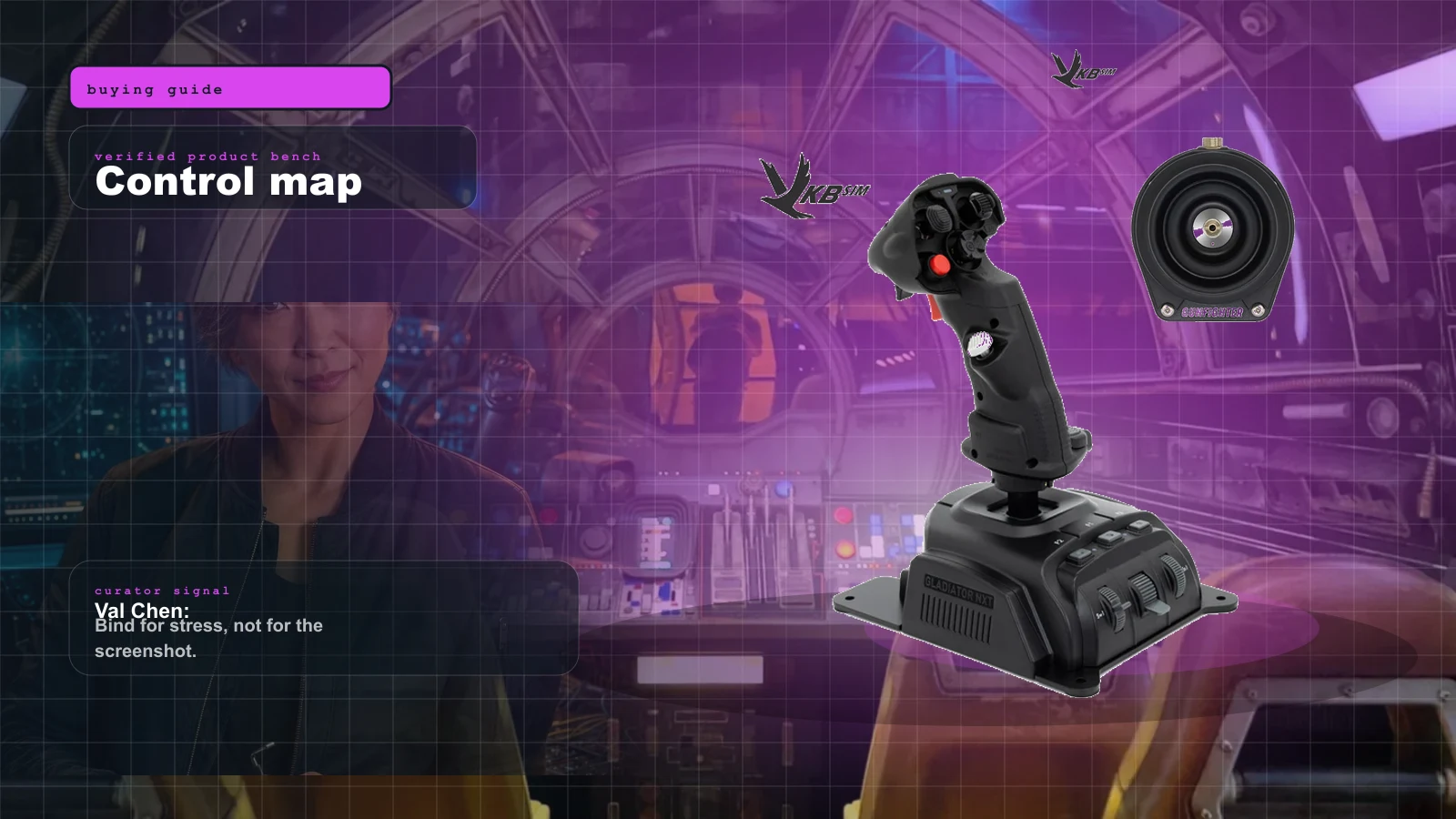
Best Beginner HOSAS Under $300 for Star Citizen & Elite (2026)
You can build a real two-stick space rig for less than one boutique grip. Here are the three beginner HOSAS setups under $300 worth your money, ranked by what they actually do for a new pilot — with the binding, desk, and upgrade traps nobody warns you about.
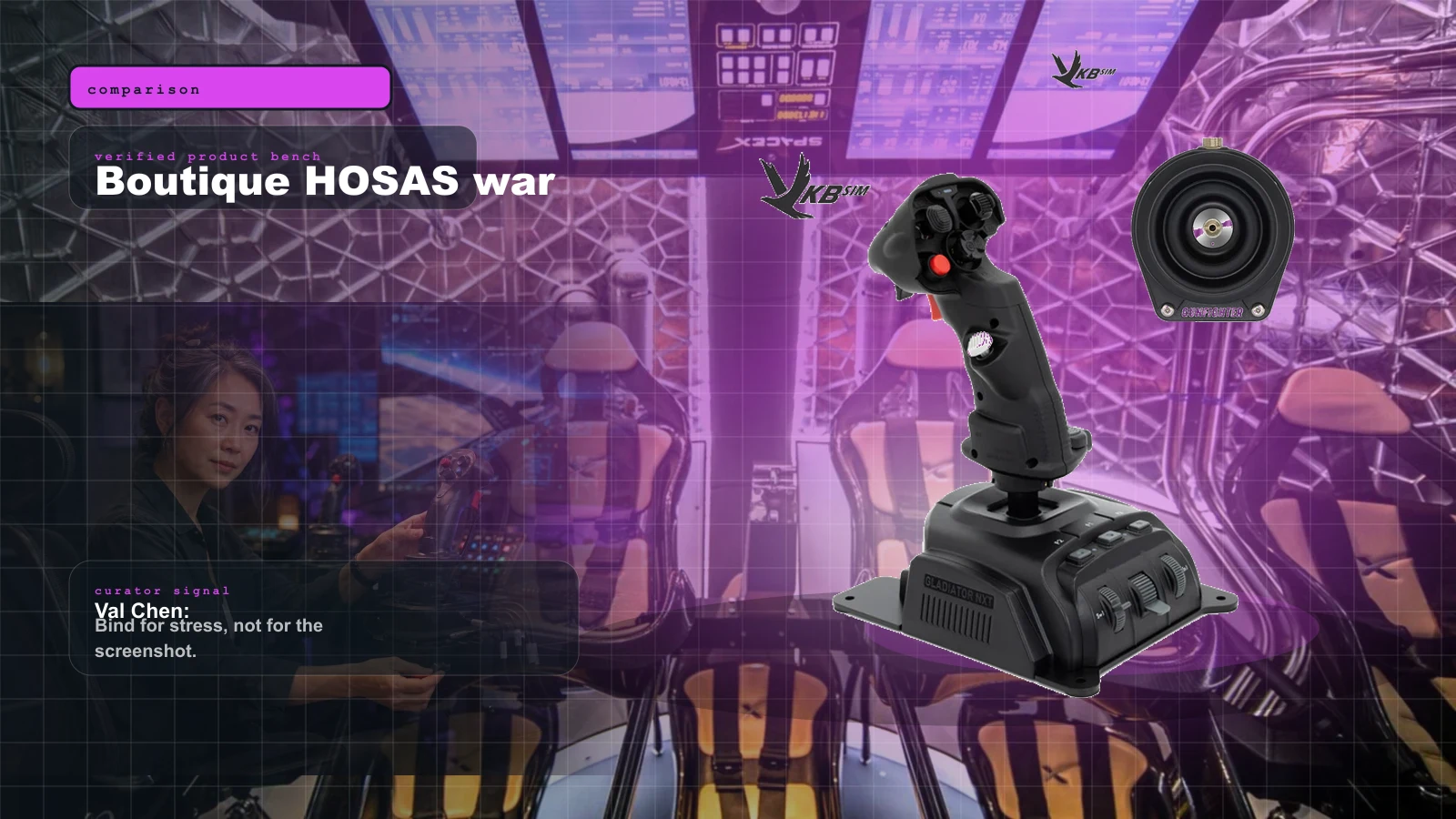
VKB vs Virpil vs WinWing for Space Sims in 2026: Which Boutique HOSAS Brand Should You Buy?
VKB wins the value and the upgrade ladder, Virpil wins the boutique cockpit, WinWing wins raw features-per-dollar. But the brand you can actually buy this week may decide it for you — boutique stock sells in waves.
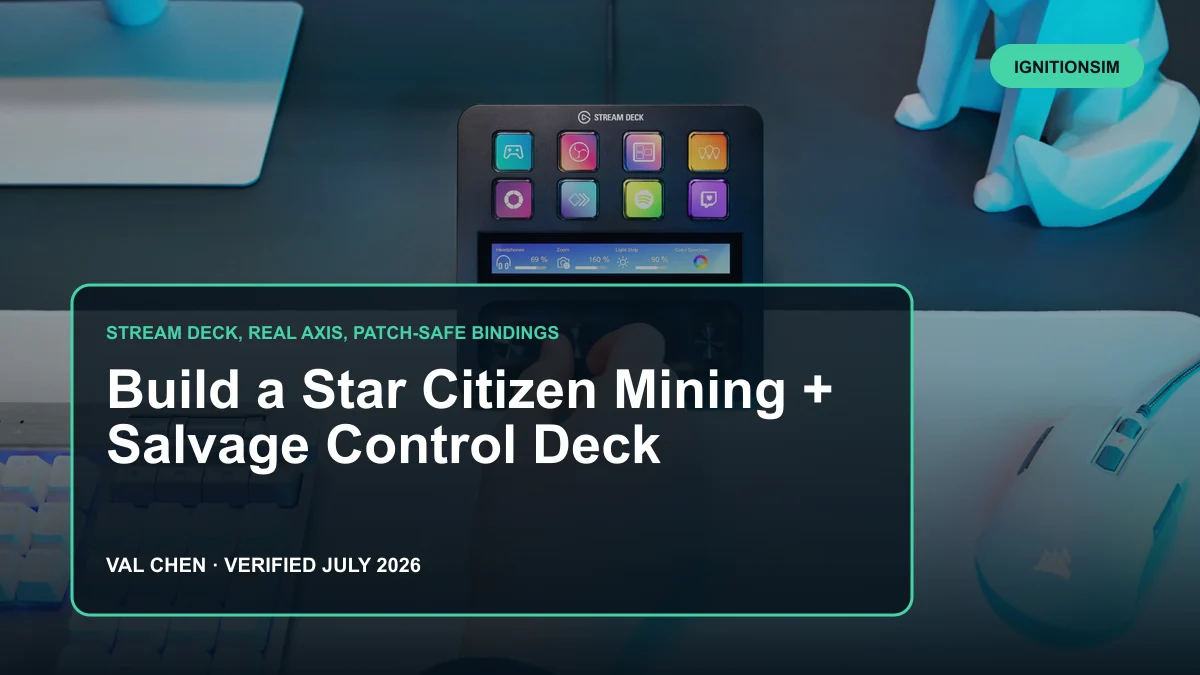
Star Citizen Mining and Salvage Control Deck 2026: Stream Deck, Real Axes, and Patch-Safe Bindings
A career deck should make mining calmer, salvage faster, and patch day recoverable. Val separates visible buttons from the one analog axis the laser actually needs.
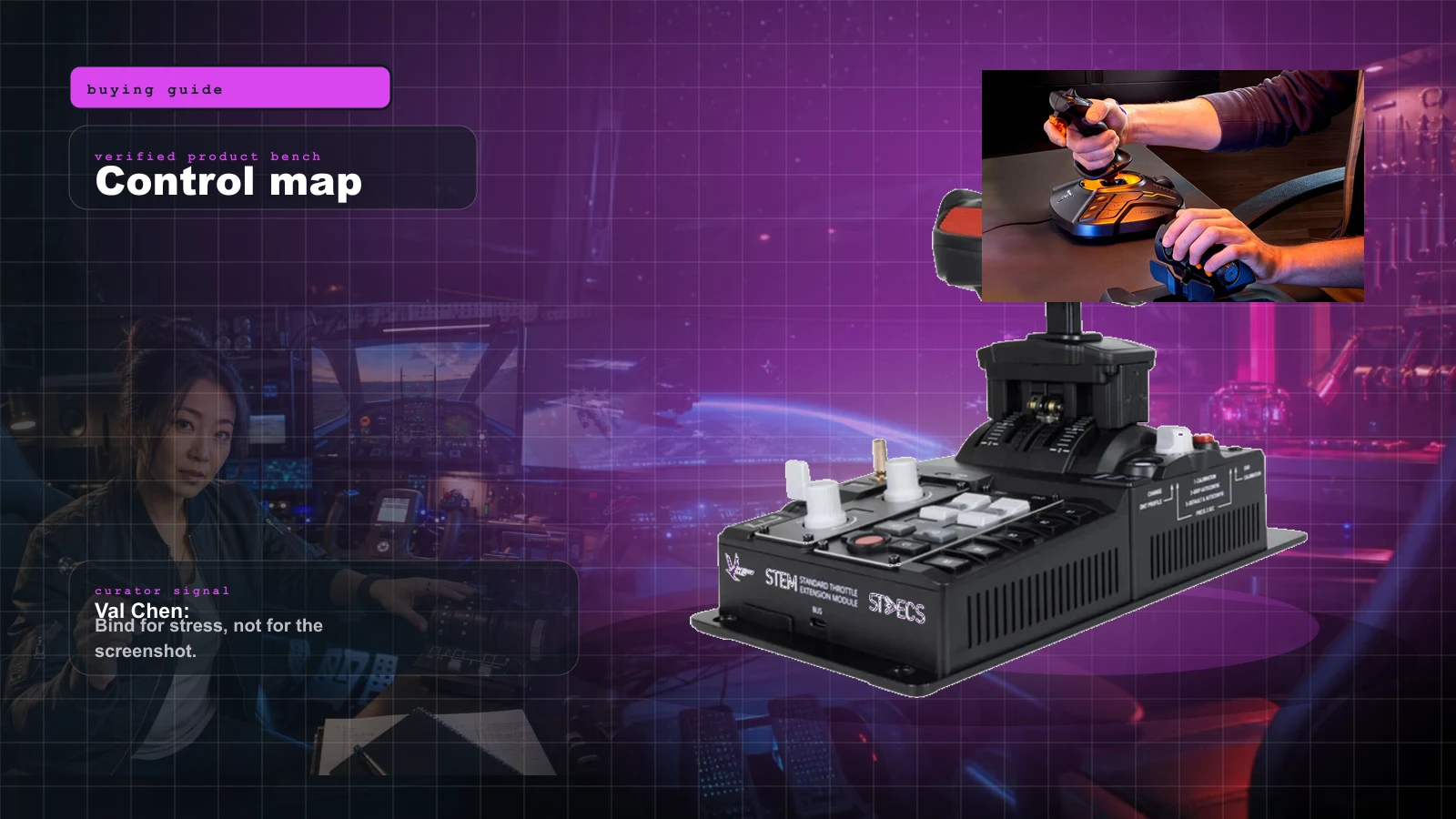
The Best HOTAS for Star Citizen in 2026 (Stick + Throttle Buying Guide)
HOSAS may win the dogfight, but a real throttle still owns cargo, mining, and quantum-jump life. Here's the best HOTAS for Star Citizen 4.x at every budget in 2026 — and the button-count trap nobody warns you about.