Gamepad vs HOTAS for Star Citizen in 2026: Is a Controller Enough?
An honest-broker breakdown of gamepad versus HOTAS for Star Citizen — the real precision gap, the button wall, the cost ladder, and why a $0 controller plus a Stream Deck beats a stick for most new pilots.
Updated July 2, 2026Sources reviewed July 2, 2026Gold certified July 2, 2026Revenue tier B
The most common Star Citizen question isn’t “VKB or Virpil.” It’s quieter than that: “Do I even need to buy anything? My Xbox controller is right here.”
Verdict first: no, you don’t — the gamepad you already own is the correct first controller for most Star Citizen pilots, not a fake starting point. A pad flies the game far better than its reputation suggests, and its real weakness isn’t precision, it’s the button count. Fix that with flight-setting tuning and a labeled macro panel and you’ve solved the gamepad’s honest problem for less than the price of a stick. A HOTAS is a genuine upgrade — but it’s an upgrade, not a prerequisite, and if precise spaceflight is truly the point, the smarter spend skips a single stick entirely. Let me draw the actual lines.
What each controller physically reaches
A Star Citizen ship has six analog axes — pitch, yaw, roll, plus forward/back, vertical, and lateral strafe thrust — and then a throttle-style speed control on top. How well each device covers those is the whole argument.
| Controller | Analog axes available | Physical buttons | Typical 2026 cost | Setup effort |
|---|---|---|---|---|
| Gamepad (Xbox / DualSense) | 4 sticks-worth + 2 triggers | ~14 | $0-65 | Low — usable out of the box |
| Single-stick HOTAS | 4-5 (stick + throttle) | 30+ | $170-500 | Medium — manual binding |
| HOSAS (two sticks) | 6-8 across two grips | 30-40+ | $150-900 | High — full custom binds |
A gamepad’s two thumbsticks plus triggers give you enough analog inputs to cover the axes you use most — pitch/yaw/roll on one stick, strafe on the other, throttle on the triggers or bumpers. The two things it runs short on are precision (a thumbstick’s short throw makes fine aiming twitchy) and buttons (roughly 14 inputs against a game with literally hundreds of bindable actions). Community configs like the widely shared ReWASD “CouchCitizen” setups map all six degrees of freedom to a single pad using hold-modifiers and radial menus, so viability was never the question — comfort under a huge bind list is.
Before you spend a cent, turn the gamepad deadzone down in Star Citizen's flight settings and add a mild response curve. The stock feel ships with a fat deadzone that makes fine aiming mushy — the single change that makes pilots think they need a stick. Star Citizen exposes per-axis deadzone, exponential curves, and saturation, so tune the pad first; you may discover the precision gap was mostly software.
The precision gap, measured honestly
People oversell this. A gamepad thumbstick has roughly 10-15mm of travel from center to edge. A full-size flight stick has 60-100mm. More travel means more physical movement maps to the same angular input, which means finer control — that is real, and it is most of why dedicated pilots fly sticks.
But “finer control” matters in proportion to how much precise flying you actually do. In a long-range gimbal dogfight, the stick’s extra throw is a measurable advantage. In a cargo run, a mining session, or 90% of bunker-mission flying, the gamepad’s precision is completely adequate and you will never feel limited. Buy precision you’ll use, not precision that sounds good.
The button shortage is the bigger practical wall. Star Citizen wants you to bind landing gear, lights, the power triangle, shields, countermeasures, quantum drive, scanning, mining modes, salvage modes, and the whole FPS layer. A gamepad covers this with hold-modifiers and radial menus, which works but adds a mental tax. This is exactly why a Stream Deck button box for the binding overload pairs so well with a gamepad — it hands the hundreds of secondary binds to a labeled panel and lets the pad just fly.
The decision, as a tree
Most of this article collapses to one branch point. Follow it before you look at a single spec sheet.
- New, or fly casually? → Keep the gamepad. Tune the deadzone. Spend $0.
- Gamepad flies fine but you’re drowning in binds? → Add a Stream Deck, not a stick. Cheaper, fixes the real problem.
- You also fly aircraft sims (DCS, MSFS)? → Buy a HOTAS. It’s the right tool for planes and handles space adequately — one setup, two genres.
- Precise space combat is the whole point? → Skip the single stick. Go HOSAS (two sticks). Same money or less than a premium HOTAS, and it’s the better spaceflight tool.
Everything below is the evidence behind each branch.
Where the HOTAS earns its money
A HOTAS — Hands On Throttle And Stick — adds the long-throw analog stick for that precision, plus a dedicated throttle lever and a pile of physical switches. For Star Citizen specifically, the classic all-in-one recommendation is the Logitech G X56 H.O.T.A.S. ($249.99 at Logitech), a complete stick-and-twin-throttle with 189 programmable controls that Logitech markets for space flight directly. The Thrustmaster T.16000M FCS HOTAS ($170) is the cheaper, honest entry, and the all-metal Thrustmaster HOTAS Warthog ($500) is the prestige choice.
What you’re buying:
- Analog precision for aiming and fine maneuvering — the long throw a thumbstick can’t give you.
- Physical button real estate so you stop chording modifiers on a pad.
- Immersion — flying a ship with a real throttle under your left hand simply feels like flying, and that emotional payoff is legitimate.
What you’re accepting:
- Cost of ~$170-500.
- A learning curve — you bind it yourself, and the first hour is humbling.
- Desk space and a mount, because a loose base slides under combat input.

I lay out the specific Star Citizen stick picks in HOSAS vs HOTAS, and the X56 remains the standard answer for a single-box HOTAS — but because we don’t yet have a verified in-house photo of the X56, it’s text-only here. Confirm current price and layout on the official Logitech X56 page or check it on Amazon before you buy.
The recurring pattern on r/starcitizen and the RSI forums: new pilots buy a HOTAS expecting it to fix their flying, then discover the first evening is spent in the binding menu, not the cockpit — and that a tuned gamepad was flying most missions fine already. Nobody regrets a stick once they know they love flying. Plenty regret buying one on week two. Fly the pad until the hardware, not the game, is clearly your bottleneck.
The catch every HOTAS guide buries
Here’s the thing the brochures won’t tell you: for pure flight, a single-stick HOTAS is not even the best stick setup. A spaceship strafes, and a throttle can’t produce lateral thrust as an analog input — so a HOTAS still leaves two of the six axes on buttons, same as a gamepad does. The setup that actually reaches all six smoothly is HOSAS — two analog sticks — which I make the full engineering case for in HOSAS vs HOTAS.
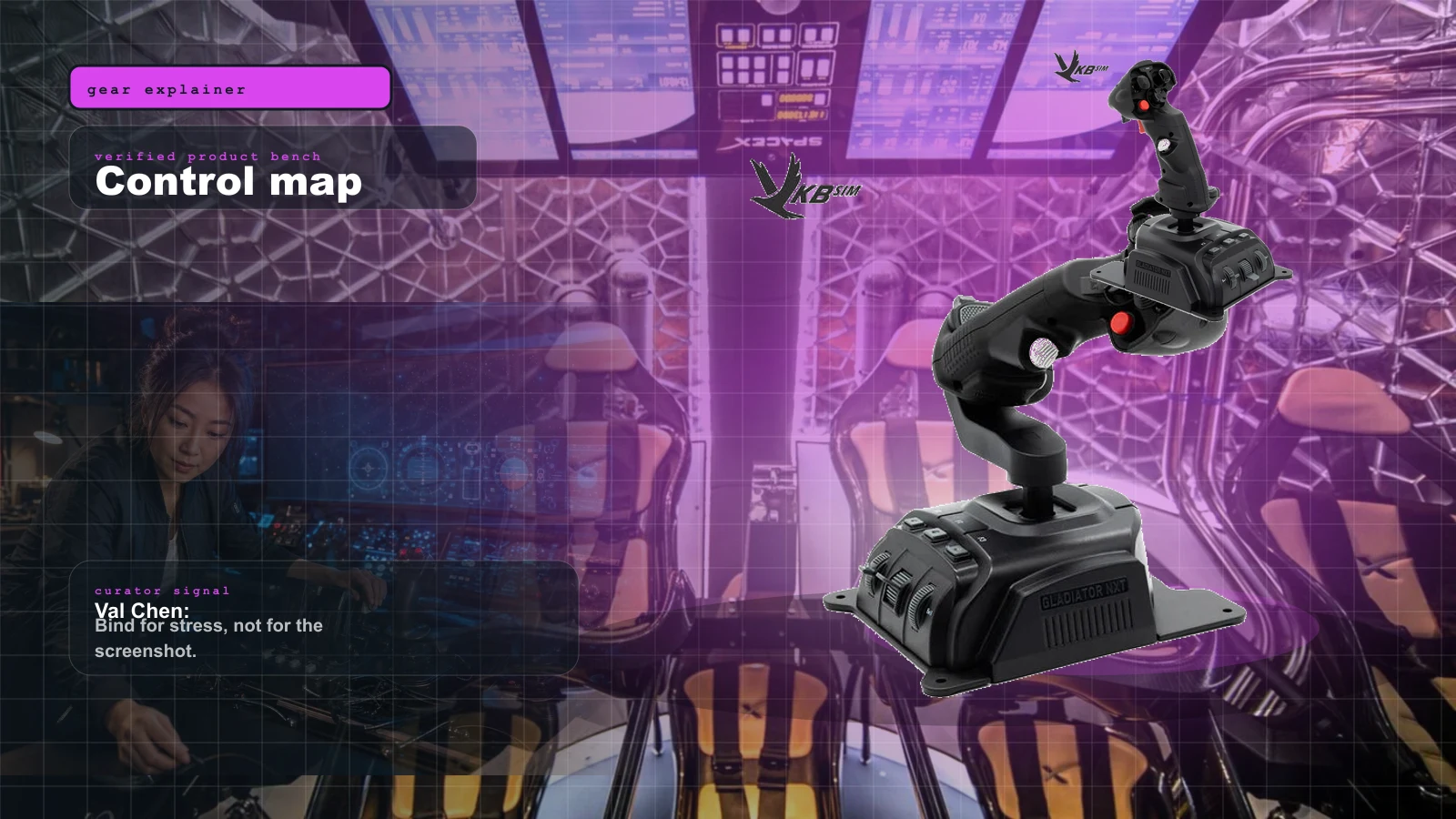
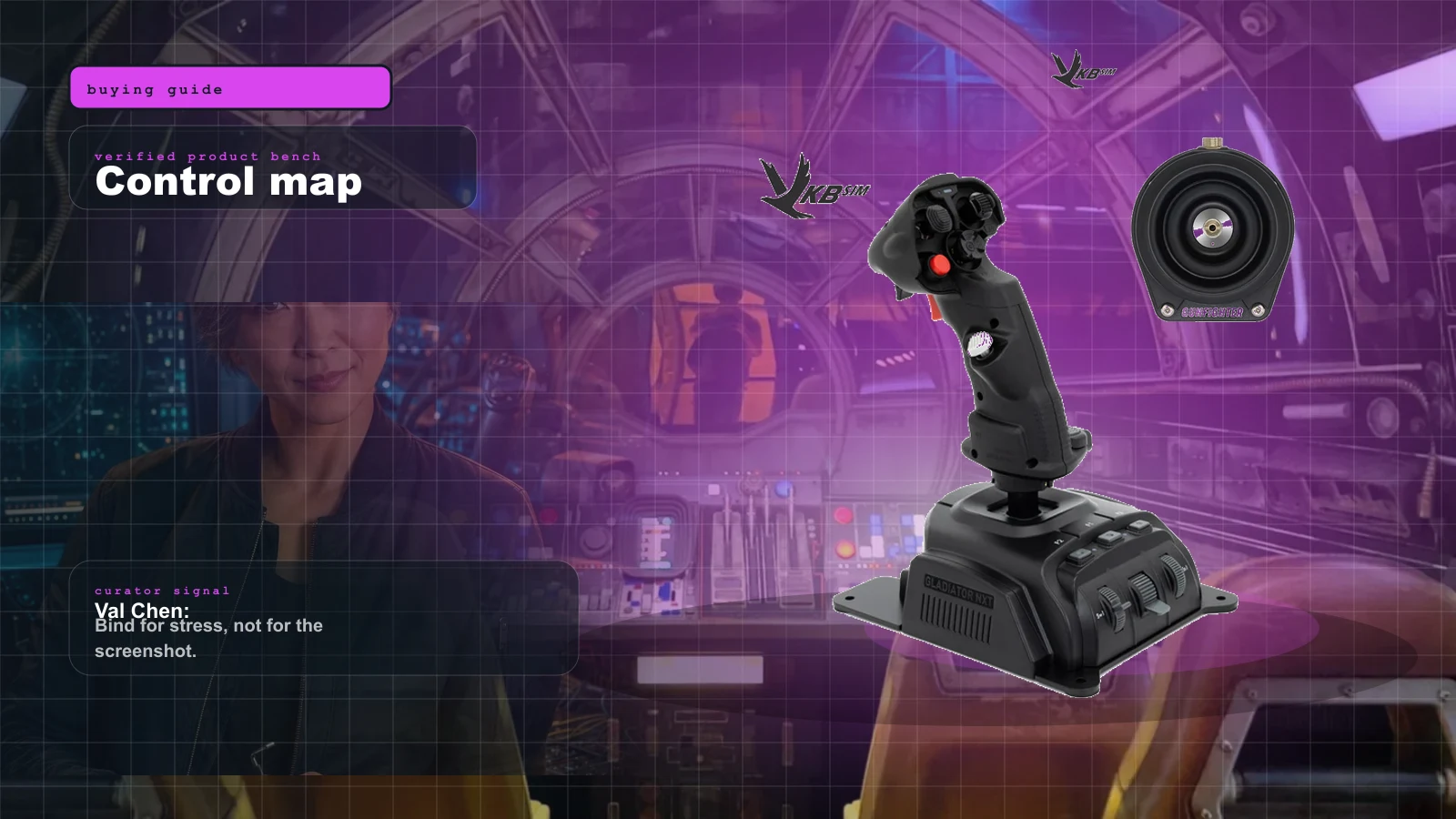
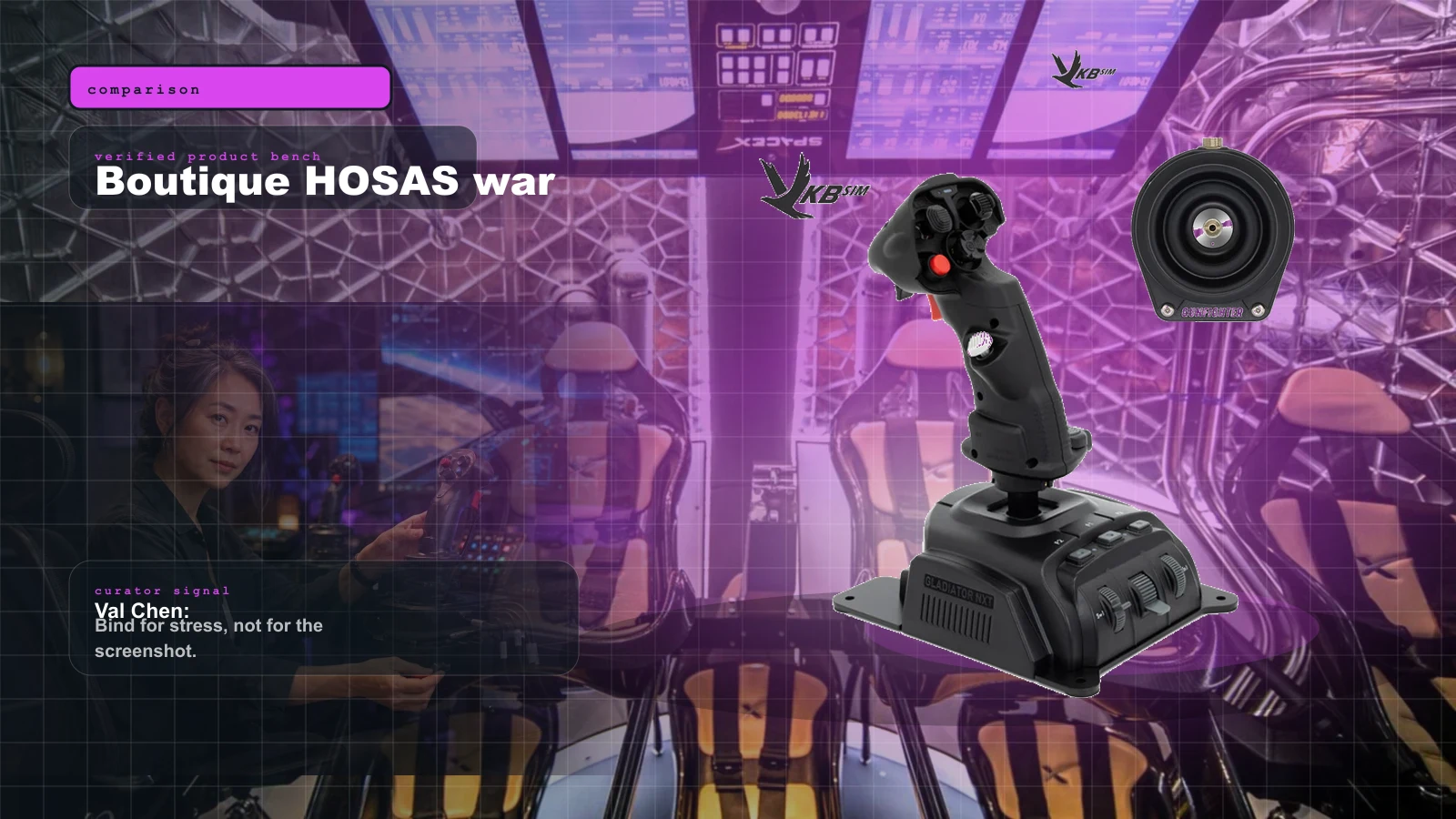
That matters for your buying decision because it reframes the ladder. If you’re going to spend real money for flight precision, a beginner HOSAS pair under $300 — twin Thrustmaster T.16000M sticks at around $160, or a boutique pair of VKB Gladiator NXT EVO Space Combat Edition sticks — outflies a single-stick HOTAS for combat while often costing less than an X56. The HOTAS wins on the throttle feel and the crossover to atmospheric sims; the HOSAS wins on raw spaceflight. There’s a full three-brand boutique breakdown if you get to that fork.
The gamepad’s real fix: a Stream Deck, not a stick
If you take one thing from this guide, take this: the gamepad’s weakness is buttons, and the cheapest fix for buttons is a labeled macro panel, not a $250 stick. Star Citizen has well over 200 bindable functions. No controller solves that in hardware. The Elgato Stream Deck XL (~$250; the 15-key MK.2 is ~$150) turns 32 icon-driven LCD keys into a visible panel for power triage, weapon groups, shield pips, landing gear, quantum drive, and comms, with folders for effectively unlimited binds.
Pair it with a tuned gamepad and you have a two-piece setup that flies the game, labels the whole bind list, and costs less than a HOTAS — while leaving your hands on a controller you already know. This is the branch most new pilots should take before they ever price a stick.
The setup tax nobody prices in
Buying the hardware is the easy part. Two things trip up pilots who jump from a pad to a stick more than any spec.
Unlike the gamepad's usable default profile, a HOTAS wants you to map inputs yourself. Between six axes, deadzones, response curves, and the 200-plus bind list, budget a full evening in the settings menu — and a mistuned deadzone or curve feels worse than a gamepad set up right. This is the tax the box never mentions, and it's why "the stick made my flying worse at first" is such a common first-week complaint.
A gamepad sits in your hands; a stick sits on your desk, and a light baseplate walks under aggressive combat input — a sliding stick is a missed shot. A Monstertech table mount locks a stick rigid at an ergonomic angle. Budget it when you budget the stick, not after your first firefight sends the base skating across the desk. (A HOSAS needs two.)
So which should you buy?
Three honest questions decide it — the same branch points from the tree above, spelled out.
-
Do you know yet that you love flying in Star Citizen? If you’re new or fly casually, start with the gamepad you own. Spend $0, tune the deadzone, learn the flight model, and only buy hardware once flying is clearly the part you want to get better at. Pair it with a Stream Deck if the bind list is your bottleneck — that’s cheaper than a stick and fixes the gamepad’s real weakness.
-
Do you also fly aircraft sims like DCS or MSFS? If yes, a HOTAS is the right buy because it’s the correct tool for planes and handles space adequately. One setup, two genres. Start with the ~$170 T.16000M FCS HOTAS before the X56 or Warthog.
-
Is precise space combat the whole point for you? Then skip the single-stick HOTAS and go straight to a HOSAS pair. It’s the same money or less than an X56 and it’s the better spaceflight tool. Model the spend for your desk and games with the Rig Configurator before you commit.
The buy order
- Fly the gamepad you own first — tune the deadzone and a response curve before you conclude the hardware is the limit.
- Add a Stream Deck, not a stick, if binds are the bottleneck — it’s the cheapest fix for the gamepad’s real weakness.
- Buy a HOTAS only if you also fly aircraft sims — start with the ~$170 T.16000M FCS HOTAS, not the flagship.
- If pure spaceflight precision is the goal, buy two sticks (HOSAS), not one — the ship strafes and a throttle can’t.
- Budget a Monstertech mount with any stick — light bases slide under combat input.
- Only then climb to boutique gimbals, once you know exactly what feel you want to change.
Verdict
The gamepad is not a compromise — it’s the correct first controller for most Star Citizen pilots, and a gamepad-plus-Stream-Deck combo handles the game’s real pain point (the 200-plus binds) for less than the cost of a stick. Buy a HOTAS when you fly aircraft sims too, or when the throttle feel is the reason you sim. And if precise spaceflight is the goal, don’t buy a single stick at all — buy two, because the ship you’re flying strafes and the controller should too.
Sources Checked
Source review date: July 2, 2026. We checked official product pages and current community consensus rather than repeating box specs, and we quote street prices as approximate because stock and pricing swing week to week — confirm current price and layout before you buy.
Official pages: Logitech G X56 H.O.T.A.S. (189 programmable controls, twin throttles, six degrees of freedom, $249.99 listed), Thrustmaster T.16000M FCS HOTAS (T.16000M stick + TWCS throttle, 4 stick axes incl. twist, 30 buttons), Thrustmaster HOTAS Warthog, and the Star Citizen controller support overview.
Community + consensus reads (paraphrased in our voice): the RSI “best way to play exclusively with a gamepad” CouchCitizen/ReWASD config showing full 6DOF on a single pad, the Star Citizen Base “no-twist HOTAS + yaw setup” thread confirming the Warthog needs pedals or a throttle-hat bind for yaw, and the recurring r/starcitizen pattern that a tuned gamepad flies most missions fine and the setup tax surprises stick converts. Deadzone/curve guidance cross-checked against community flight-tuning tools.
Photo-verification note: the Thrustmaster T.16000M FCS HOTAS, Thrustmaster HOTAS Warthog, VKB Gladiator NXT EVO Space Combat Edition, Elgato Stream Deck XL, and Monstertech table mount are shown with verified in-house product photos. The gamepad itself and the Logitech X56 are referenced with real specs and links but kept text-only until verified product images are sourced — we don’t embed images we can’t stand behind. This is a low-product-density explainer by design; the argument leans on the axis table, the decision tree, and the buy order rather than a wall of product cards.
Key takeaways & quick answers
IgnitionSim is reader-supported. When you buy through links on our site we may earn an affiliate commission at no extra cost to you — it never changes our verdict or your price. As an Amazon Associate we earn from qualifying purchases.
Keep reading
HOSAS vs HOTAS for Space Sims in 2026: Two Sticks or Stick-and-Throttle?
A spaceship has six axes of motion. A stick-and-throttle reaches four of them well. That single fact drives the whole HOSAS-versus-HOTAS decision — here's which config wins for your game and your hands.
Best Beginner HOSAS Under $300 for Star Citizen & Elite (2026)
You can build a real two-stick space rig for less than one boutique grip. Here are the three beginner HOSAS setups under $300 worth your money, ranked by what they actually do for a new pilot — with the binding, desk, and upgrade traps nobody warns you about.
VKB vs Virpil vs WinWing for Space Sims in 2026: Which Boutique HOSAS Brand Should You Buy?
VKB wins the value and the upgrade ladder, Virpil wins the boutique cockpit, WinWing wins raw features-per-dollar. But the brand you can actually buy this week may decide it for you — boutique stock sells in waves.
The Best HOTAS for Star Citizen in 2026 (Stick + Throttle Buying Guide)
HOSAS may win the dogfight, but a real throttle still owns cargo, mining, and quantum-jump life. Here's the best HOTAS for Star Citizen 4.x at every budget in 2026 — and the button-count trap nobody warns you about.