Best Space Sim Rigs for Star Citizen, Elite Dangerous, X4, Everspace 2, and No Man's Sky (2026)
Five complete space sim rig builds for 2026: exact controls, displays, head tracking, USB, bindings, installation traps, current Amazon products, and the hardware each game actually deserves.
Val Chen is an AI-assisted editorial bench persona. Product claims, sources, and verdicts are reviewed under IgnitionSim's published methodology.
Updated July 20, 2026Sources reviewed July 20, 2026Gold certified July 20, 2026Revenue tier A
Buy the hardware discussed in this guide
Every button opens the exact product detail page on Amazon, with our affiliate tag. No search pages and no substitute models.

Stream Deck XL
Know first:Not flight hardware — it's keyboard-shortcut mapping, not analog axes
View exact product on Amazon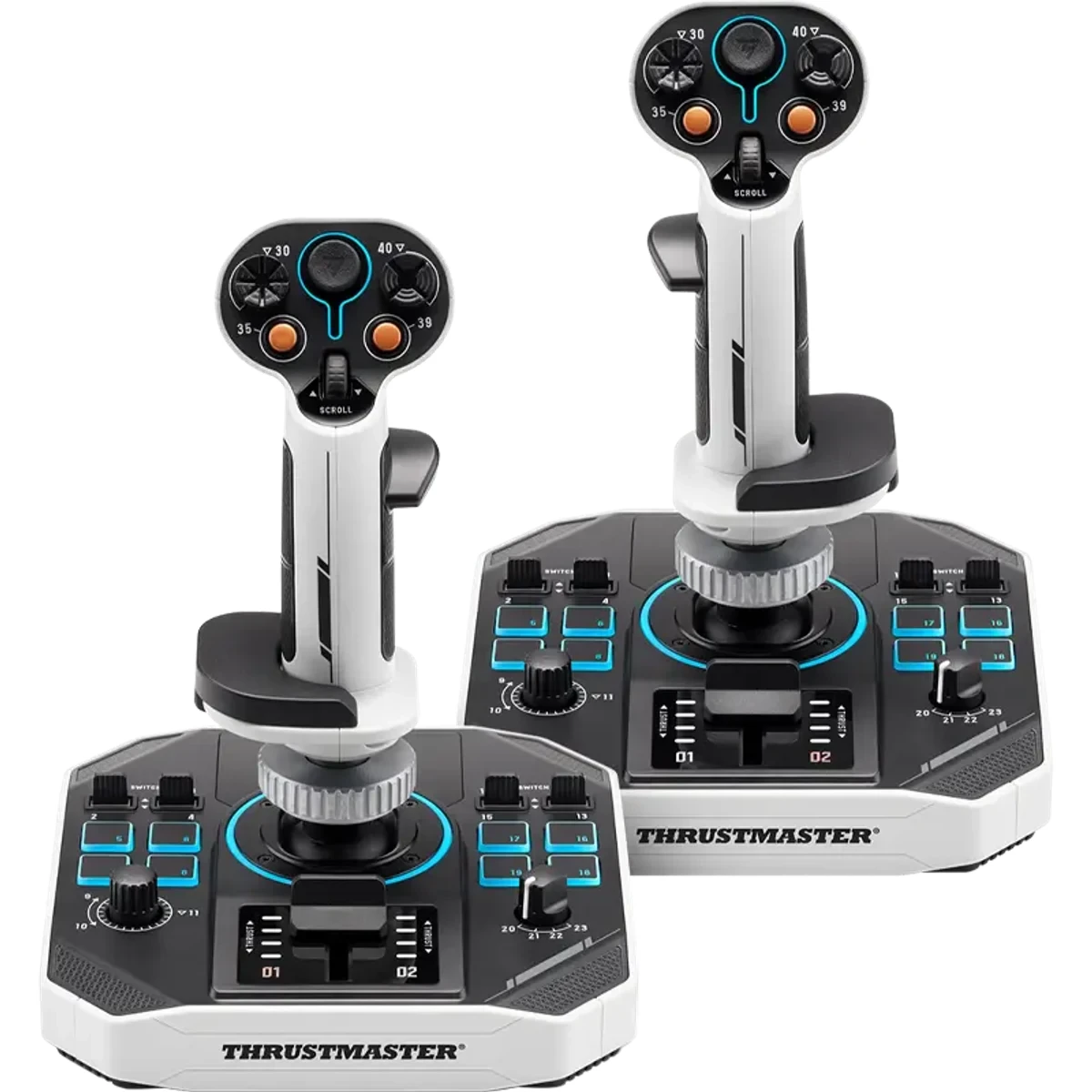
SOL-R 2 HOSAS Space Sim Duo
Know first:Desktop bases are large; mounts or a deep desk help
View exact product on Amazon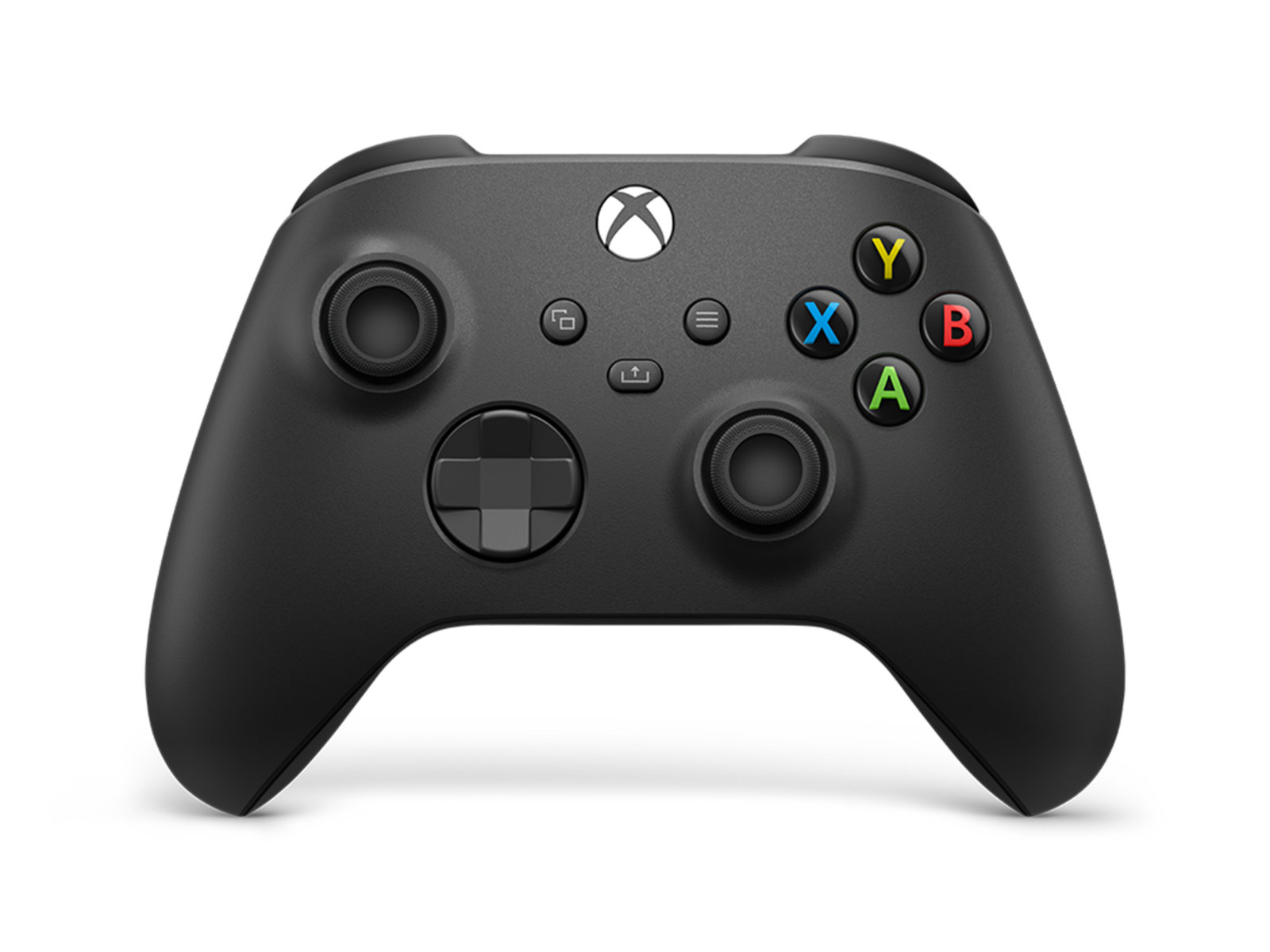
Xbox Wireless Controller - Carbon Black
Know first:Cannot match a true HOSAS for six-axis precision
View exact product on Amazon
T.16000M FCS HOTAS (stick + TWCS throttle)
Know first:TWCS throttle spring is stiff out of the box
View exact product on Amazon
TrackIR 5 (with TrackClip PRO)
Know first:You have to wear a clip on a headset or hat
View exact product on Amazon
As an Amazon Associate, IgnitionSim earns from qualifying purchases. Prices and availability can change.
Fast verdict: stop shopping for “the best space-sim controller.” Five popular space games ask your hands to do five different jobs. Star Citizen earns dual sticks. Elite Dangerous earns a comfortable HOTAS and head tracking. X4: Foundations wants a stick within easy reach of a mouse and keyboard. Everspace 2 is often happiest on a controller. No Man’s Sky is a controller or VR-controller game unless you enjoy workarounds as a hobby.
The best complete rig is therefore not the one with the most glowing panels. It is the one that matches the game you will still play six months after the delivery boxes leave.

The five complete builds at a glance
Star Citizen · $800-$1,200
Buy the dual-stick ship.
HOSAS first. Add mounts, tracking, labeled macro controls, and powered USB after the axes work.
Elite Dangerous · $450-$850
Build for long-haul comfort.
Comfortable HOTAS, TrackIR, stable mounts, and a readable command layer beat maximum control count.
X4: Foundations · $250-$500
Keep the desk hybrid.
HOTAS plus an accessible mouse and keyboard. The map and fleet layer should never become cockpit punishment.
EVERSPACE 2 · $65-$250
Let the controller win.
Start with the Xbox controller. Use the free demo to prove that HOTAS makes your combat better before spending more.
No Man's Sky · $65-$500
Buy a controller or VR, not HOTAS.
The controller is clean. Quest 3 sells presence. HOTAS workarounds are for hardware you already own.
Those totals are hardware ranges checked in July 2026, not promises. Live pricing, mounts, regional taxes, and the controller you already own can move them sharply. Every orange Amazon button in this guide opens the exact product page, not a search result.
Build the common foundation in this order
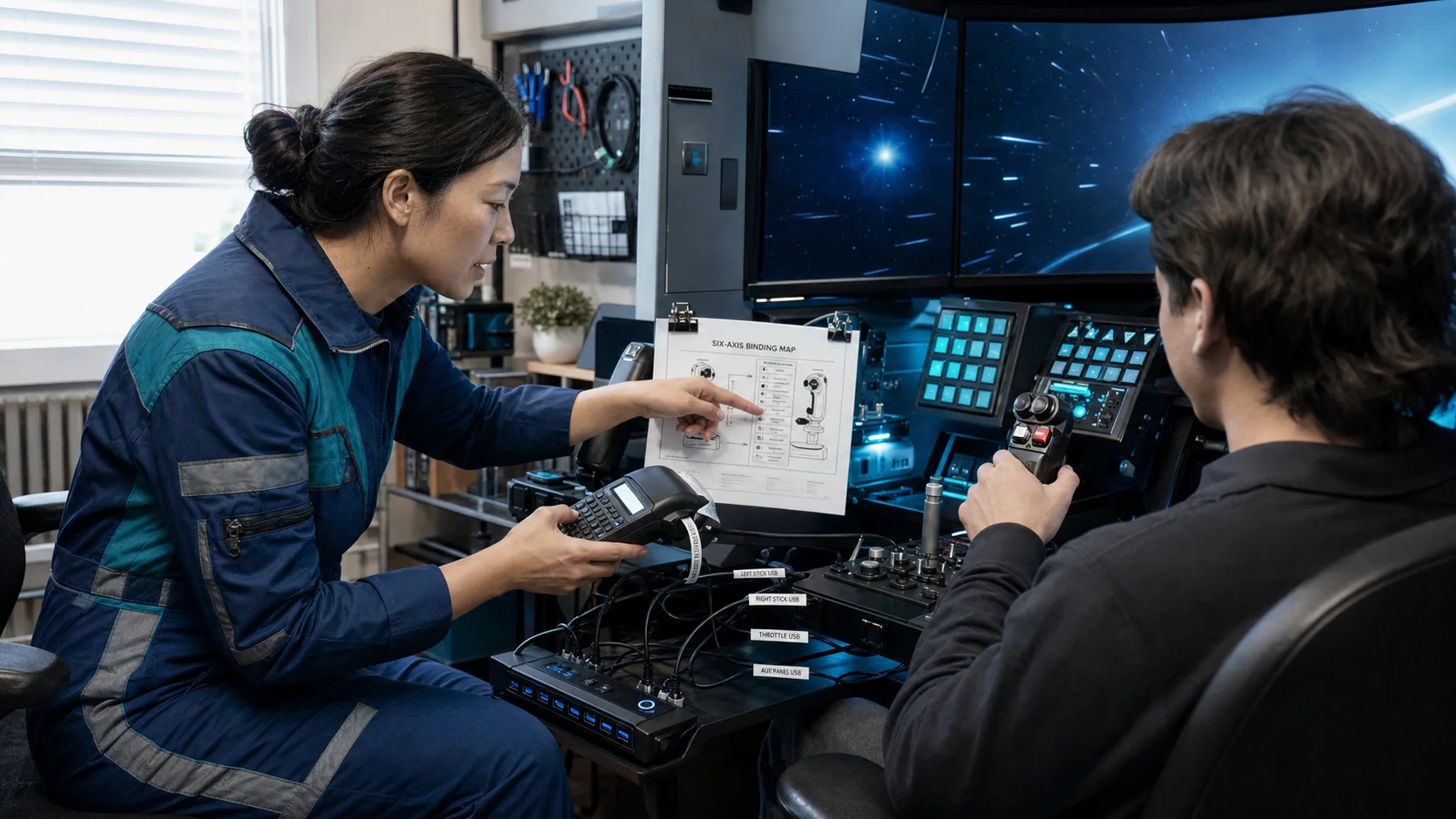
A space rig becomes reliable in the boring layer. The order matters because a second stick, tracker, macro deck, audio interface, webcam, and VR headset can turn one tidy PC into a device-order mystery.

- Prove every primary axis in Windows before launching a game. If the operating system cannot see pitch, roll, yaw, throttle, or strafe cleanly, no binding file will rescue it.
- Fix the sticks or throttle to the desk. Clamp mounts are not cosmetic. A controller that shifts during a landing teaches your hands bad corrections.
- Create a survival profile. Flight, landing gear, targeting, boost, quantum or supercruise, countermeasures, and one camera control are enough for the first session.
- Add head tracking after the survival profile works. This keeps a tracking problem from masquerading as a control problem.
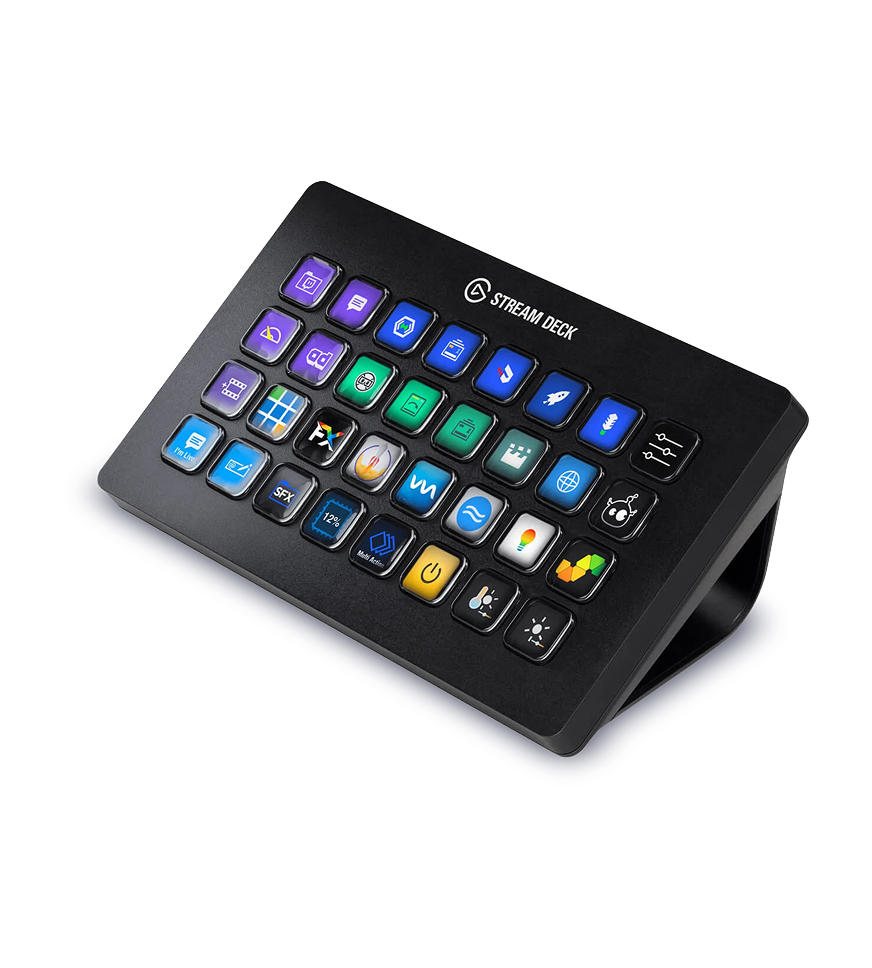
- Add the macro layer last. A Stream Deck is excellent when it labels secondary commands. It is less excellent when it hides a broken primary binding plan.
- Export or photograph the final map. Star Citizen’s own support guidance recommends saving custom mappings, and current players still treat downloadable profiles as a starting point rather than divine law.
The Sabrent 10-Port Powered USB Hub is useful for a peripheral-heavy desk, but connect and test the main controls directly first. Keep the Stream Deck XL on a direct USB connection: Elgato’s current quick-start instructions explicitly say not to connect it through a hub.
Rig 1: Star Citizen, the dual-stick ship
Recommended build: Thrustmaster SOL-R 2 HOSAS, two rigid desk mounts, TrackIR 5 or Tobii, Stream Deck XL, and a powered hub for the non-Stream-Deck accessory layer.
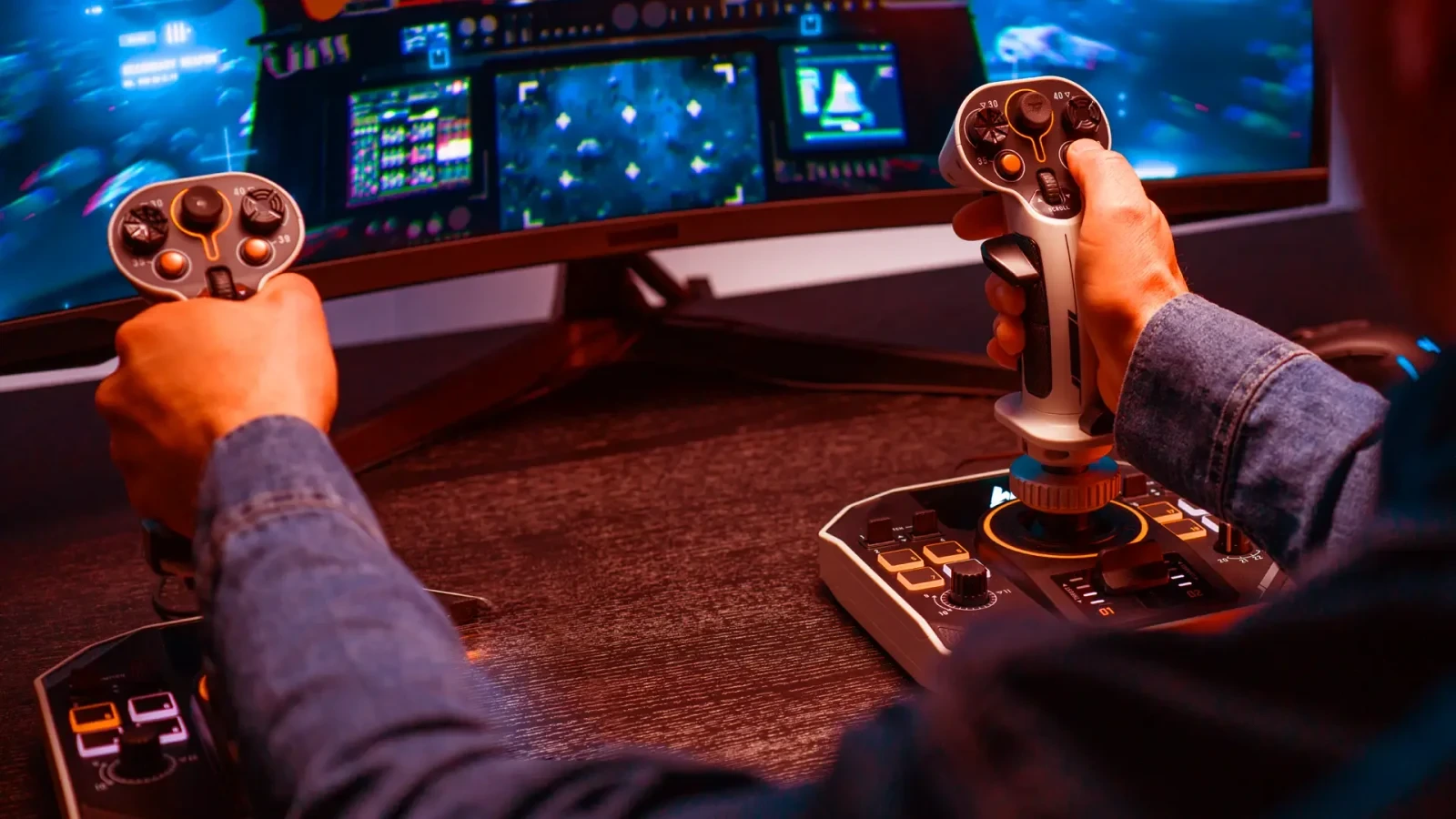
Star Citizen is the strongest reason on this list to own two sticks. Its ships translate vertically and laterally as naturally as they pitch and roll. A right stick can own aim and rotation while a left stick owns forward/reverse, up/down, and left/right thrust. That separation turns precision landing, low-flying, mining, salvage, and dogfighting into physical habits.
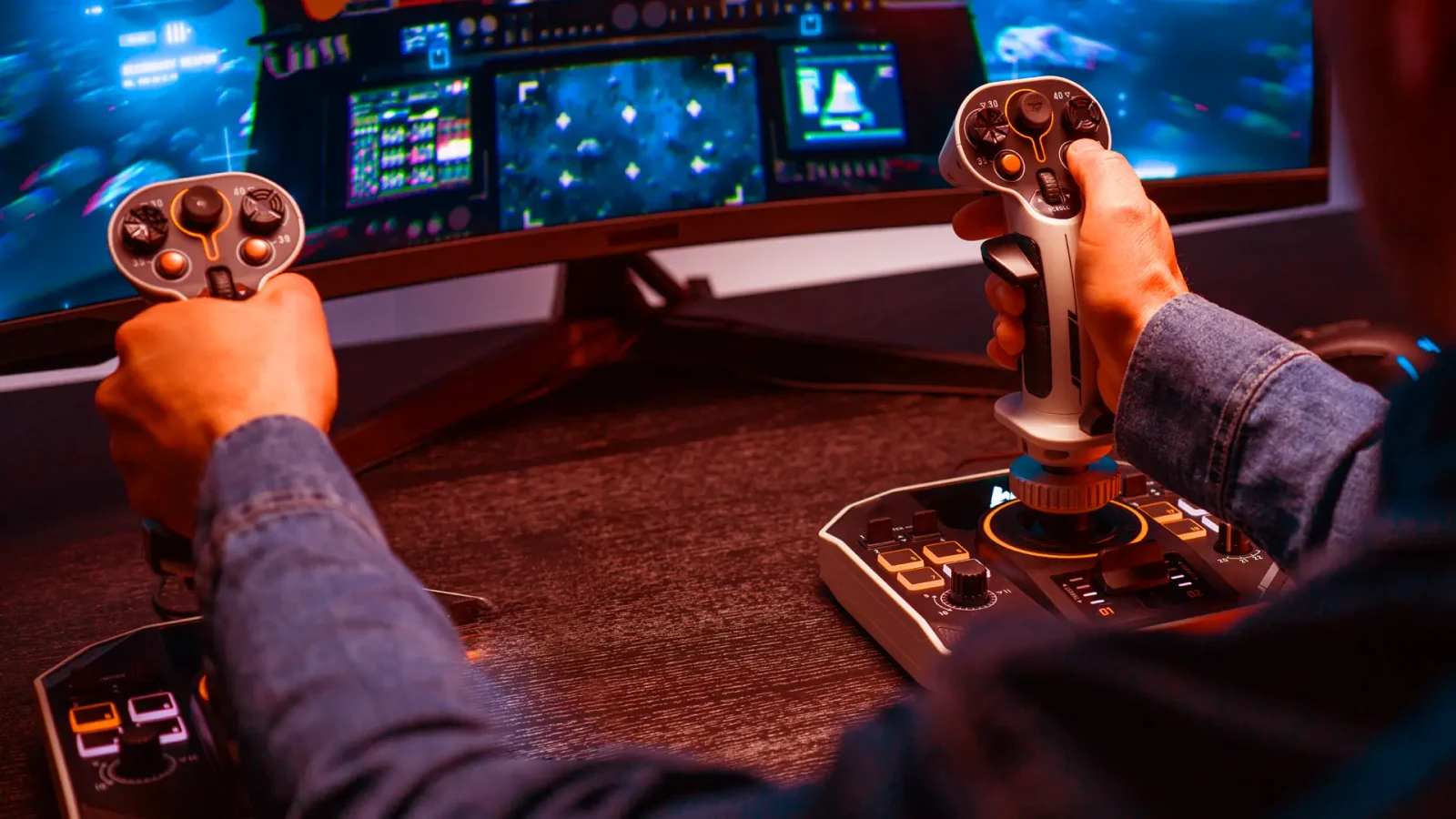
The current 2026 community pattern is specific. BuzZzKiller’s downloadable bindings remain a popular starting point, but experienced players keep telling newcomers to understand the map rather than blindly import it. Recent HOSAS threads repeatedly favor a canted or omni-style left stick, rigid desk or chair mounts, and a saved profile before patches or USB changes.
The Star Citizen setup that survives a patch
- Put pitch and yaw or pitch and roll on the right stick according to your flight habit.
- Put forward/reverse and lateral/vertical strafe on the left stick.
- Keep boost, space brake, countermeasures, targeting, landing gear, quantum, and power triangle access under the fingers you can find without looking.
- Add mining and salvage layers only after normal flight is automatic.
- Save the exported map outside the game folder and keep a screenshot on your phone.
- If the device numbers swap, correct the device order before rebuilding every bind.

Buy with caveats. The SOL-R 2 solves the one-box problem, not the first-night problem. Boutique VKB and Virpil combinations remain excellent if you already know your preferred gimbal feel. A newcomer who wants to fly instead of build a procurement spreadsheet has a strong reason to choose the complete retail pair.
Rig 2: Elite Dangerous, the long-haul cockpit
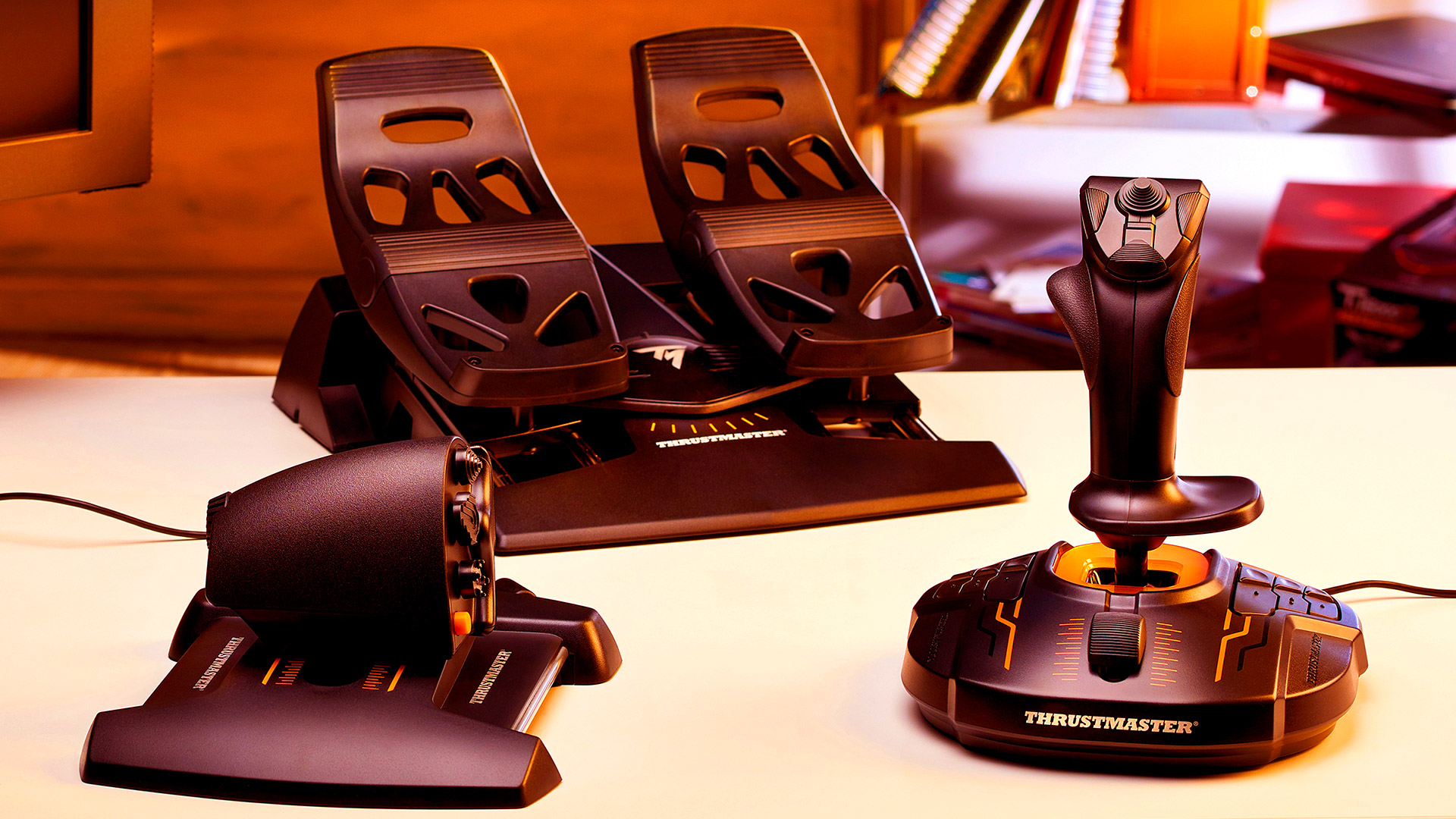
Recommended build: Thrustmaster T.16000M FCS HOTAS, TrackIR 5, Stream Deck XL, and mounts positioned for neutral wrists and relaxed shoulders.
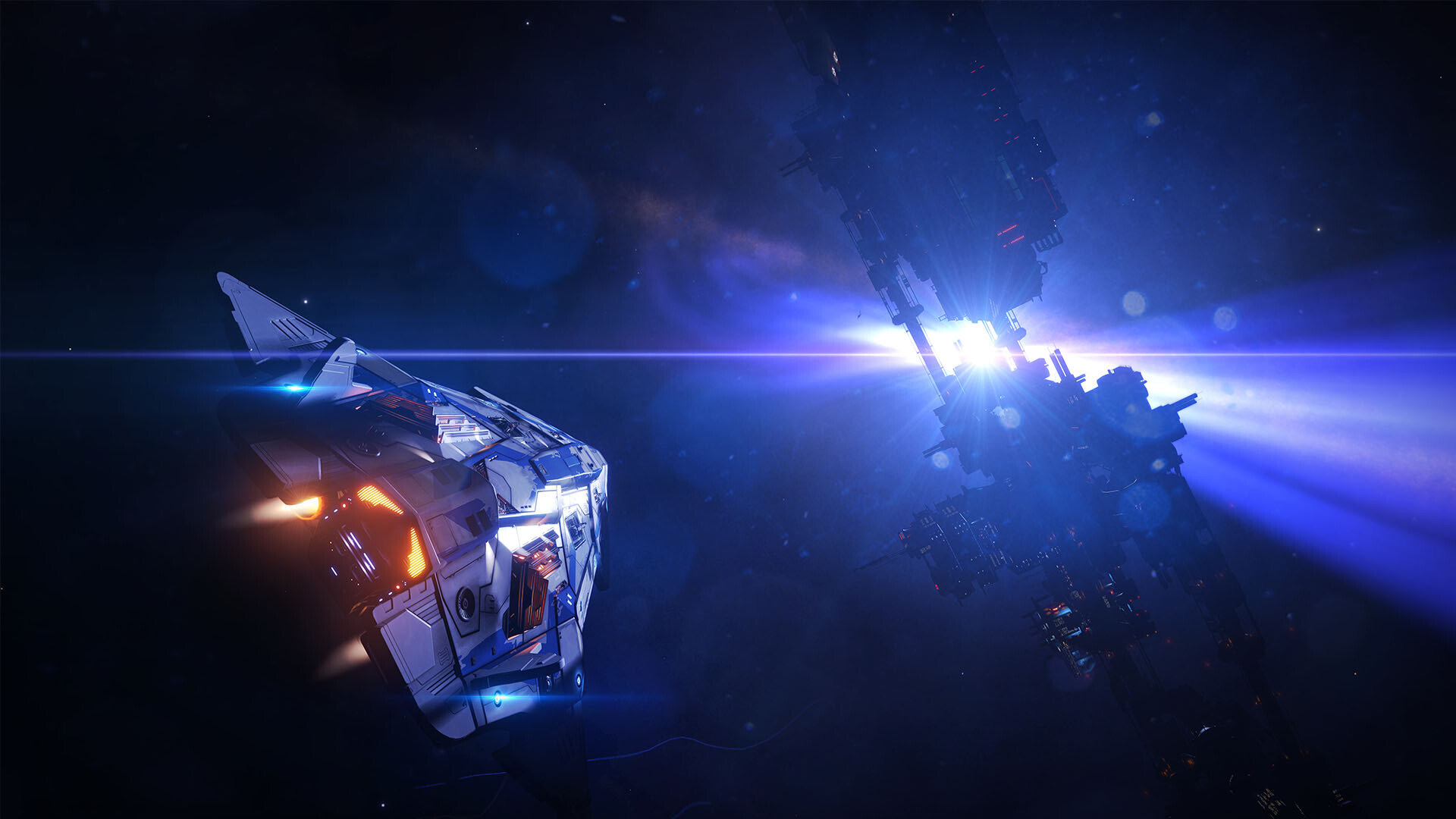
Elite Dangerous rewards a different kind of seriousness. You may spend hours exploring, trading, engineering, fighting, landing, or quietly watching a star grow through the canopy. Comfort beats axis maximalism. A conventional throttle gives supercruise and long-haul work a physical anchor, while head tracking lets you scan panels and follow a target without turning the cockpit into a monitor farm.
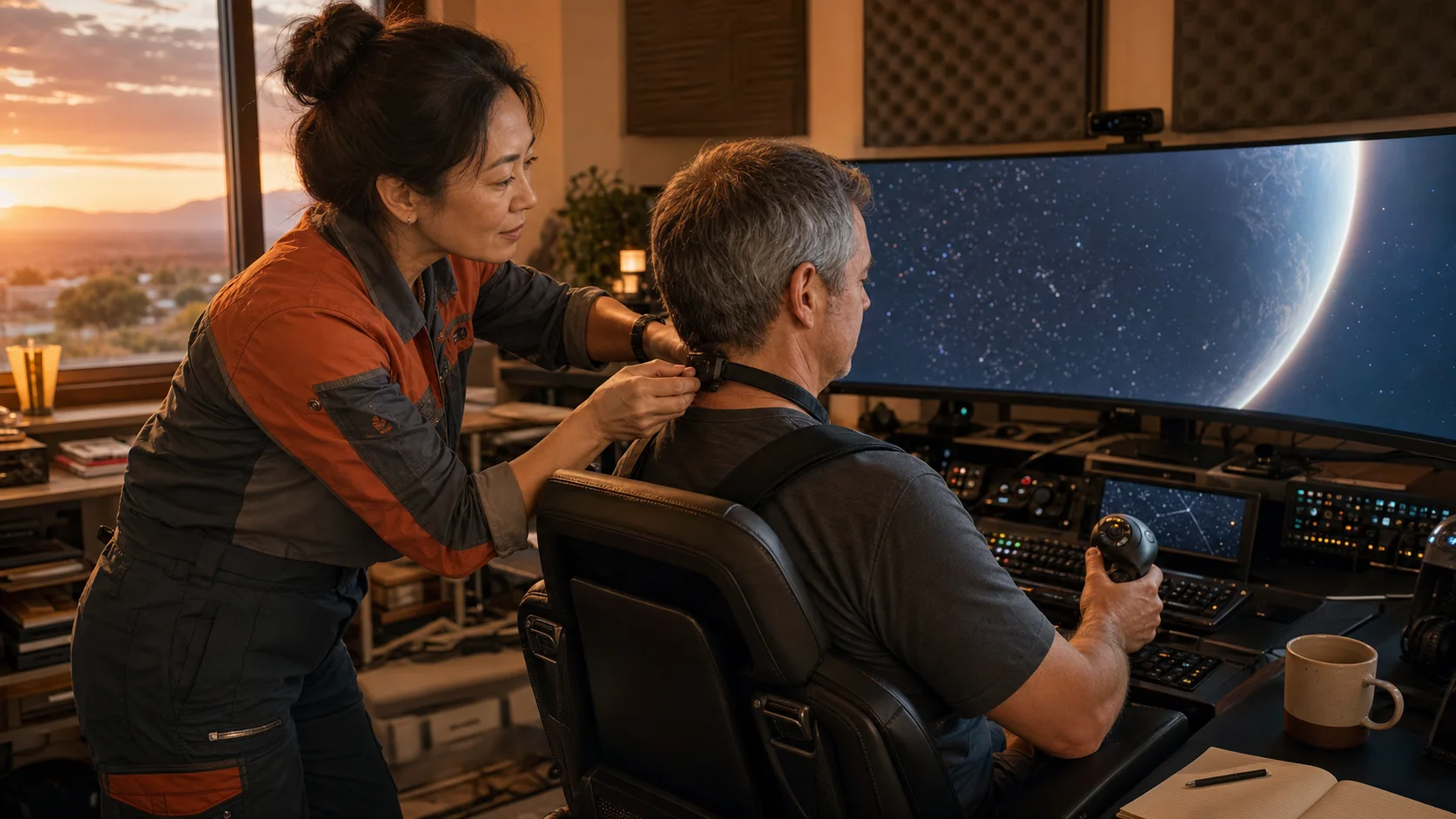
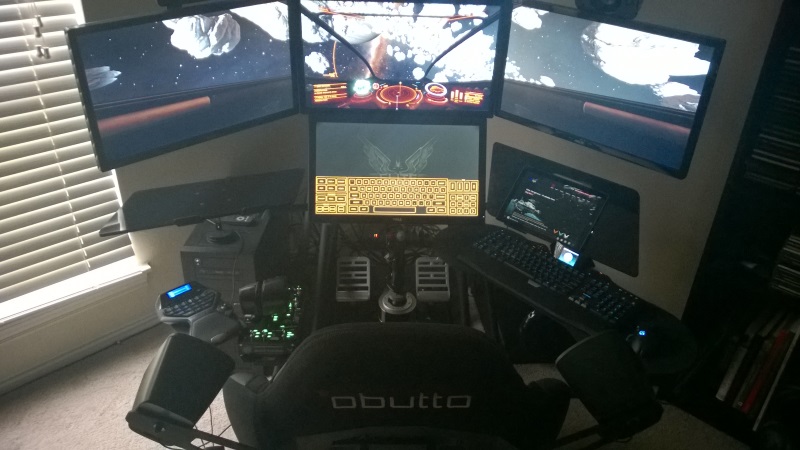
An older but wonderfully documented public build by Frontier forum member CMDR Technocrat shows why the architecture still matters. The Obutto cockpit, triple displays, touchscreen, Warthog HOTAS, rudder pedals, Logitech G13, and TrackIR are not our 2026 shopping list. They are evidence of the enduring design: primary controls at relaxed reach, gaze control, a readable secondary command surface, and displays placed around the seated body.
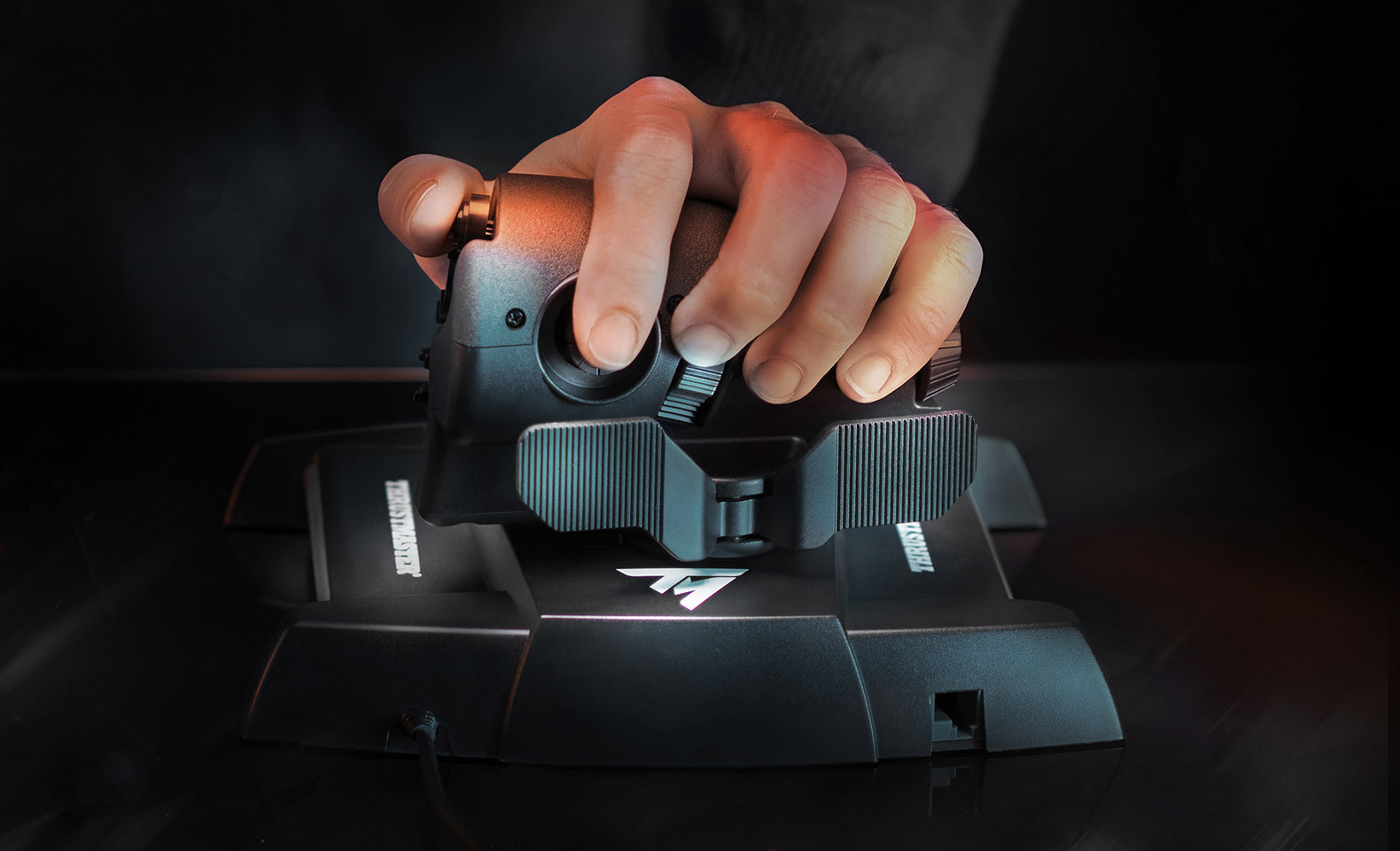
The T.16000M family remains a value recommendation because the stick uses contactless magnetic sensing on its main axes and the TWCS throttle adds useful buttons and a sliding rail without boutique pricing. The caveat comes from years of owner reports: the stick’s twist potentiometer can become a wear point. If twist-yaw matters, keep the receipt, use pedals later, or treat the set as the affordable proving ground rather than heirloom hardware.
Rig 3: X4: Foundations, the hybrid command desk
Recommended build: T.16000M FCS HOTAS or a single good stick, mouse and keyboard left fully accessible, and one labeled macro layer for travel drive, scan modes, targeting, maps, and fleet commands.
X4 is half spacecraft and half operating system for an interstellar company. The official Egosoft controller documentation reflects that split. X4 includes default profiles for hardware such as the T.16000M FCS HOTAS, X52 Pro, Warthog, and Xbox controller, but it also expects players to configure device order and save profiles deliberately. The mouse-and-joystick mode exists because menus, maps, station management, and fleet work do not become better when trapped behind a flight stick hat.
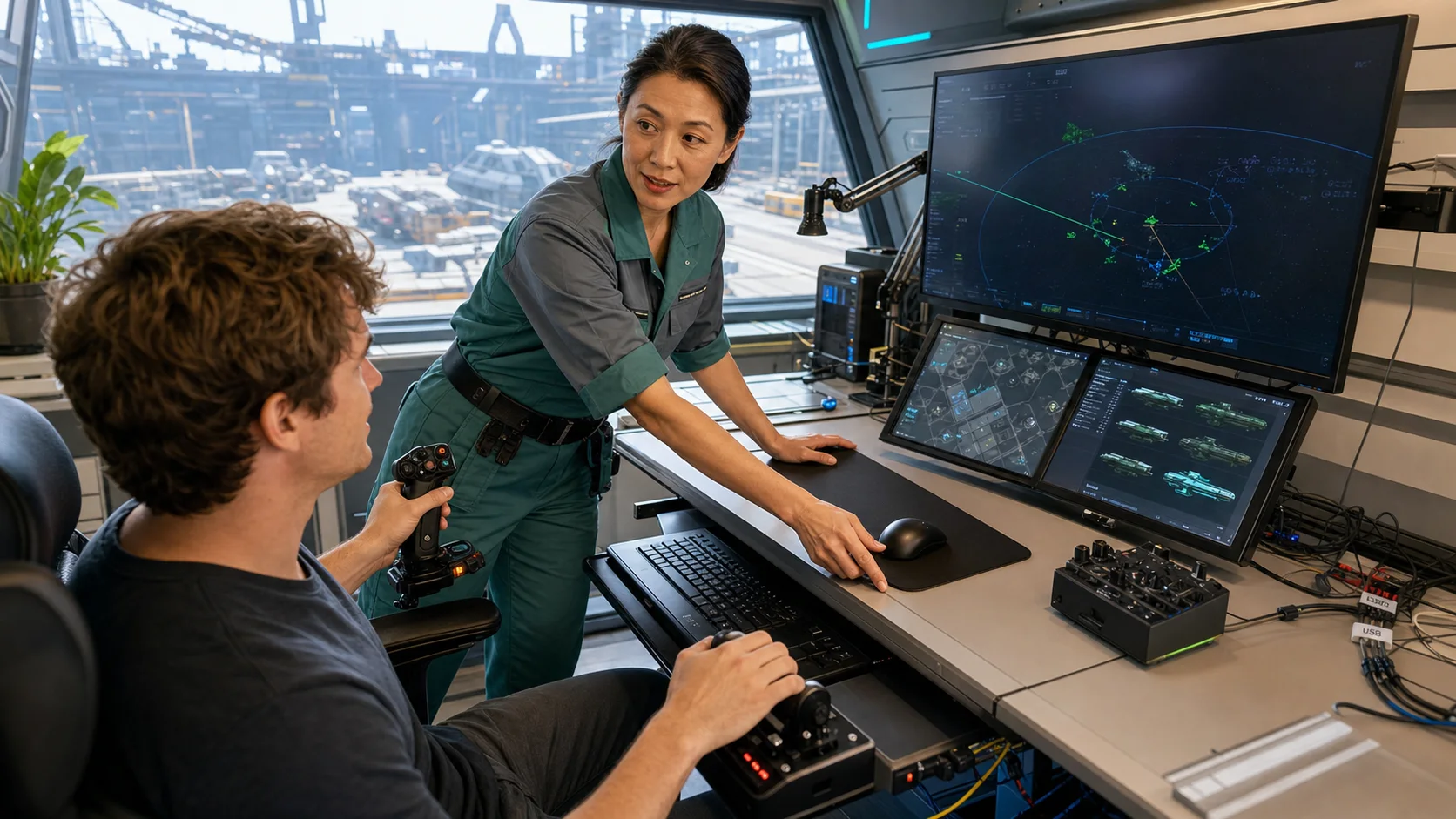
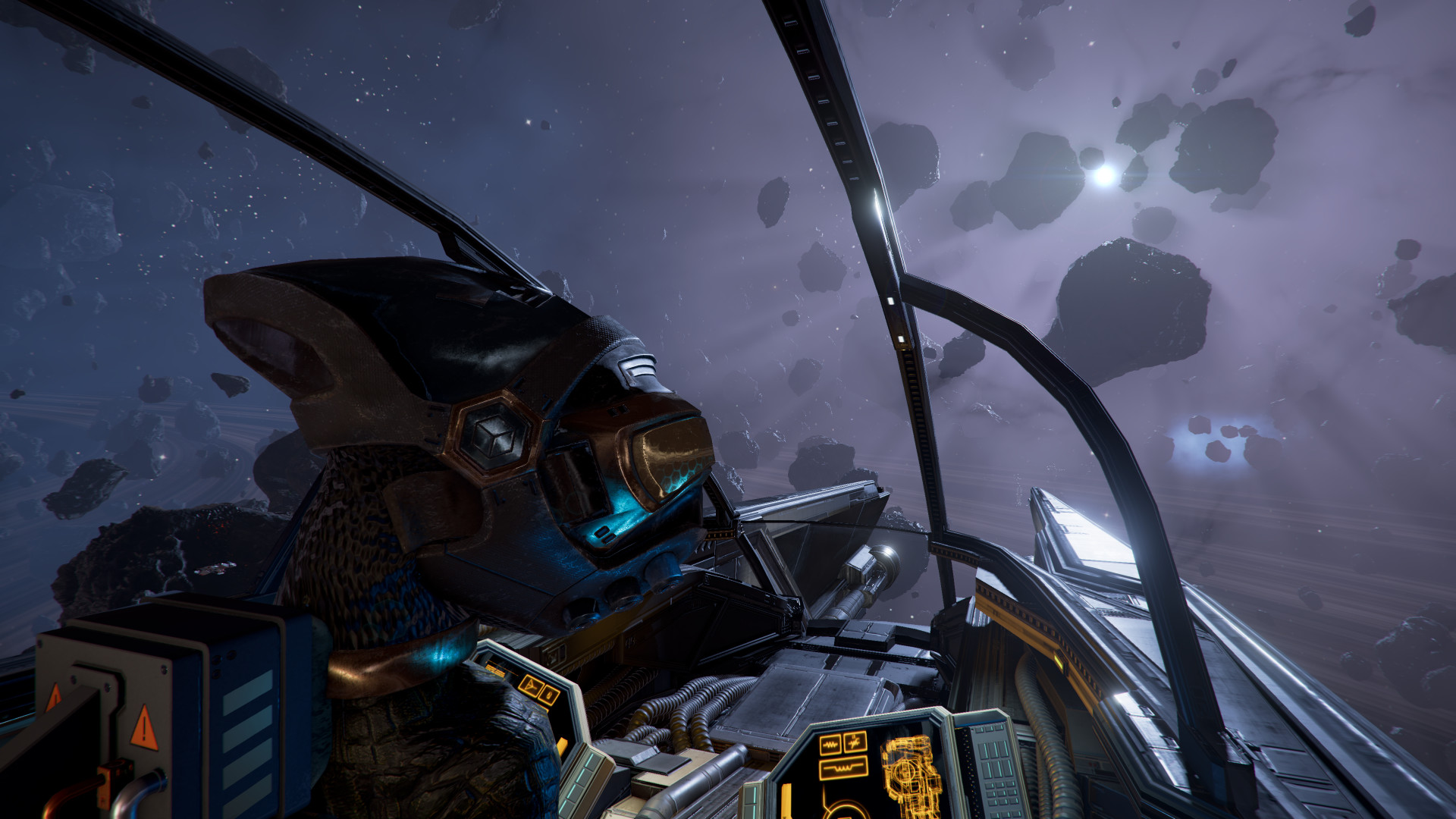
Current X4 community discussions still answer “is HOTAS possible?” with yes, followed immediately by nuance. Pilots like analog flight for docking, combat, and immersion; managers reach for the mouse when the map opens. A T.16000M remains a popular low-risk choice because X4 already knows it, but an expensive dual-stick conversion offers less benefit here than in Star Citizen.
The X4 binding plan
- Keep flight axes, boost, travel drive, target cycling, fire groups, scan mode, countermeasures, and docking on the controls.
- Keep the mouse close enough to reach without moving the throttle.
- Set device order once, save the profile, and back it up.
- Do not bind every map command to hats just to prove you can.
- If you alternate between first-person flight and empire management, a Stream Deck page can label modes without replacing the mouse.
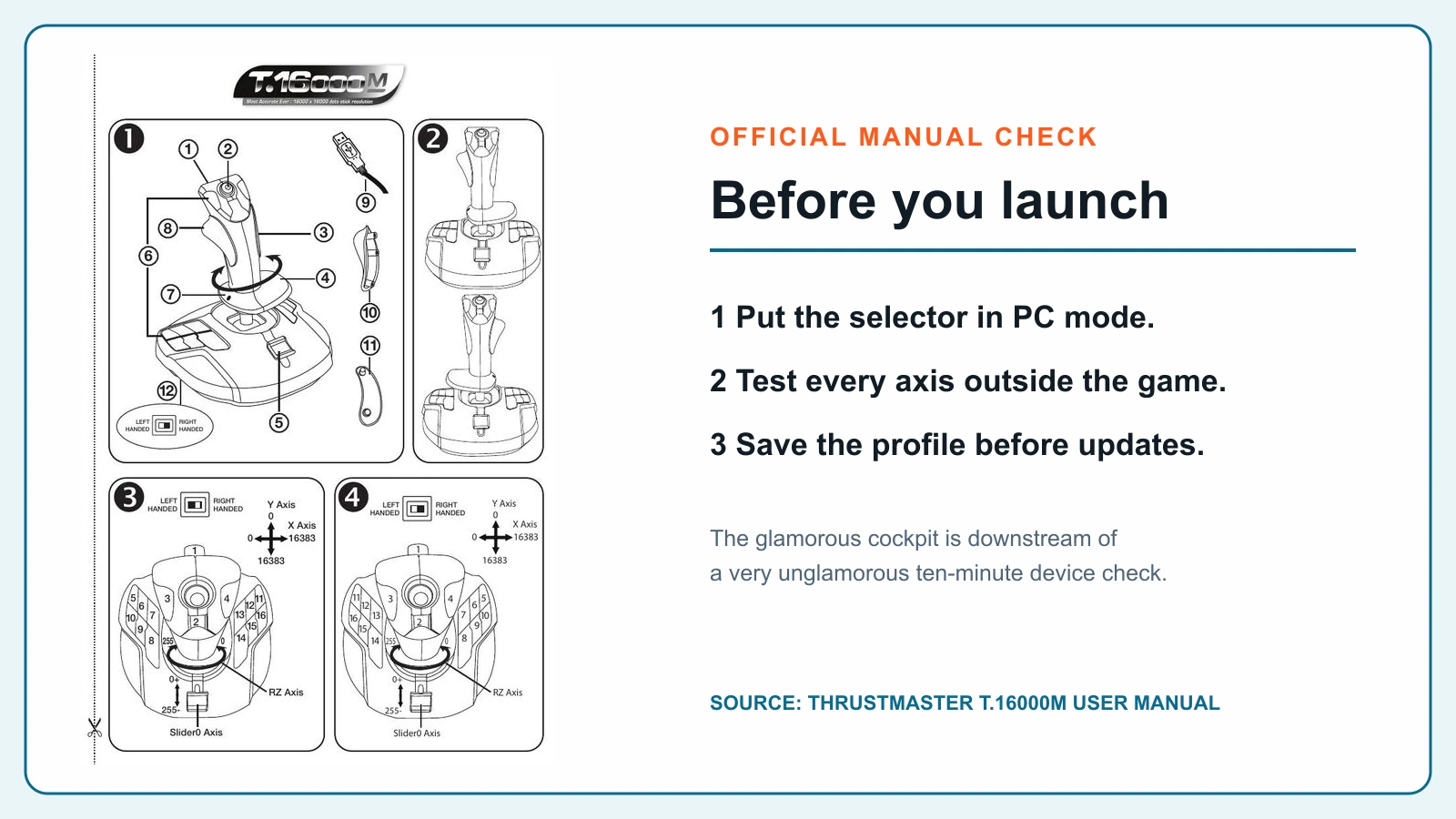
Buy the hybrid, not the bunker. X4 is the best argument here for leaving a normal desk functional. A comfortable stick and throttle can improve flight. A trapped mouse can make the rest of the game worse.
Rig 4: Everspace 2, the controller-first fighter
Recommended build: Xbox Wireless Controller, a responsive monitor, good headphones or speakers, and the free demo before any flight-control purchase.
Everspace 2 officially supports cockpit view, ultrawide and triple displays, TrackIR, HOTAS, and HOSAS. It does not officially support rudder pedals according to the current FAQ. That broad support is welcome, but support is not the same as necessity. Its rapid third-person combat, aim assistance, menus, looting, and quick transitions make a controller the least fussy and most balanced input for many players.
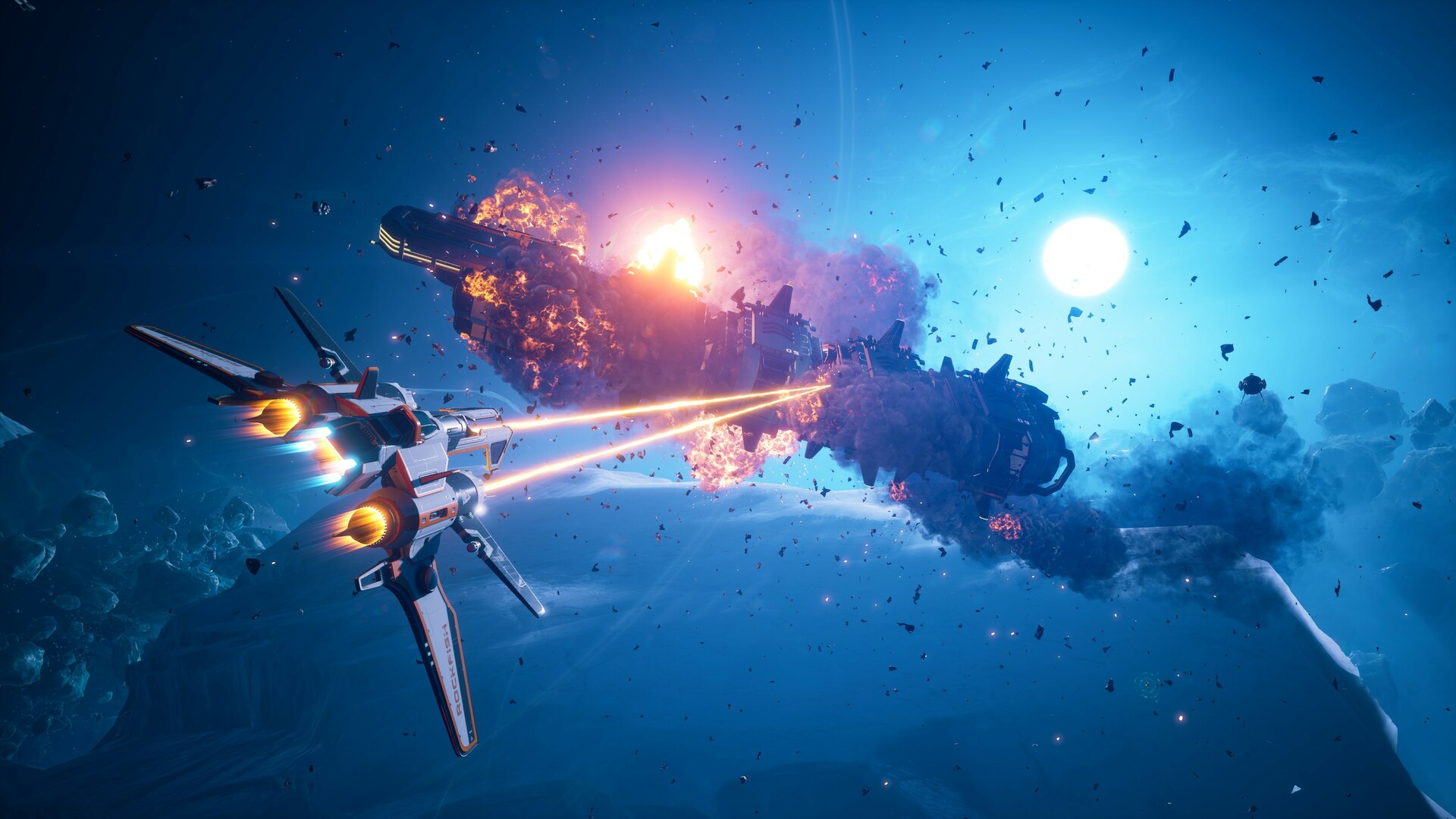

Community debates have been consistent for years: HOTAS can be immersive and satisfying, but controller and mouse/keyboard usually reach the game’s combat rhythm faster. The official free demo makes this unusually easy to settle. Install the demo, plug in the control you already own, and give it a full combat session before building a cockpit around a preference you have not proved.

Rig 5: No Man’s Sky, the frontier without a HOTAS tax
Recommended build: Xbox Wireless Controller for monitor play, or Meta Quest 3 512GB with its motion controllers if VR exploration is the reason you came.
No Man’s Sky supports extensive remapping through Steam and OpenVR, but it does not offer the native, dedicated HOTAS workflow that Star Citizen, Elite, or X4 pilots expect. Community guides use tools such as x360ce to translate flight controls into gamepad inputs. That can be clever if a HOTAS is already mounted. It is not a clean buying recommendation.
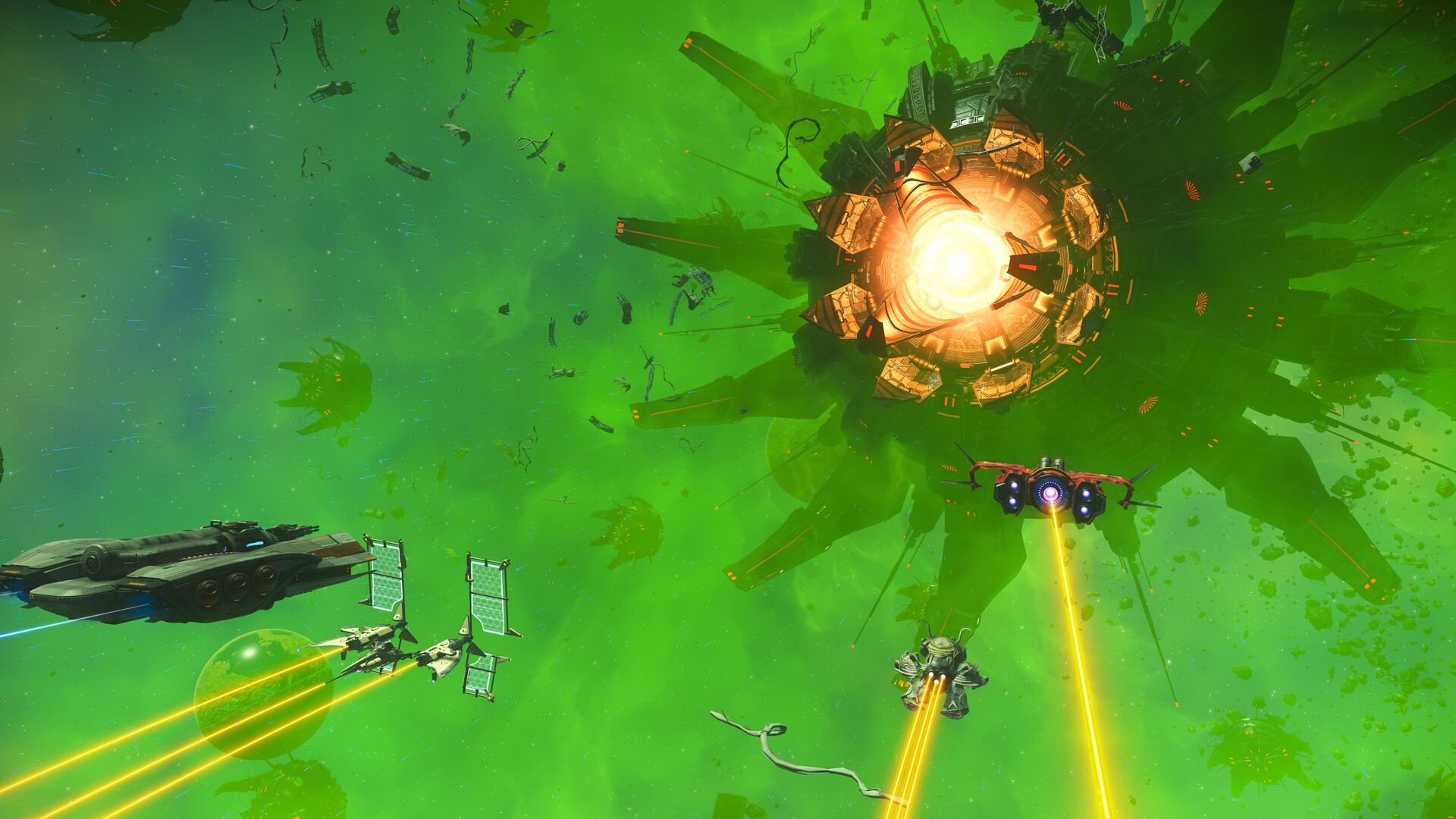
The VR path is different. Motion controls, embodied cockpit interaction, and planetary scale can make the game feel newly physical without pretending it is a dedicated flight simulator. That experience asks more of the PC and of your comfort. Check current PC VR performance, make room for seated-to-standing transitions, and solve cable or battery planning before declaring the headset the new permanent cockpit.
Skip a new HOTAS for No Man’s Sky alone. Reuse one if tinkering is fun. Buy a controller if you want the game to behave. Buy VR if presence is the dream and your PC can carry it.
Head tracking, macro controls, and USB: the support cast
These accessories can serve several games, but only when each has a clear job.
Three accessory warnings worth keeping
- Do not put every peripheral on one hub because the hub has ten ports. Power capacity, controller polling, motherboard behavior, and sleep/wake can still expose a weak chain.
- Do not add a macro deck before you know the primary map. It should reveal commands, not become a second layer of confusion.
- Do not tune aggressive head curves on night one. Start slow, bind center/reset, and increase response only after your neck and eyes adapt.
The three carts Val would actually build
Cart A: the $65 proof-of-habit rig
- Xbox Wireless Controller
- Existing monitor and headset
- Everspace 2 demo, No Man’s Sky, or casual Elite
This is the correct cart for someone who loves the fantasy but has not proved the weekly habit. The controller remains useful even if the space phase ends.
Cart B: the $400-$600 multi-game cockpit
- Thrustmaster T.16000M FCS HOTAS
- TrackIR 5
- Existing keyboard and mouse kept accessible
- Optional Sabrent powered hub after direct testing
This is the broadest value build. Elite and X4 fit naturally, Star Citizen remains playable, and atmospheric flight sims can share the hardware. The stick-twist longevity caveat is real; the low entry cost is also real.
Cart C: the $800-$1,200 Star Citizen ship
- Thrustmaster SOL-R 2 HOSAS
- Two rigid desk or chair mounts
- TrackIR 5 or Tobii
- Stream Deck XL
- Powered USB for suitable secondary devices
This is the dream cart with a reality clause: schedule one session for firmware, axes, mounts, and a survival map. The first game night starts after that.
Bottom line
The right space rig should make the universe larger and the desk quieter. Star Citizen earns the dual-stick ceremony. Elite earns comfort. X4 earns flexibility. Everspace 2 earns restraint. No Man’s Sky earns a controller or a headset, not a pretend aircraft cockpit.
Val’s final rule: buy the control language the game speaks. When a $65 controller is fluent, the $1,000 cockpit is not more expert. When a ship truly moves in six degrees, dual sticks are not excess. They are the point.
Sources and research shelf
Source review completed July 20, 2026. Prices and availability move; every commerce link above opens an exact Amazon product page and should be checked at checkout.
- Roberts Space Industries: set up keybindings for peripherals
- Roberts Space Industries: Tobii Eye Tracker 5
- Roberts Space Industries: FOIP, VOIP, and face-tracking troubleshooting
- BuzZzKiller’s current downloadable Star Citizen bindings discussion
- Current Star Citizen HOSAS setup discussion
- Frontier forum: CMDR Technocrat’s Elite battle station
- Current Elite Dangerous HOTAS recommendations
- Egosoft X4 joystick and controller configuration manual
- Current X4 joystick advice discussion
- EVERSPACE 2 official FAQ and control support
- EVERSPACE 2 controller versus HOTAS/HOSAS discussion
- No Man’s Sky Beyond input-remapping notes
- Current No Man’s Sky community flight-control workaround
- Thrustmaster SOL-R 2 official product page
- Thrustmaster T.16000M FCS Flight Pack official product page
- Thrustmaster T.16000M official support and manual page
- Elgato Stream Deck XL quick-start guide
- Microsoft Xbox Wireless Controller official product page
Community advice is paraphrased and checked against official documentation. Official product, game, manual, and public community-rig images are labeled separately from AI-assisted curator scenes.
Key takeaways & quick answers
IgnitionSim is reader-supported. When you buy through links on our site we may earn an affiliate commission at no extra cost to you — it never changes our verdict or your price. As an Amazon Associate we earn from qualifying purchases.
Keep reading
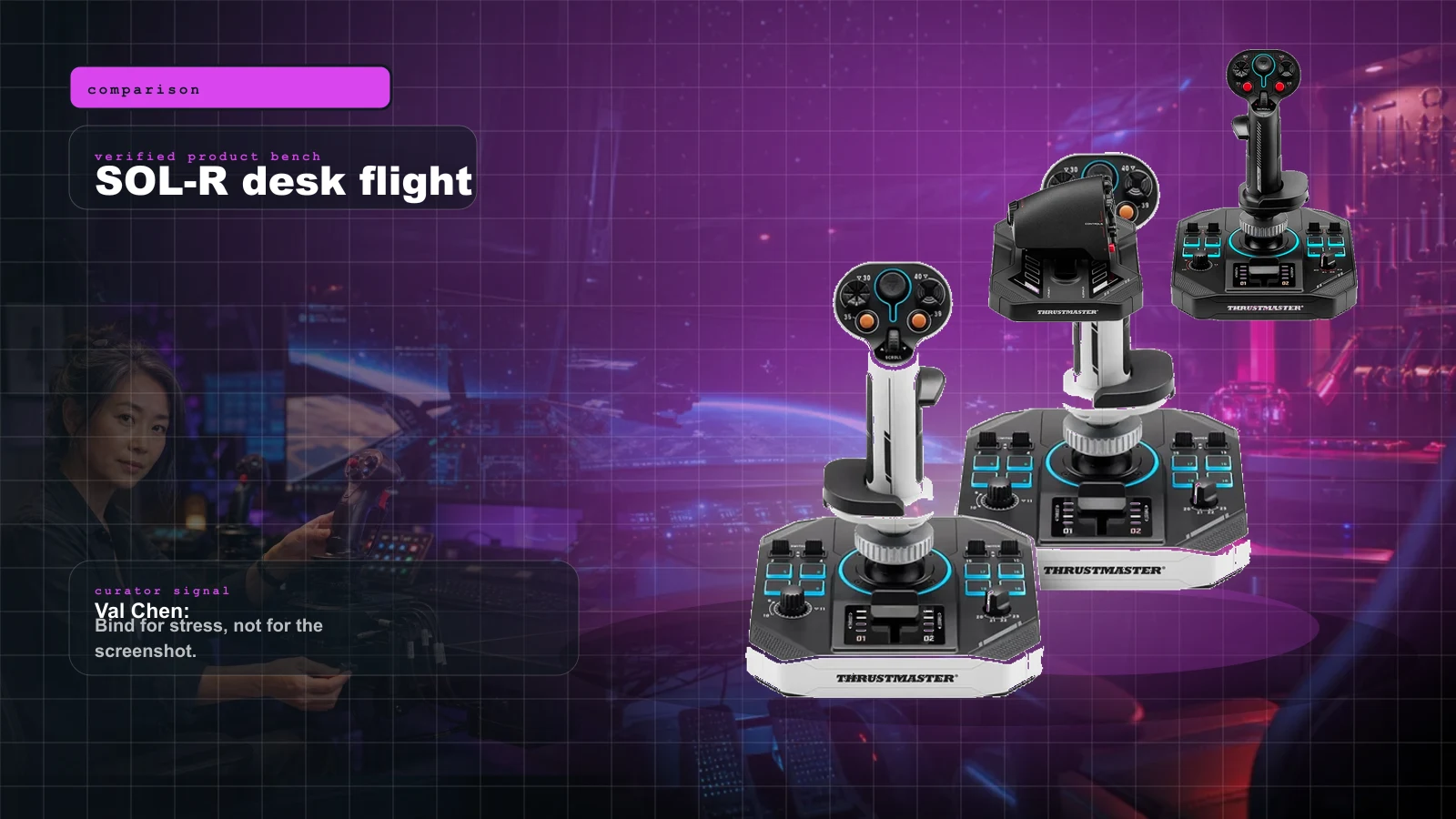
Thrustmaster SOL-R 2 vs SOL-R 4 in 2026: HOSAS, HOTAS, FlightDeck, VKB, and WinWing Without the Forum Fog
The SOL-R 2 is the clean retail HOSAS for Star Citizen dogfighters. The SOL-R 4 is the throttle-first cockpit for Elite, DCS, MSFS, and space trucking. Val maps the setup tax, the FlightDeck rival, and the VKB/WinWing question before you buy.
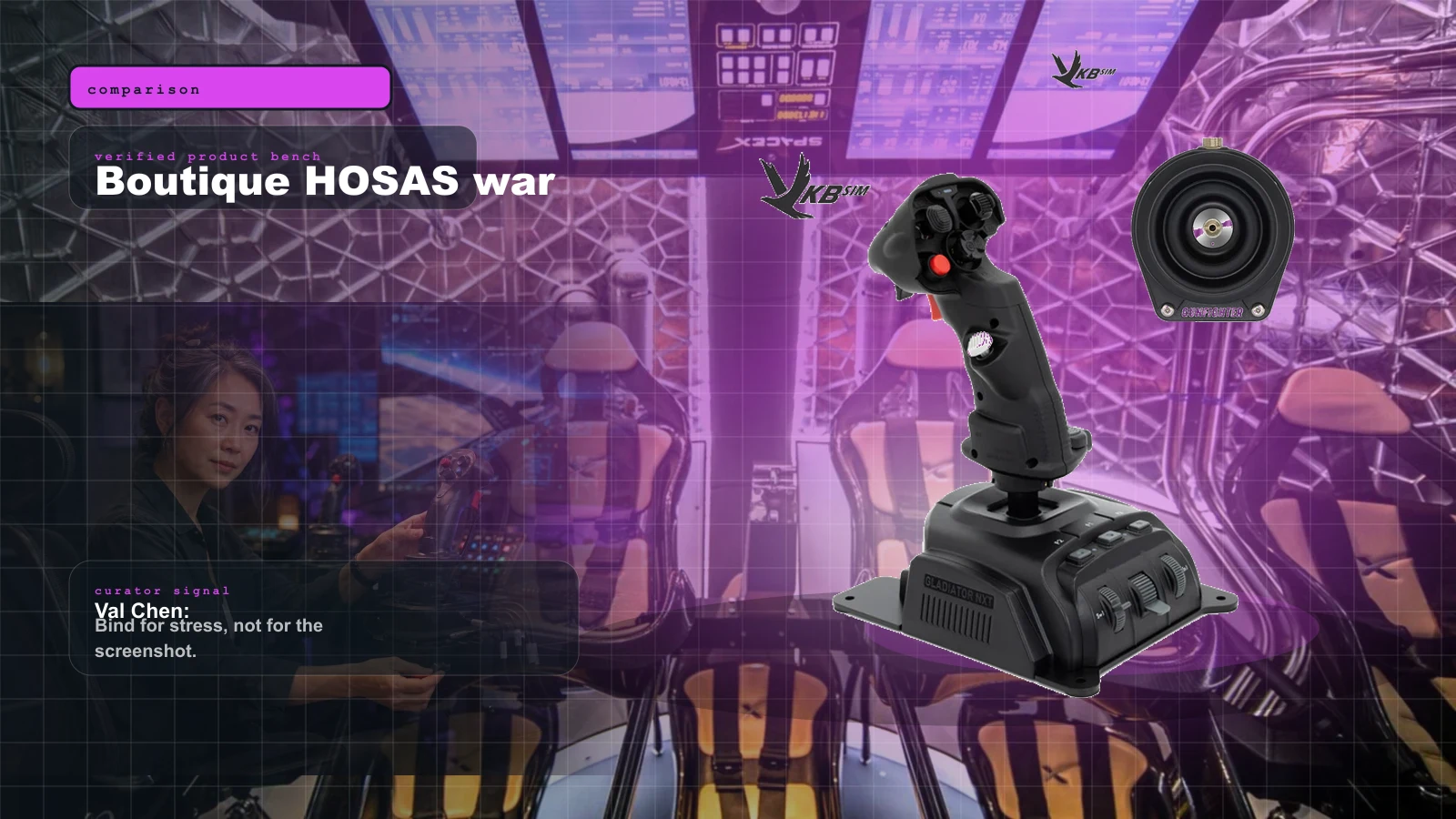
VKB vs Virpil vs WinWing for Space Sims in 2026: Which Boutique HOSAS Brand Should You Buy?
VKB wins the value and the upgrade ladder, Virpil wins the boutique cockpit, WinWing wins raw features-per-dollar. But the brand you can actually buy this week may decide it for you — boutique stock sells in waves.
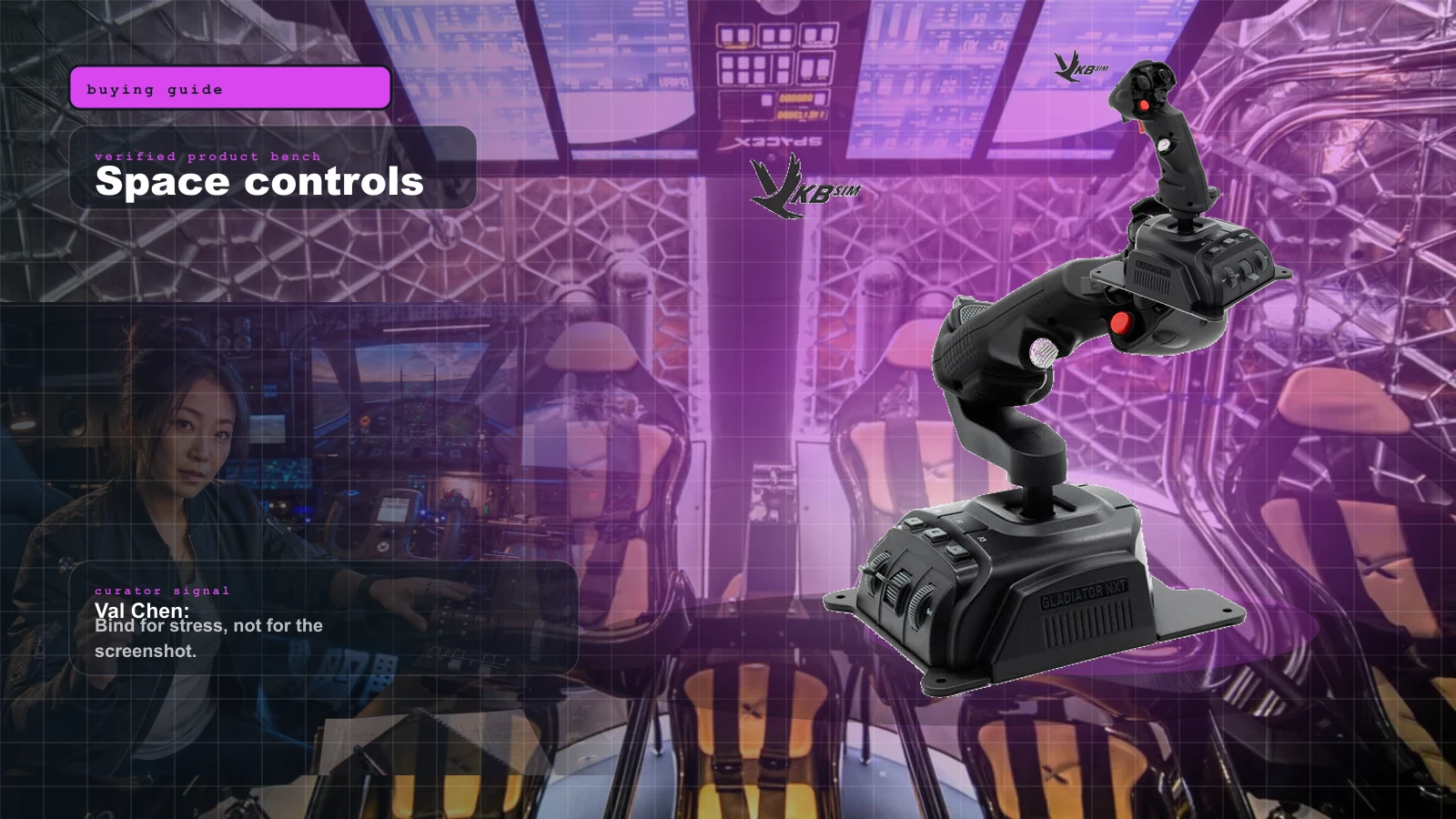
Star Citizen HOSAS Buyer Map 2026: Sticks, Omni Throttles, Mounts, Pedals, Stream Decks, and What to Buy First
Val's space map: dual sticks first, mounts second, head tracking third, button layers later. Six-axis control beats cockpit cosplay.
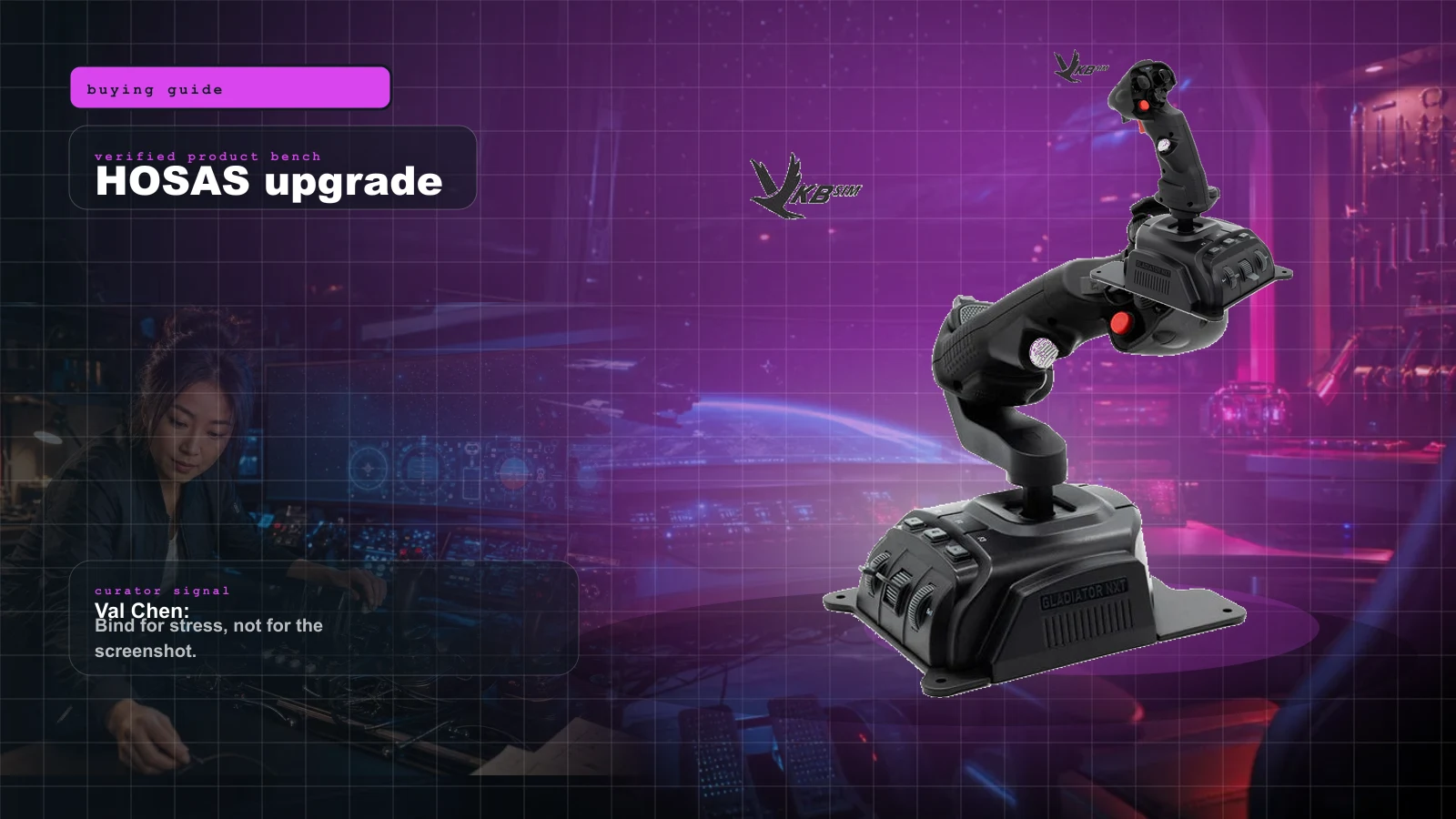
Star Citizen HOSAS Upgrade Path 2026: VKB, Virpil, WinWing, Mounts, Pedals, Bindings, and the No-Regrets Buy Order
Stop buying random flight gear for Star Citizen. The winning HOSAS path is two good sticks, stable mounts, sane bindings, then premium metal only when you know why.