Best Controls for Elite Dangerous in 2026 (HOSAS vs HOTAS vs Gamepad)
The best control setup for Elite Dangerous in 2026, decided by playstyle: why FA-off combat wants two sticks, why exploration and trading still love a throttle, and what the new Operations on-foot content changes about your buy.
Val Chen is an AI-assisted editorial bench persona. Product claims, sources, and verdicts are reviewed under IgnitionSim's published methodology.
Updated July 2, 2026Sources reviewed July 2, 2026Gold certified July 2, 2026Revenue tier A
Buy the hardware discussed in this guide
Every button opens the exact product detail page on Amazon, with our affiliate tag. No search pages and no substitute models.

Stream Deck XL
Know first:Not flight hardware — it's keyboard-shortcut mapping, not analog axes
View exact product on Amazon
T.16000M FCS HOTAS (stick + TWCS throttle)
Know first:TWCS throttle spring is stiff out of the box
View exact product on AmazonT.16000M FCS (Stick Only)
Know first:All-plastic build feels light vs boutique sticks
View exact product on Amazon
VelocityOne Flightstick
Know first:Very stiff, non-adjustable centering spring
View exact product on AmazonAs an Amazon Associate, IgnitionSim earns from qualifying purchases. Prices and availability can change.
Verdict first: match the controls to how you actually play Elite, because this is the one big space sim where the “right” answer genuinely flips. Fight or fly flight-assist-off and you want HOSAS — two analog sticks, starting with the ~$120 twin T.16000M Space Sim Duo and climbing to a VKB Gladiator pair. Explore, trade, or fly the black for hours and a HOTAS with a real throttle — the T.16000M FCS HOTAS at ~$170 — is more relaxing, and Elite’s throttle-centric flight model rewards it in a way Star Citizen’s doesn’t. On Xbox, the debate is moot: you take a single licensed stick. And whatever you fly with, the 2026 Operations update means you should keep a gamepad on the desk for the new on-foot fights.
Elite Dangerous has always been the patient sim — slow-burning, deep, and forgiving of whatever controller you point at it. But Operations, which shipped in late June 2026, changes the calculus. For the first time a single mission can blend ship-to-ship combat with cooperative on-foot fighting, in squads of up to four commanders. Your control setup now has to answer two questions at once: what flies the ship best, and what survives the on-foot stretch. So this isn’t a “buy this one thing” guide. It’s a “match the rig to the mission” guide.
Match the controls to how you play
The whole decision comes down to what your Elite loop actually is. Here’s the field, mapped to playstyle and budget — read the prices as approximate 2026 street estimates that move with sales.
| Playstyle | Best control type | Recommended hardware | Approx. price |
|---|---|---|---|
| Combat / PvP / FA-off | HOSAS (dual stick) | Twin Thrustmaster T.16000M, or VKB Gladiator NXT EVO pair | ~$120 pair / ~$119-139 each |
| Exploration / trading | HOTAS (stick + throttle) | Thrustmaster T.16000M FCS HOTAS, or a Logitech X56 | ~$170 / check current |
| Endgame / no-regrets | Boutique HOSAS + macro panel | VKB Gladiator or Gunfighter pair + Stream Deck | see stacks below |
| Mixed / on-foot Operations | Flight rig + gamepad | Any of the above + Xbox/DualSense pad | + ~$60 |
| Console (Xbox) | Licensed single stick | Turtle Beach VelocityOne Flightstick | ~$130 (seen ~$97-99) |
| Cheapest viable | Gamepad only | Xbox / DualSense controller | ~$60 |
Two honest caveats before we go deeper. First, the Logitech X56 is a genuinely popular Elite exploration HOTAS, but stock has been intermittent through 2026 and we don’t have a verified in-house photo of it — so it’s text-only here, and we won’t quote a hard price. Confirm current price and availability before you commit. Second, prices everywhere below are estimates; check current at checkout.
For combat and FA-off: HOSAS wins, decisively
If you fight — bounty hunting, conflict zones, PvP, or you just love flying with flight-assist off — two analog sticks are the answer. Elite gives spacecraft full six-degrees-of-freedom movement: three rotation axes (pitch, yaw, roll) plus three translation axes (forward/back, up/down, lateral strafe). A single stick plus throttle physically can’t reach all of those as smooth analog inputs at once. A HOSAS setup puts rotation on the right stick and translation thrust on the left, so you can strafe sideways while pitching and rolling — the movement patterns that wreck opponents who can only turn.
The budget entry is two Thrustmaster T.16000M sticks. Buy them as the Space Sim Duo twin-pack ($120) and you get two identical, fully ambidextrous Hall-effect sticks that reconfigure into a left and right hand — the canonical cheap HOSAS. Step up to a VKB Gladiator NXT EVO Space Combat Edition pair ($119-139 per stick) for contactless magnetic sensors, a self-centering twist axis, and a genuine upgrade path into VKB’s ecosystem. Either way, the deep skill is binding all six axes cleanly — our six-axis HOSAS binding guide walks through exactly which axis goes where, including why most pilots disable twist on the aiming stick.
The recurring r/EliteDangerous pattern on FA-off: nobody loves HOSAS on day one, and the pilots who quit two-stick flying almost always quit inside that first awkward session. The off-hand thrusters feel like learning to write with your other hand — and then one week in, it clicks and they never go back. Push through the rough first sessions before you judge it, and give the left hand a full week.
For exploration and trading: keep the throttle
Here’s where the HOSAS evangelists overreach, and where Elite genuinely diverges from Star Citizen. If your Elite life is 6,000 light-years out in the black — honking the discovery scanner, managing fuel scoops, holding a cruise speed for hours — you do not need lateral strafe. You need a comfortable, precise throttle axis you can park at 75% and forget. A spring-centered second stick is actively worse for that. This is why plenty of veteran Elite pilots fly HOTAS and never apologize for it: Elite’s flight model leans on pitch/yaw/roll plus a held forward throttle, and a detented lever maps that cleanly for supercruise and docking.
On a budget, the Thrustmaster T.16000M FCS HOTAS (~$170) is the smart pick: the same Hall-effect stick paired with the TWCS throttle, which slides on a linear rail like a real fighter throttle instead of rotating. As a bonus, you can later buy a second T.16000M stick and convert toward a hybrid rig. The popular step-up is the Logitech X56 — a real dual-lever throttle with a wall of switches for Elite’s long bind list — but as noted above, stock has been intermittent and we’re keeping it text-only with no hard price. For the deeper HOTAS-family conversation, our HOSAS vs HOTAS explainer breaks down exactly which axes each layout reaches.
If you run HOSAS but miss set-and-forget cruise control for long hauls, you don't have to bolt on a throttle. Elite lets you bind forward thrust to a non-centering axis, or you can run a purpose-built off-hand controller like VKB's Omni-Throttle that holds a position instead of springing back. HOSAS doesn't delete the throttle's job — it demotes it from a dedicated lever to one of the analog axes you assign however you like. If cruise control matters, spend an axis on it; if it doesn't, keep that axis for something else.
The Operations wrinkle: keep a gamepad on the desk
The 2026 Operations update, live since late June, is the first genuinely new Elite buying consideration in a while. It adds squad-based, multi-stage missions for up to four commanders, split across Mercenary and Powerplay modes, with cooperative combat that runs both in space and on foot — start with a ship firefight, then fight on foot as the mission escalates. Frontier has pitched megaship interiors and zero-gravity scenarios as part of the direction; the exact scope of what shipped is worth confirming in the current patch notes, since sources described it differently in the run-up.
Here’s the practical point for a controls buyer: a HOSAS is miserable for FPS movement. So whatever you fly with, the 2026 move is to keep a gamepad within arm’s reach for the on-foot stretches — or mouse and keyboard if you prefer FPS precision. It’s the cheapest buying consideration in this whole guide: a ~$60 controller you probably already own.
The hard-won Operations tip making the rounds: bind your gamepad on a separate control profile, not layered over your flight binds. Pilots who tried to share one profile kept firing off ship actions mid-firefight on foot. Two profiles, swapped on the seat-exit — your sticks stay sticks and your pad stays a pad.
The honest budget floor: a gamepad
Don’t let the boutique-stick crowd shame you. A plain gamepad flies Elite Dangerous perfectly well, handles the new on-foot content natively, and costs ~$60. It’s less precise than a HOSAS in a dogfight and it can’t match a throttle for cruise control, but it’s the cheapest viable entry and it’s genuinely good for relaxed PvE flying — and after Operations, it’s the only controller that does the whole loop, ship and foot, out of one device.
Who should skip a flight stick entirely: couch players, casual PvE pilots, and anyone who values the seamless ship-to-foot transition Operations leans into. Start on a gamepad, decide later if a stick tempts you.
Xbox players: your options are narrow
On Xbox, boutique sticks (VKB, Virpil, WinWing) simply don’t work — they’re PC-only. The Turtle Beach VelocityOne Flightstick (~$130, seen ~$97-99 on sale) is the main licensed Xbox flight stick, with Hall-effect axes, an OLED data display, an integrated mini-throttle and 27 programmable buttons. It’s a capable single stick; the common complaints are a stiff, non-adjustable centering spring, small throttle levers, and a light base that tips. If you’re on Xbox and want more than a gamepad, it’s essentially your one real choice — so we’re linking it to search and to Turtle Beach’s official page rather than embedding an unverified product photo. Confirm current price and layout before you buy.
Turtle Beach VelocityOne Flightstick — official page: turtlebeach.com · Turtle Beach VelocityOne Flightstick — the licensed Xbox option; boutique sticks are PC-only.
The setup tax nobody quotes at checkout
The stick is the easy part. Three things trip up new Elite pilots more than any gimbal spec — budget for them when you budget the sticks.
Every stick here has a tabletop baseplate that walks under aggressive combat input — the T.16000M's light base and the compact Gladiator base especially. A walking stick is a missed shot. A Monstertech table mount per stick locks each one rigid at an ergonomic angle. A HOSAS needs two. Budget the mounts with the sticks, not after your first FA-off duel sends one skating across the desk.
Elite has a deep bind list, and mapping six analog axes plus fire groups, power triage, gear, and comms across two sticks is a genuine evening of work. A mistuned deadzone or curve feels worse than a cheaper stick set up right. Budget the setup time, lean on the community edrefcard tool for a printable reference, and offload the overflow to a labeled macro panel like the Elgato Stream Deck XL.
The single most common HOSAS shopping mistake is buying two right-hand sticks. HOSAS lives or dies on the off hand, and a right-hand-only grip in your left hand is uncomfortable within an hour. Either buy a genuinely ambidextrous stick (T.16000M) twice, or deliberately buy one dedicated left and one dedicated right (VKB Gladiator). Confirm handedness at checkout — a comfortable off hand is not optional.
The bind problem — and the fix
Elite has more functions than any stick has buttons — power triage, weapon groups, shield pips, landing gear, cargo scoop, comms, fuel scoop, and now the on-foot loadout on top. No stick solves this in hardware. The community answer, whatever you fly, is a labeled macro panel: the Elgato Stream Deck XL turns 32 icon-driven LCD keys into a visible panel with folders for effectively unlimited binds, so you stop memorizing unmarked switches. It pairs with a HOSAS, a HOTAS, or a gamepad equally — this is the one purchase that’s setup-agnostic, and it’s a bigger quality-of-life jump for a new Elite pilot than any gimbal upgrade.
The buy order
- Pick your config by your main activity, not the loudest forum. Combat / FA-off → HOSAS. Exploration / trading → HOTAS. Xbox → the licensed VelocityOne. Do everything → a gamepad does the whole loop.
- Start cheap either way. Twin T.16000Ms for a first HOSAS (
$120 the Duo), or the T.16000M FCS HOTAS ($170) for a first stick-and-throttle. Prove you’ll stick with the hobby before boutique spend. - If HOSAS, buy ambidextrous-twice or a handed L+R pair — never two of the same handed grip.
- Budget two Monstertech mounts with the sticks — light bases slide, and a HOSAS needs both hands rigid.
- Add a Stream Deck for the bind overflow before you chase a fancier base — Elite’s bind list hurts more than a spring feel.
- Keep a gamepad on the desk for the Operations on-foot fights, on a separate control profile.
- Only then climb to a VKB Gunfighter or Virpil tier — once you know exactly what feel you want to change.
What to buy: the Elite starter stacks
The FA-off combat stack — twin sticks, mounted, with the bind overflow handled:
The exploration stack — one throttle-first stick-and-throttle, mounted, for the long hauls:
Verdict
The best controls for Elite Dangerous in 2026 depend on your loop, and Elite is the rare space sim where that answer really flips. Fight or fly FA-off and you want HOSAS — twin T.16000M to start at ~$120, a VKB Gladiator pair to commit. Explore or trade and a HOTAS with a real throttle is more comfortable for the long haul, and Elite’s flight model rewards the lever. On Xbox, take the licensed VelocityOne and don’t overthink it. And whatever you fly, the Operations update means you should keep a gamepad on the desk for the on-foot fights — on its own control profile. Match the tool to the mission, mount your sticks, tame the binds, and Elite rewards you for it.
Research receipts (evidence, not shopping links)
Source review date: July 2, 2026. We checked official product pages, Frontier’s Operations coverage, and current community consensus rather than repeating box specs, and we quote street prices as approximate because stock and pricing swing week to week. Where a source conflicted or stock was uncertain, we flagged it in-text as “check current” rather than guessing.
Official + game sources: Elite Dangerous — Operations, Operations (Elite Dangerous Wiki), Elite Dangerous: Operations update details (Simulation Daily), Massively OP — Operations “raid-like” instances.
Hardware pages: Thrustmaster T.16000M FCS Space Sim Duo, VKB Gladiator NXT EVO Space Combat Edition, Turtle Beach VelocityOne Flightstick, Logitech G X56 H.O.T.A.S.
Community + consensus reads (paraphrased in our voice): the recurring r/EliteDangerous HOSAS-vs-HOTAS threads where the throttle-friendly flight model keeps HOTAS competitive for exploration while FA-off pilots swear by two sticks, the Elite Dangerous Steam discussions on keyboard-plus-stick vs HOTAS vs HOSAS, and veteran HOTAS buyer roundups from Just Elite Dangerous.
Photo-verification note: the Thrustmaster T.16000M FCS, T.16000M FCS HOTAS, VKB Gladiator NXT EVO Space Combat Edition, Monstertech mount, and Elgato Stream Deck XL are shown with verified in-house product photos. The Turtle Beach VelocityOne Flightstick and the Logitech X56 are referenced with real specs and links but kept text-only until verified in-house product images are sourced — we don’t embed images we can’t stand behind.
Key takeaways & quick answers
IgnitionSim is reader-supported. When you buy through links on our site we may earn an affiliate commission at no extra cost to you — it never changes our verdict or your price. As an Amazon Associate we earn from qualifying purchases.
Keep reading
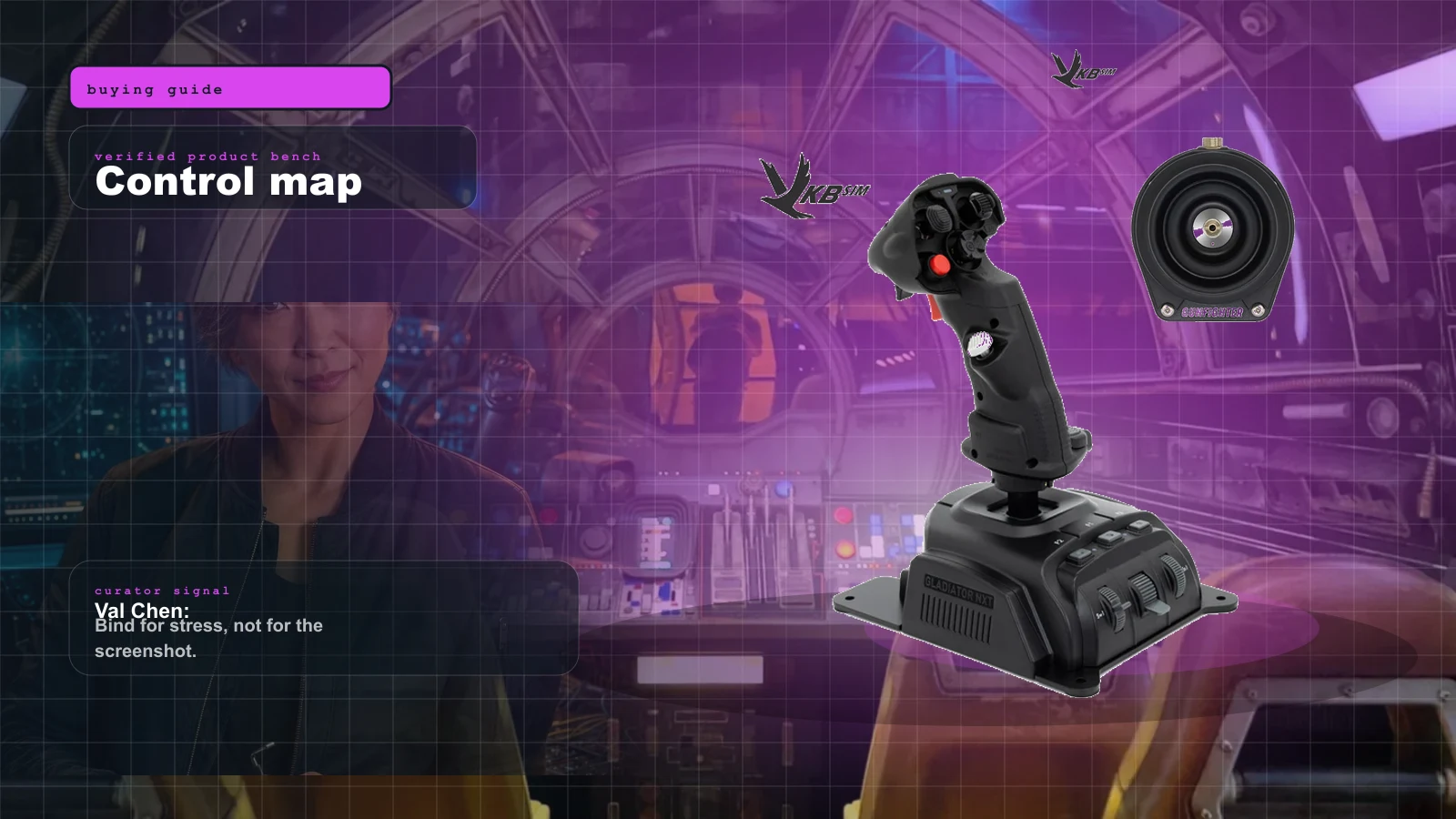
Best Beginner HOSAS Under $300 for Star Citizen & Elite (2026)
You can build a real two-stick space rig for less than one boutique grip. Here are the three beginner HOSAS setups under $300 worth your money, ranked by what they actually do for a new pilot — with the binding, desk, and upgrade traps nobody warns you about.
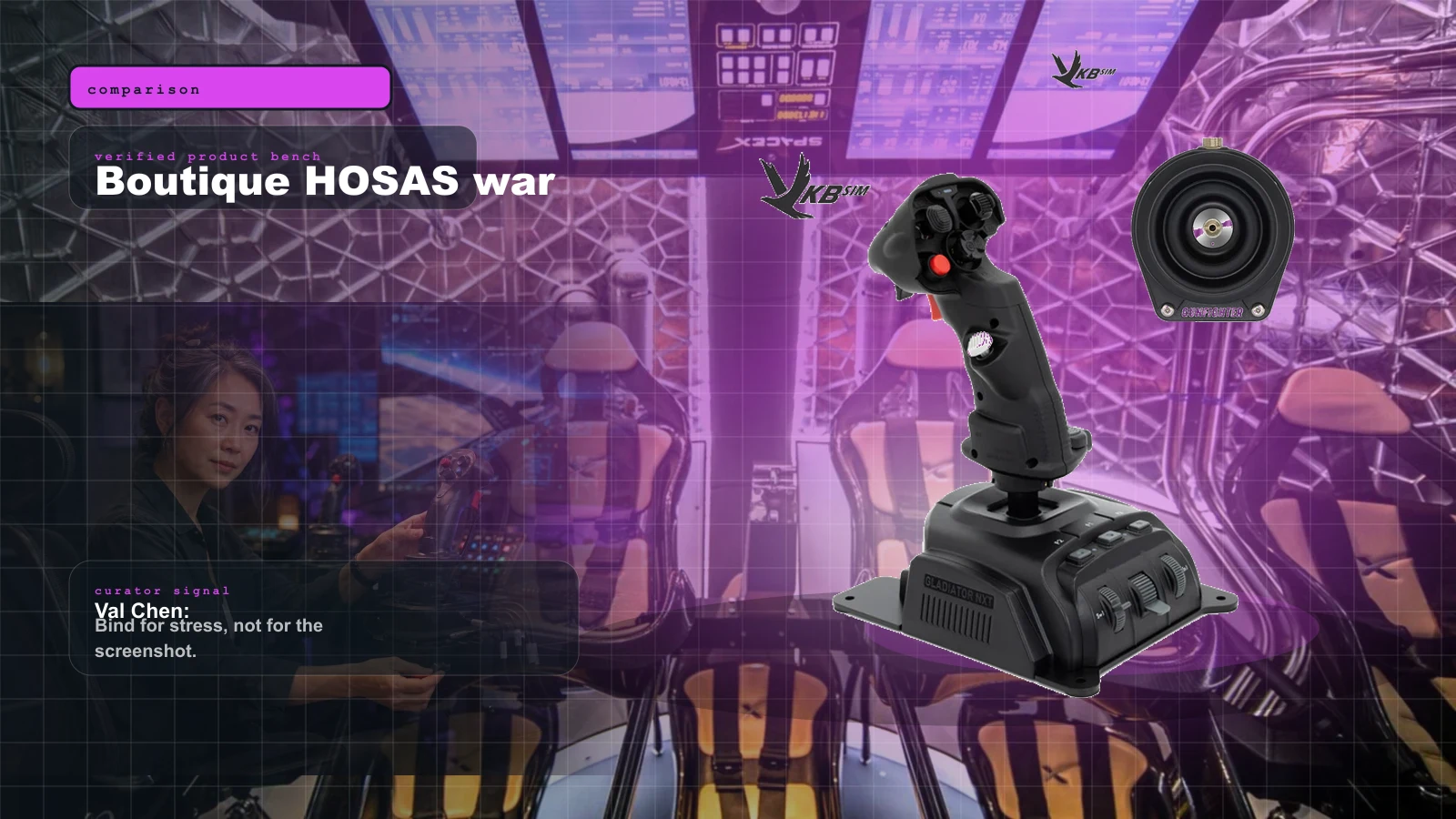
VKB vs Virpil vs WinWing for Space Sims in 2026: Which Boutique HOSAS Brand Should You Buy?
VKB wins the value and the upgrade ladder, Virpil wins the boutique cockpit, WinWing wins raw features-per-dollar. But the brand you can actually buy this week may decide it for you — boutique stock sells in waves.
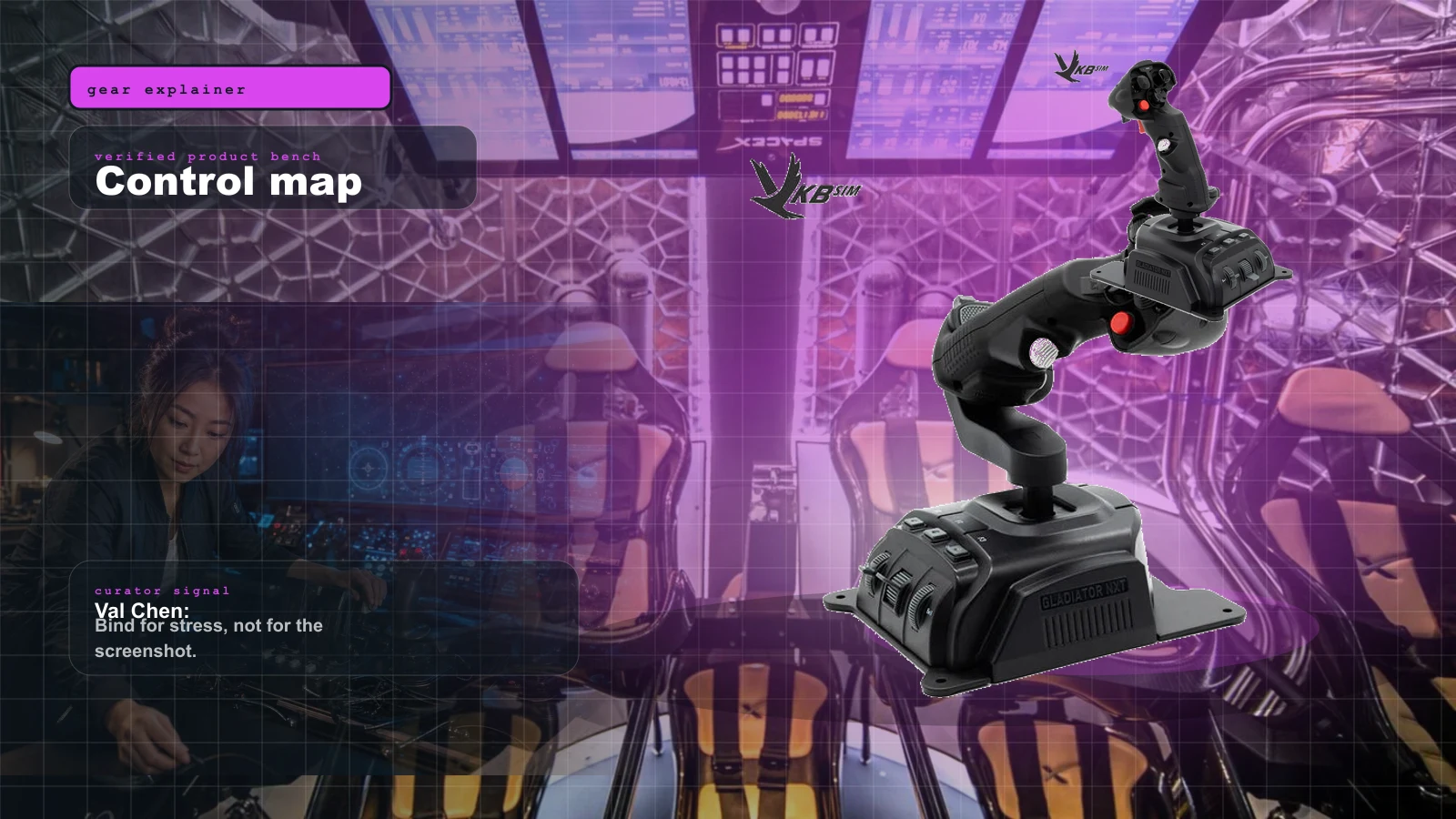
HOSAS vs HOTAS for Space Sims in 2026: Two Sticks or Stick-and-Throttle?
A spaceship has six axes of motion. A stick-and-throttle reaches four of them well. That single fact drives the whole HOSAS-versus-HOTAS decision — here's which config wins for your game and your hands.
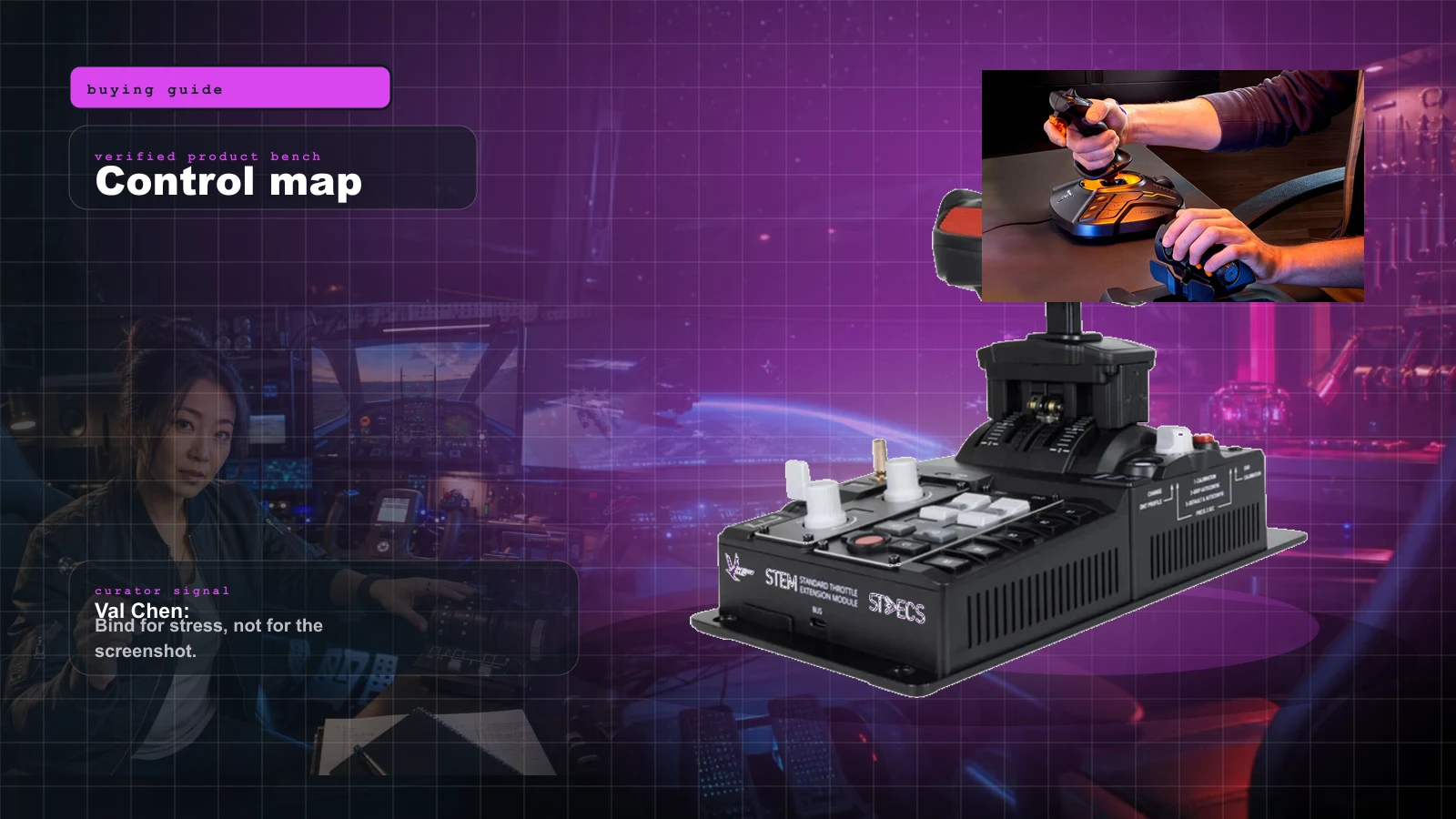
The Best HOTAS for Star Citizen in 2026 (Stick + Throttle Buying Guide)
HOSAS may win the dogfight, but a real throttle still owns cargo, mining, and quantum-jump life. Here's the best HOTAS for Star Citizen 4.x at every budget in 2026 — and the button-count trap nobody warns you about.