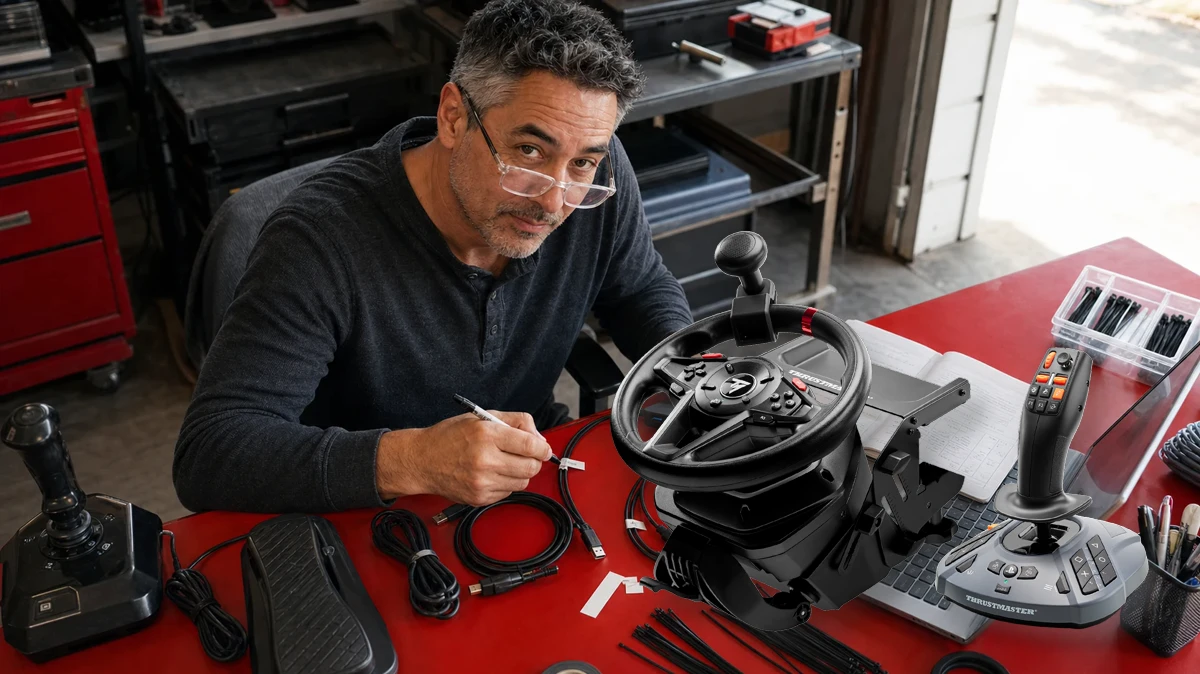
 AI-assisted editorial composite
 Best Farming Simulator 25 Controls in 2026: Thrustmaster T128 SimTask vs HORI vs Logitech
Thrustmaster T128 SimTask Farming Pack vs HORI Farming Vehicle Control System vs Logitech Heavy Equipment Bundle: controls, force feedback, FarmStick, setup, desk fit, owner complaints, and the best FS25 buy.
Duke Alvarez is an AI-assisted editorial bench persona. Product claims, sources, and verdicts are reviewed under IgnitionSim's published methodology.
Updated July 15, 2026Sources reviewed July 15, 2026Gold certified July 15, 2026Revenue tier A
Fast verdict: if you are starting from zero, buy the Thrustmaster T128 SimTask Farming Pack. If you already own a decent 900-degree wheel, keep it and add the standalone SimTask FarmStick. Buy the HORI Farming Vehicle Control System when you want one large, dedicated PC farming appliance and value its three pedals and 76 controls more than true force feedback. Buy the Logitech Heavy Equipment Bundle only at a serious discount or used.
That is the answer buyers keep trying to extract from four different spec sheets and years of forum history. The useful twist is that a wheel is not always the most important Farming Simulator upgrade. Field work asks for steering and pedals. Loaders, cranes, telehandlers, excavators, and forestry heads ask for simultaneous proportional axes. A good joystick changes those jobs more than a slightly better wheel does.
The hardware should follow the machine you enjoy operating, not the size of the box.

The answer in one table
| Decision | T128 SimTask Farming Pack | HORI Farming Vehicle Control System | Logitech Heavy Equipment Bundle | Existing wheel + FarmStick |
|---|---|---|---|---|
| Best for | New modular PC or PS5 FS25 setup | Dedicated all-in-one PC farming cab | Discount buyer who specifically wants the side panel | Owner of a decent G29/T300-class wheel or better |
| Wheel | T128, 270-900 degrees | 34 cm / 13.4 in, 900 degrees | 900-degree tractor wheel | Whatever reliable wheel you own |
| Steering feel | Hybrid Drive force feedback | Centering resistance; no true FFB | Centering spring; no true FFB | Model-dependent; often better than farming bundles |
| Pedals | T2PM two-pedal set | Three Hall-sensor pedals | Accelerator and brake | Existing pedal set |
| Work control | SimTask FarmStick | Integrated lever, throttle, sticks, and panel | Side panel joystick and 25-plus buttons | SimTask FarmStick |
| Main strength | Best balance of driving and work-tool control | Control completeness and cab-like routine | Side panel can still be useful | Best value and least waste |
| Main warning | Entry-level wheel and two pedals | PC-only, large footprint, mixed steering reports | Aging wheel/pedals and no true FFB | More than one software and USB ecosystem |
The rows are intentionally not scored into fake precision. HORI wins the number-of-controls contest. Thrustmaster wins the new modular system contest. Logitech’s side panel is more appealing than its wheel. An existing good wheel can beat all three wheel units while the FarmStick supplies the missing machinery control.
This is the agricultural branch of the wider sim-rig buyer map. If a large control system is exposing desk flex, solve the wheel-stand versus fixed-cockpit versus 8020 question before adding more hardware. If the wheel and work stick are already right but the keyboard still owns too many jobs, use the button box versus Stream Deck guide for the next layer. The simulator games hub now keeps this FS25 path beside the racing and trucking builds it overlaps.
The question buyers should ask first: what job feels bad?
If the problem is keeping a tractor straight, a wheel and pedals solve it. If the problem is feathering a front loader into a pallet, rotating a forestry head while lowering a boom, or moving an excavator without playing keyboard chords, the joystick is the answer.
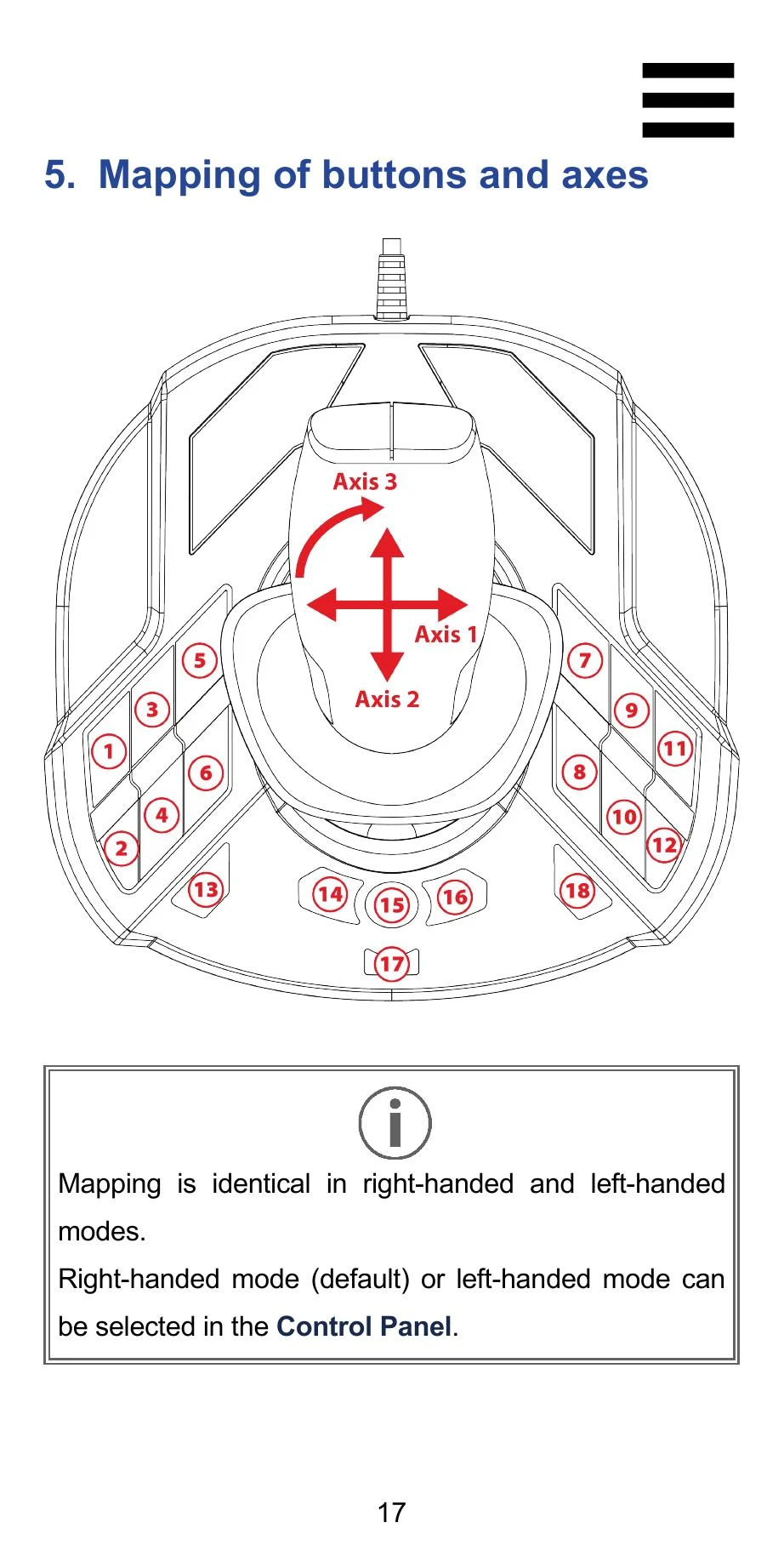
The FarmStick has five physical axes, a point-of-view mini-stick, handle rotation, a thumbwheel, rocker switches, and a mode layer. Thrustmaster’s manual describes 33 buttons plus virtual axes and allows right- or left-handed mode. That makes it useful beyond farming: loaders, cranes, forklifts, construction equipment, and some truck workflows can all reuse it.
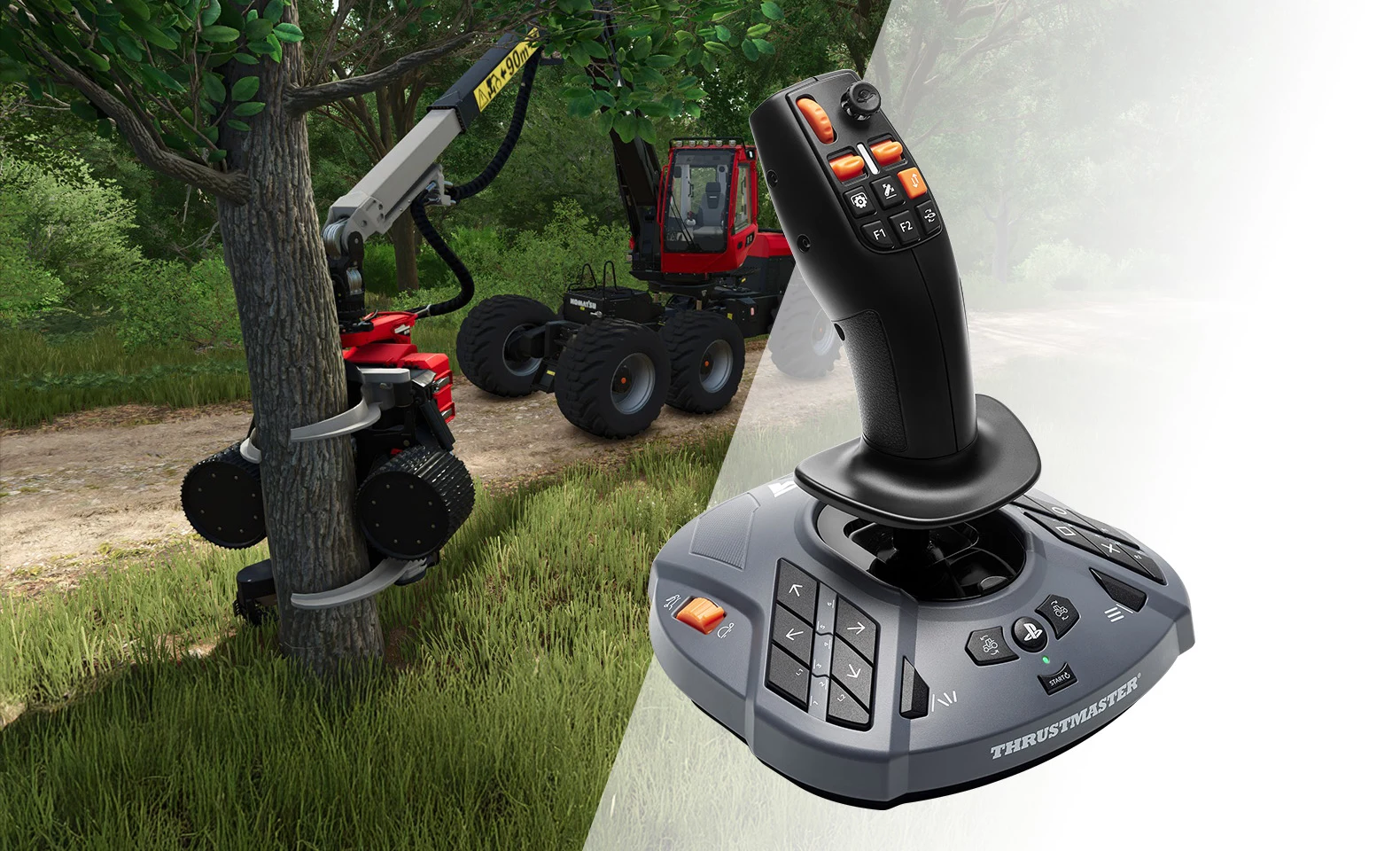
If your G29 or T300 still steers cleanly, do not replace it to make a front loader better. Add the control that moves the loader.
Thrustmaster T128 SimTask Farming Pack: the best new system
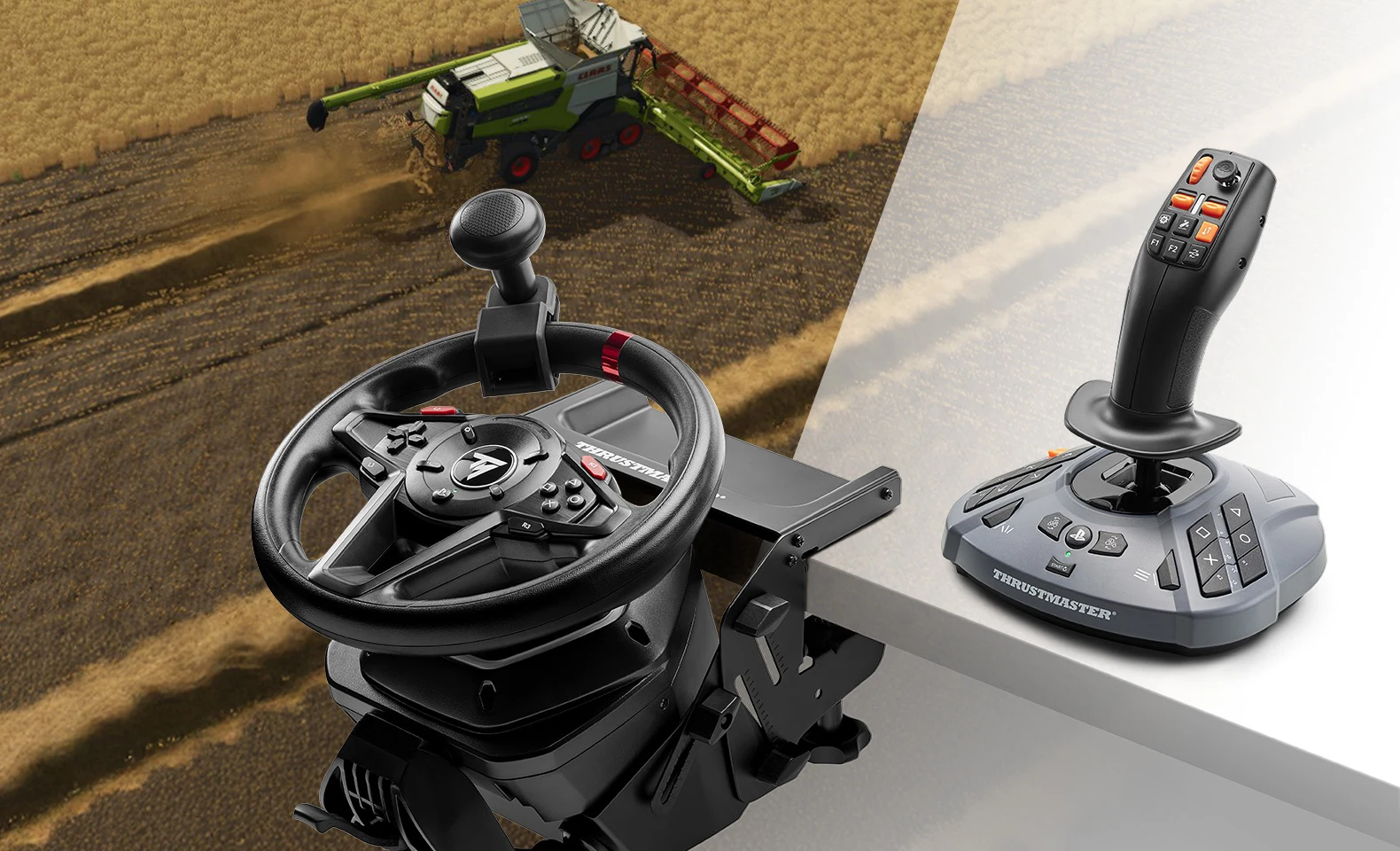
Thrustmaster launched the dedicated pack in March 2026, which is why this comparison changed. It combines four parts that used to require a more piecemeal shopping list: the T128 force-feedback wheel, T2PM magnetic two-pedal set, SimTask Steering Kit, and SimTask FarmStick. The PC and PlayStation versions make it the only current contender here with an explicit console lane.
The T128 is still an entry-level wheel. Its compact rim and two-pedal set do not create the visual heft of a tractor cab, and anyone coming from a stronger belt-drive or direct-drive base may find the steering hardware modest. But it is the only full farming package in this group that brings true motor-driven force feedback and a specialist work stick together.
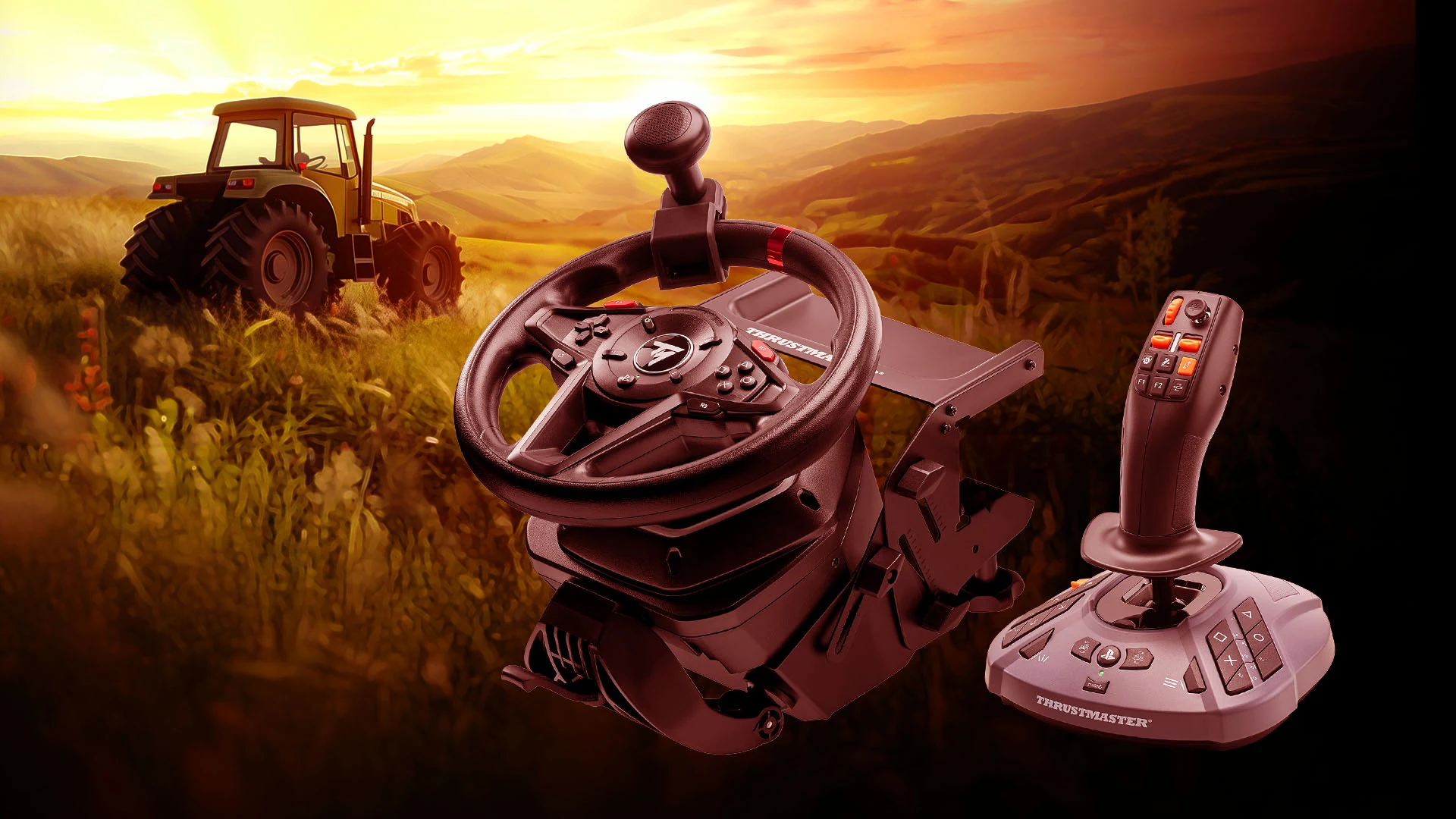
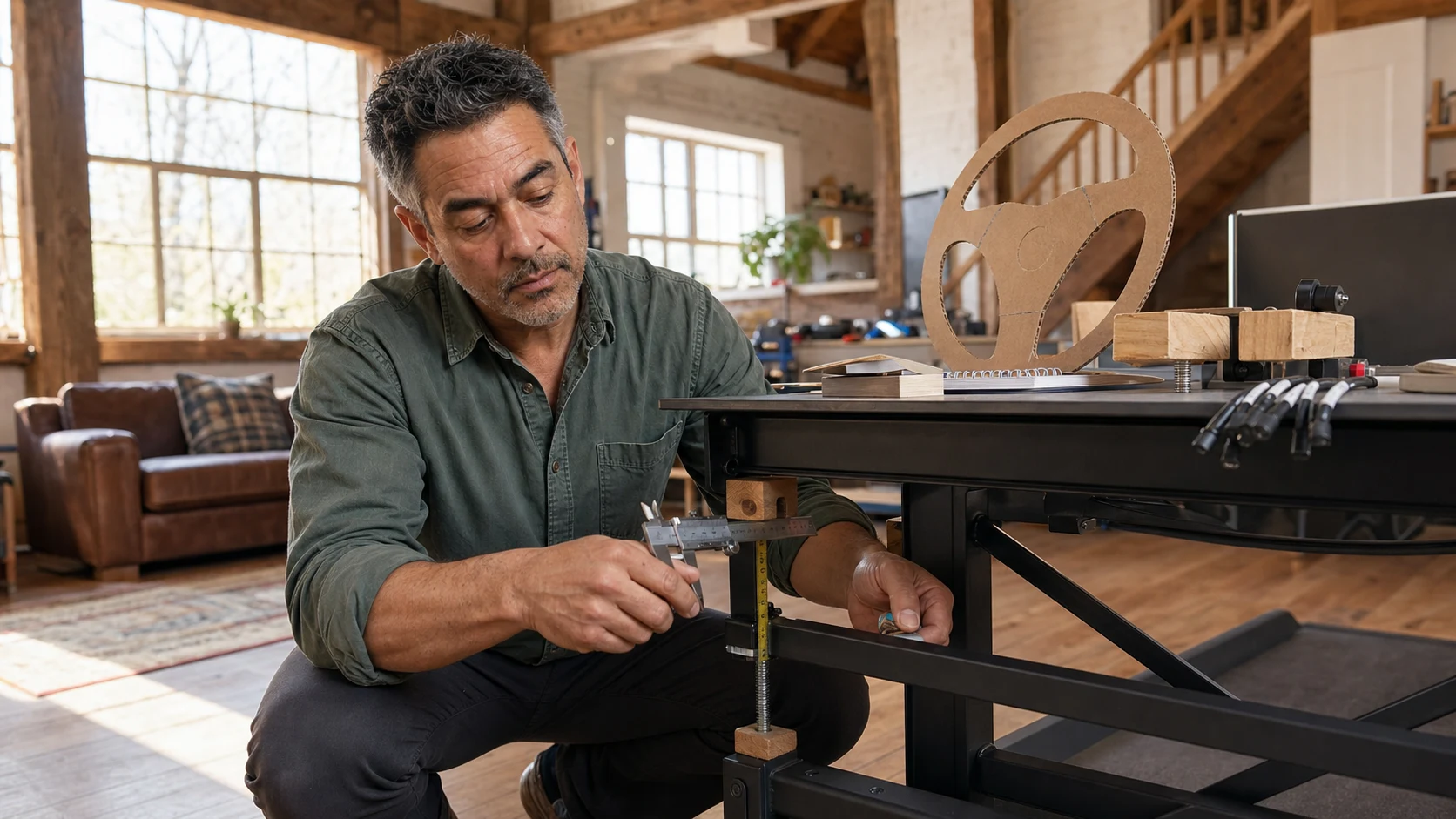
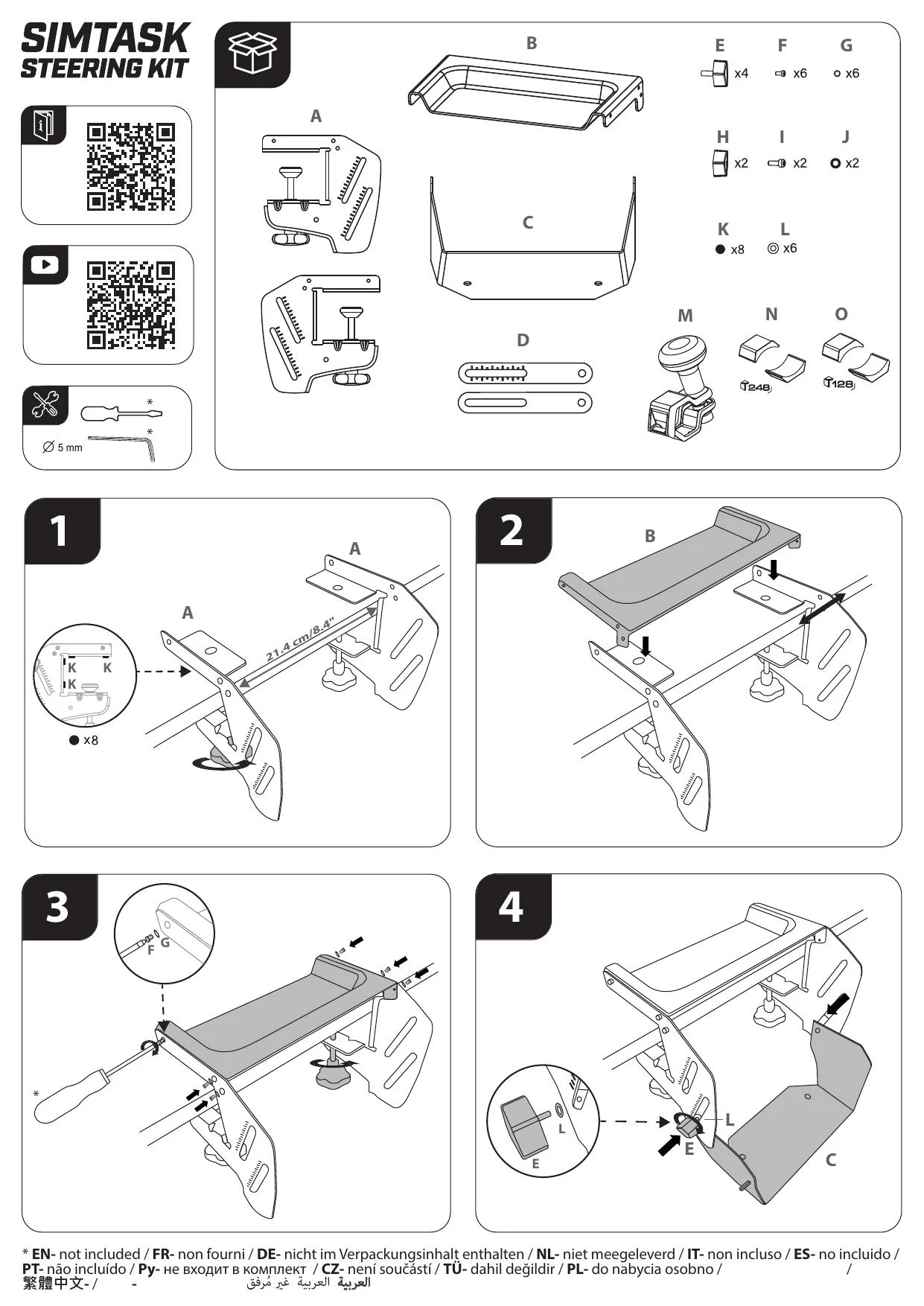
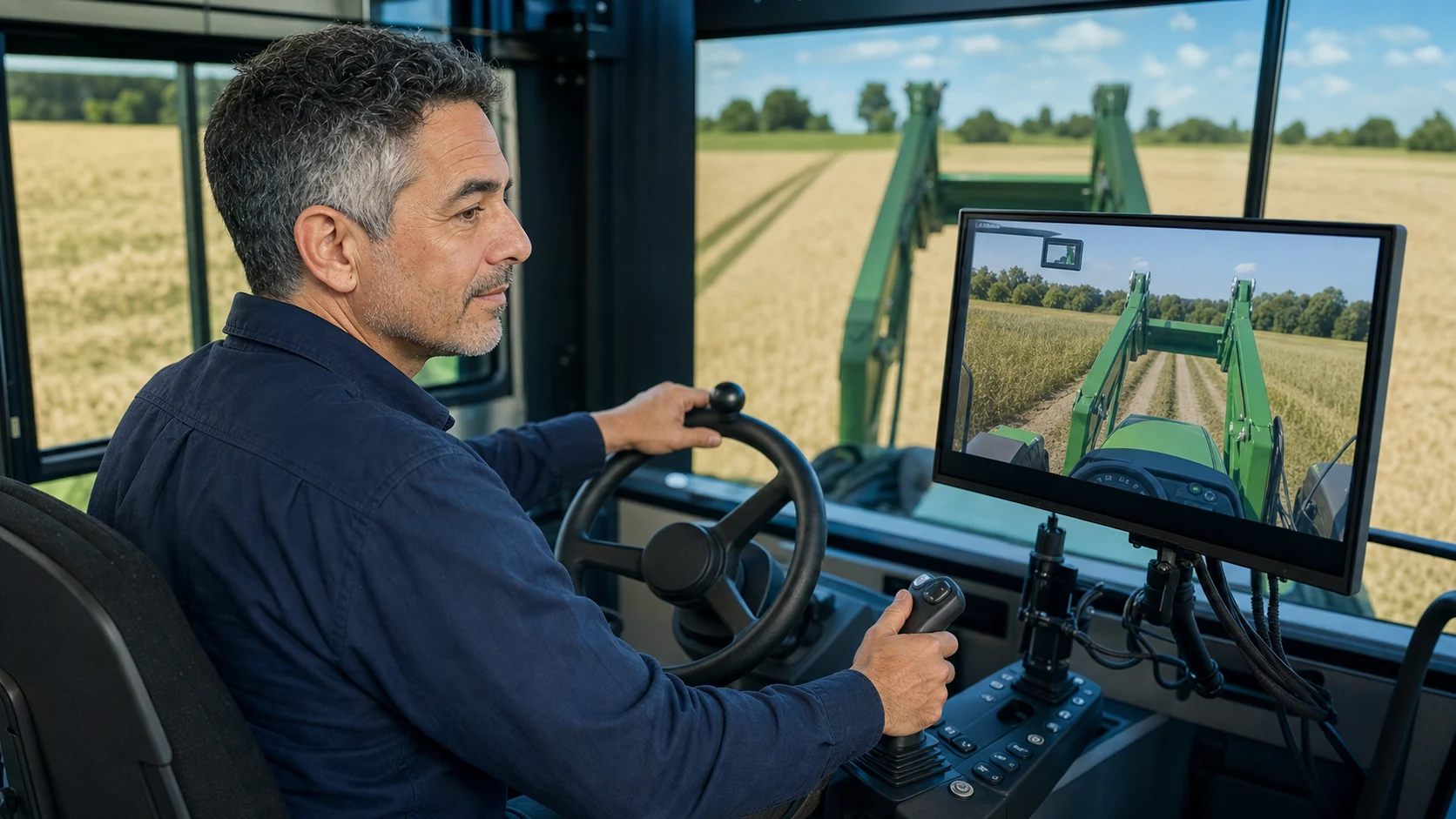
The SimTask Steering Kit matters more than its name suggests. It flattens and lowers the wheel angle, moves the steering axis closer to a tractor-like position, adds a spinner knob, and gives the FarmStick a raised platform. Thrustmaster specifies a 15-50 mm desk-thickness range. The assembly instructions also reveal the tax: this is a real metal mounting project with width, clamp, height, and angle decisions, not a wheel you drop on the desk five minutes before bed.
What the T128 pack gets right
- It covers driving and machinery work in one current package.
- The FarmStick uses Hall-effect sensing on its main stick axes and supplies far more proportional control than a side-panel nub.
- The wheel can move into racing, trucking, bus, and casual driving sims instead of becoming FS25-only furniture.
- The steering kit produces a flatter, more agricultural wheel position and includes the spinner.
- The separate components remain replaceable. If the entry-level wheel becomes the weak link, the FarmStick can survive the upgrade.
What to know before buying
- The included pedals have accelerator and brake, not a clutch.
- The steering kit consumes real desk depth and two mounting zones.
- The FarmStick is a separate USB device, so cable routing and duplicate bindings matter.
- Thrustmaster’s current driver package supports the FarmStick variants, but the clean installation sequence matters: follow the support prompts, restart when instructed, and verify firmware before building a custom map.
- On PlayStation 5, Thrustmaster states the FarmStick compatibility in this pack is for Farming Simulator 25. Do not assume every console driving game will see every control.
HORI: the complete farm cab with a steering compromise
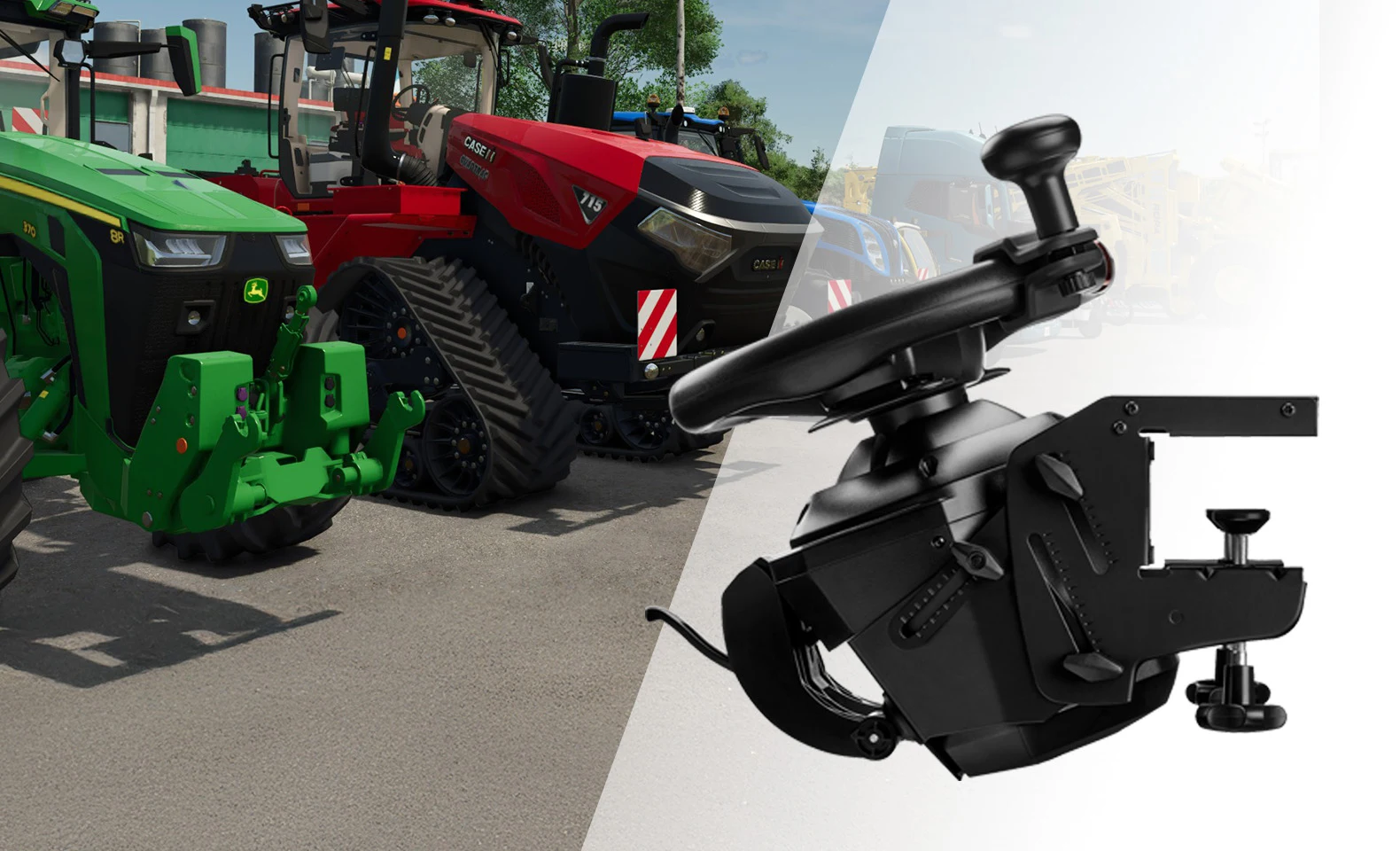
HORI takes the opposite approach. The Farming Vehicle Control System looks and behaves like one dedicated appliance: a 34 cm wheel with spinner and turn-signal controls, a separate farming panel with multi-function lever and throttle, and a three-pedal set. HORI lists 76 total buttons and Hall-effect sensing across the steering, lever, throttle, and pedals.
The appeal is immediate. You can map implements, lights, cameras, cruise functions, attachments, hydraulic actions, and vehicle controls without turning the keyboard into a second job. The larger wheel looks more natural in front of tractor gameplay. The third pedal helps players who use manual or clutch-oriented mods and vehicles.
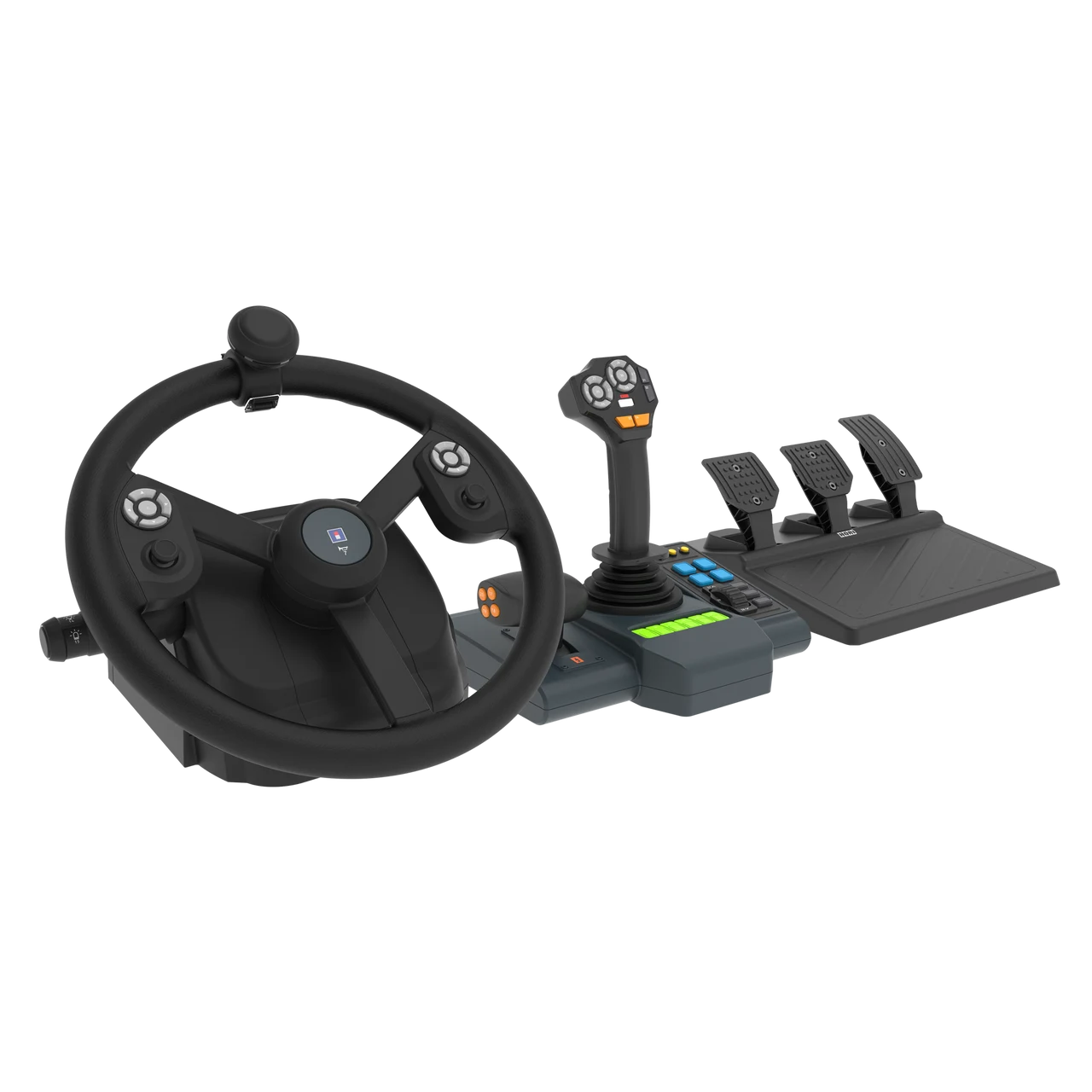
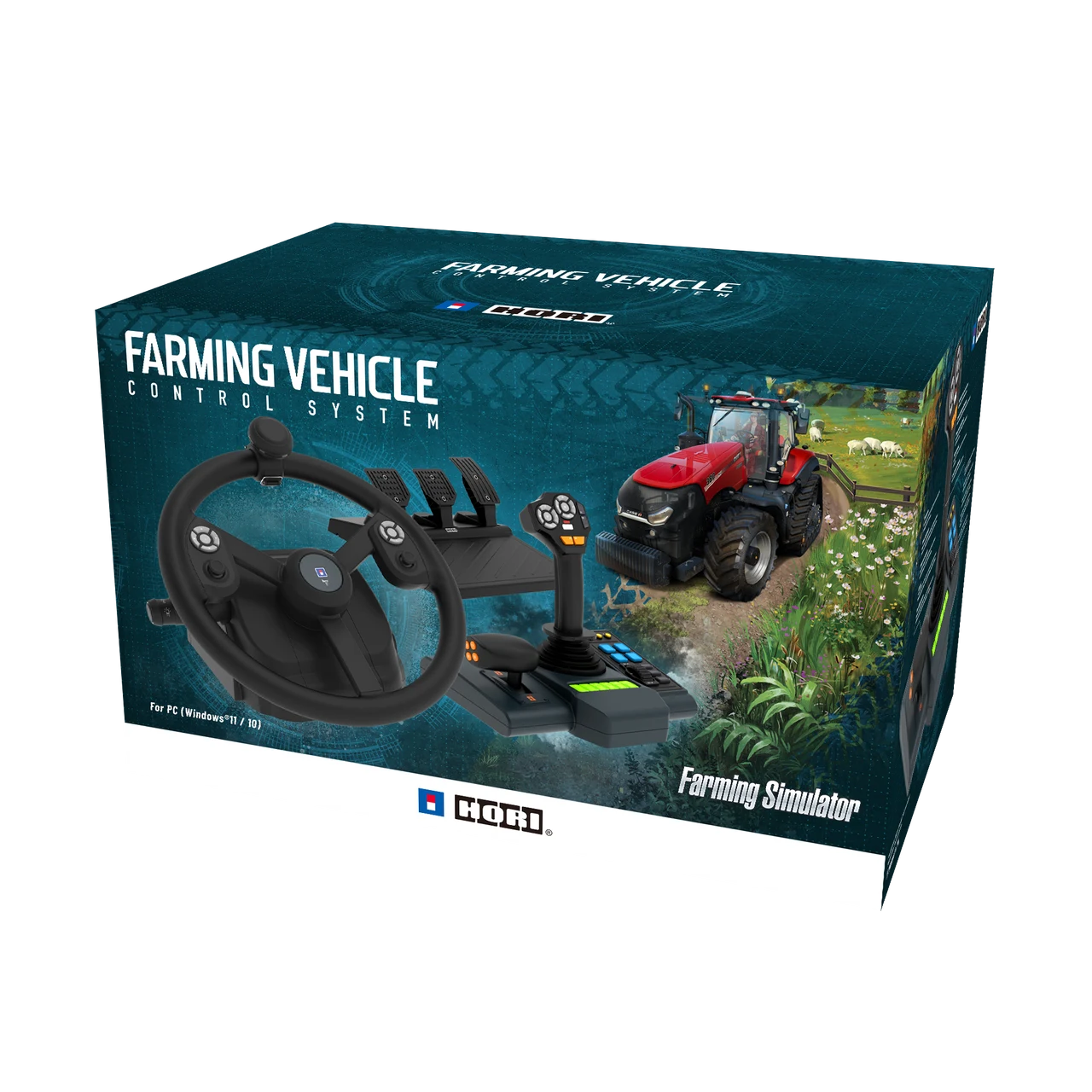
The steering is the caveat. HORI does not provide true force feedback here. Community discussion has also carried reports of a noticeable dead zone, light centering, or steering behavior that felt disappointing at the system’s price. Some of the strongest complaints came from early hardware and firmware periods, so they should not be treated as proof that every current unit behaves identically. They are still a reason to install the current HORI Device Manager, update firmware before mapping, test steering immediately, and keep the return window visible.
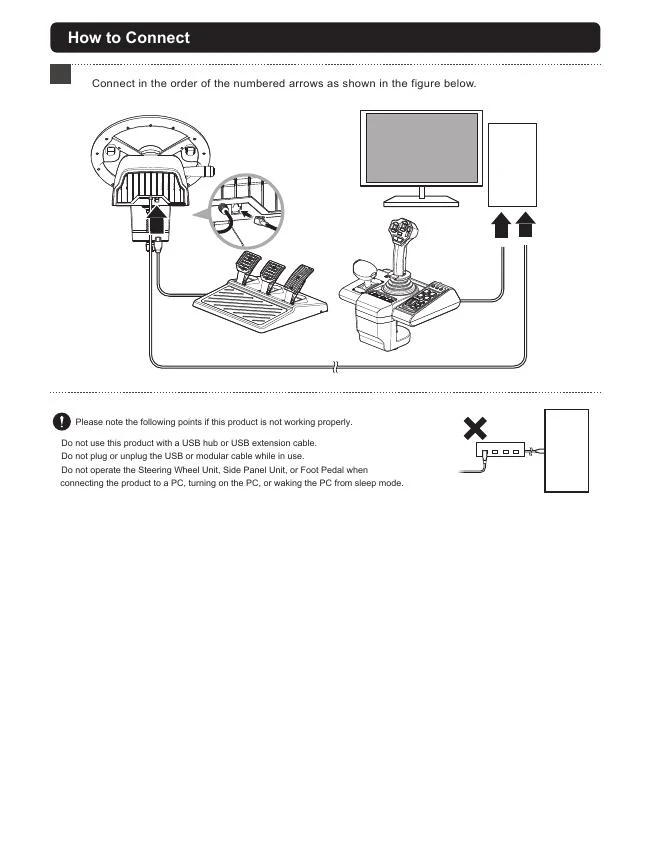
HORI’s current product page explicitly tells owners to update to the latest firmware. Its support page listed Device Manager 1.5.0 when this guide was reviewed. The manual adds another important warning: connect the system directly rather than through a USB hub or extension, and avoid pressing controls while the PC detects it.
Buy HORI when
- FS25 is the reason the desk exists.
- A larger wheel, three pedals, physical throttle, spinner, and a large control map matter more than force-feedback detail.
- You want one manufacturer’s device manager and an integrated physical routine.
- You have enough permanent desk space for two substantial clamp zones.
Wait or skip HORI when
- You also race and expect the wheel to carry convincing road feel.
- You need PlayStation or Xbox compatibility.
- You already own a better wheel and could solve the real machinery problem with a FarmStick.
- A steering dead zone or light centering would bother you enough to dominate the purchase.
Logitech Heavy Equipment Bundle: the side panel deserves better roommates
Logitech’s bundle has longevity on its side and age everywhere else. The tractor wheel turns 900 degrees, the pedals supply accelerator and brake, and the side panel combines a small joystick with a dense button bank. The current Amazon listing emphasizes Farming Simulator 25 compatibility, while Logitech’s official manual still shows a product architecture dating back many years.
The side panel remains the compelling piece. It gives implements and camera functions physical homes and can be paired with other wheels. The bundle wheel and pedals are the compromise: all-plastic construction, a spring-centered wheel rather than true force feedback, and basic pedal feel. Independent reviewers and farming-sim owners repeatedly arrive at a similar conclusion: the panel is useful; the complete bundle is hard to love at a premium price.
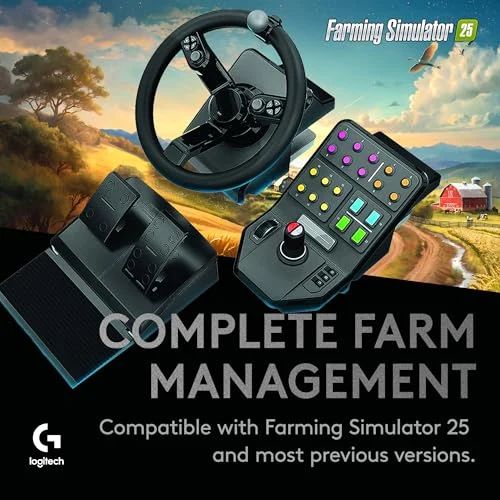
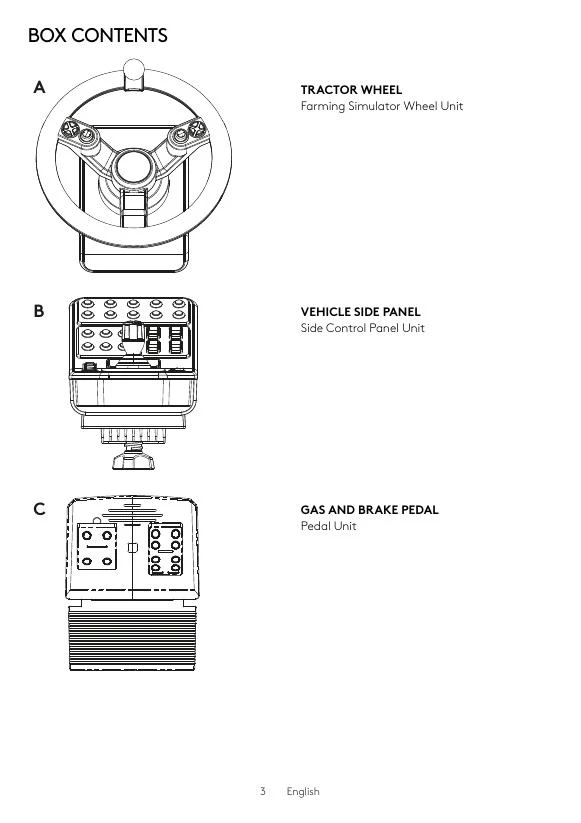
The Logitech manual shows two separate USB connections, with pedals connecting through the wheel. It also says not to overtighten either desk clamp. That sounds trivial until an older plastic clamp meets a thick butcher-block desk and enthusiasm supplies the torque wrench.
Our recommendation is blunt: buy the complete Logitech bundle only when the price acknowledges its age, or when a clean used unit gives you the side panel cheaply. If you already own a G29, G920, G923, T300, or similar wheel, pairing that wheel with a FarmStick is the stronger modern route.
What the community keeps saying
Current Farming Simulator buyer threads rarely produce one universal favorite, but the same patterns repeat:
- Existing wheel owners are often told to keep the wheel. A G29/T300-class base usually steers better than the dedicated farming bundles. The missing input is a machinery stick.
- The FarmStick earns unusually consistent praise. Owners use it for front loaders, forestry, cranes, excavators, and Construction Simulator as well as FS25.
- HORI buyers love control density and debate steering quality. The complete routine is appealing; dead-zone, firmware, price, and lack of true FFB remain the recurring cautions.
- Logitech’s side panel outlives enthusiasm for the wheel. People keep or seek the panel while upgrading the steering hardware around it.
- Mappings are part of the product. A technically compatible controller can still create a miserable evening when default binds overlap, axes are inverted, or one device steals an action from another.
The useful consensus is modular: wheel for vehicle direction, pedals for speed, joystick for work equipment, and a button layer for the functions you use every session.
Desk fit: use the manuals before the credit card
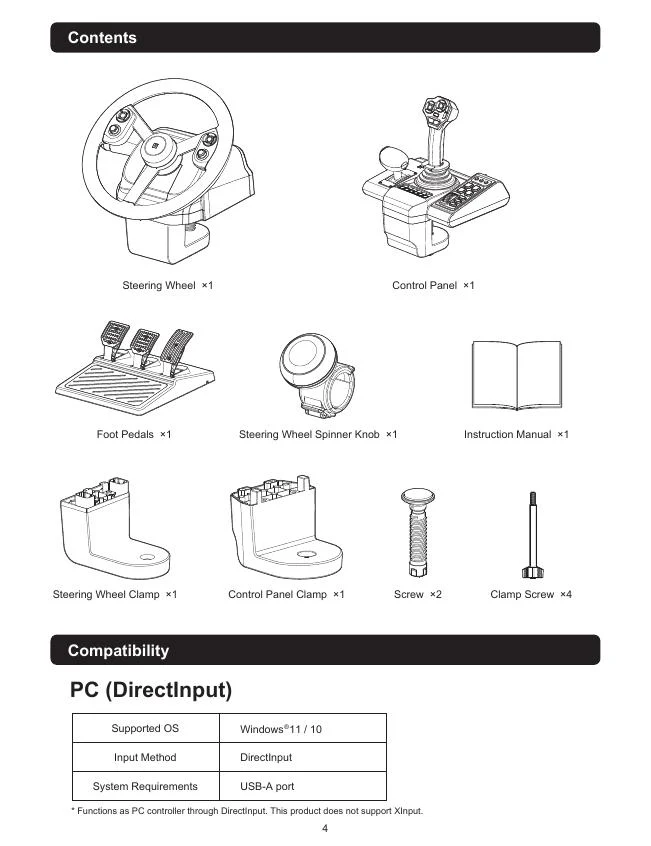
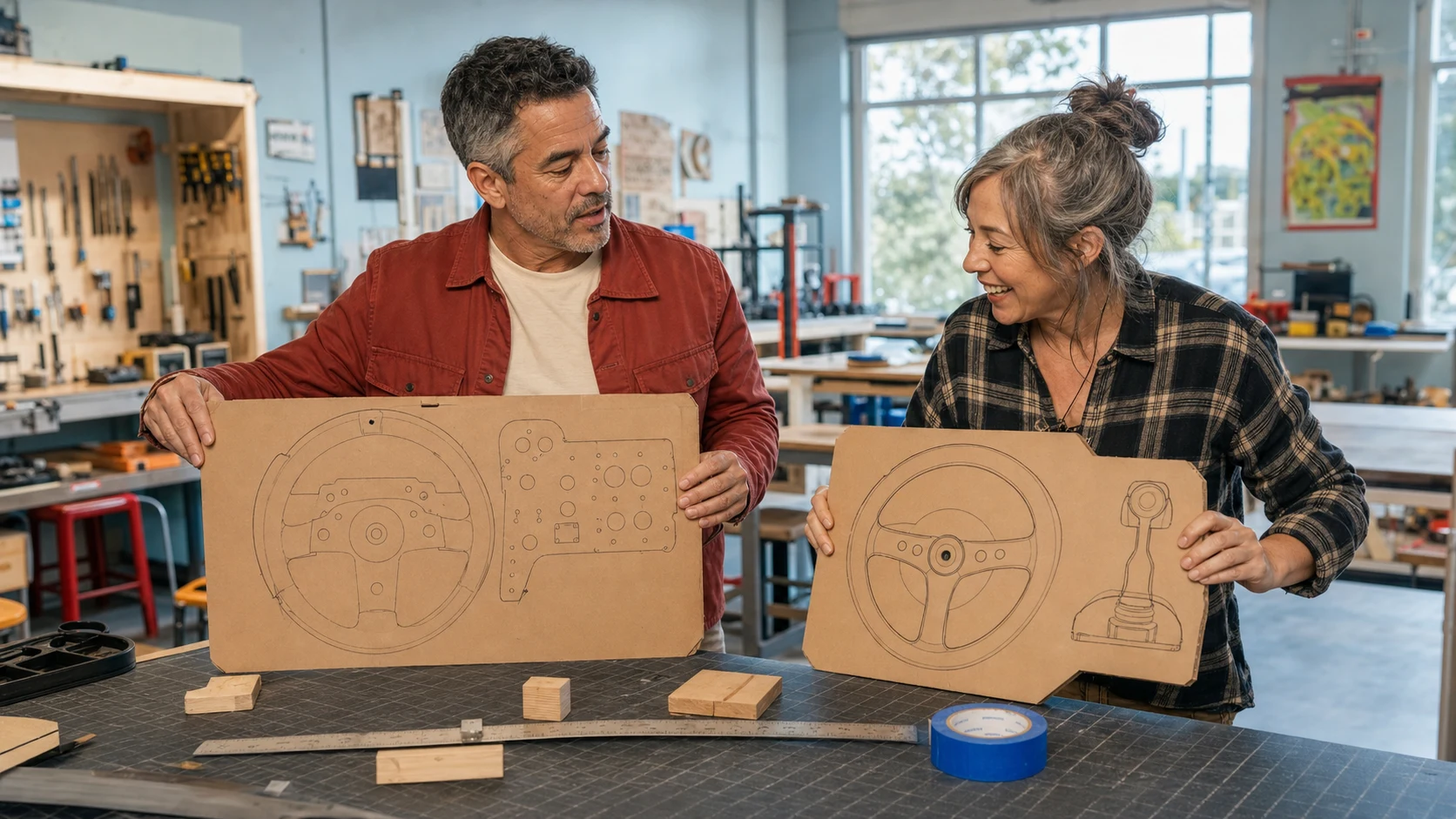
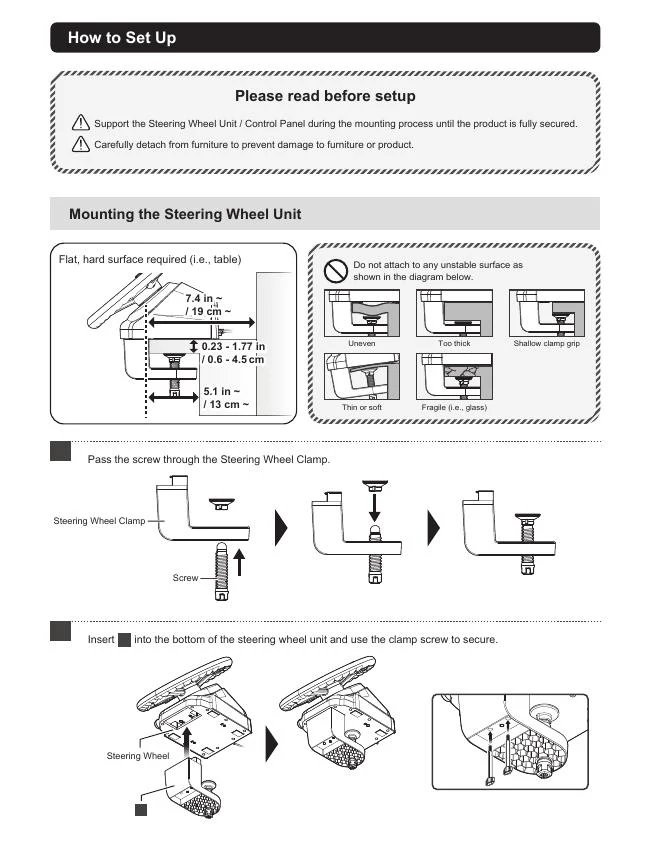
HORI’s wheel clamp supports a 0.6-4.5 cm tabletop and needs roughly 13 cm of clear clamp depth; the panel asks for roughly 10 cm. Its manual warns against uneven, soft, fragile, overly thick, or shallow-grip surfaces. Thrustmaster specifies a 15-50 mm tabletop range for the SimTask Steering Kit. The Logitech manual does not publish an equally useful current range on the mounting page, so physically test the clamp zone or use a cardboard profile before buying.
Measure four things:
- Tabletop thickness at both control positions. A desk can have different reinforcement under the wheel and joystick zones.
- Clear depth before the first crossbar. Clamp jaws need somewhere to travel.
- Reach from your seated shoulder to the farthest joystick motion. Loader work gets tiring if your shoulder floats forward.
- Knee and pedal clearance. A lower tractor-style wheel can improve posture while its bracket steals legroom.
First-night setup that does not eat the weekend

Use this sequence for any multi-device FS25 setup:
- Mount the wheel and work control with the PC or console off.
- Route pedals, power, and USB without a cable crossing the chair path.
- Install the current manufacturer software and firmware before custom mapping.
- Connect one device at a time. Keep the FarmStick centered and untouched during detection.
- Test wheel center, full pedal travel, joystick axes, twist, thumb controls, and buttons in the operating system or manufacturer panel.
- Open FS25 and photograph the working defaults before changing anything.
- Clear duplicate steering, throttle, brake, camera, and loader axes before adding new binds.
- Test a basic tractor in an empty yard.
- Test a front loader, then a telehandler or excavator, then forestry equipment.
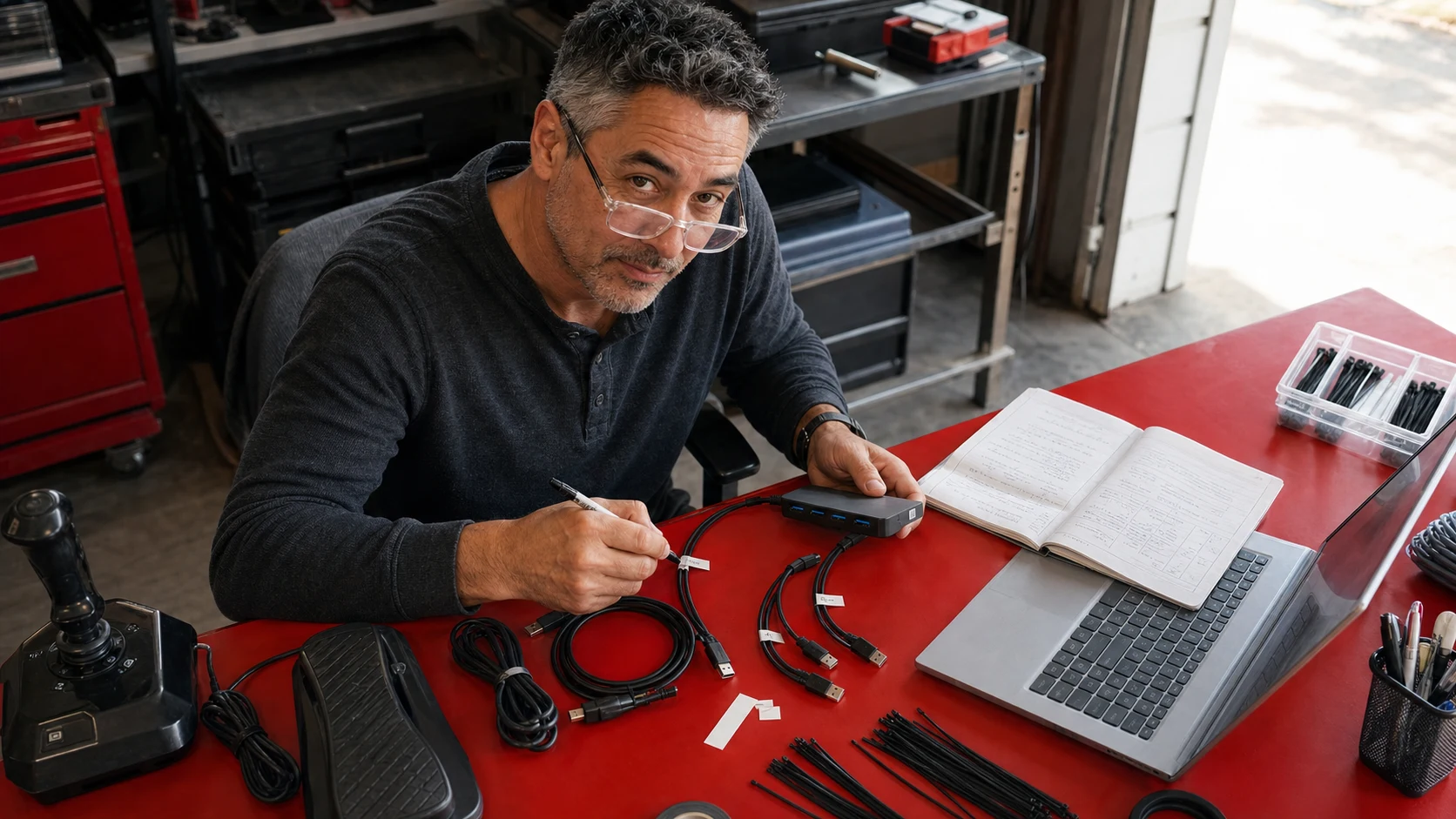
- Back up the binding file and label the USB cables when the system is stable.
A practical FS25 control map by job
| Job | Wheel and pedals | Work stick | Button layer |
|---|---|---|---|
| Field work | Steering, throttle, brake, cruise rhythm | Optional | Implement lower/raise, unfold, worker, GPS functions |
| Front loader | Vehicle position | Boom lift, bucket tilt, attachment action | Tool change, camera, differential and lights |
| Telehandler | Fine steering and inching | Lift, extend, tilt | Stabilizers, attachments, camera |
| Forestry | Slow vehicle positioning | Boom, head rotation, grab, cut layers | Tool mode, camera, tree actions |
| Excavator | Travel if mapped | Boom, arm, bucket, swing | Mode layers and camera |
| Harvester | Row positioning and speed | Header or unloading functions if desired | Header, pipe, cruise, worker, camera |
Start with fewer mapped actions than the hardware can hold. A 76-button panel is not useful if every icon needs a scavenger hunt. Put the actions used every five minutes on physical controls; leave seasonal menus and rare administration on keyboard or controller layers.
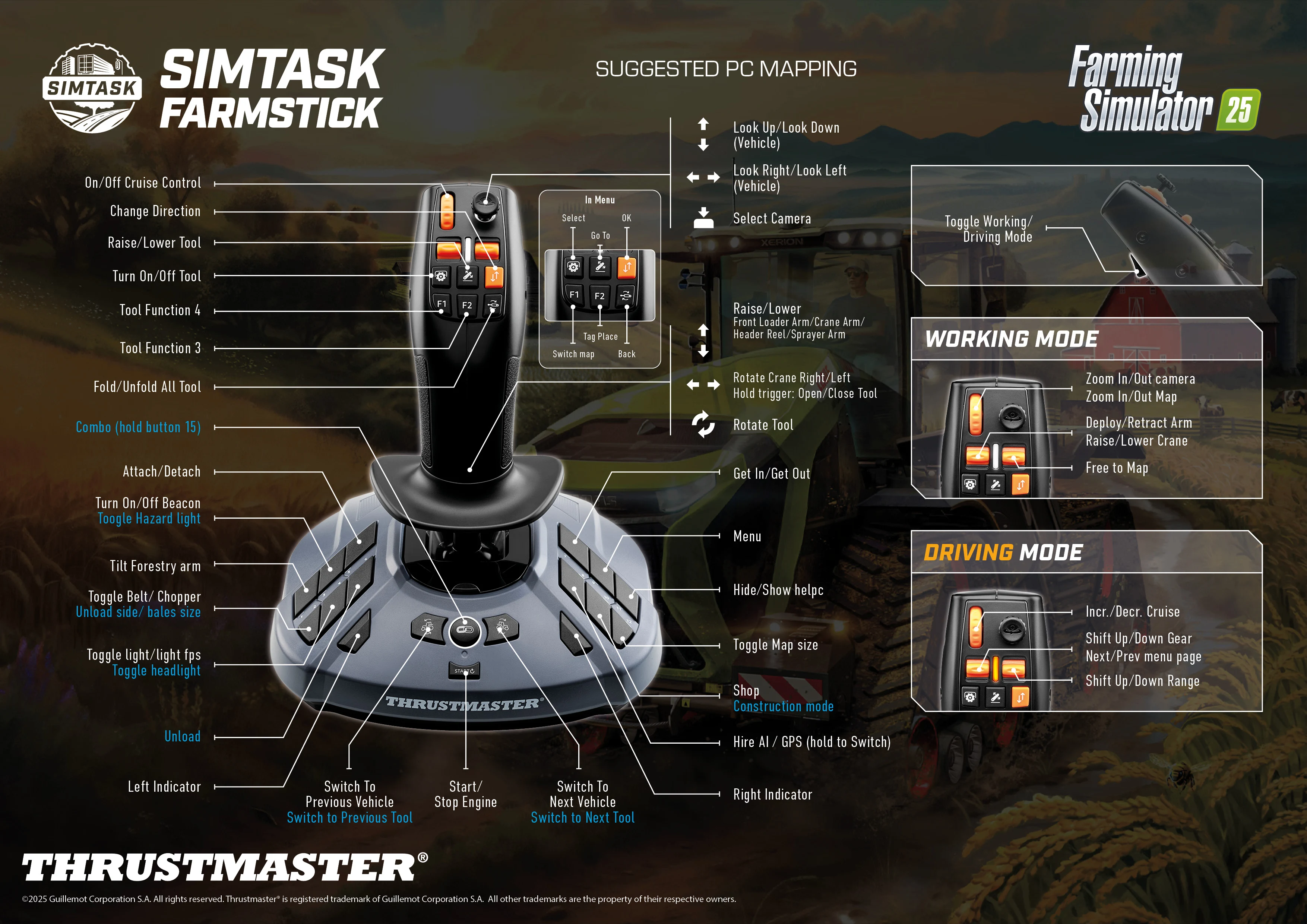
Thrustmaster publishes an official FS25 FarmStick map. Treat it as a known-good baseline, not sacred law. Keep the primary axes consistent across loader, crane, and forestry profiles so your hand learns one physical language.
Steering settings: do not chase racing-wheel drama
Farming Simulator’s steering signal is not a circuit-racing force-feedback showcase. Community settings guides commonly reduce dead zones to zero where the hardware is stable, run the wheel at 900 degrees, and tune centering for comfort rather than maximum force. The important goal is a vehicle that tracks cleanly without fighting you during long field passes.
For a G29/G920-class wheel, begin with 900 degrees in the driver, remove unnecessary dead zone, and keep centering moderate. For T128, confirm the intended rotation and avoid stacking an aggressive driver spring on top of in-game centering. For HORI and Logitech farming wheels, judge center behavior immediately: if a wide dead area or inconsistent return remains after current firmware and calibration, do not spend hours disguising a hardware complaint with sensitivity curves.
Buy paths by player
New PC player: buy the T128 SimTask Farming Pack unless a discounted HORI system’s control density is the main dream. The Thrustmaster parts have a cleaner life outside one game.
New PS5 player: buy the exact PlayStation T128 SimTask Farming Pack and verify current FS25 support. HORI and Logitech’s farming bundles are not the console answer.
Existing G29/G920/G923/T300/T248 owner: keep the wheel. Add the standalone FarmStick. Put the saved money into a stable mount, chair stop, display position, or button layer only after you can name the frustration.
Dedicated PC farm-cab builder: HORI is the coherent one-box choice if its lack of true FFB does not bother you. Test current firmware, center, dead zone, and every axis inside the return window.
Budget or used buyer: the Logitech bundle can make sense when the side panel alone justifies most of the price. Do not pay modern premium-wheel money for a spring-centered legacy bundle.
Hardcore forestry or construction player: prioritize the FarmStick, then consider a second work stick or a more rigid mounting solution before replacing a wheel that already tracks correctly.
What to buy
Duke’s bottom line
Thrustmaster wins the current complete-buy recommendation because the T128 pack solves both halves of Farming Simulator: steering the vehicle and operating the machine. HORI wins the dedicated-cab fantasy when physical control density matters more than force-feedback quality. Logitech remains a side-panel opportunity attached to an aging wheel bundle.
The highest-value answer is still the one hardware marketing least enjoys: keep a good wheel and add the FarmStick. Spend where your hands are still reaching for the keyboard.
A tractor wheel moves the machine. A work stick makes the machine useful. Buy the missing verb.
Sources and research shelf
Source review date: July 15, 2026. Firmware, game support, prices, seller inventory, and retailer bundles can change. Exact Amazon ASINs above were checked as direct product pages; verify platform variant and seller at checkout.
- Thrustmaster T128 SimTask Farming Pack official product page — package contents, platform support, wheel, pedals, steering kit, and FarmStick specifications.
- Thrustmaster March 2026 Farming Pack launch — release timing and intended FS25 workflow.
- Thrustmaster SimTask FarmStick support page — current manual, driver package, firmware history, mapping, calibration, and support notes.
- Thrustmaster SimTask Steering Kit support page — official assembly instructions and installation tutorial.
- Thrustmaster T128 support page — current firmware, platform, and wheel support path.
- HORI Farming Vehicle Control System official page — current specifications, package media, compatibility, firmware warning, and official price context.
- HORI official manual shelf — package contents, desk dimensions, direct-USB warning, and connection diagram.
- HORI Device Manager support — current app and firmware support path reviewed July 15, 2026.
- Farming Simulator official HORI announcement — licensed hardware introduction and control-set framing.
- Farming Simulator official hardware shelf — current ecosystem context for HORI, Thrustmaster, and Logitech farming controls.
- Logitech Heavy Equipment Bundle official manual — box contents, two-USB setup, mounting, and clamp warning.
- TechRadar Logitech Heavy Equipment Bundle review — independent 2025 material, wheel, pedal, side-panel, and value observations.
- TechRadar Thrustmaster SimTask FarmStick X review — independent ergonomic and machinery-control context.
- r/farmingsimulator current wheel-setup comparison — current T128, HORI, Logitech, and existing-wheel buyer discussion.
- r/farmingsimulator HORI owner question — recent pros, cons, and Logitech comparison demand.
- r/farmingsimulator upgrade discussion — community preference for keeping a capable wheel and adding the FarmStick.
- r/farmingsimulator HORI value thread — early owner feedback, dead-zone concern, and control-panel appeal.
- GIANTS Software forum HORI hardware thread — owner troubleshooting, steering reports, setup, and price debate.
- GIANTS Software forum FS25 HORI mapping thread — direction-change and throttle-mapping advice.
- GIANTS Software forum console hardware discussion — platform limitations and compatibility cautions.
- Brian Koponen FS25 Logitech wheel settings — rotation, dead-zone, centering, and practical wheel-setting baseline.
Key takeaways & quick answers
IgnitionSim is reader-supported. When you buy through links on our site we may earn an affiliate commission at no extra cost to you — it never changes our verdict or your price. As an Amazon Associate we earn from qualifying purchases.
Keep reading
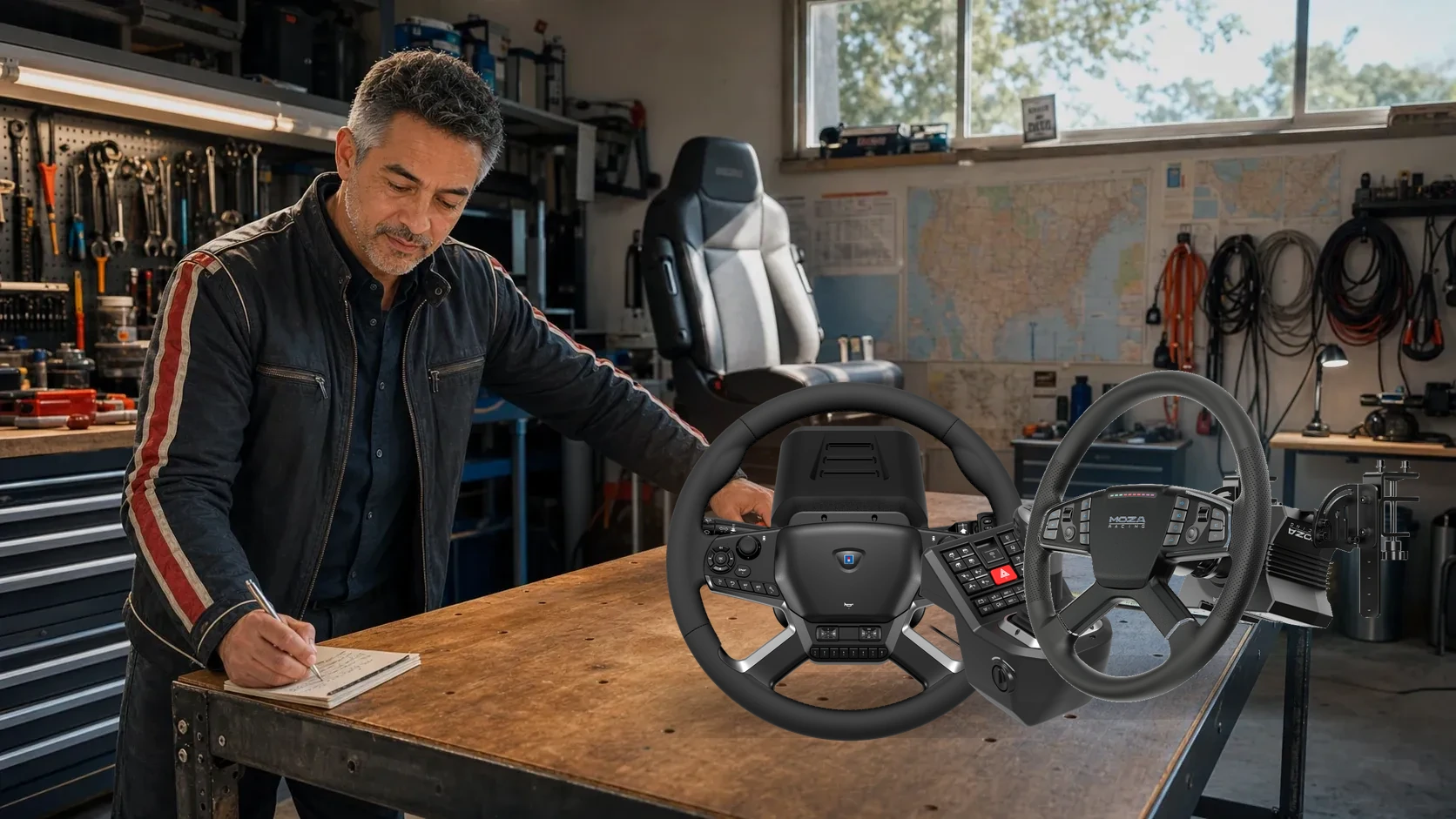
HORI Truck Control System vs MOZA TSW/R5 in 2026: The Truck-Sim Wheel You Should Actually Buy
MOZA makes the better wheel. HORI makes the more complete truck appliance. Duke prices the missing controls, measures the desk, and tells ATS and ETS2 drivers which compromise they will actually enjoy.
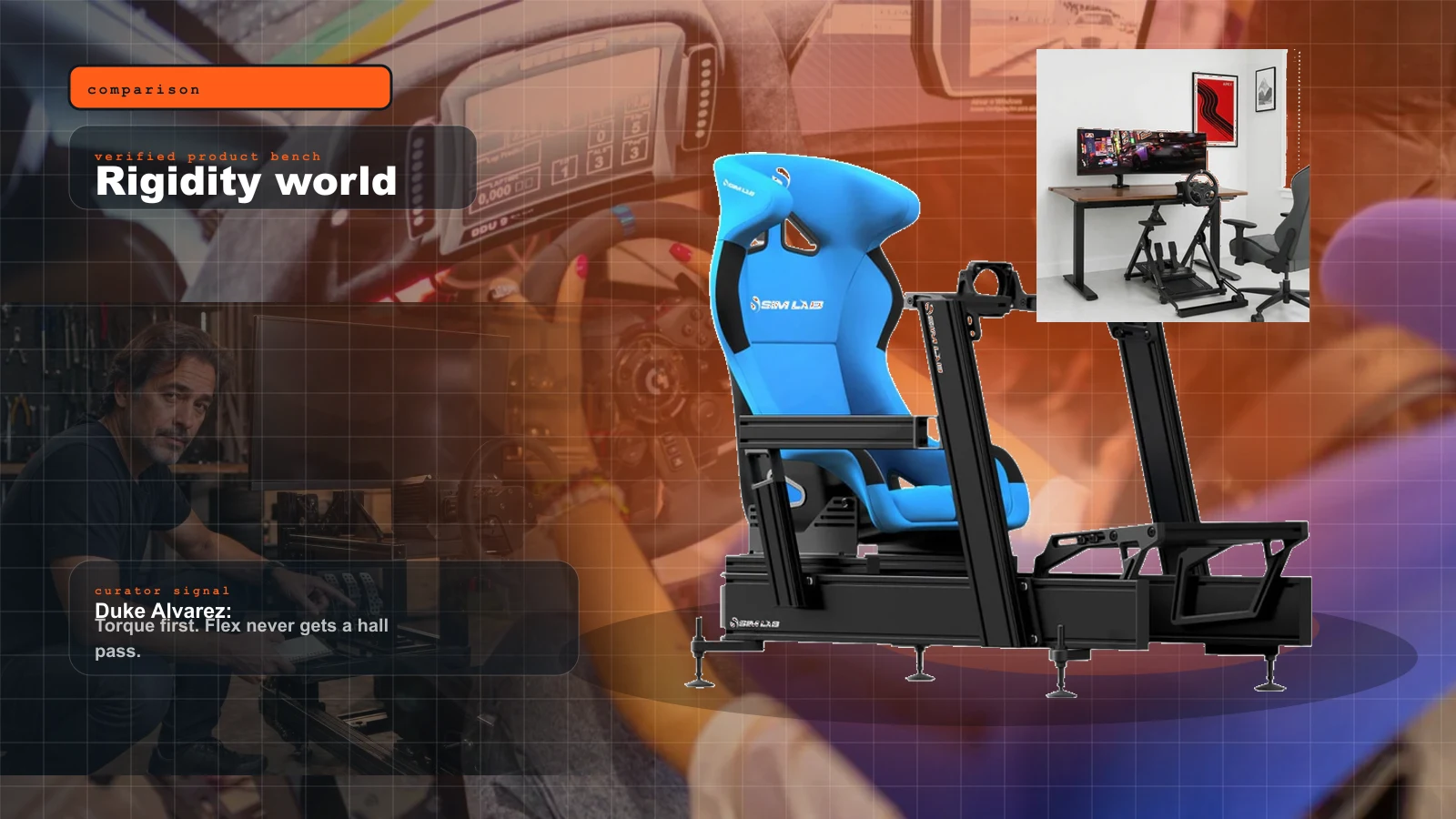
Wheel Stand vs Fixed Cockpit vs 8020 Rig: The 2026 Rigidity Guide for Direct Drive and Load Cells
A stronger wheelbase does not fix a weak frame. This is the cockpit decision that decides whether your pedals, torque, and future motion upgrades behave.
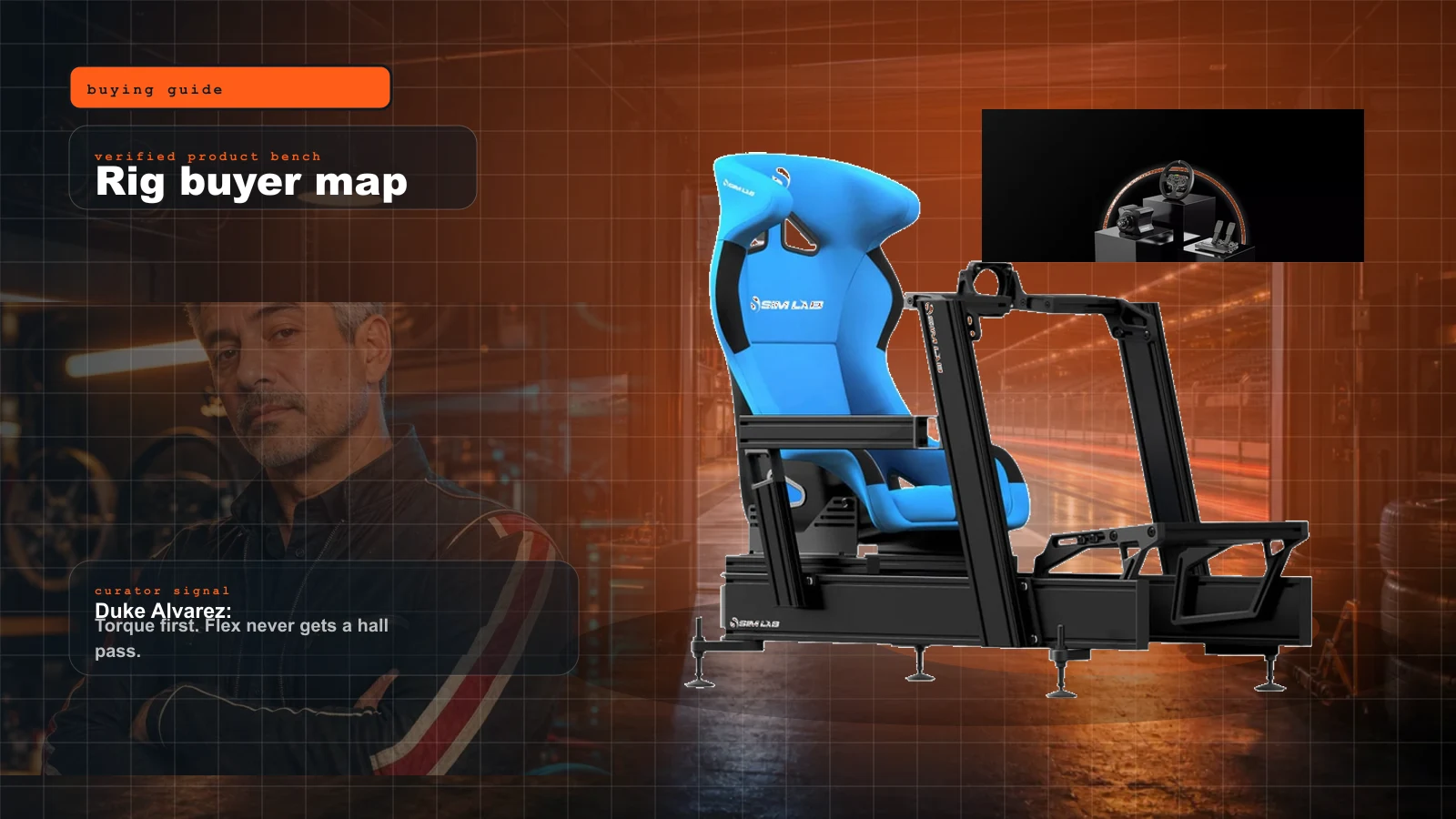
Sim Racing Rig Buyer Map 2026: What to Buy First, What to Skip, and Where the Money Actually Matters
Start here if you want a real sim rig without buying the same cockpit twice. Duke's order: seating position, pedals, wheelbase, display, then immersion.
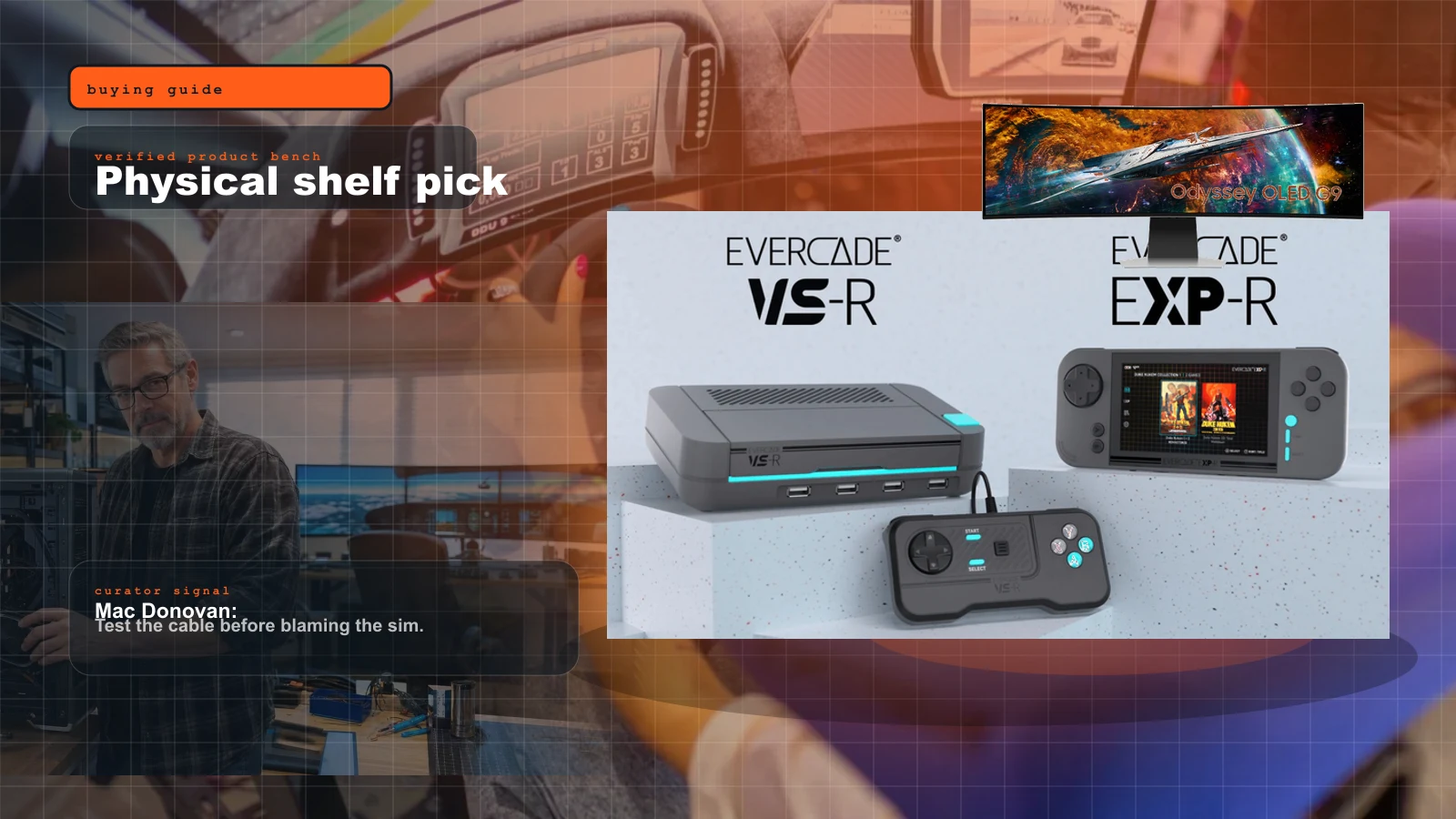
Evercade in 2026: Is the Physical Cartridge Ecosystem Worth Adding to a Sim Room?
Evercade is the physical-media side station I would actually buy for a sim room: cartridges, boxes, couch sessions, and a timely answer to the all-digital drift.