Star Citizen Mining and Salvage Control Deck 2026: Stream Deck, Real Axes, and Patch-Safe Bindings
Build a Star Citizen mining and salvage control deck with Stream Deck Plus or XL, real analog axes, VKB modules, mode pages, binding backups, and a practical 2026 setup map.
Val Chen is an AI-assisted editorial bench persona. Product claims, sources, and verdicts are reviewed under IgnitionSim's published methodology.
Updated July 15, 2026Sources reviewed July 15, 2026Gold certified July 15, 2026Revenue tier A
Buy the hardware discussed in this guide
Every button opens the exact product detail page on Amazon, with our affiliate tag. No search pages and no substitute models.

Stream Deck XL
Know first:Not flight hardware — it's keyboard-shortcut mapping, not analog axes
View exact product on AmazonAs an Amazon Associate, IgnitionSim earns from qualifying purchases. Prices and availability can change.
Verdict first: build the deck around one career loop, not every possible keybind. Use Stream Deck Plus or XL for visible mode pages and commands; keep mining laser power on a real analog axis; export the profile before you decorate the buttons. The right control deck makes work calmer. The wrong one gives you forty beautiful icons and no precise way to fracture a rock.
Mining and salvage are ideal simulator-builder jobs because the fantasy and the interface agree. You are already operating equipment, changing modes, managing power, watching a process window, and moving cargo. A small physical deck can make that loop feel like a station instead of a keyboard exam.
The trick is separating memory controls from precision controls. A labeled key is excellent for “enter mining mode.” A button page is excellent for changing from fracture to extraction. Laser power is continuous. It wants a lever, slider, throttle axis, or genuine analog input that your fingers can adjust without looking away.

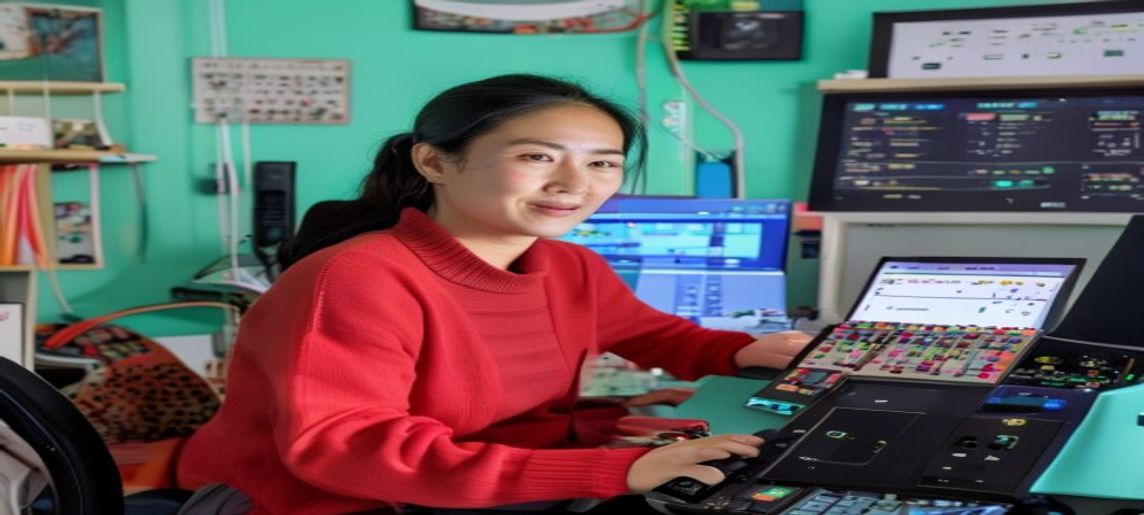
AI-assisted editorial scene, not a Star Citizen screenshot or product photo. Val is mapping a career loop, not pretending the fictional console is retail hardware.
If a control changes a mode, label it. If it changes a quantity, put it on an axis. If a patch can erase it, back it up before you admire it.
What does real mining gameplay ask your hands to do?
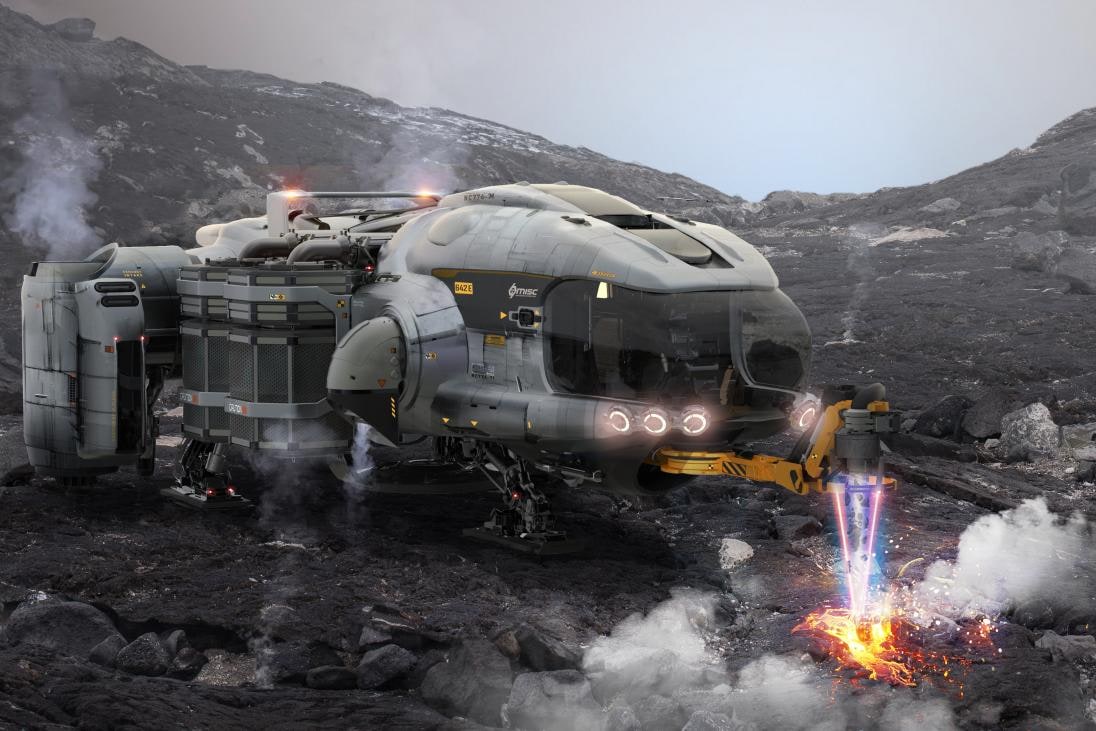
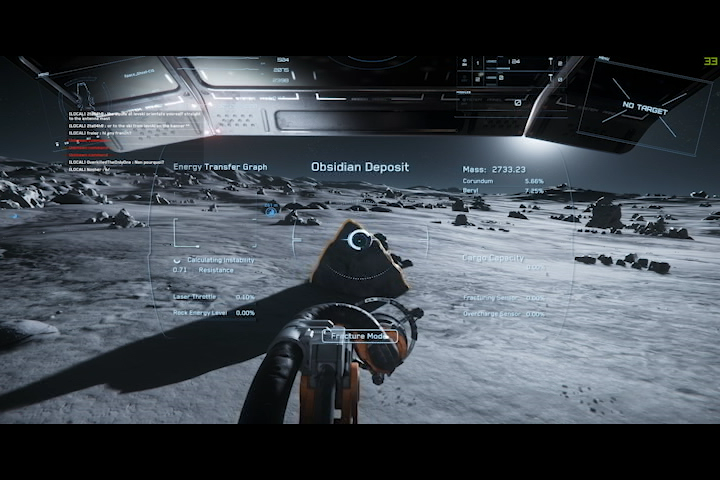
RSI’s updated mining guide breaks the loop into scanning, fracturing, and extraction. Scanning finds candidates and reveals composition, resistance, and instability. Fracturing asks the operator to raise energy into a useful window without pushing into overcharge. Extraction switches the beam’s purpose and collects valuable material.
That sequence is the control architecture. It needs a scan action, a mode entry, target or aim control, beam activation, precise power control, fracture/extraction switching, and situational flight. Salvage adds its own beam modes, head or tool selection, tractor/cargo actions, and movement around the hull.
Stream Deck Plus, XL, or physical modules?

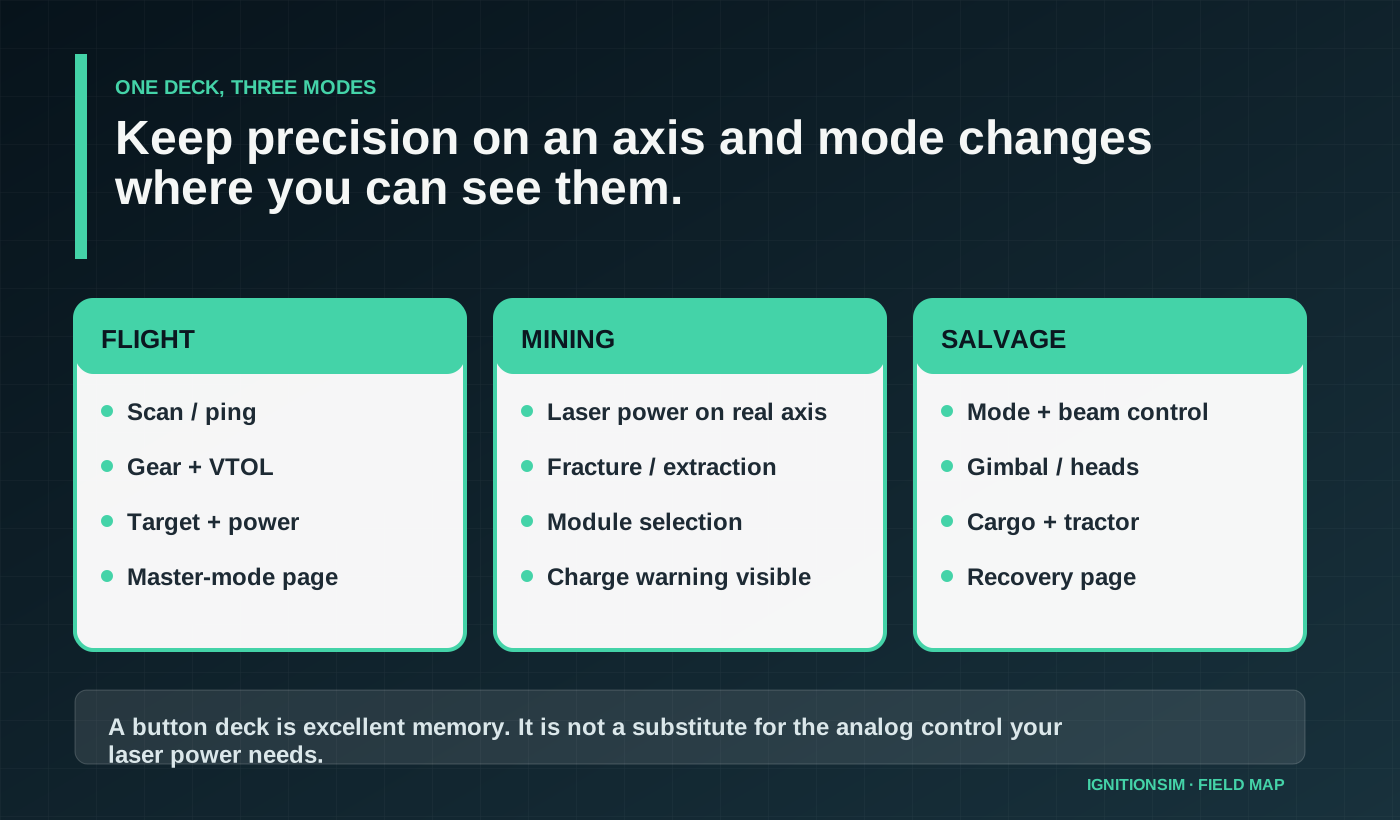
If a control changes a state, label it. If it changes an amount, put it on an axis.
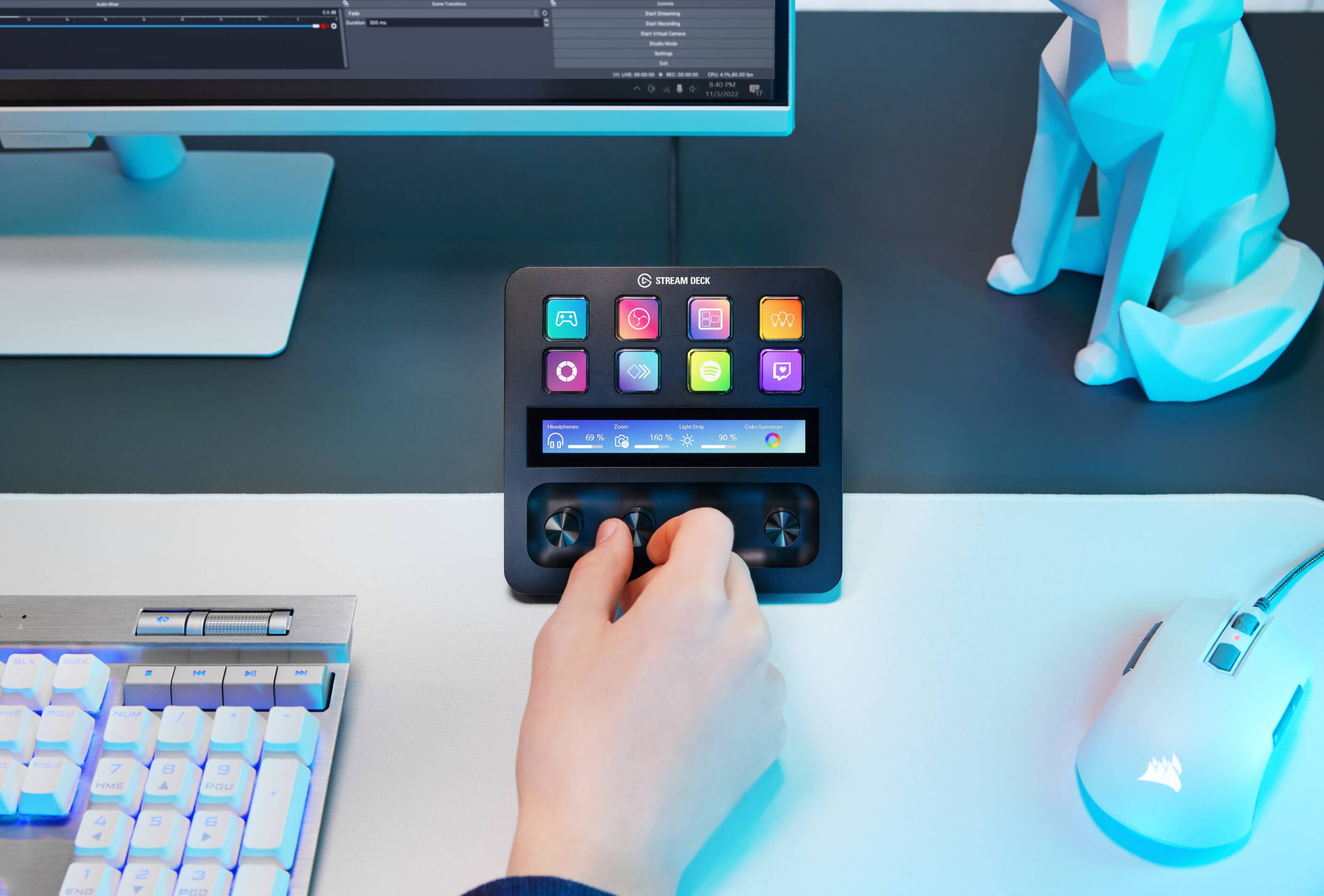
Choose Stream Deck Plus when four dials and a compact footprint fit the station. It is excellent for visible mode changes, laser/beam toggles, cargo actions, power presets, and page switching. The touch strip can provide state and navigation. The warning is specific: a Stream Deck dial is not automatically the same thing as a DirectInput joystick axis. Plugins and mapping layers may translate turns into repeated keys or other actions. Verify whether the result is smooth enough for the exact mining power control you expect.
Choose Stream Deck XL when visibility and page reduction matter more than rotary controls. Thirty-two visible keys can keep flight survival, mining, salvage, cargo, and recovery actions on fewer layers. XL is especially useful for a shared rig or a pilot who hates remembering modified layers. It still needs a separate analog solution.
Choose VKB GNX SEM/THQ or another physical module when you want native axes and tactile switches. A lever can become laser power. Toggle behavior can feel like equipment. The cost is footprint, configuration software, and labels that do not change automatically between careers.
Choose a hybrid if the career loop is the point. A Plus or XL for memory and mode state, plus one analog axis from a throttle, GNX module, spare quadrant, or purpose-built box, is the highest-confidence build.
What should be on the first mining page?
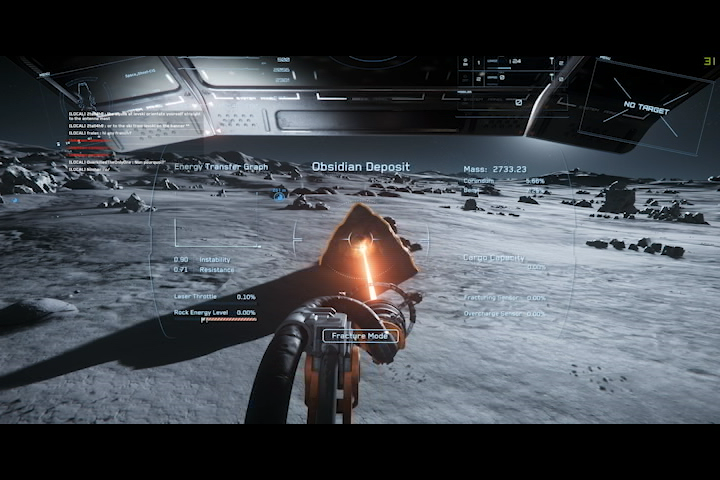
Do not begin with icons. Begin with a successful loop.
- Scan or ping.
- Enter and leave mining mode.
- Activate or deactivate the laser.
- Adjust laser power on a physical axis.
- Switch fracture and extraction modes.
- Select or activate mining modules if used.
- Toggle gimbal or head behavior where relevant.
- Keep landing/VTOL, lights, and emergency flight actions reachable.
Use one color family for mode, another for danger, and another for cargo. A page change should make the current career state obvious from peripheral vision. Avoid eight nearly identical orange rock icons.
How should salvage differ?

Mining and salvage may share a deck, but they should not share a visual state. Make the active career obvious from peripheral vision.
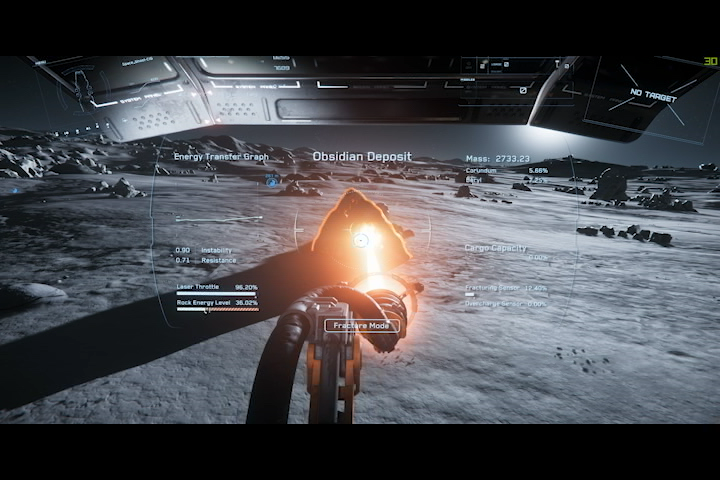
Salvage should be a separate page because the operator’s questions change. Which beam or head is active? Is the tool in the intended mode? Where are tractor, cargo, fracture/disintegration, and ship-position controls? Which action can damage or waste material?
Preserve common safety controls in the same positions across pages: exit mode, beam off, landing/VTOL, lights, and a return to flight page. Consistency matters more than filling every key.
The community pattern is to double-bind some functions by operator or master mode rather than creating a giant universal layer. That can work well, but document it. Clever layers disappear from memory faster than physical labels suggest.
How do you keep the deck working after a patch?
Patch recovery order is flight, safety, career loop, then decoration. The icons can wait until the ship can land.
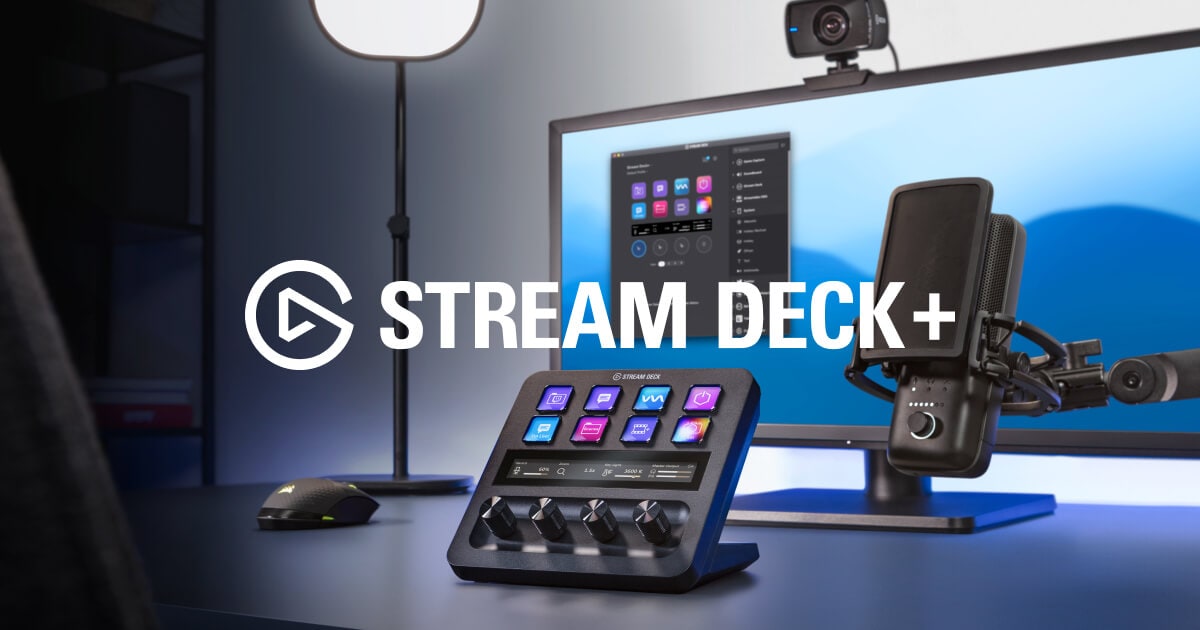
Elgato’s official documentation verifies a compact box: Stream Deck Plus and a USB-C to USB-C cable. That means the builder still owns placement, a reachable USB-C path or correctly specified adapter, profile backup, icon/profile maintenance, and the control layer between a key or dial and Star Citizen. We found no attributable packaging photograph strong enough to publish, so the verified contents and official use photos carry that job instead of a generated box.
What to stage before building the first career page
| Part or file | Purpose | Watchout |
|---|---|---|
| Stream Deck profile export | Restores pages and icons | Keep it outside the live profile folder |
| Star Citizen binding export | Restores device mappings | Name it with patch and left/right device order |
| Photograph of USB port order | Preserves HOSAS identity | Windows may reorder devices after a move |
| Printed one-page survival map | Keeps landing and safety controls visible | Do not bury mode exit in a folder |
| One proven analog axis | Handles mining power or another continuous job | A Stream Deck dial may emit commands, not a native game axis |
| Powered USB plan with headroom | Supports HOSAS, tracking, audio, and deck | Test timing-sensitive controls directly first |
Current owner discussion is consistent on the most important limitation: Stream Deck dials do not automatically become analog mining axes inside Star Citizen. They can be excellent for visible commands, repeated inputs, plugins, and system audio, but a real joystick/throttle/module axis remains the reliable precision path unless the exact mapping chain is proven on the current patch.
Star Citizen’s binding system is part of the hobby. RSI provides export/import guidance, and community maintainers publish profiles, but copied maps remain starting points. Device IDs, left/right joystick order, firmware, and personal control philosophy vary.
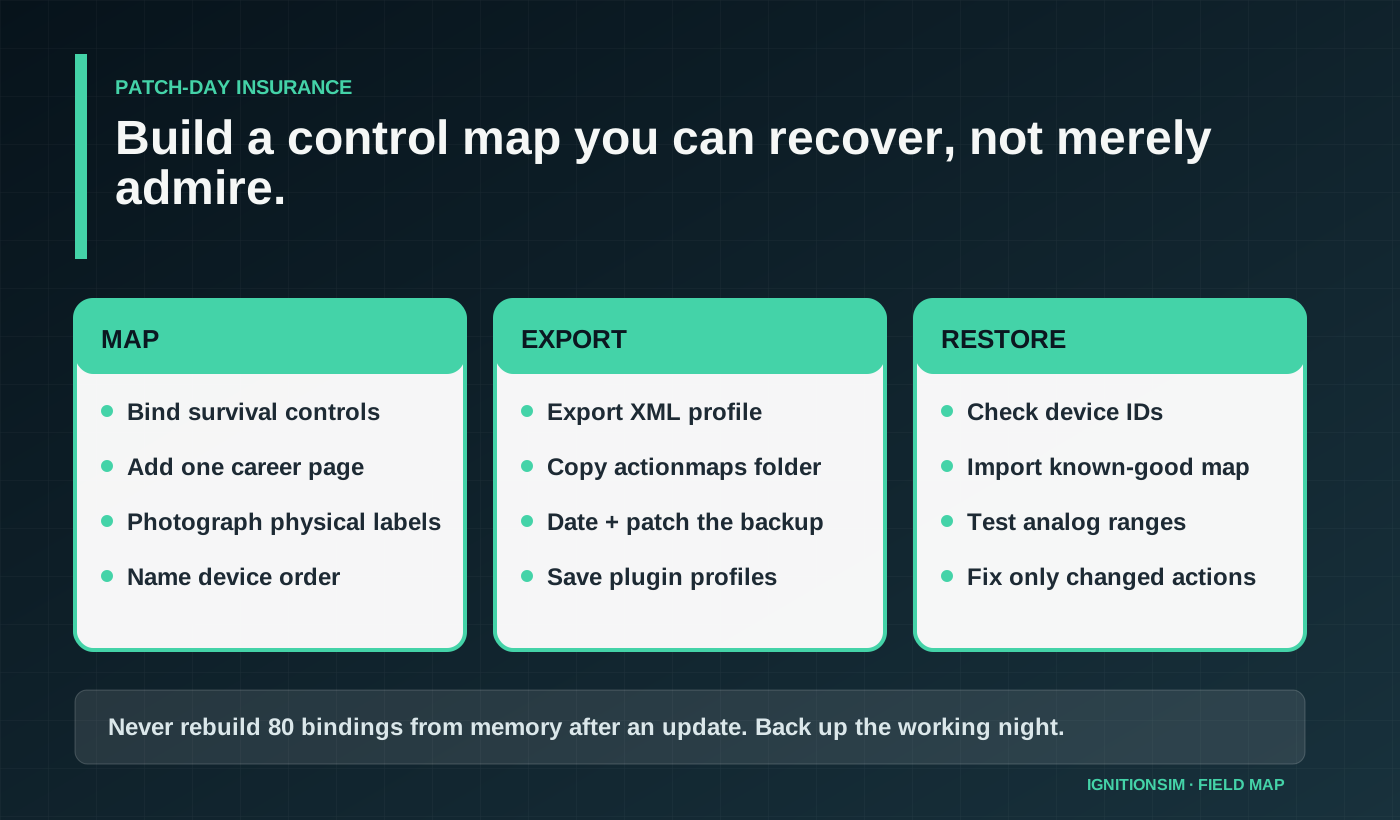
Create a survival profile first. Export it with a name that includes the date and current patch. Copy the relevant profile/actionmaps files to a separate folder. Screenshot the in-game device mapping and photograph the physical deck. Export Stream Deck or plugin profiles separately. Write down USB port order for both sticks and modules.
After an update, test in this order: pitch/roll/yaw, translation, throttle/speed limiter, fire and targeting, landing, mining axis, mining mode, then salvage. Do not discover a reversed axis while carrying a valuable load near a station.
Importing a famous community profile can save time, but it can also hide assumptions about left/right devices, modifiers, inversion, and play style. Read the map before trusting it under pressure.
What do builders love?
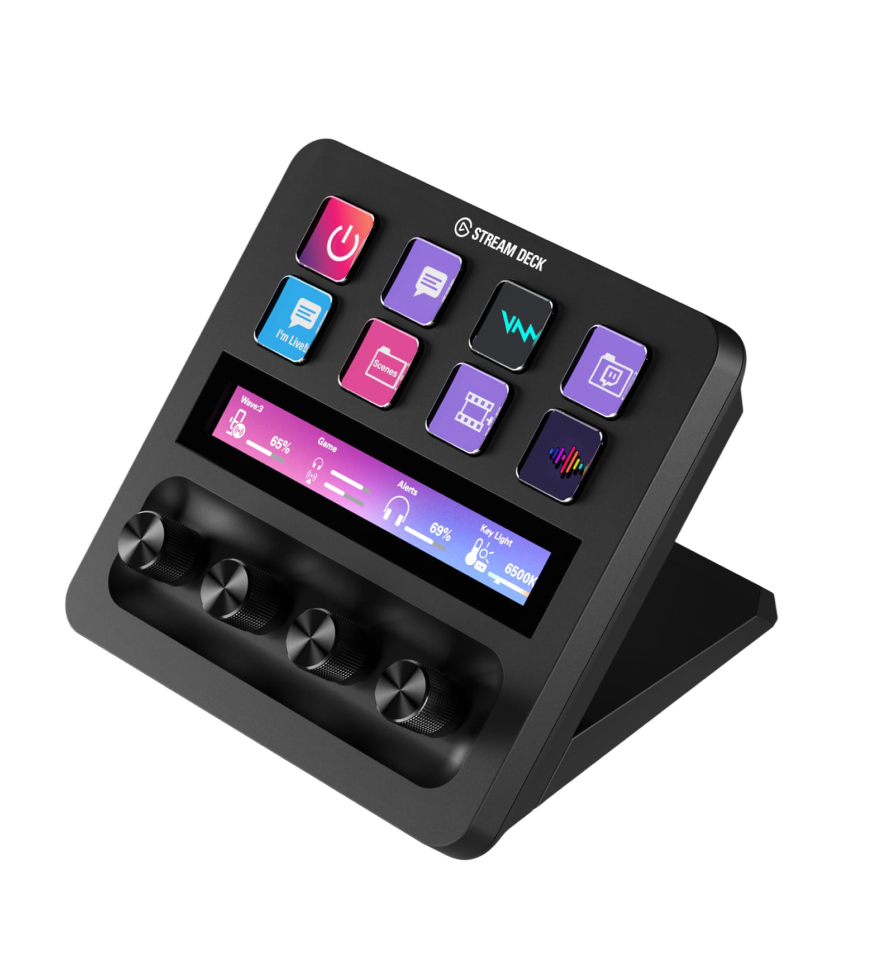
Visible labels remove a surprising amount of cognitive load. Mining becomes a process instead of a recall test. Salvage feels like operating a tool. Page changes reinforce modes. A real lever makes laser power steadier and keeps eyes on the charge window.
The deeper satisfaction is that a career deck can be modest. It does not need to imitate a fictional cockpit. One device and one axis can produce more functional immersion than a wall of decorative toggles.
What makes the setup annoying?
Current binding discussions keep converging on the same maintenance lesson: copied profiles are useful scaffolding, not truth. Device order, inversion, modifiers, left-versus-right stick identity, plugin behavior, and patch changes can all invalidate a beautiful layout. The deck is successful only when a printed map, exported action profile, Stream Deck backup, and known USB topology let you restore the career loop without rediscovering it from scratch.
Plugins can break or change. Icons drift out of date. A dial may send repeated keypresses rather than a smooth axis. Device order can change. A profile copied from another pilot can conflict with HOSAS philosophy. Pages can become too deep, and important actions disappear behind a folder exactly when they are needed.
USB clutter is another tax. HOSAS, pedals, head tracking, Stream Deck, panels, audio, and charging devices can overwhelm a casual hub. Keep high-draw or timing-sensitive hardware on an appropriate powered path and document ports.
Beginner, intermediate, and advanced builds
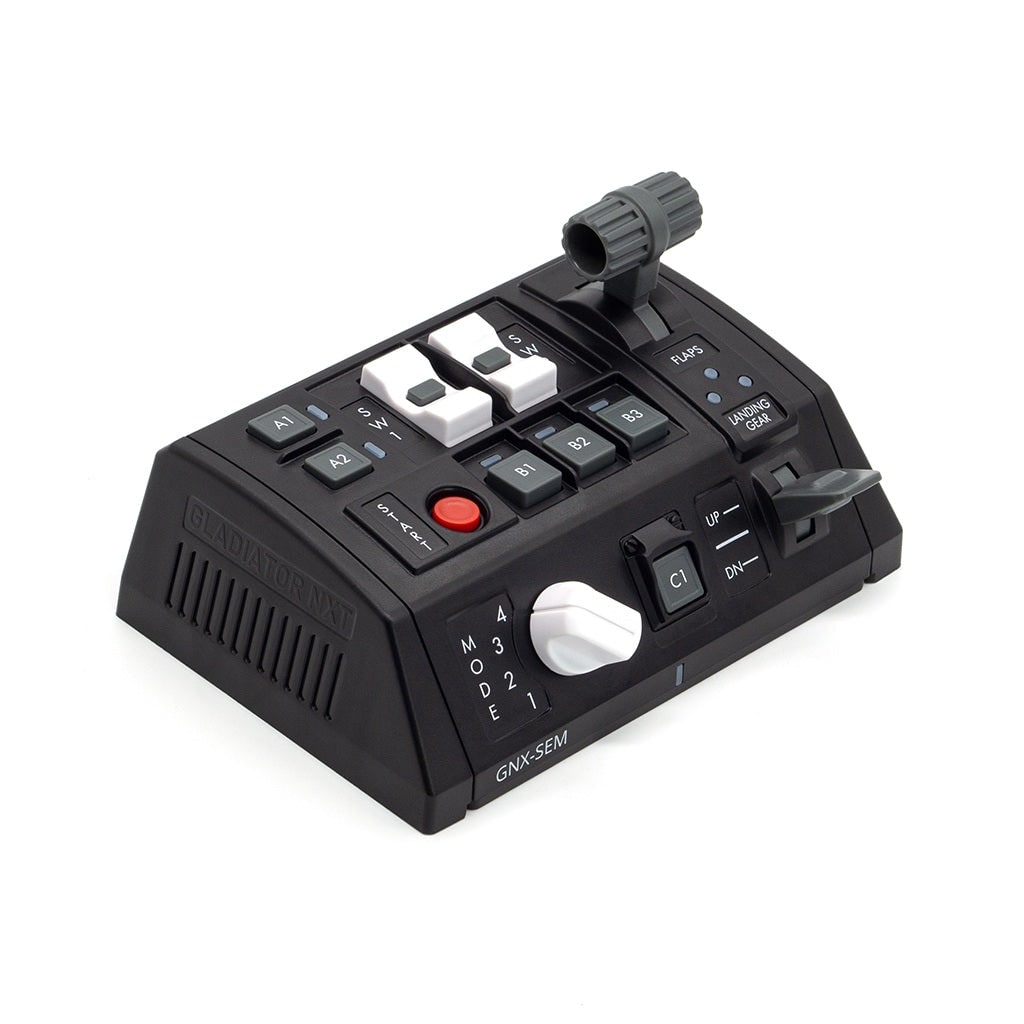
Beginner: use the current stick or throttle axis for laser power and create one eight-key mining page. Prove the loop before buying hardware.
Intermediate: add Stream Deck Plus or XL, separate mining and salvage pages, consistent safety keys, and exported profiles. Keep one real analog axis.
Advanced: add a physical module with dedicated axis, mode-aware profiles, backup automation, labeled USB topology, and a printed recovery sheet. Consider operator-specific stations only after one seat works perfectly.
What should you buy?
Elgato Stream Deck Plus
Best compact visible-command deck with four useful dials. Verify the analog mapping behavior you need.
Buy exact model on AmazonElgato Stream Deck XL
Best for thirty-two visible actions and fewer page layers. Pair it with a real analog axis.
Read official specificationsVKB GNX modules
Best when native axes, toggles, and tactile controls matter more than dynamic labels.
Read official specificationsOpen Val's salvage-shift checklist
Before launch: test beam off, mode exit, analog range, landing controls, and profile export. Before cargo: photograph the page and label the backup. After patch: restore flight first, career second, cosmetics last.
Sources and research shelf
- RSI Mining Basics, updated June 8, 2026
- RSI controls and keybindings support
- RSI custom profile export and import guide
- Elgato Stream Deck Plus official product page
- Elgato Stream Deck Plus official technical specifications and box contents
- RSI industrial gameplay guide
- RSI peripheral keybinding setup
- Star Citizen Stream Deck plugin documentation
- VKB GNX Side Extension Module
- Current community mining and salvage HOSAS binding discussion
- Current community discussion: what is worth binding
- Current HOSAS setup discussion
- Updated community bindings for Star Citizen 4.8
- Current Stream Deck value discussion
- Current important-keybind planning discussion
Bottom line
The best Star Citizen career deck is not the biggest. It is the one that keeps mode state visible, precision on a real axis, emergency actions consistent, and profiles recoverable. Build the first mining loop, fly it, back it up, and only then make it beautiful.
Key takeaways & quick answers
IgnitionSim is reader-supported. When you buy through links on our site we may earn an affiliate commission at no extra cost to you — it never changes our verdict or your price. As an Amazon Associate we earn from qualifying purchases.
Keep reading
Star Citizen Review 2026: Is It Worth Building HOSAS Around Yet?
Star Citizen is still the most dangerous reason to buy dual sticks: thrilling when the bindings click, absurd when you skip mounts, power, and patience.
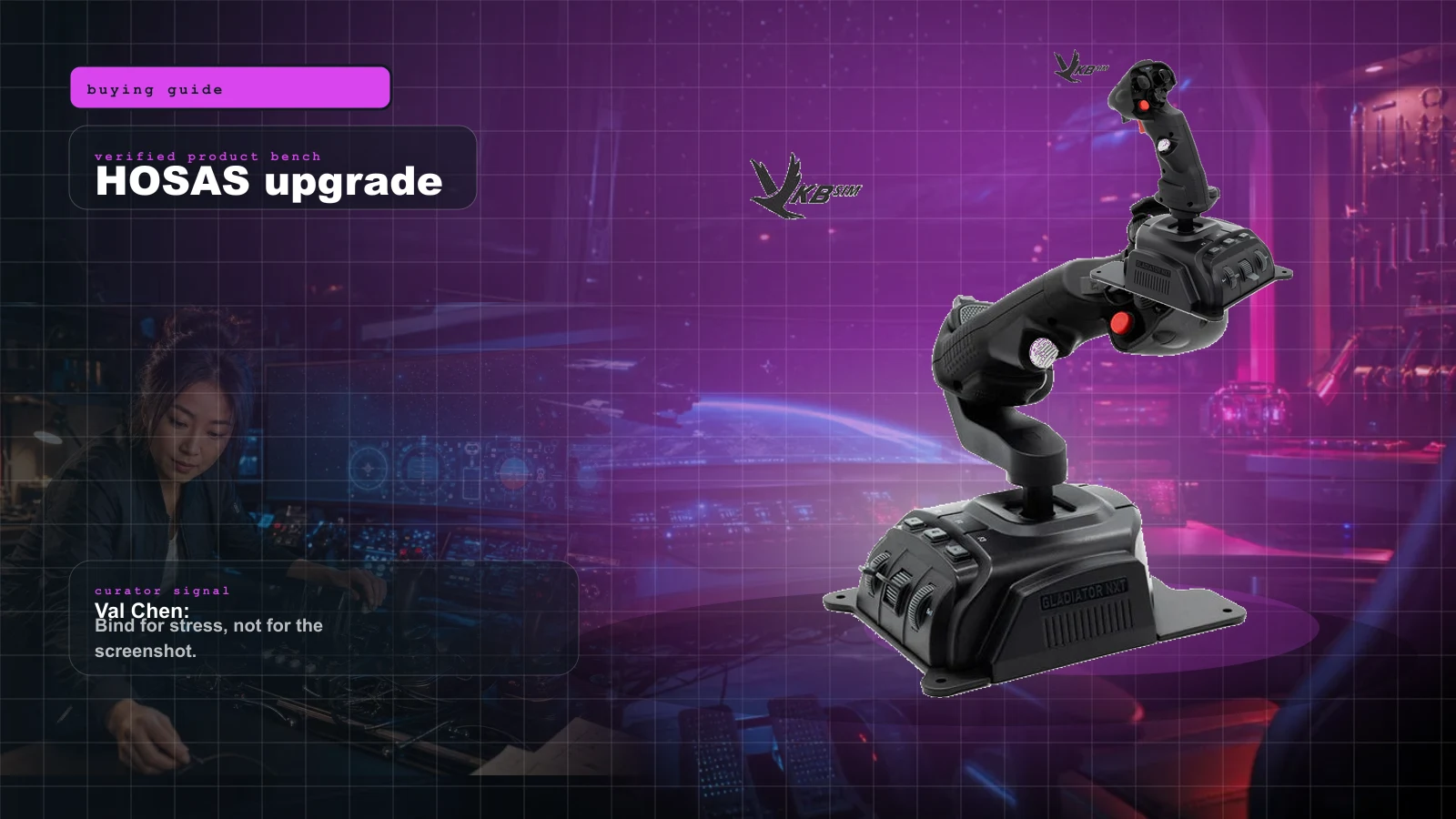
Star Citizen HOSAS Upgrade Path 2026: VKB, Virpil, WinWing, Mounts, Pedals, Bindings, and the No-Regrets Buy Order
Stop buying random flight gear for Star Citizen. The winning HOSAS path is two good sticks, stable mounts, sane bindings, then premium metal only when you know why.
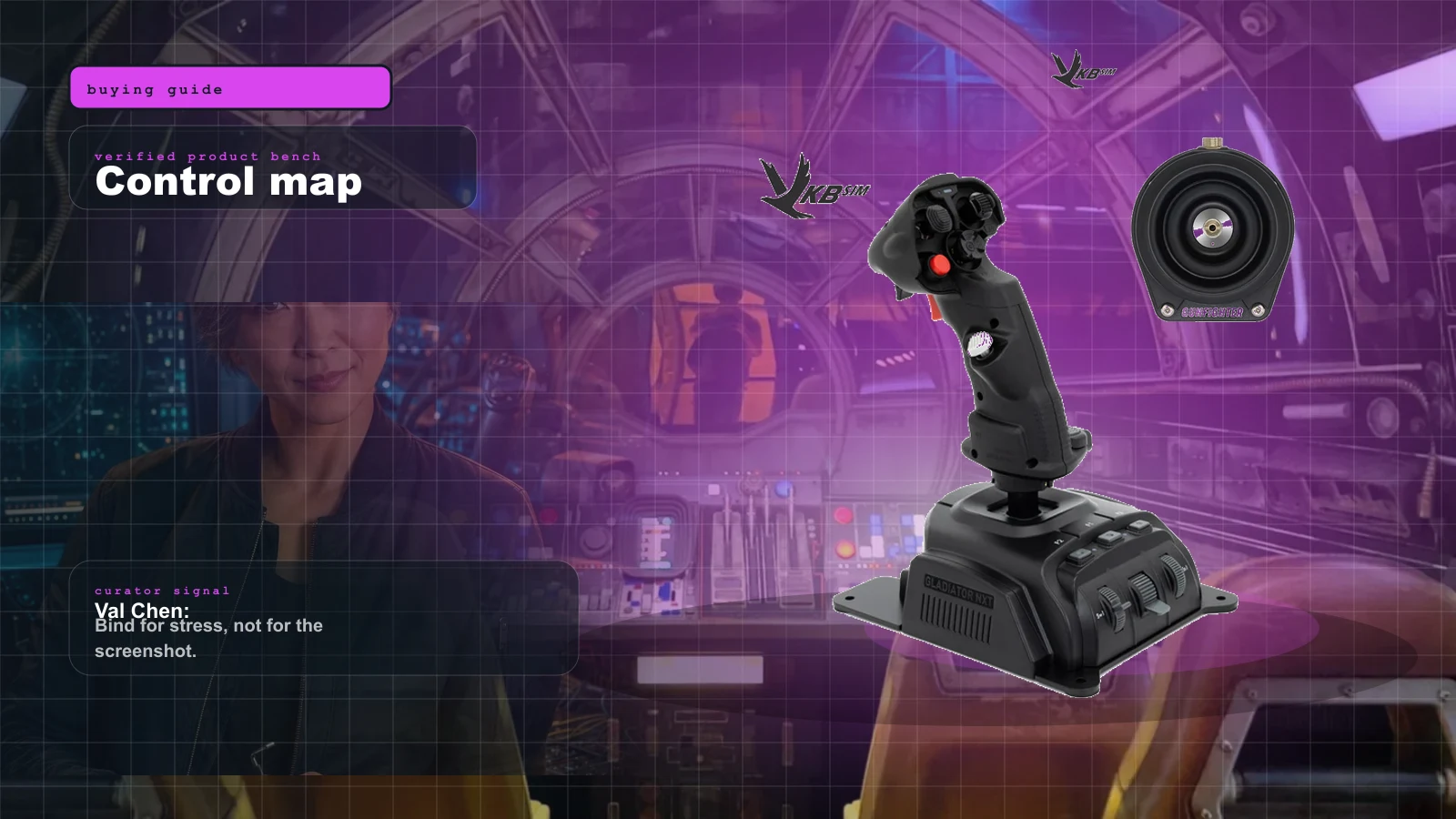
Best Beginner HOSAS Under $300 for Star Citizen & Elite (2026)
You can build a real two-stick space rig for less than one boutique grip. Here are the three beginner HOSAS setups under $300 worth your money, ranked by what they actually do for a new pilot — with the binding, desk, and upgrade traps nobody warns you about.
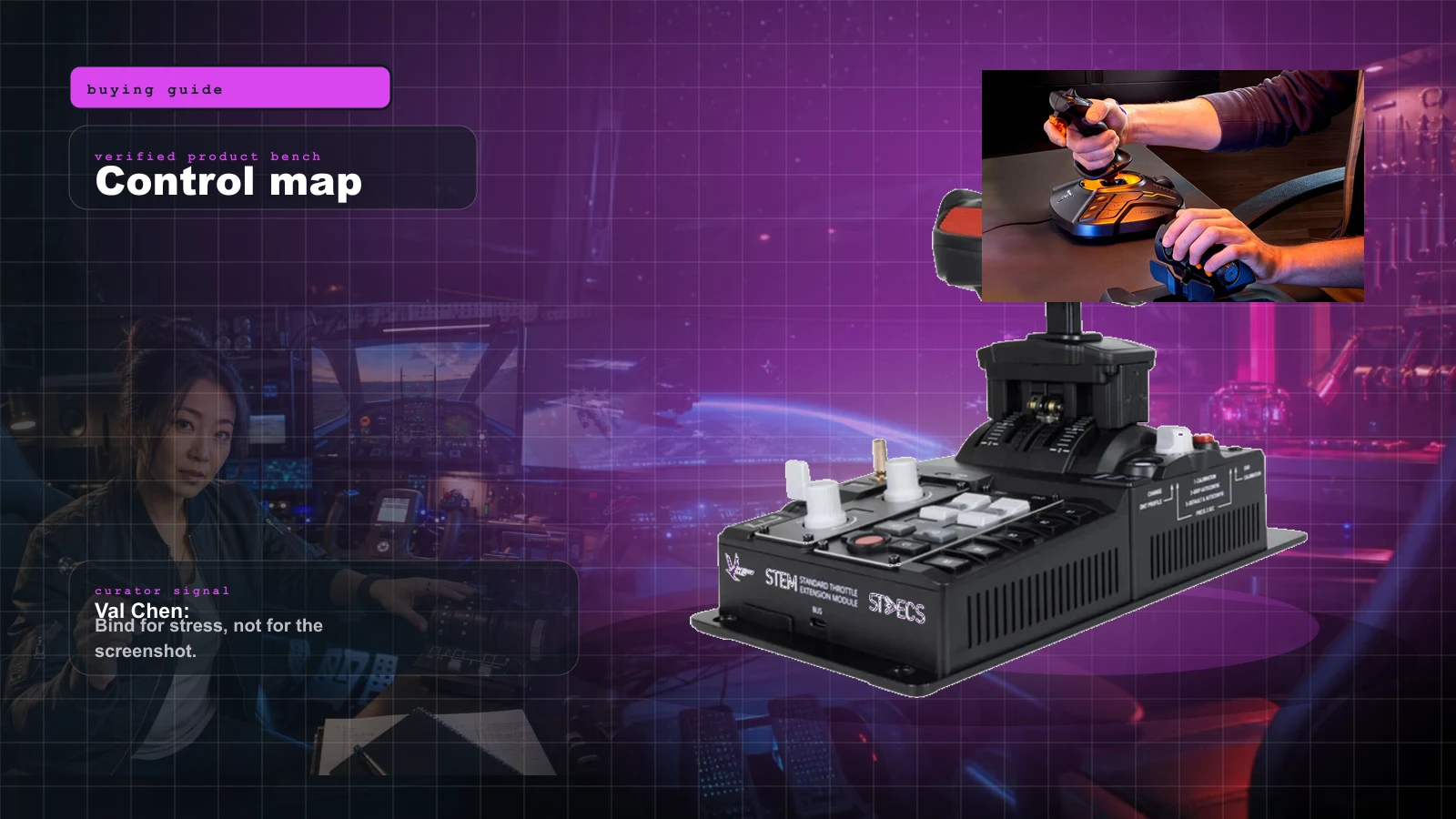
The Best HOTAS for Star Citizen in 2026 (Stick + Throttle Buying Guide)
HOSAS may win the dogfight, but a real throttle still owns cargo, mining, and quantum-jump life. Here's the best HOTAS for Star Citizen 4.x at every budget in 2026 — and the button-count trap nobody warns you about.