 7/10
7/10 Click image to expand
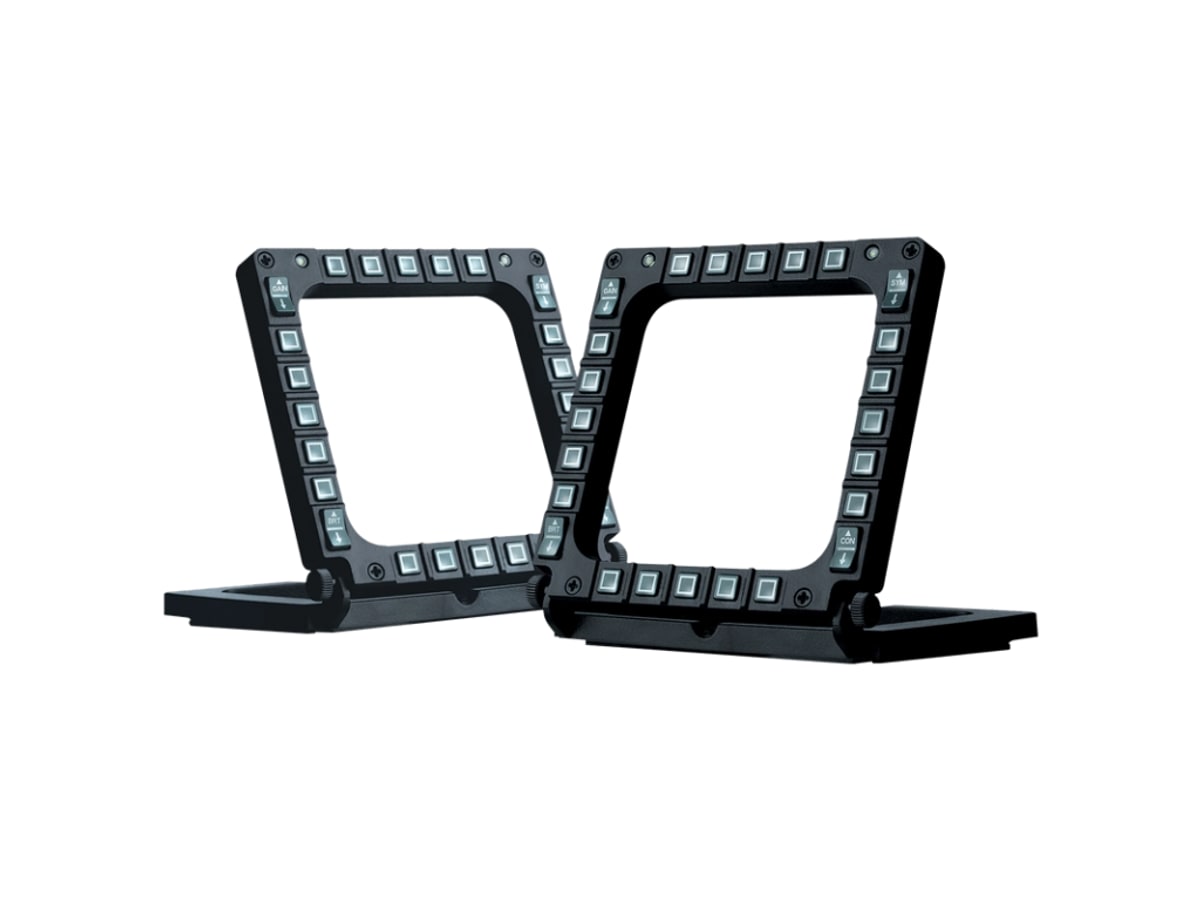
MFD Cougar Pack (2 panels)
Budget cockpit-builders who want lots of cheap, tactile buttons framing a monitor for ship-system and targeting functions.
A long-running, affordable pair of physical cockpit panels — replicas of the F-16's Multi-Function Display bezels — that flank a screen or monitor to add tactile button real estate. Each panel rings a display with 20 push buttons plus four selector switches, for 48 programmable controls across the pack, all over USB. In a space sim they make a cheap, sturdy way to offload MFD-style functions (targeting, scanning, power, comms) onto labeled hardware around your monitor, and the included brackets and feet let you stand them on the desk or screw them to a rig. They're dated and purely digital (no analog axes), but the value-per-button is hard to beat.
There may be a better first purchase unless this solves a very specific problem for you.
Known caution: Dated F-16 styling and all-plastic constructionIgnitionSim is reader-supported. When you buy through links on our site we may earn an affiliate commission at no extra cost to you — it never changes our verdict or your price. As an Amazon Associate we earn from qualifying purchases.
Specs
| panels | 2 MFD bezel panels (USB) |
|---|---|
| buttons | 20 push buttons + 4 selector switches per panel (48 programmable inputs total) |
| mounting | Brackets and feet to frame a monitor, stand on desk, or screw to a rig |
| compatibility | PC; works alongside any stick/throttle as a supplementary panel |
| build | Plastic bezels, long-standing reliable design |
| config | Maps as standard buttons; no software required |
Pros
- 48 programmable buttons across two panels for a low price
- Frame a monitor to put MFD-style functions on labeled hardware
- Simple plug-and-play USB — recognized as standard buttons
Cons
- Dated F-16 styling and all-plastic construction
- Digital only — no analog axes or display readout of its own
- Unlabeled keys mean you supply your own legend/overlay
Common questions
Related Space guides
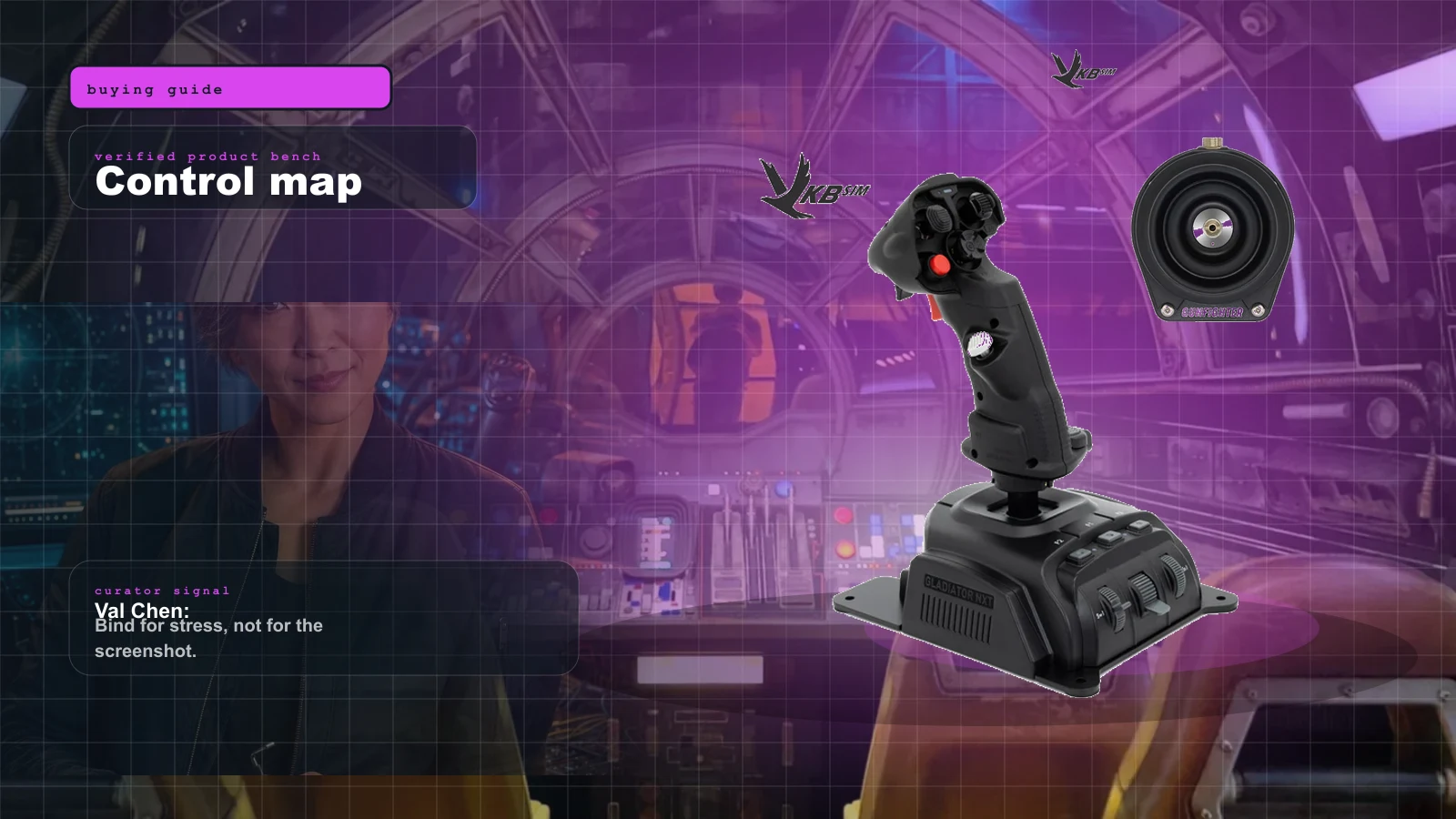
Best Beginner HOSAS Under $300 for Star Citizen & Elite (2026)
You can build a real two-stick space rig for less than one boutique grip. Here are the three beginner HOSAS setups under $300 worth your money, ranked by what they actually do for a new pilot — with the binding, desk, and upgrade traps nobody warns you about.
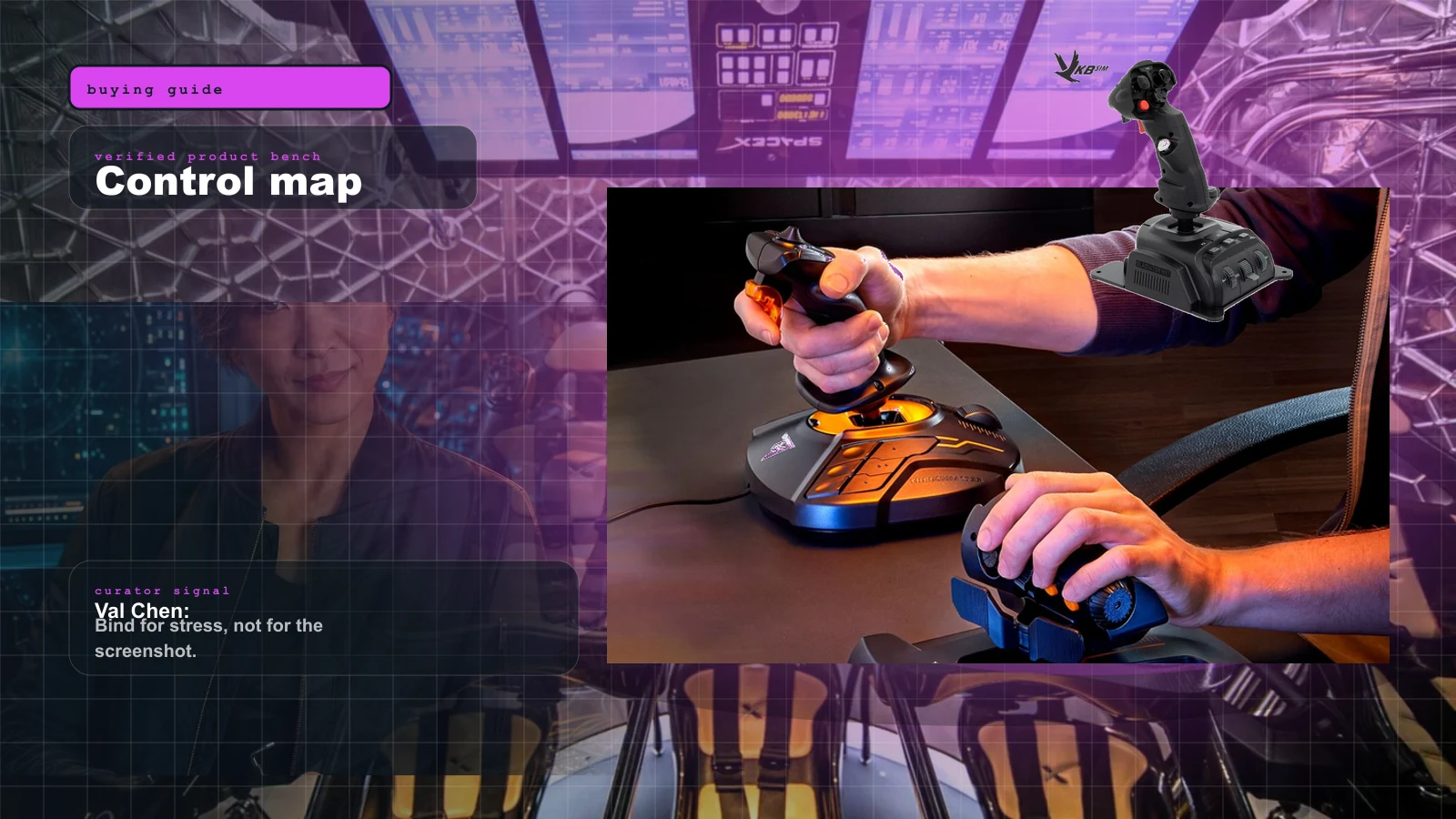
Best Controls for Elite Dangerous in 2026 (HOSAS vs HOTAS vs Gamepad)
FA-off combat wants two sticks, exploration wants a throttle, and the 2026 Operations update now wants a gamepad on the desk for the on-foot fights. Here is the best control setup for Elite Dangerous in 2026, matched to how you actually play.
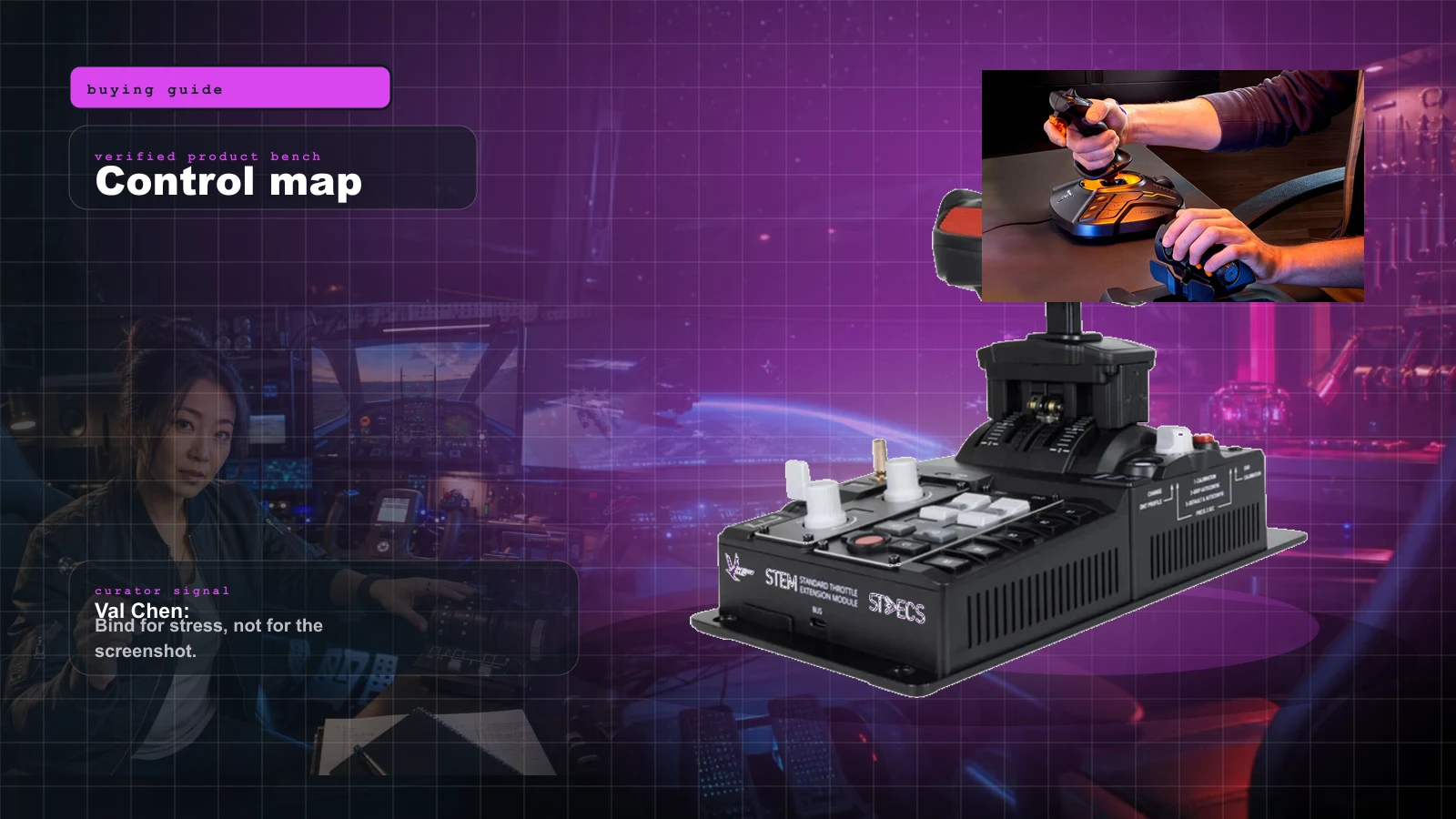
The Best HOTAS for Star Citizen in 2026 (Stick + Throttle Buying Guide)
HOSAS may win the dogfight, but a real throttle still owns cargo, mining, and quantum-jump life. Here's the best HOTAS for Star Citizen 4.x at every budget in 2026 — and the button-count trap nobody warns you about.